

BOSGAME P3PRO Gaming Mini PC Ryzen 9 7940HS (8C/16T, 5.2GHz) Review
Product description
What it is and who it’s for
The BOSGAME P3PRO is a compact gaming mini PC built around the Ryzen 9 7940HS processor, offering a balance of strong multitasking capability and capable gaming performance in a small form factor. If you’re after a desktop alternative that fits on a desk or travels with you, and you don’t want to compromise on modern CPU features, this model sits in that pragmatic middle ground. On paper, it targets users who want to run modern productivity tasks—spreadsheets, coding, photo and video editing—while also handling less demanding AAA games or esports titles with reasonable settings.
Core performance and what to expect
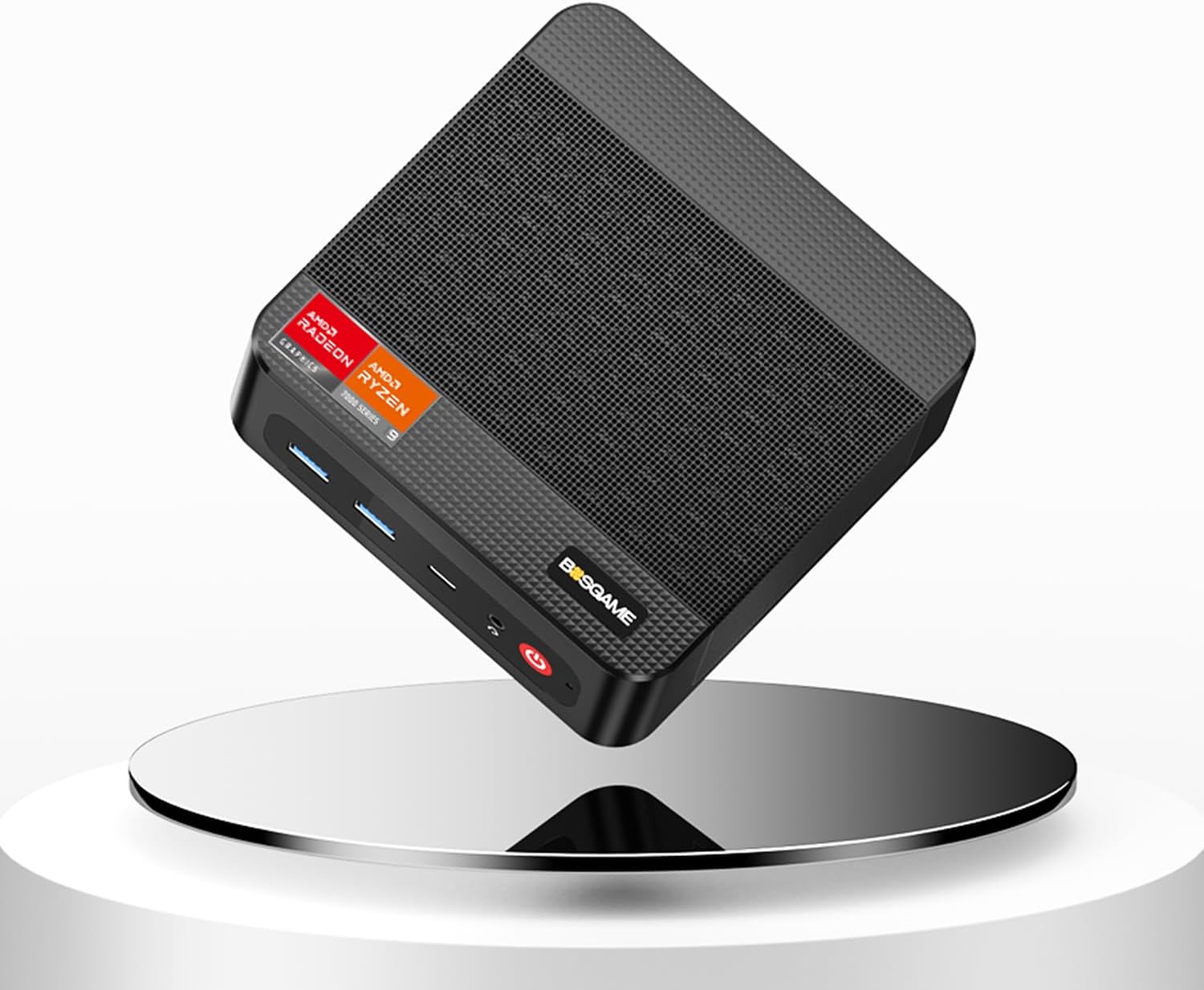
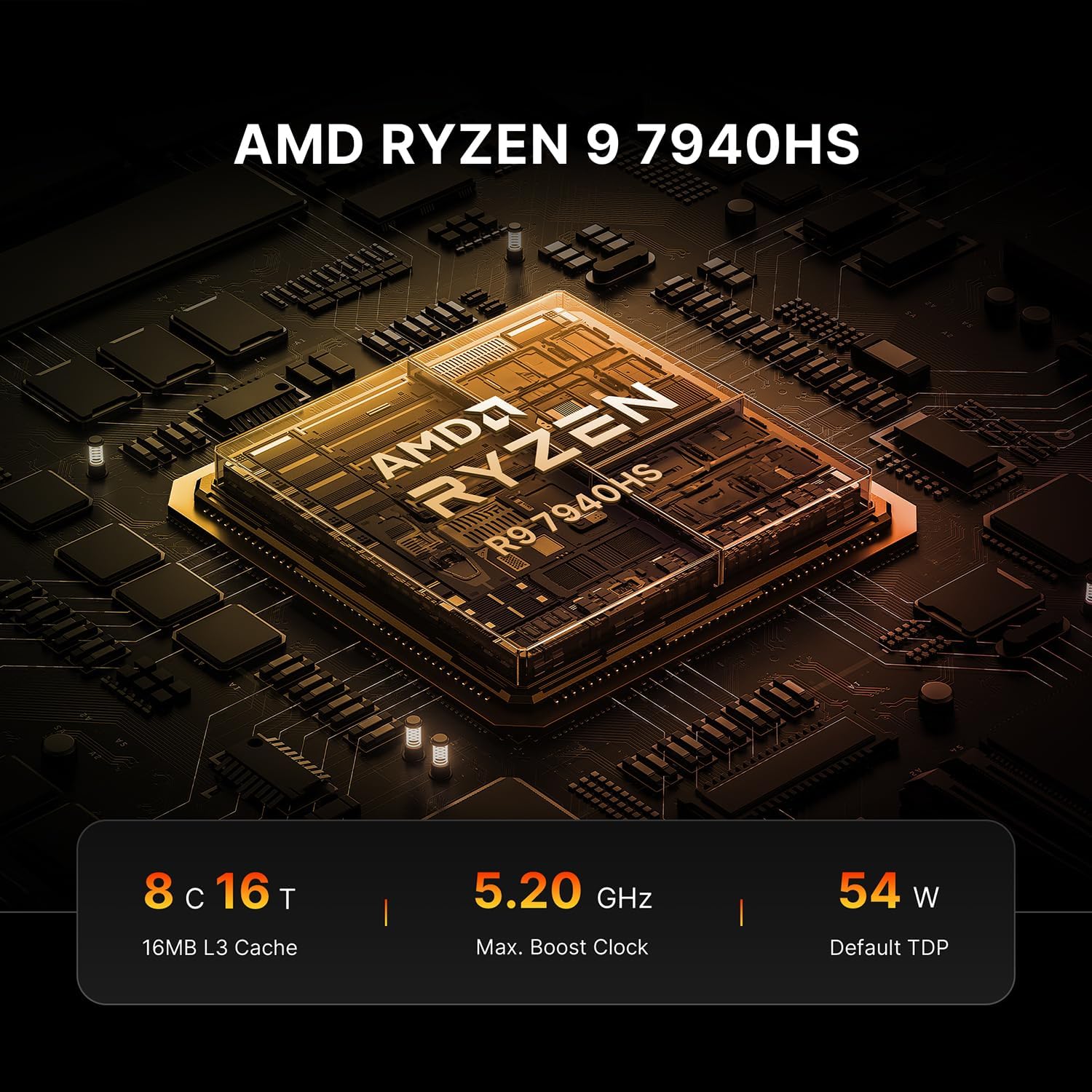
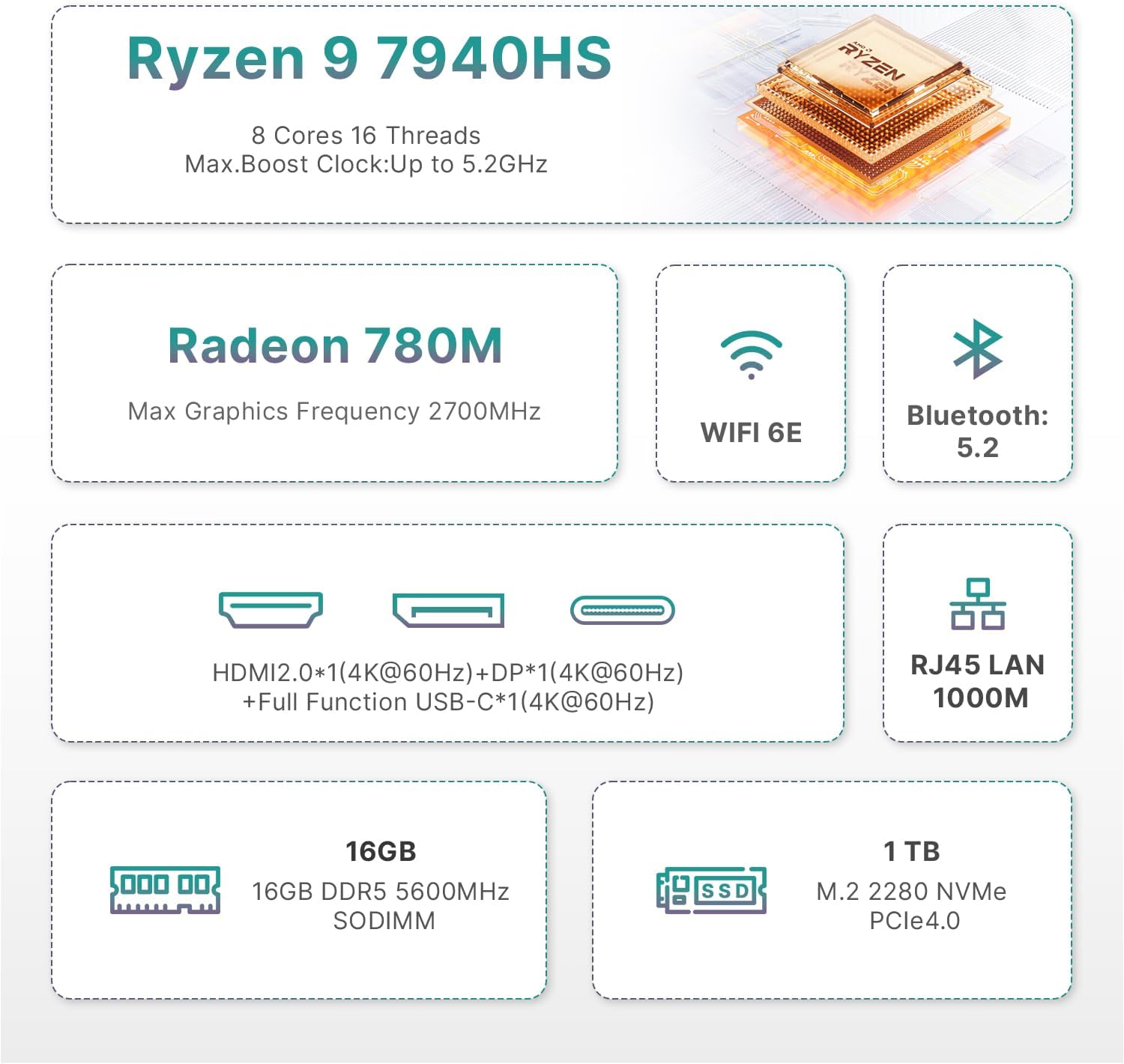
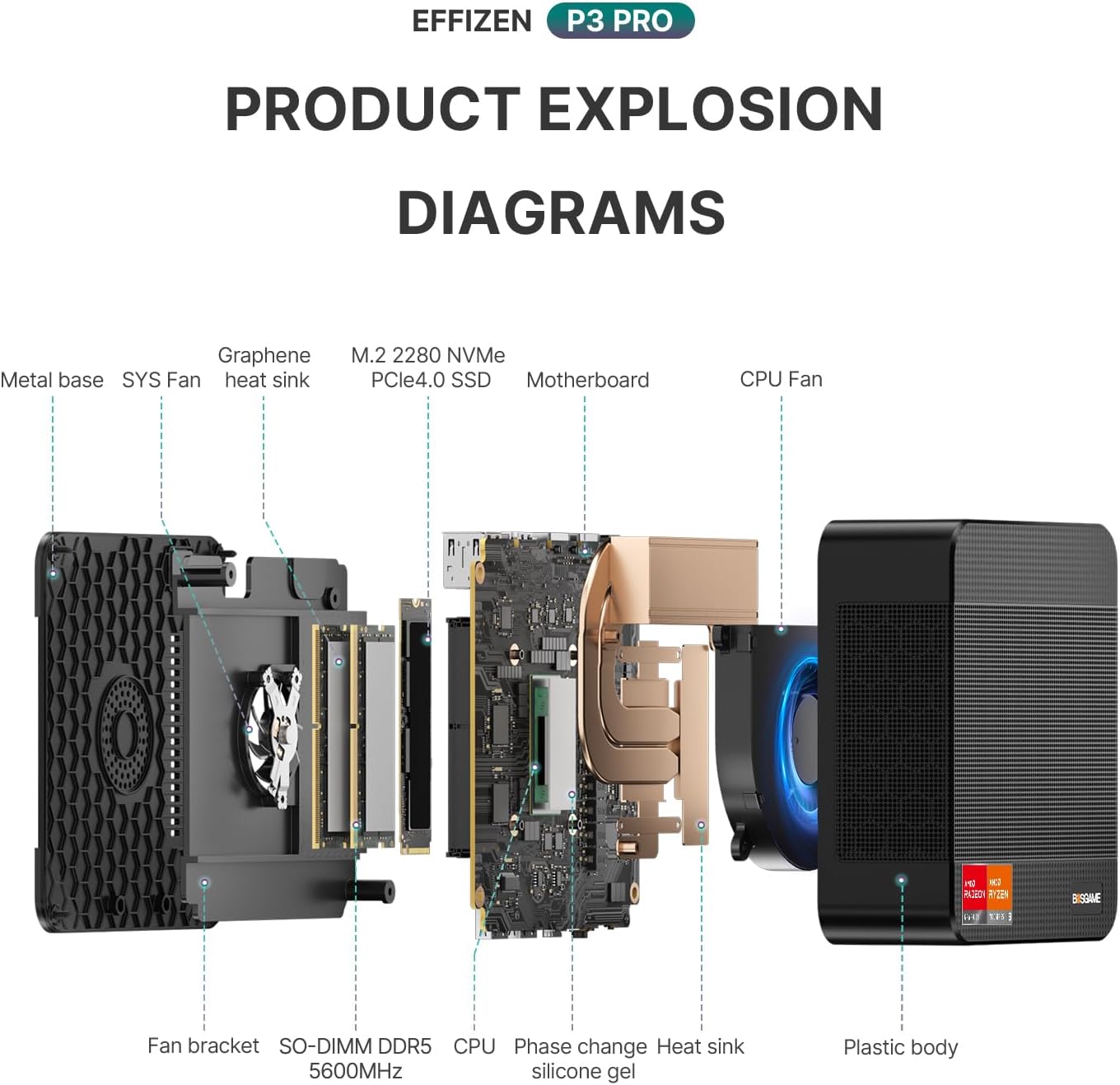
Powered by a Ryzen 9 7940HS with 8 cores and 16 threads, the processor can reach up to 5.2 GHz in bursts. In daily use, that translates to responsive multitasking, even if you keep several browser tabs, coding IDEs and media apps open at once. The 16 GB of DDR5 memory is standard for a modern compact PC and is paired with a 1 TB NVMe SSD (M.2 2280), with room to expand to a higher total capacity if you need it. The PCIe 4.0 NVMe drive is a practical choice for faster boot times and snappier app launches, and you can upgrade storage up to a larger capacity if your library of games or projects expands.
Graphics and gaming capability
The integrated Radeon 780M graphics, based on RDNA3, is designed to handle contemporary titles at moderate settings. It’s not a high-end dedicated GPU, but for a mini PC, the architecture offers respectable frame rates in many current games when paired with sensible in-game settings. If you prioritise absolute high FPS for AAA titles at max details, you may want to temper expectations, for many players, this setup delivers smooth gameplay at around medium settings and offers a smoother experience on esports titles or lighter ARPGs.
Connectivity and expansion
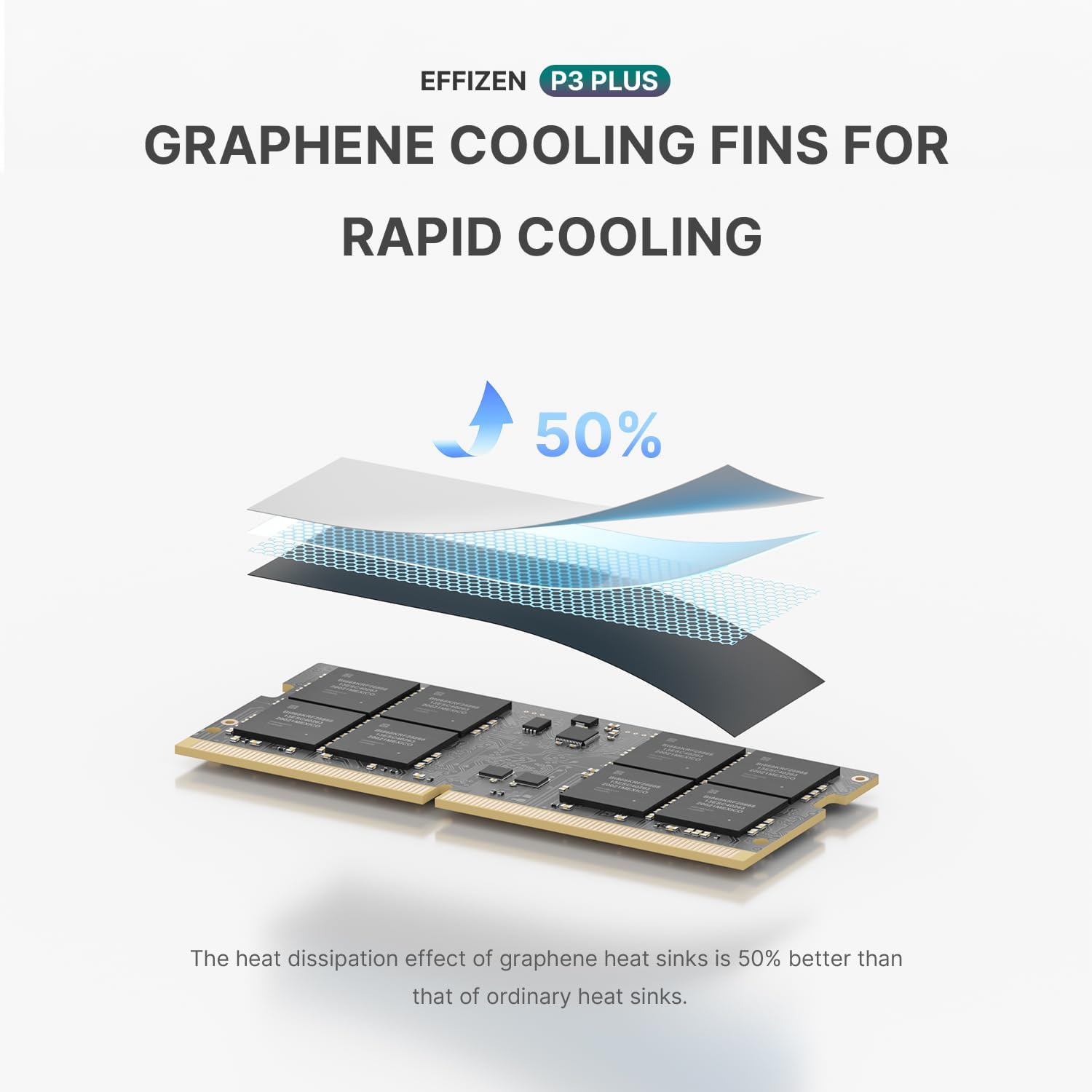
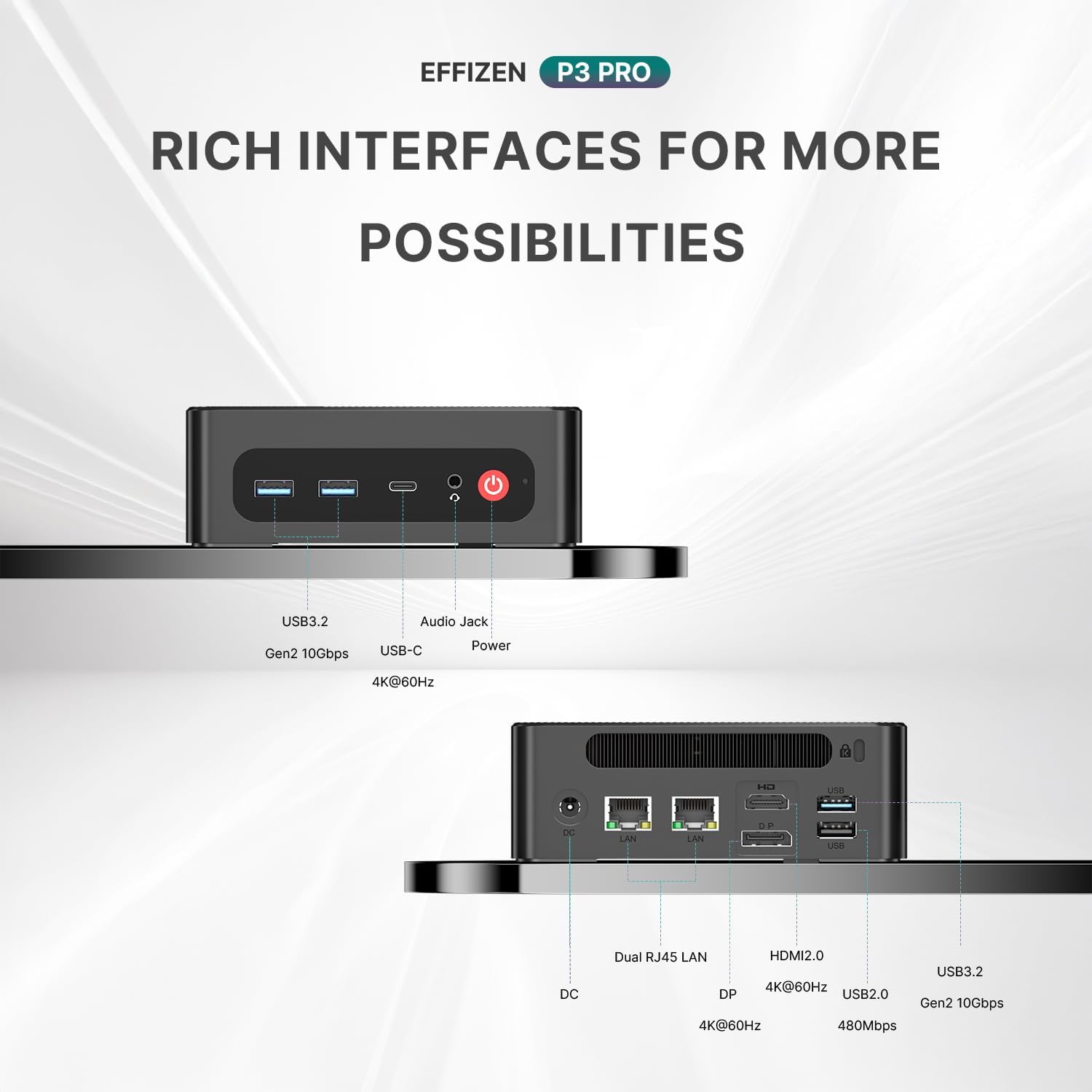
A notable convenience is the dual LAN ports, enabling stable wired networking for gaming or streaming where a reliable connection matters. The device also supports Wi‑Fi 6E and Bluetooth 5.2, providing flexible wireless options for peripherals and networking. On display output, the P3PRO targets a triple display setup, which is useful for productivity, content creation, or immersive gaming when you have the right monitor array. The build includes modern I/O but you should check the exact port mix and any fan or cooling expectations if you intend to push the CPU and GPU hard for long periods.
Design, thermals and reliability
The compact form factor is the obvious benefit—less shelf space and easier to place in small work areas. With a high‑performance CPU, heat management becomes important, practical use will depend on the cooling solution BOSGAME employs in this model. If you’ll run sustained workloads or long gaming sessions, ensure ample airflow and consider the footprint of the device in your setup. The included 1‑year warranty offers a baseline level of support, while a professional after‑sales team is noted to be available should you need it.
Who this is best for
This mini PC is sensible for: a) users who want a single box for light video editing, coding, and casual gaming, b) those with limited desk space who still crave modern CPU power, c) buyers who value a flexible networking setup thanks to dual LAN and strong wireless connectivity.
What to watch out for
If your priority is top-tier gaming performance at ultra settings or you need the utmost headroom for future titles, this system may feel a step behind higher‑end desktop configurations. It’s also worth keeping in mind that the triple display capability depends on your available ports and GPU capability under load, so plan your monitor setup accordingly. As with any compact PC, long sustained gaming or heavy cooling tasks will rely on effective ventilation and possibly an external cooling aid.
How it compares to other buying approaches
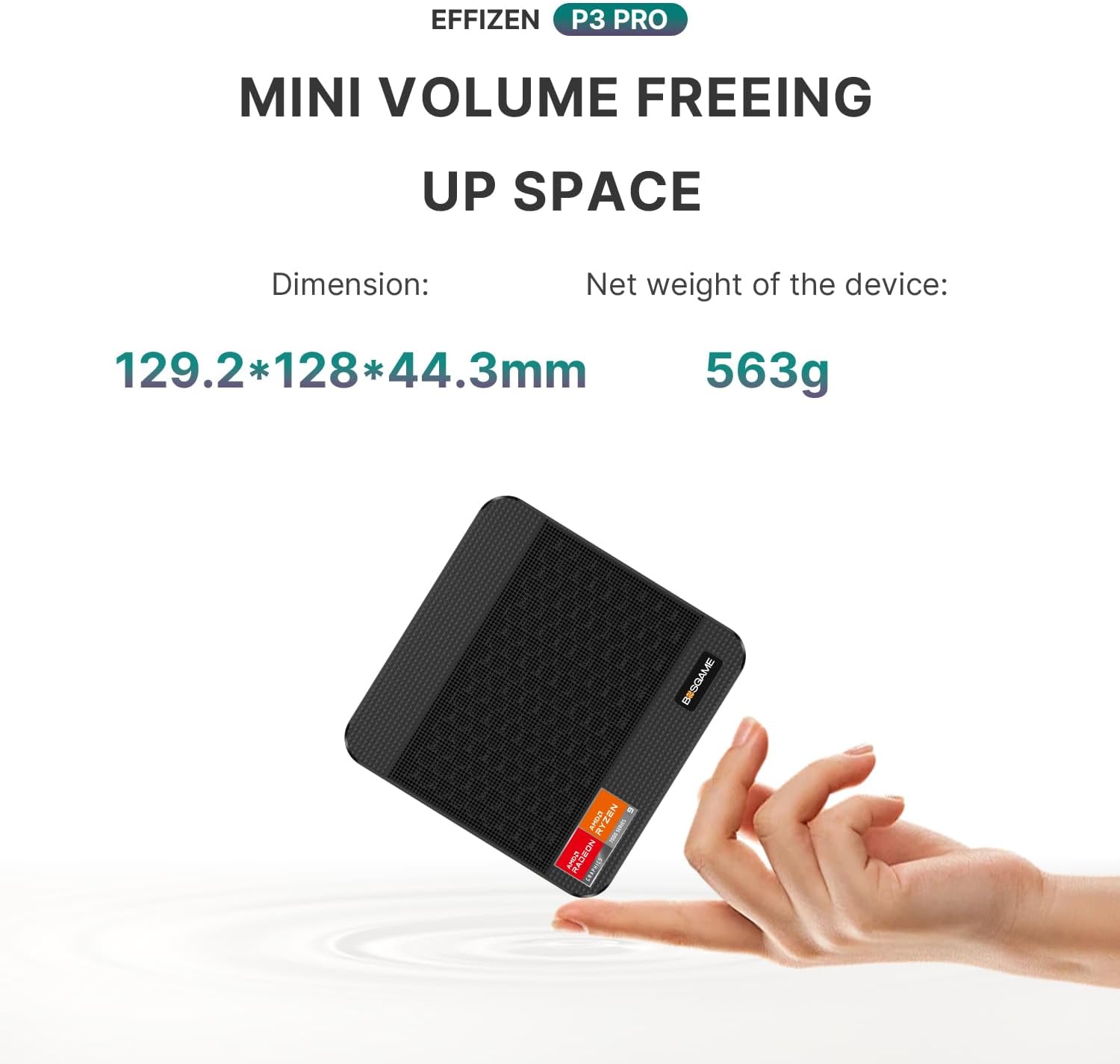
Compared with a mid‑range gaming laptop or a larger desktop, the P3PRO offers the appeal of a small footprint and a desktop‑class CPU, with the practicality of upgrade paths for storage and memory in theory. In practice, you’ll want to consider what you’ll primarily use it for: if you need peak FPS and the lowest possible latency across several demanding modern games, a dedicated gaming desktop with a discrete GPU may still outperform it. If you value compact size, energy efficiency, and a ready‑to‑use solution for mixed workloads plus respectable gaming, the P3PRO sits in a sensible middle ground.
Practical example of use
Imagine editing a 4K video project on the same machine you use to draft reports and run a few lightweight games during downtime. The 16 GB DDR5 RAM helps with multitasking and the NVMe SSD keeps boot and load times brisk. You can connect several displays for a side‑by‑side workflow and still have room to spare for a browser and streaming software while your game loads.
The bottom line for decision making
Should you buy it? If you prioritise a compact form factor, strong CPU performance for everyday productivity, and flexible connectivity for a small gaming/productivity rig, this BOSGAME mini PC offers a practical, no‑nonsense option. It makes sense for users who want a single, versatile box rather than a dedicated gaming laptop or a full desktop tower. It may not be the best pick if your primary criterion is chasing the highest possible gaming FPS at ultra settings on modern AAA titles, or if you require maximum sustained thermal headroom for prolonged workloads.
FAQ
- What kind of storage upgrade is possible? The base setup uses a 1 TB NVMe SSD, with mention of expansion potential, but check the specific model’s upgrade paths and compatibility.
- Can I run multiple displays reliably? The device is described as supporting triple displays, subject to GPU and port availability and system cooling under load.
- Is the RAM upgradeable? The base is 16 GB DDR5 with potential to upgrade to 64 GB (2 x 32 GB) according to the available memory configuration options.