

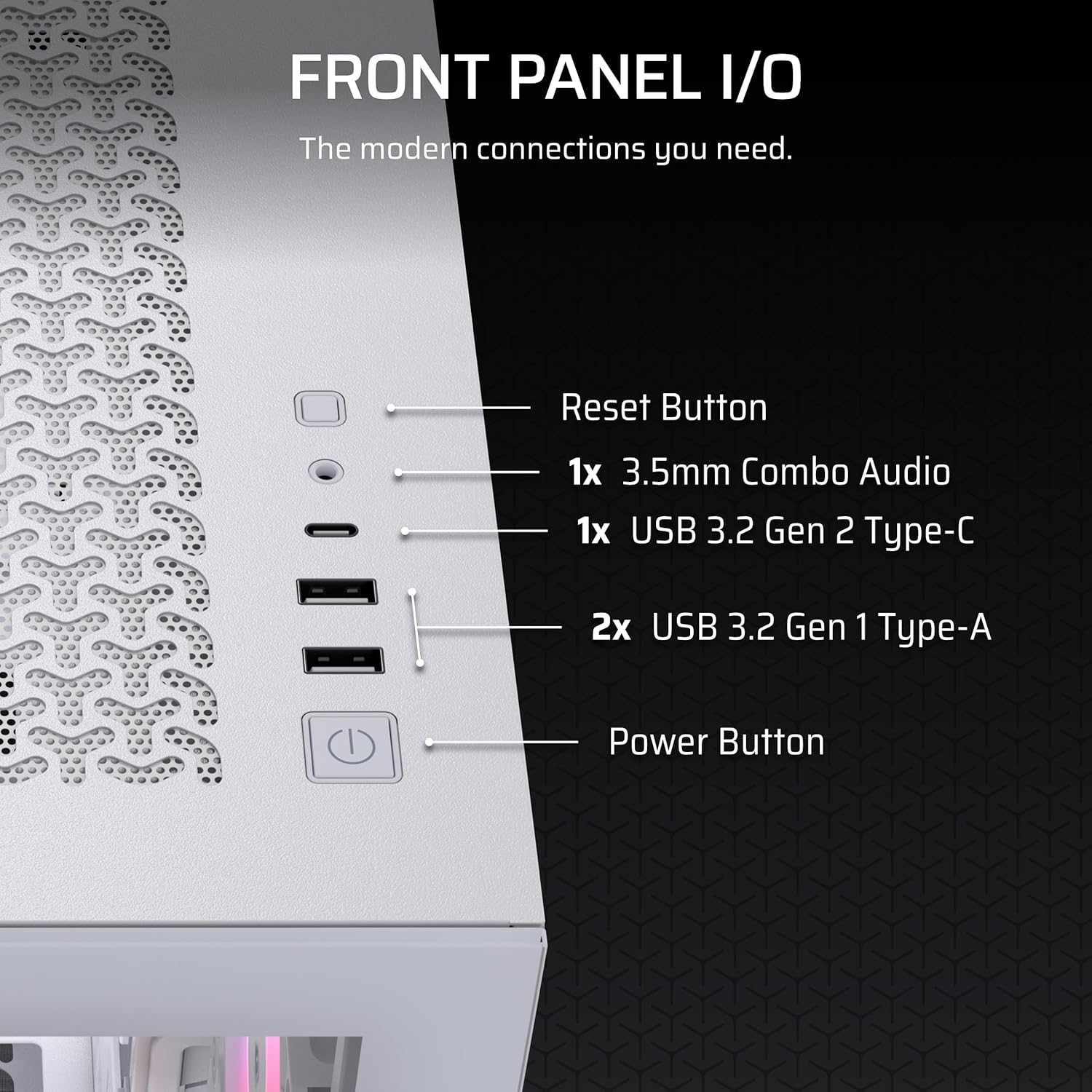
CORSAIR 3500X RS-R ARGB Panoramic Mid-Tower PC Case with 3x pre-installed RS120-R ARGB fans (White)
Product description
At a glance
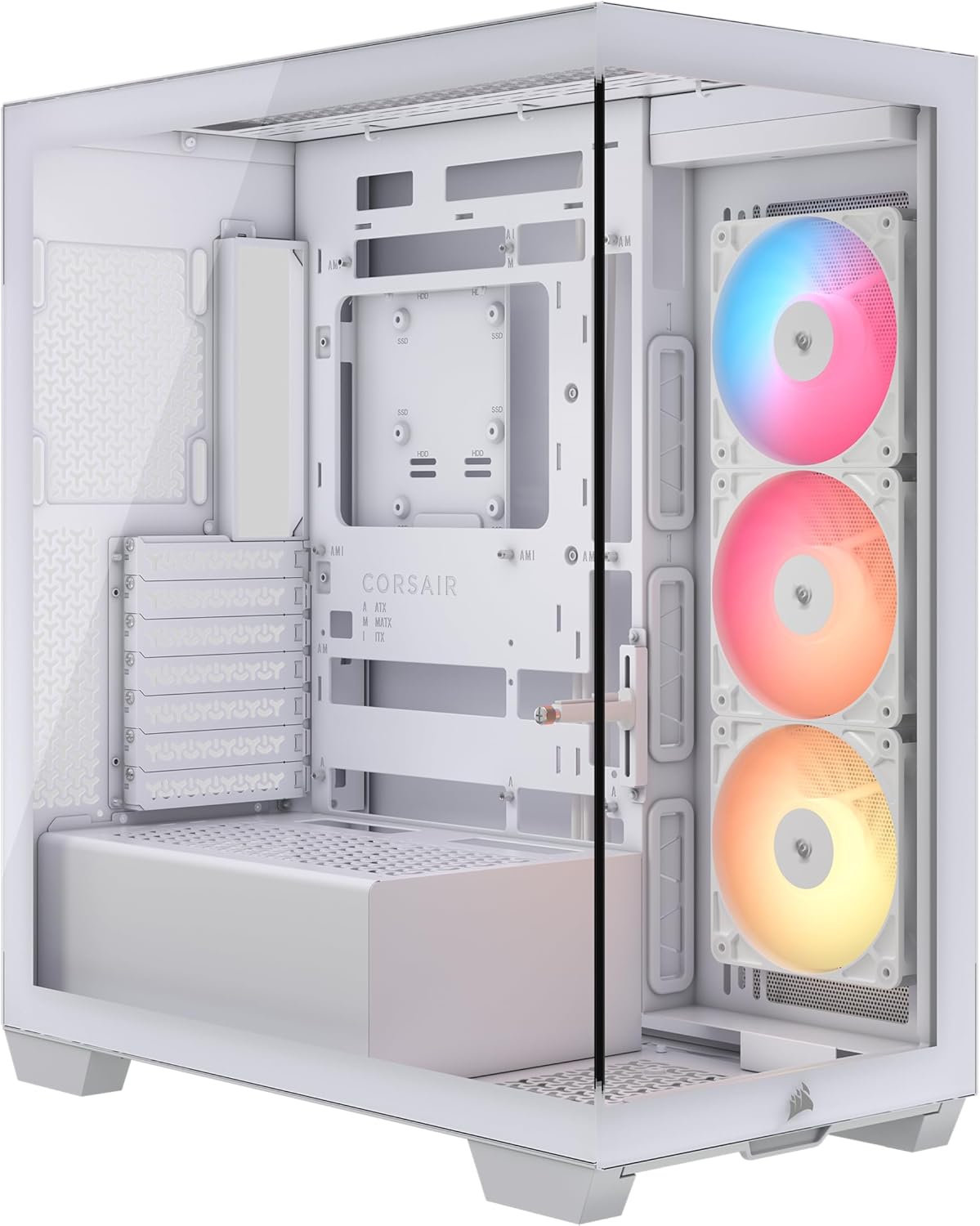
The CORSAIR 3500X RS-R ARGB is a panoramic mid-tower PC case aimed at one thing as much as cooling: giving you an uninterrupted view of your RGB fans. On paper, it ticks the usual builder boxes too—support for a range of motherboard sizes, roomy fan mounting options, removable tempered glass panels for easier assembly, and a specific approach to “clean” cabling with reverse-connection motherboard support.
It’s not the cheapest way into a glass-front build, and it may feel a bit overkill if you’re planning a very basic, low-heat system. But if you like the look of wraparound glass and you want cooling capacity that doesn’t force you to compromise on airflow, this case is designed to be worthwhile.
Key points
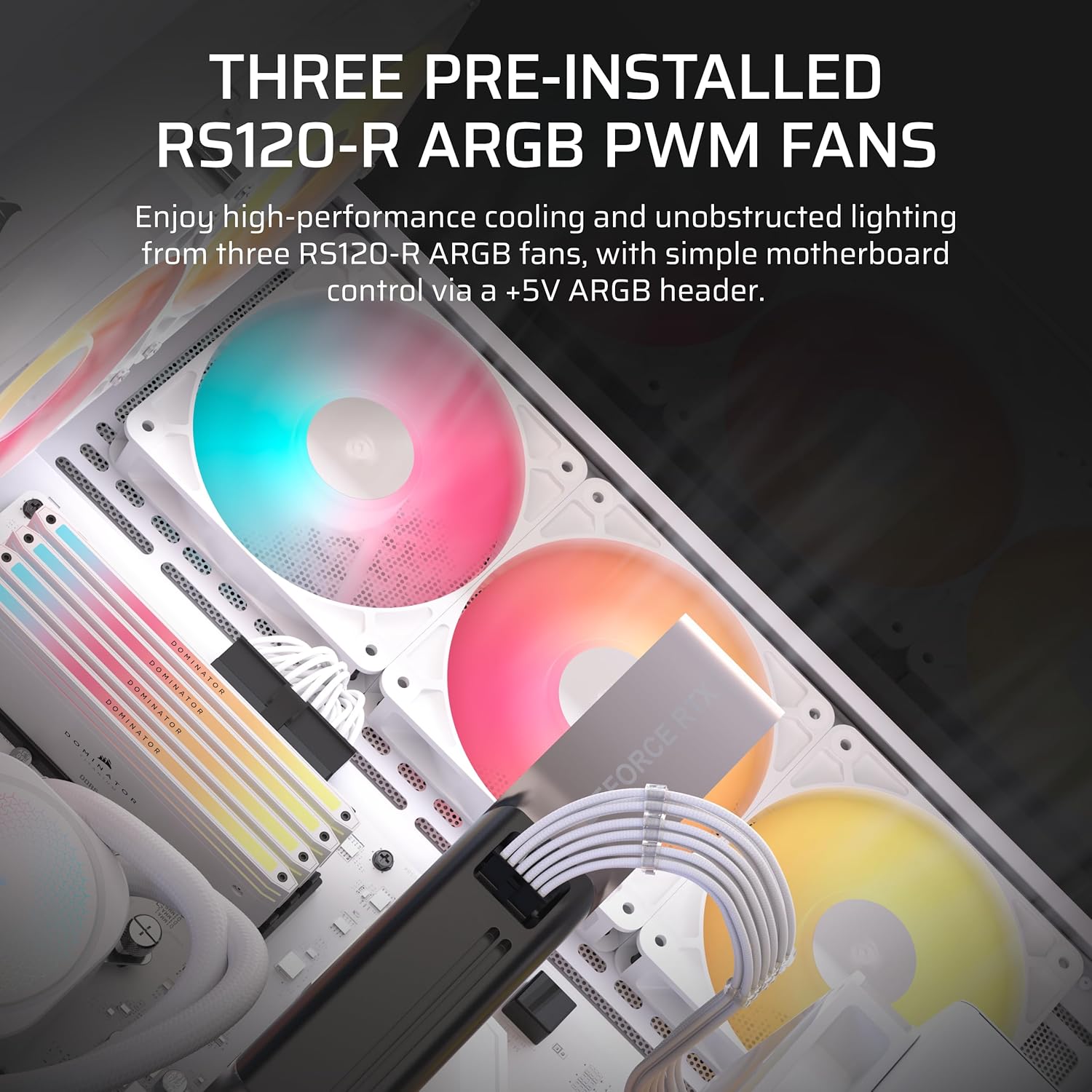
What stands out immediately is the panoramic glass aesthetic and the fact you get three pre-installed RS120-R ARGB fans. That means you’re not starting from scratch with fan placement and wiring—useful if you’re building for the first time or just want a simpler path to a clean, lit setup.
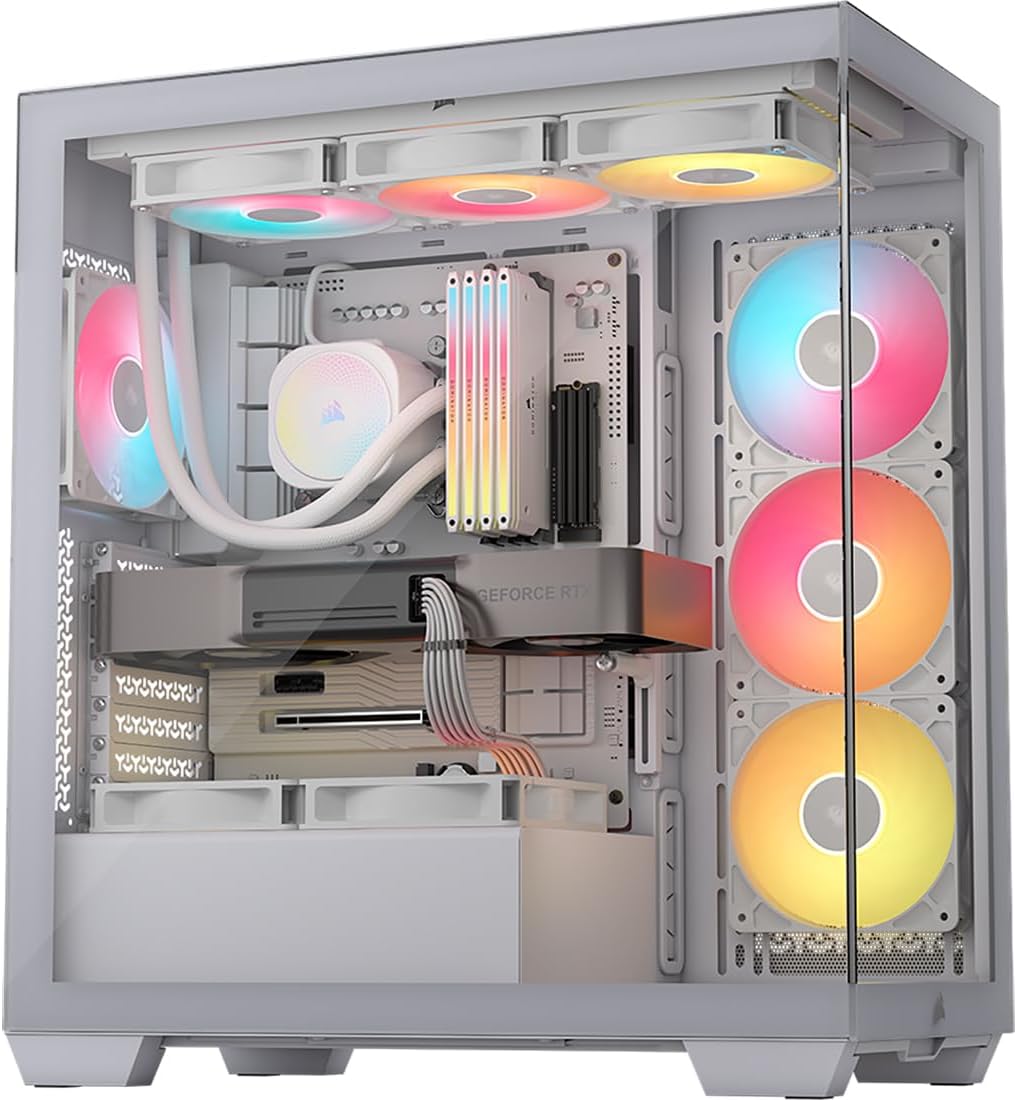
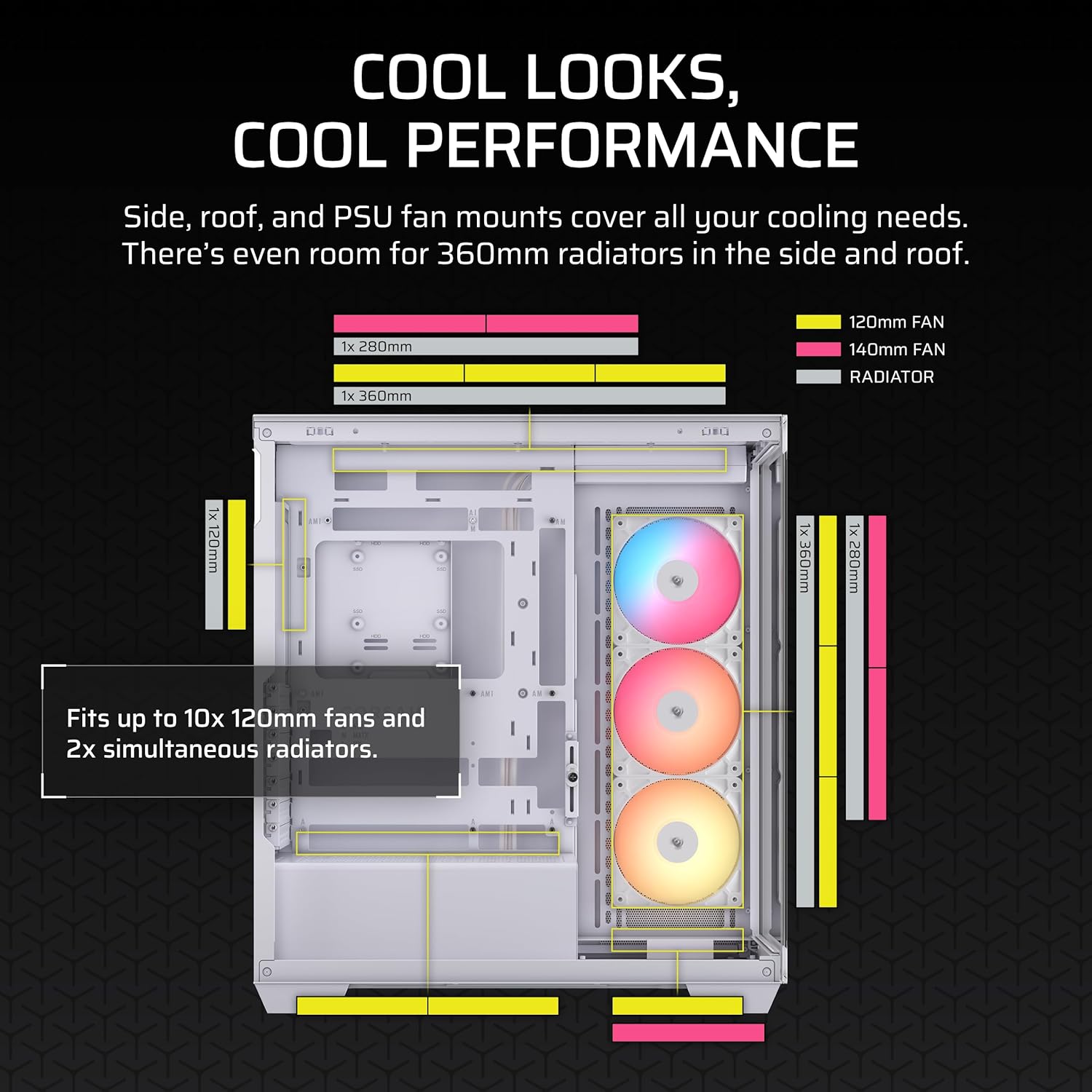
Cooling options are handled sensibly rather than half-heartedly. The case includes side, roof, and PSU fan mounting points and supports up to 10x 120mm fans, so you can build for quiet airflow, higher thermals, or a balanced mix depending on your parts.
There’s also a practical build/access angle: the front and side tempered glass panels are removable, which should make it less painful to reach inside after you’ve installed components.
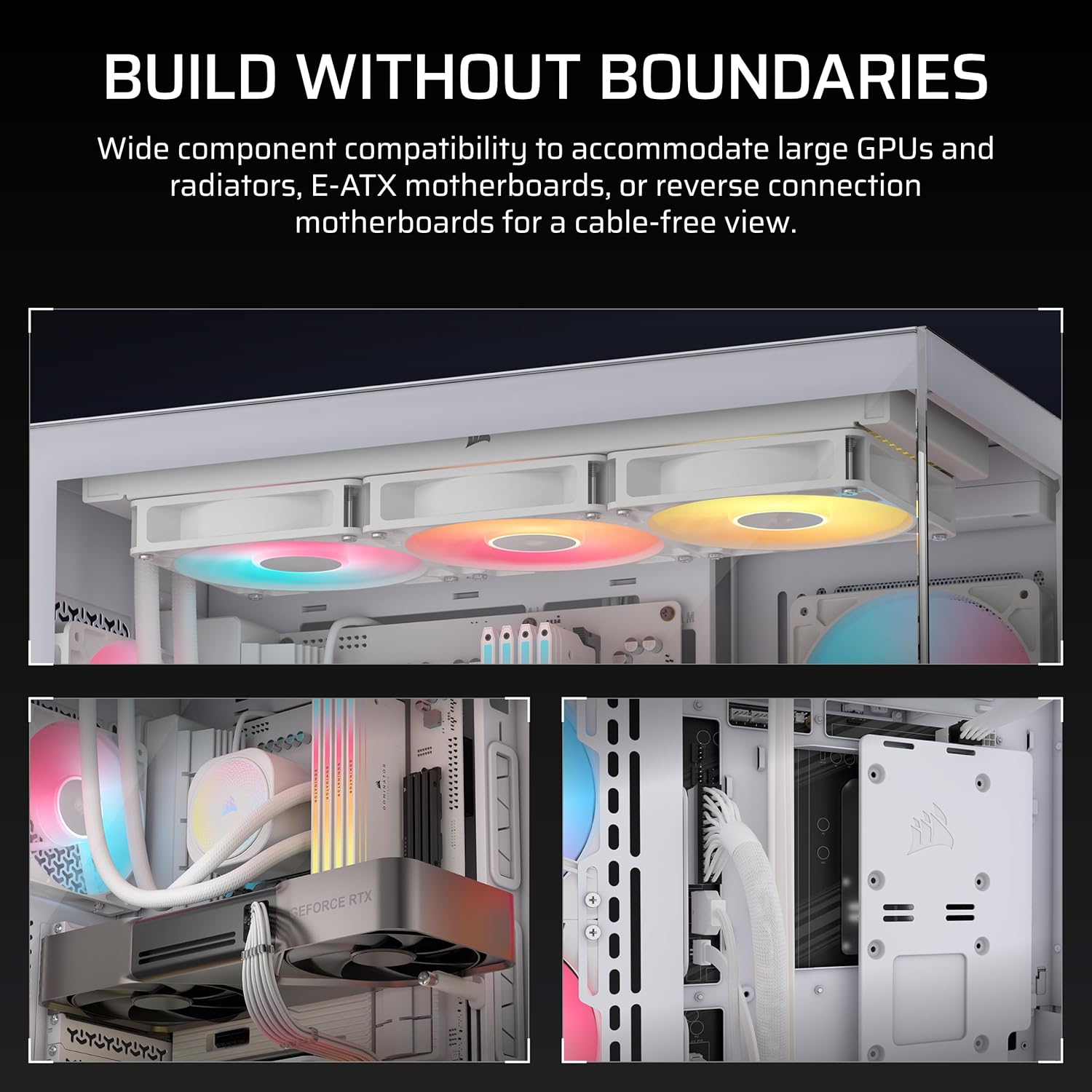
One more noteworthy detail is the reverse connection motherboard compatibility. If you use motherboards with connections on the back of the board (validated for ASUS BTF, MSI Project Zero, and Gigabyte Project Stealth), your view is less likely to be broken up by visible plugged-in cables.
Do keep expectations realistic: while the case is set up for airflow and showy lighting, “10x 120mm fans supported” doesn’t automatically mean you’ll run every slot full. Your final airflow and looks will depend on the rest of your build (GPU length, radiator choice, and how densely you populate fans).
What you’ll notice day to day
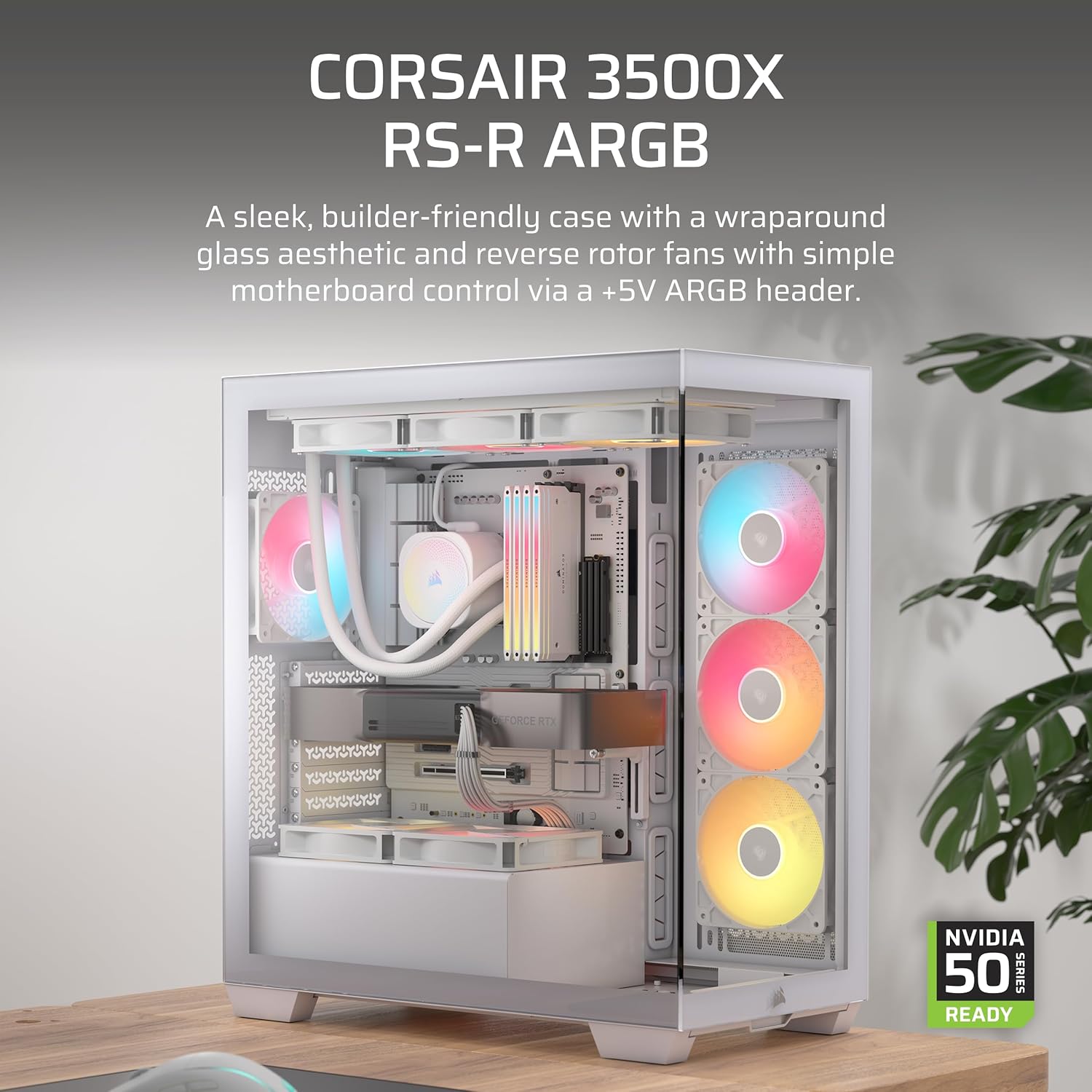
This case is built around visibility. The wraparound glass front is meant to show off the three RS120-R ARGB fans without you needing to hide everything behind a mesh front.
In everyday use, that typically means two things. First, lighting is easy to appreciate when the PC is on a desk or under a monitor. Second, maintenance is more about “opening the panels” than “crouching behind a cramped mesh shroud”. The removable tempered glass panels are there for exactly that.
There’s also an installation-time benefit: reverse-connection boards reduce the visual clutter of cables because connections are on the back of the motherboard. If you’ve ever had a build where cables ruined the look from the side, that’s the kind of pain this design is trying to avoid.
Tech specs
- Type: Panoramic mid-tower PC case
- Pre-installed fans: 3x RS120-R ARGB fans
- Fan support: Fits up to 10x 120mm fans
- Motherboard compatibility (range): Supports Mini-ITX up to EATX
- Glass panels: Removable tempered glass front and side panels
- ARGB control: Simple motherboard control via a +5V ARGB header
- Reverse connection motherboard support: Validated for ASUS BTF, MSI Project Zero, and Gigabyte Project Stealth
Where it shines (and where it might not)
It makes sense if you care about the “view to match your fans” look, because the whole front/side glass approach is built around that panoramic aesthetic. It also makes sense if you want flexibility on cooling—side, roof and PSU mounting points, plus support for up to 10x 120mm fans gives you room to tune airflow.
It might not suit you if: - You prefer a fully mesh, low-maintenance airflow-first case and don’t really care about viewing ARGB lighting. - You’re building something that doesn’t need extra fan headroom, because extra capacity can be a bit of wasted spend. - You’re expecting ARGB and control to behave like a “set-and-forget” system for every motherboard and controller scenario—this uses +5V ARGB header control, so you’ll want to confirm your platform supports that.
Also, a small caveat: “fits up to 10x 120mm fans” is a capacity statement, not a guarantee of identical performance for every configuration. If you plan a heavily customised layout, it’s worth checking your parts and how they’ll affect space and airflow.
Usage tips
For a visually clean first build, start by planning your fan layout around the glass panels. With the case designed to show lighting, you’ll generally want the front intake and the main airflow path to be consistent so the RGB looks intentional rather than patchy.
If you’re using a reverse-connection motherboard (the case is validated for specific lines), take advantage of the cleaner cabling approach by routing early and keeping cables guided behind the board. It’s usually the difference between a “nice build” and one that looks tidy in the glass.
If you ever need to access the system later, the removable tempered glass panels should make it less of a chore than fixed panels—just handle them carefully and avoid forcing anything while the PC is powered down and disconnected.
Final verdict
It’s a strong pick if you want a panoramic glass mid-tower that comes with three pre-installed ARGB fans, offers up to 10x 120mm fan support, and supports reverse-connection motherboards so your view stays cleaner.
You may want to skip it if you’re aiming for the most budget-friendly build, or if RGB visibility isn’t a priority and you’d rather prioritise straightforward airflow over a showpiece front.
In most situations, it suits builders who care about how the PC looks as much as how it cools—and who are confident they’ll use the case’s fan flexibility rather than letting it go unused.
Mini FAQ
Does the CORSAIR 3500X RS-R ARGB come with fans installed?
Yes. It includes 3x pre-installed RS120-R ARGB fans.
What does “reverse connection motherboard compatible” mean here?
The case is validated for motherboards that place connections on the back of the board, specifically ASUS BTF, MSI Project Zero, and Gigabyte Project Stealth, so cables are less likely to spoil the view.
Can I control the RGB through the motherboard?
The lighting uses a +5V ARGB header for simple motherboard control, based on the case’s stated support.
How much fan capacity does it offer?
It’s designed to fit up to 10x 120mm fans, with mounting points on the side, roof, and around the PSU area.
Are the glass panels removable for building and access?
Yes. The front and side tempered glass panels are removable, which should make installation and later access easier than with fixed panels.