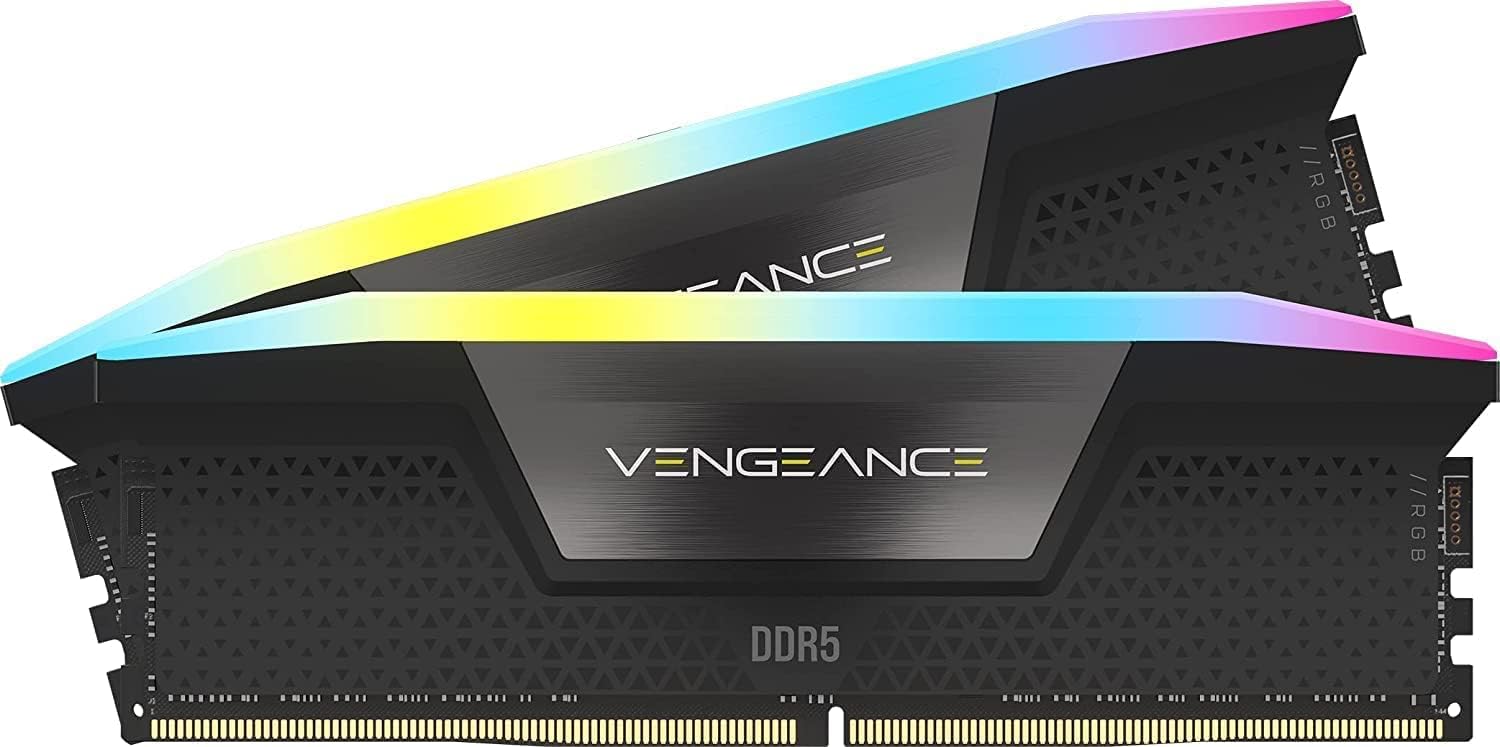
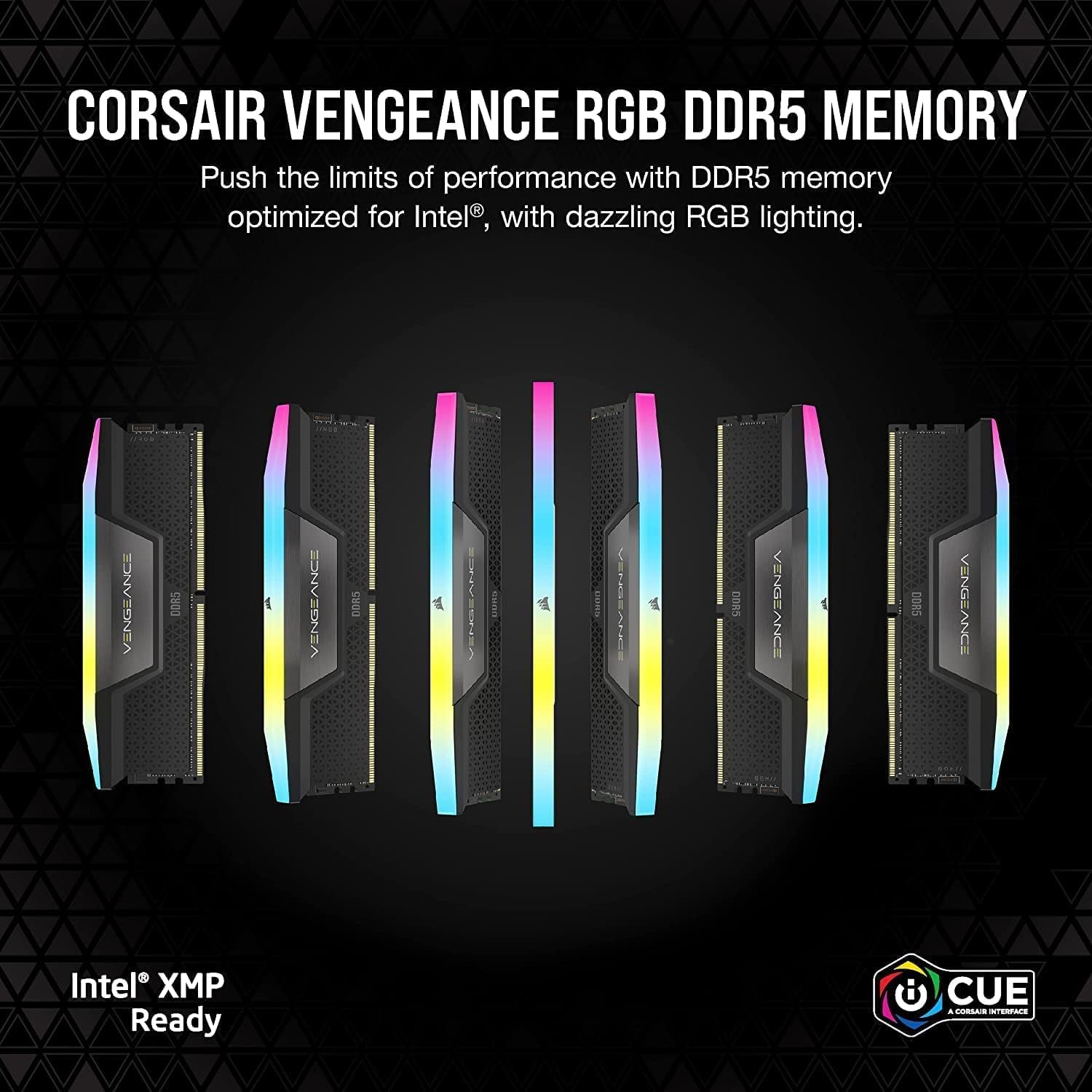
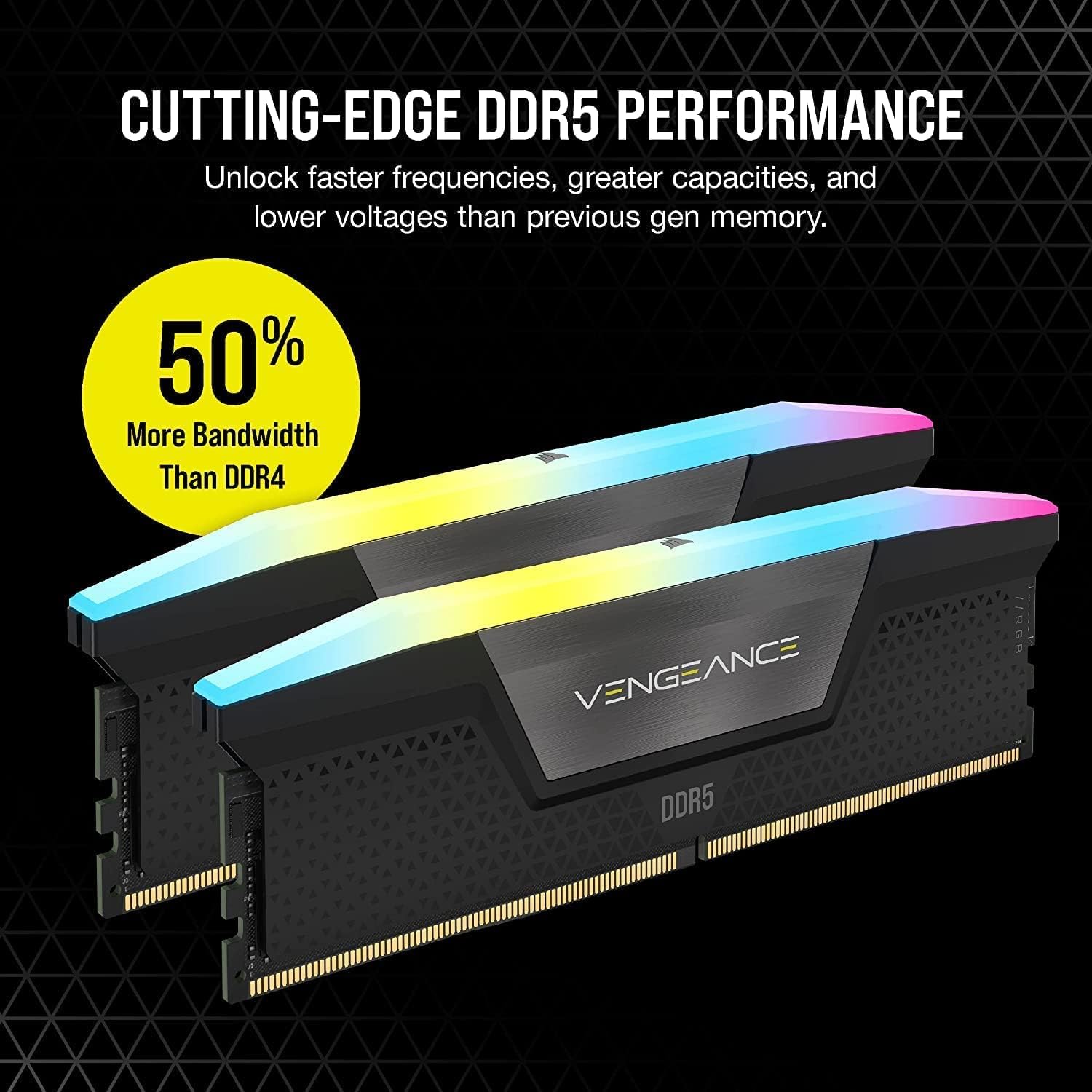
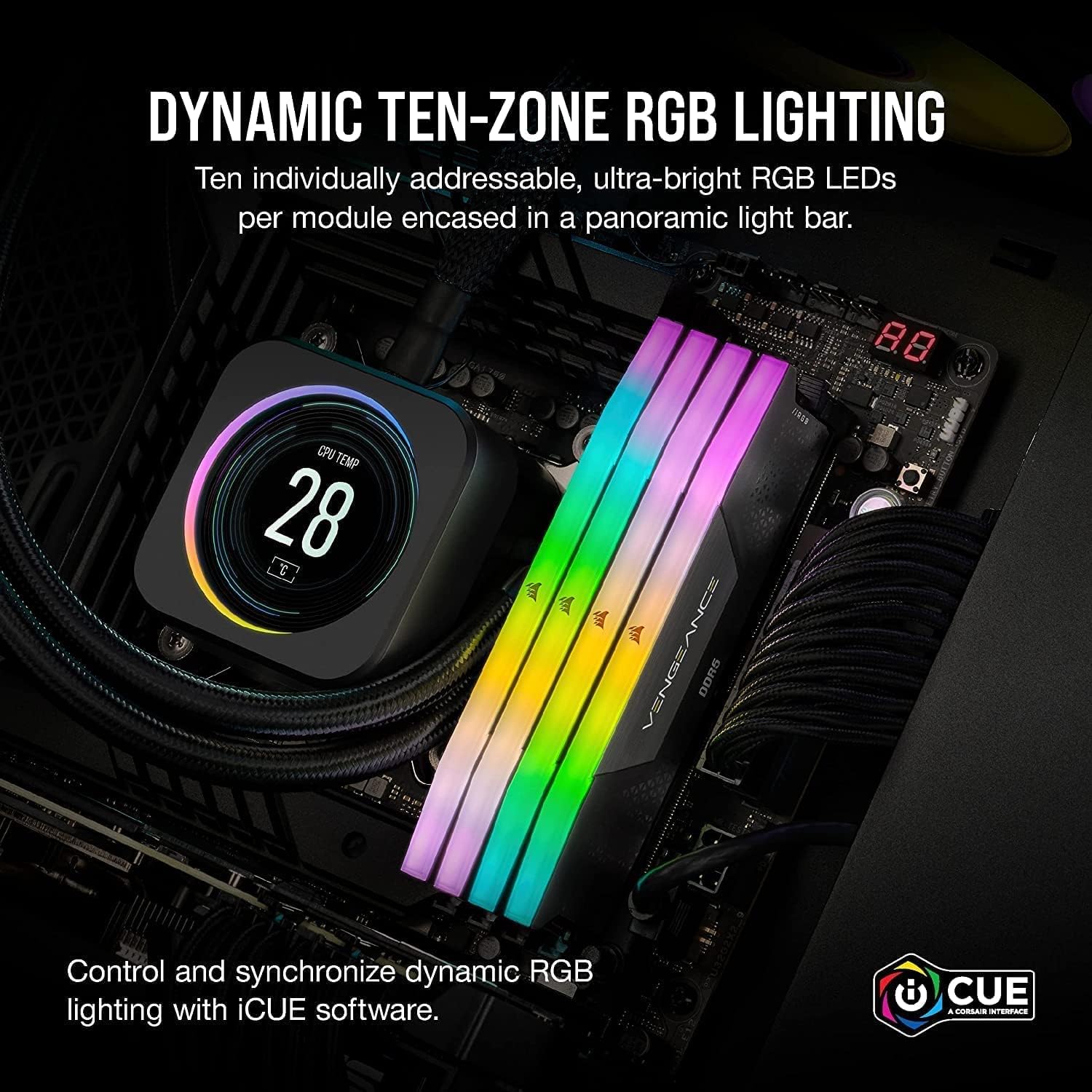
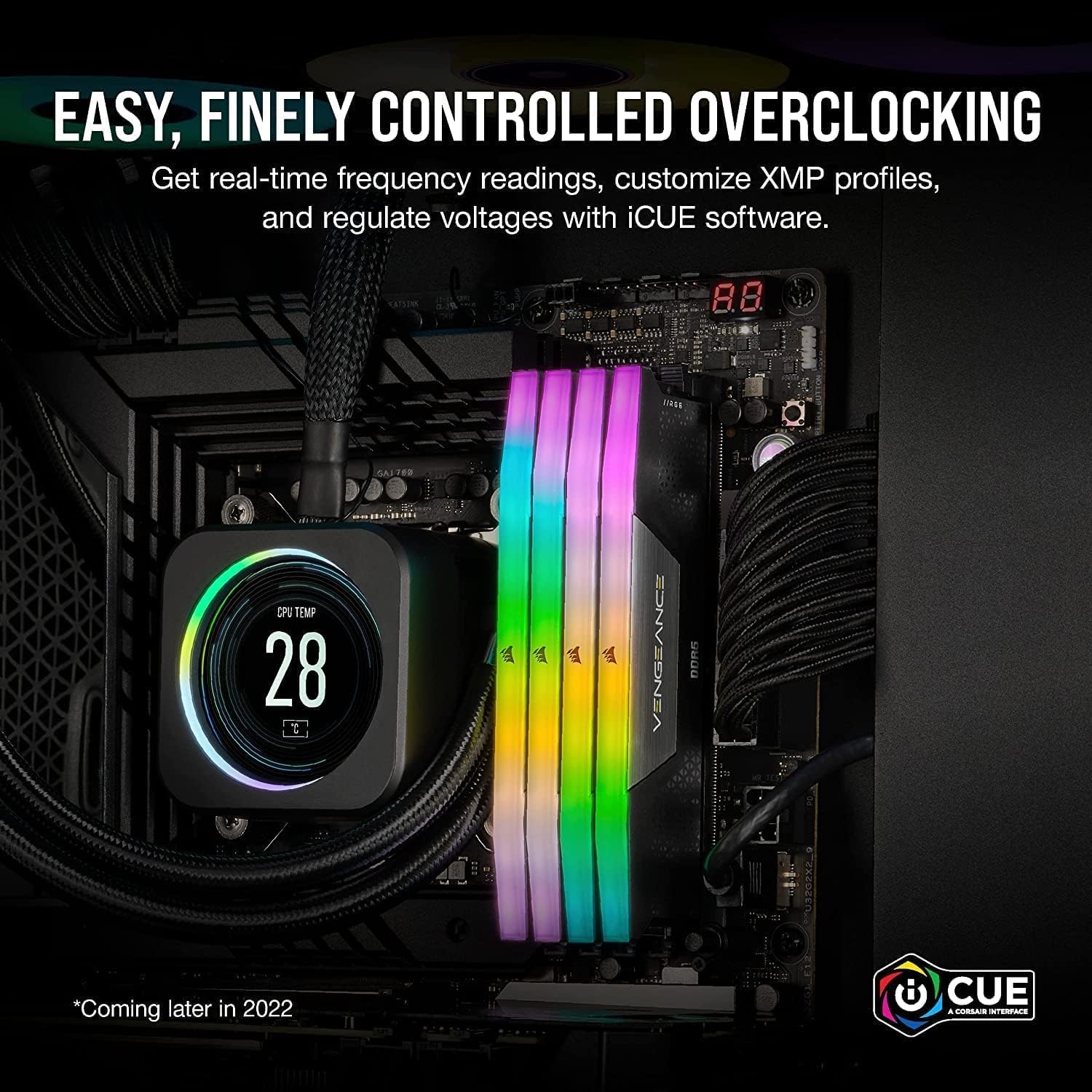
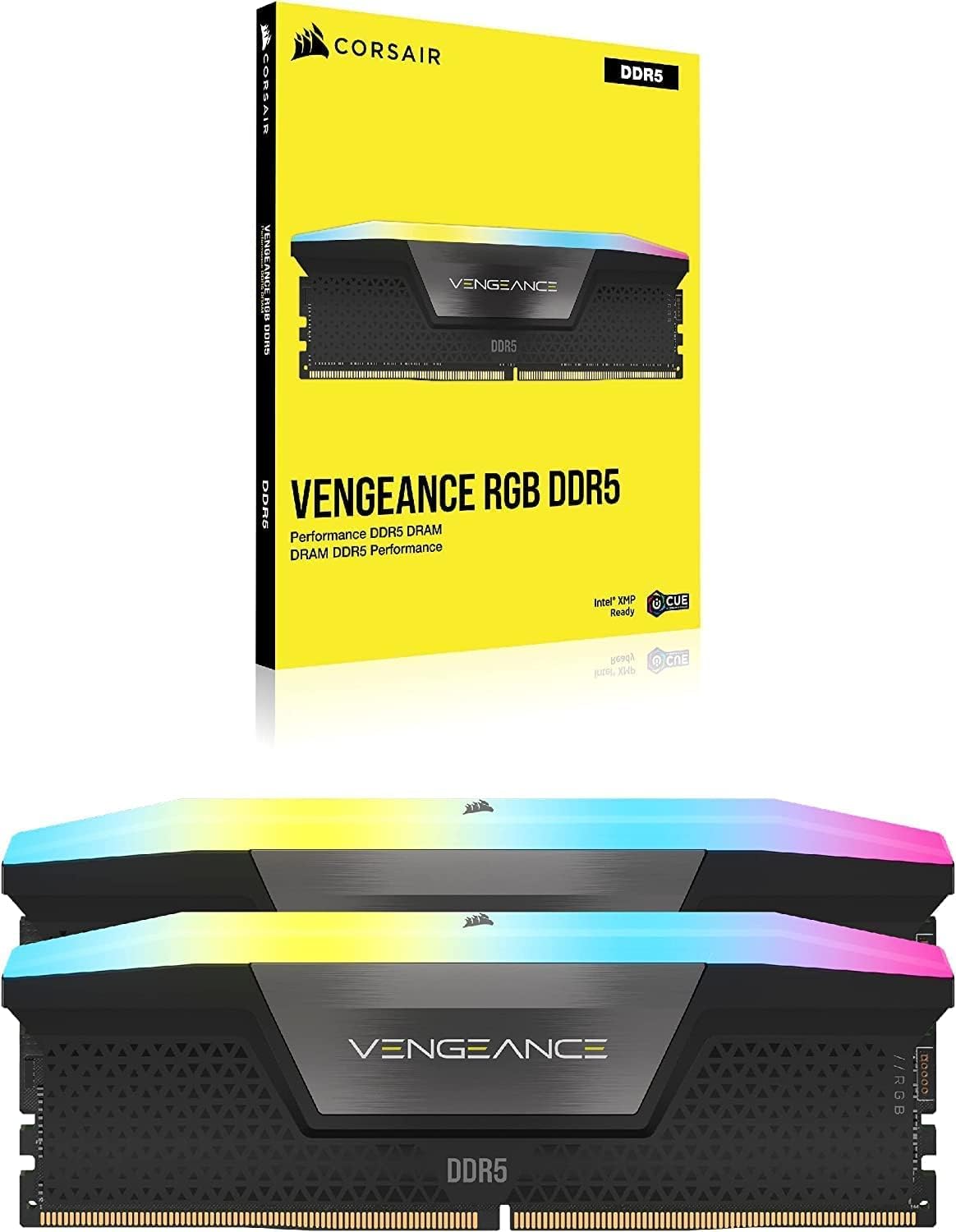
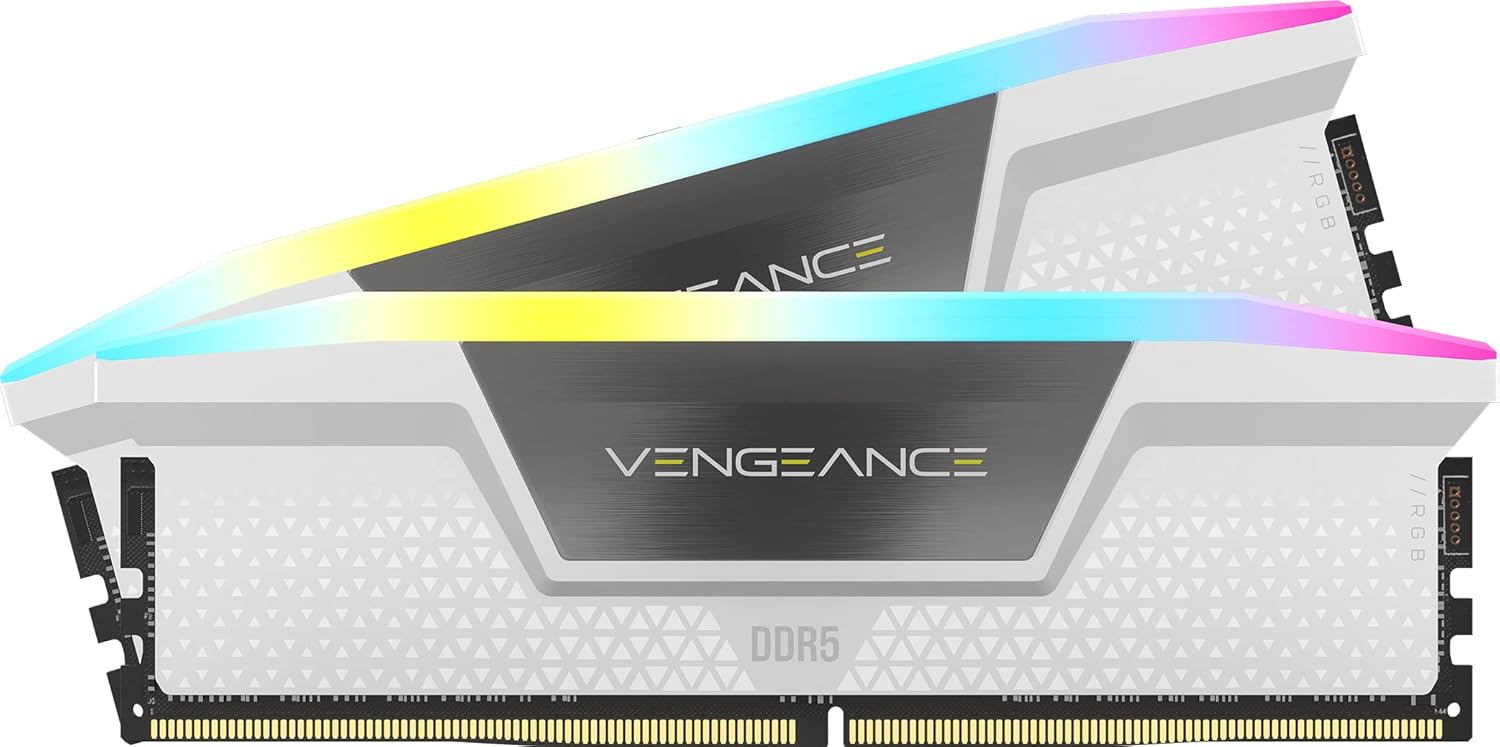
What it is and what it’s for\nCORSAIR Vengeance RGB DDR5 RAM is a 32GB kit (2x16GB) designed for modern desktop builds that aim for higher memory bandwidth and striking RGB aesthetics. It targets users who want more headroom for gaming, content creation, and demanding multitasking, while keeping a tidy footprint in a premium chassis. The kit’s DDR5 platform promises faster data throughput and improved efficiency compared with previous generations, helping workflows that benefit from bigger memory pools or higher memory speeds. On paper, you’ll see potential gains in applications that exploit higher memory bandwidth, though real-world results depend on your motherboard, CPU and cooling solution.\n\n## Key features and how they help\nThe modules feature ten individually addressable RGB LEDs per module, routed along a panoramic light bar for vivid lighting from multiple angles. This is purely aesthetic, but it can add a personalised touch to a PC build. Each module includes onboard voltage regulation, aimed at making overclocking smoother via CORSAIR iCUE software, compared with older generations’ motherboard controls. The kit also supports custom Intel XMP 3.0 profiles that you can save and apply through iCUE to tailor performance for different tasks or apps. In short, you get easy software-driven tuning and the visual flair many builders want.\n\n## Practical considerations and limits\nA note on speed: the stated up to 6000MHz CL36 is a specification that assumes overclocking conditions and system compatibility. Maximum speeds depend on your motherboard, CPU, BIOS settings, cooling, and the rest of the platform. If you prioritise stability and straightforward use, you may not reach the top end of that frequency in every setup. Expect some variance between individual systems.\n\n## What stands out day to day\n- High-capacity kit (32GB) supports heavy multitasking and larger workloads without a noticeable slowdown.\n- DDR5 architecture offers improved efficiency and bandwidth on capable platforms.\n- iCUE integration enables customised lighting, profiles and memory tuning without swapping to a different toolset.\n- Onboard voltage regulation can simplify overclocking attempts, though results will still vary by platform.\n\n## Limitations and potential caveats\n- The maximum speed is not guaranteed on all systems, you may need BIOS adjustments and an appropriate motherboard/CPU combination.\n- RGB adds to visuals but increases power and heat considerations slightly, ensure your cooling and case airflow are up to the task.\n- For those who don’t use iCUE, the lighting control won’t be as central a feature, and you may miss some nuances of the software-driven tuning.\n\n## Who it’s for\nThis kit suits enthusiasts building mid-to-high end systems that can leverage added memory bandwidth and enjoy custom RGB. It’s a sensible pick if you want a future‑proofed 32GB baseline for gaming with high settings, streaming, or content creation, and you value the ability to tune memory profiles via software. It may be less compelling if you’re aiming for a strictly plug‑and‑play, no‑hassle setup or if your motherboard/CPU combo doesn’t support the highest XMP profiles reliably.\n\n## When it makes sense to buy\n- You’re upgrading an older platform to DDR5 that supports higher memory speeds and iCUE control.\n- You need 32GB of RAM for multitasking or memory‑heavy workloads and want vibrant RGB in your build.\n- You appreciate the ability to save custom XMP profiles and fine‑tune performance.\n\n## When to reconsider\n- If your system is budget‑constrained or your motherboard doesn’t reliably reach the top XMP settings, you may not see the advertised 6000MHz performance in practice.\n- If RGB lighting is not a priority, there are simpler, often cheaper DDR5 kits without lighting that could offer better value in some builds.\n\n## Before you buy: quick checks\n- Confirm your motherboard and CPU support DDR5 RAM and can handle higher memory speeds.\n- Check your case cooling and overall power delivery to avoid thermal throttling during overclocking attempts.\n- Consider whether you’ll use iCUE for lighting and memory tuning, and whether you’re comfortable with BIOS and software tweaks.\n\n## Practical use case snapshot\nImagine a mid‑to‑high end gaming rig or a creator workstation where you’re running a few heavy apps at once. You’re gaming on a modern title, streaming, and rendering video in the background. With 32GB, you notice smoother multitasking, with higher memory speeds (where achievable), you may see marginal frame or task‑time improvements in some scenarios, especially if your CPU and motherboard are ready for it. The aesthetic RGB can complete the look of a build aimed at a cohesive, premium visual theme.\n\n## FAQ (brief)\nQ: Do I need iCUE to run this RAM? A: iCUE is used for lighting and profile management, basic operation of RAM remains valid if the system supports DDR5.\nQ: Will I hit 6000MHz on every motherboard? A: Not guaranteed, depends on motherboard, CPU, cooling and BIOS configuration.\nQ: Is 32GB really necessary for gaming today? A: For most games, 32GB is more than enough, the extra headroom helps with multitasking and certain workloads.\n\n## Decision point: should you buy it?\nIt’s worth considering if you’re building a DDR5 system with a clear plan to utilise higher memory speeds and the iCUE ecosystem for profiling and lighting. Not the best match if you prioritise absolute plug‑and‑play stability over potential speed gains, or if you don’t care for RGB aesthetics.