


Corsair iCUE LINK TITAN 240 RX LCD Liquid CPU Cooler – 240mm AIO (White)
Product description
What it is
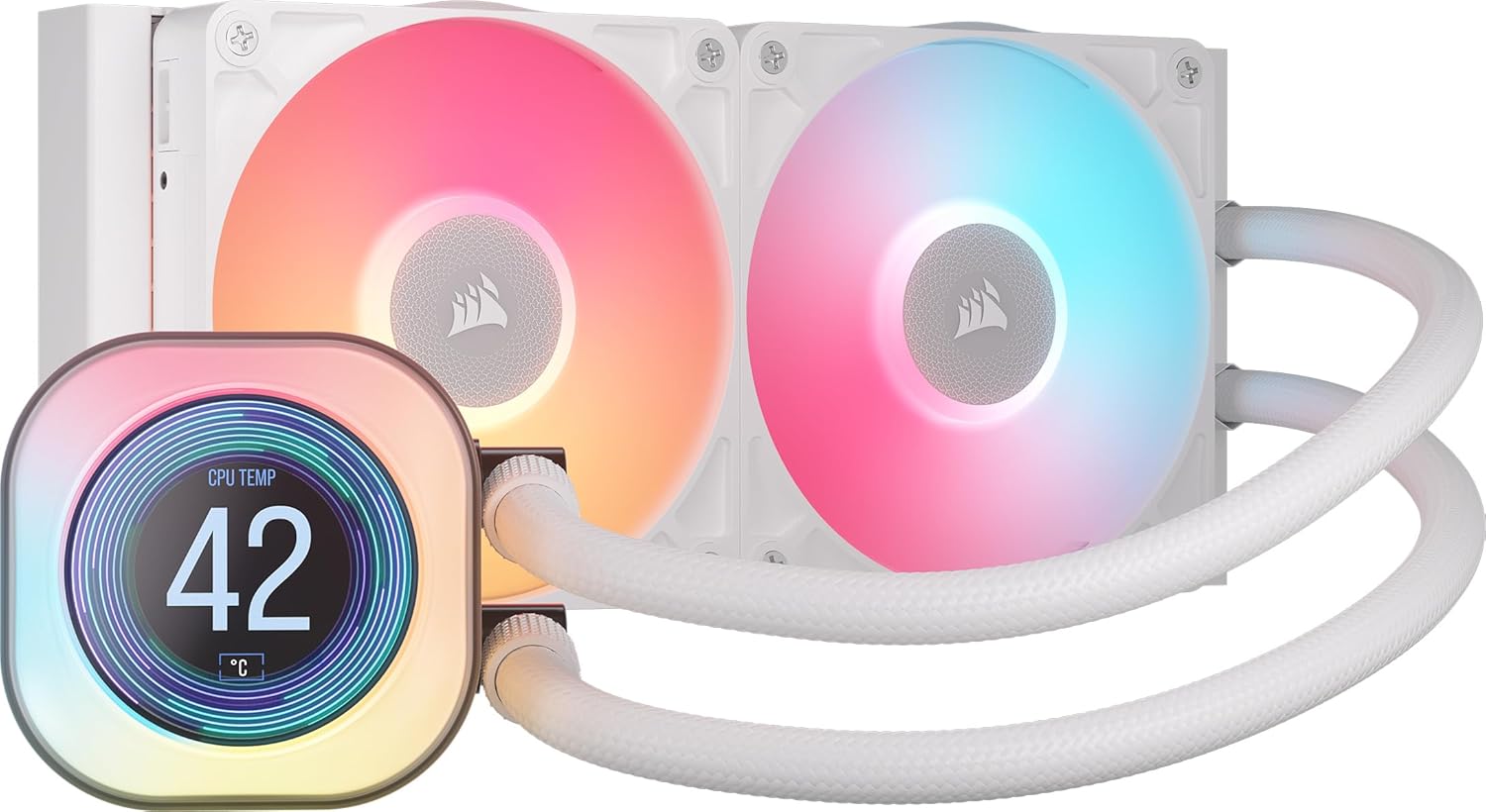
The Corsair iCUE LINK TITAN 240 RX LCD is a 240mm all-in-one liquid CPU cooler designed to sit at the heart of a compact or mid‑tier build, offering integrated iCUE LINK connectivity and a vivid LCD display. It’s aimed at users who want straightforward cooling with the option to visualise temperatures or team logos on the screen, all while keeping cabling tidy.
Design and display
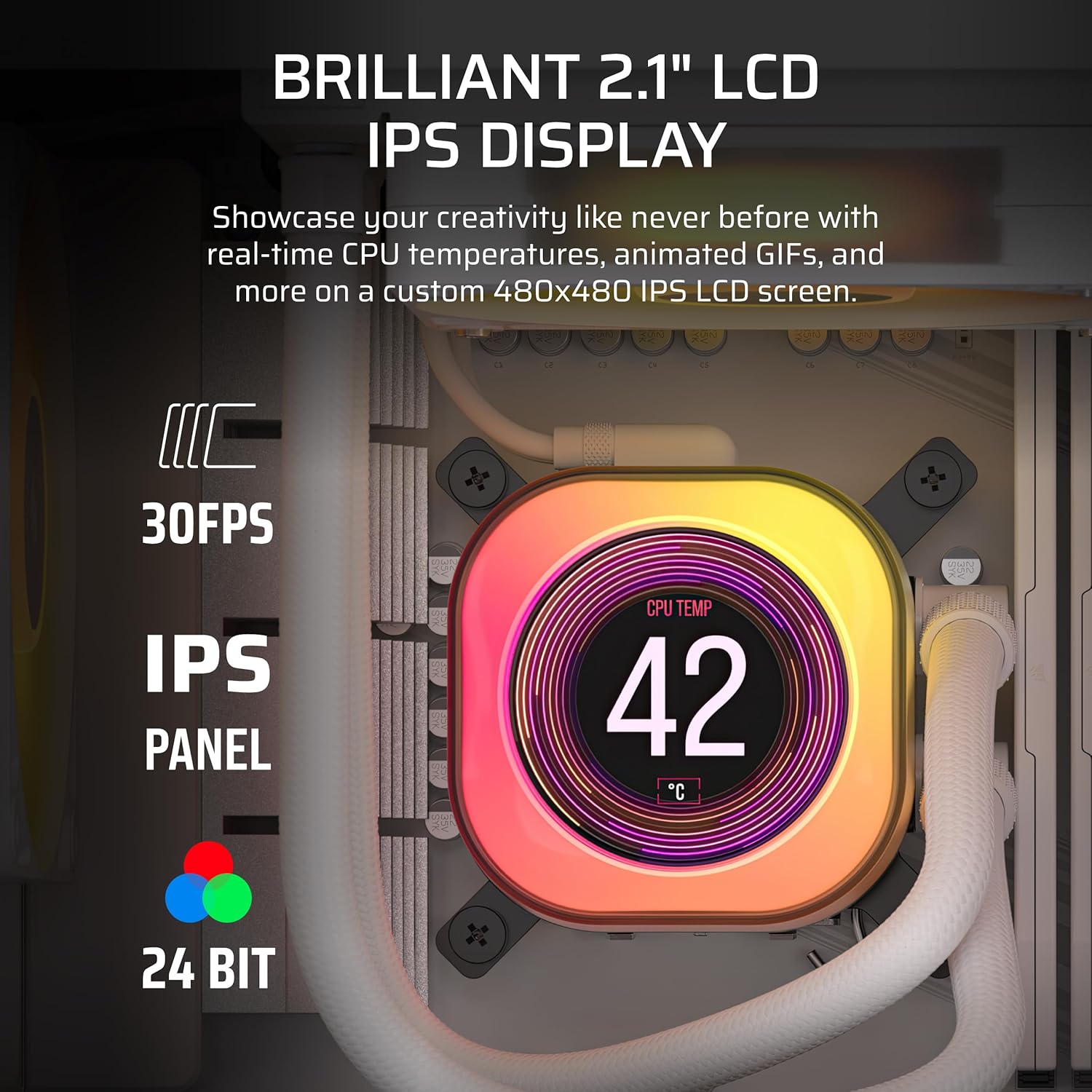
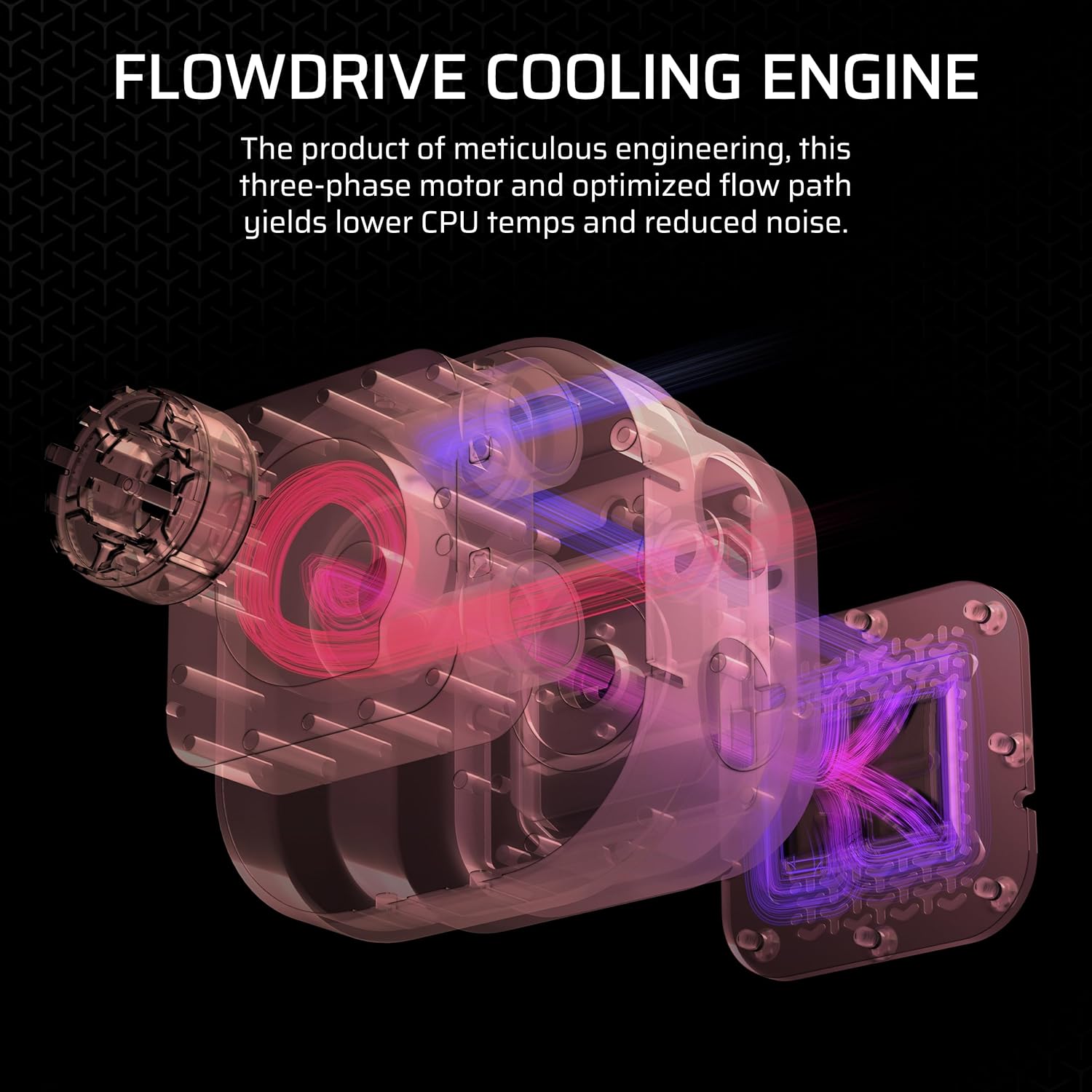
This cooler combines a FlowDrive cooling engine with a precision‑engineered cold plate to maximise contact with the CPU’s heat spreader. The unit ships with two RX120 RGB fans, tuned for high airflow and static pressure, and a 2.1” IPS LCD that supports up to 480x480 resolution and 600cd/m² brightness. The display can show real-time CPU temp, personalised graphics, or a simple motif, which adds a bit of personality to an otherwise practical component.
Performance and noise
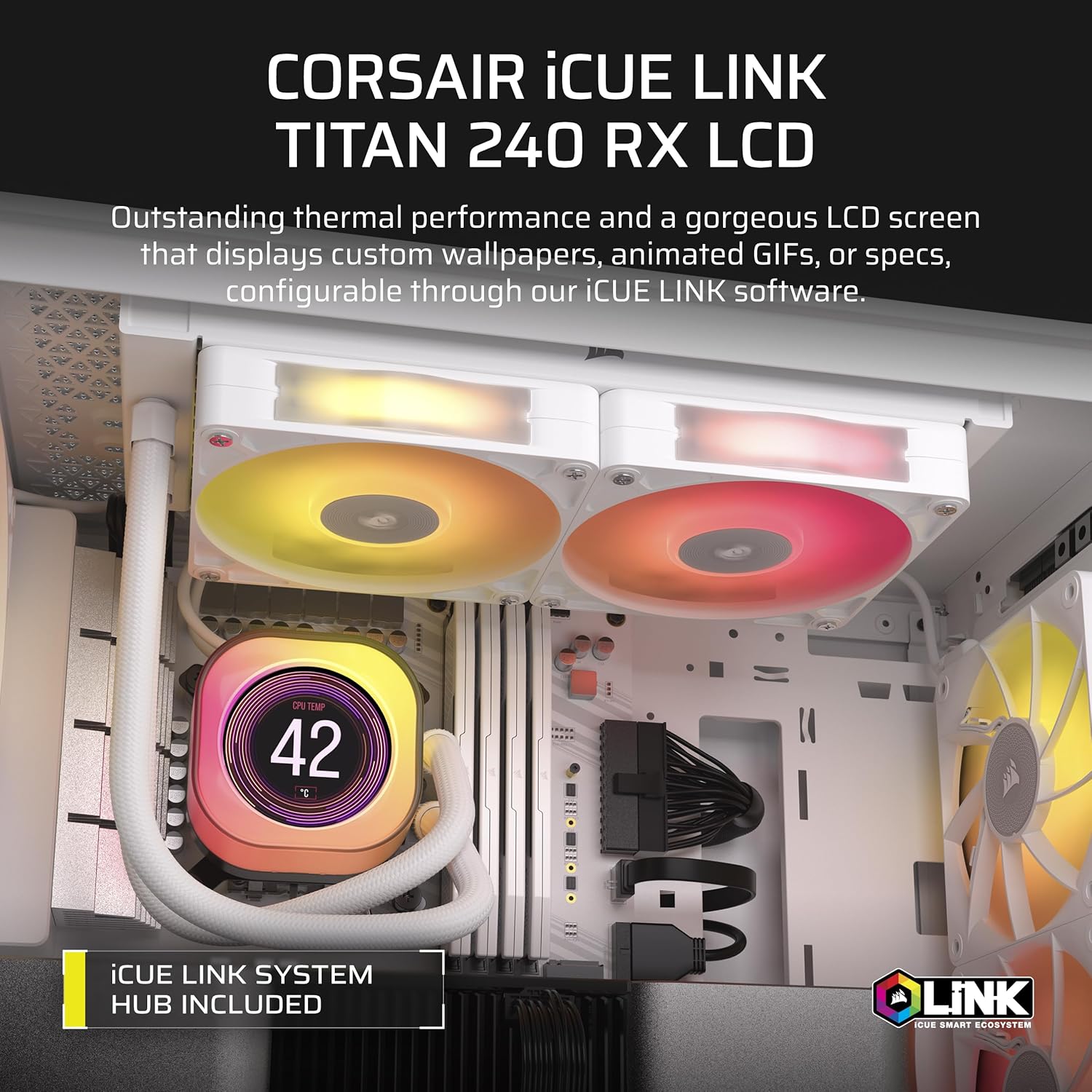
On paper, the FlowDrive three‑phase motor aims to deliver efficient heat transfer with relatively low noise. The RX fans use CORSAIR AirGuide technology and Magnetic Dome bearings to balance airflow and quiet operation. While exact noise figures aren’t provided here, the setup is pitched as low-noise for a high‑performance cooling solution.
Connectivity and ecosystem
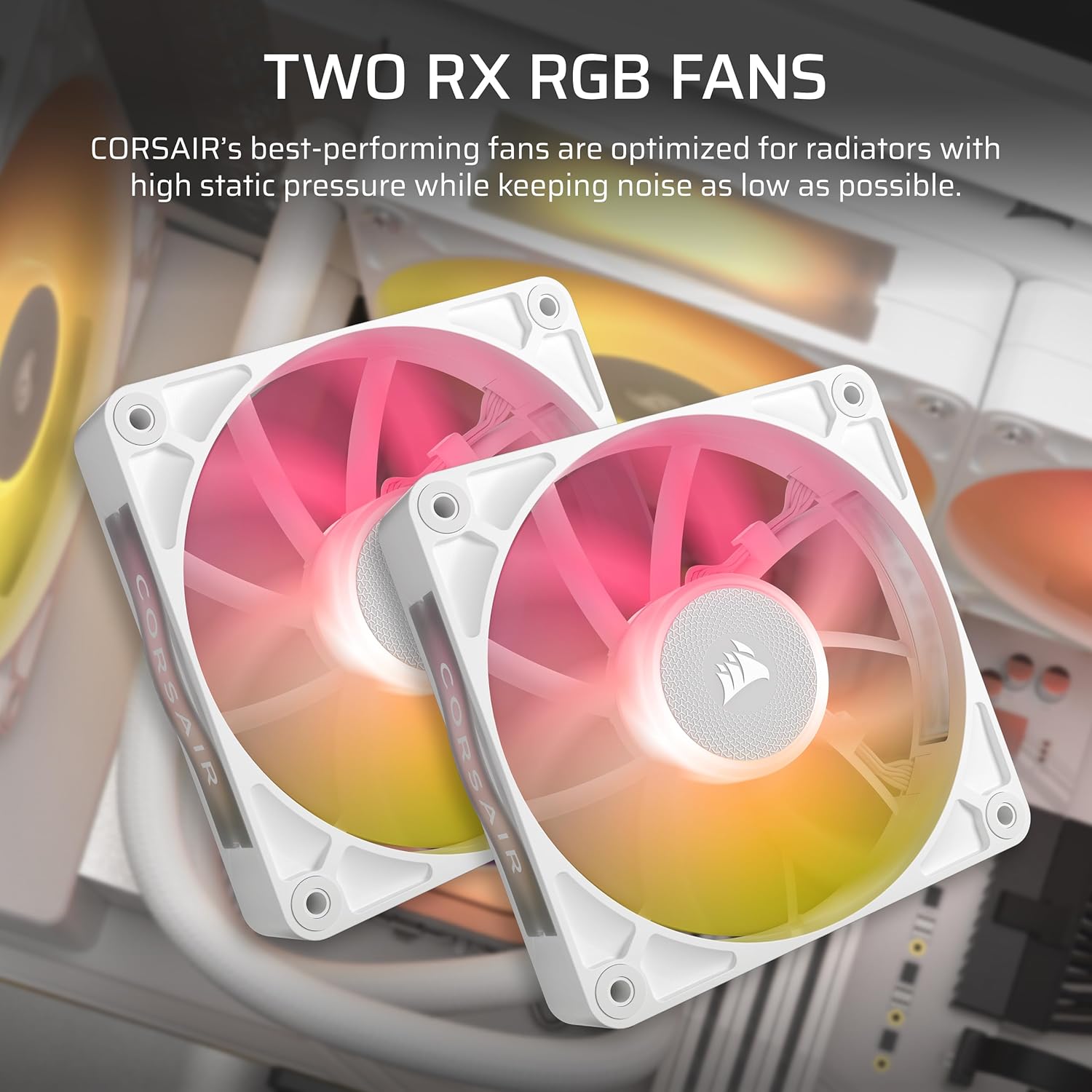
A notable feature is iCUE LINK, which lets you connect multiple components in sequence via a single hub. This reduces cable clutter and simplifies installation, with all connections routed through the included iCUE LINK System Hub. For builders invested in a connected hardware ecosystem, this could streamline wiring and offer cohesive control through the iCUE software.
Who it’s for
If you value an aesthetically cohesive build with an informative display and straightforward installation, this cooler can fit well in mid‑to‑high end rigs using Intel LGA 1700/1851 or AMD AM5/AM4 sockets. The white finish may appeal to lighter colour themes or modern, minimalist PC builds. However, if your priority is maximum overclocking headroom or ultra‑low noise at extreme loads, you might want to compare noise and cooling performance more directly.
Buying considerations
Before deciding, consider what you prioritise: the LCD display and iCUE LINK integration add features that simplify aesthetics and cable management but may not be essential for every build. Ensure your case supports a 240mm radiator and that your motherboard compatibility matches the listed sockets. Also, evaluate how important the built‑in display is to your setup versus using a separate monitoring method.

Final verdict
Is it worth it? It makes sense if you want a streamlined, visually engaging cooling solution with unified connectivity and a configurable LCD panel. If you prioritise pure thermals for extreme overclocking or if you don’t care for the iCUE LINK ecosystem, there are other options that might suit you just as well.
FAQ
- Do I need to use iCUE LINK to run the system? The kit includes the System Hub for the claimed streamlined connections, but the overall requirement for iCUE LINK depends on whether you want to utilise the multi‑component connectivity.
- Can the LCD display show my team logo or memes? Yes, the 2.1” IPS LCD is designed to display custom graphics in addition to real‑time CPU data.
- Which sockets are compatible? It lists Intel LGA 1851/1700 and AMD AM5/AM4 sockets, so check your motherboard’s supported socket to confirm compatibility.