

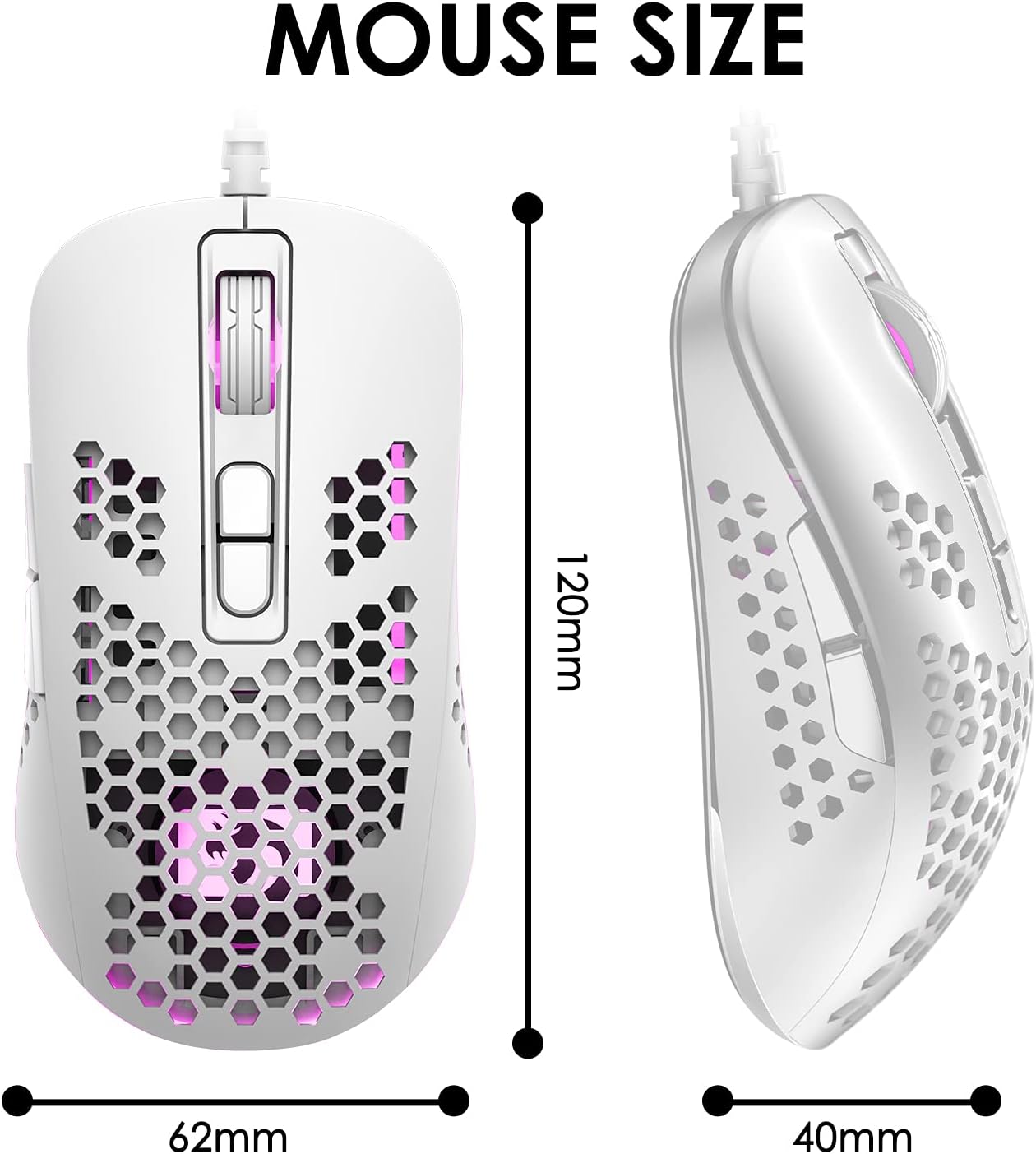
KUIYN 383 Ultralight Wired Gaming Mouse
Product description
What it is
The KUIYN 383 is a wired, ultralight gaming mouse featuring an O-shaped honeycomb shell. Designed to lower weight and improve airflow, it aims to keep your palm cooler during long sessions while preserving a comfortable grip. It’s built for versatile gaming with a PAW704 optical sensor and a total of seven programmable-feel buttons, backed by RGB backlighting for a bit of personalised ambience.
How it feels in use
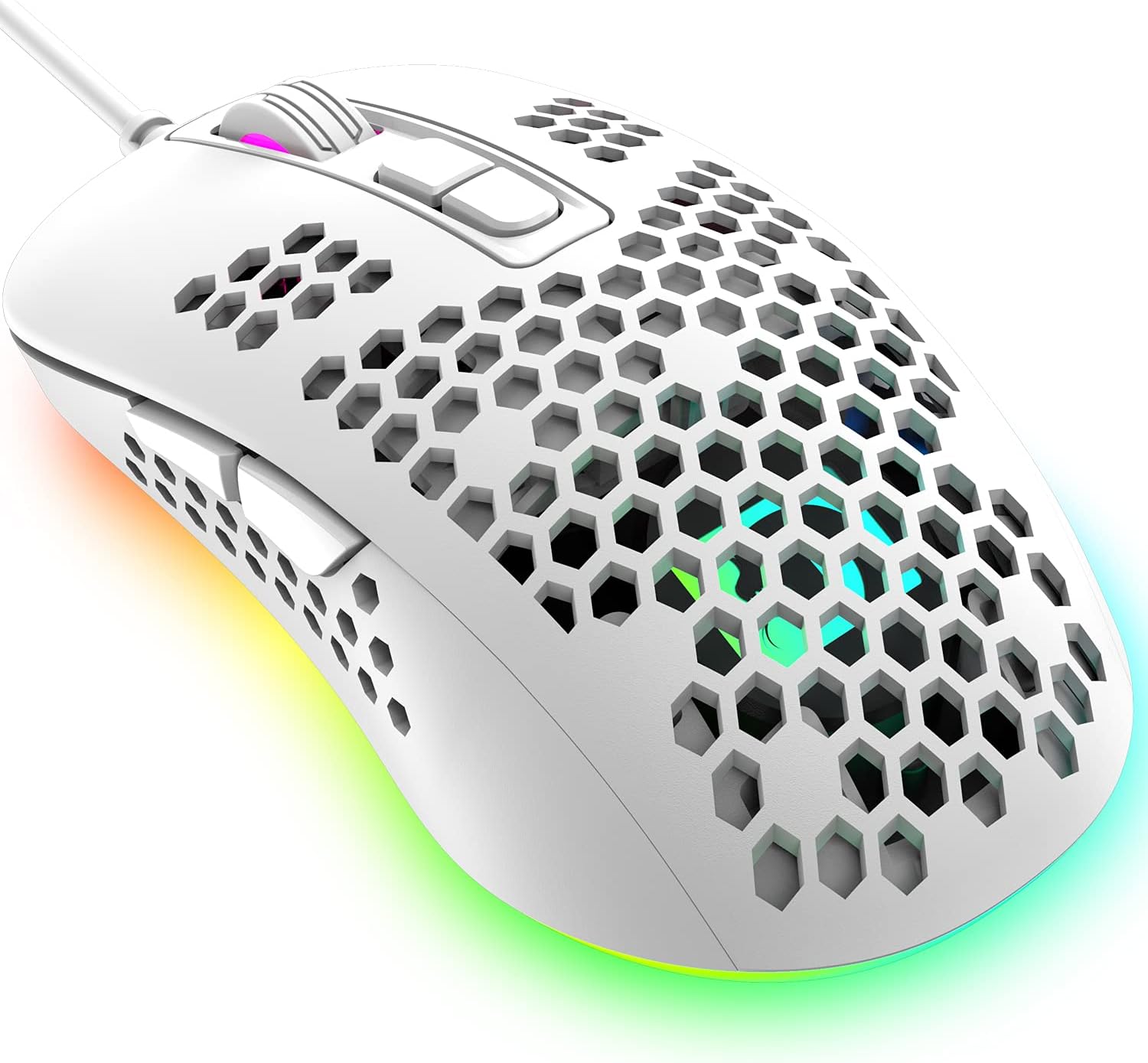
On the desk it feels light in the hand thanks to the honeycomb shell, which can help with quick, twitchy movements during fast-paced games. The shell design is meant to enhance ventilation, so palms stay drier, though you’ll want to verify how it fits your grip style. The ergonomic shape is pitched to suit long sessions without obvious fatigue, and the tactile feedback from the switches aims to be reliable across many clicks—up to 10 million cycles as indicated by the product details.
What stands out
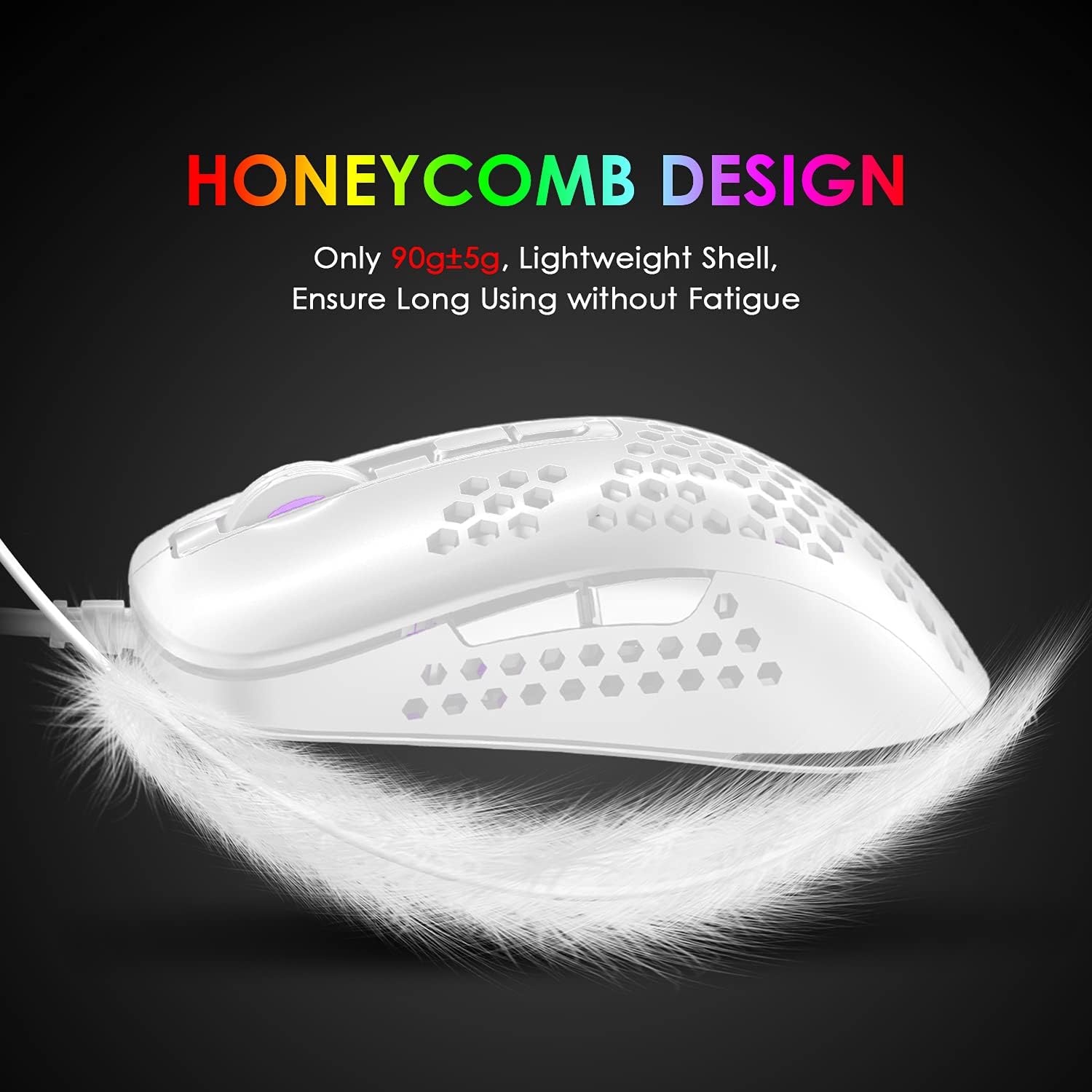
- Ultra-lightweight build with honeycomb perforation for heat dissipation and breathability.
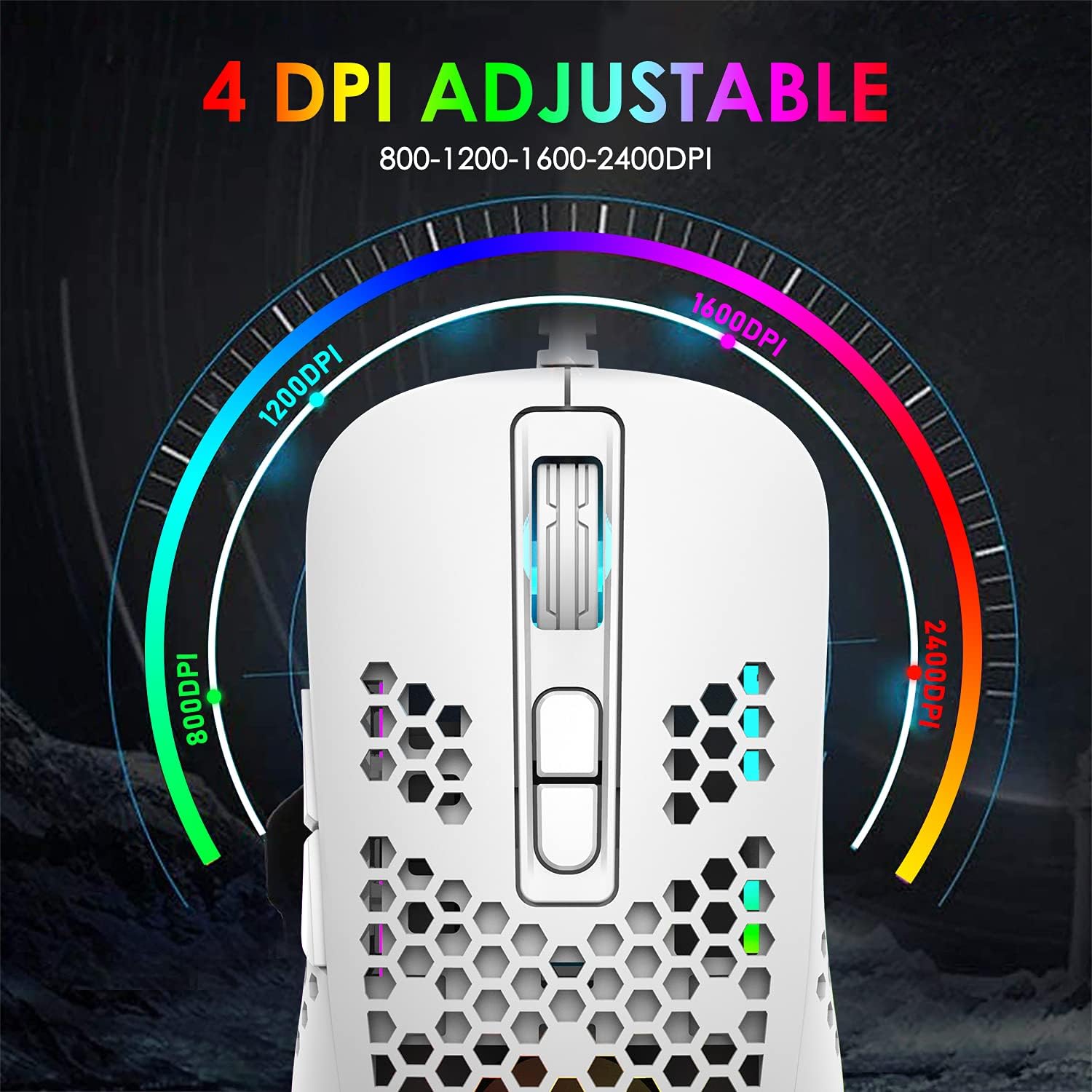
- Four DPI presets (800, 1200, 1600, 2400) enable quick on-the-fly adjustments during play.
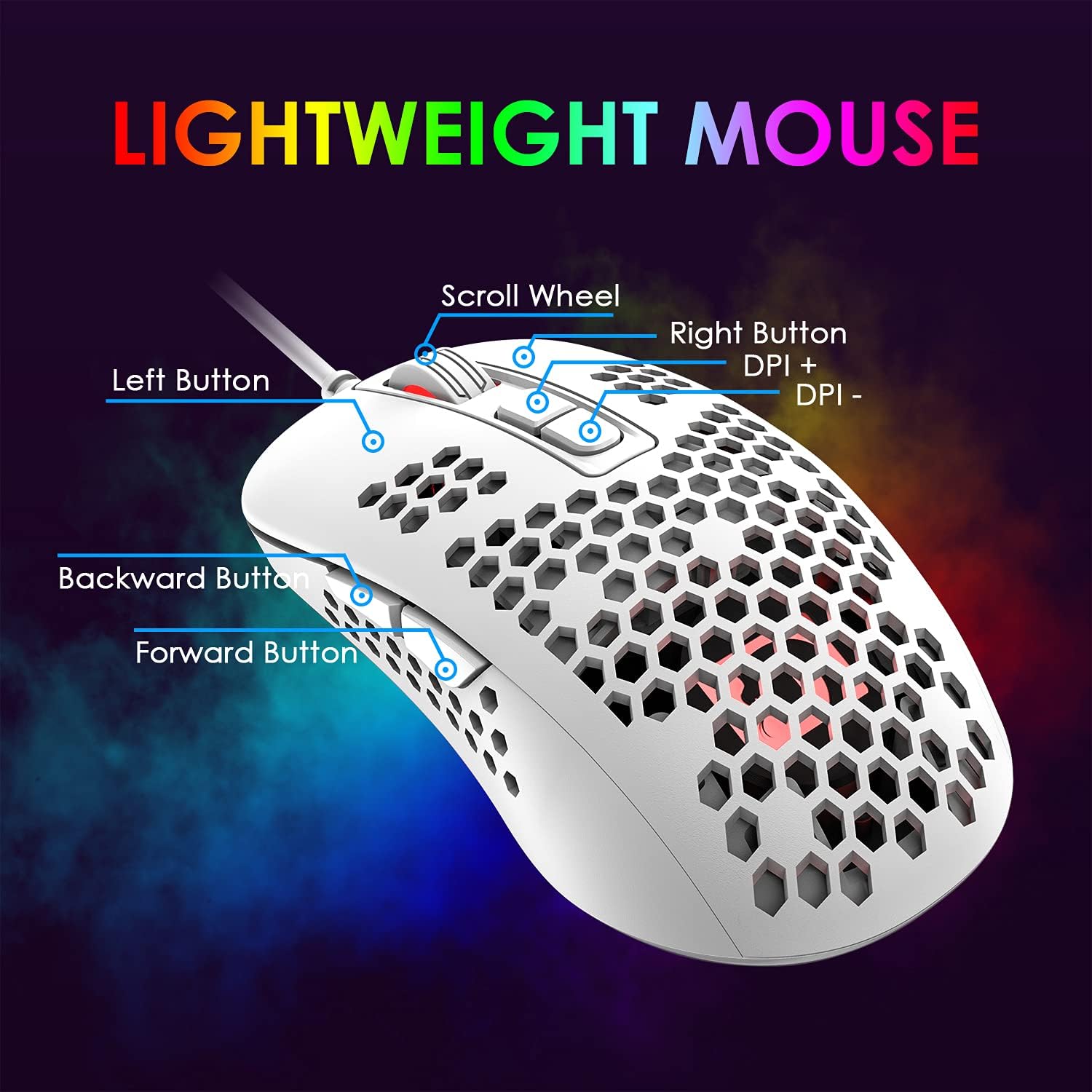
- Seven buttons with a claimed 10 million click lifespan, driven by a PAW704 gaming chip for responsive positioning.
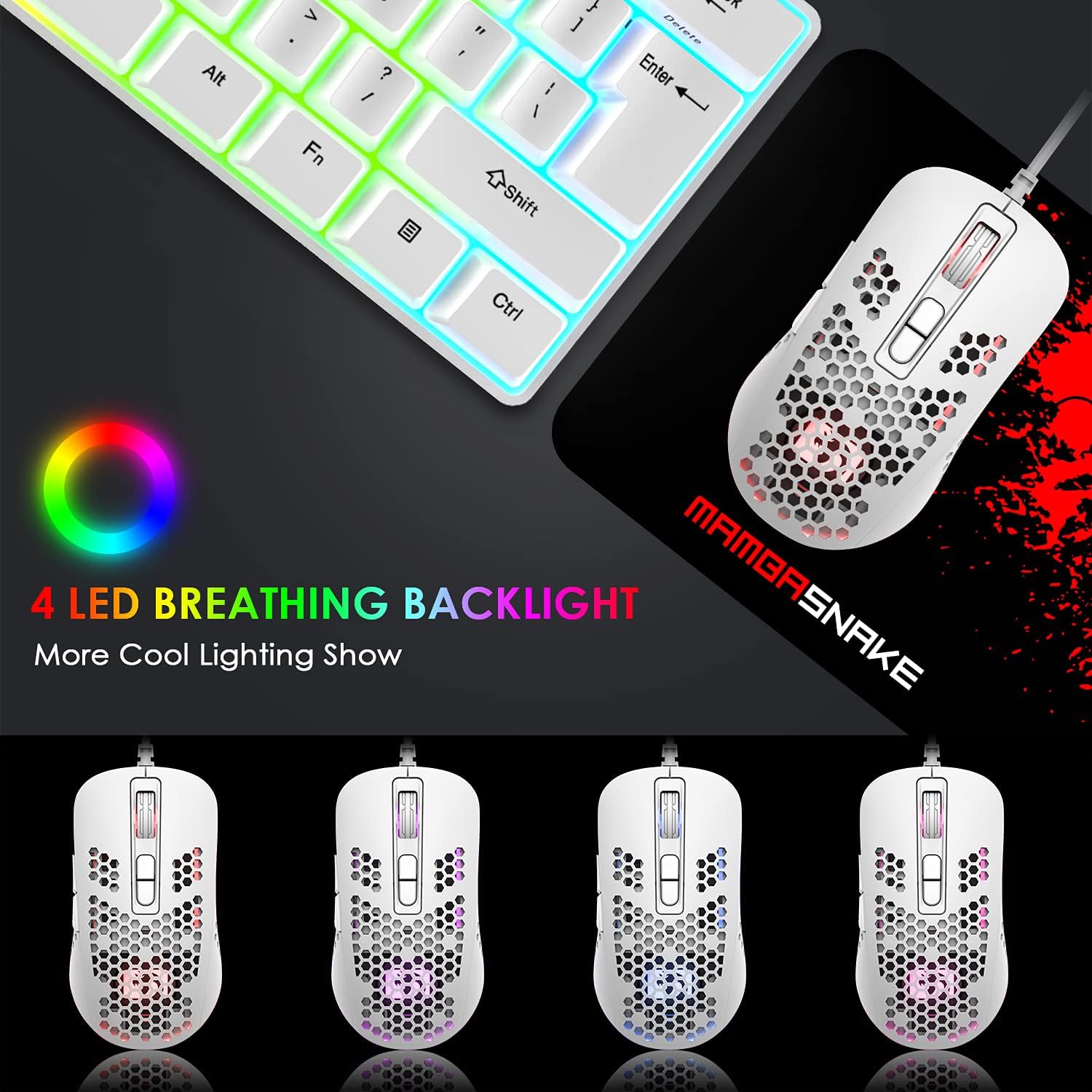
- Four monochrome RGB breathing lights that can be used to differentiate DPI settings and add a night-time visual cue.
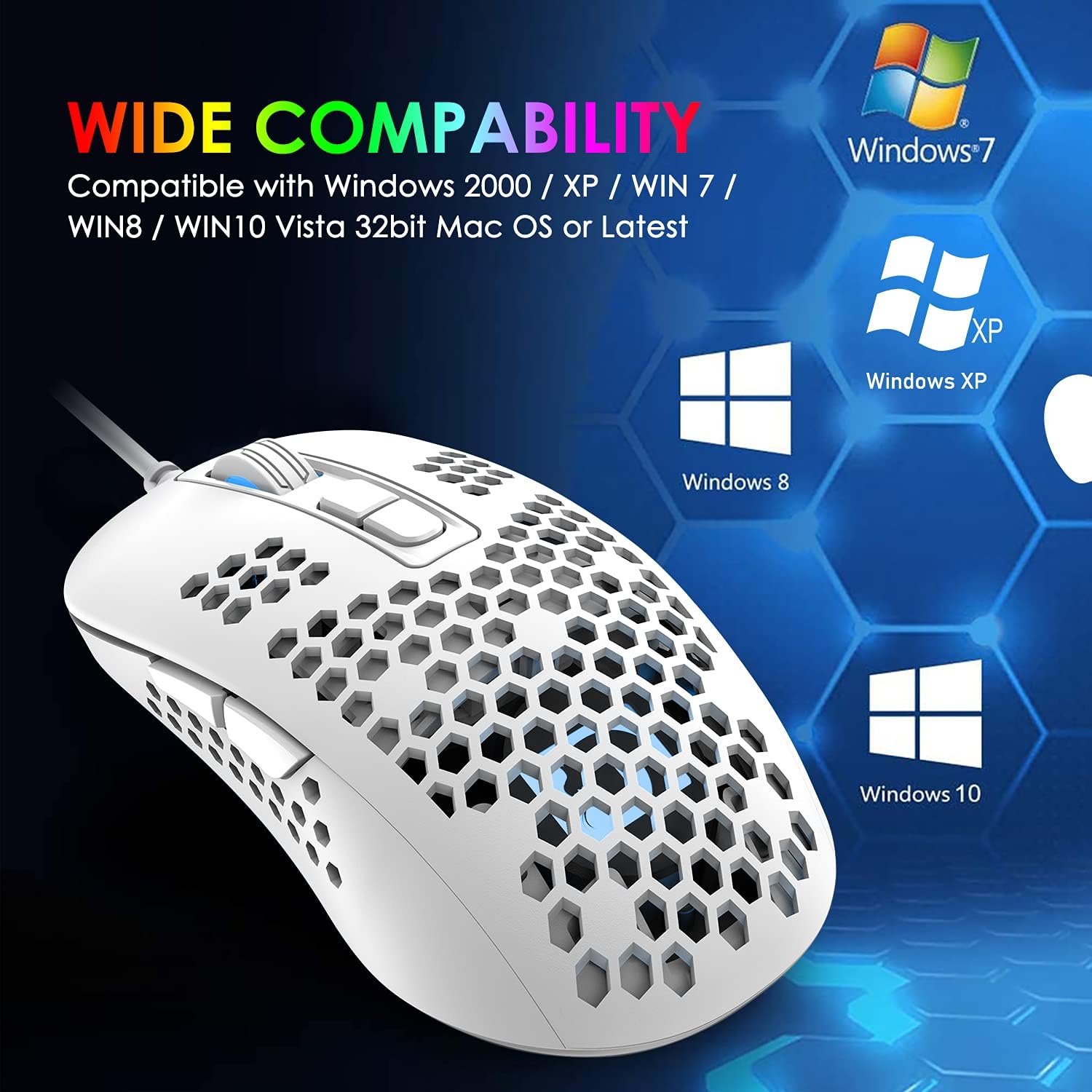
- No driver installation required for Windows XP through Windows 8 and compatible with later Windows versions and Mac environments, plug-and-play via USB.
Who it’s for
If you value a lightweight, no-fuss gaming mouse that can adapt to different game genres and sensitivity settings, this model is aimed at players who prioritise speed, comfort and simplicity over feature bloat. It could suit casual e-sports players, newcomers building a balanced setup, or anyone who prefers a compact, airy feel during long gaming sessions.
Who it isn’t the best option for
If you rely heavily on programmable macro profiles or a heavier chassis for a steadier aim, you may want something with more extensive software and weight options. Those who routinely game at very high DPI settings (beyond 2400) or require advanced palm-relief ergonomics might find the shape or sensor less aligned with their preferences.
Before you buy
- Check your current setup: it’s a USB wired mouse with broad compatibility, but if you’re hoping for driver-based customisation, this model emphasises plug-and-play simplicity.
- Consider grip style: the lightweight shell suits palm and claw grips, but the perforated design can feel quite thin for larger hands. If possible, try a test grip.
- Think about use case: for fast, reactive play, the 4 DPI steps provide quick on-the-fly adjustments, for precision-heavy tasks in non-gaming contexts, you’ll want to test how it tracks at different speeds.
Practical use examples
A typical scenario could be sprinting through a first-person shooter where rapid DPI swaps help with target acquisition at different distances. In a strategy game, the same DPI presets allow you to switch sensitivity on the fly when zooming in on a map. The honeycomb shell remains cool enough to prevent sweaty interludes during extended sessions, especially in warmer rooms.
Technical snapshot (brief)
- DPI settings: 800 / 1200 / 1600 / 2400
- Buttons: 7
- Sensor: PAW704
- Cable: wired USB
- Lighting: 4 RGB breathing modes
- Compatibility: Windows XP/Vista/7/8, Windows 10/11 compatibility implied, Mac and others via USB plug-and-play
FAQ
- Is software required to use this mouse? No, it is designed for immediate plug-and-play use, with DPI adjustments accessible via button presses.
- Will the honeycomb shell affect durability? The design prioritises lightweight feel and airflow, while it’s robust for everyday gaming, excessive pressure on the perforated area isn’t advised.
- Can I use it on macOS or consoles? It’s broadly compatible via USB, but certain platforms may offer limited macro functionality depending on system support.
Is it worth it?
Worth considering if you prioritise a light, straightforward gaming mouse with on-device DPI control and backlighting, without the need for complex software. It may not be the best fit if you require extensive software-based customization or a heavier build for stability in certain play styles.