

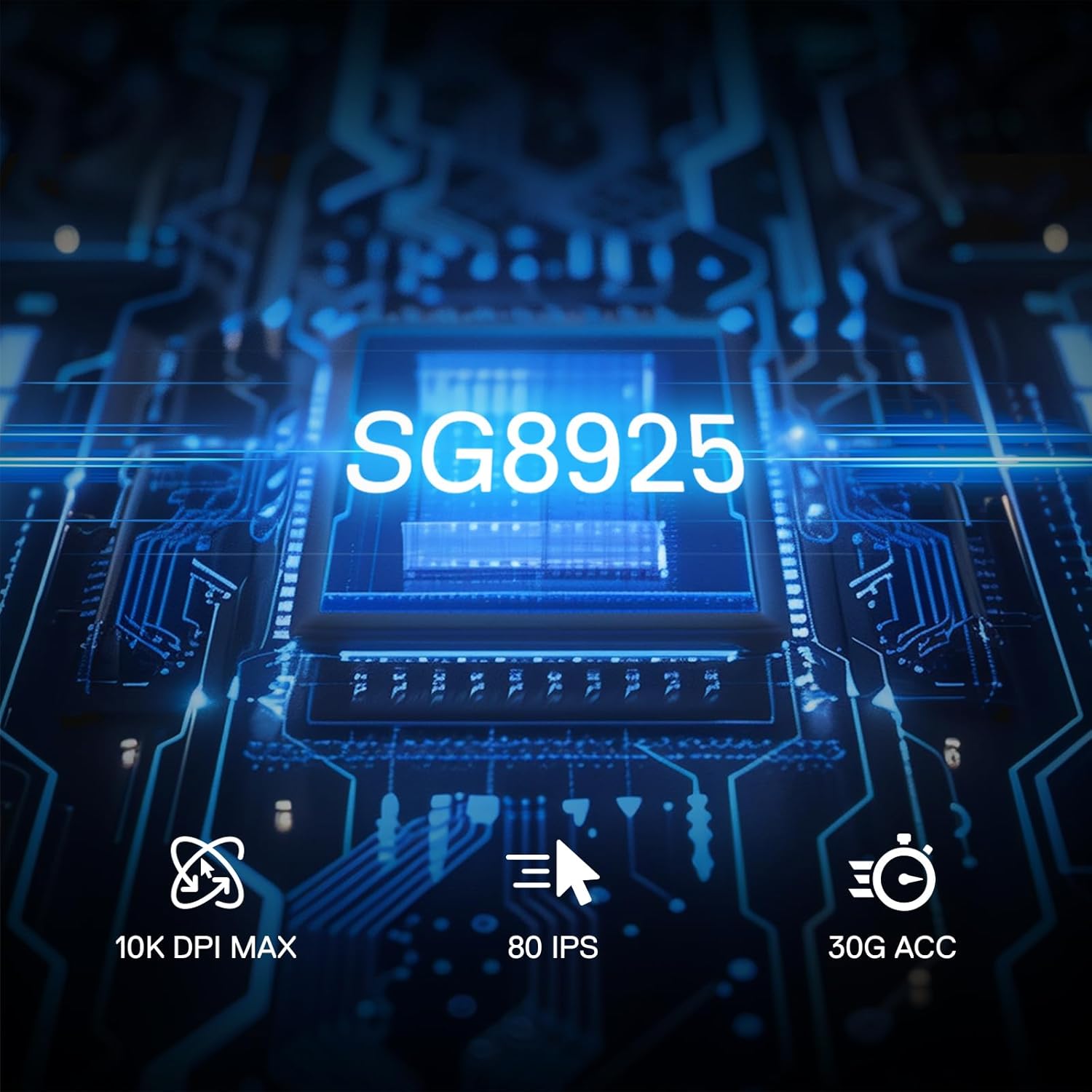
Redragon M616 RGB Gaming Mouse: 10000 DPI wired performer with six programmable buttons
Product description
What it is and who it’s for
The Redragon M616 is a wired optical gaming mouse featuring up to 10000 DPI, six programmable buttons and eight backlit modes. It’s designed for gamers who want a practical, budget-friendly option that can be customised for different games or work tasks. If you prioritise easy software-based keybinds and a comfortable, fatigue-resistant grip, this model aims to offer a balanced mix of precision and practicality without venturing into high-end price territory.
How it performs on paper
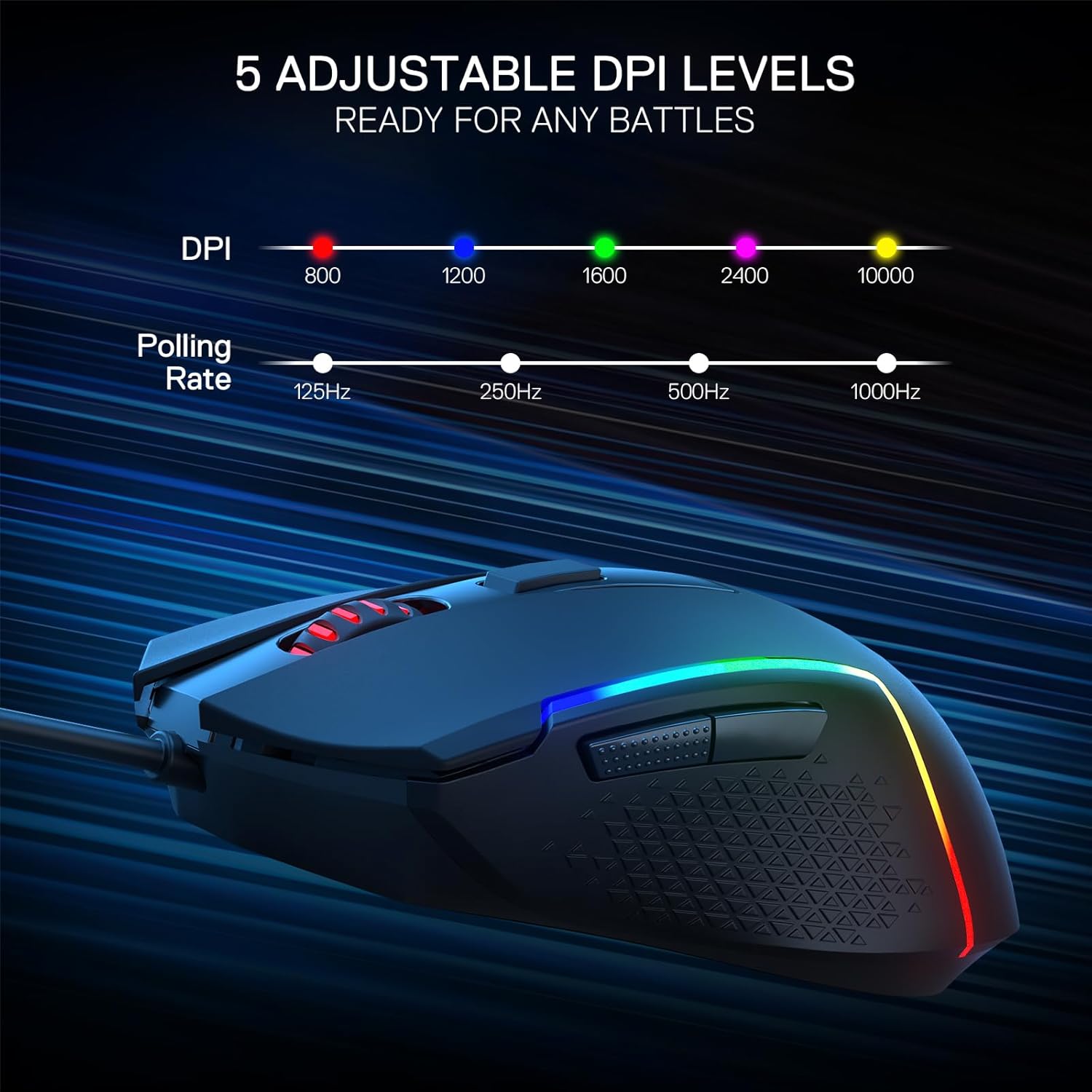
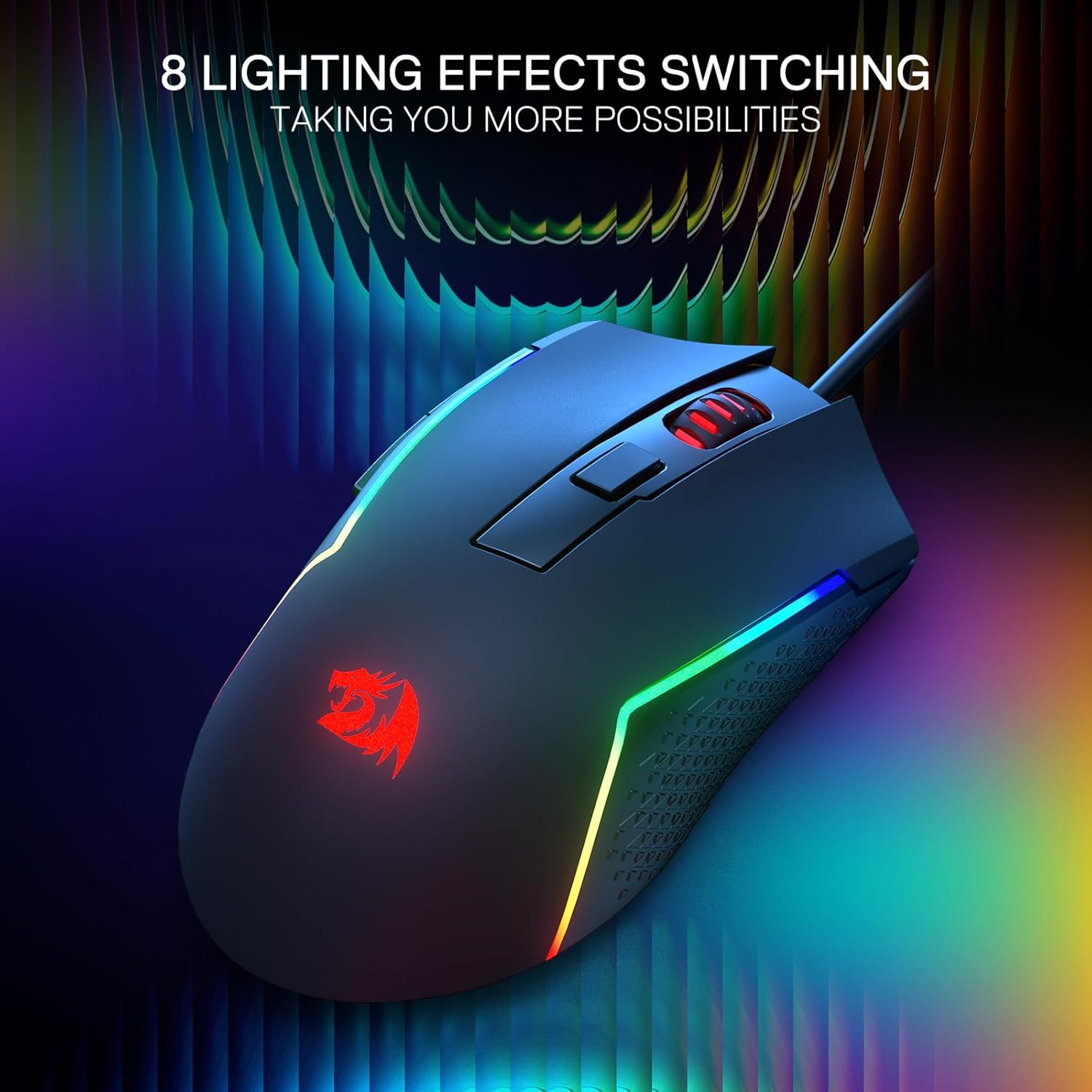
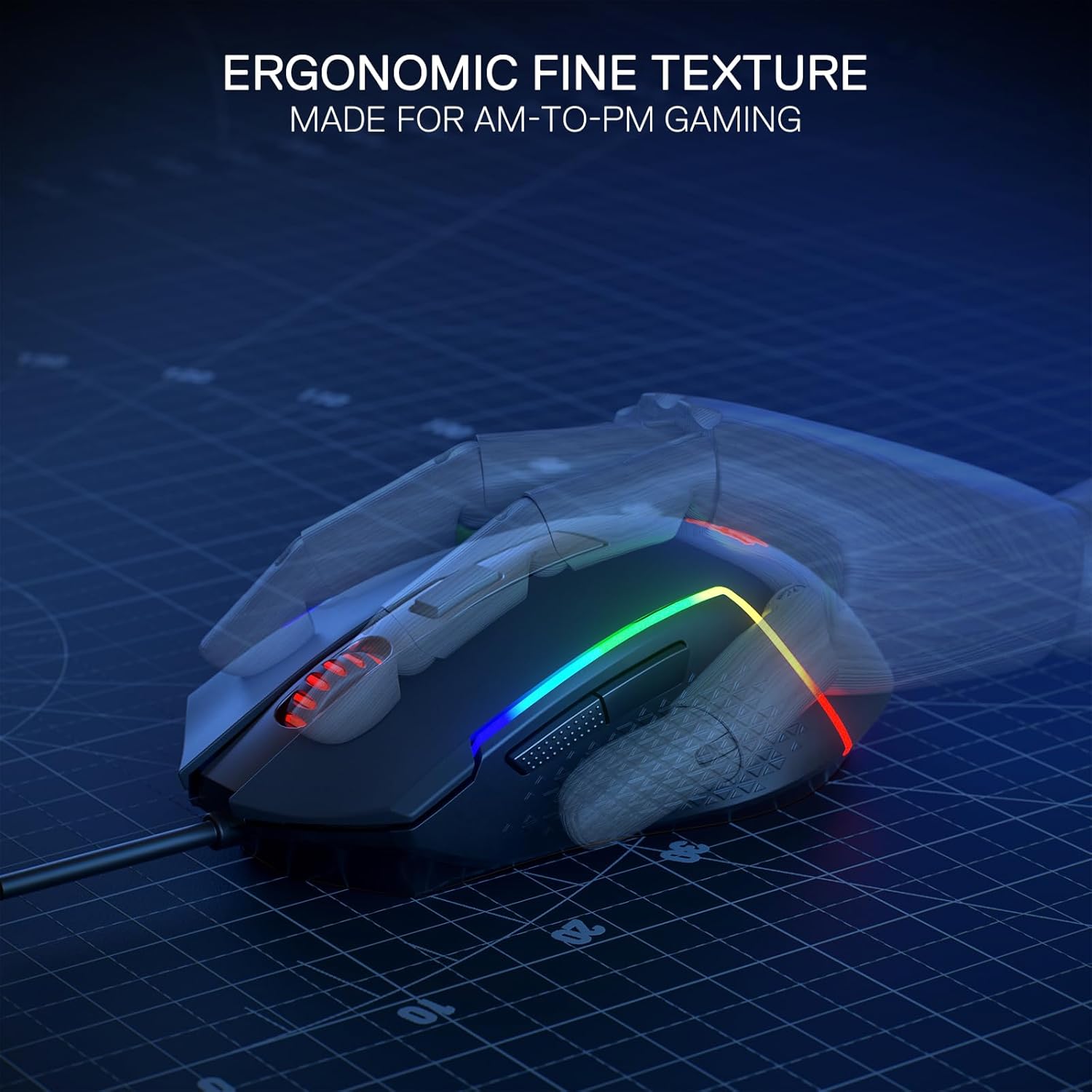
On the surface, the M616 provides a straightforward DPI range with five preset levels (800/1200/1600/2400/10000) and the ability to adjust a DPI value within software. The left side’s rubber texture and a frosted coating on the top surface are chosen to improve grip and reduce fingerprint accumulation during long sessions. The eight backlit modes add a visual flair, but you won’t be paying a premium for RGB effects at the expense of comfort or basic reliability.
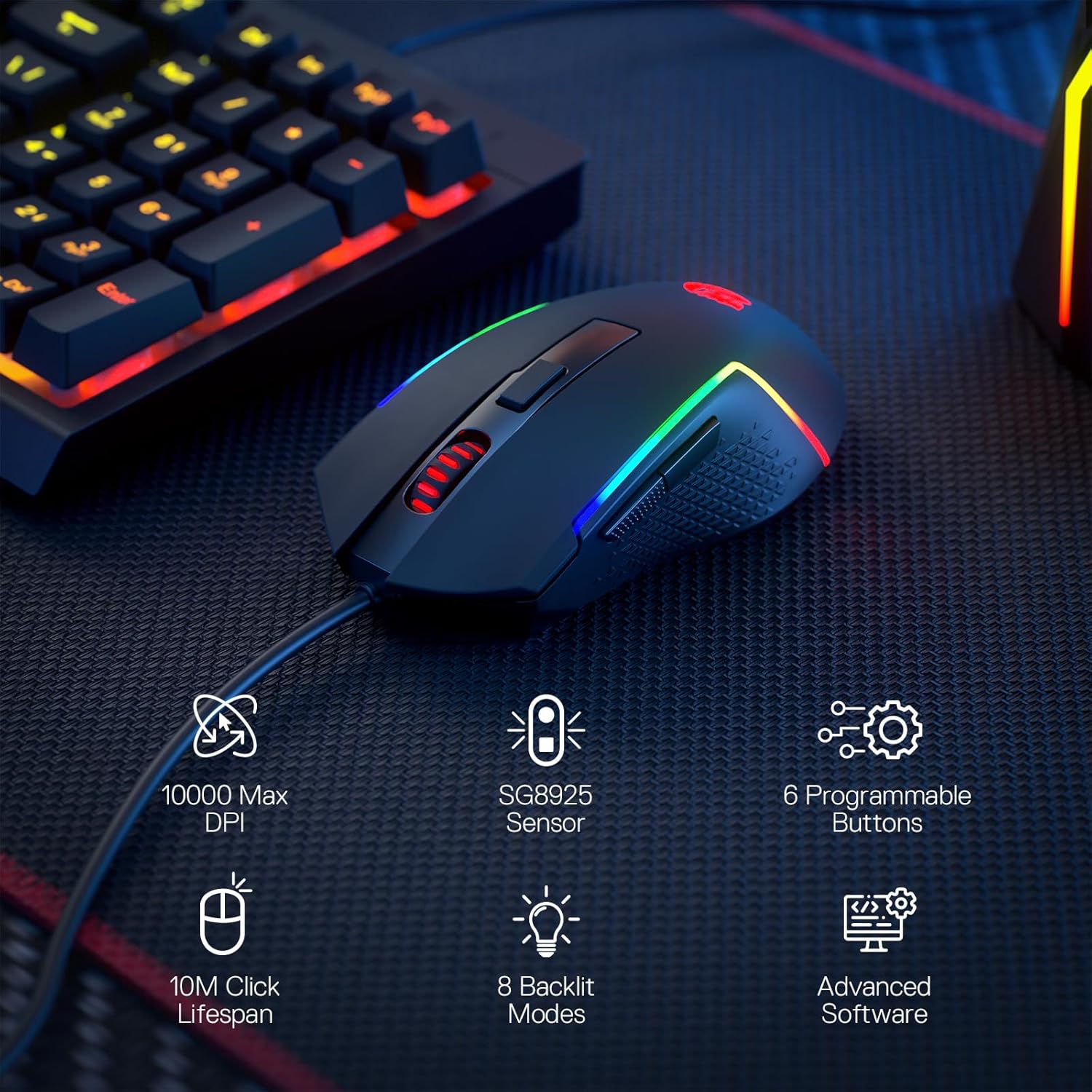
Comfort and feel in use
The ergonomic, generally claw-friendly shape is aimed at reducing fatigue for extended gaming or productivity sessions. The materials intend to strike a balance between a smooth glide and secure control. If you often switch between games that need rapid DPI changes or multi-button macros, the 6 programmable buttons can be customised to fit your setup. Keep in mind that some users may find the gloss-free, frosted surface more appealing for long uses rather than slick, high-gloss finishes.
What stands out day to day
- Modest build with a focus on grip and repeatable button action.
- A practical DPI ladder and software-based keybinds to tailor controls to different titles or workflows.
- 8 backlit modes offer subtle ambience rather than loud illumination, which can be preferable for quiet setups.
Limitations to consider
No product is perfect, and the M616 is primarily positioned as an entry-to-mid level option. If you demand super-premium switches, ultra-lightweight design, or advanced sensor tech, this model may feel comparatively basic. The software support exists for DIY keybinds, but the depth of configuration won’t match higher-tier mice in every scenario. If you rely on ultra-precise drag-snap or aggressive weight reduction, you might want to look at alternatives with specialised hardware tuning.
Who it’s for
This mouse suits gamers who want a reliable wired option with customisable controls and decent grip at a sensible price. It’s also workable for productivity tasks that benefit from programmable shortcuts, such as video editing or general PC work, where a few macros can speed up common actions.
What to check before you buy
- Confirm the software compatibility and whether you can reliably assign keys for your favourite titles.
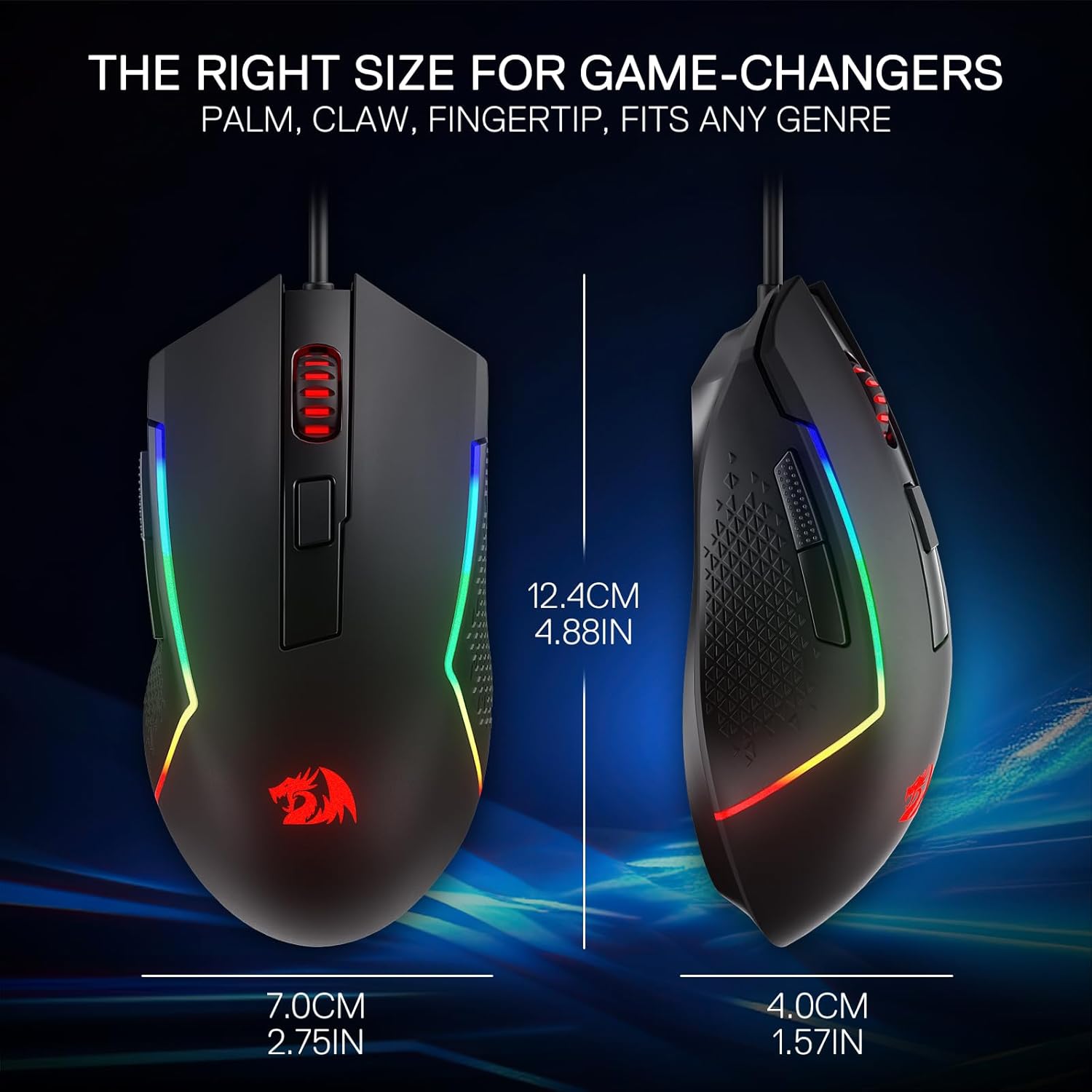
- Consider your preferred grip style (claw, fingertip, or palm) and whether the M616’s size and shape align with it.
- If lighting matters to your setup, explore how the eight backlit modes interact with other RGB accents in your desk arrangement.
How it compares to other approaches
Compared with high-end mice, the M616 trades some hardware edge for value. If you want ultra-high DPI, bespoke switches, or featherweight construction, you’ll likely prefer a premium option. For most players who need solid accuracy and flexible macros without breaking the bank, this model sits in a sensible middle ground.
Should you buy it?
A practical pick if you want a wired mouse with configurable buttons and a comfortable grip without a premium price tag. It may not be the best choice if you crave leading-edge sensors, ultralight design, or top-tier build materials. It’s worth considering if you value customisation via software and a straightforward, dependable daily driver for both gaming and basic work.
FAQ
- Does the DPI switchable stop at specific presets? Yes, with five predefined levels plus software-driven adjustment.
- Are the macro buttons easy to reprogram? They are described as reassignable and programmable, suitable for various games and tasks.
- Is the surface scratch-resistant? The frosted coating is intended for fingerprint resistance and a comfortable feel, though longevity depends on usage and cleaning.