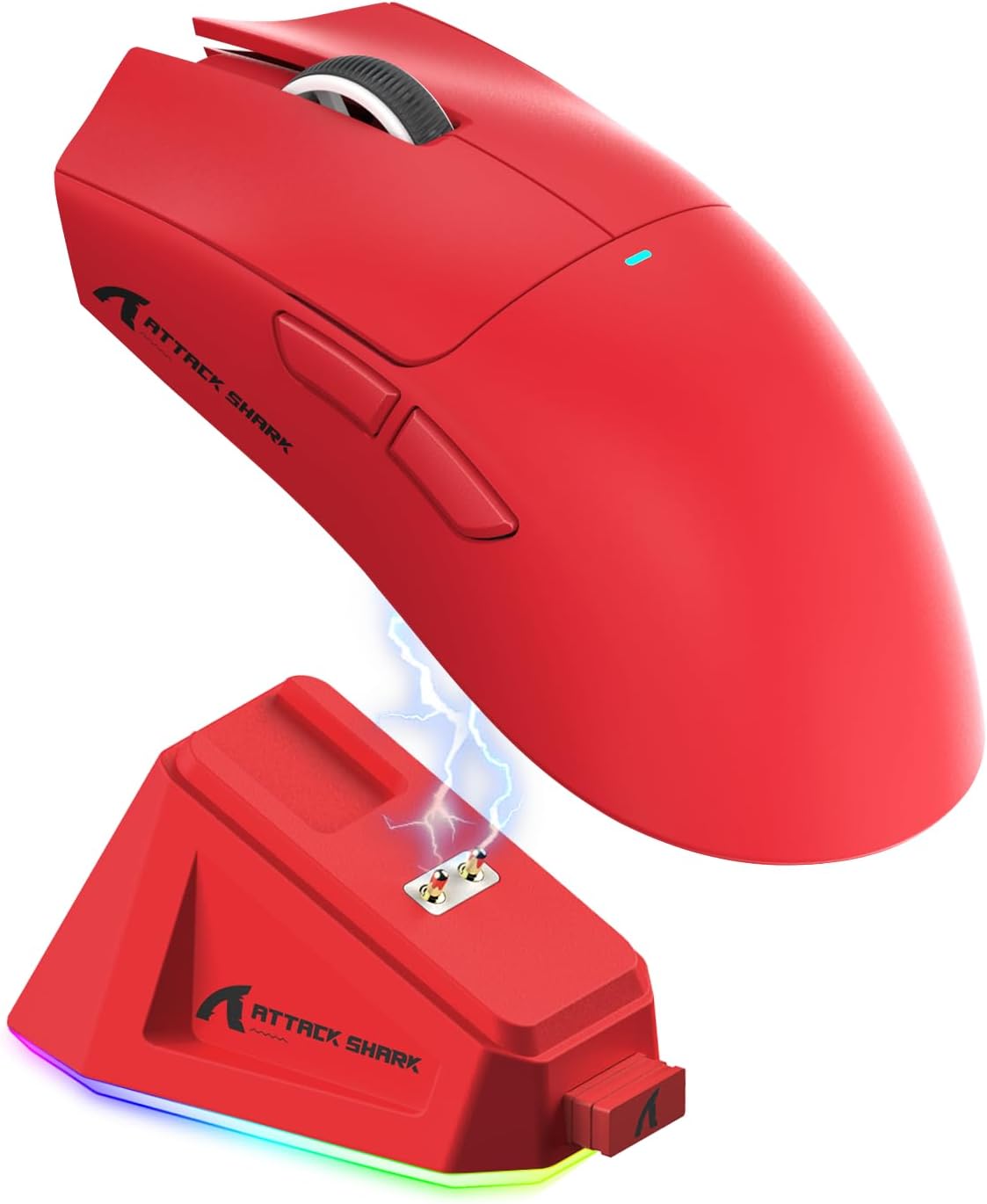
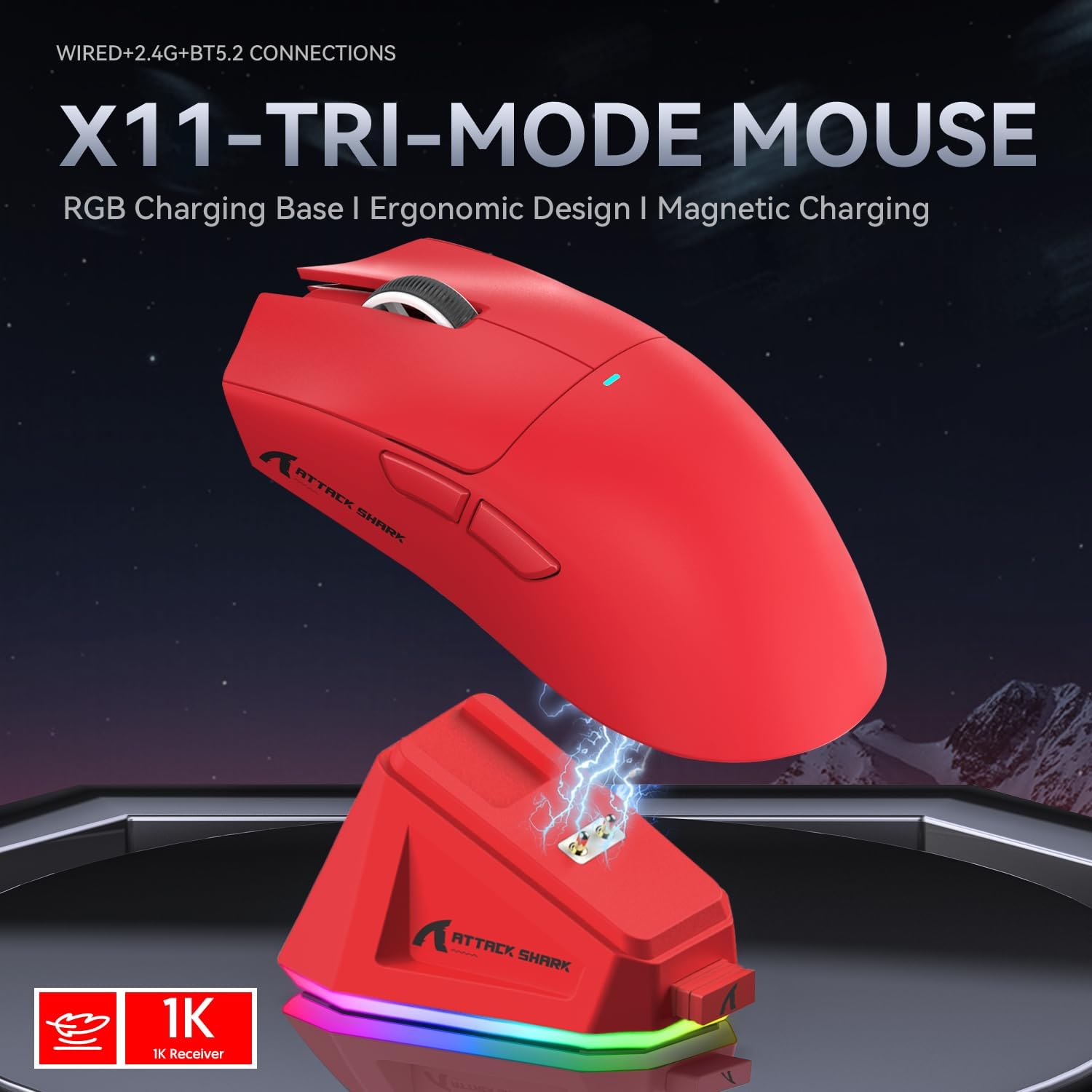
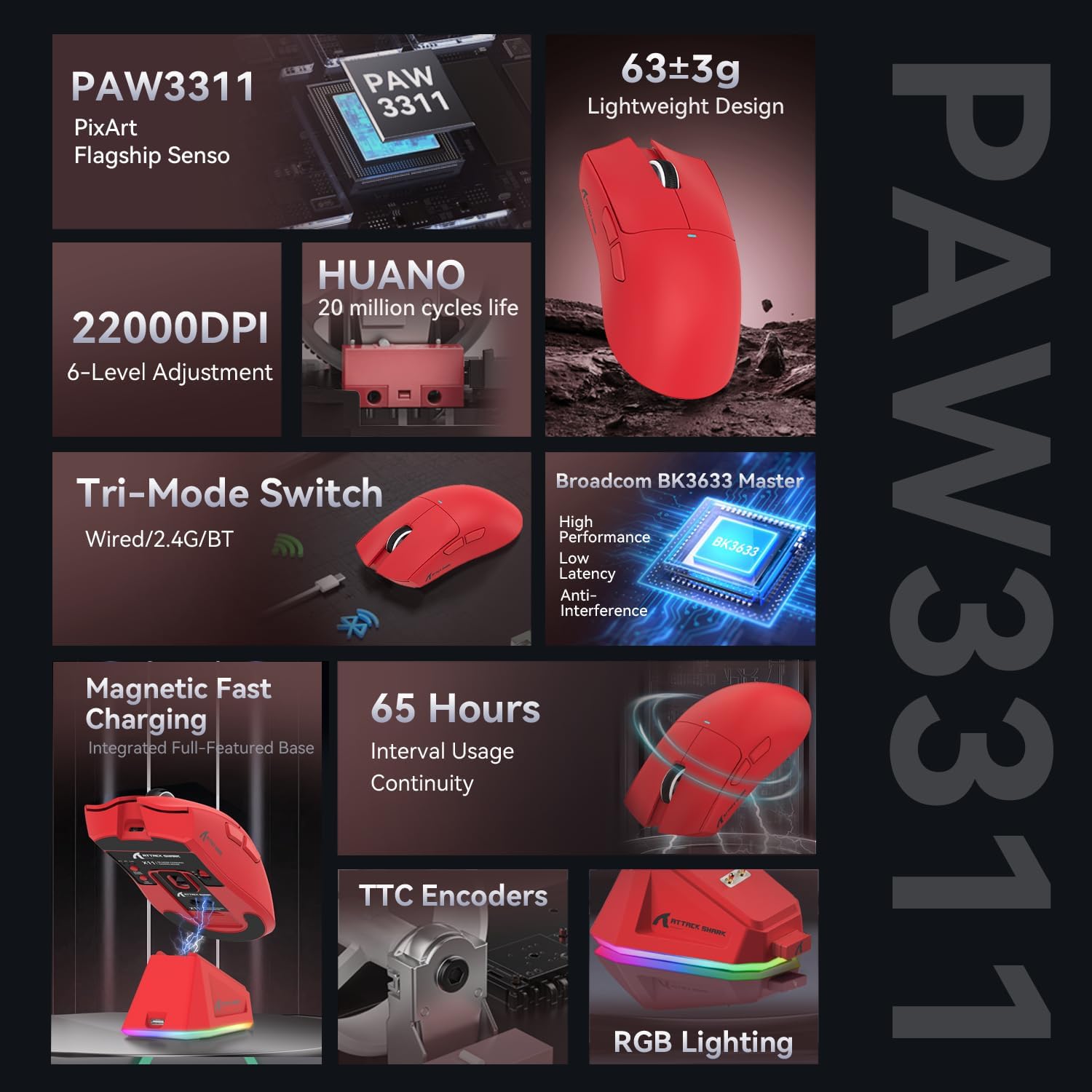
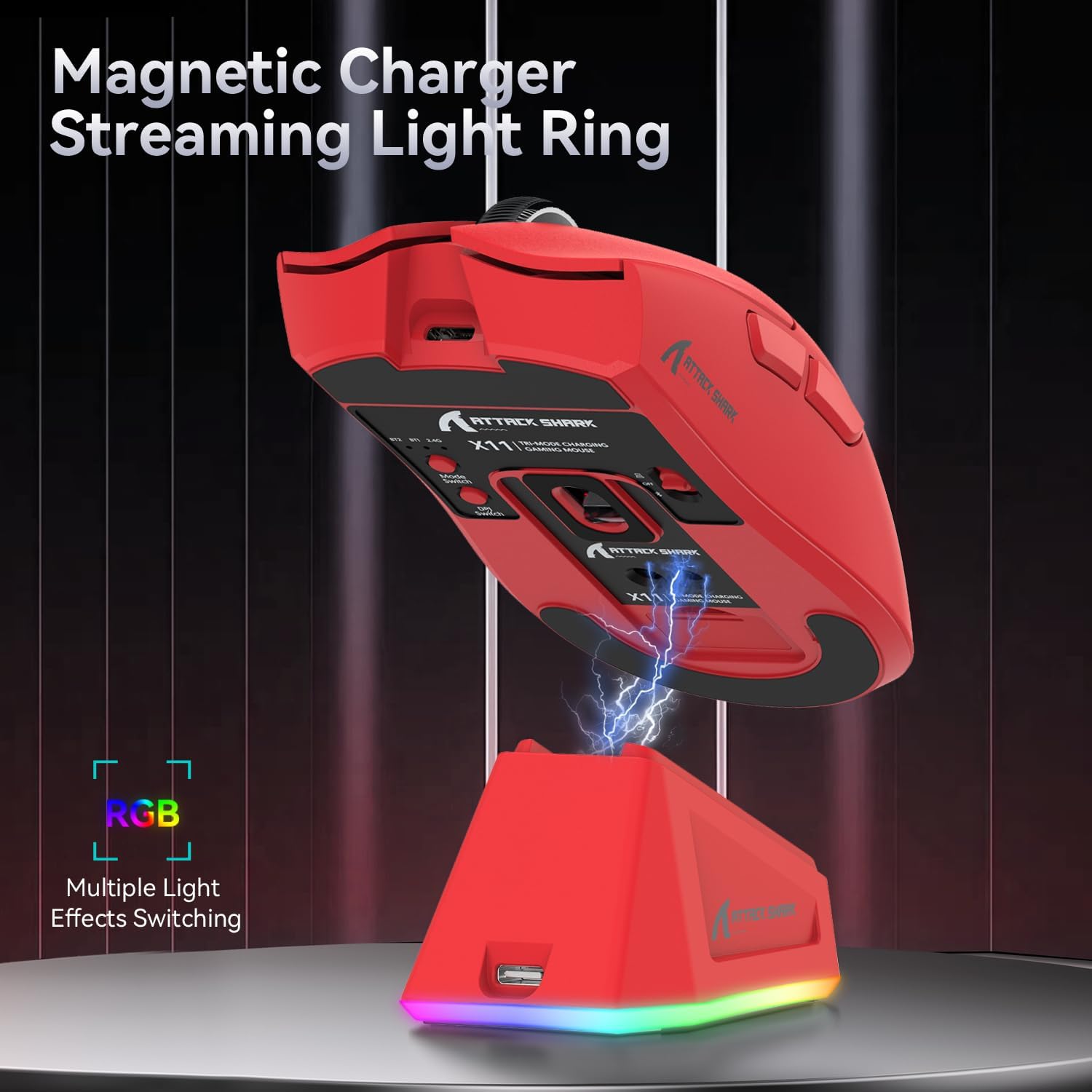
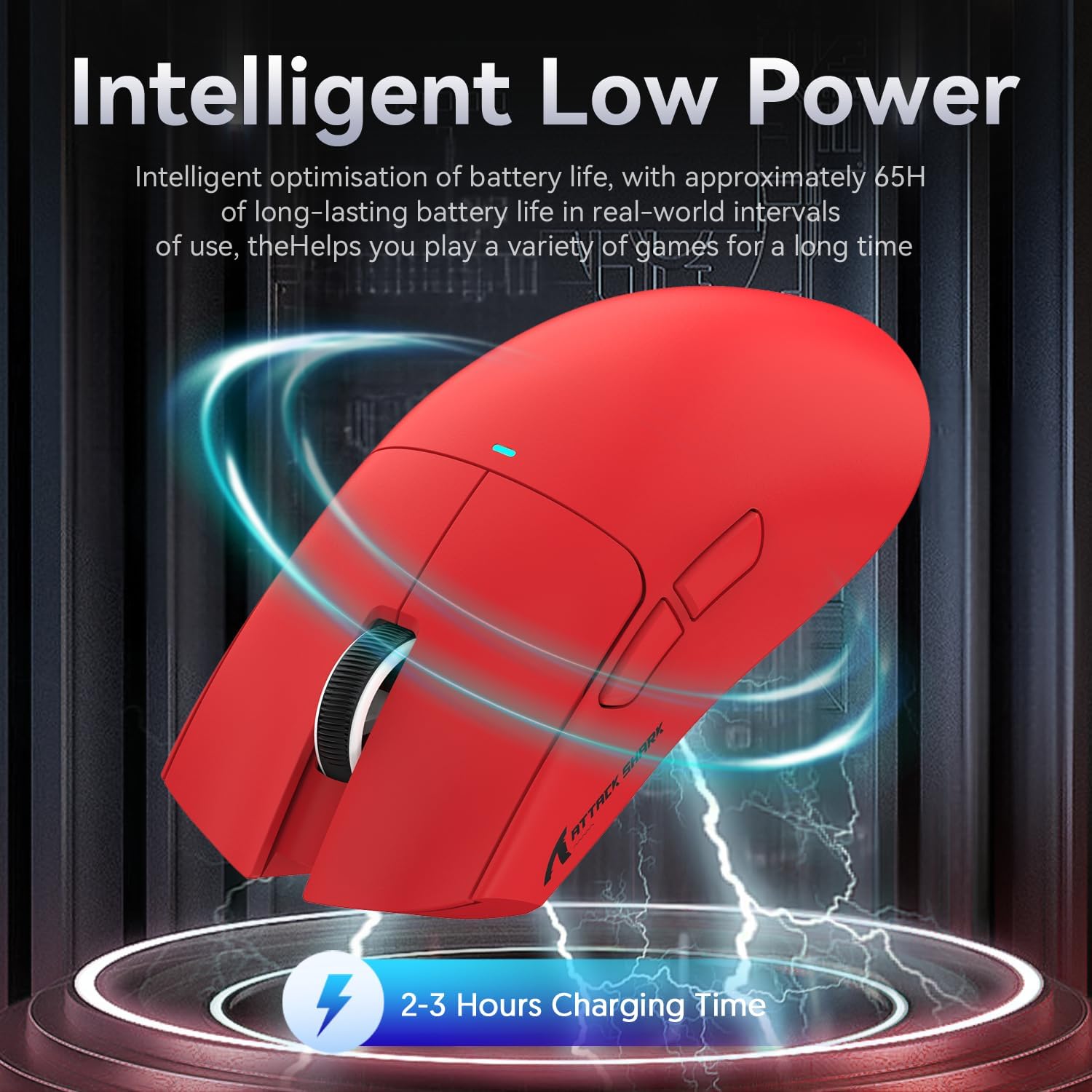
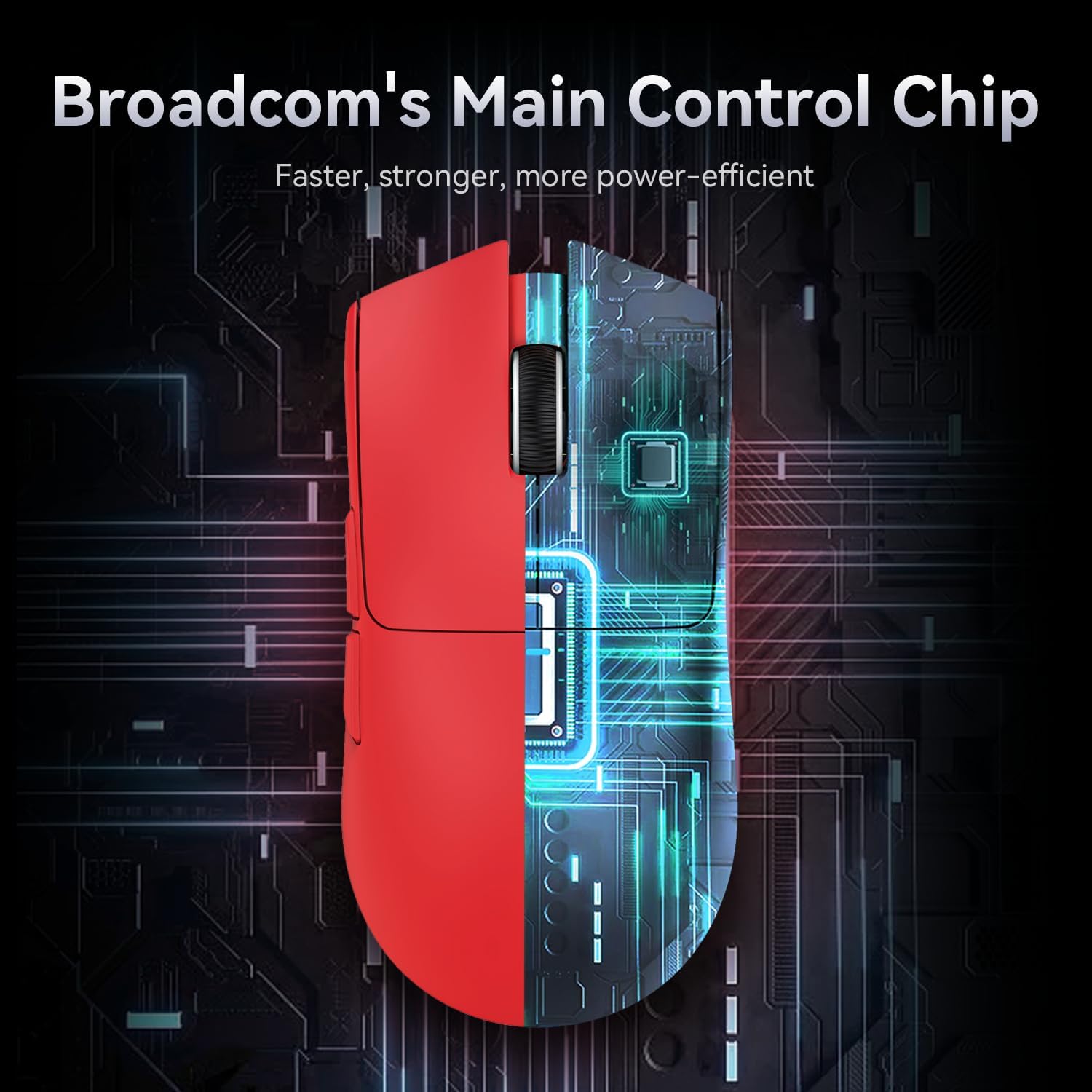
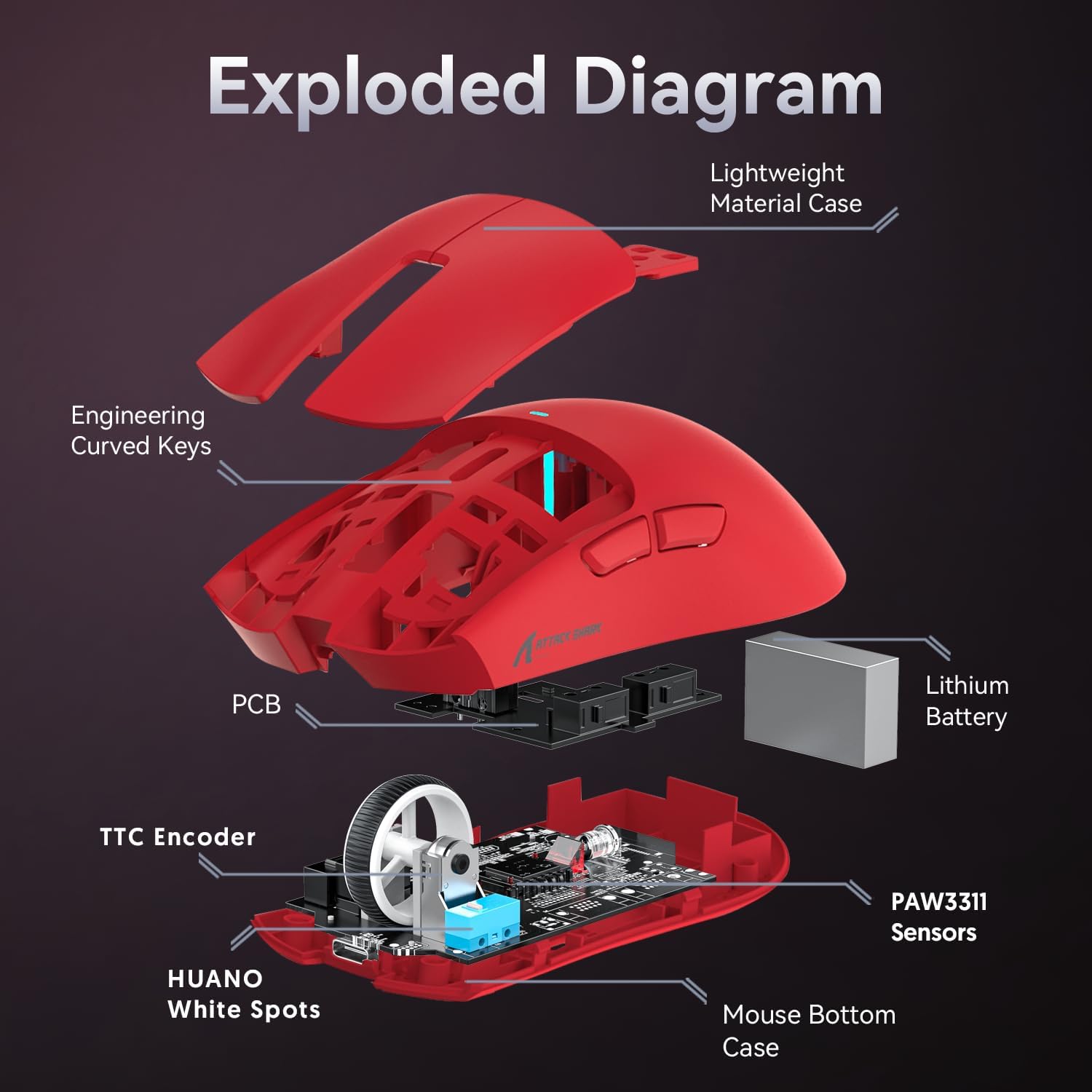
What it is and who it’s for\nThe Attack Shark X11 is a versatile gaming mouse that also aims to handle daily work tasks. It combines a PixArt PAW3311 sensor with a high 22,000 DPI and six DPI levels, a magnetically guided charging dock, and three connection modes (wired USB-C, 2.4GHz wireless, and Bluetooth). If you value convenience, lightweight design, and a single device capable of covering both gaming and office use, the X11 is worth considering.\n\n## How the magnetic charging dock changes things\nThe dock design is practical: drop the mouse on the base and it charges without fuss. It adds a tidy charging solution for desk setups and helps avoid battery anxiety during long sessions. The touch switch on the dock also lets you cycle lighting effects, which is a small flourish for those who enjoy personalised aesthetics.\n\n## Core tech: sensor, weight, and durability\nThe PixArt PAW3311 sensor is paired with a lightweight 63g chassis, thanks to liquid nitrogen cooling injection moulding. This lightness can help with rapid crosshair movements and rapid tracking in fast-paced games. For long sessions, the reduced weight may lessen fatigue, though some users may need a brief acclimatisation period if they’re used to heavier mice. The X11 uses HUANO micro switches rated for up to 20 million clicks, which is a meaningful durability claim for a gaming peripheral used intensively.\n\n## Connectivity in one box\nThree modes offer flexibility: wired USB-C for zero-latency play, 2.4GHz for a solid wireless connection, and Bluetooth for quick pairing with laptops or mobile devices. Swapping between modes is controlled by a back-of-mouse button, which helps keep the setup tidy and nimble across different games and tasks.\n\n## What stands out in everyday use\nIn practical terms, you’ll notice the mouse is light, responsive, and easy to carry between gaming and work. The magnetic dock reduces the need to fiddle with charging cables during a gaming session or a busy workday. The compromise is that you’re relying on the dock in daily charging scenarios, if the dock is misplaced or not accessible, charging becomes less convenient.\n\n## Pros and cons at a glance\nPros: lightweight design, versatile three-mode connectivity, high DPI range, durable switches, magnetic charging dock.\nCons: the extra dock is a separate accessory, some users may find the DPI adjustments and profiles take time to fine-tune for muscle memory, the marketing language suggests “flagship” sensor features, but real-world gains may vary by game and grip style.\n\n## Who it’s for and who it isn’t\nIt suits gamers who want a flexible device that can double as an office mouse, especially if you value a fast response and a light touch. It’s a reasonable choice for someone who travels with a laptop and uses Bluetooth while also occasionally gaming. It may not be ideal for players who prefer heavier mice, those chasing ultra-precise fingertip control, or users who require a more compact ergonomics profile that prioritises a different grip.\n\n## When does it make sense to buy\nIf you want a single device that covers gaming and everyday productivity, and you value a magnetic dock for regular charging, the X11 offers a practical solution. The 22,000 DPI ceiling is appealing for precision, though for casual use, lower DPI settings are perfectly adequate.\n\n## What to check before you buy\nConfirm your desk space for the charging dock and ensure your preferred gaming setup can accommodate three modes without driver friction. Consider whether you’re comfortable with a 63g weight if you’re switched from a heavier daily driver.\n\n## Practical usage example\nImagine a fast-paced shooter during a late evening session: you’ve got the X11 in Bluetooth mode for your laptop, you swap to 2.4G for a responsive wireless connection mid-game, and when you’re done, you place it on the magnetic dock to top up the battery while you make a quick coffee. The tactile dock light switch is a small but handy feature that adds a touch of customisation without distracting from the game.\n\n## Technical snapshot (brief)\nThe mouse uses a PixArt 3311 sensor with up to 22,000 DPI, six DPI steps, 63g weight, HUANO micro switches rated to 20 million clicks, three connection modes via BK3633 chip, and a magnetic charging dock.\n\n## Final verdict\nIs it worth it? It makes sense if you’re seeking a capable, adaptable mouse that sits comfortably between gaming and productivity, with a neat charging dock as a daily convenience. If you prioritise ultra-heavy ergonomics or want a device that excels at one niche (e.g., pure palm-based grip or a performance-focused sensor with a custom explanation), you might find it less compelling. You’ll want to verify compatibility with your PC or console and ensure the dock setup fits your workspace.\n\n## FAQ\nQ: Can I game while charging? A: The dock is primarily for charging, you’ll likely use it between matches or during short breaks.\nQ: Is there software to customise DPI profiles? A: The base data references a high DPI and six levels, but it does not specify software requirements.\nQ: How does the weight feel in long sessions? A: At 63g, it’s very light and can reduce fatigue, but individual comfort varies with grip style.\nQ: Will the three modes affect latency? A: Wired USB-C typically offers the lowest latency, wireless modes may introduce minor variance depending on interference.\n