

TECKNET Wired Keyboard for Mac with Number Keypad – UK layout, Type-C & USB-A
Product description
What it is
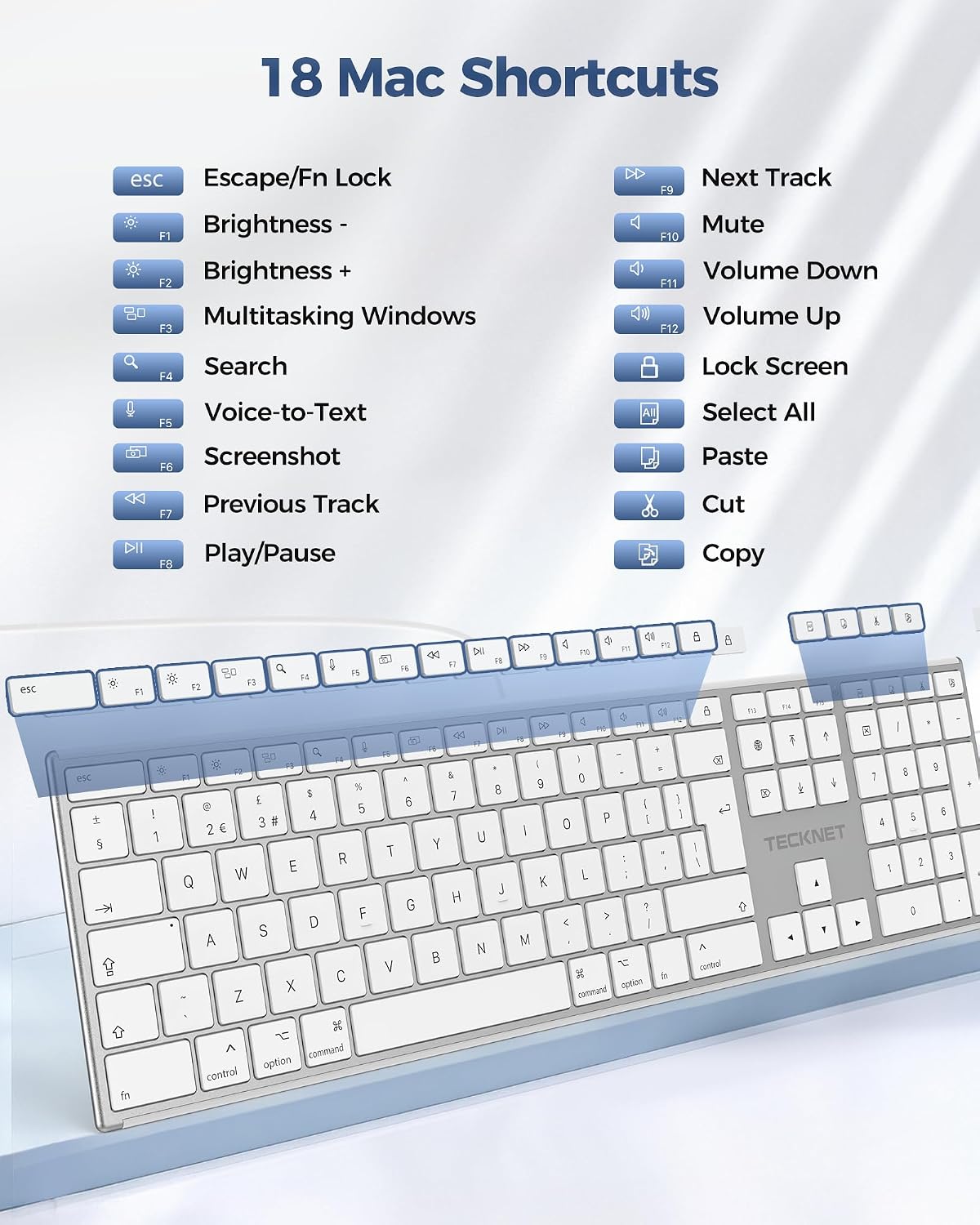
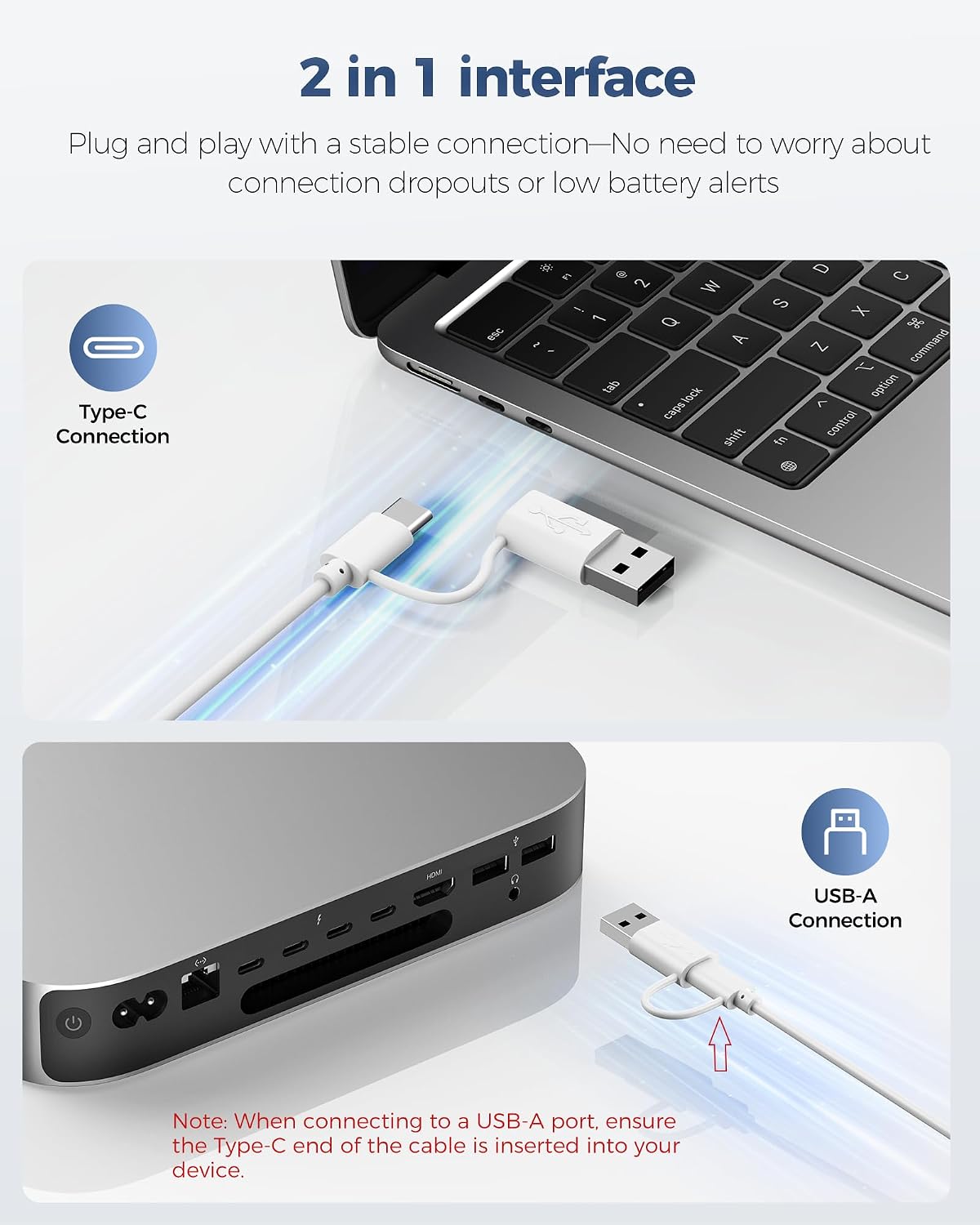
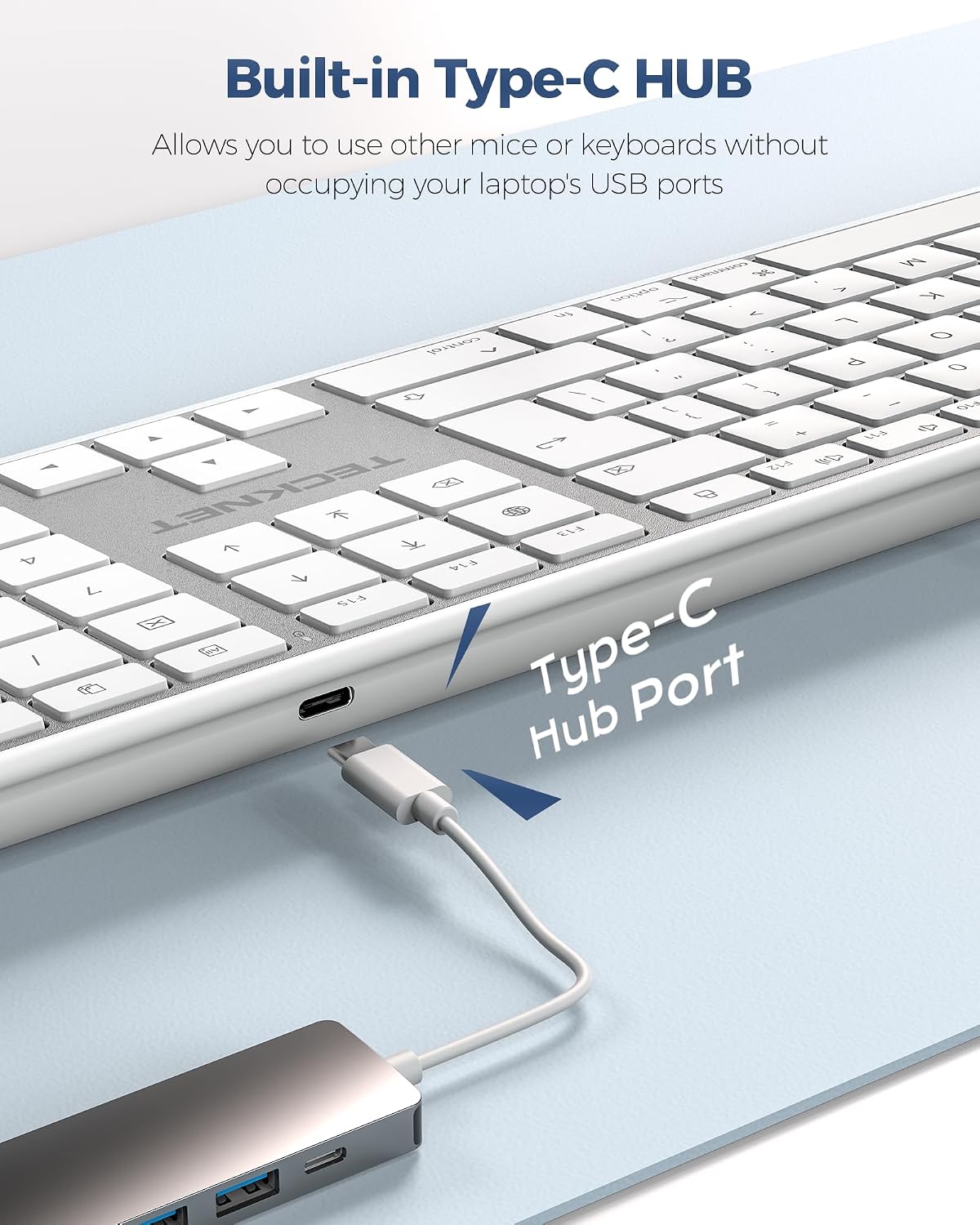
TECKNET’s wired keyboard for Mac is a full‑size, number‑pad keyboard designed to sit alongside Mac notebooks and desktops. It uses dual connectivity (Type‑C and USB A) for plug‑and‑play use without Bluetooth or batteries, and it includes an integrated USB‑C hub to expand your device connectivity. The UK QWERTY layout keeps familiar key placement for comfortable, quick typing.
Compatibility and setup
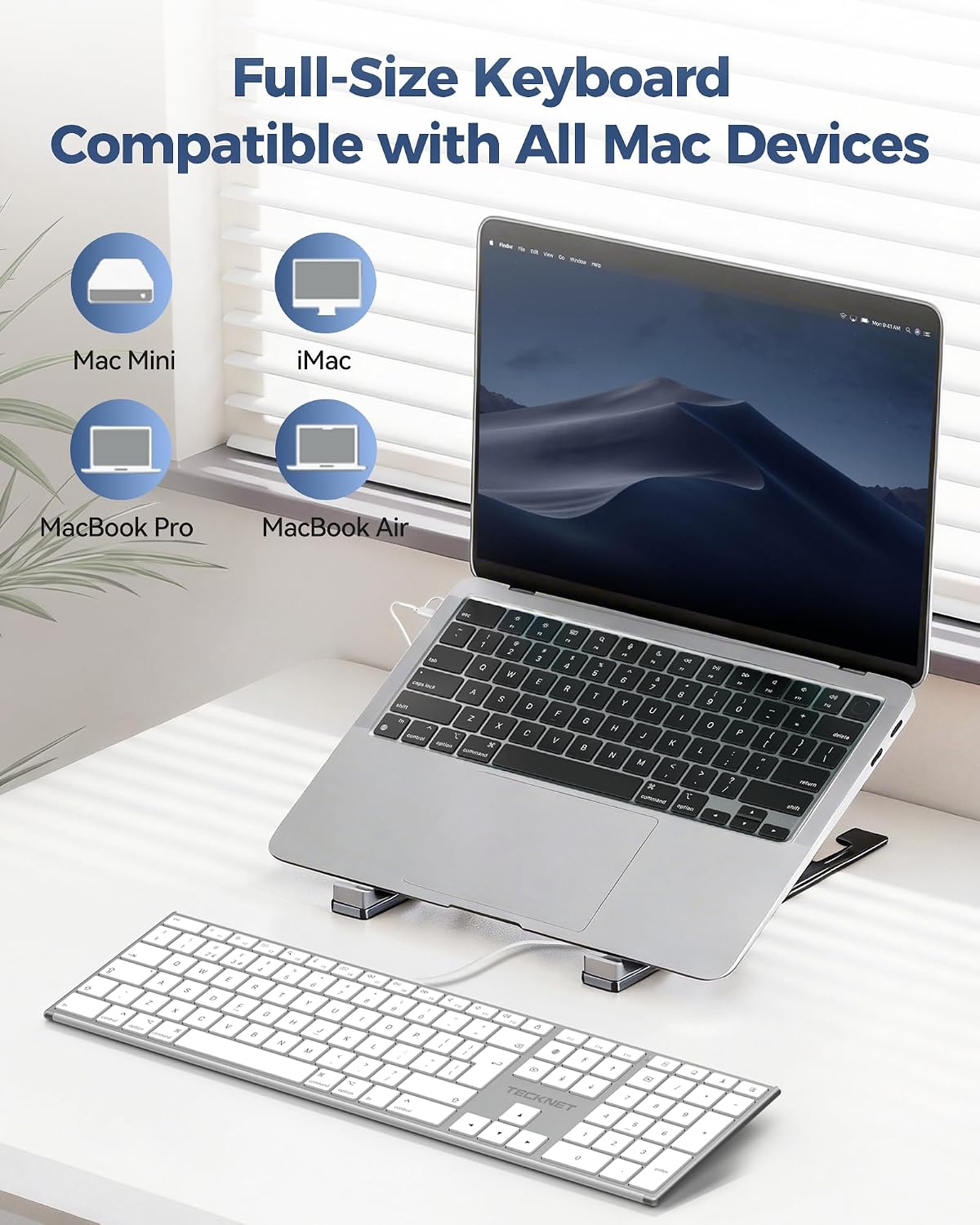
The keyboard is designed for Mac devices such as MacBook Pro/Air, iMac, Mac Mini and Mac Pro, and it’s quick to set up with no drivers required. Just plug in and type. If you value a tidy workspace, the built‑in hub can power peripherals or transfer data while you work. This approach suits users who want a reliable wired option with straightforward compatibility rather than wireless quirks.
How it feels to type
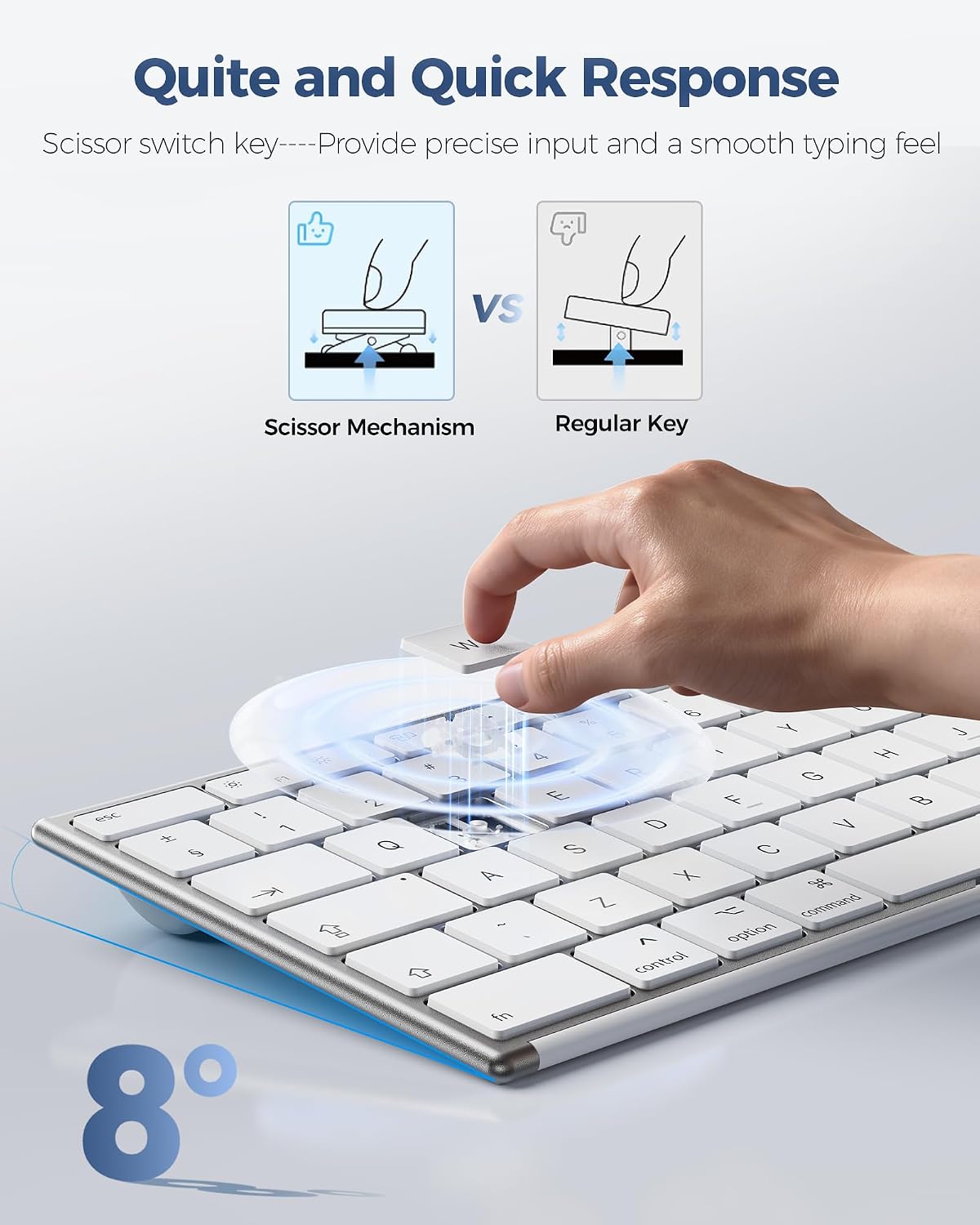
With a scissor‑switch mechanism, input is quiet and precise. It’s not a mechanical‑sounding keyboard, but it aims to deliver responsive keystrokes with minimal travel. For tasks that involve long sessions of typing, the keyboard’s tilt and non‑slip rubber pads are intended to reduce wrist fatigue and keep the unit stable on a desk.
What stands out
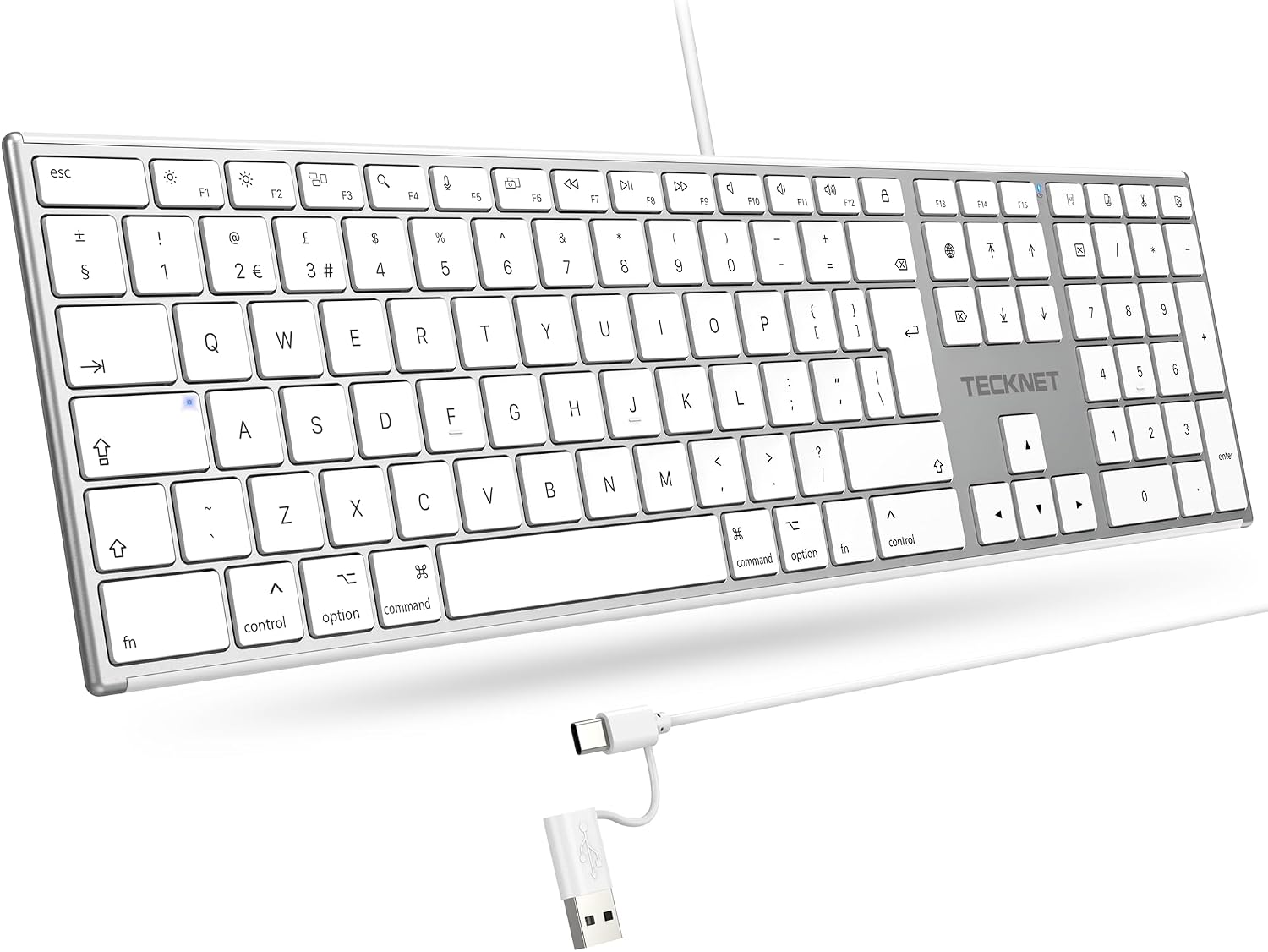
Among its strong points is the full‑size layout with a dedicated number keypad, which helps data entry and spreadsheet work. The 18 multimedia shortcut keys on the UK layout are designed to speed up common actions, from adjusting volume to launching apps. The built‑in USB‑C hub is a practical touch for those who want fewer dongles and a cleaner desk setup.
Limitations and caveats
On the downside, this is a wired keyboard. If you prioritise a completely wireless setup, or RGB lighting, this model won’t tick those boxes. As with any dual‑interface device, the hub’s performance will depend on the peripherals you connect. If you rely on Bluetooth peripherals or a low‑latency gaming experience, you may find this keyboard more suited to typing and general work than fast gaming input.
Who it’s for
It suits Mac users who want a reliable, full‑size keyboard with a numeric keypad and a built‑in USB‑C hub. It’s a sensible choice for office work, data entry, or daily typing tasks where a wired connection offers stability and latency predictability. If you value a clean desk and easy setup over wireless flexibility or high‑end gaming features, this keyboard makes sense.
Who it’s not for
If you need a compact form factor, wireless freedom, or extensive macro programming, this model may feel limited. It also isn’t the best option if you require a quiet, ultra‑low‑profile keystroke or a more premium scissor/low‑profile switch feel that some laptop‑style keyboards offer.
When it makes sense to buy
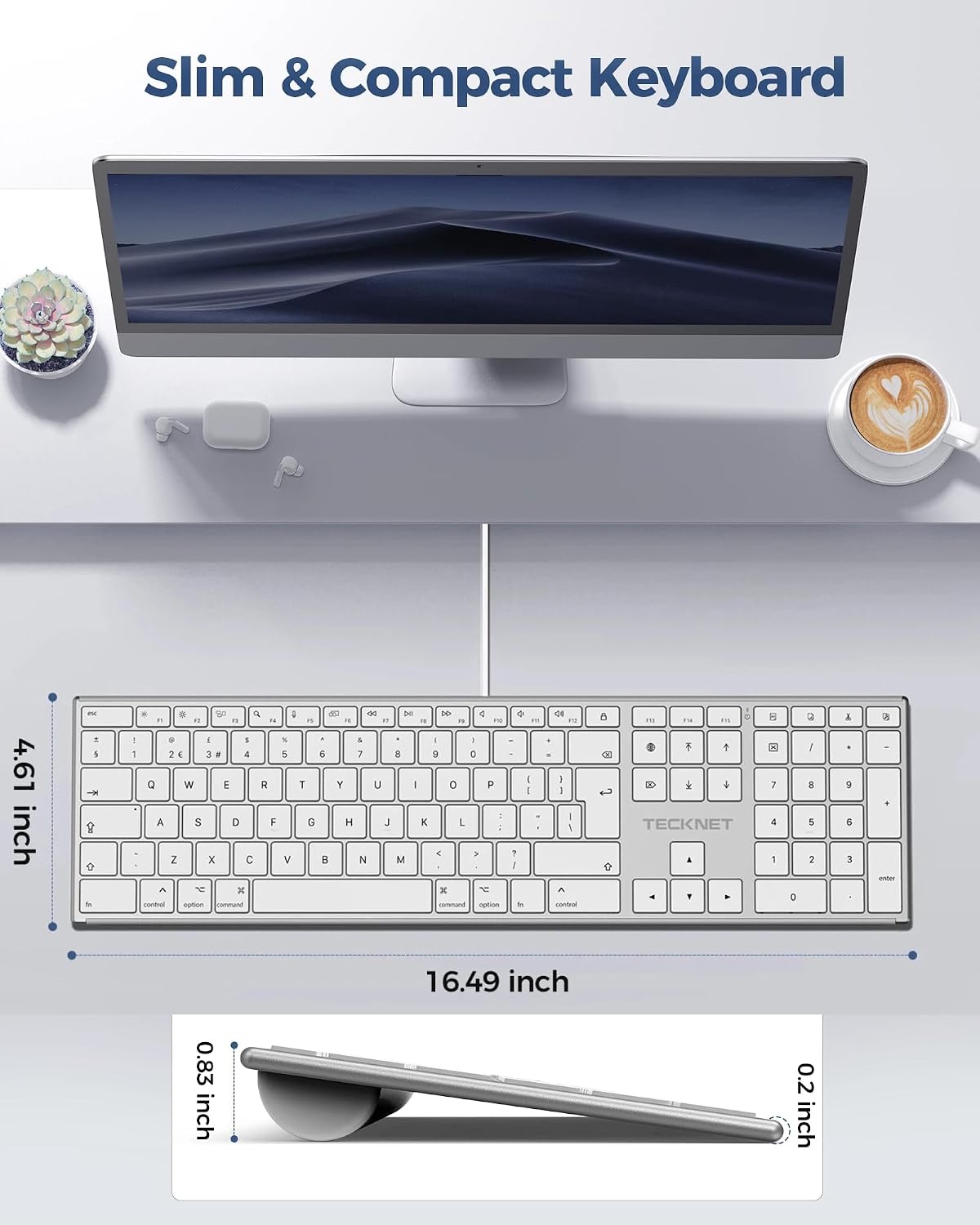
Consider this keyboard when you want a dependable Mac‑friendly wired option with a number pad and an extra USB‑C hub, without the fuss of Bluetooth pairing or batteries. It’s practical when desk space is at a premium but you still want a full feature set for office tasks and quick media controls.
What to review before buying
Check that your Mac setup benefits from a USB‑C hub integrated into the keyboard, and confirm you’re comfortable with a Type‑C/USB A dual interface instead of wireless. If you regularly run power‑hungry peripherals, test the hub’s capacity with your devices to ensure stable operation.
Practical usage example
Imagine editing a spreadsheet: you type rows with the number keypad, use the media shortcuts to manage playback while reviewing data, and connect a USB drive through the hub to transfer files—all without reaching for a separate dongle.
Is it worth it?
If you prioritise a straightforward, wired typing experience on Mac with a handy USB‑C hub, it’s worth considering. It may not be the best fit if you want a compact travel keyboard or if you expect wireless convenience and high‑end gaming features. If you value stability and a traditional layout, this TECKNET model offers solid value.
FAQ
- Does it require software to function? No, it’s plug‑and‑play for Mac devices.
- Can I use it with USB‑C and USB‑A ports simultaneously? It supports both interfaces, but you’ll use either at a time depending on your setup.
- Is the typing quiet enough for shared spaces? Yes, the scissor‑switch mechanism is designed for quieter operation.