

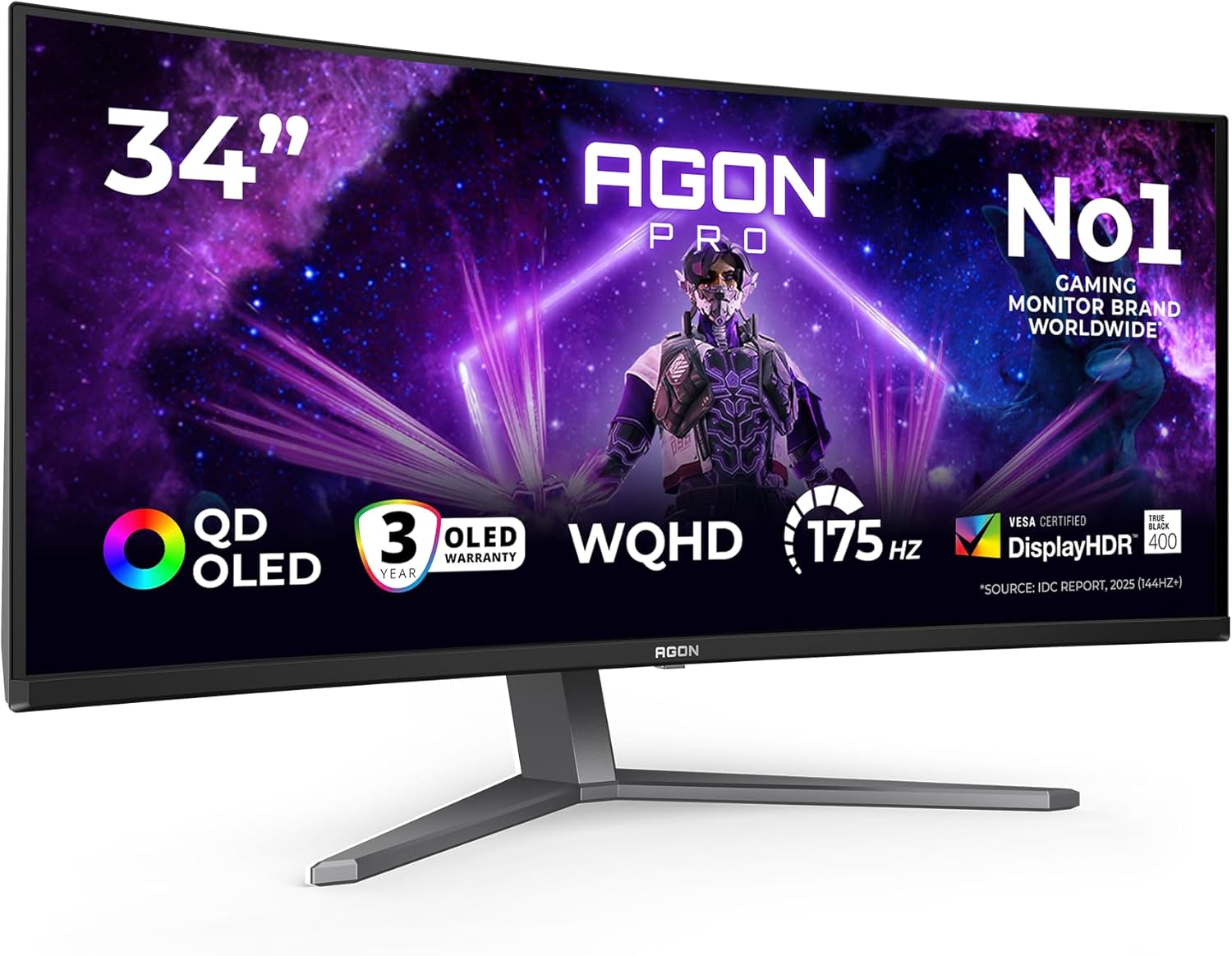
AOC AG276UZD 26.5-inch UHD Monitor: 240Hz QD-OLED for Fluid Gaming
Product description
What this is
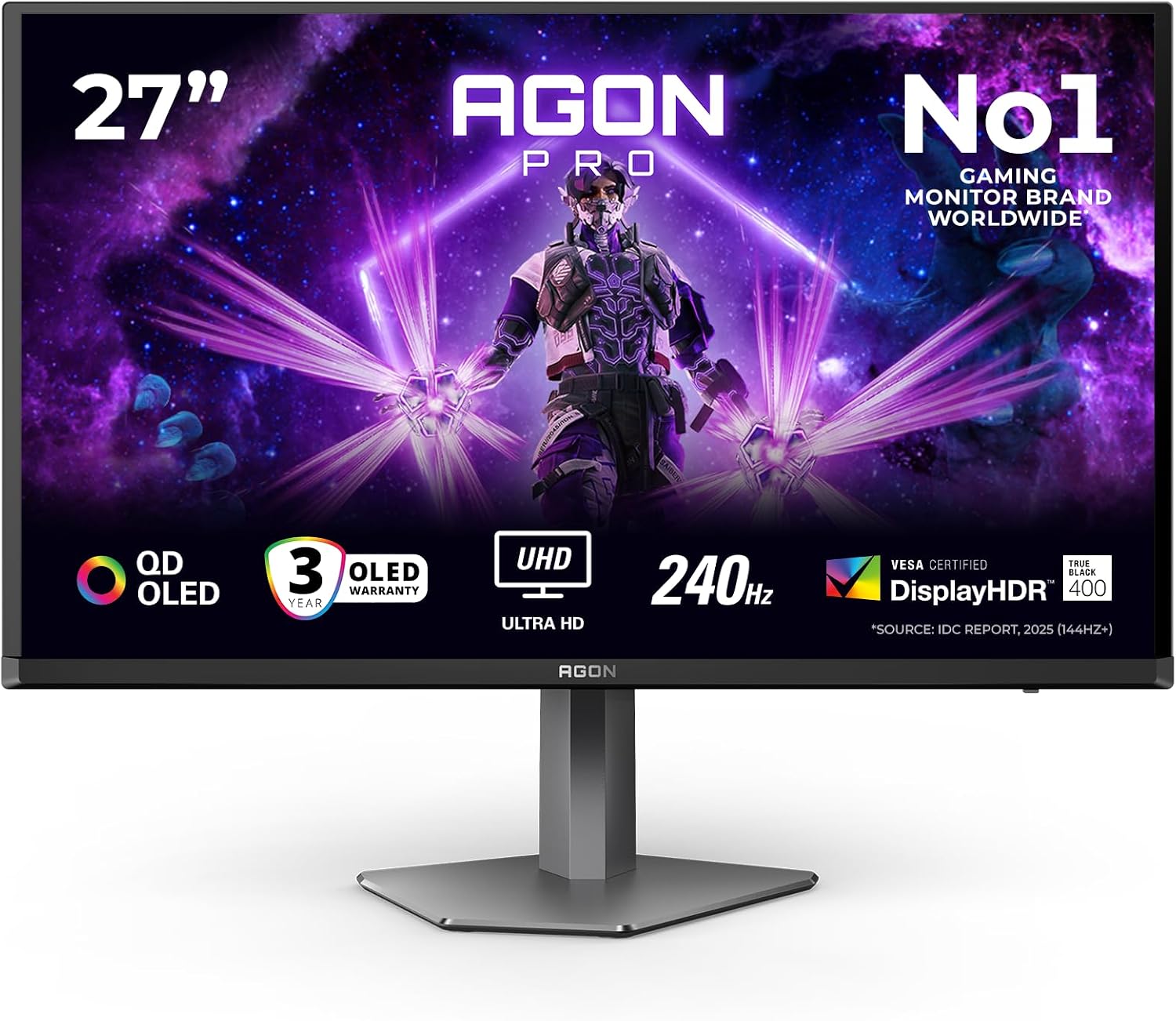
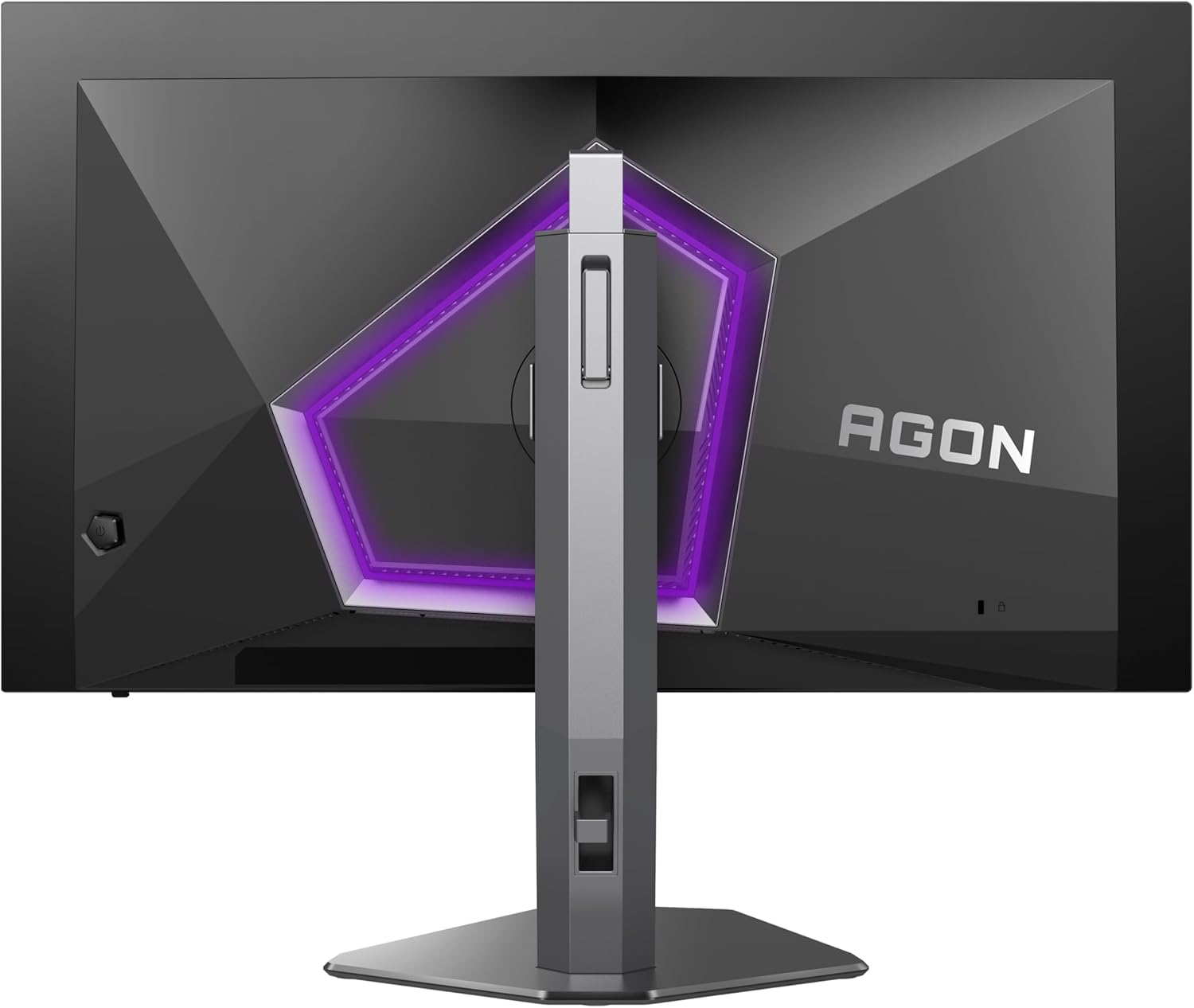
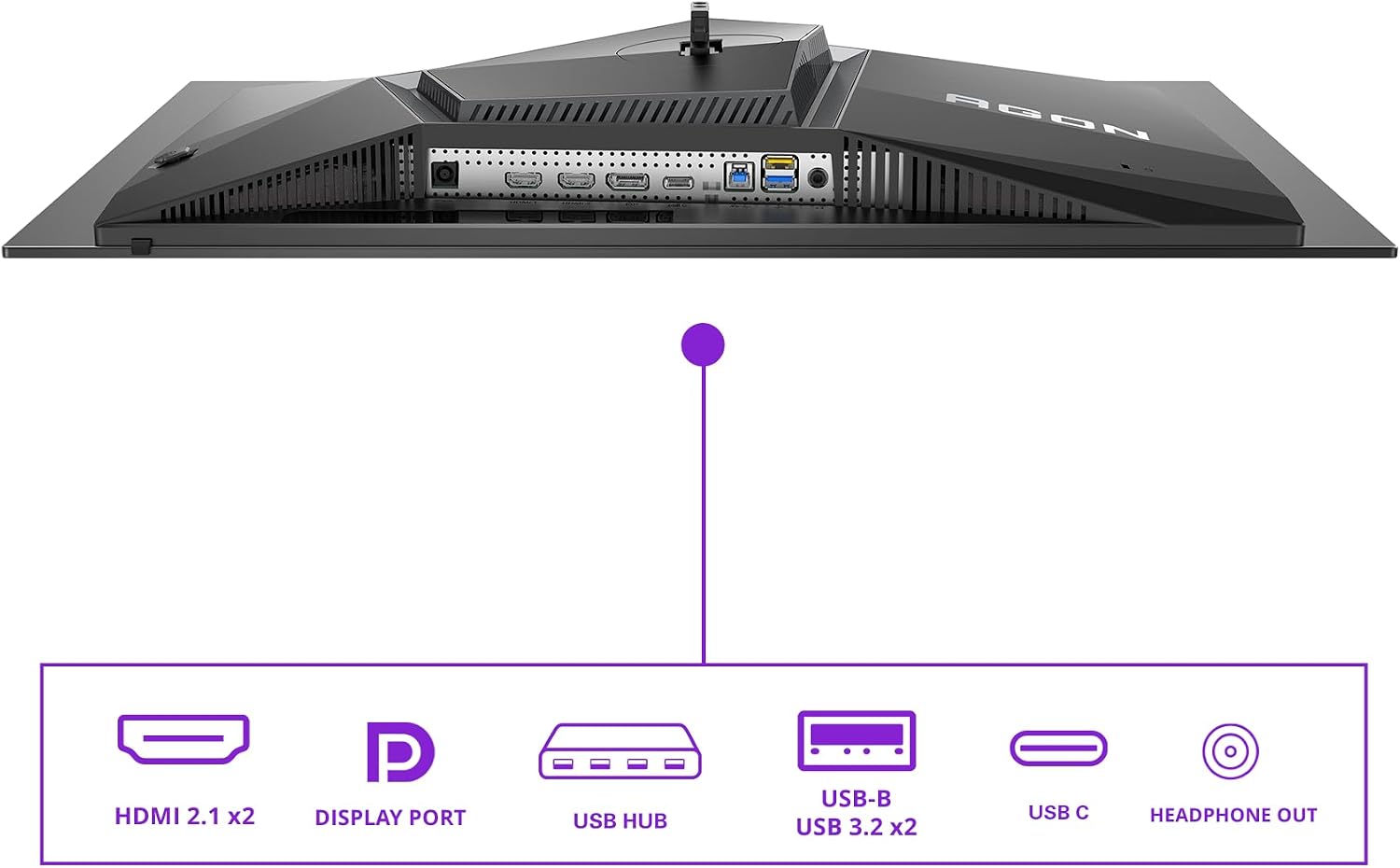
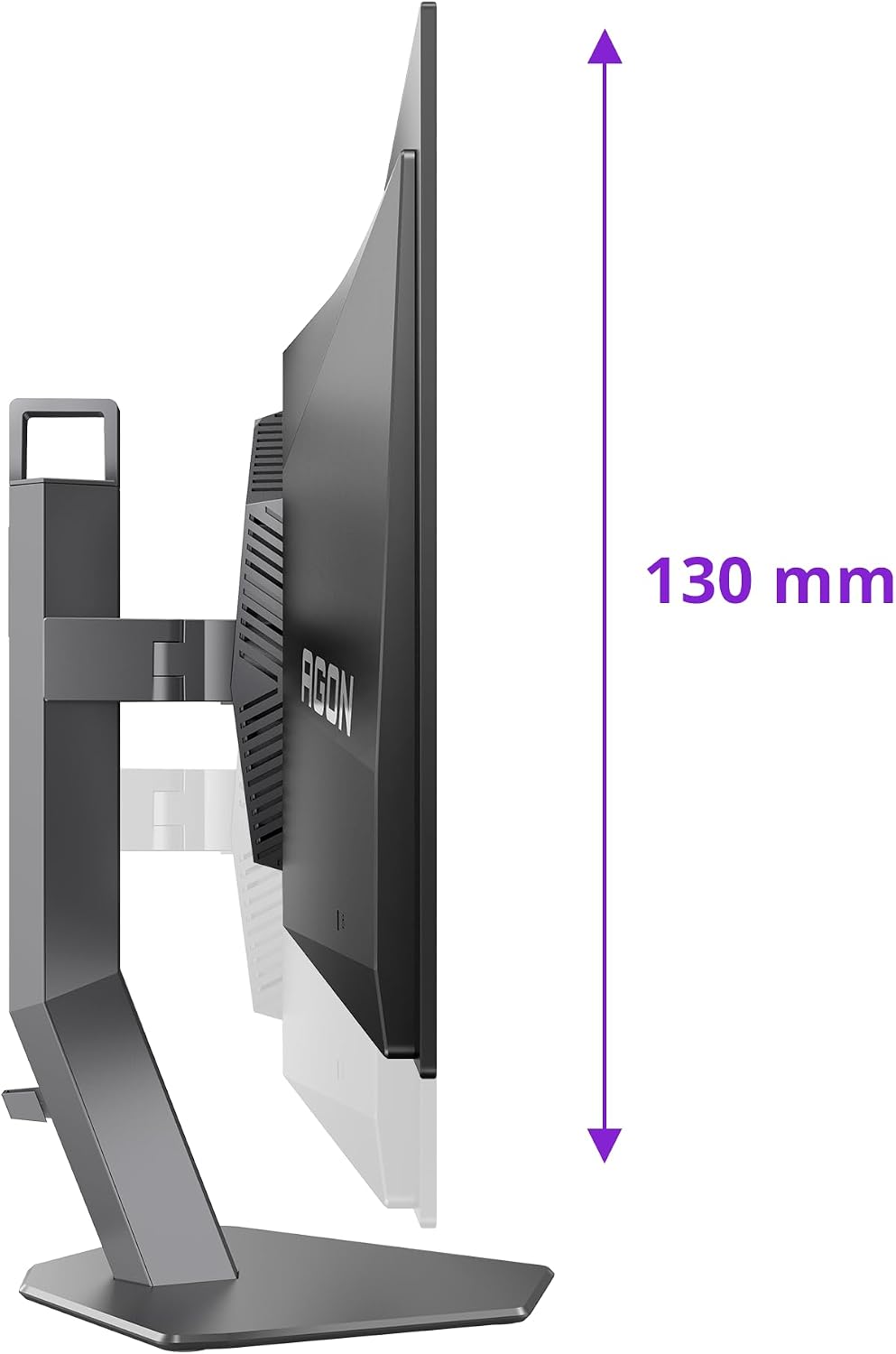
The AOC AG276UZD is a 26.5‑inch UHD monitor designed for smooth, high‑fidelity gaming and general use. It features a QD‑OLED panel with a 3840x2160 resolution and a 240Hz refresh rate, aiming to deliver crisp motion and vivid colours. Connectivity includes two HDMI 2.1 ports, one DisplayPort 1.4 (with 2.1 support), and a USB hub, along with a built‑in height adjustment and built‑in speakers. On paper, these aspects point to a display that could handle fast gaming, bright HDR visualization and practical everyday tasks without needing multiple external devices.
How it performs in practice
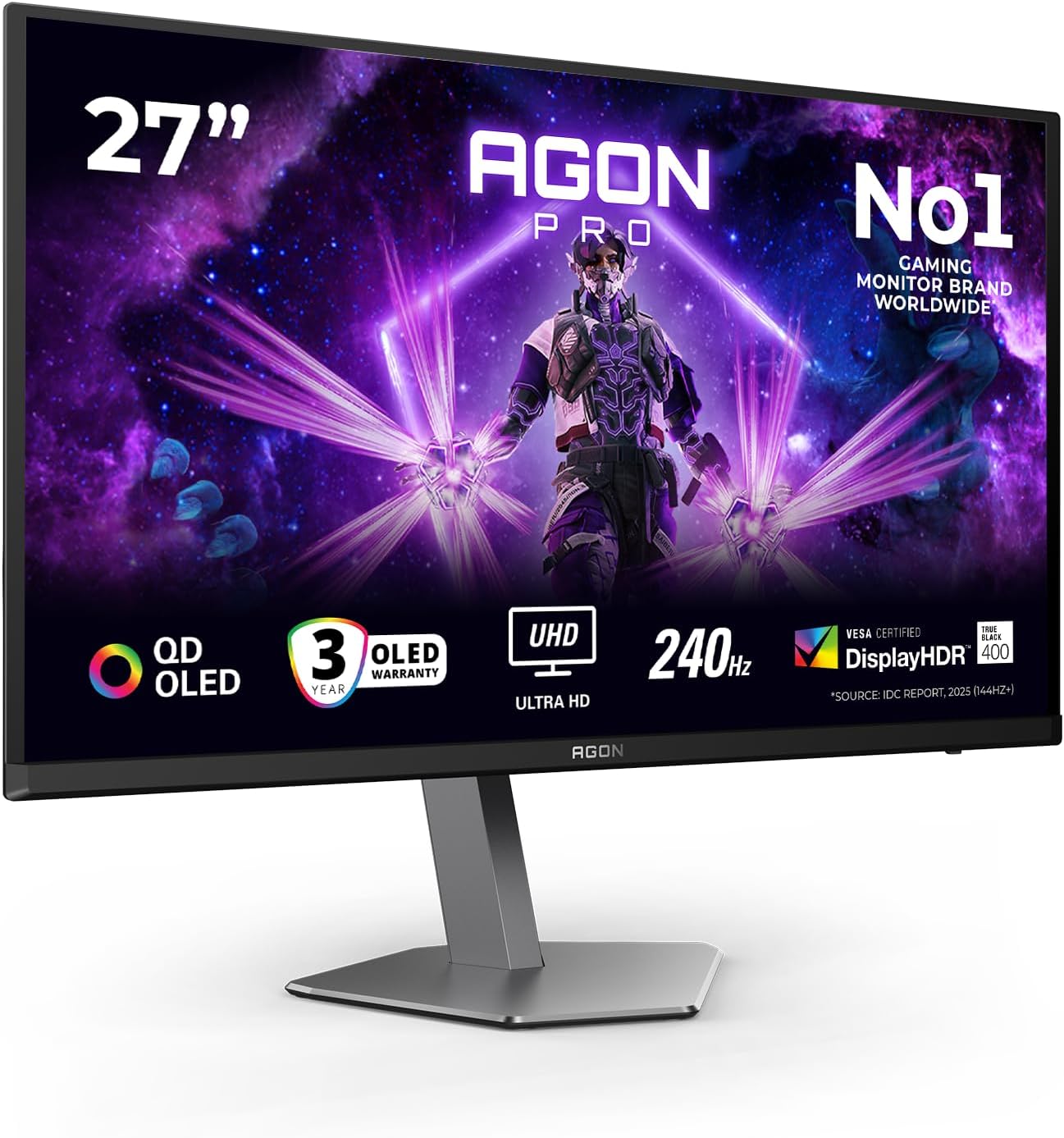
If you prioritise extremely fast response and high refresh rates, the 0.03 ms GtG figure suggests very quick pixel reactions that help reduce motion blur in fast‑paced games. HDR400 with TrueBlack indicates deeper blacks and brighter highlights, which can improve perceived contrast in supported titles. The monitor is also listed as G‑Sync Compatible and supports Adaptive Sync, which is helpful for tear‑free gameplay when paired with capable GPUs. However, the actual experience will depend on your GPU, the games you play and the operating environment (lighting, room reflections, etc.).
What stands out
- 4K at 240Hz on a QD‑OLED panel is unusual, offering potentially very sharp images with rapid motion handling.
- TrueBlack HDR performance should give more pronounced dark scenes and more nuanced colour depth when HDR content is involved.
- The inclusion of height adjustment and built‑in speakers adds convenience for desk setup and saves space if you’re not aiming for a separate audio solution.
What may be less convincing
- HDR400 is a mid‑tier HDR spec, while it improves contrast versus standard SDR, it’s not the same as higher‑tier HDR experiences. If you’re seeking dramatic HDR impact in cinema‑like titles, you may still notice limits.
- OLED panels, including QD‑OLED variants, can have considerations around image retention if static content is left on screen for long periods. If you use the monitor mainly for gaming and occasional office tasks, this is typically manageable, but it’s worth being mindful of screen‑burn risks over long sessions with static UI elements.
- The stated refresh rate and fast response imply strong performance, but real‑world gains depend on software optimisation and frame targets. In some titles, hitting 240fps at 4K may require high hardware requirements and may not be feasible every time.
Who it’s for
This monitor is aimed at gamers and enthusiasts who want a high‑fidelity 4K experience with very fast response and smooth motion. It can also suit content creators who benefit from sharp detail and accurate rendering, provided they value the combination of HDR, high refresh and OLED‑level contrast. If you already own a capable RTX or Radeon GPU and want an all‑in‑one desk setup (including speakers and adjustable stand), this model could fit well.
Who it isn’t ideal for
If you primarily game at 1440p or don’t need 4K fidelity at ultra‑high refresh, you might find this overkill. Likewise, if you’re highly sensitive to potential OLED burn‑in or if you prefer a higher HDR tier for cinematic content, this mid‑HDR spec may feel limiting compared with higher‑tier options. Those who require extensive colour calibration or professional photo/video grading might want to compare panels and colour accuracy claims more closely.
When it makes sense to buy
- You want a high‑speed, high‑resolution gaming experience with tear‑free output and modern connectivity in a single package.
- You value the convenience of a desk setup with adjustable height and integrated speakers.
- You’re using a capable GPU that can leverage 4K at high refresh rates and benefit from G‑Sync or Adaptive Sync support.
What to check before buying
- GPU compatibility for 4K at 240Hz and how well your titles run at those targets.
- Your desk space to accommodate a 26.5‑inch panel at the requested viewing distance.
- The endurance of OLED panels in long sessions and whether screen‑retention is a concern for your usage patterns.
- Realistic HDR usage in games, HDR400 helps, but it isn’t the peak of HDR performance.
Practical use case
Imagine loading a fast‑paced shooter or a racing sim. You’ll notice how quickly visuals update and how sharp objects appear as you move, with motion trails minimised and contrast boosted in bright or dark scenes. If you enjoy late‑night gaming, the built‑in speakers and adjustable stand can save space and keep your setup tidy, though you may still opt for external audio for critical listening.
What alternatives or purchase approach you might consider
If you’re after a more affordable 4K option with strong gaming chops but don’t need 240Hz, a high‑refresh 4K monitor at a lower rate or a 1440p high‑refresh option could offer better balance with existing hardware. If you prioritise cinema‑grade HDR or colour accuracy for professional work, you might compare against panels touting higher HDR tiers or broader colour gamuts, while keeping in mind the trade‑offs in refresh and response.
FAQ (quick answers)
- Does it work with both AMD FreeSync and NVIDIA G‑Sync? Yes, it’s listed as G‑Sync Compatible and supports Adaptive Sync.
- Is the HDR performance adequate for HDR gaming? HDR400 improves dynamic range but is not the top tier, expect noticeable but not extreme HDR impact.
- Are there built‑in speakers? Yes, there are built‑in speakers, which help if you don’t have external audio gear ready.
- Is there adjustable height? Yes, the stand includes height adjustment for ergonomic setup.
Decision: Is it worth it?
It’s worth considering if you want a high‑end gaming monitor with 4K resolution, very fast response and coherent HDR in a single package, provided you have the hardware to drive 4K at high refresh and you’re comfortable with mid‑tier HDR performance. If your priority is top HDR brightness or extensive static UI usage, you may want to temper expectations and explore alternatives with stronger HDR specs or different panel technology.