

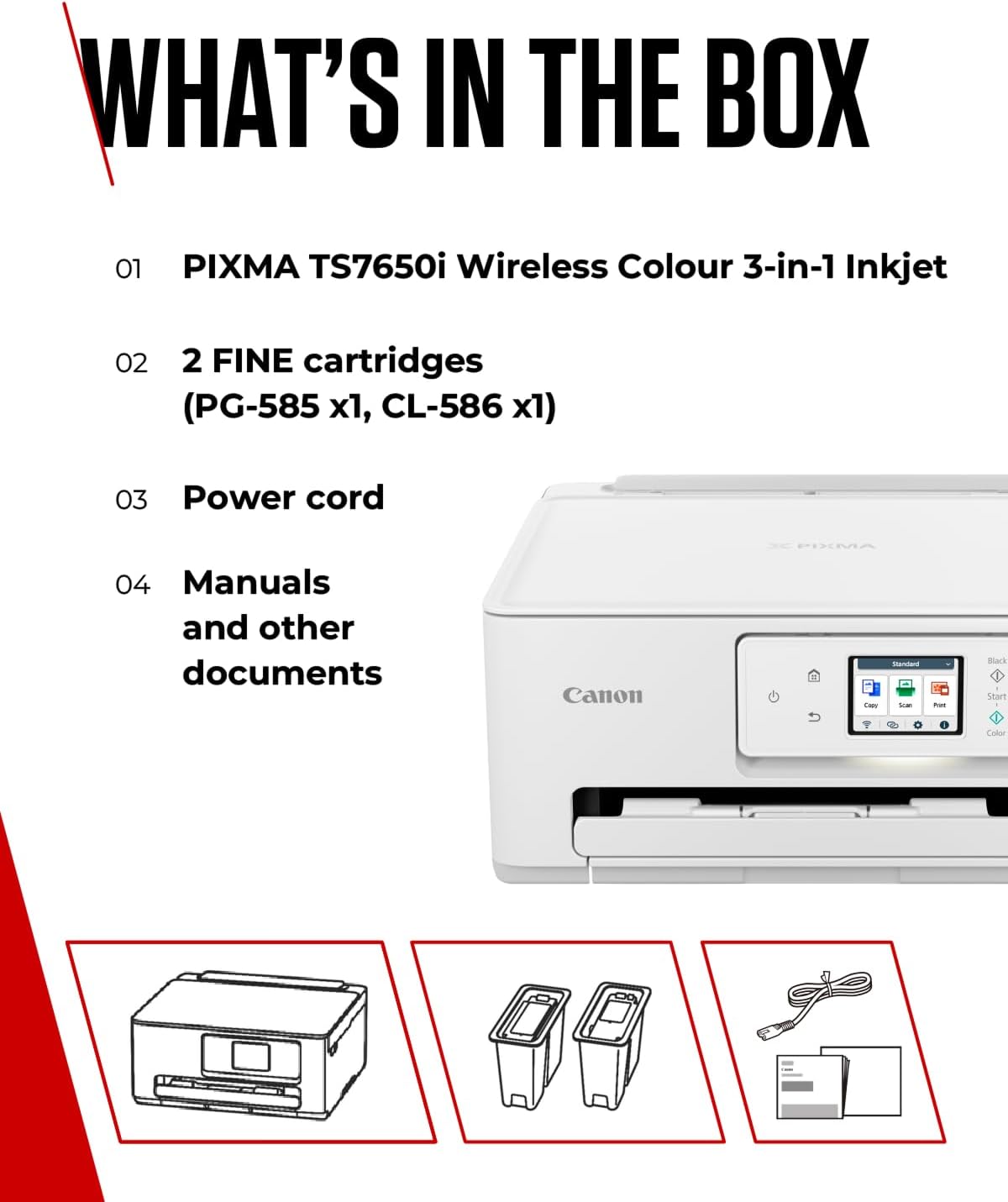
Canon PIXMA TS7650i photo printer
Reviews
Price
Product description
Quick overview
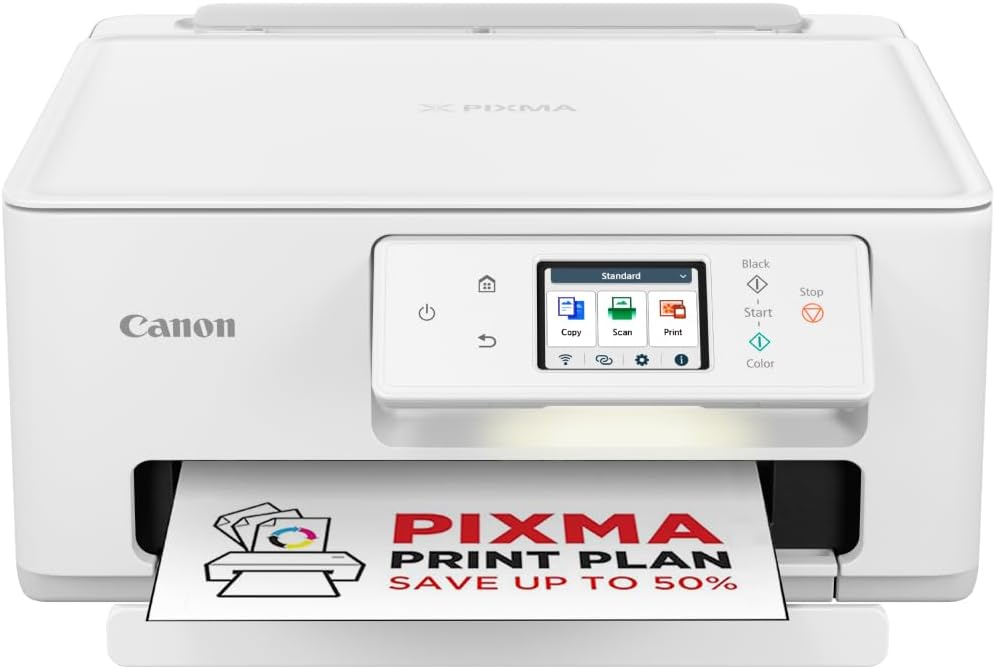
This Canon PIXMA TS7650i is an all-in-one home printer that combines photo and document printing with scanning and copying, aimed at creative households and home offices. It brings easy wireless printing from smartphones, borderless photo output and a two-way paper feed, so you can switch between plain paper and photo paper without fuss. If you want dependable photo prints and straightforward connectivity, this model answers that need.
What you’ll notice day to day
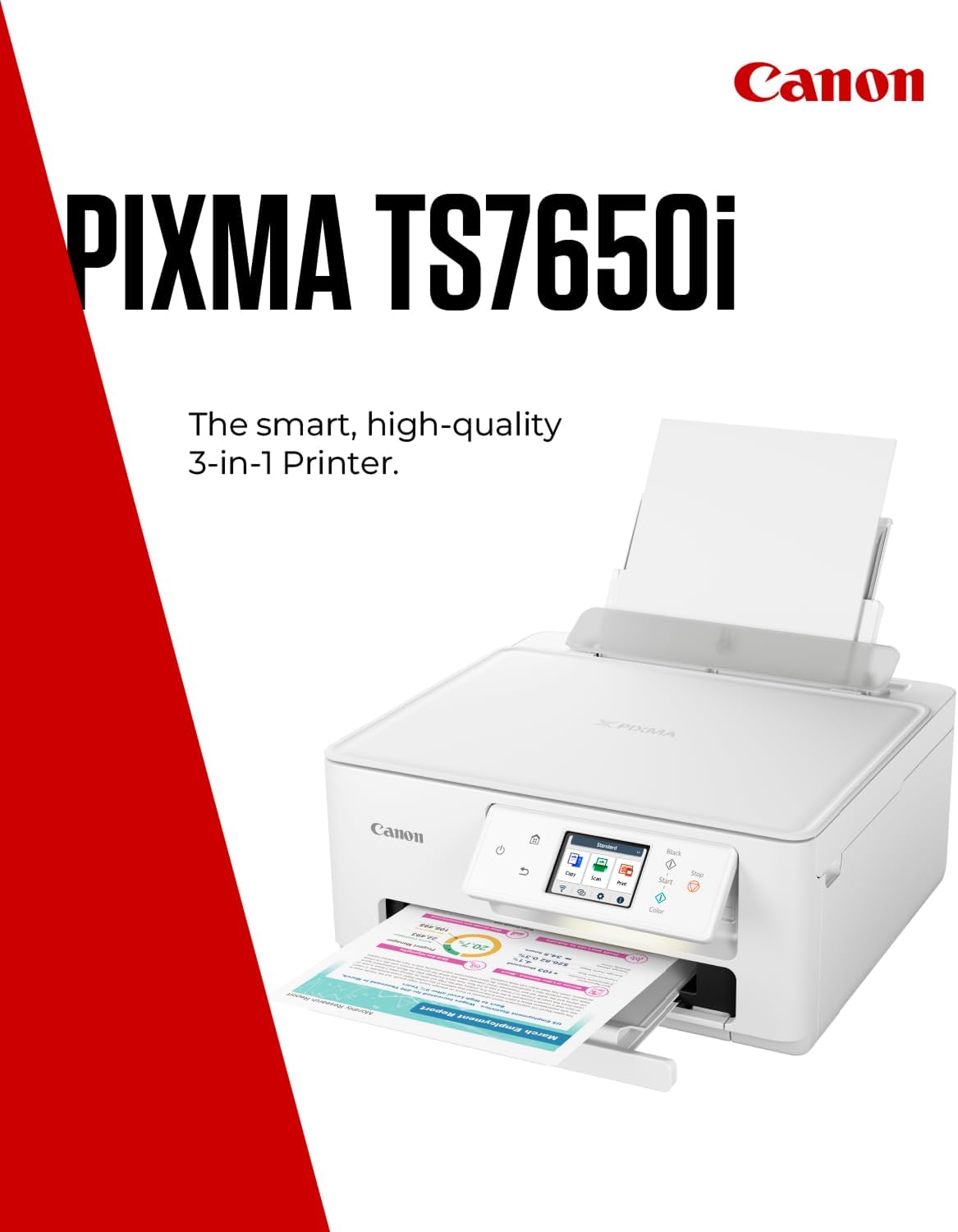
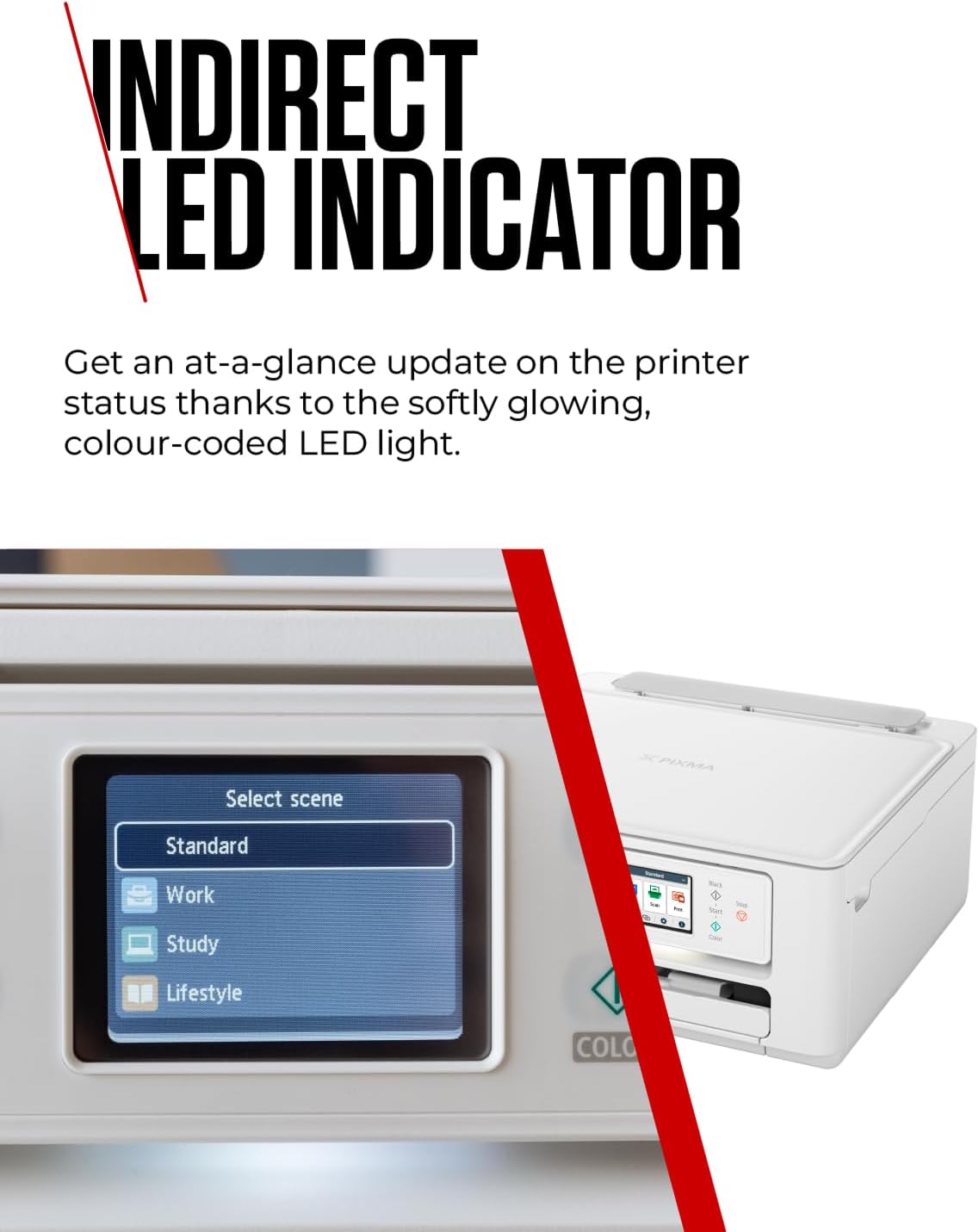
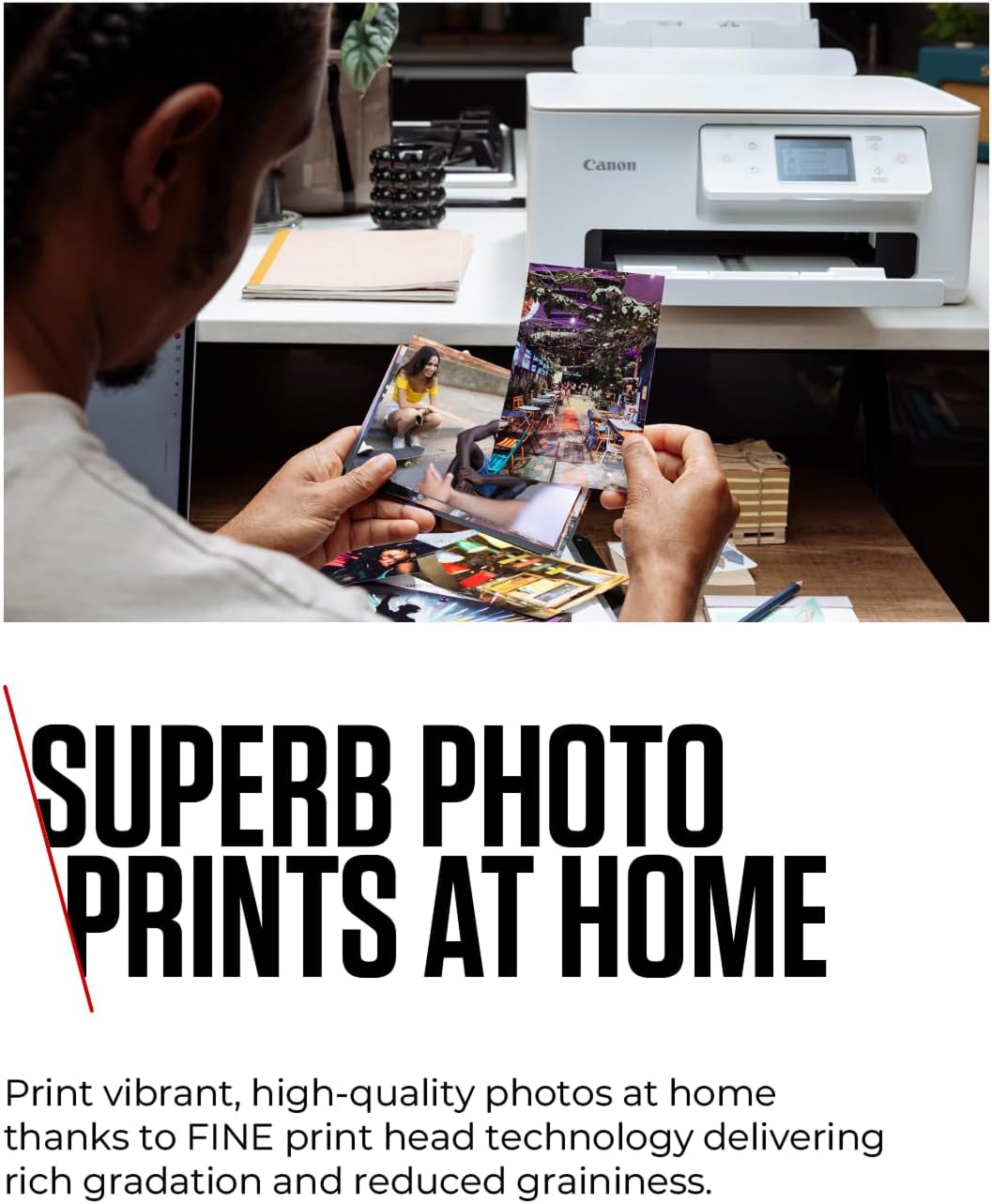
Everyday use is simple thanks to the Canon PRINT app, AirPrint and Mopria compatibility, which let you print from social feeds and cloud accounts straight from your mobile device. The LED status bar keeps workflow visible at a glance, while automatic two-sided printing helps reduce paper use. Photo projects benefit from Canon FINE ink cartridges and ChromaLife100 ink, which the manufacturer says delivers vivid, long-lasting prints.
Product specs
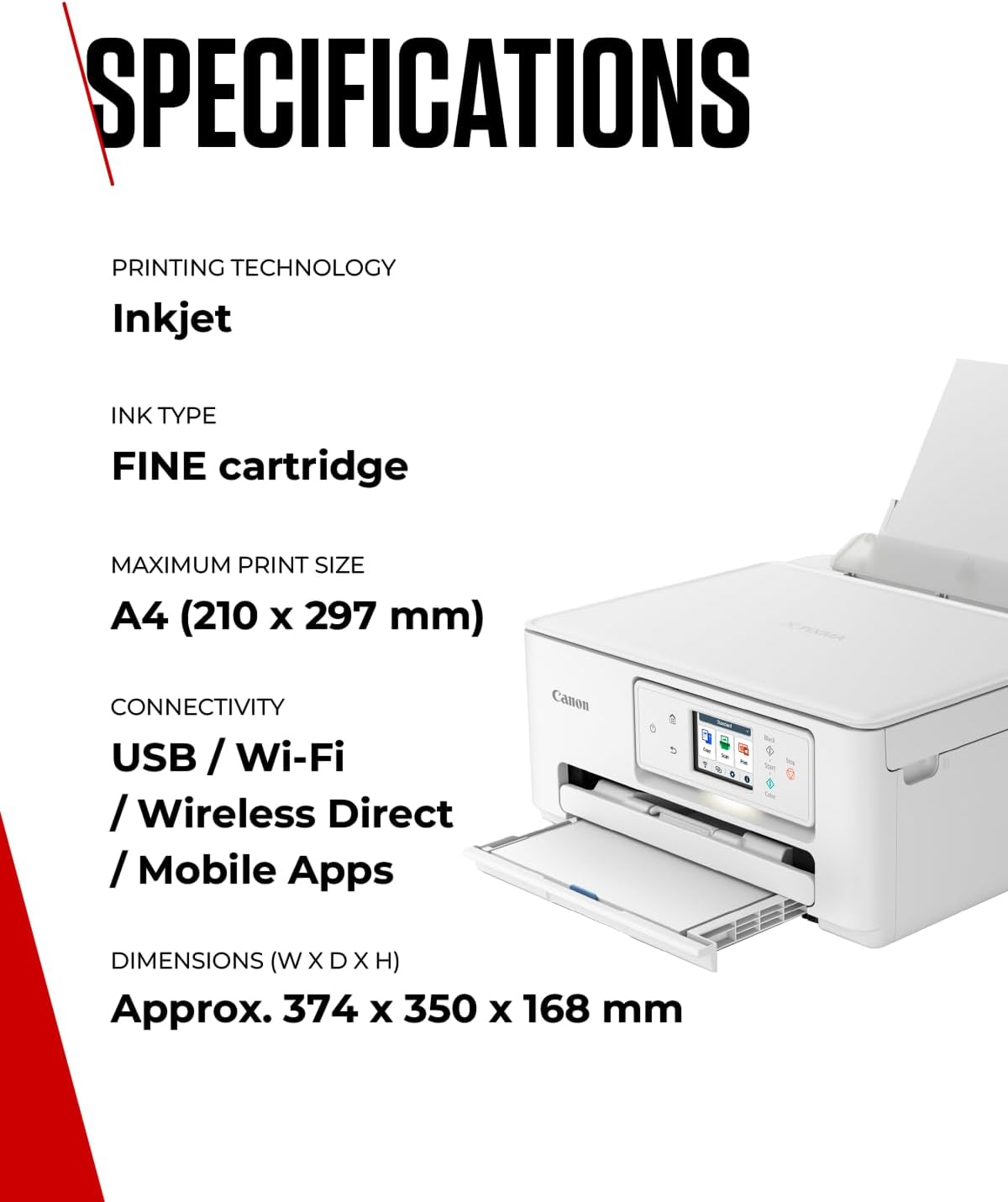
- Name: Canon PIXMA TS7650i Series
- Type: All-in-one printer, copier and scanner
- Connectivity: WiFi, mobile printing via Canon PRINT, AirPrint and Mopria
- Features: Two-way paper feed, borderless photo printing
- Ink: Canon FINE cartridges, ChromaLife100 ink

Who it’s for
It’s a good fit if you enjoy printing photos from your phone and want a compact device that handles documents and images with minimal setup. It suits users who value mobile printing and occasional creative projects, and who appreciate reduced paper waste from automatic duplex printing. It may not be the best choice if you need a high-volume office workhorse with specialised paper handling or heavy duty monthly duty cycles.
Cleaning & care
Keep the print head and paper paths free of dust by following Canon’s maintenance advice, and store photo paper in a cool dry place to preserve print quality. Regular use helps prevent clogging, and using genuine Canon cartridges supports consistent colour output.