

Redragon M612 Predator RGB Gaming Mouse (wired, 8000 DPI, 11 programmable buttons)
Product description
If you’re shopping for a wired gaming mouse that can do more than just move a cursor, the Redragon M612 Predator is built around control: multiple DPI levels, reassignable buttons and RGB backlighting. It’s the sort of mouse that aims to cover a lot of “day-to-day” PC use (gaming, plus shortcuts at work) without forcing you to stick to a single play style.
That said, it’s not trying to be a lightweight, premium-feel esports tool. On paper, it leans more toward practical customisation and comfort for longer sessions than toward being the last word in high-end performance.
Key takeaways (what to know before you buy)
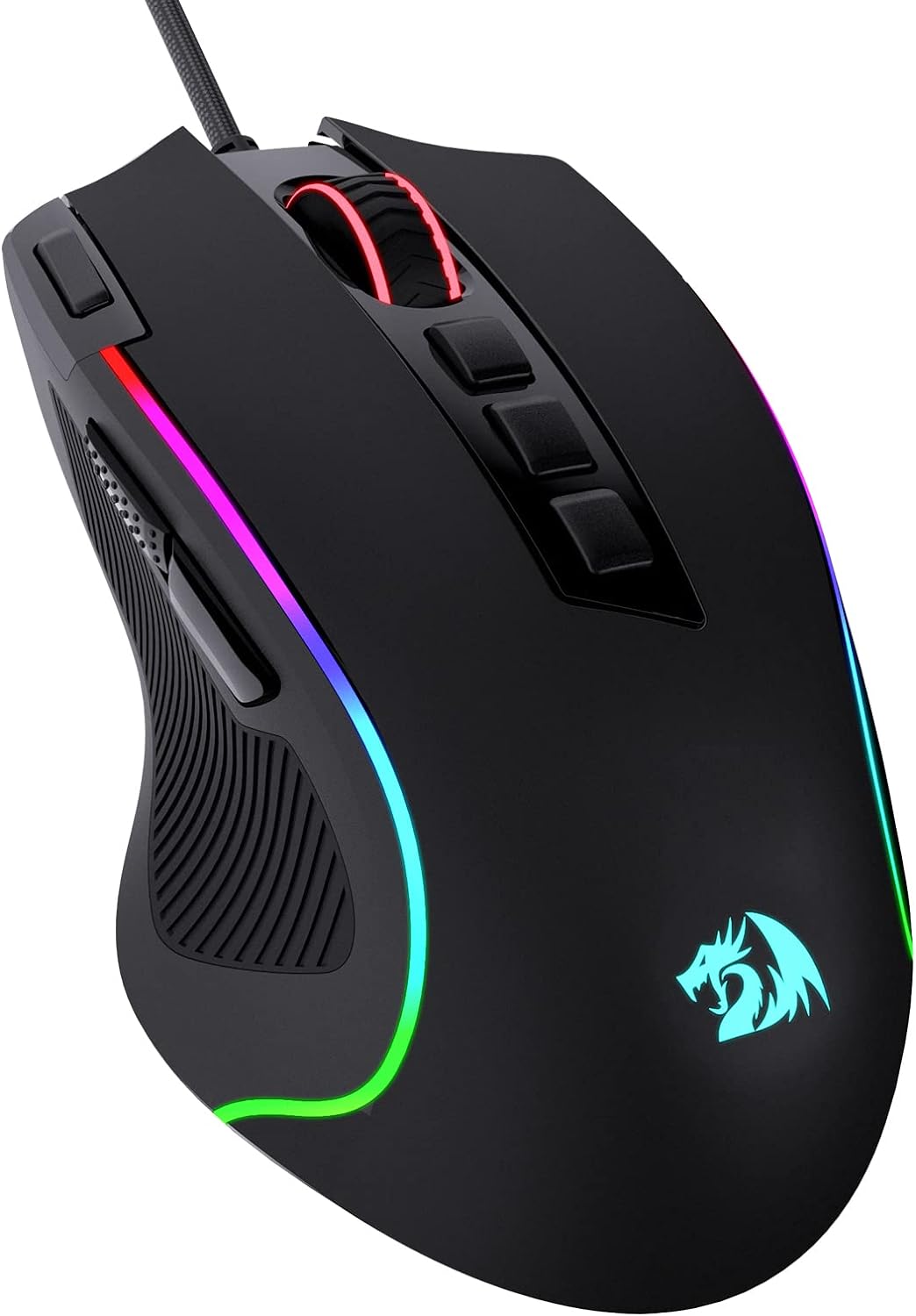
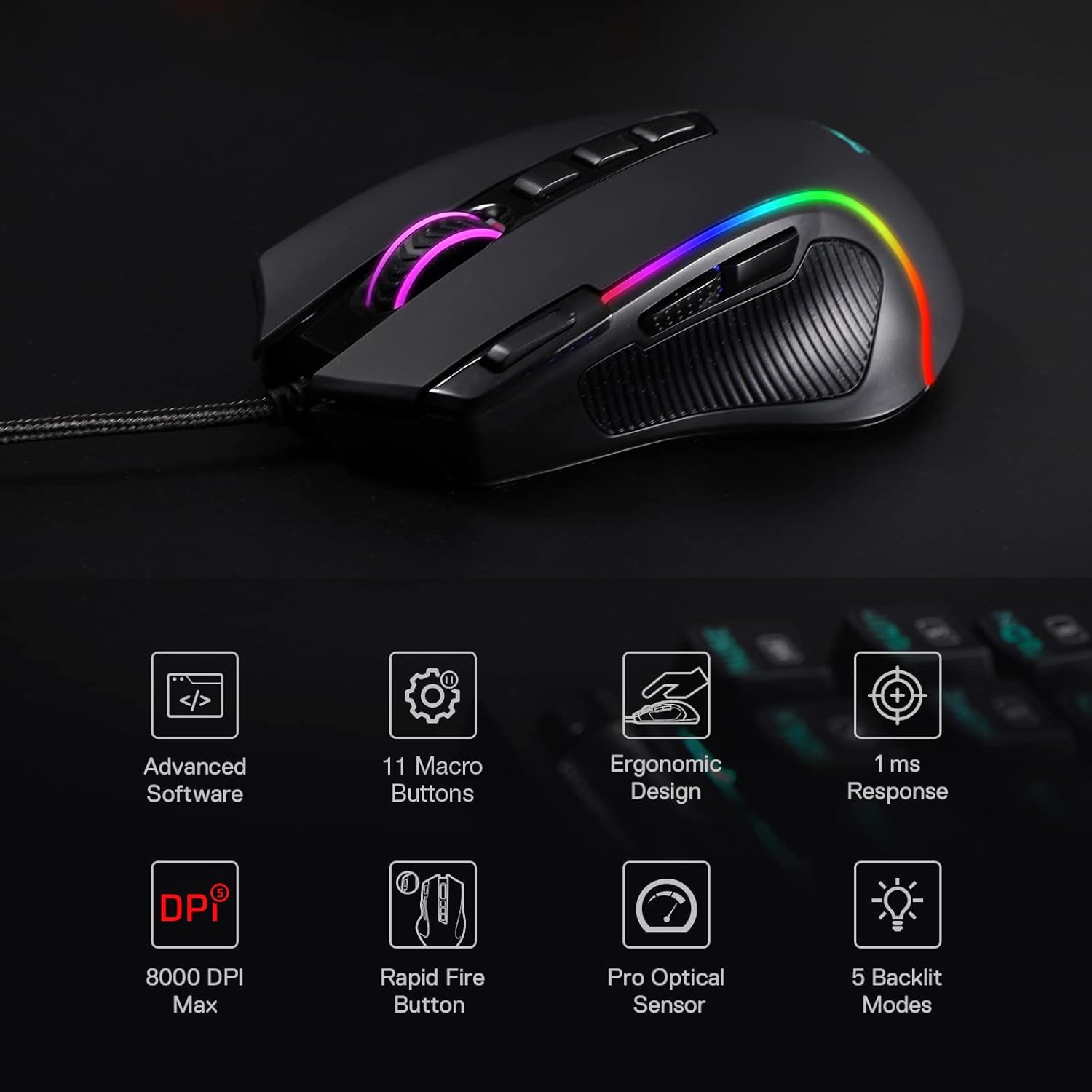
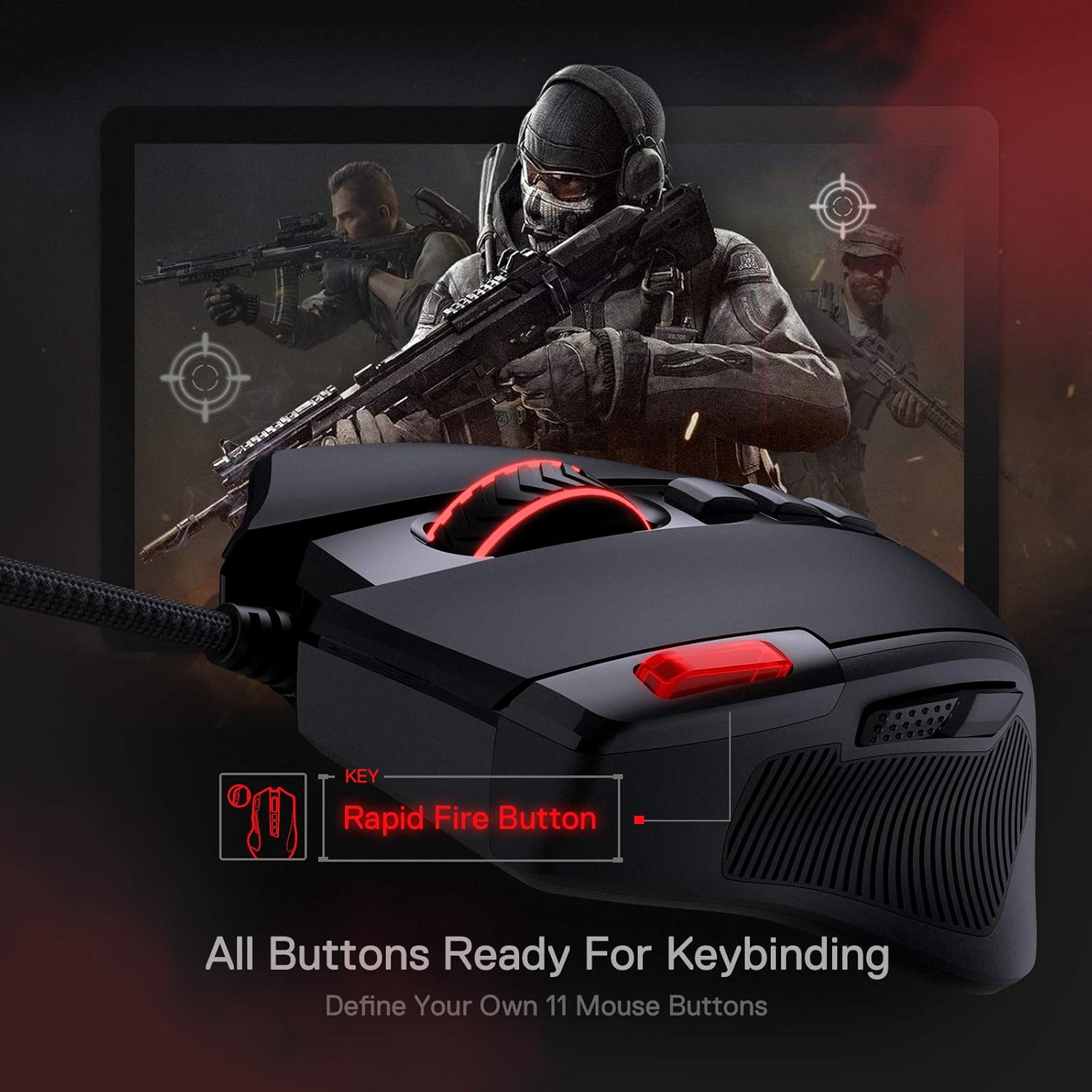
The headline features are straightforward: up to 8000 DPI, 11 programmable buttons, and 5 backlit modes for that RGB look. You also get a rapid fire button plus two side macro buttons, which can be handy if you play titles where faster repeat actions matter or where you prefer keyboard-like shortcuts on the mouse.
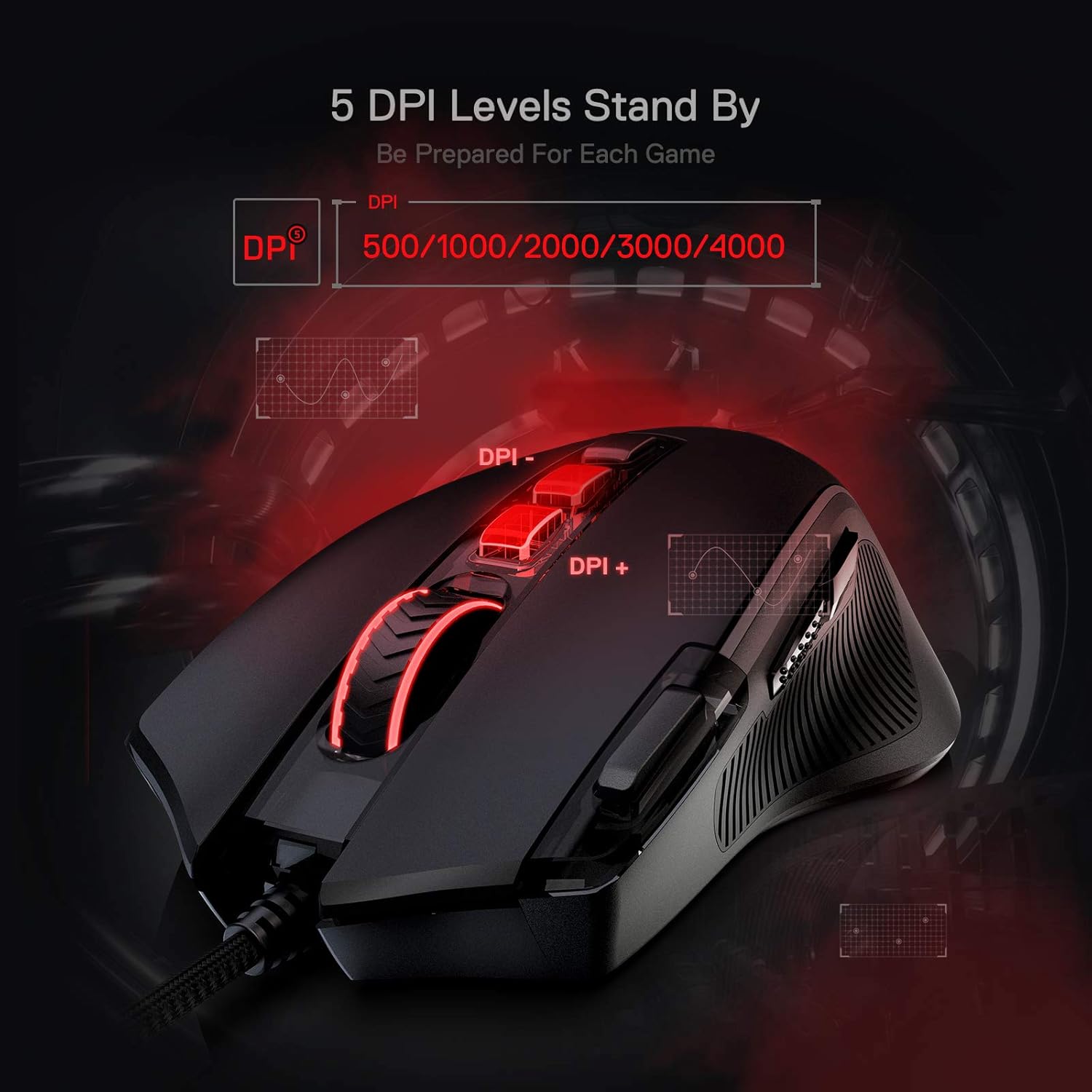
DPI switching is geared around gaming needs: there are five redefinable DPI levels, with a default set of 500/1000/2000/3000/4000. There’s also an extra angle here—software support for demand of DPI options between 500 and 8000—so the mouse can be tuned more granularly than the default presets.
A small reality check
The feature list suggests flexibility, but you’ll want to be comfortable using the software for keybind/DPI adjustments. If you prefer a “plug it in and forget it” approach, it may feel a bit like overkill (or just slightly inconvenient) compared with simpler wired mice.
What it’s like to use
This mouse is designed around an ergonomic, claw-grip shape with a “solid frame” and a fatigue-reducing idea—so it’s aimed at people who end up gaming or clicking for hours. The surface is described as having a skin-friendly frosted coating meant to stay comfortable and be fingerprints-free-ish, which is a practical detail if you don’t always have dry hands.
On the left side, there’s extra textured grip to increase friction and help control. That can matter more than you’d think in fast movement—especially when your palm/side contact changes during long sessions.
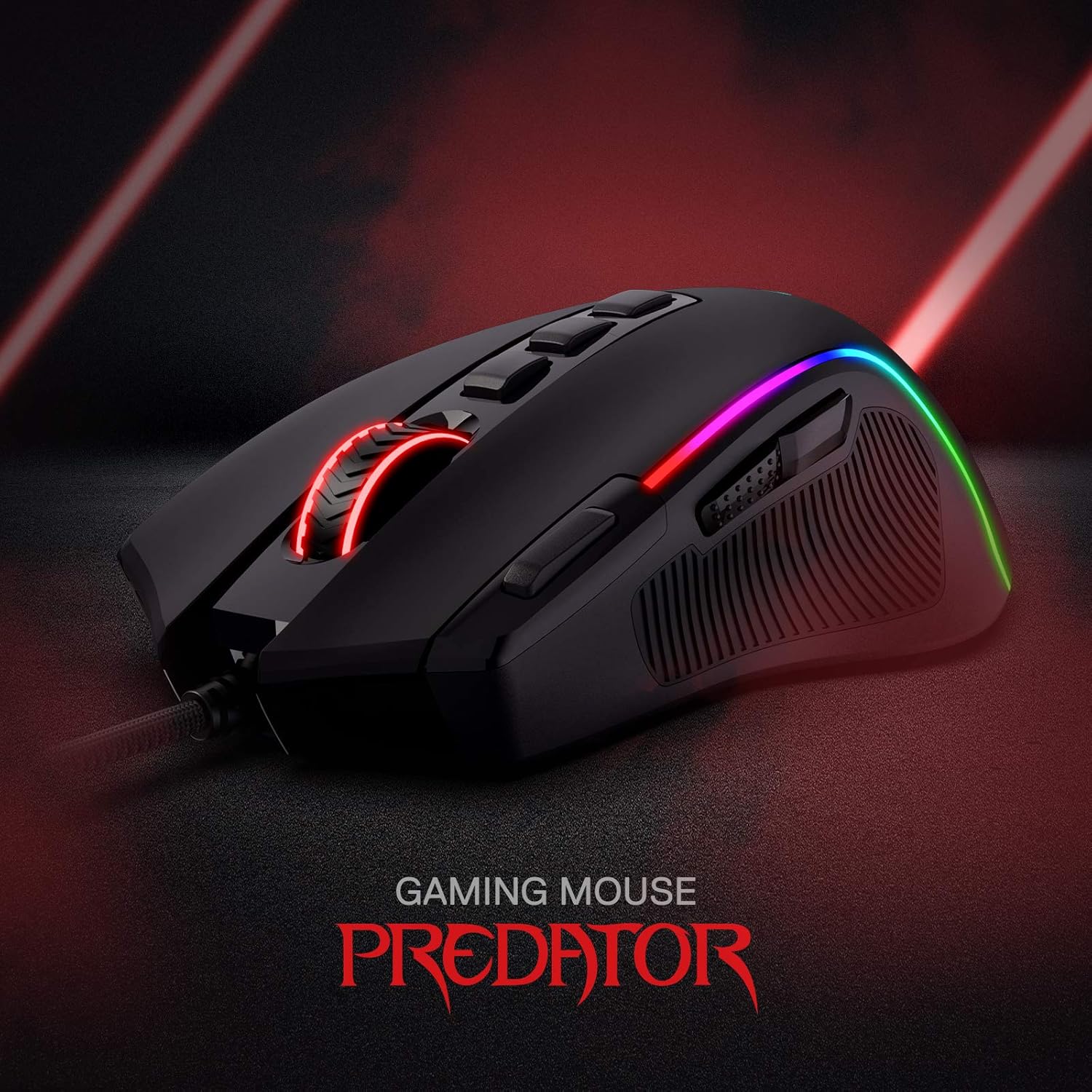
A concrete example: imagine you’re jumping between a slower, more precise weapon in a shooter and then switching to something spray-focused. You can rely on quick DPI changes across the 500–8000 range (via the preset levels) and map key actions onto the rapid fire and side macro buttons, so you don’t have to keep reaching for the keyboard.
Where the Redragon M612 Predator stands out
What matters most here is customisation without needing to go fully complex. Eleven buttons give you room for tactical keybinds, and the rapid fire + side macro pairing gives a clear “purpose” for the extra controls.
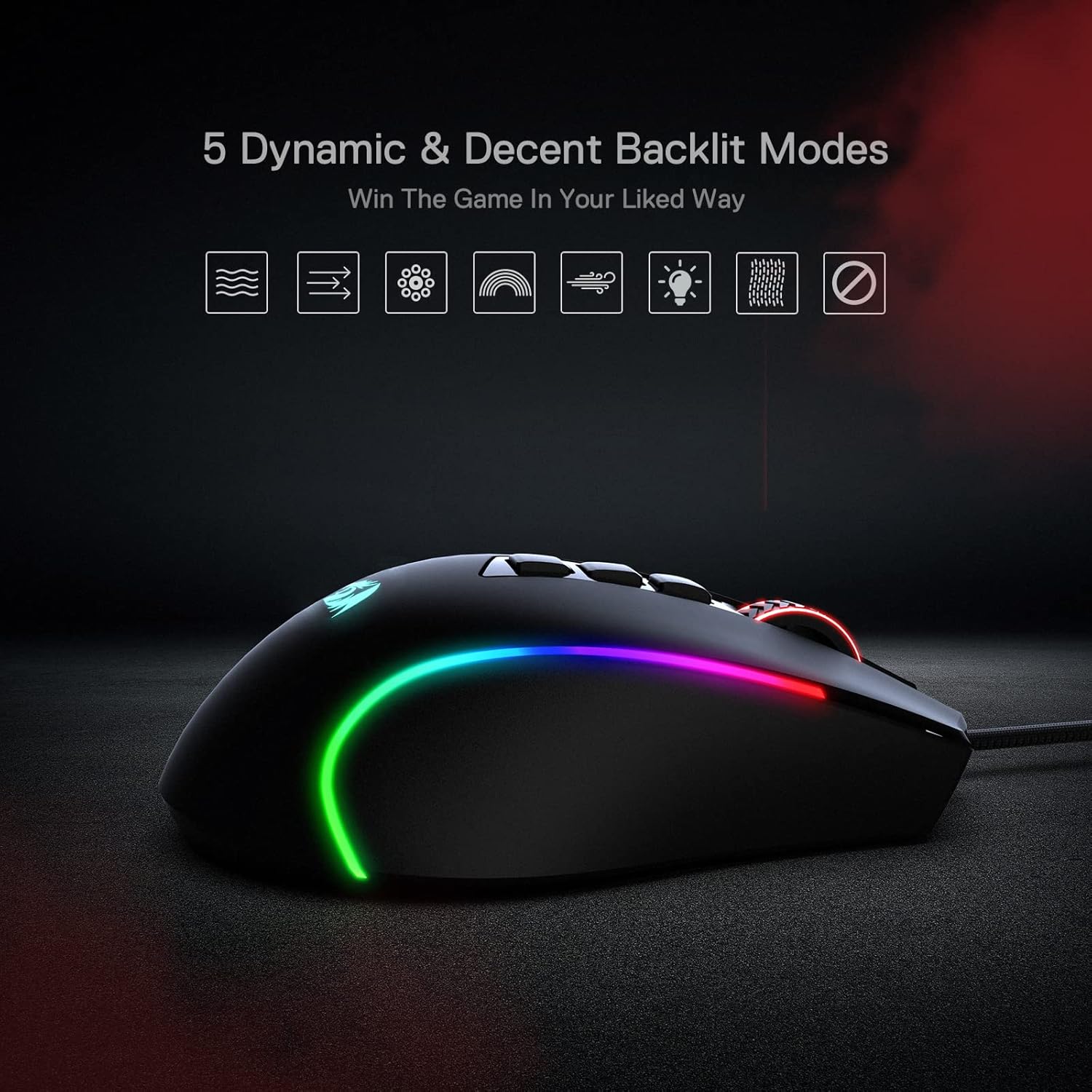
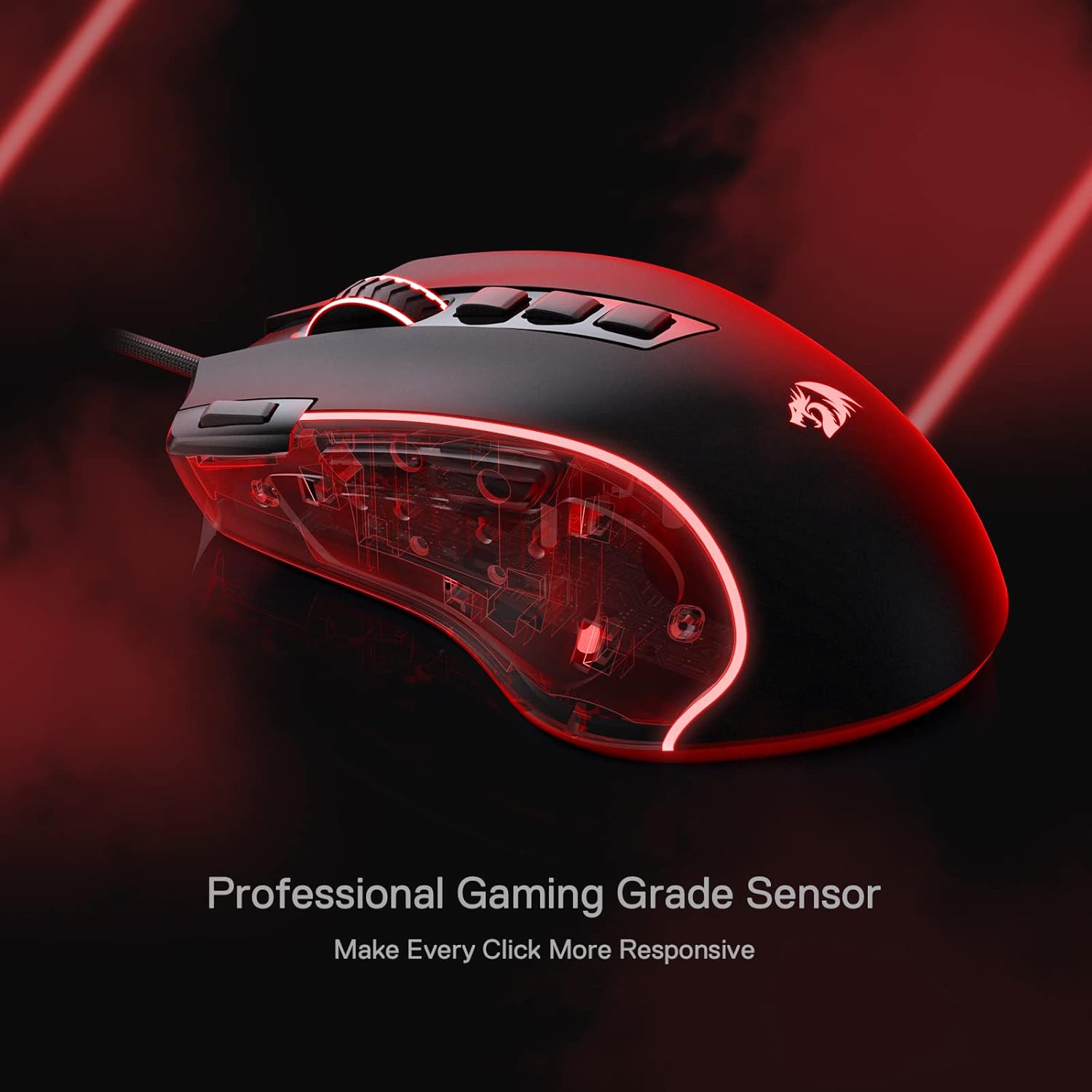
The other thing you notice straight away is the lighting. With 5 backlit modes, the RGB setup is there to match a typical gaming desk vibe. It’s not just “on/off”—you’ve got multiple modes to choose from, which is useful if you actually care about how the mouse looks during everyday use.
If you’re used to budget mice with only a couple of side buttons, this model is a step up in mapping potential.
Tech overview
- Type: Wired optical gaming mouse
- DPI levels: 5 redefinable DPI levels (default 500/1000/2000/3000/4000)
- Software support: supports redefining keybinds and DPI options (DPI between 500 and 8000 mentioned as software-processed)
- Programmable buttons: 11 programmable buttons (any button reassignable)
- Rapid fire: dedicated rapid fire button
- Side macros: 2 side macro buttons
- Backlighting: RGB with 5 backlit modes
Note to keep expectations realistic: the product description points you to search the official Redragon shop for software download, so plan on installing software if you want the full keybind and DPI customisation.
Who it suits (and who should skip it)
It makes sense if you want a wired mouse with a lot of button real estate and you’re happy to set it up with DIY keybinds. It also suits people who care about comfort grip details—particularly the frosted coating and the added textured area on the left side.
It might not be a great match if you prefer minimal setup, or if you only ever use basic movement and standard mouse buttons. In that case, the extra mapping options can feel like effort rather than value.
Also, keep in mind that “more features” doesn’t automatically mean “better for every game”. If your playstyle doesn’t benefit from rapid fire and macros, you may not fully use what you’re paying for.
Practical tips for getting the most from it
Start by setting your five DPI levels to match how you actually play—rather than leaving the defaults untouched. The default 500/1000/2000/3000/4000 is a decent base, but the point is switching between different in-game needs.
Then map your 11 programmable buttons around actions you repeat often: things like keybinds you’d normally press on the keyboard, or macros you want to trigger consistently. With a rapid fire button and side macros available, it’s usually best to assign functions you can use without thinking.
Finally, spend a couple of sessions testing grip comfort. The frosted surface and the textured left side are designed to improve control, but your hand shape and grip style (claw grip is the intended direction) will decide whether it clicks for you.
Is it worth it?
Worth considering if you want a wired gaming mouse that leans into customisation: 11 programmable buttons, a dedicated rapid fire option, two side macro buttons, and multiple DPI levels up to 8000. If you’re the sort of player (or PC user) who likes to set shortcuts and tweak sensitivity, this looks like it’s built for that.
You may want to skip it if you don’t want to bother with software-based reassignments, or if you only need a couple of extra buttons and don’t care about DPI presets or RGB modes. In that scenario, simpler wired mice will usually be less fuss.
If you’re weighing it against “basic” wired gaming mice, the M612 Predator earns its place by offering more control options—just be ready to set it up properly first.
Mini FAQ
Do I need software to customise the DPI and buttons?
The description indicates software support for keybinds and for processing DPI options between 500 and 8000. It also suggests searching the official Redragon shop for a software download.
What are the default DPI levels?
The default set is 500/1000/2000/3000/4000, spread across five redefinable DPI levels.
How many programmable buttons are there?
There are 11 programmable buttons, and the description says any button is reassignable.
Does it include rapid fire and macros?
Yes—there is a dedicated rapid fire button and two side macro buttons, as described.
How many RGB backlight modes are available?
It offers 5 backlit modes.