

EPOMAKER HE80 Hall Effect Gaming Keyboard (8K polling, 75% layout, hot-swappable, magnetic linear switches)
Product description
If you’re chasing faster inputs and tighter control in games, the EPOMAKER HE80 is built around a hall effect setup rather than a traditional contact-based switch. On paper it’s aiming at competitive play (and the kind of high-focus rhythm you want when timing matters), but it’s also a practical 75% keyboard that keeps more desk space free than full-size.
The essentials
The HE80 uses hall effect magnetic switching, which the manufacturer says avoids physical contact between the switch and PCB. That’s positioned to reduce latency and help with very fine control. It also claims adjustable trigger and end travel in 0.01mm increments, so you can tune when a key activates and when it resets.
There’s a clear “gaming first” mindset here: 8K polling, very high scan figures, plus features designed to control opposite-direction key presses (SOCD) and “dynamic keystroke” behaviour (DKS). For a smaller footprint, it keeps key parts of a functional layout—arrow keys and function keys are mentioned—so it’s not just a compact board for the sake of it.
Where it shines in use
The most noticeable promise is input responsiveness. With the claimed 0.01mm fast trigger and “zero dead zone” framing, this is the sort of keyboard you’d look at if you often find yourself reacting with micro-movements: flicking keys to trigger just in time, or holding them steady and needing consistent behaviour.
For example, in an FPS or MOBA scenario, you might set actuation so movement keys register with a lighter press while still letting go cleanly for counter-strafes. The adjustable trigger/release travel is there for exactly this kind of tuning, where you’re trying to shave time off decision-to-action.
Key features that actually affect decisions
A few of the headline features are worth separating from the marketing:
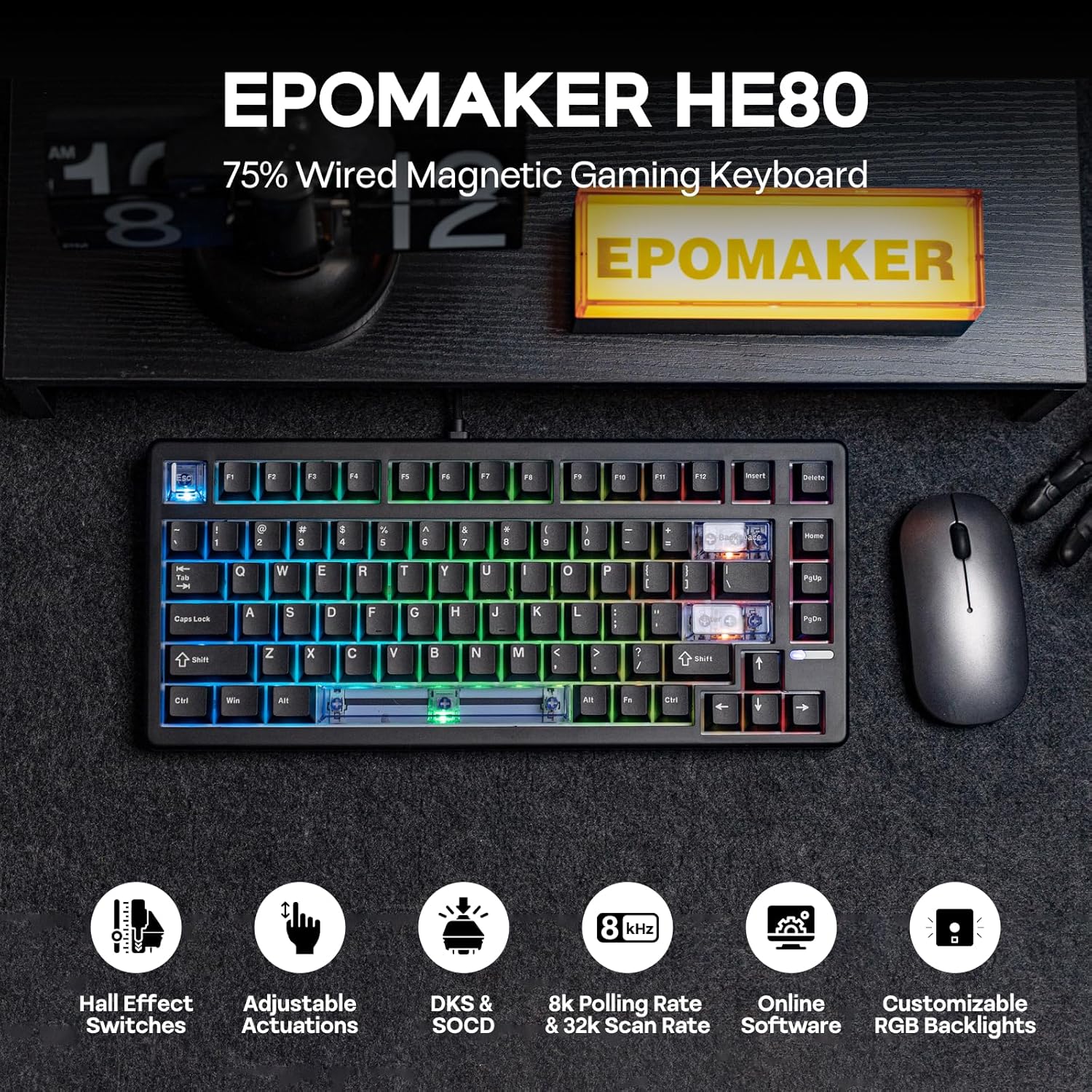
Hall effect tuning: adjustable actuation and end travel (0.01mm) is the big “feel” lever. If you care about how the keyboard responds, this is likely where you’ll spend your time.
8K polling & high scan rates: the spec sheet is pushing competitive-style performance. That said, it can be easy to over-index on numbers—what matters in practice is whether your PC setup and game environment benefit from higher polling.
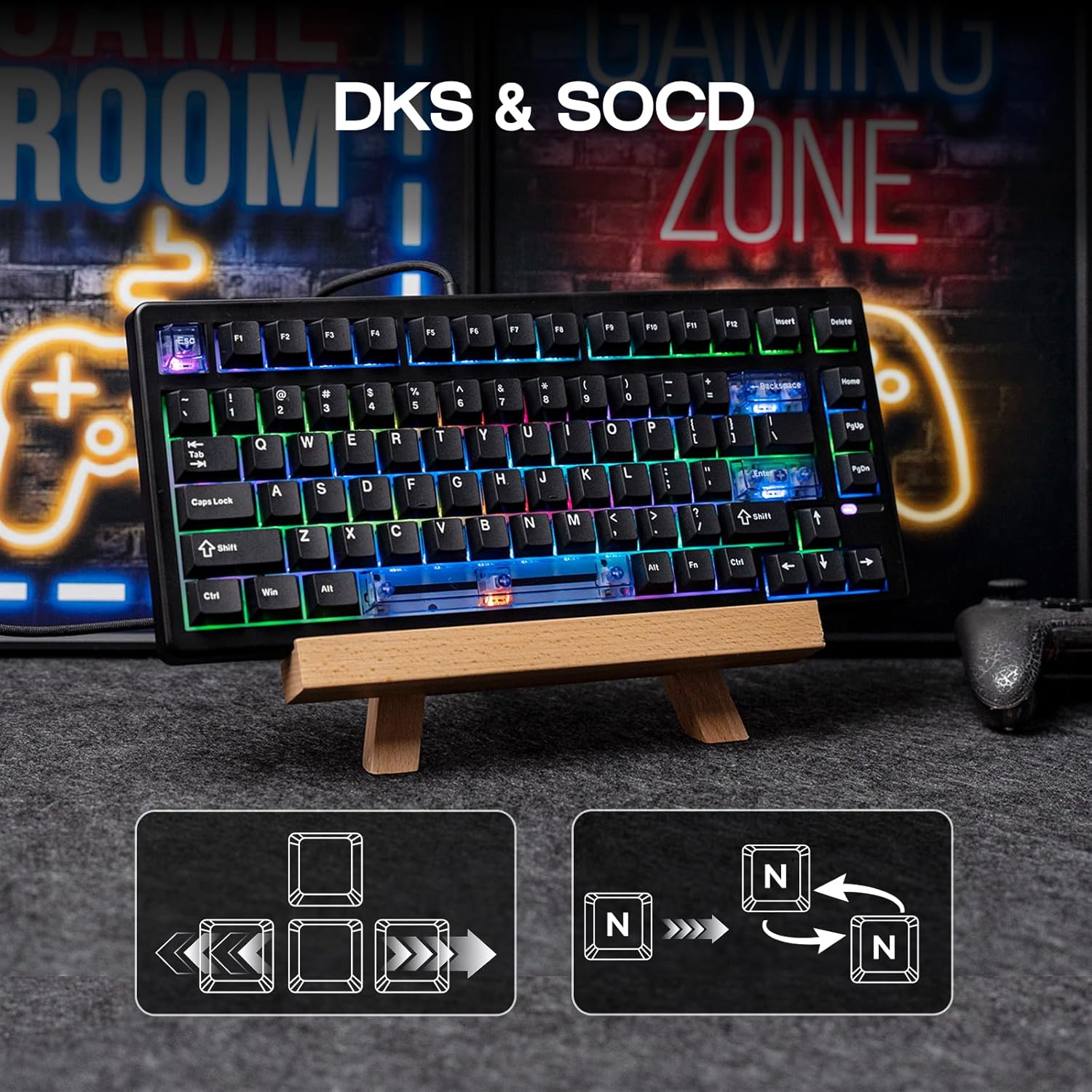
SOCD (Snap Key): described as prioritising the latest key press when you press opposite directions, aiming to prevent “freeze” in the movement. If you play titles where quick direction reversals happen constantly, it’s the kind of feature you’ll either love straight away or spend time configuring.
DKS (Dynamic Keystroke): the idea is mapping multiple functions depending on trigger or release travel (and/or tap vs hold). This can make a compact board feel more capable without adding lots of physical keys.
Programmable RGB: dozens of pre-saved effects and per-key customisation are included. It’s also described as having a south-facing backlight, which is useful if you’re particular about how lighting looks through keycaps.
Comfort, layout and keycaps
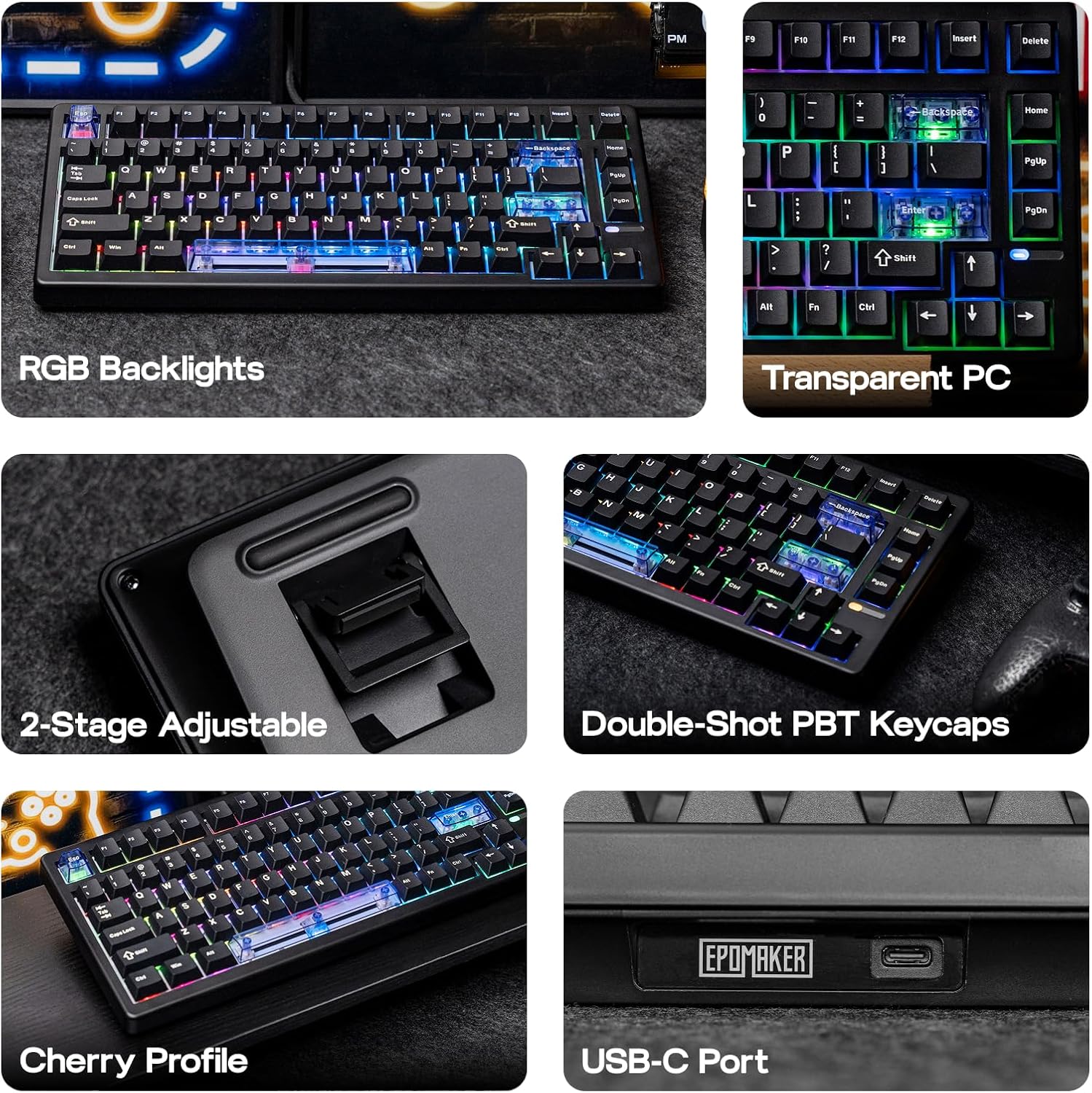
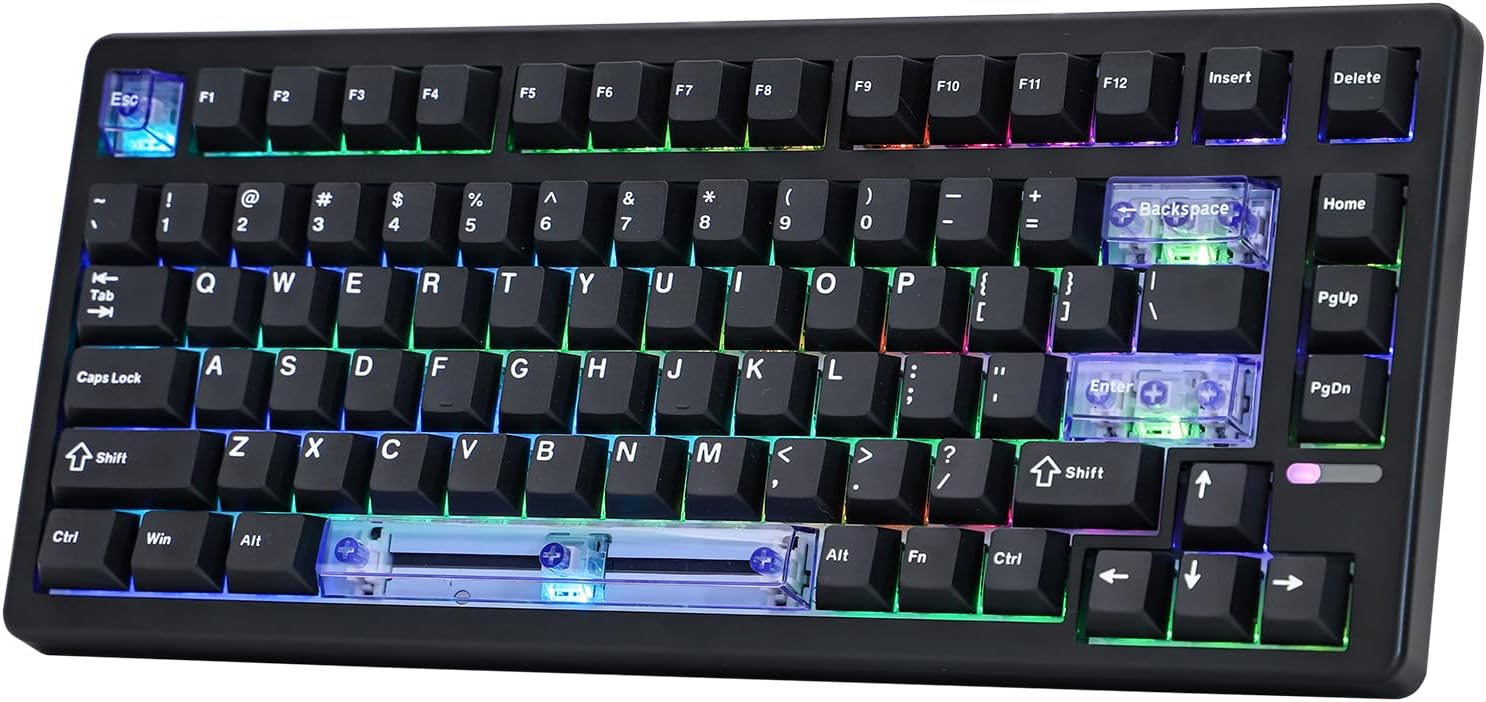
This is a 75% functional layout designed to free up desk space while keeping essential arrow and function keys. The listing also mentions 82 lubed keys, which suggests the board is set up to feel smoother than a purely stock experience.
On keycaps, it uses double-shot PBT keycaps. The practical benefit is that legends/characters are said to stay clearer over time, and PBT is typically chosen because it resists the “greasy” shine some people dislike with other materials.
Tech summary (what to know before you buy)
Here are the technical details that define what you’re getting:
- Type: Wired gaming keyboard with hall effect magnetic switching
- Layout: 75% functional layout (includes arrow keys and function keys)
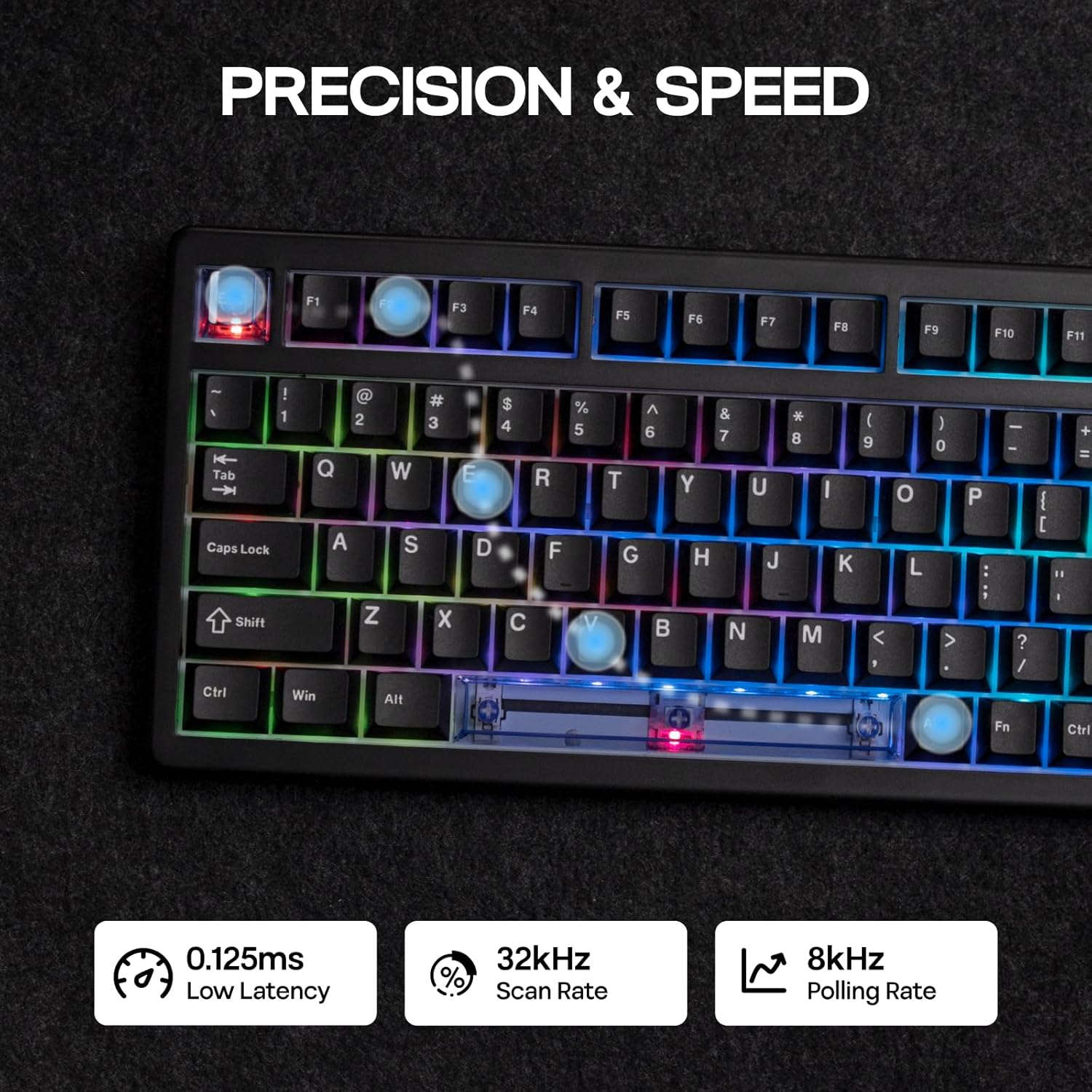
- Polling rate: 8K Hz
- Scan rate: 32K scan rate, 128K single key scans (as stated)
- Claimed latency: 0.125ms (as stated)
- Trigger feel: adjustable trigger and release travel in 0.01mm increments
- Keycaps: Double-shot PBT keycaps
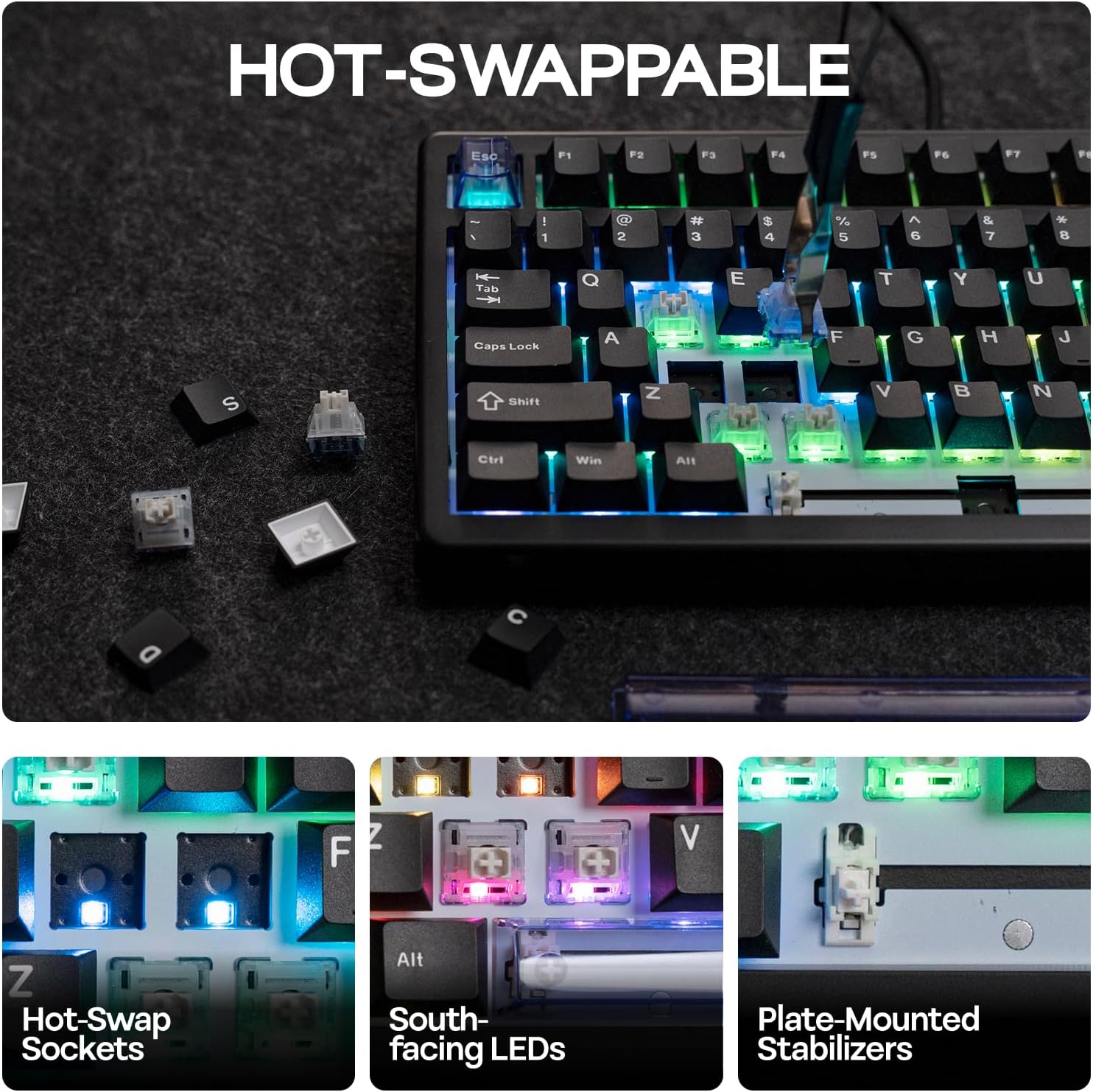
- Hot-swappable: Yes (the listing states hot-swappable)
- RGB backlight: Programmable, per-key customisation and multiple effects
One nuance to keep in mind: the listing leans heavily on tuning and advanced input features. If you only want a straightforward plug-and-play gaming keyboard with minimal configuration, this may feel a bit “too much” compared with simpler boards.
Setup, software and configuration
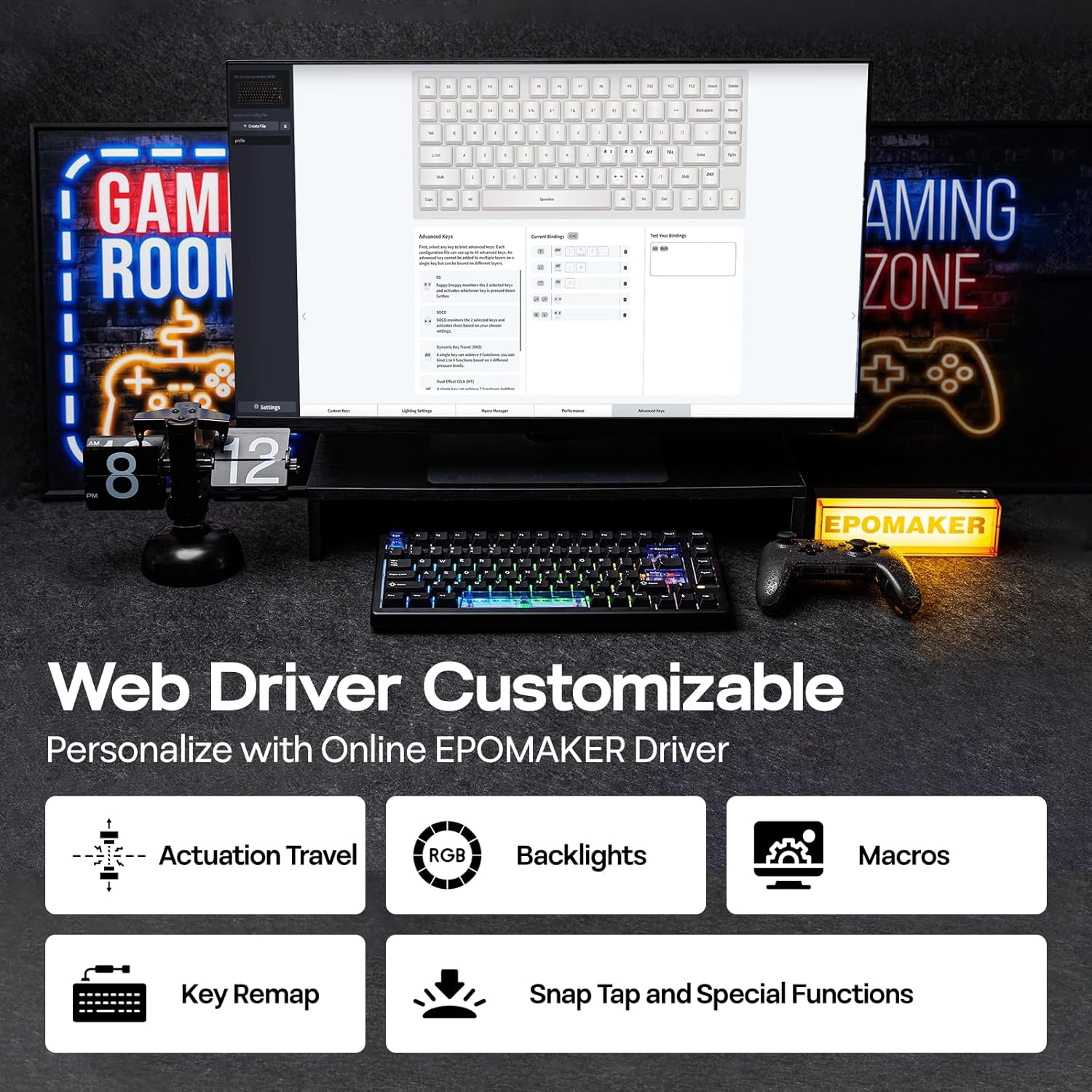
The HE80 uses “Online EPOMAKER Driver”, described as chrome-based web software that customises key functions, actuation travel, macros, and backlight. The listing also mentions real-time visual feedback, with the ability to tailor keyboard sensitivity and record macros.
That’s convenient if you’re happy to tweak settings in-browser. If you’d rather avoid software setup, you may prefer a keyboard that’s less about tuning.
Pros and limits (straight talk)
What’s most compelling is the combination of hall effect switching, the adjustable actuation/end travel, and the competitive-style features (SOCD and DKS). It’s the kind of board that makes sense if you like to dial in your controls and you’re chasing consistent input timing.
What could put you off is complexity: configuring actuation, understanding SOCD/DKS behaviour, and setting RGB can take time. Also, with any high-spec input claim, it can be worth checking whether your monitor, PC, and game really make those differences meaningful.
Is it worth it?
A solid pick if you want a compact 75% gaming keyboard with hall effect control, adjustable trigger/release travel, and software-based configuration for SOCD/DKS and macros. It suits players who enjoy tinkering with sensitivity and timing—especially for FPS, MOBA, or rhythm-style games where input nuance matters.
It may not be the best choice if you’re after a simple, minimal-effort keyboard experience, or if you’re not comfortable configuring advanced behaviour modes. You may want to skip it if you mainly care about casual use, office typing, or you’d rather avoid any web-driver setup.
Mini FAQ
Does the HE80 use hall effect switches? Yes. The listing describes hall effect magnetic switching with reduced latency claims and no physical contact between switch and PCB.
Can you adjust how far you press before it registers? The listing states actuation and end travel can be adjusted in 0.01mm increments.
Is it hot-swappable? Yes, hot-swappable is stated in the product information.
What layout does it use? A 75% functional layout that keeps arrow keys and function keys while leaving more desk space than a full-size board.
Is there software to remap keys and set RGB? The listing mentions an Online EPOMAKER Driver (chrome-based web software) for key functions, macros and lighting customisation.