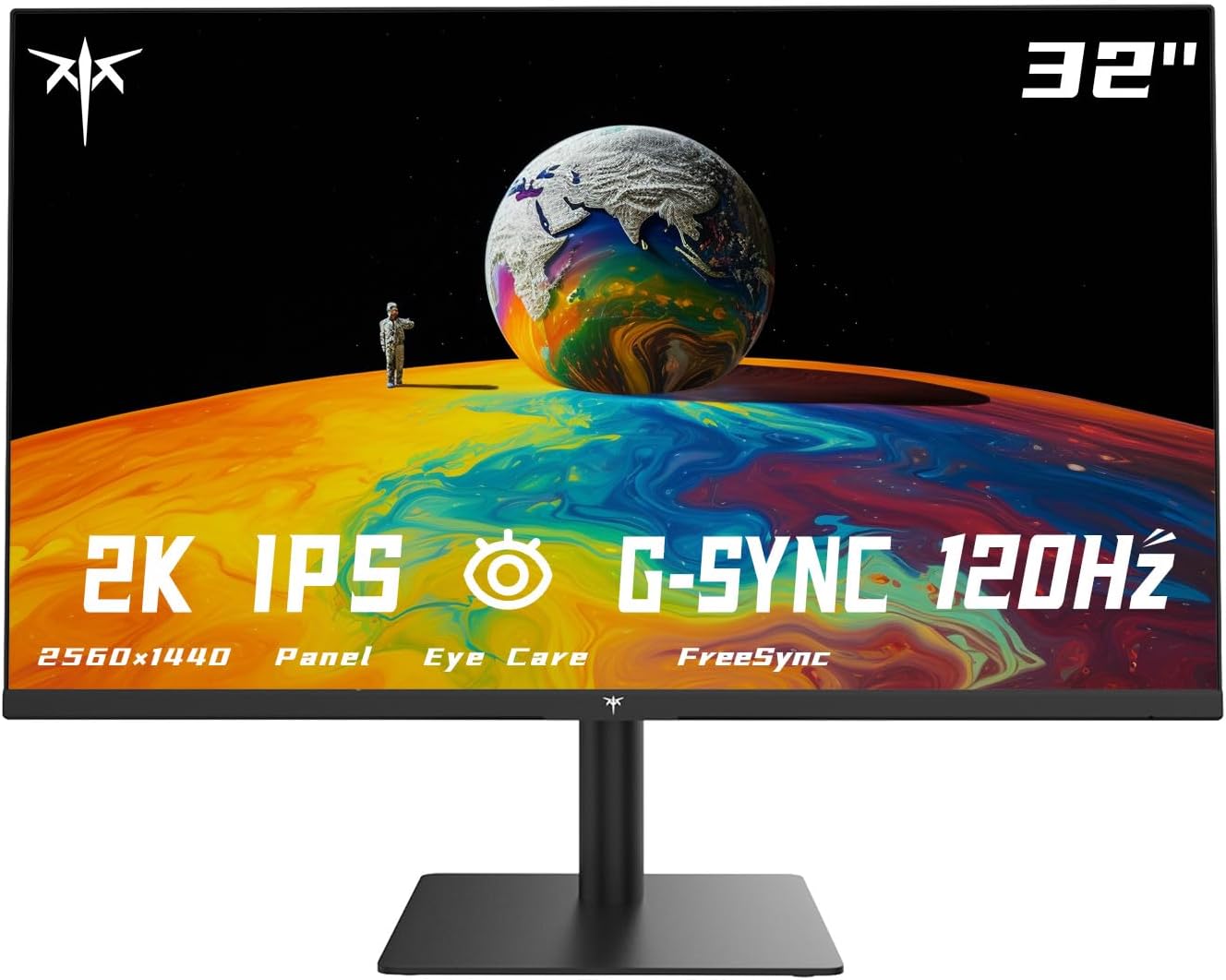
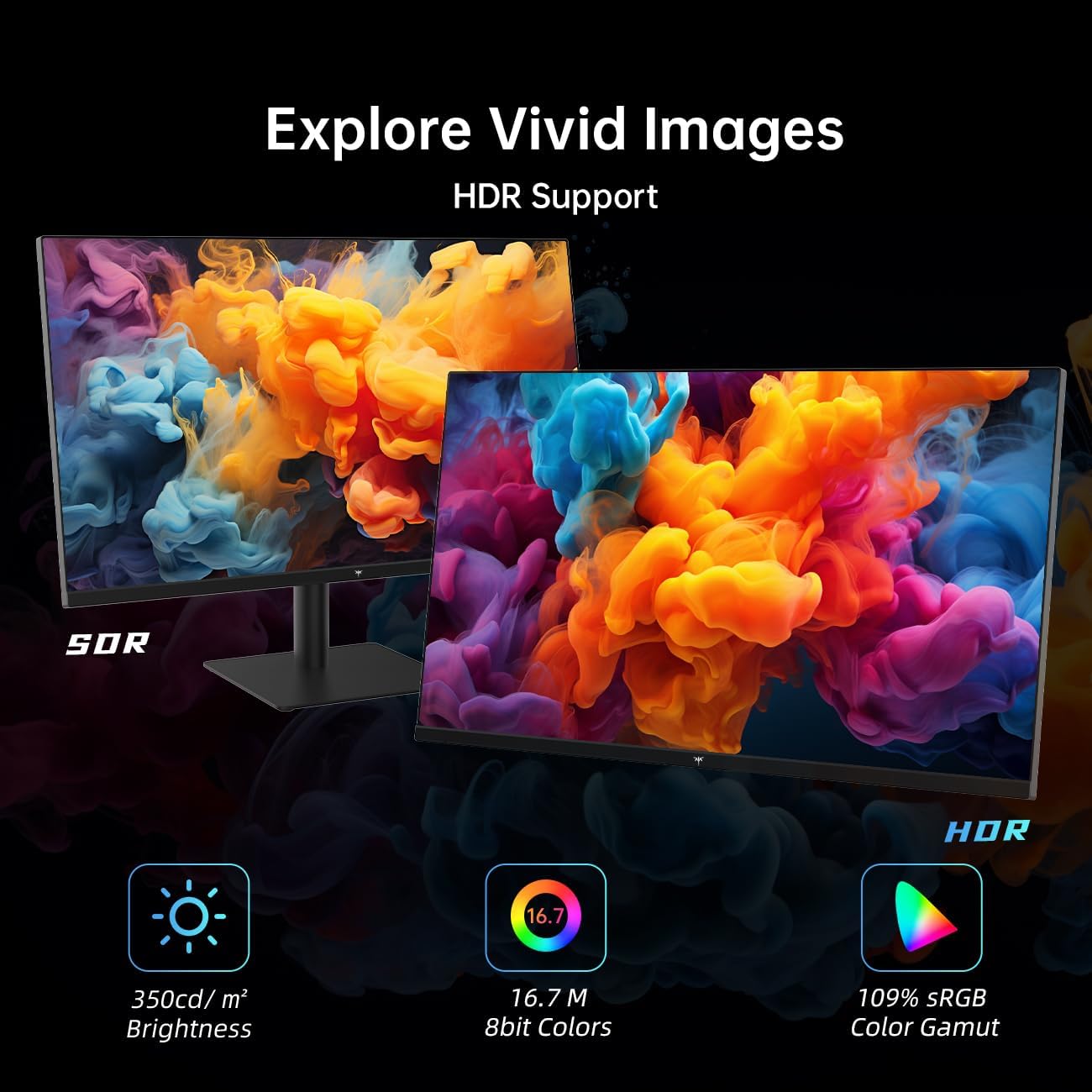
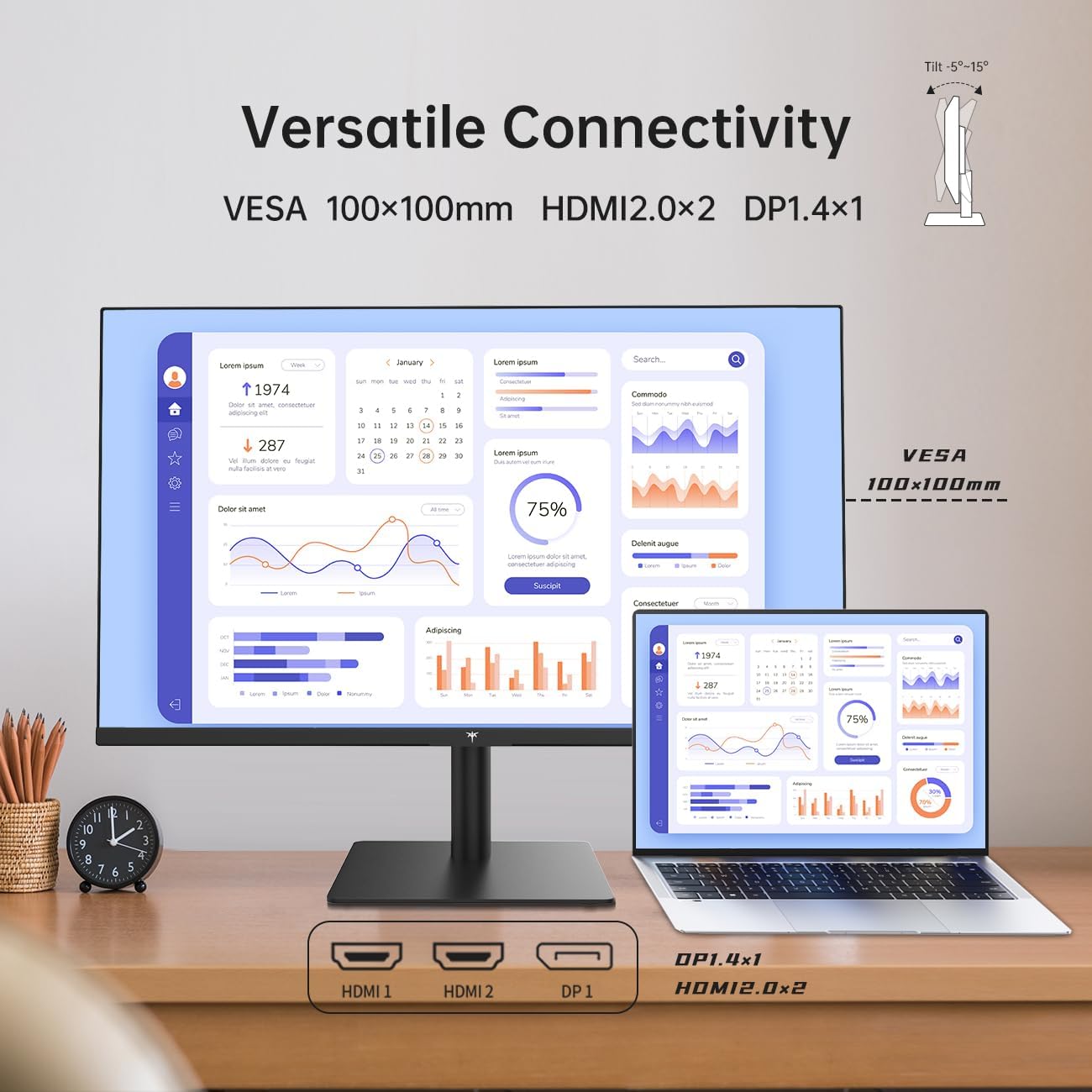
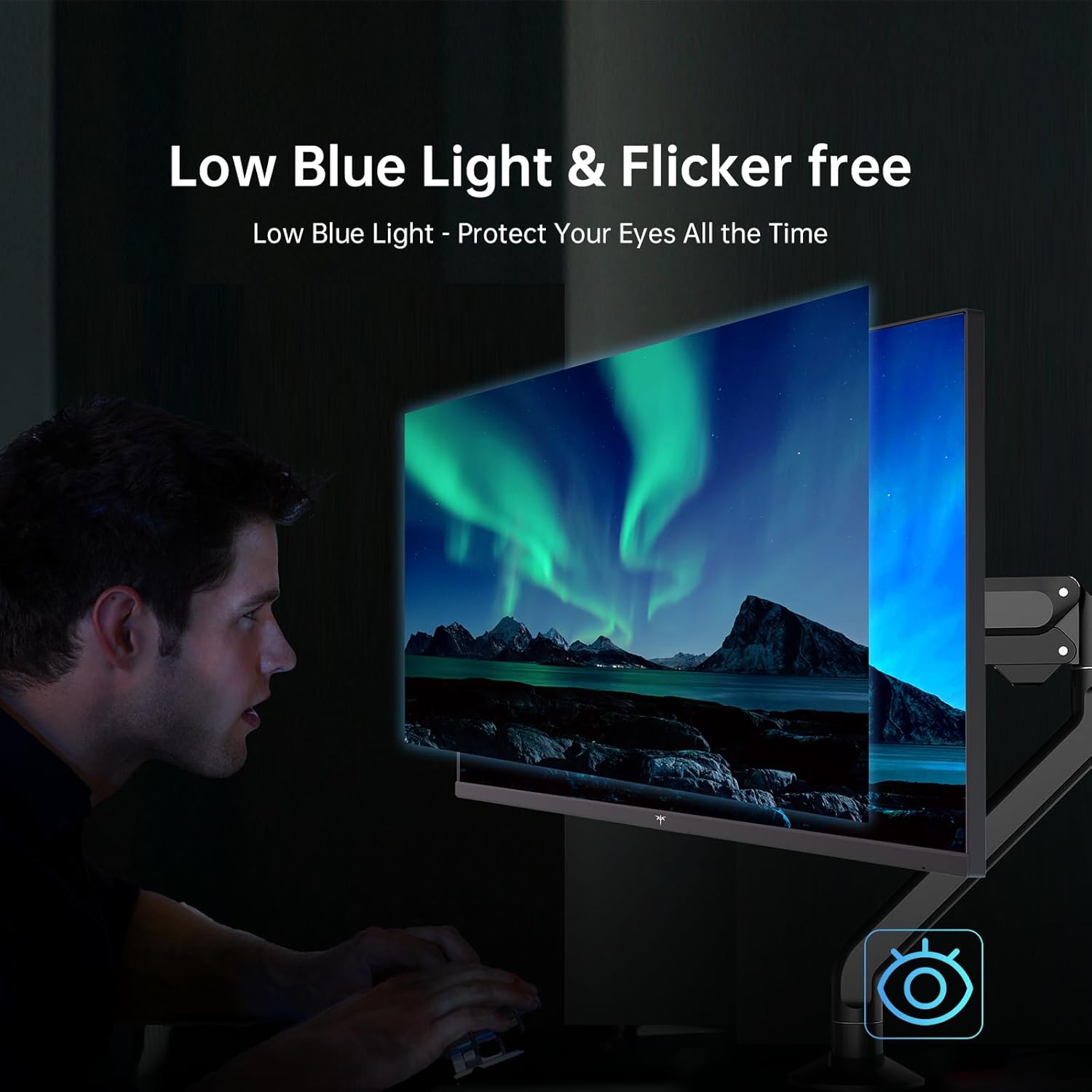
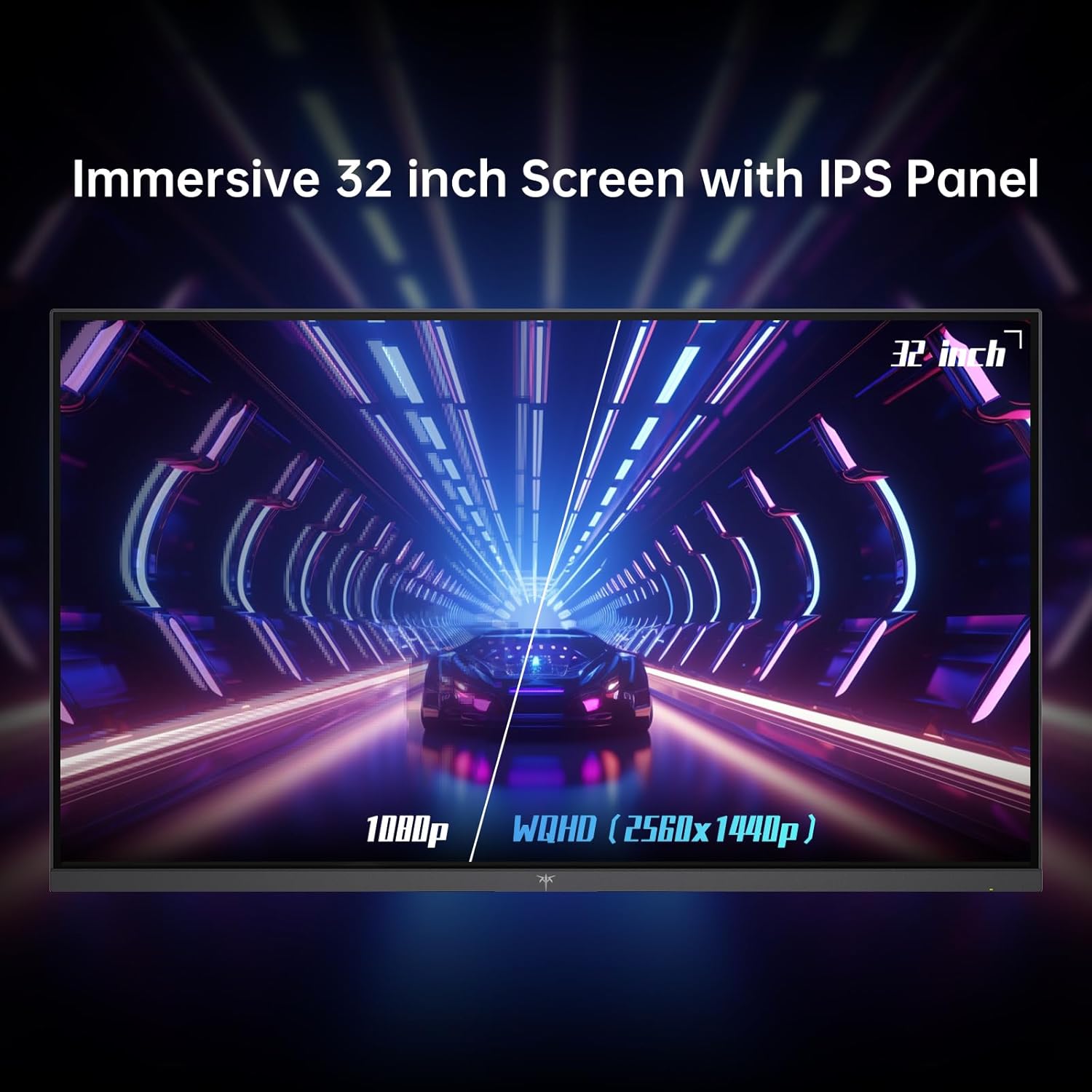
What it is and what it solves\nThe KTC Flat 32 Inch Monitor is a 32-inch computer display with QHD 2560 x 1440 resolution, delivering crisp detail for both work and casual gaming. With a 100Hz refresh rate and an IPS panel, it aims to combine accurate colours with smooth motion, making it a sensible choice if you want more workspace and sharper images without stepping up to a very high-end model.\n\n## How it performs on paper\nOn colour, the monitor touts a wide gamut, achieving 103% sRGB and 86% DCI-P3. That translates to richer greens and reds than many budget panels, though real-world results depend on factory calibration and your content. The 3ms MPRT response time helps reduce blur during fast-paced footage or gaming, while Adaptive Sync works to minimise screen tearing. HDR10 support adds more dynamic range for compatible media, though HDR effectiveness can vary with source material and brightness capabilities.\n\n## Strengths you’ll notice in use\n- Sharp clarity for documents, spreadsheets and design work thanks to QHD resolution on a sizeable panel.\n- Consistent colour across scenes and media due to the calibrated colour space coverage.\n- Smooth gameplay or scrolling with 100Hz and Adaptive Sync, reducing stutter.\n- Eye comfort features with an anti-blue light layer, which can help during long sessions.\n- Practical connectivity: two HDMI ports, two DP ports, a headphone jack and a DC power input, making it easy to hook up a PC, console or peripherals.\n\n## What’s less convincing\n- Brightness sits around 350 nits, which is adequate for typical indoor use but may feel limited in very bright rooms. HDR is supported, but on a mid-range panel it won’t deliver the punch you’d expect from higher-end displays. Some users may find the viewing angles or off-axis colour shift noticeable with certain content.\n- At 32 inches, sitting at desktop distance, text may benefit from a comfortable seating position and height adjustment, tilt is available, but a full stand with height adjustability would be ideal for prolonged use.\n\n## Who it’s for\nThis monitor suits professionals who want more screen real estate without buying into high-end hardware, and casual gamers who value balanced colour and a smooth 100Hz experience over extreme brightness. It’s also a reasonable option for mixed-use setups where tasks range from wording and data to light gaming.\n\n## Who it isn’t ideal for\nIf you prioritise maximum brightness, the strongest HDR performance, or a very thin bezel aesthetic, you might be disappointed. It’s not designed to be the most immersive ultrawide or to push 4K workloads.\n\n## When it makes sense to buy\nIf you need a sizeable, affordable alternative to smaller or more basic displays, with a solid colour profile and comfortable daily use, this model is worth considering. It’s a practical middle-ground for a home office or shared space where you want decent visuals without paying a premium.\n\n## What to check before buying\n- Confirm your GPU or video output supports 2x HDMI or 2x DP for the best dual-connectivity setup.\n- Consider room lighting, at 350 nits you may want to avoid glare to preserve contrast.\n- If you rely on HDR, test within your typical content because the implemented HDR on mid-range panels is often less dramatic than premium models.\n\n## Practical usage example\nImagine editing a presentation with charts and images: you’ll appreciate the extra screen real estate and the consistent colours when comparing slides side-by-side. For a relaxed evening, it handles a couple of hours of gaming without eye strain, thanks to the anti-blue light layer.\n\n## FAQ (practical answers)\n- Is it suitable for long work sessions? Yes, subject to comfortable seating and desk setup, the eye-care feature helps reduce fatigue.\n- Can it be used with a gaming console? With two DP and two HDMI ports, it can connect to multiple devices, though input lag will depend on the source.\n- Does it support high dynamic range? It supports HDR10, but the HDR effect depends on content and brightness limits of the panel.\n\n## Decision time\nFinal verdict: A solid mid-range option for those who want more screen real estate and decent colour accuracy without stepping up to premium HDR gaming monitors. It suits mixed use—office tasks, media consumption and casual gaming—well enough, but isn’t the best for HDR-heavy content or high-brightness rooms. If you value pragmatic performance and value for money, it’s worth a closer look.\n
Quick user note\nIf you prioritise higher brightness or a more pronounced HDR experience, you may want to explore other options or be prepared for a trade-off in peak HDR performance.