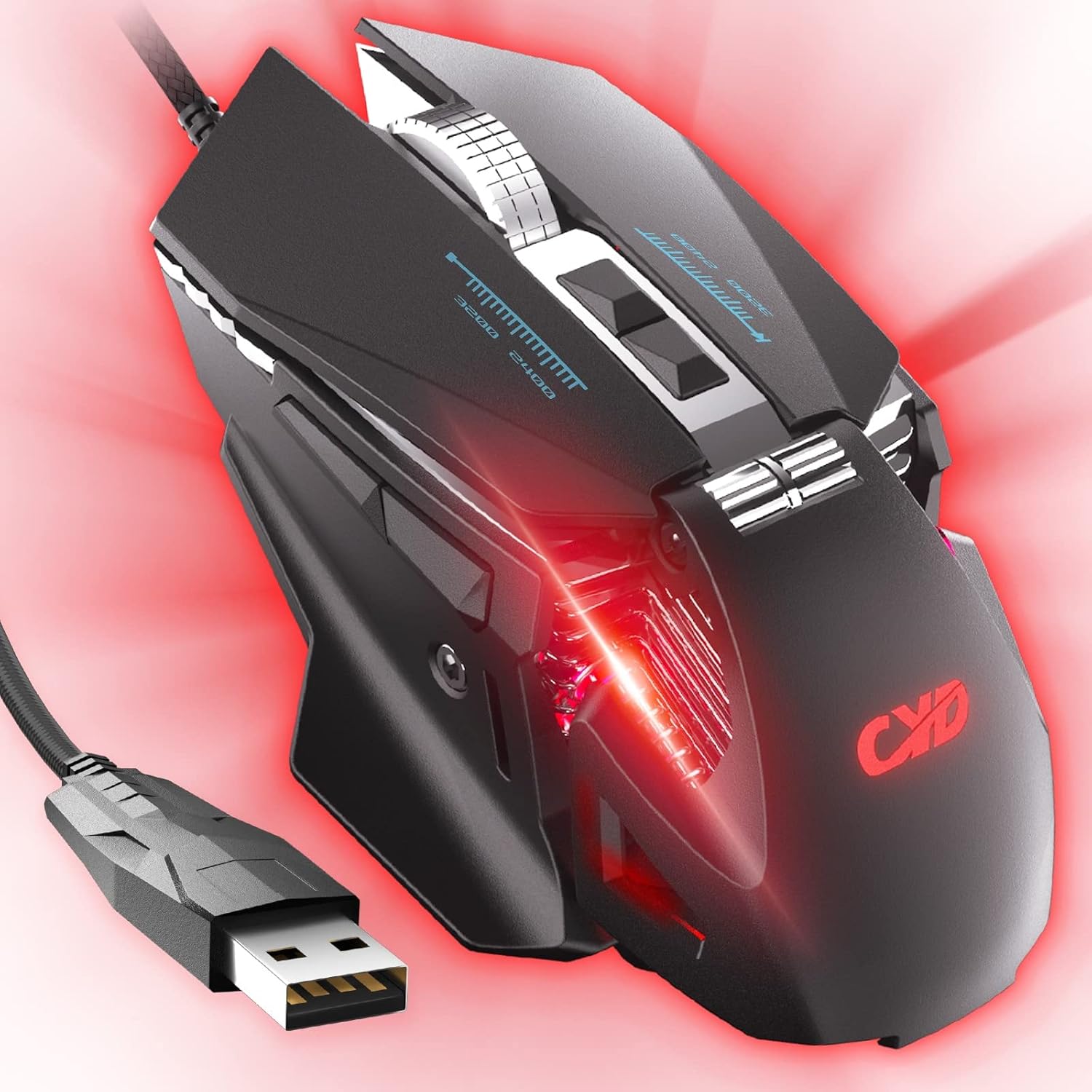
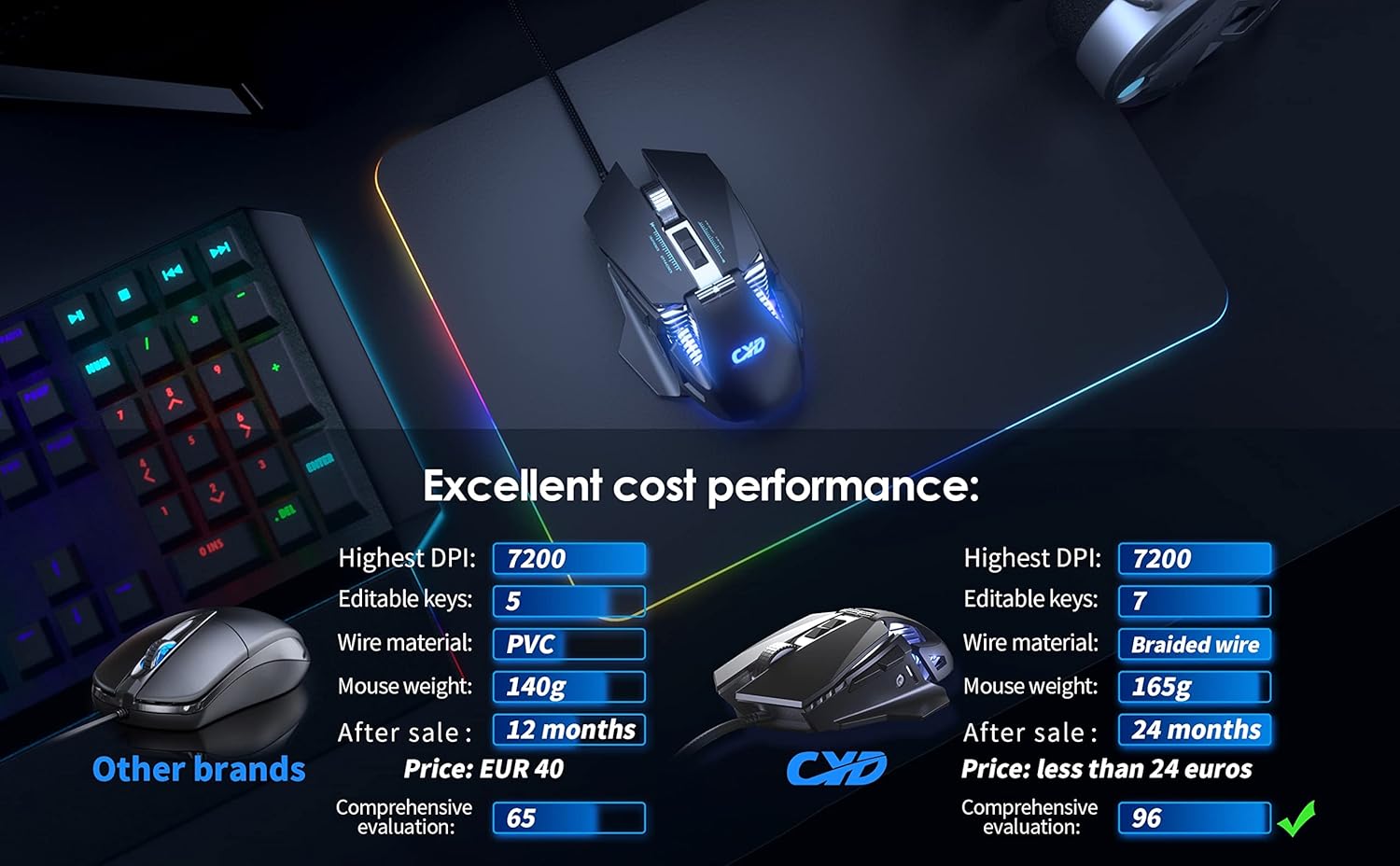
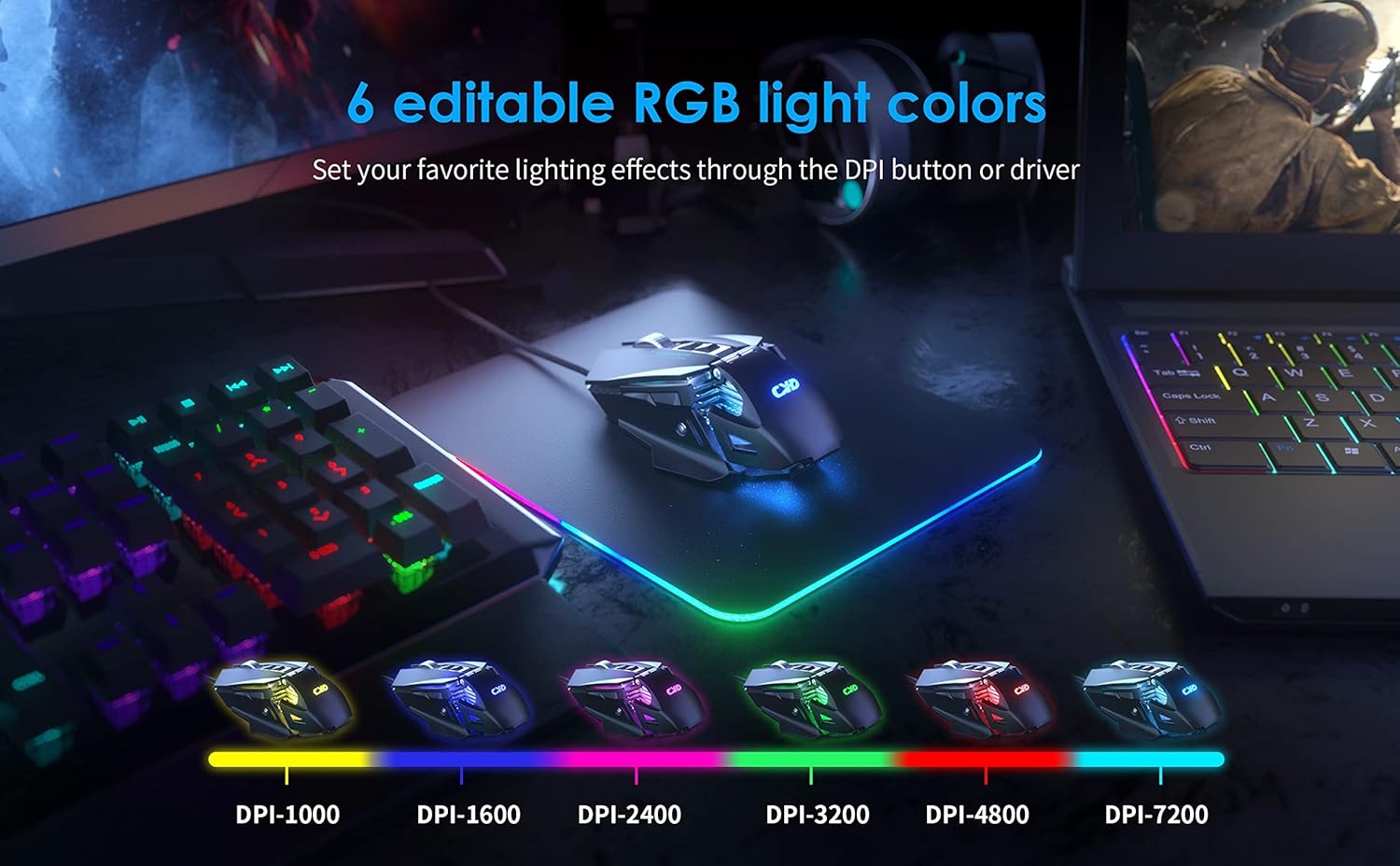
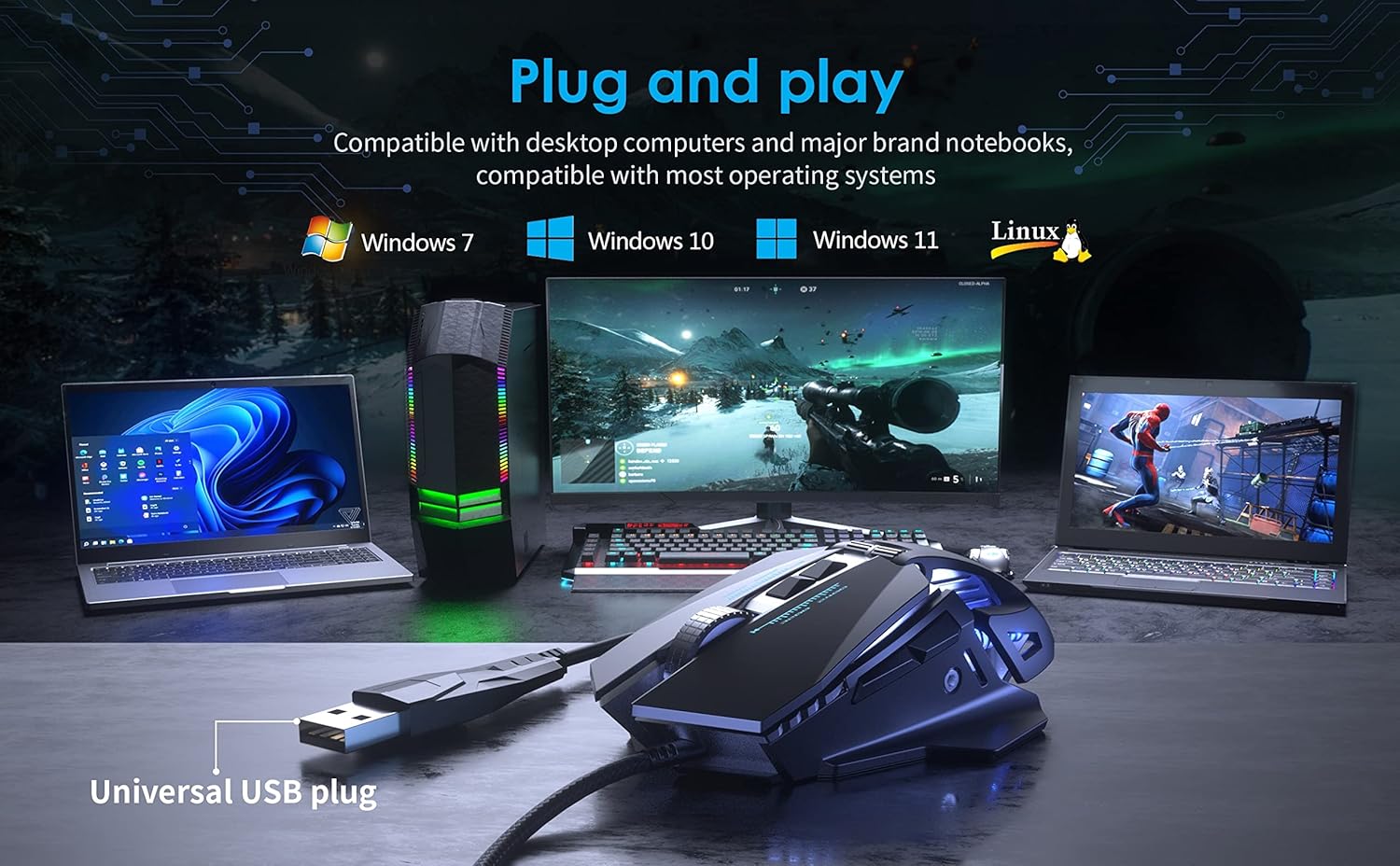
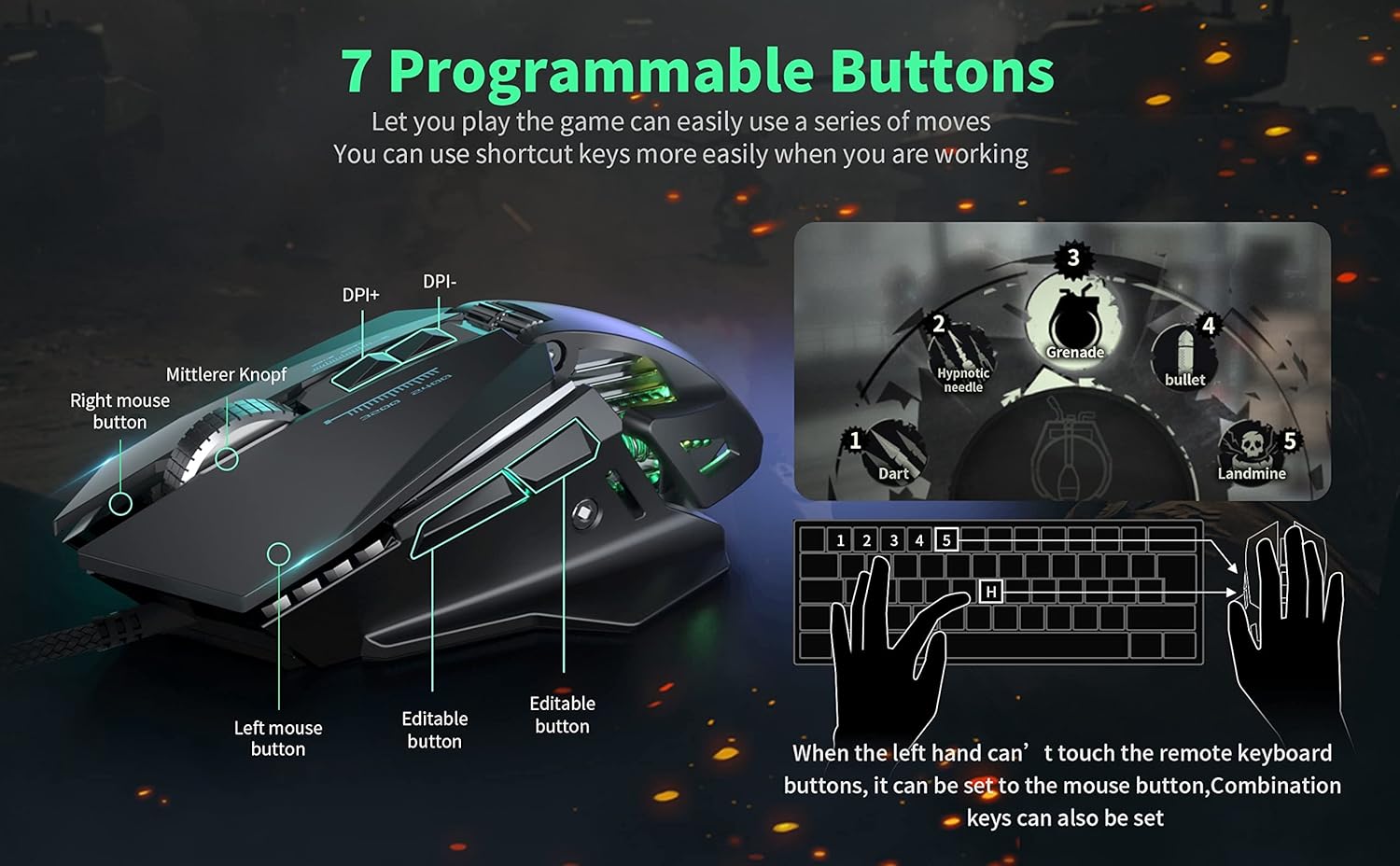
What it is and who it’s for\nThe CYD C300 is a wired USB 3.0 gaming mouse designed to be comfortable for long gaming sessions. It’s pitched as an ergonomic option that can be used with laptops and desktops, including left-hand use, and includes programmable features and extra side buttons. If you prioritise a practical, value-focused option for PC gaming or casual to mid-core titles, this mouse aims to offer a straightforward setup with responsive feel and adjustable sensitivity.\n\n## Design and build quality\nIts ergonomic shape and a larger scroll wheel are highlighted as comfort-oriented touches. The wired design eliminates battery concerns, and the plug-and-play approach—drivers installing automatically after connection—keeps things simple. The inclusion of RGB lighting adds a visual flair without complicating operation. The left-handed compatibility expands its potential user base, though the overall impression is of a budget-friendly build that looks and feels more premium than some rivals at a similar price.\n\n## Performance and features\nA key feature is the six DPI levels, with a maximum of up to 7200 DPI as listed in the available data. Side buttons are present to aid in-game actions, which can reduce reliance on wheel or keyboard shortcuts. The device is described as providing smoother, uninterrupted movement for gaming, with feedback on button feel and a reliable scroll experience. Because the product relies on USB 3.0, you can expect decent polling rates on compatible hardware.\n\n## Pros and cons in practice\n- Pros: ergonomic design aimed at comfort during long sessions, left-handed compatibility, straightforward setup, programmable buttons, RGB accent for a personalised look.\n- Cons: the build is positioned as budget-friendly, so it may not satisfy players seeking high-end materials or ultra-light chassis, exact performance can vary with surface choice and table setup.\n\n## Who it’s for\nThis mouse suits gamers who want a practical, affordable option for PC or laptop use, including those who might prefer a left-handed configuration or value extra side buttons for in-game actions. It’s not aimed at top-tier esports players seeking premium sensors or featherweight designs.\n\n## When it makes sense to buy\n- You need a reliable wired mouse with simple setup for PC gaming or everyday use.\n- You want programmable buttons at a sensible price and a design that works for left-handed users.\n- You don’t require the latest high-end materials or the lightest possible chassis.\n\n## Things to check before buying\n- Ensure your USB port and setup can support USB 3.0 peripherals for best compatibility.\n- If you’re very sensitive to weight, compare the CYD C300’s heft with your current mouse.\n- Consider your preferred surface and mousepad, as sensor performance can vary by texture.\n\n## How it compares in context\nFor someone weighing up a budget wired option versus a wireless model or a premium wired mouse, the C300 sits in the middle ground: more predictable, straightforward functionality without premium materials or advanced sensor tech. If you prioritise portability and wireless freedom, you may look elsewhere, if you prioritise a cost-effective, reliable wired option with decent programmability, it’s worth considering.\n\n## FAQ (brief)\n- Is it easy to set up? Yes, plug in and let the system install drivers automatically.\n- Can it be used left-handed? Yes, it’s listed as left-handed compatible.\n- Does it support high DPI? It offers up to 7200 DPI with six levels, suited to typical gaming needs.\n\n## Decision time\nIs it worth it? Worth considering if you want a budget wired mouse with ergonomic focus, extra side buttons and left-handed compatibility for general PC gaming. It may not be the best option if you’re chasing premium build quality or the latest sensor tech.