

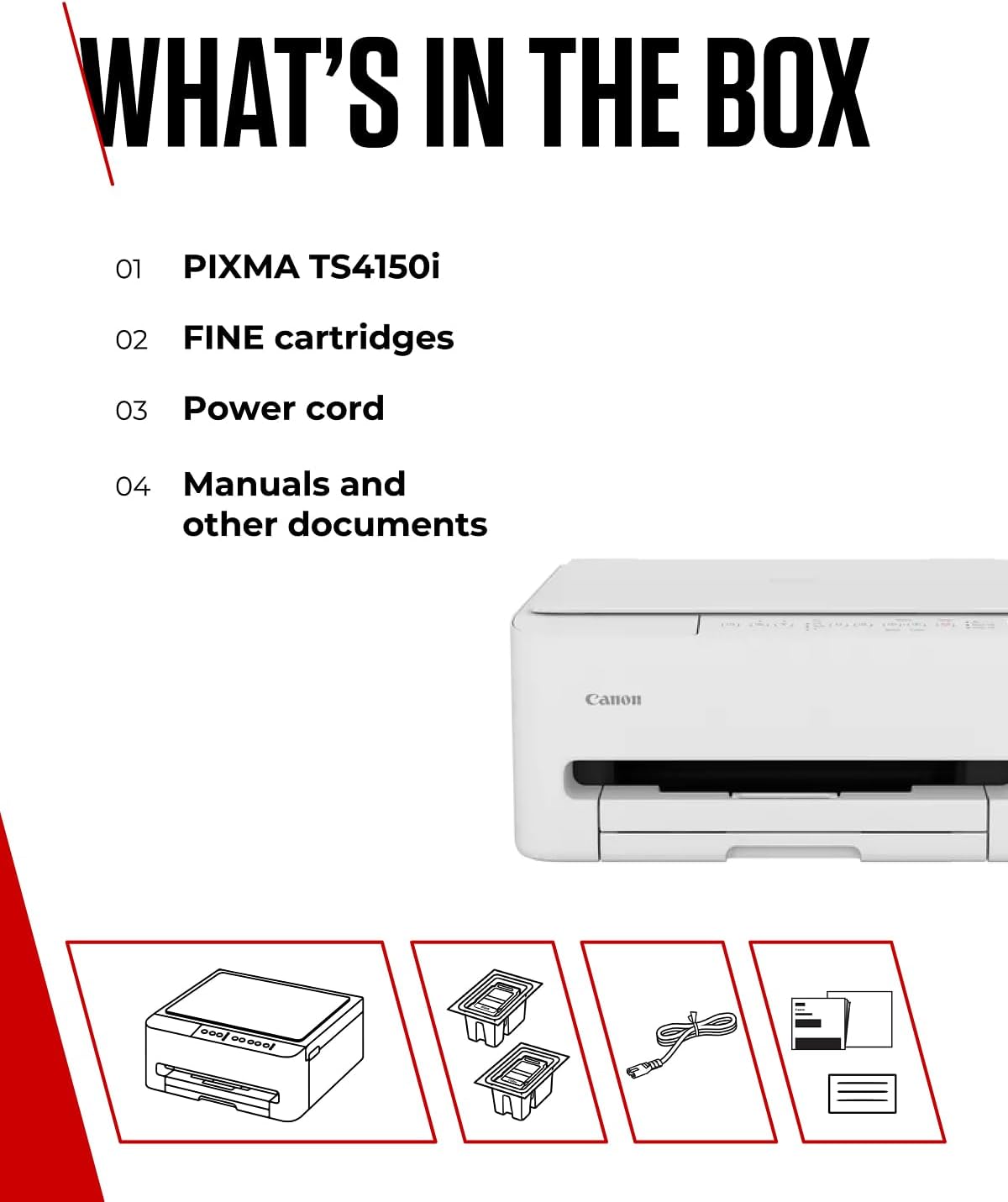
Canon PIXMA TS4150I All-in-One Printer with Wi-Fi – White
Product description
What it is and what it’s for
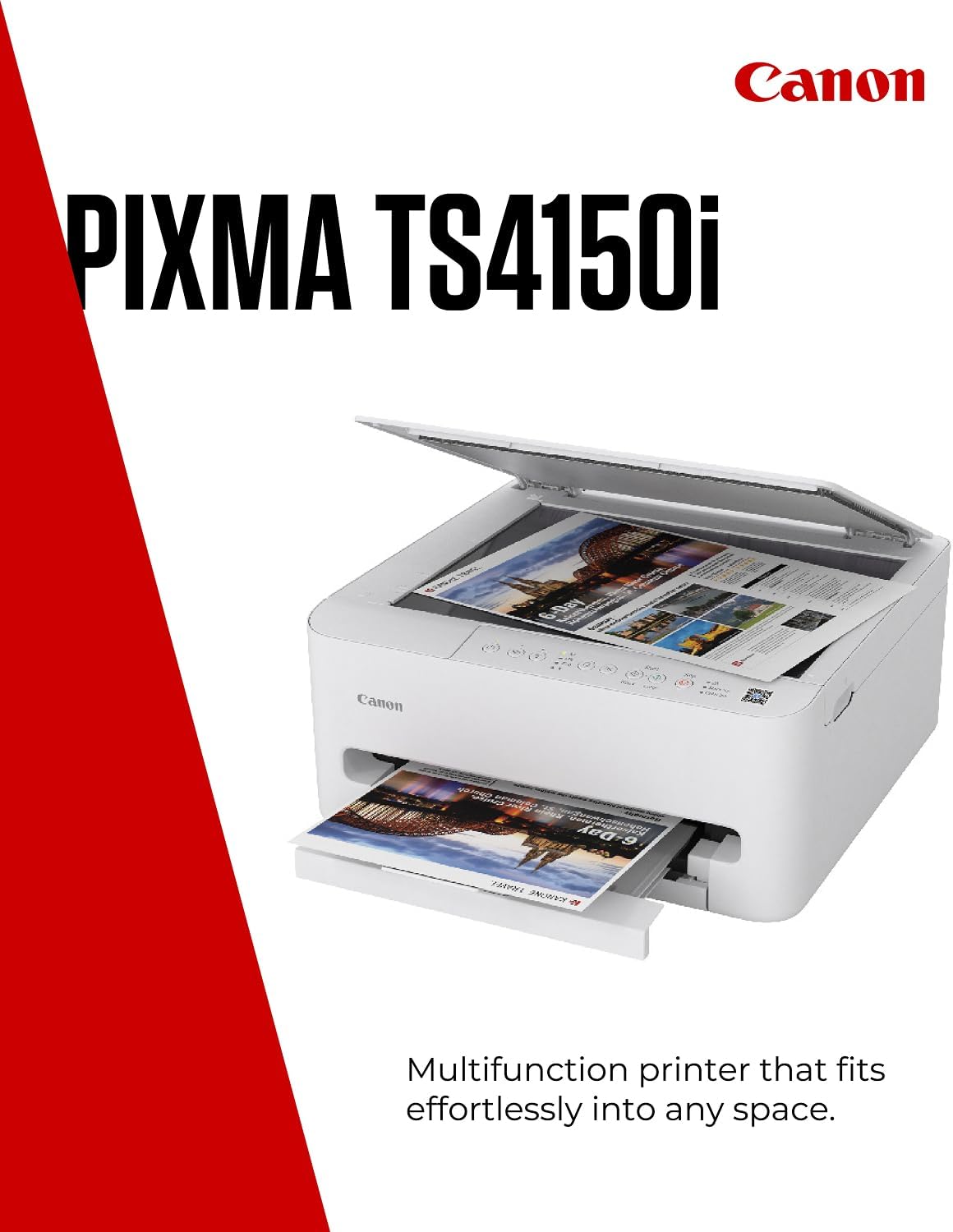
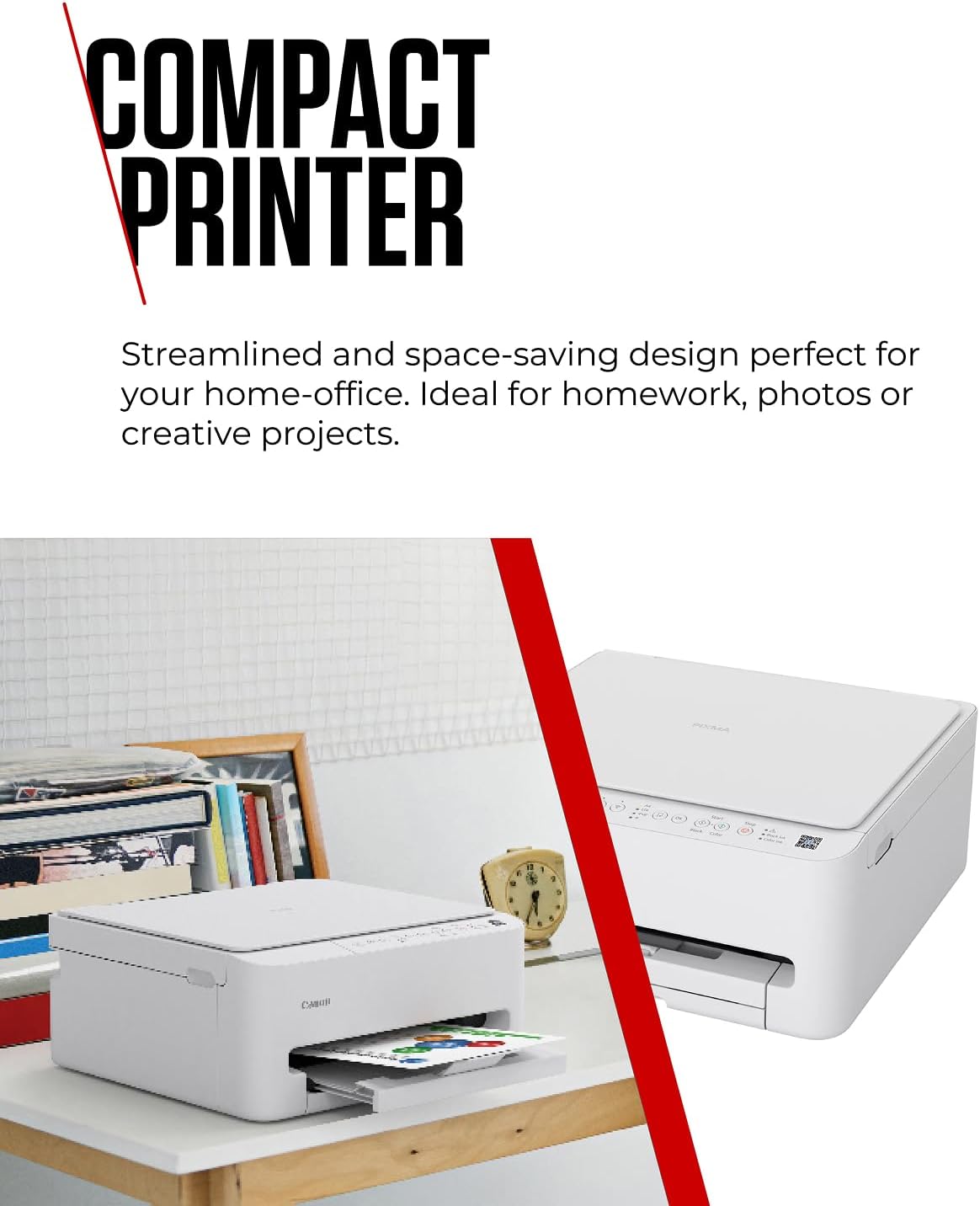
The Canon PIXMA TS4150I is a compact, all-in-one printer designed for home offices and homework alike. It offers wireless printing from smartphones and tablets, along with scanning and copying capabilities. On the page, its appeal lies in ease of setup, a space-saving footprint, and the convenience of cloud-friendly tasks without needing a wired connection. If you prioritise simple, everyday printing—photos, maps, diagrams or quick documents—the TS4150I aims to cover those common needs without fuss.
How it’s put together
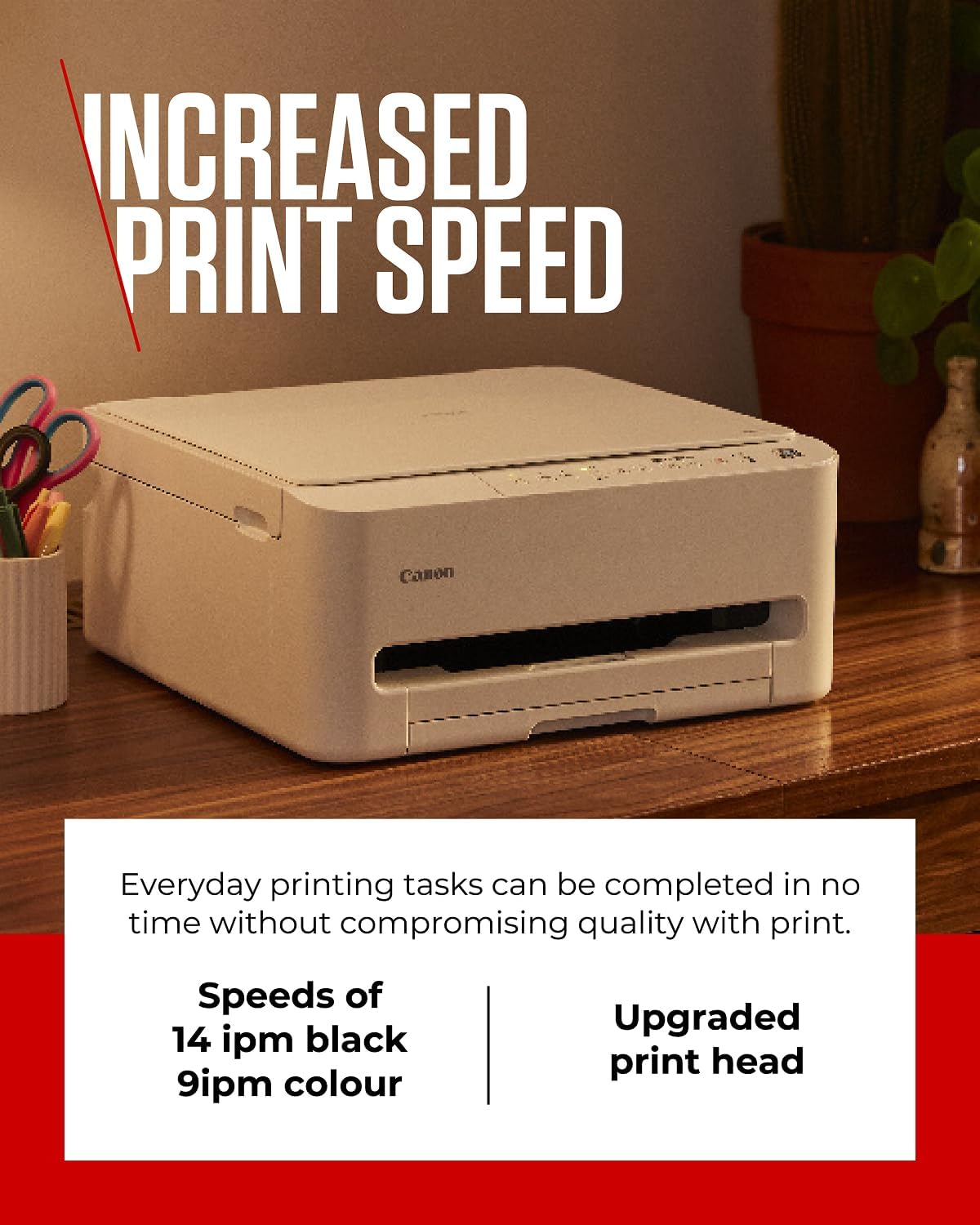
This model leans into a compact form factor that should sit comfortably on a desk or shelf. It includes Canon’s FINE ink optimisation, which the manufacturer markets as enabling faster results with fine detail. In practice, that can translate to crisper text, more nuanced colour in charts, and clearer QR codes or maps from a phone or tablet. The Wi‑Fi connectivity means you can print directly from mobile devices, scan to email or cloud storage, and copy pages without a PC wired connection.
What stands out
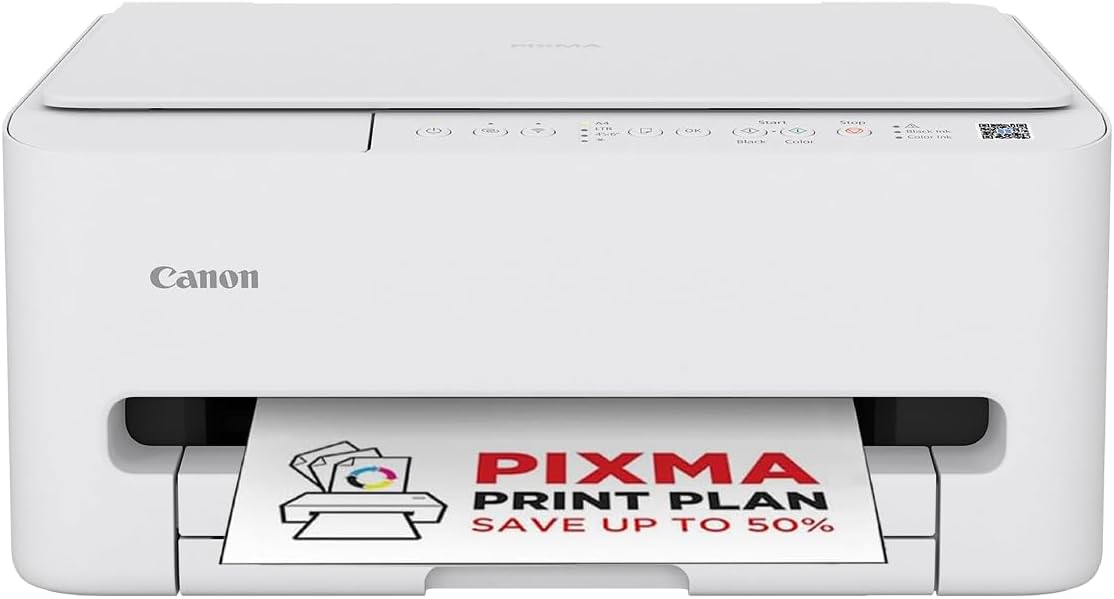
On the page, the standout is its balance: a lightweight home printer that tries to deliver reasonably quick results and straightforward wireless use. For light to moderate workloads—school projects, family photos, seasonal crafts—the TS4150I offers a sensible, no-nonsense approach to printing from everyday devices. The integration with Canon PIXMA Print Plan hints at a hands-off approach to keeping ink topped up, which can be convenient if you struggle to remember to reorder ink.
What might be less convincing
If you push this printer with heavy workloads or photo-grade printing, it may not feel as capable as higher-end home printers. The compact design naturally constrains output volume and possibly the breadth of media types compared with larger models. For those who print frequently in large quantities, the per-page cost and refill cadence may become more noticeable than with more robust devices.
Who it’s for
This model suits households and students who want a simple, reliable device that can print, scan and copy from a phone or tablet. It’s a sensible choice for light to moderate use: homework, quick diagrams, printed photos from casual shoots, and everyday document printing. If you value a small footprint and straightforward wireless setup, you’ll likely appreciate the TS4150I.
Who it might not be for
If your workflow expects high-volume printing, professional photo reproduction, or a broader media range (thicker paper, glossy photo media or larger formats), you may prefer a more capable or larger model. Also, if you’d rather avoid ongoing ink subscription plans or require more nuanced scanning features, this model may feel limited.
When it makes sense to buy
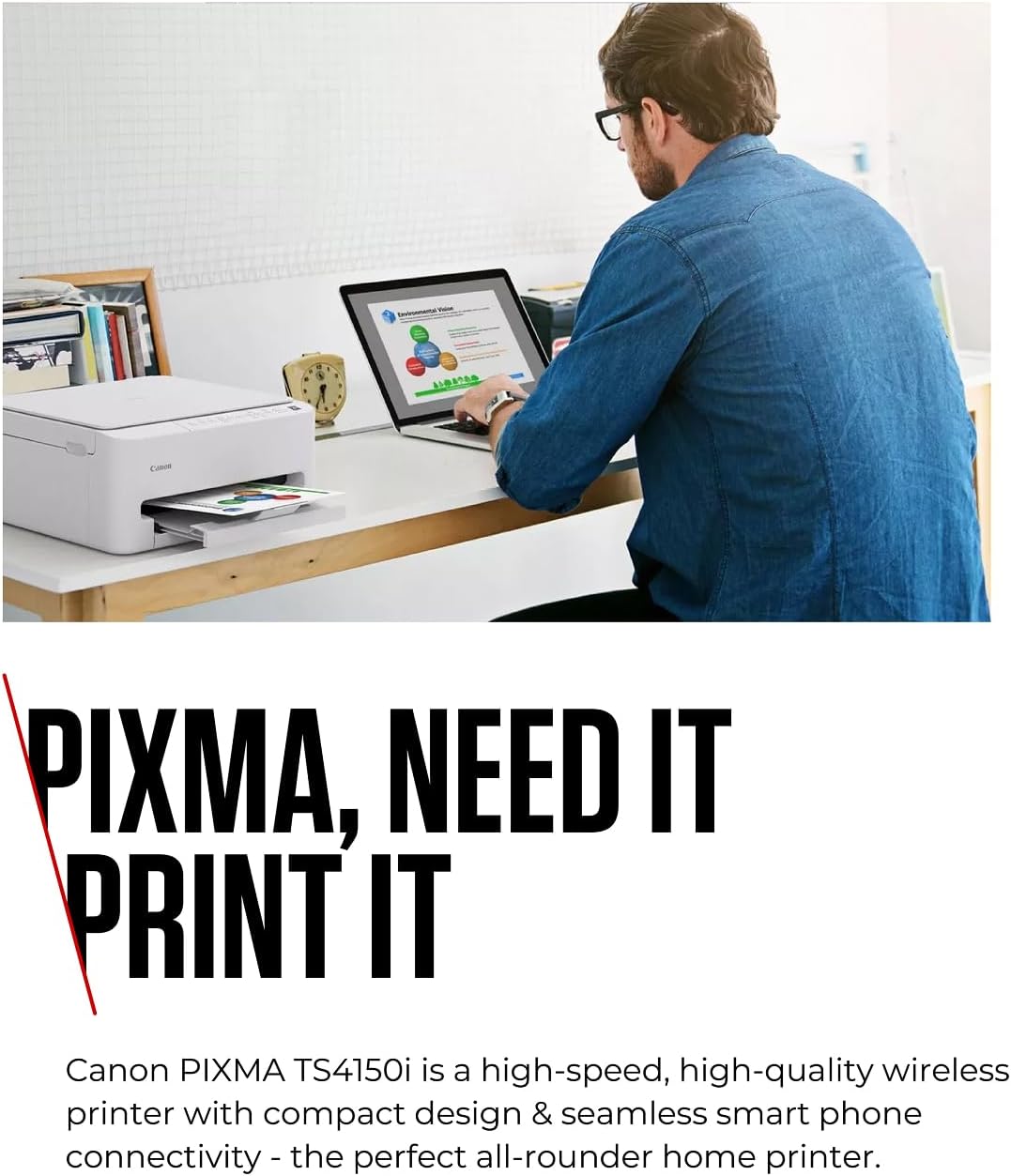
Consider this printer if you want a compact, wireless all-in-one with mobile printing convenience and a simple, home-oriented feature set. It’s sensible when you want to minimise desk clutter, print occasional photos or diagrams from a phone, and rely on a straightforward ink refill or plan approach.
When to hold off
If speed, volume, or premium photo output matters more, or if you routinely print large batches, you may prefer looking for a solution designed for higher efficiency or broader media support. Also, if you require advanced apps or cloud integrations beyond basic wireless printing, check compatibility expectations first.
What to check before buying
- Ensure your mobile device supports wireless printing to the PIXMA TS4150I.
- Consider your typical print load to gauge whether a compact home model fits your needs.
- If you’re considering ink plans, review how PIXMA Print Plan aligns with your usage and reorder cadence.
- Verify that the available connectivity aligns with your home network (e.g., dual-band Wi‑Fi if relevant).
Practical usage example
Imagine finishing a school project on a tablet, then printing it in colour from the kitchen table without cables. You can scan a document with the same device and email it to a teacher, all from the printer’s wireless capability. It’s not a replacement for a high-volume office setup, but it handles typical household tasks smoothly.
What you’ll notice on a day-to-day basis
- Easy mobile printing and scanning without a PC connection.
- A compact presence that won’t dominate your workspace.
- Ink plans may simplify replenishment, but you’ll want to monitor usage to avoid surprises.
Technical details
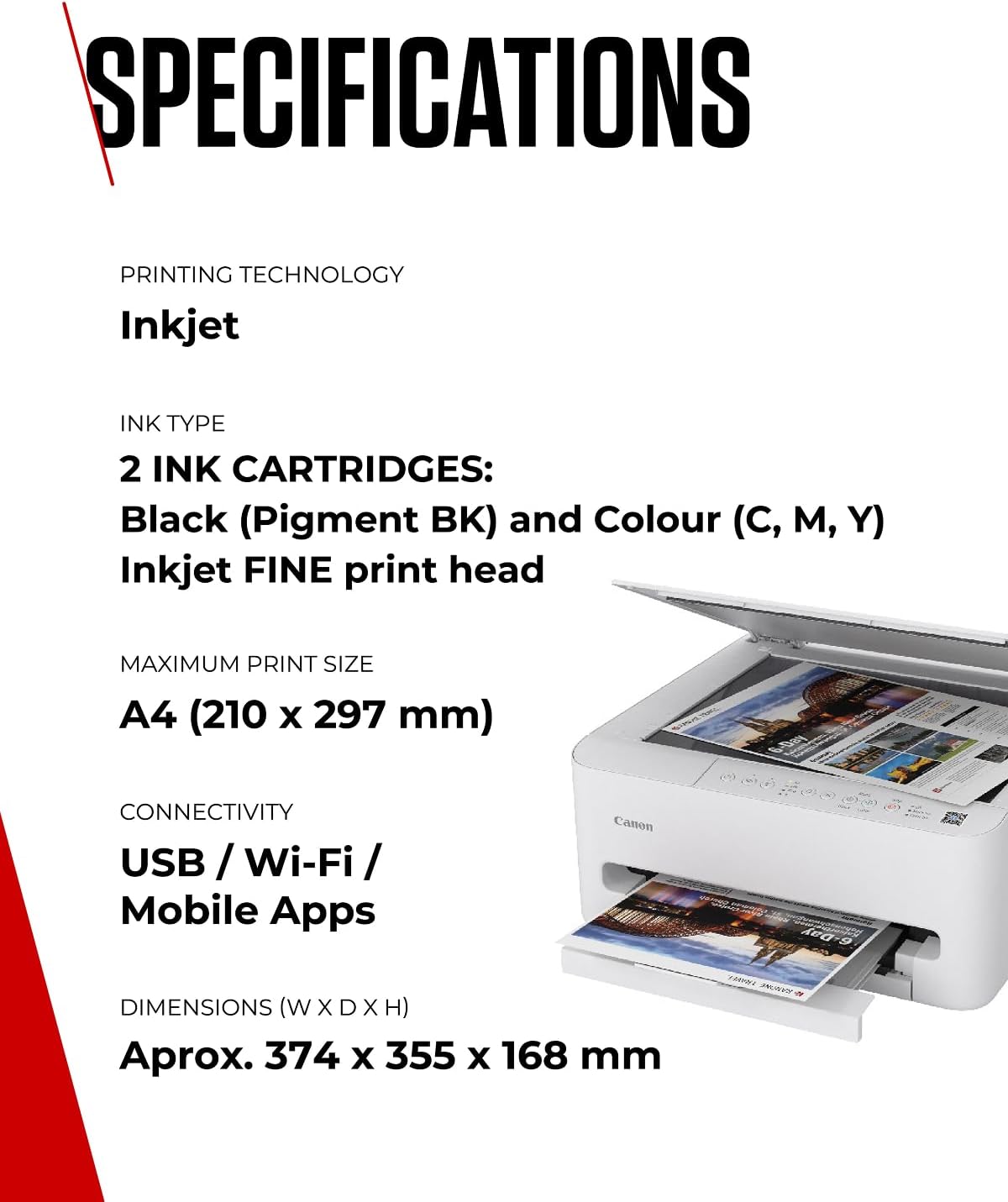
- Technical overview: wireless all-in-one with FINE ink optimisation for sharper detail.
- Connectivity: Wi‑Fi for printing from mobile devices and basic scanning/copying.
- Media handling: designed for standard home media needs, with compact form factor suitable for small spaces.
- Power and size cues: built as a space-saving home printer with straightforward usability.
Is it worth it?
It’s worth considering if you prioritise a straightforward, space-conscious printer that works well with phones and tablets and doesn’t demand a tech-heavy setup. If you expect frequent, high‑volume output or advanced photo capabilities, this model may leave you wanting more. In short, a practical choice for light to moderate home use, with an emphasis on ease and everyday convenience.
FAQ
- Can I print from a mobile device directly? Yes, the printer supports wireless printing from smartphones and tablets.
- Does it scan to email or cloud services? The base description notes scanning capability and wireless connectivity, but check your app compatibility for cloud destinations.
- Is ink replenishment via a plan available? The PIXMA Print Plan is mentioned as an option to have ink delivered when low, subject to plan terms.