

vretti Portable Printer Wrieless, P83 Inkless Printer
Product description
What it is and what problem it solves
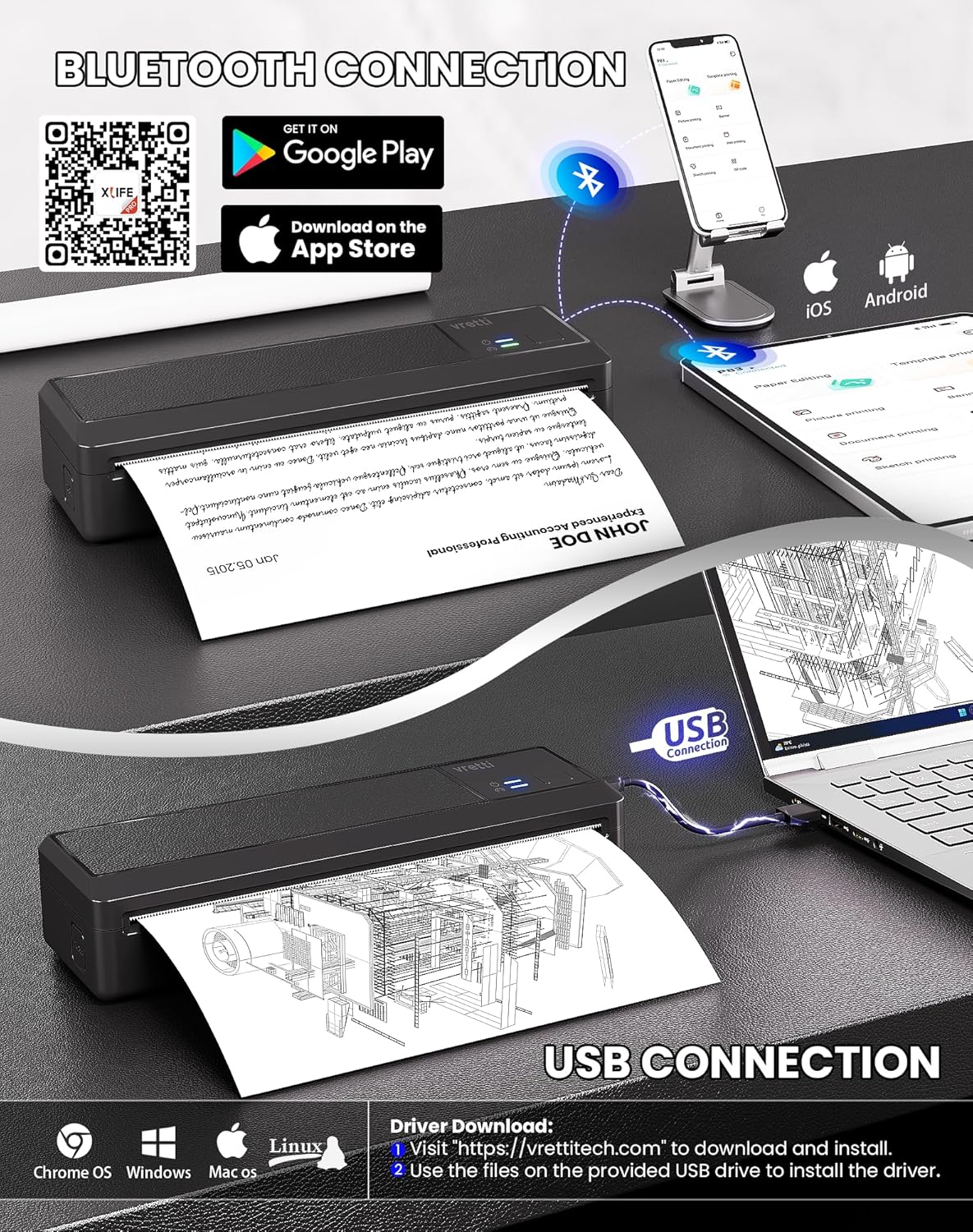
The vretti Portable Printer P83 is a compact, inkless thermal printer designed for on-the-go document printing. It uses 203 DPI thermal technology and runs on a built-in 2600mAh battery, so you can print without cords while travelling or away from a desk. It supports wireless printing via Bluetooth on mobile devices (iOS and Android) through the Xlife Pro app, and also offers USB connectivity for Windows or macOS computers. It’s particularly suited to producing text-heavy documents, lists, forms, invoices, study materials, and travel papers where speed and portability trump ultra-fine image detail.
How it works and what you’ll need
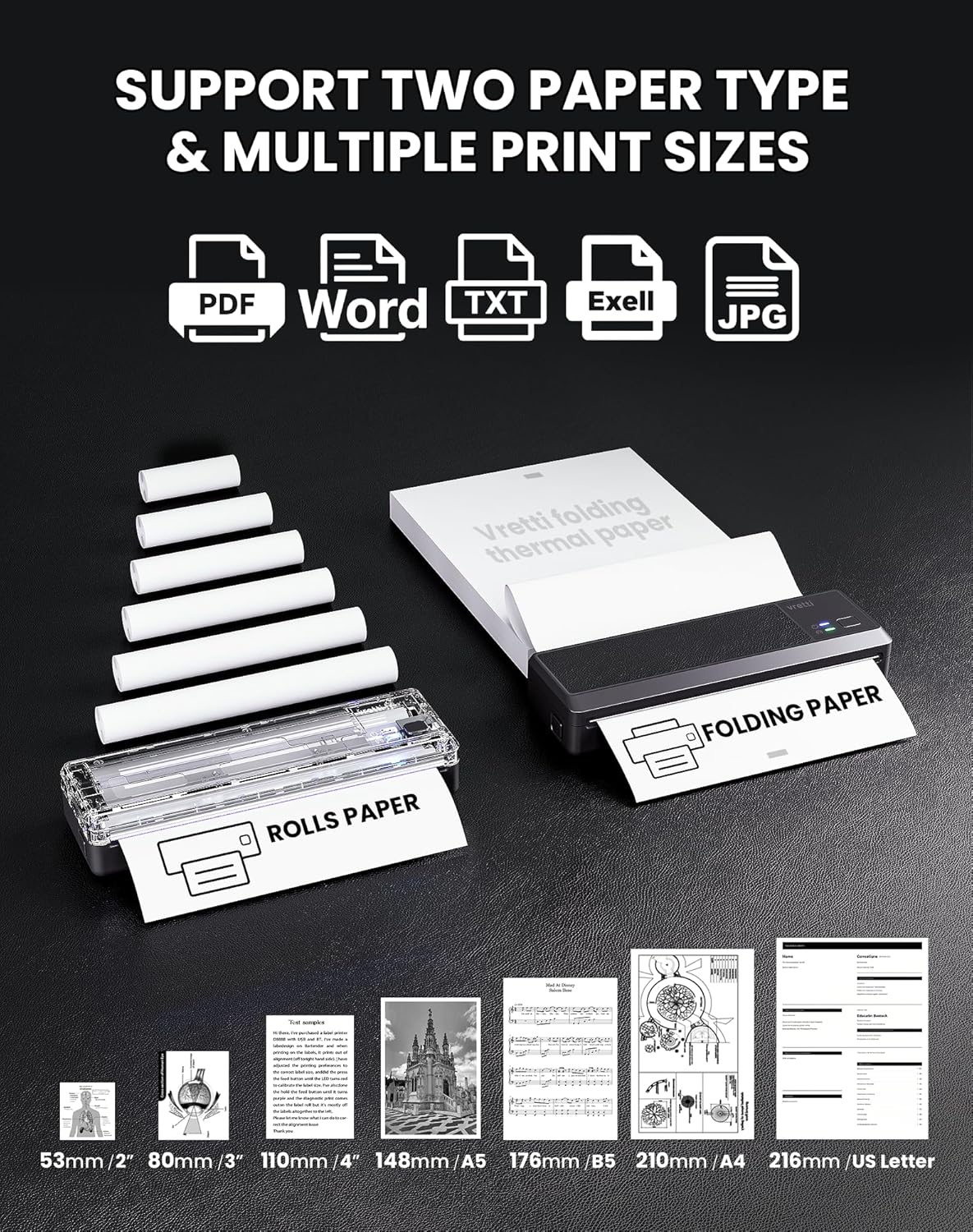
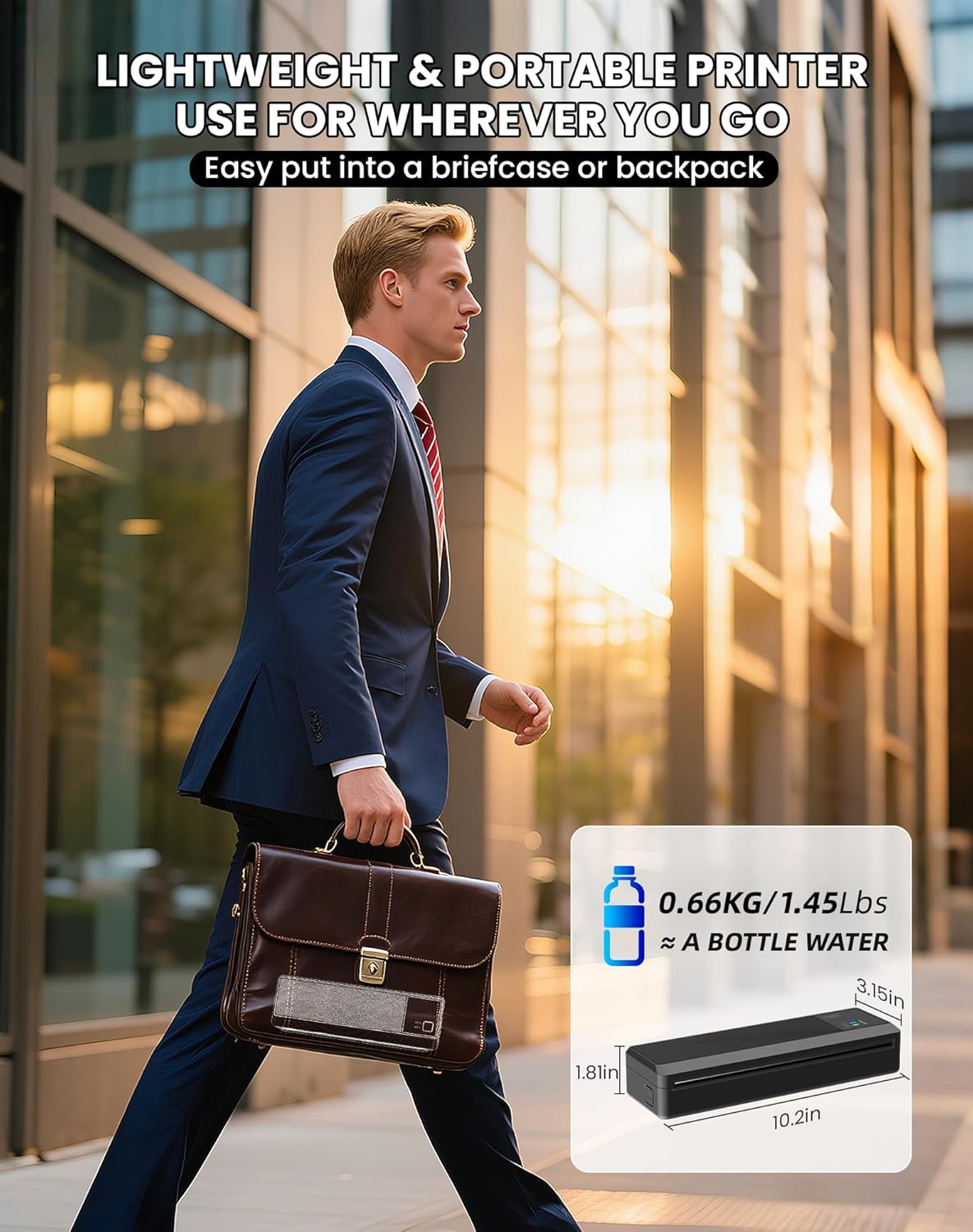
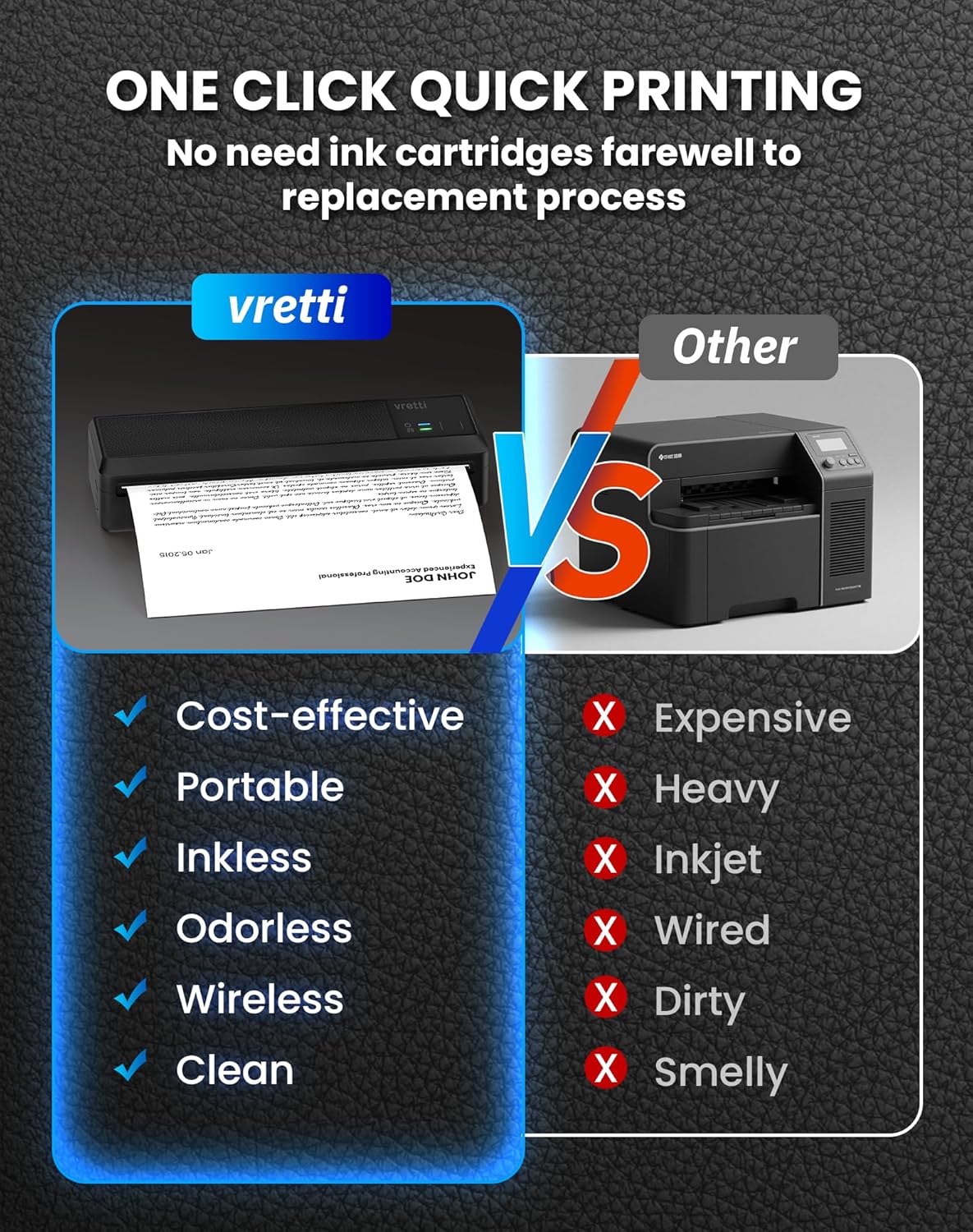
Printing is thermal, which means there’s no ink, toner or ribbons to replace. You’ll need compatible thermal paper rolls (A4 width) for best results. For mobile use, you’ll pair with the Xlife Pro app and print over Bluetooth, keep in mind that app setup is required and connection stability can vary. For a computer, you’ll connect via USB to either Windows or MacOS. The device weighs about 0.63 kg, making it easy to carry in a bag or backpack.
Use cases and everyday value
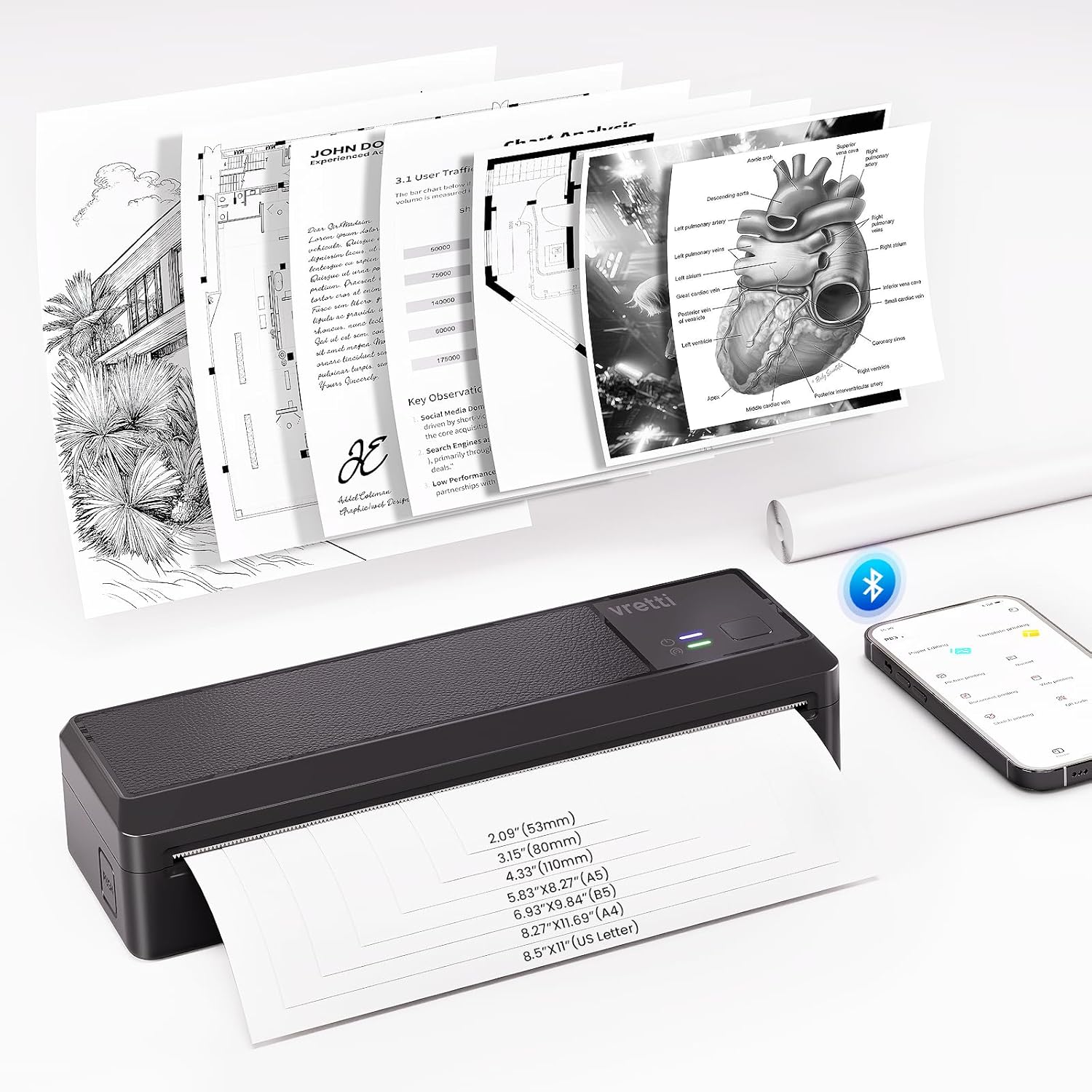
If your tasks involve quick receipts, invoices on the go, class handouts, or travel documents, this printer can be convenient. It shines as a lightweight companion for temporary paperwork, label printing for small-scale logistics or inventory, and non-graphics text documents where durability and speed are more important than high-resolution imagery. The device is designed to be practical rather than a high-end printing solution.
What stands out
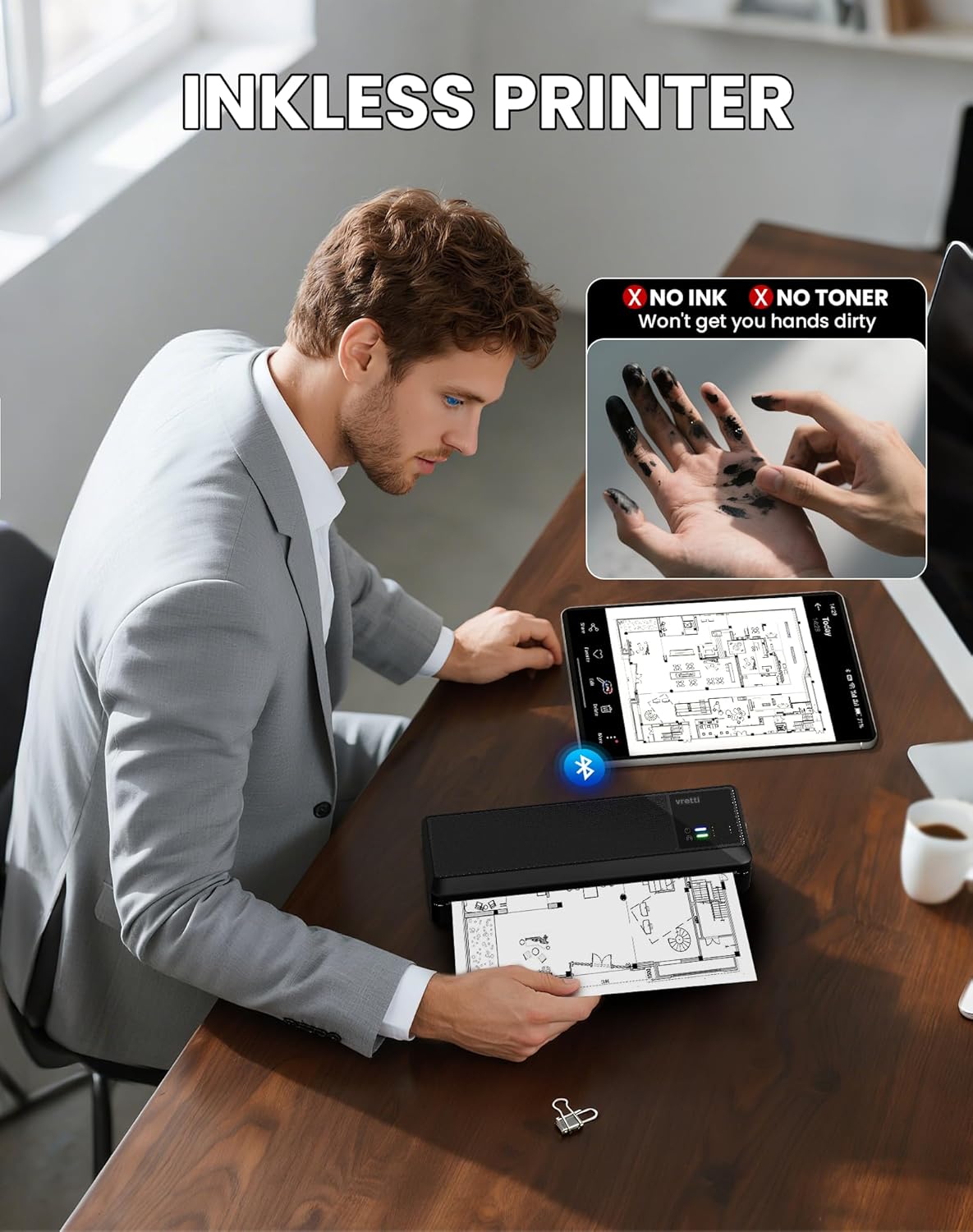
- Inkless, cost-efficient operation since there’s no ink or toner to buy.
- Built-in battery enables cord-free printing, helpful for fieldwork or commuting.
- Ultra-compact footprint complements mobile lifestyles and small workspaces.
- USB and Bluetooth options provide flexible connectivity depending on device and context.
What may not convince you
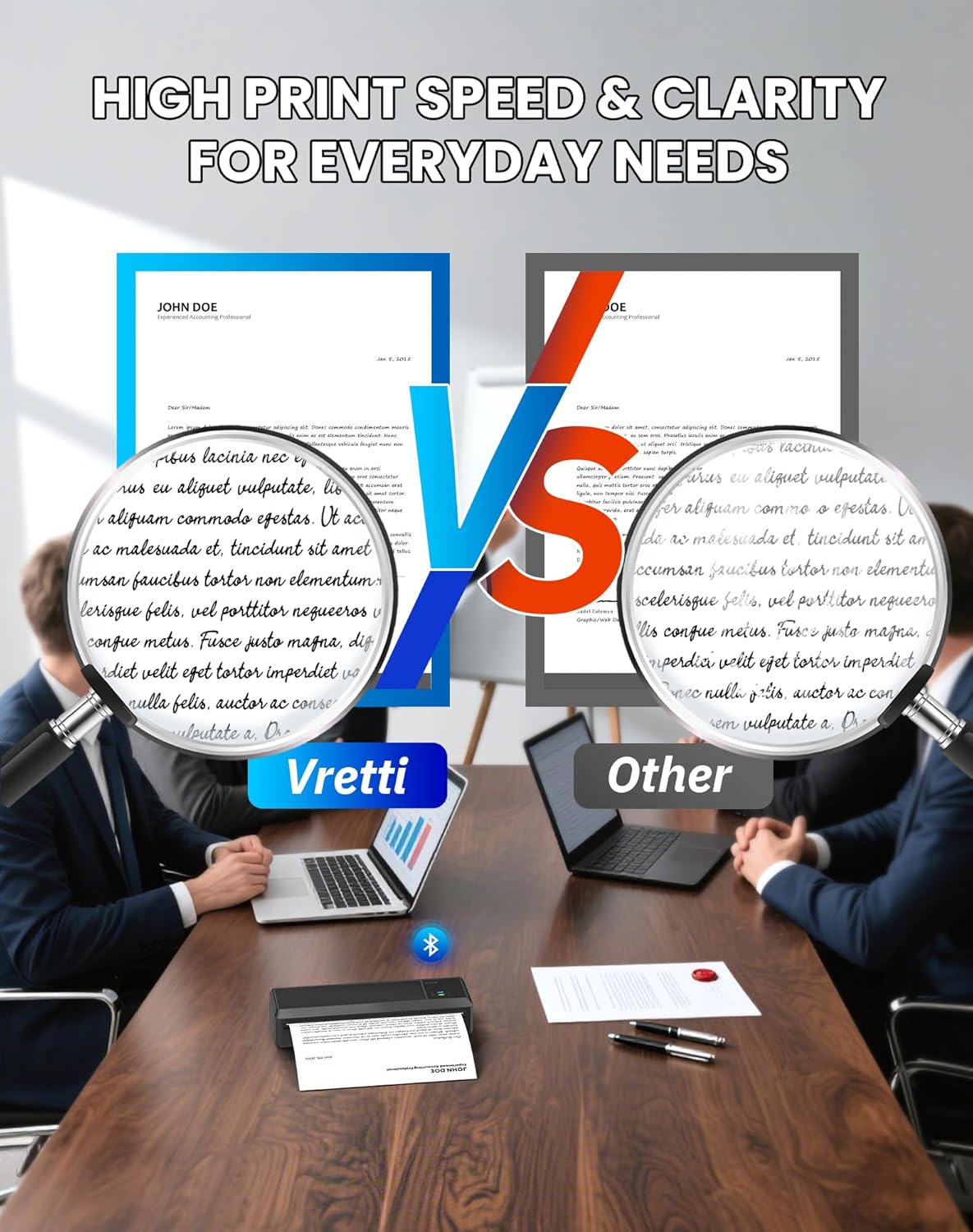
- Image quality is limited by 203 DPI, and fine detail or small fonts may not render crisply. If you rely on high-resolution graphics, this model may fall short.
- Thermal paper quality matters, only compatible A4-width rolls will yield reliable results. If you don’t have the right media, printing won’t perform as expected.
- The reliability of wireless printing depends on the app-to-device connection, which can fluctuate by environment and device compatibility.
Who it’s for
- People who need portable, inkless printing for text-heavy documents and quick forms.
- Professionals and students who value a compact device for on-the-go printing with simple document tasks.
- Users who prioritise low running costs and cord-free operation over top-tier image fidelity.
Who it isn’t ideal for
- If you require high-resolution graphics, dense images, or fine typography, you might prefer a larger or higher-DPI printer.
- If you’re not able to source compatible thermal paper or plan to print frequently in different environments, expect variations in performance.
What to check before buying
- Confirm you can access and set up the Xlife Pro app on your Android or iOS device, and that your mobile environment is conducive to stable Bluetooth printing.
- Ensure you can obtain the correct A4-width thermal paper rolls and that you’re comfortable printing without colour ink.
- Consider your typical use: on-the-go documents and light labelling vs. frequent, high-detail print workloads.
Practical comparison and mindset
Compared with traditional inkjet or laser printers, this device prioritises portability, cost-per-page (no ink), and battery-powered operation. It sits in the niche of lightweight, occasional-printing for text use rather than a full replacement for a desktop printer. If you mainly print long PDFs, photos, or detailed graphics, you’ll likely notice the trade-off in print quality and media type.
Buying decision
Should you buy it?
A solid pick if you prioritise portability, inkless printing, and can work within the constraints of thermal media and 203 DPI output. It makes sense if you need quick, light-duty prints while away from a desk and value ongoing savings on consumables.
When it makes sense to buy
- You often print simple documents, lists, or forms on the move.
- You want a cord-free option with a rechargeable battery.
- You’re prepared to manage compatible thermal paper and app setup for mobile use.
When you may want to skip it
- If your printing demands involve high-resolution images, wide-format layouts, or multi-colour graphics.
- If reliable, constant wireless connectivity is a must and you frequently encounter environments that disrupt Bluetooth connections.
Who should consider it
- Students, freelancers, or field workers needing compact, budget-friendly printing for everyday documents.
- Anyone who wants to reduce ink costs and avoid cables while travelling.
Who might avoid it
- Buyers who require robust photo printing, precise typography at small sizes, or frequent batch printing.
Quick FAQ
- Do I need ink or toner with this printer? No. It uses thermal printing and requires thermal paper.
- Is the connectivity stable for mobile printing? It depends on the environment and device, the setup uses the Xlife Pro app on iOS/Android and can vary in stability.
- Can I print from a laptop over Bluetooth or USB? Yes, USB is supported for Windows and MacOS, wireless printing is via Bluetooth with a mobile app.
Tech spec notes
Although this section is not a full spec sheet, the model prints at 203 DPI and is designed for text and basic graphics. It requires thermal paper and a dedicated battery for mobility. If you prioritise a simple, on-the-go device for everyday documents, this setup aligns with those needs.
What you get (in the box)
Included details aren’t listed, so please verify contents when purchasing. You’ll want to confirm the device, charging cable, and compatible thermal paper guidance with the seller.