

Zhwidnerso Mini Thermal Printer with 3 Rolls Paper – Bluetooth pocket sticker printer for Android & iOS
Reviews
Product description
The essentials
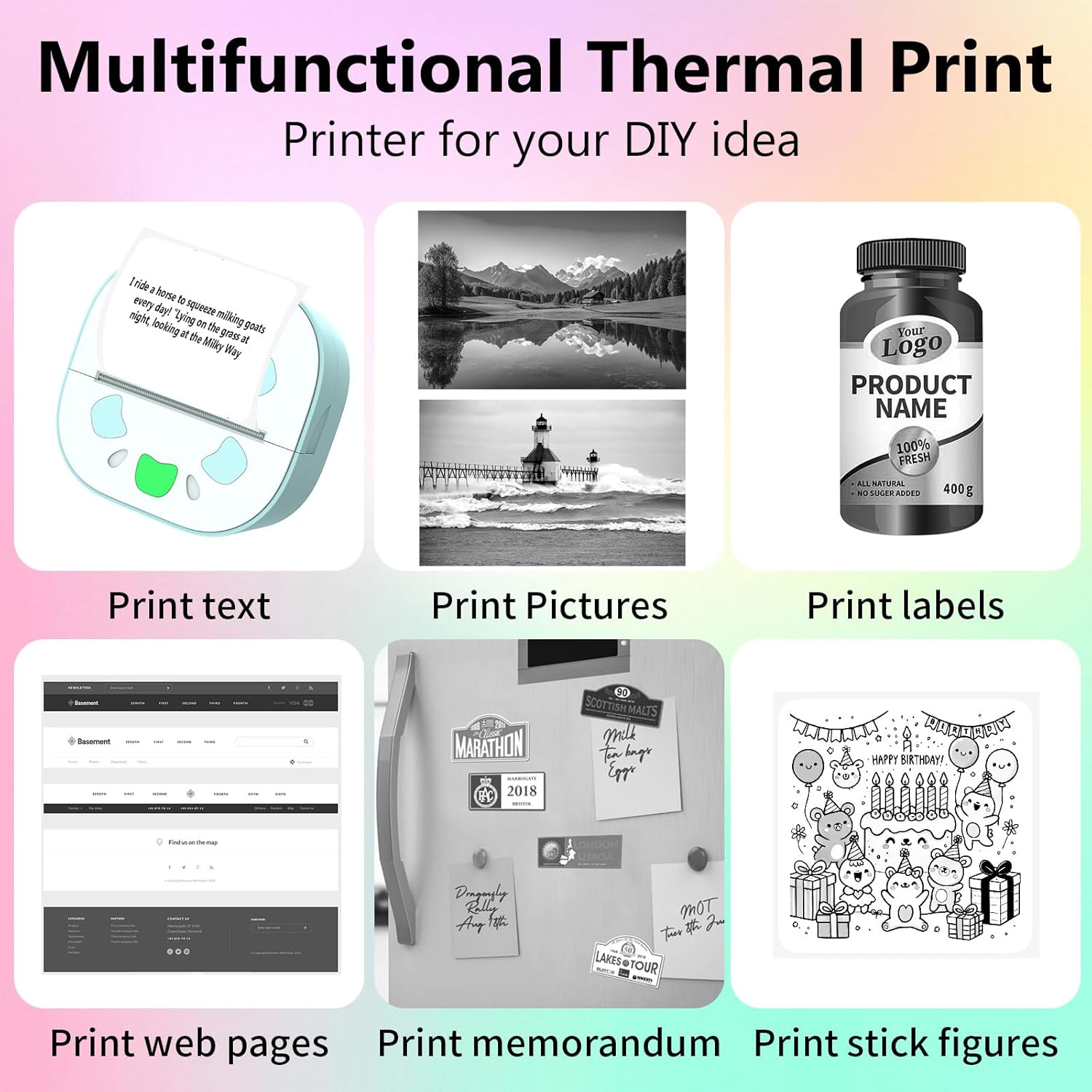
If you like the idea of turning quick ideas into small, physical labels, notes or sticker-style prints, the Zhwidnerso Mini Thermal Printer is built for that. It’s a compact, pocket-friendly thermal printer that connects wirelessly via Bluetooth, so you’re not tied to a desk or cables while you’re making DIY bits for study notes, personal lists, or simple receipts-style records.
On paper, the appeal is clear: inkless printing (so no ink cartridge to run out), and a small app-based workflow for layouts, fonts, patterns and themes. It also comes with three rolls of thermal printing stickers, which helps if you’re buying this as a first printer rather than experimenting with supplies later.
That said, it’s not the kind of printer you buy for full colour documents or photo printing in the typical sense. If you expect crisp, colourful output, you’ll likely be disappointed—this is positioned for black-and-white thermal printing.
Key takeaways
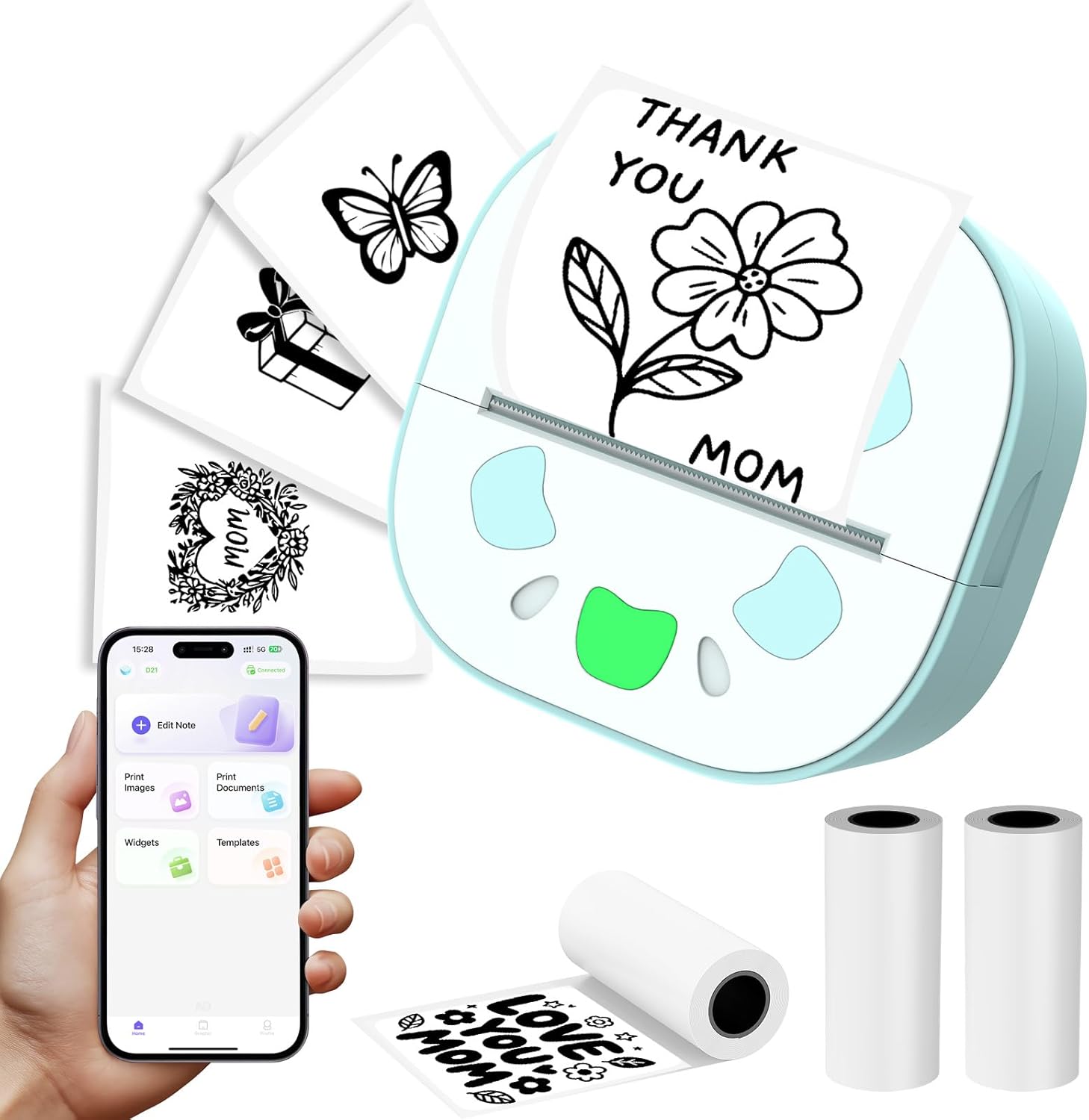
The standout features are the inkless thermal approach, the Bluetooth connection, and the sticker-roll included in the box. The printer is described as supporting Android and iOS, with setup handled through a dedicated app (you’re advised to download the “funprint” app before use).
A nice touch, depending on what you do day to day, is the mention of built-in pattern/fonts/themes via the app. In practice, that can make it quicker to produce consistent labels for a study session (think: “Chapter 2”, “Revision”, or simple record tags) without needing to design everything from scratch.
One limit to keep in mind: the base description explicitly says web page printing is supported, but only black and white printing is available, with colour printing not supported.
What you’ll notice in daily use
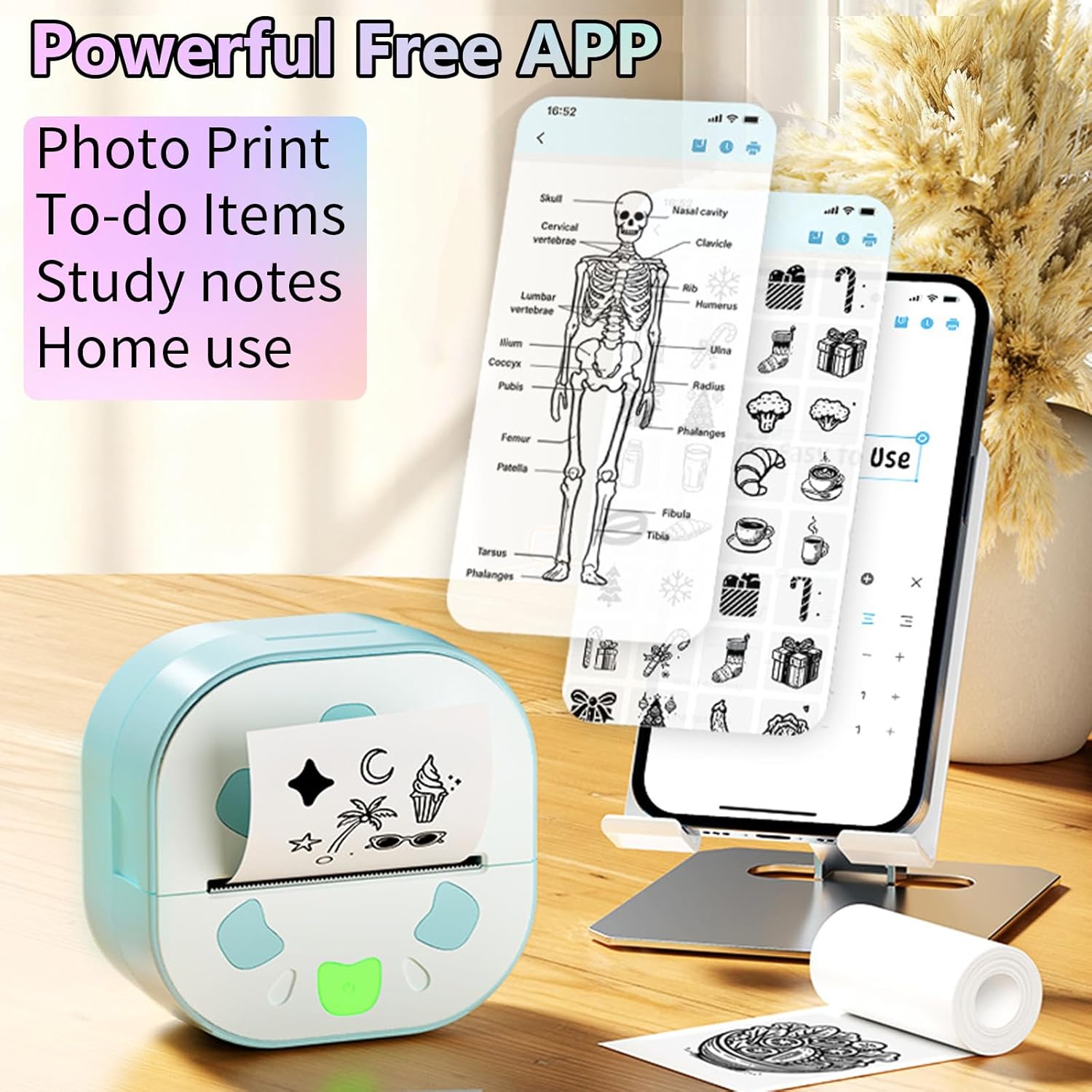
This kind of mini thermal printer tends to shine when you want something fast and tactile. For example, you might print a small sticker label for your study notes before a class, then stick it into your notebook margins so you can spot key sections quickly. Or, if you keep track of items you’ve loaned out or checked off a personal list, you can generate small memo-style prints without hunting for ink.
The printer’s resolution is listed as 200 DPI, which is the detail you’d look for if you care about readability on small prints. The printing speed is stated as 10mm/s, so it’s not made for bulk document runs, it’s more for quick, small outputs.
There’s also a note about LED light in a seven-colour design. If you want that fun, visible “device vibe” while you’re working, it adds a bit of personality. If you don’t care, it’s basically extra.
The essentials from the specs
Tech summary
- Type: Mini thermal pocket sticker printer with Bluetooth wireless printing
- Inkless: Inkless thermal printing using a thermal print head
- Connectivity: Bluetooth via mobile phone (Android and iOS mentioned)
- Print speed: 10mm/s
- Resolution: 200 DPI
- Colour support: Black and white only, colour printing not supported
- Paper supplied: 3 rolls of thermal printing stickers included
- Power: Charges with a USB data cable (per the description)
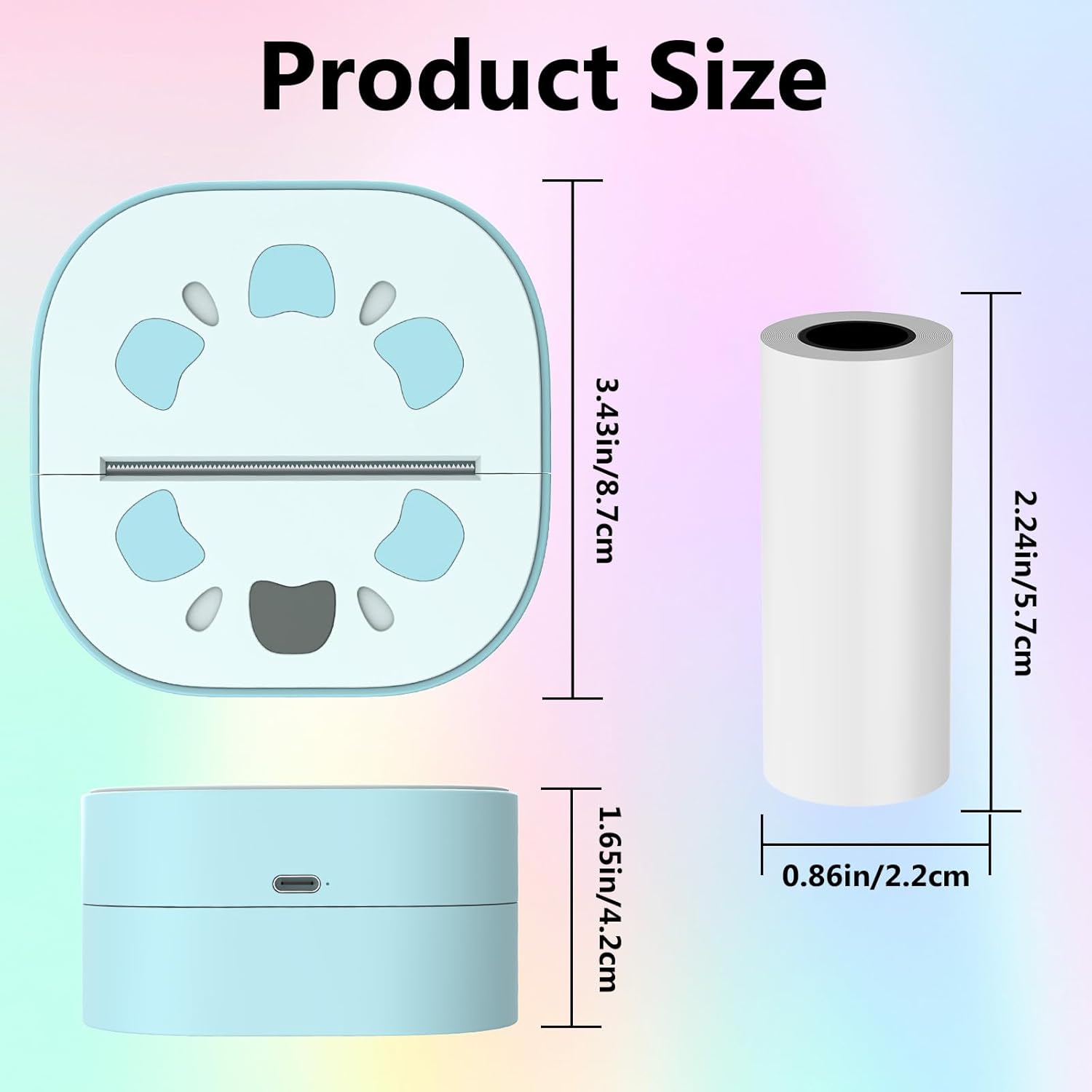
You’ll also want to follow the connection process closely. The instructions provided mention installing an app (named “Nada Print” in the setup steps) and pairing via a long press on the printer switch until a green light flashes, then switching on Bluetooth and connecting from the app.
Who it suits (and who should be cautious)
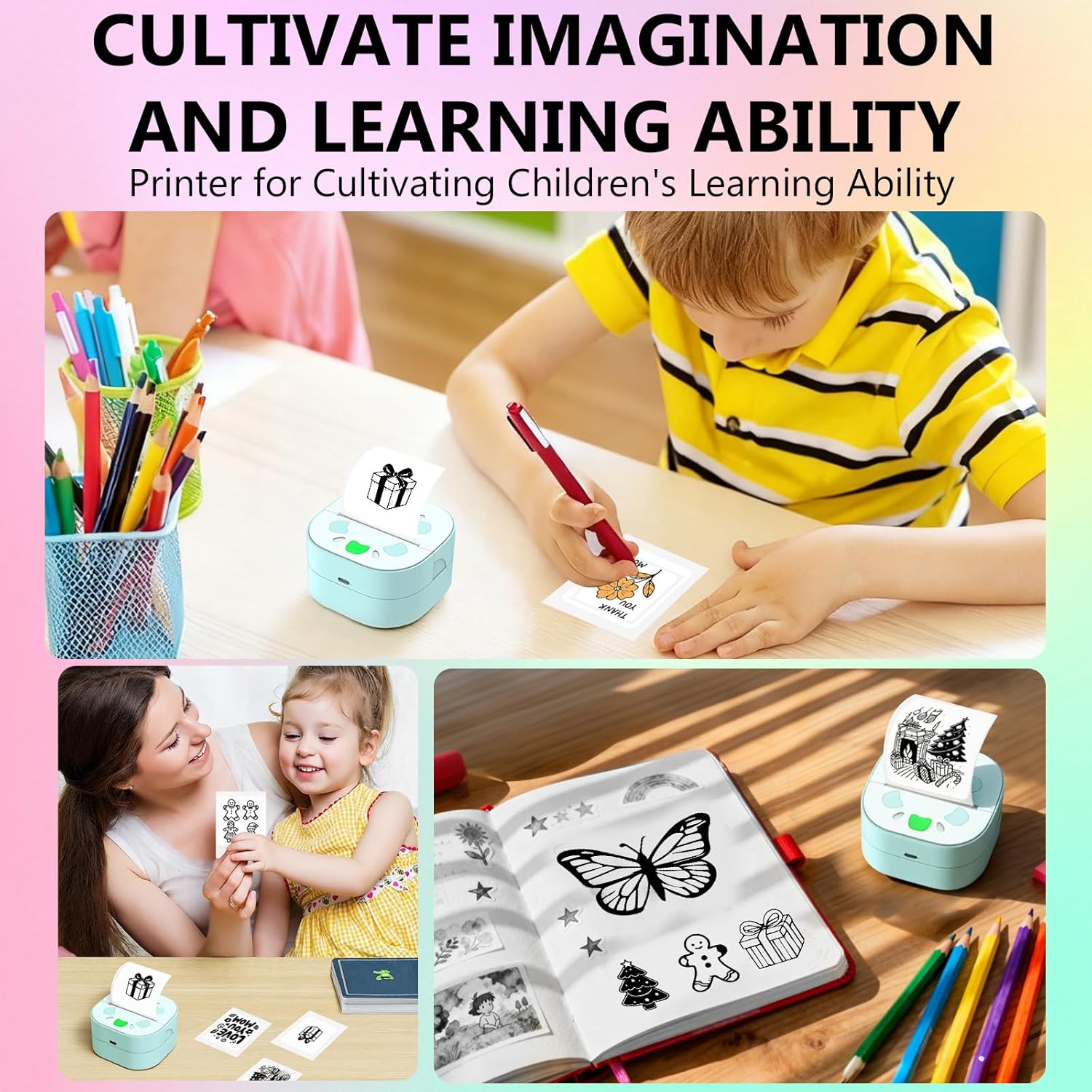
It’s a good fit if you mainly want small labels, memo-style prints, and sticker outputs for organising your day—especially if you like the idea of inkless printing. Students and office workers who benefit from quick tagging and note structure may find it genuinely handy. It also comes across as a “DIY friendly” gadget, given the app themes, fonts and patterns.
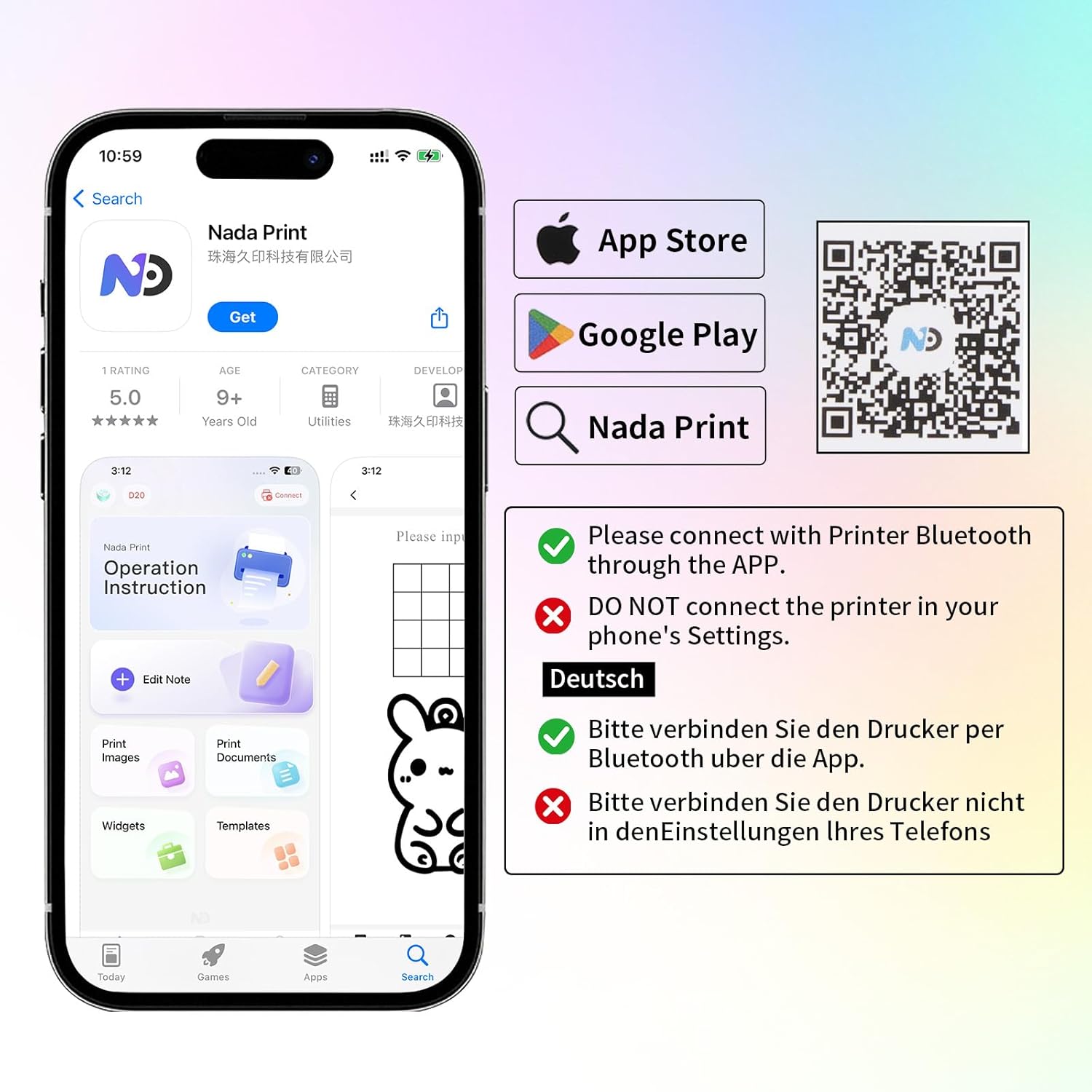
It’s not the best choice if you need colour output, or if you’re trying to replace a regular printer for documents and photos. It may also feel frustrating if you expect a straightforward plug-and-print experience, because the description focuses quite a bit on app download and pairing steps.
Worth considering if you enjoy making your own study/sticker sets, but you might want to skip it if you’re buying for someone who just wants basic printing without dealing with app setup.
Final verdict
Is it worth it?
Buy the Zhwidnerso Mini Thermal Printer with 3 Rolls Paper if your goal is small, black-and-white sticker-style prints: study notes, labels, lists, quick DIY creations and simple records. The inkless thermal method and included rolls reduce the “setup friction” compared with a printer that arrives empty-handed.
Don’t buy it if you need colour printing or high-volume document output. It’s built for small prints, and the description is clear that colour printing isn’t supported.
Before you commit, double-check that you’re comfortable using the required app workflow on your phone (Android or iOS) and that you’ll be happy with the black-and-white limitation. If that matches what you actually plan to print, it’s a practical pocket printer for everyday creativity and organisation.
Mini FAQ
Does it print in colour?
No—this mini thermal printer is described as black and white only, with colour printing not supported.
Do I need ink cartridges?
No. It uses inkless thermal printing, heating thermal paper to create the print.
What phone types does it support?
The description states support for Android and iOS, with app setup required.
What’s included in the pack?
It’s described as coming with three rolls of thermal printing stickers.
How fast does it print?
The stated printing speed is 10mm/s, which suggests it’s aimed at small outputs rather than bulk printing.