

ORGBRO ORGBRO Tattoo Stencil Printer X8: portable thermal stencil printer with Bluetooth app
Product description
What it is and why people buy it
The ORGBRO Tattoo Stencil Printer X8 is a portable thermal tattoo stencil printer designed to print transfer paper for tattooing. Instead of relying on ink cartridges, it uses thermal printing so you get ink-free stencil transfers without the usual mess and clog worries. It’s aimed at both practising artists and first-timers, especially if you want something you can move around easily and set up with a phone, tablet or computer.
On paper, the big theme here is convenience: lightweight portability, wireless Bluetooth control for mobile devices, and a built-in rechargeable battery for printing on the go. If you’re building a basic workflow for stencils—print, place, and move on—this kind of printer can fit nicely because it keeps the steps fairly direct.
The essentials (so you know what you’re getting)
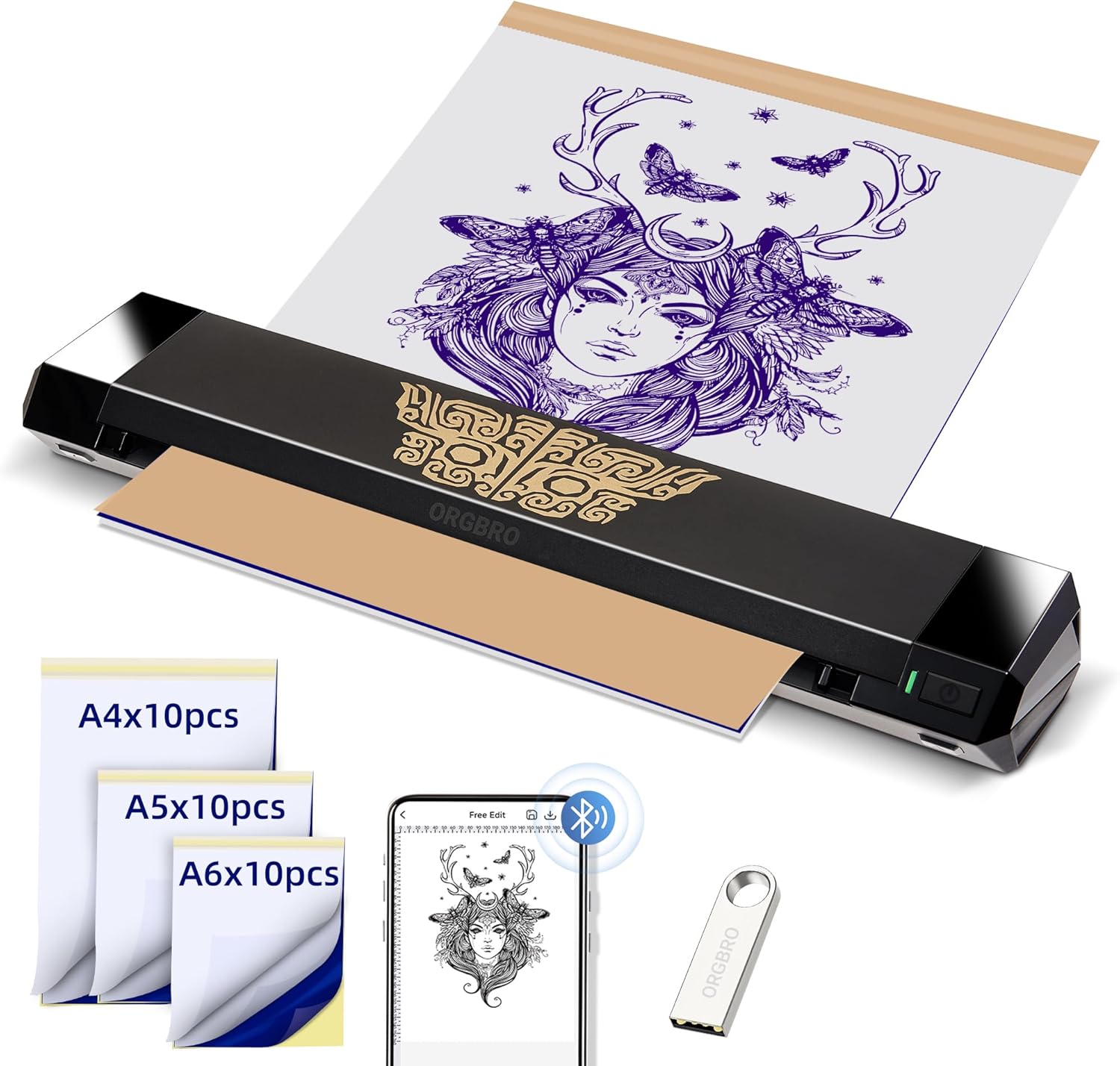
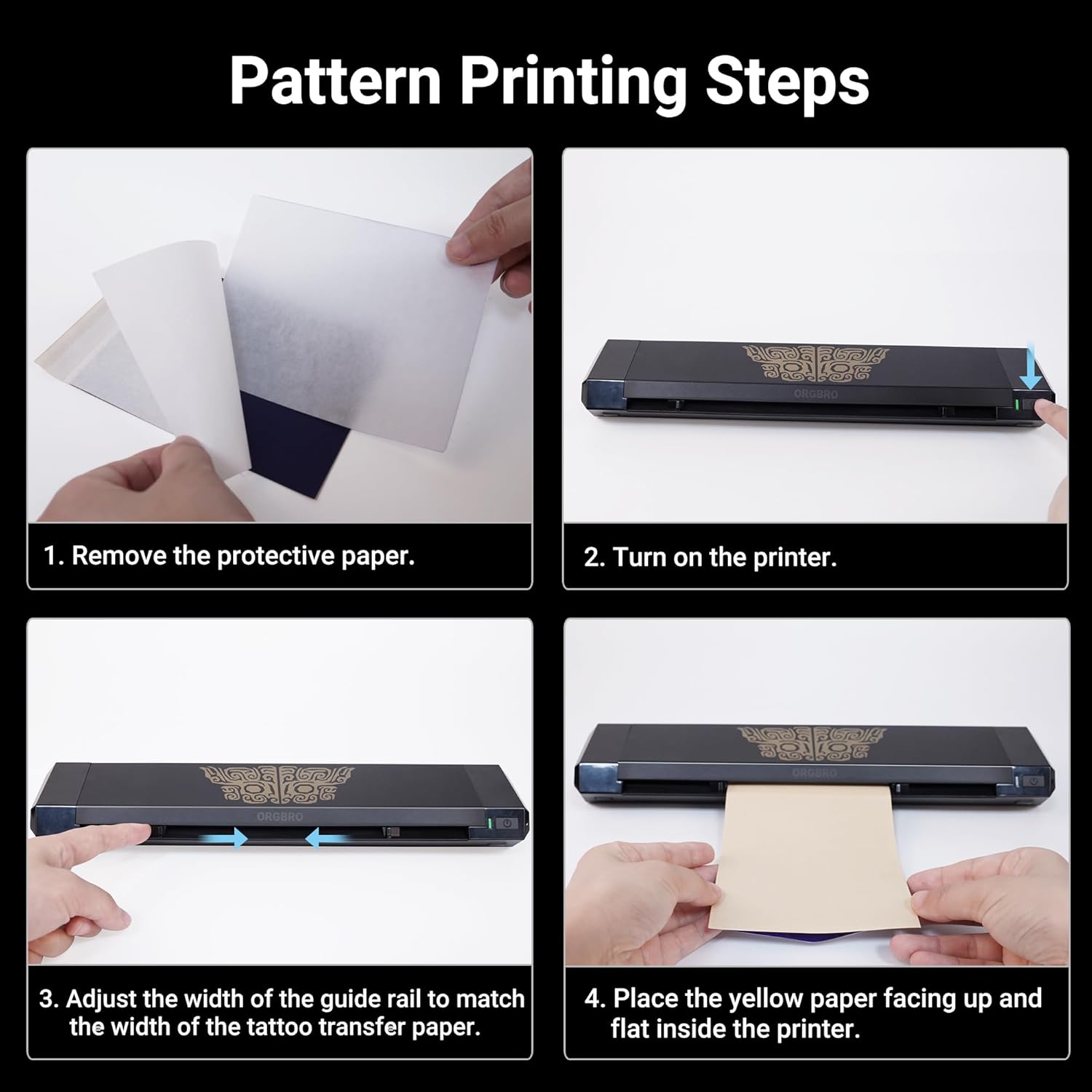
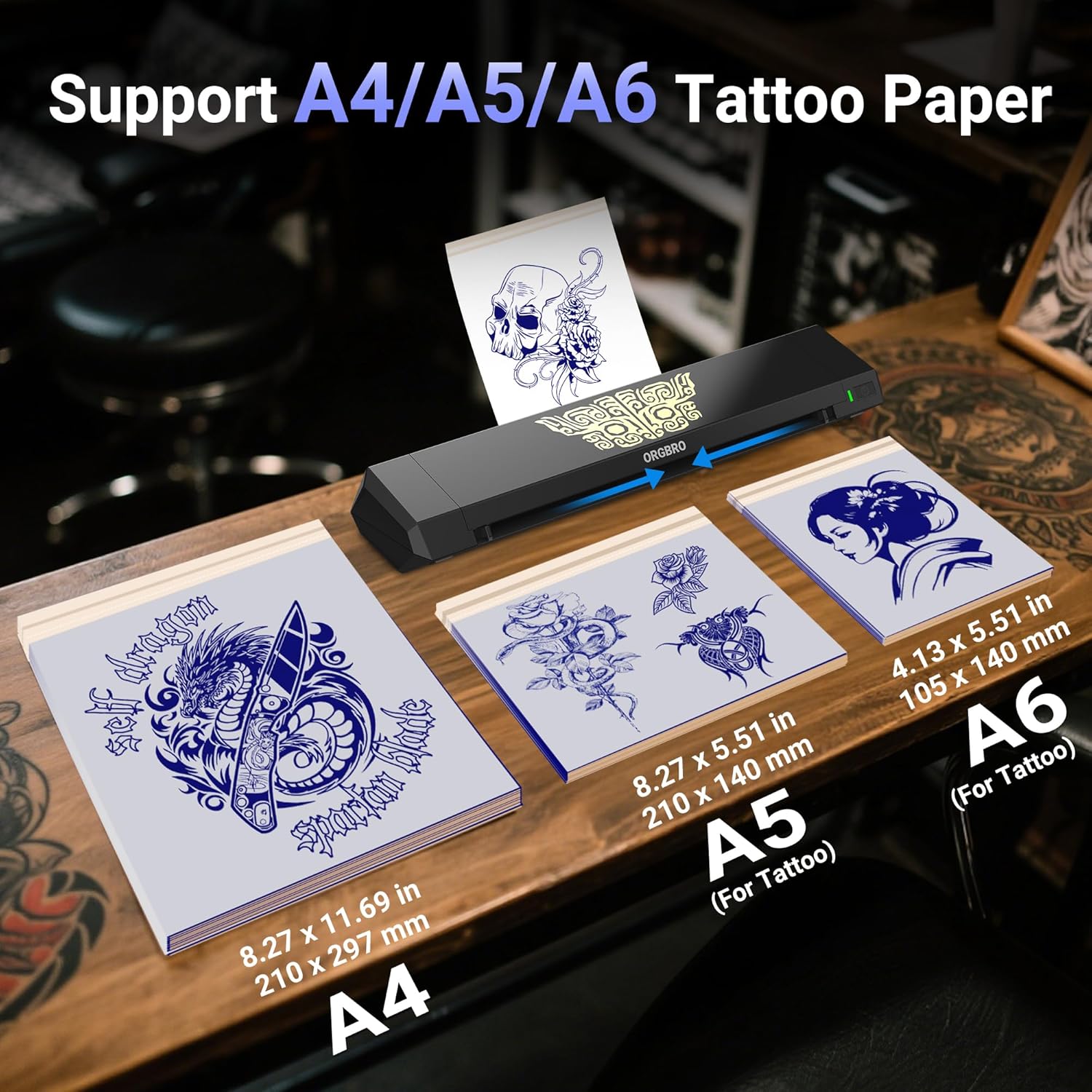
A few features stand out from the description. The X8 supports three stencil transfer paper sizes: A4, A5 and A6, and the pack includes 10 sheets of each size (so 30 sheets in total). It’s also designed to print without you peeling away a yellow backing paper, which is meant to reduce steps and help keep the output flat—useful if you’ve ever dealt with wrinkles or misalignment.
The printer uses a thermal approach, so there’s no ink or cartridge to buy or replace. That can be a real advantage for day-to-day workflow, particularly if you want consistent results without managing consumables.
You’re also looking at “app-assisted” setup. The “Tattoo Go” app is described as beginner-friendly, with tools like zooming, rotating and adding multiple images for batch printing. There’s also mention of a library of free tattoo patterns, plus the ability to import custom designs, and a filter that can turn photos into outlines.
What you’ll notice day to day
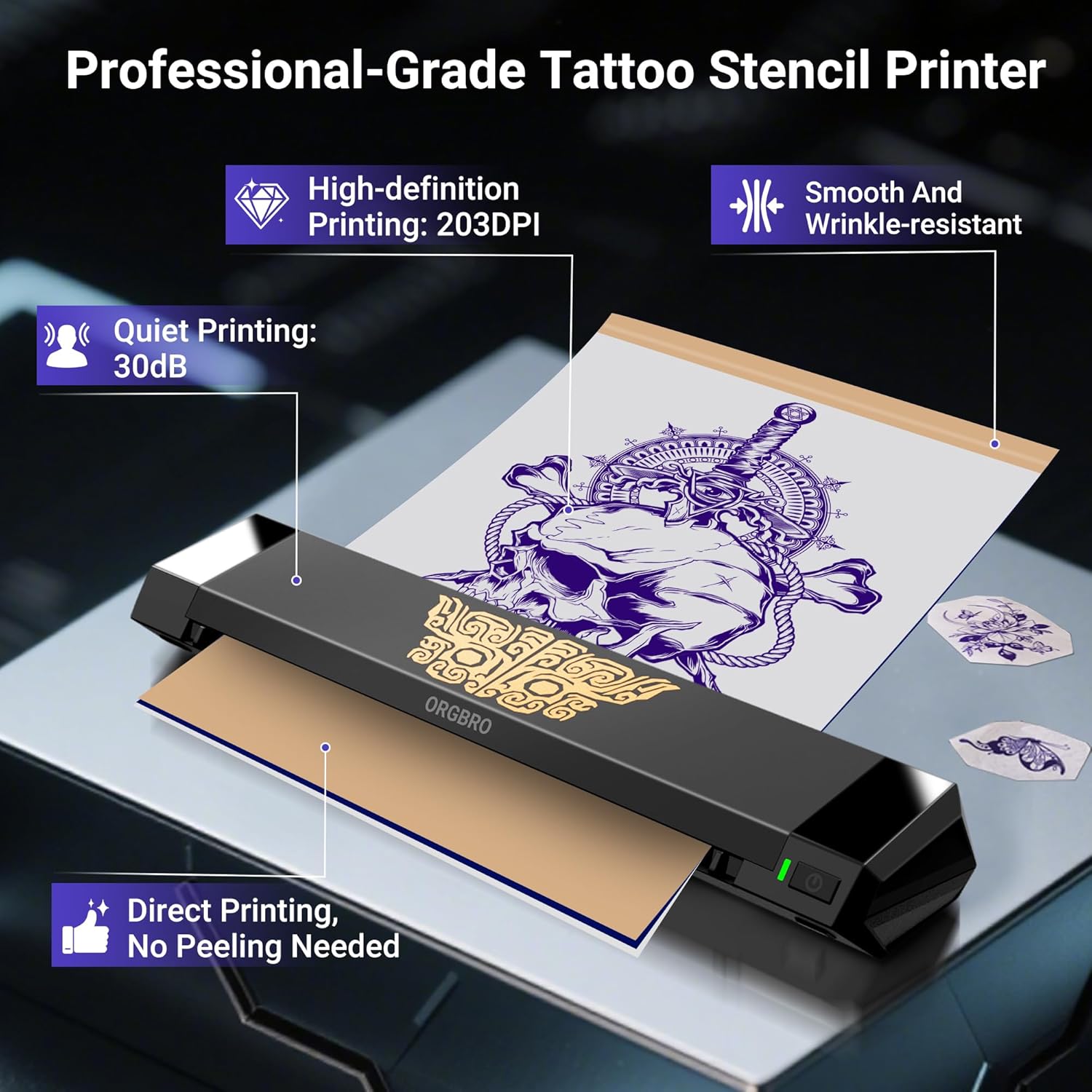
For artists and beginners, the quality of the stencil transfer process is often less about specs and more about how smooth the workflow feels. This printer is positioned to be simple: direct printing, built-in battery, and a mobile-first control setup.
There’s also a clear portability angle. The unit is described as weighing 1.6 lbs, so it’s the sort of thing you could realistically keep in a bag for private sessions, small studio setups, or practice days.
As a quick micro-example: if you’re preparing several stencil sizes for an afternoon session, you could use the app to lay out multiple images, print in batches across A4/A5/A6, and then select the right sheet size for each client’s placement needs. The intent is that fewer manual steps (like peeling) means less time fiddling and more time setting up.
Connectivity and compatibility: where it helps, and where it gets tricky
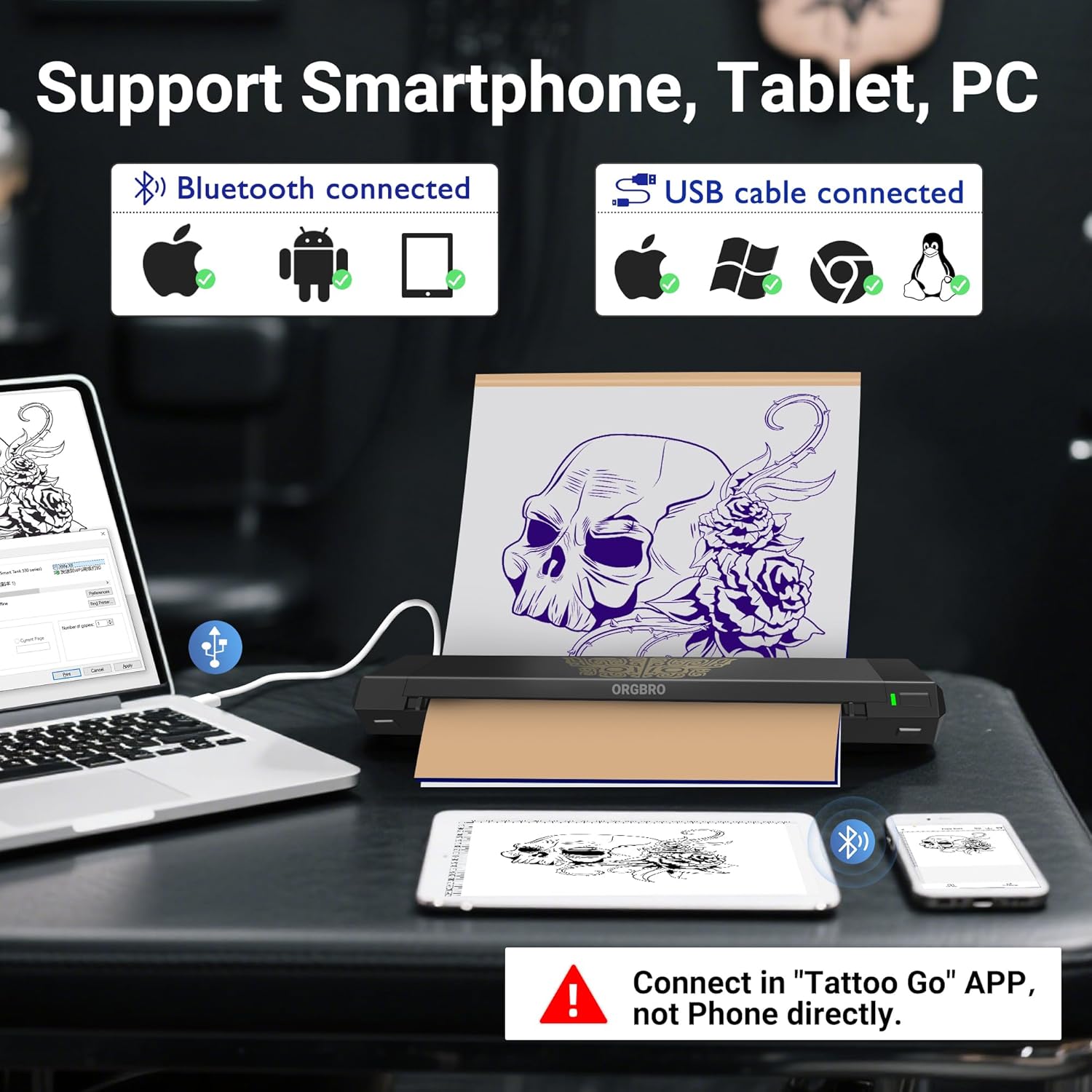
The X8 connects via Bluetooth with Android and iOS phones/tablets, which is convenient if your design prep happens on mobile.
For PCs, the description says it supports Windows, macOS, ChromeOS and Linux, but Bluetooth is not available for PCs. Instead, you’ll need to download drivers and use a USB Type-C connection. That’s a notable limitation to bear in mind if you’re expecting a fully wireless desktop experience.
Compatibility-wise, it covers most common routes (mobile wireless, desktop USB). But you’ll want to check that you’re comfortable handling driver download and USB setup if your main workstation is a PC.
Tech summary (key specs and print approach)
Key specifications
- Name: ORGBRO Tattoo Stencil Printer, X8 Thermal Tattoo Printer
- Type: Thermal ink-free tattoo stencil/transfer printer
- Wireless: Bluetooth for Android and iOS devices (phones/tablets)
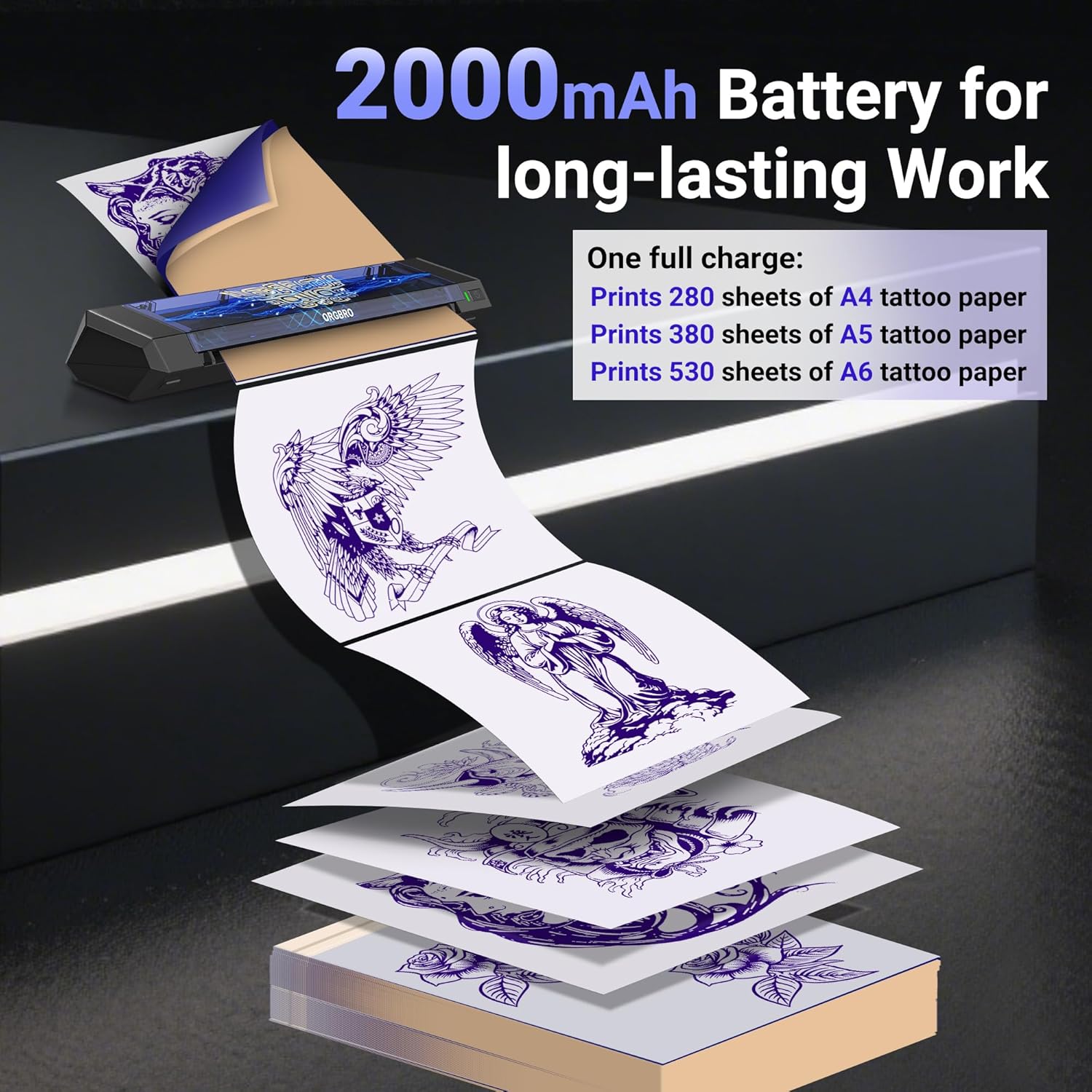
- Battery: Built-in 2000mAh rechargeable battery
- Weight: 1.6 lbs
- Print capacity (full charge): up to 280 sheets of A4 tattoo transfer papers
- Supported transfer paper sizes: A4, A5, A6 (10 sheets of each size included)
- Print approach: Direct printing without peeling yellow paper
- App: “Tattoo Go” app for zooming, rotating, adding multiple images, batch printing, pattern library, importing custom designs, and photo-to-outline filtering
- PC note: Bluetooth unavailable for PCs, drivers must be downloaded and used via USB Type-C
Is it worth it?
This is a sensible pick if you want a portable, ink-free thermal stencil printer with a mobile workflow. It suits beginners who benefit from an app-based design process (zoom/rotate, batch printing, and photo-to-outline filtering), and it can make routine stencil prep feel more lightweight because you’re not managing ink cartridges.
It’s also worth considering if you’re the sort of user who values the “less fiddly” approach—direct printing without peeling and a system aimed at keeping the paper flat to reduce wrinkles.
That said, it may not be the best match if your main setup is a PC and you were hoping for Bluetooth wireless printing. The need to use USB Type-C with drivers is a constraint, and it’s the sort of thing that can slow you down if you prefer plug-and-play.
Better avoided if you’re after a printer workflow that’s fully wireless across all your devices, or if you don’t want to deal with driver download and a wired connection on desktop.
Mini FAQ
Does it print with ink cartridges?
No—this printer is described as ink-free because it uses thermal technology.
What paper sizes does it support?
It supports A4, A5 and A6 transfer paper sizes.
Can I print from a phone or tablet?
Yes. Bluetooth is described as working with Android and iOS phones/tablets.
Can I print from a PC using Bluetooth?
Bluetooth is described as unavailable for PCs. The description says you’ll need to download drivers and connect via USB Type-C.
What does the Tattoo Go app do?
The app is described as allowing zooming and rotating designs, adding multiple images for batch printing, selecting from a free pattern library, importing custom designs for one-tap printing, and applying a filter to convert photos into outlines.