

eSynic Mini Photo Printer Portable Pocket Thermal Printer with 10 Rolls & Storage Bag
Reviews
Price
Product description
At a glance
If you’ve ever tried printing from a phone and thought, “this is either fiddly or the results aren’t great”, the eSynic Mini Photo Printer is built for a simpler route. It’s a portable, inkless thermal printer that connects via Bluetooth and is aimed at everyday print-outs like photos, journal pages, study notes and small labels.
It’s not the kind of printer you buy to replace a full desktop setup. On paper, it sits in the pocket-printer category: quick, convenient, and more about capturing and organising ideas than producing high-volume output. The included pack of thermal paper rolls and a storage bag also suggests it’s meant to be taken with you.
What it’s for (and why people buy this type)
Thermal phone printers tend to appeal to students, office users and anyone who enjoys bullet journals. This one leans into that: you can print from your mobile and use it to turn digital notes into something you can physically stick in a planner, annotate in a study session, or keep as a quick reference.
A practical way to picture it: you’re revising for an exam, you type short reminders on your phone, then print a small page straight away to file or tape into your notes. When you’re done, you’re not waiting around for a long setup—Bluetooth and a mobile app do the heavy lifting.
Key features that matter in daily use
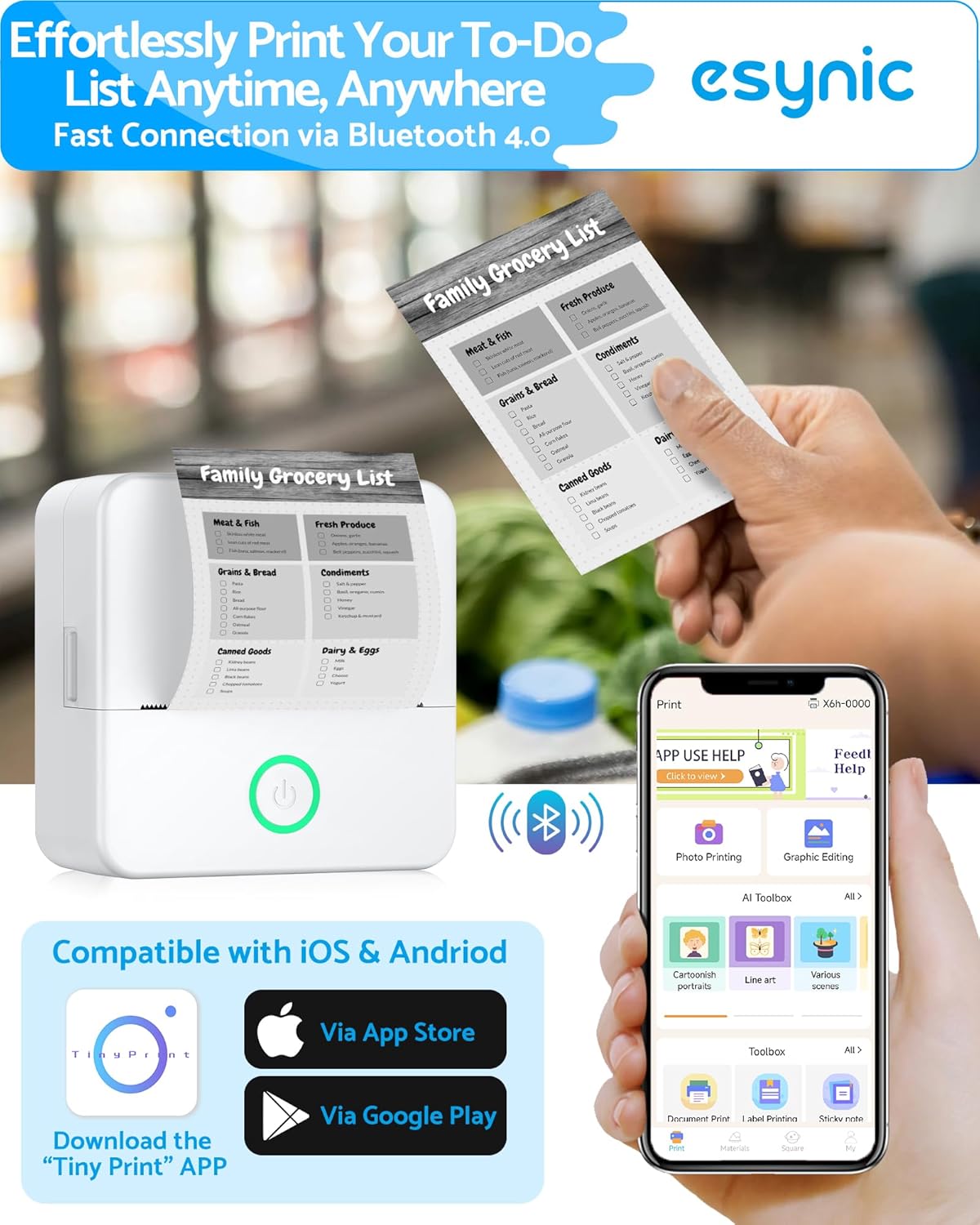
The appeal here is the combination of inkless thermal printing, Bluetooth control, and an app with multiple templates. The brand’s claim is that images and text come out clearer than some basic thermal printers, with fewer issues like blurry lines or frequent cutting. That’s the sort of difference that actually matters for notes and labels—if text smears, the whole point is gone.
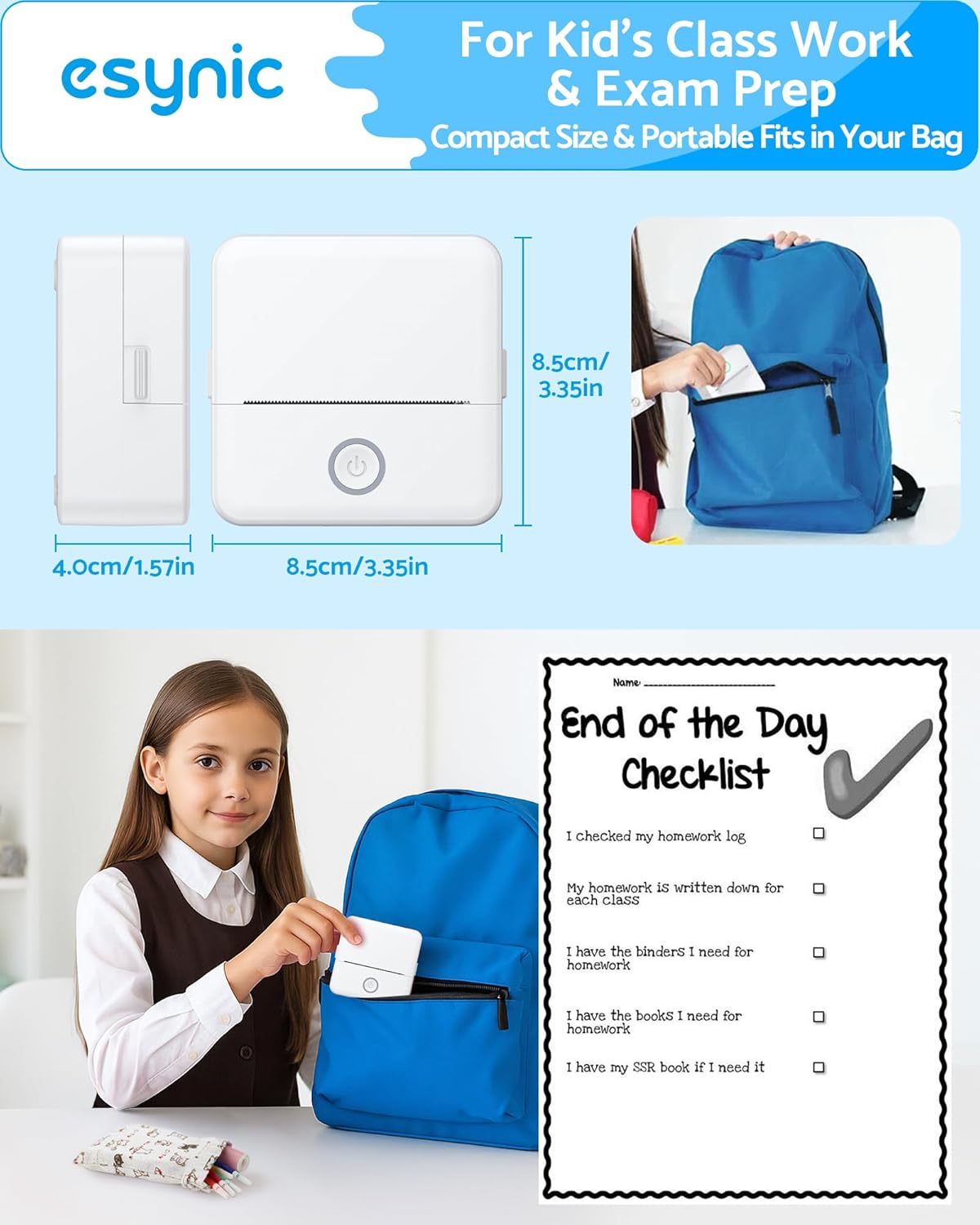
Another point is portability. It’s designed to be lightweight and easy to carry, so you can print while travelling or moving between study spaces. The connection via Bluetooth is described as quick, and it’s positioned as avoiding signal drops that can happen with other thermal printers.
Worth noting: it’s also pitched as using a more complete app with templates for photos, notes, labels and daily planning. If you’ve struggled with basic companion apps that feel limited or unintuitive, having template variety can be a genuine quality-of-life improvement.
The limits to keep in mind
Even with inkless printing, there are a few reasons this may not fit everyone. First, the device is described around thermal paper rolls and specific roll width (57 mm). If you were hoping for broad paper compatibility like you’d get with larger printers, you may feel constrained by the thermal format.
Second, while it’s presented as printing photos and more, pocket thermal printers typically suit small, on-the-go output rather than full-size photo printing. If your expectation is “photo-quality like a dedicated printer”, it may end up feeling like a compromise.
Compatibility, paper options and what to check before buying
This model is described as compatible with multiple thermal options, including adhesive paper/labels, continuous paper and 57 mm rolls. That flexibility helps if you want to switch between plain printouts and stick-on formats (for example, labelling storage in the kitchen or adding printable tags to packaging).
Before you buy, it’s sensible to double-check that your intended thermal paper type matches what the printer supports in practice—especially if you plan to use anything beyond what’s included in the pack.
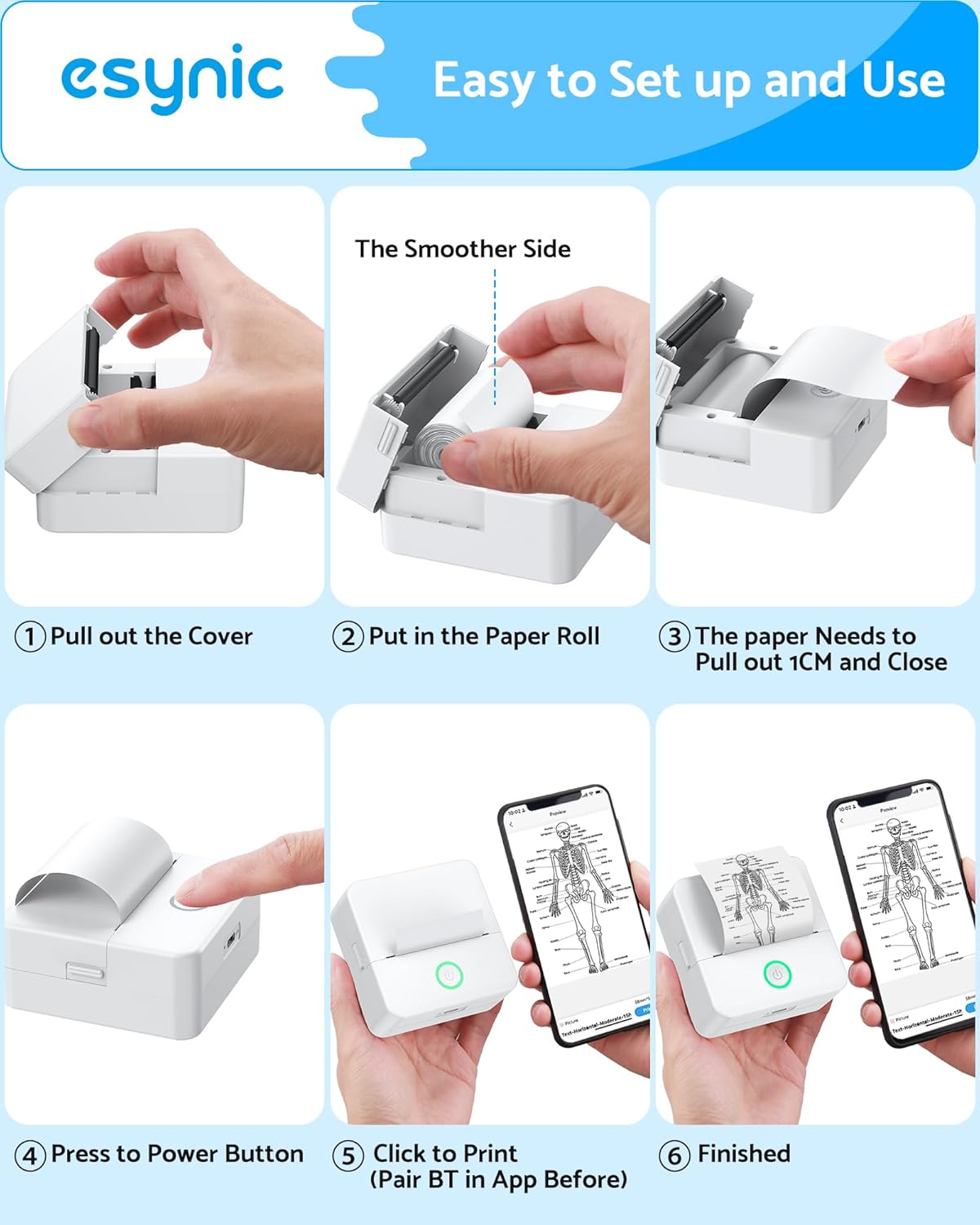
Also, because this is controlled from a phone via Bluetooth, it’s worth confirming that your phone and the printer’s companion app approach suits your workflow. Bluetooth printing is convenient when it behaves, but it’s still an extra step compared with printing straight from a desktop.
Care, storage and included extras
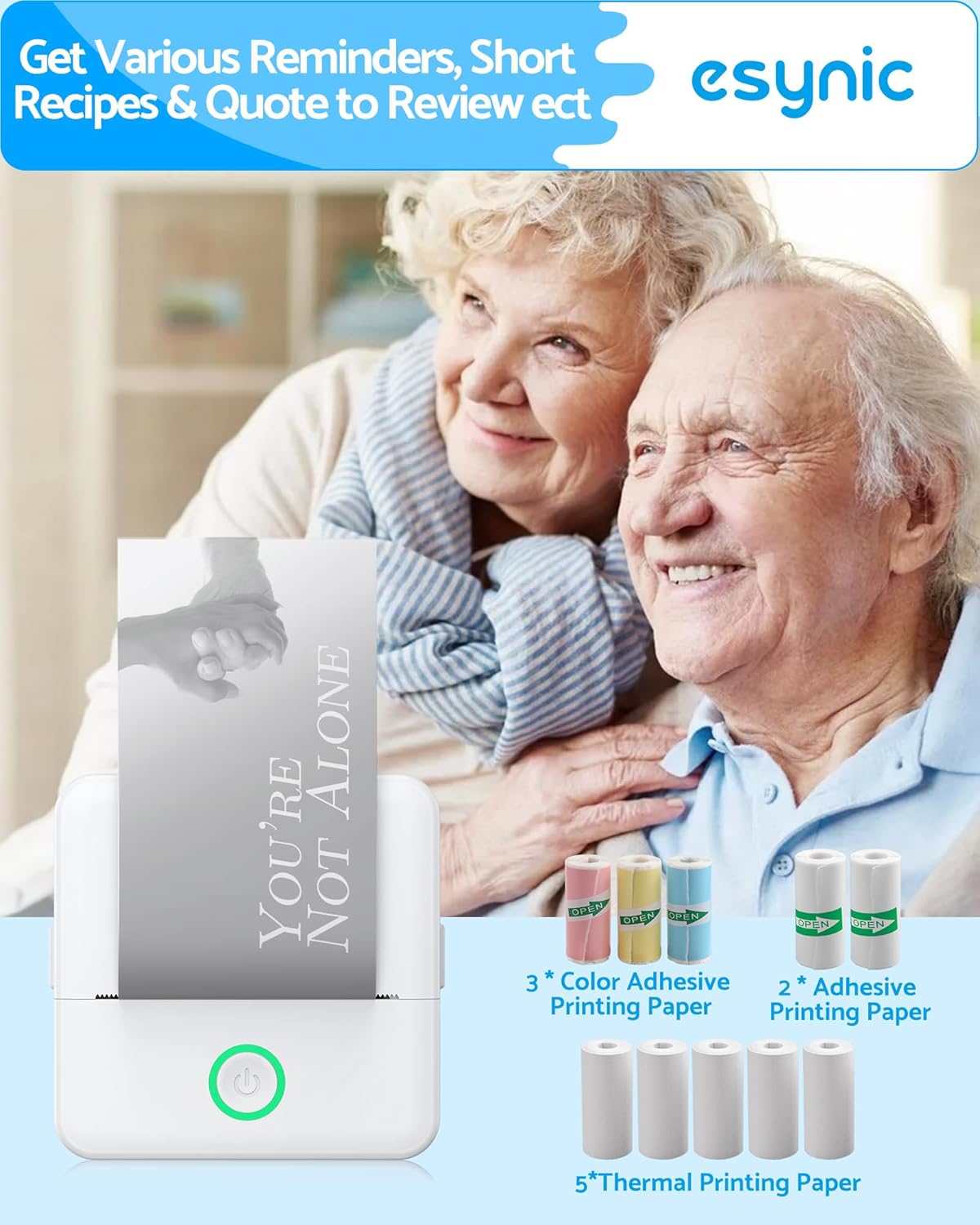
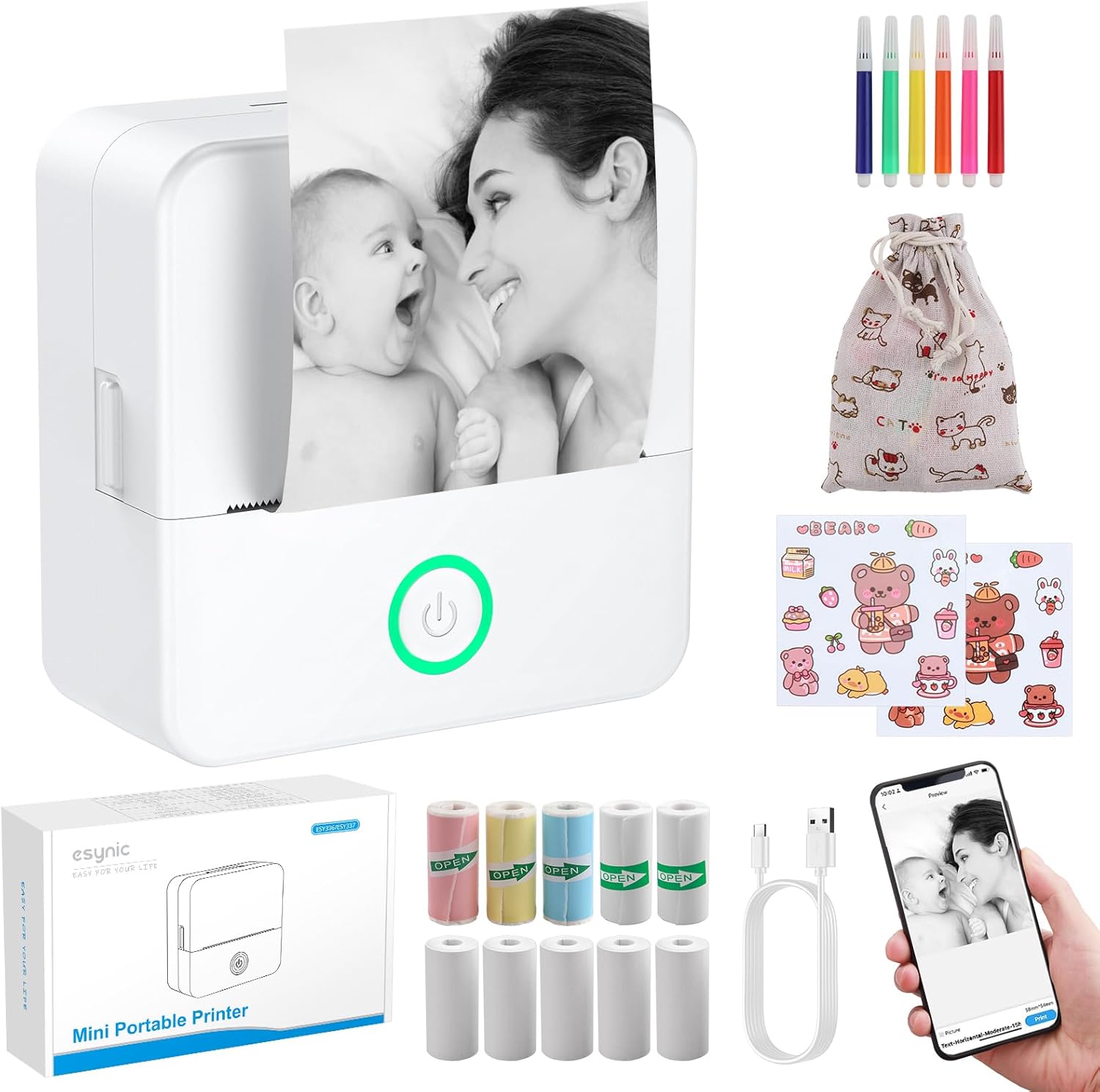
The listing mentions a storage bag and includes 10 rolls of thermal paper. That’s handy because thermal paper can be easier to misplace than you’d think, especially if you’re printing occasionally for journalling or labels. Keeping the rolls and the printer together usually reduces friction.
Because thermal printers are inkless, you’re not dealing with cartridges, but you do need to plan for paper availability. If you print more than expected—say, during a busy revision period or when organising at home—having spare rolls matters.

Is it worth it?
This eSynic mini photo printer is a solid pick if you want an easy, portable way to turn phone content into physical prints for bullet journals, study notes, reminders and small labels, without getting stuck on ink cartridges or complex setups. The app templates and the described focus on clearer text/images are the kind of details that can make it feel more usable day to day.
You may want to skip it if you’re expecting desktop-style output quality, full-size photo printing, or maximum paper flexibility beyond thermal roll formats. It’s also not the best match if you dislike Bluetooth-dependent printing and would rather avoid any connection step.
Mini FAQ
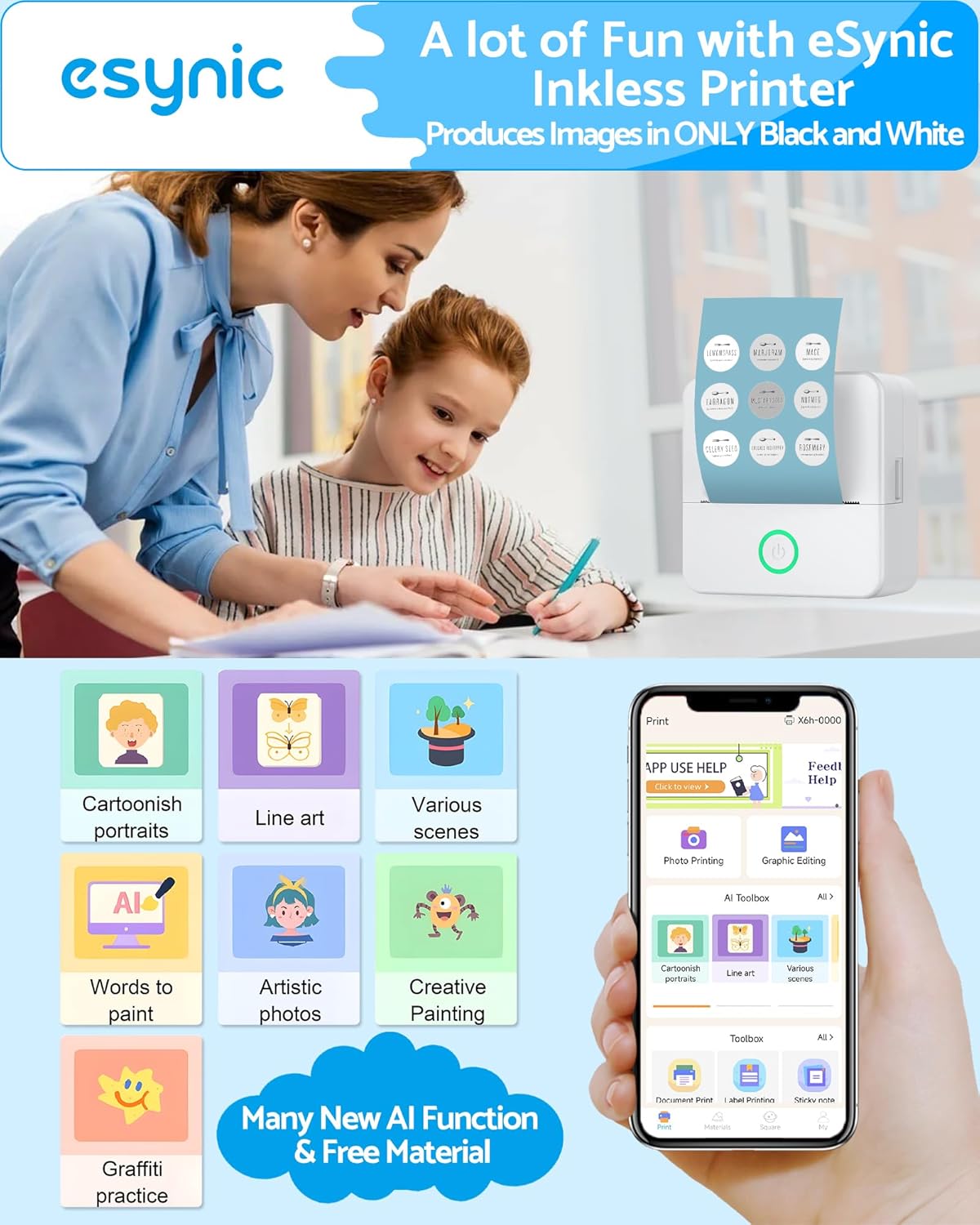
What can I print with the eSynic Mini Photo Printer?
The product description points to photos, notes, labels and planning/daily journal style print-outs from a mobile phone.
Does it need ink cartridges?
No, it’s described as an inkless thermal printer, using thermal paper rolls instead.
How does it connect to my phone?
It connects via Bluetooth and uses a companion app for templates and printing.
Is it limited to one type of thermal paper?
The listing says it’s compatible with different thermal paper formats (including adhesive/labels, continuous paper and 57 mm rolls), rather than only a single option.
Does it come with thermal paper?
Yes. The listing includes 10 rolls of thermal paper and a storage bag.