

Canon PIXMA TS6550I: All-in-One Wireless Printer with 1.42" OLED Display
Product description
What kind of product is this and what problem does it solve
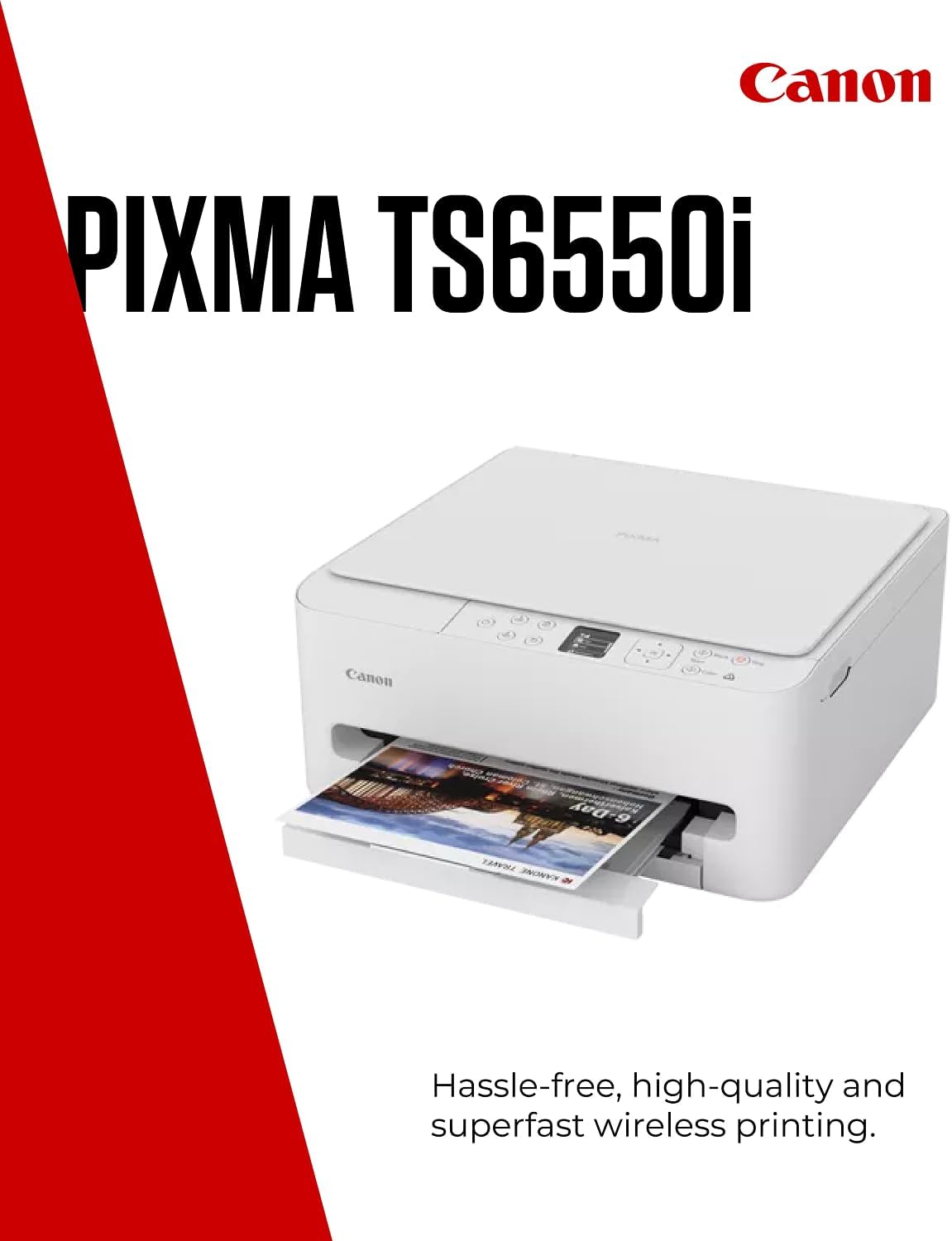
The Canon PIXMA TS6550I is an all-in-one wireless printer designed for compact home offices and creative spaces. It combines printing, scanning and copying in a single unit, with a focus on easy smartphone connectivity, quick everyday tasks and handling detailed documents or colourful visuals. If you want a tidy printer that adapts to homework, photos and light creative projects without clutter, this model is worth a look.
How it works on the page and in practice
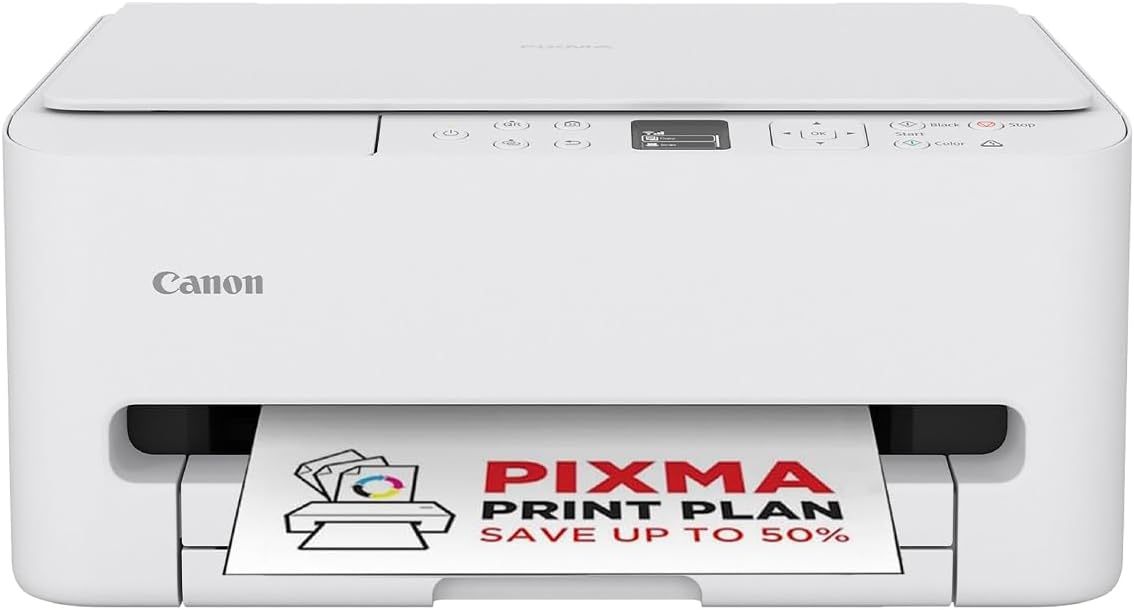
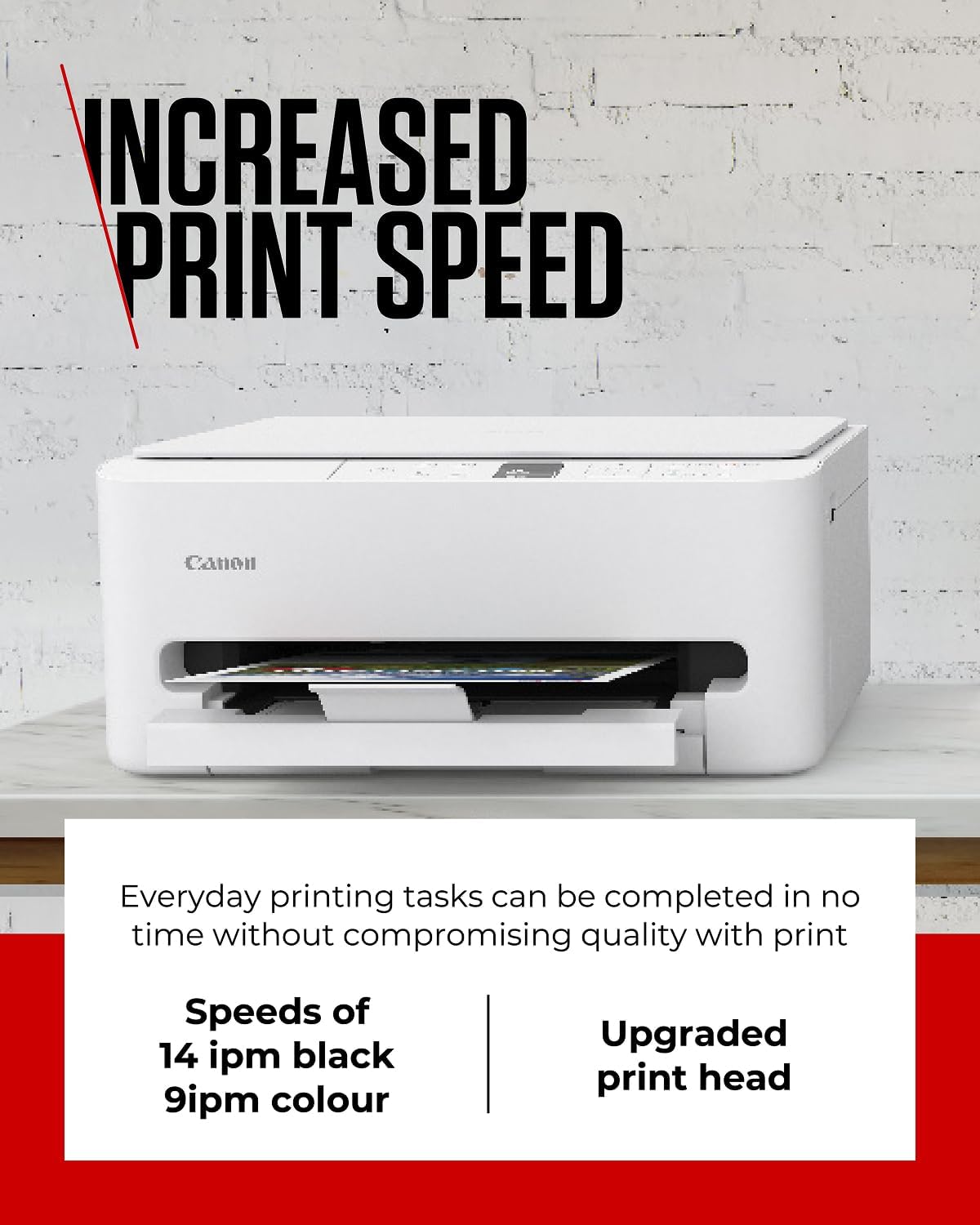
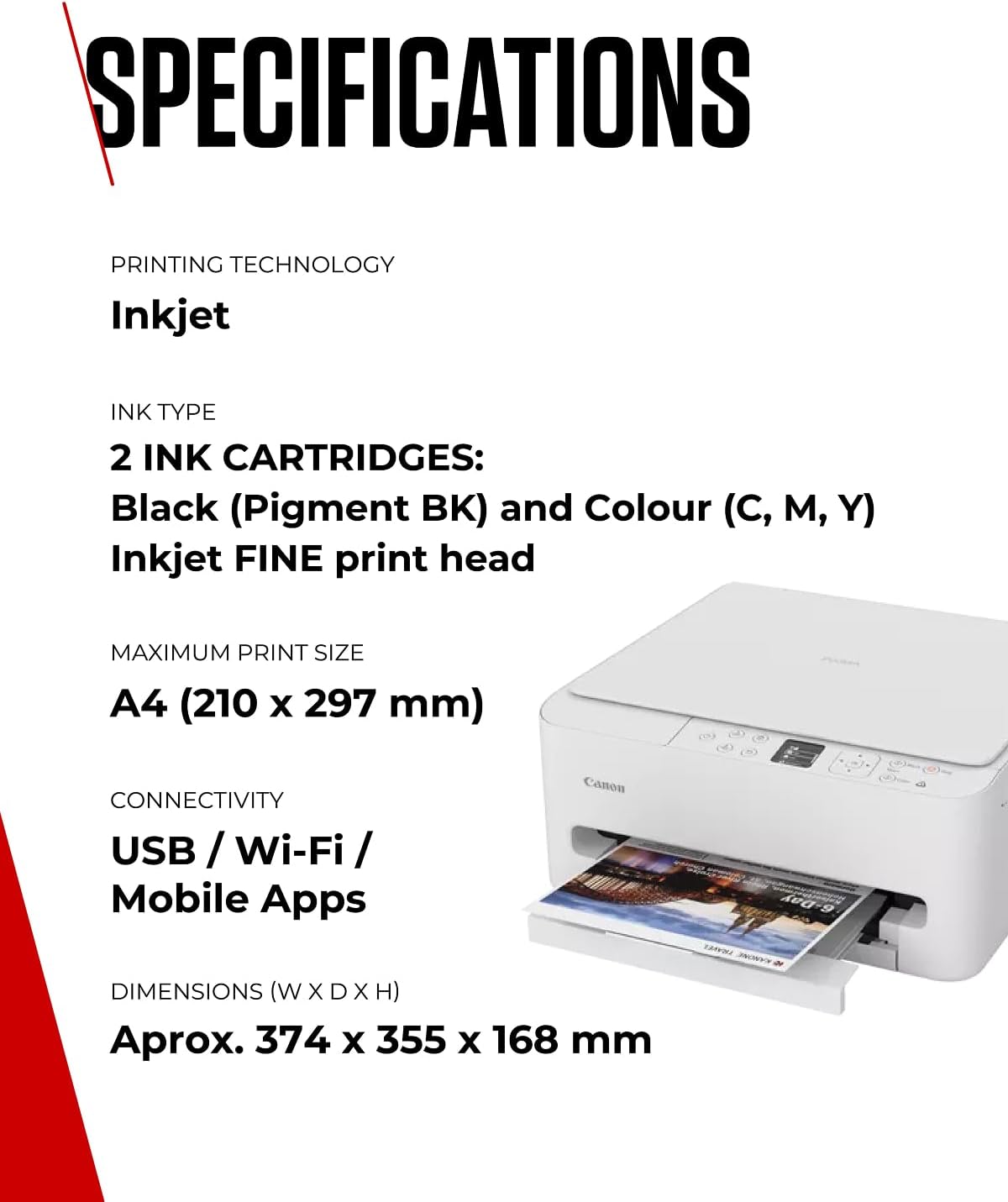
On the desk, you’ll find a compact footprint and a 1.42” OLED display that keeps setup straightforward. Printing from a mobile device is streamlined: you can connect by scanning a QR code on the screen, then print, scan or copy with a tap. The printer uses Canon’s FINE ink optimisation technology, which is aimed at delivering finer detail and faster output, useful for diagrams, maps or colourful graphics. Speeds are modest but adequate for typical home use: about 14 pages per minute in black and 9 pages per minute in colour for standard documents.
What stands out on paper
- Compact, home-friendly design with an easy-to-read display.
- Strong smartphone integration via QR code connection, simplifying wireless printing.
- FINE ink optimisation promises sharper details and quicker results for everyday documents and colourful projects.
- PIXMA Print Plan offers ink delivery when levels run low, with flexible monthly options.
The trade-offs you should note
This is a home-oriented device rather than a high-volume office printer. If you print large photo albums or run a busy office, you may notice longer print queues or higher running costs compared with more robust models. The 1.42” OLED display is handy, but the compact chassis can limit ultra-high-speed productivity and paper capacity.
Ideal user profiles
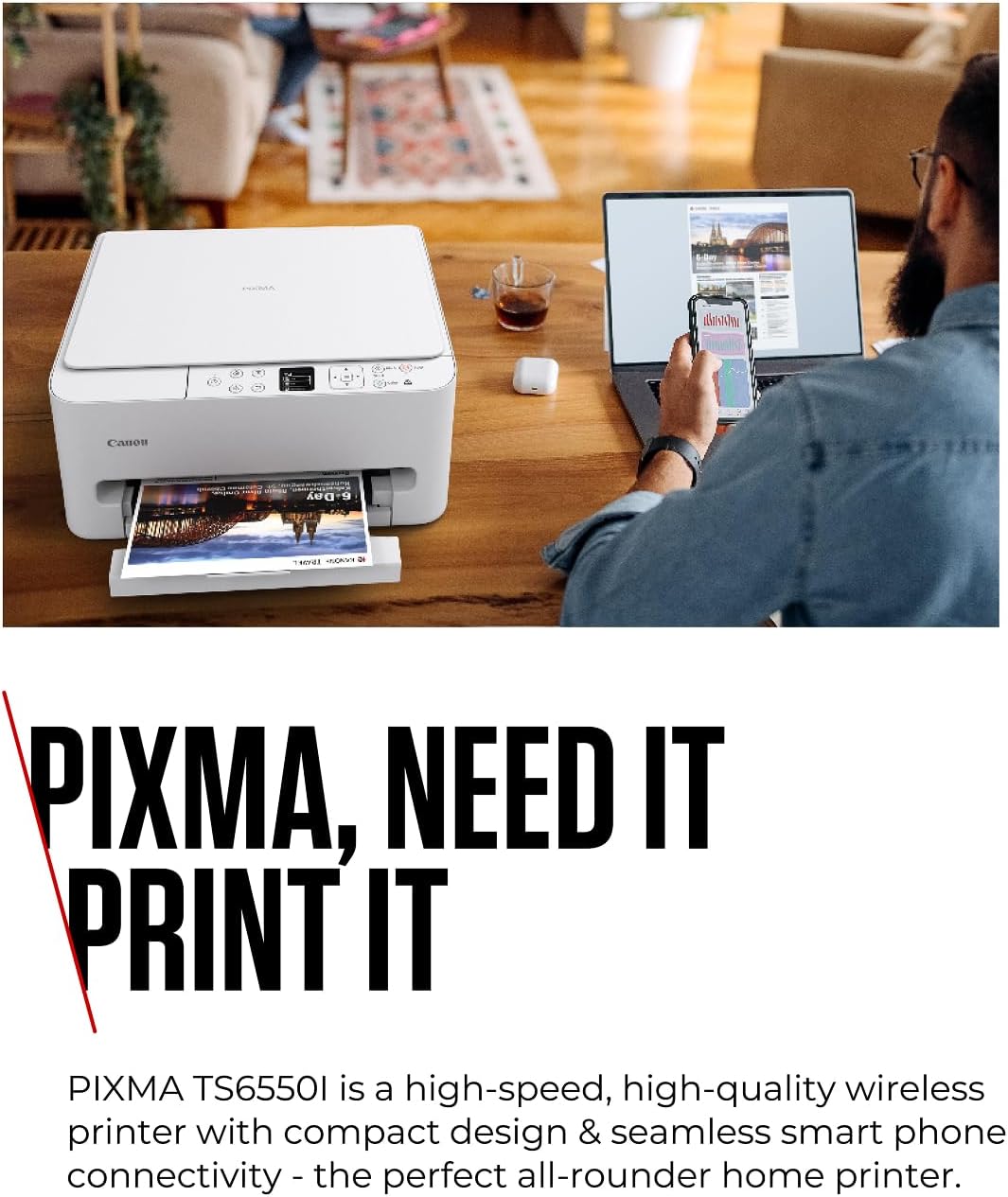
- Families and students who need a small, reliable all-in-one with easy mobile printing.
- Creative hobbyists who print colourful diagrams or photos and appreciate fine detail.
- Users who value automatic ink replenishment as part of a low-fuss workflow.
When it might not be the best fit
- If you require high-volume printing or very fast throughput, a larger, professional-grade printer could be better.
- If you print mainly large photo books or heavy-duty media, consider models designed for photo labs or high-capacity outputs.
Key considerations before you buy
- Do you prioritise desk space and simple setup over bulk speed? The TS6550I leans into compact convenience.
- Are you comfortable with subscription-style ink plans to manage running costs? PIXMA Print Plan can help, but review your typical print volume first.
- Ensure your existing devices can connect via the QR-based setup for smooth initial pairing.
Practical example of use
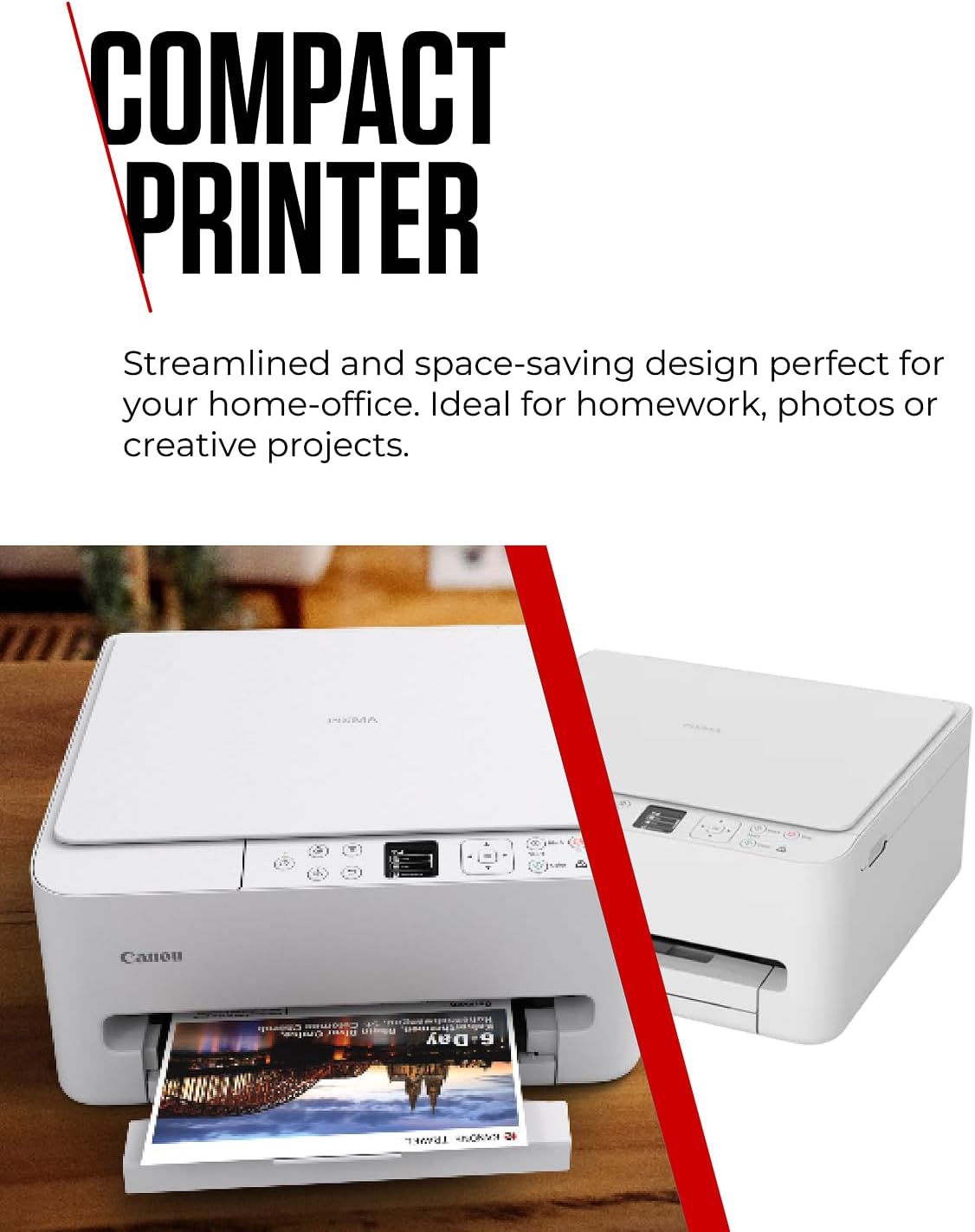
You might be preparing a school project with a colourful infographic. Print a few pages with rich colours and sharp text, then scan a signed document back into your phone for easy sharing. The device’s small display and straightforward controls keep that workflow simple and almost gesture-free.
Comparison in context
If you’re weighing this against more affordable or more feature-dense options, consider whether the priority is a compact footprint and smartphone-first printing rather than enterprise-level speed or massive paper capacity. It sits in the mid-to-entry level of home printers, offering a balanced mix of convenience, reasonable print quality and sustainable ink options.
What’s included
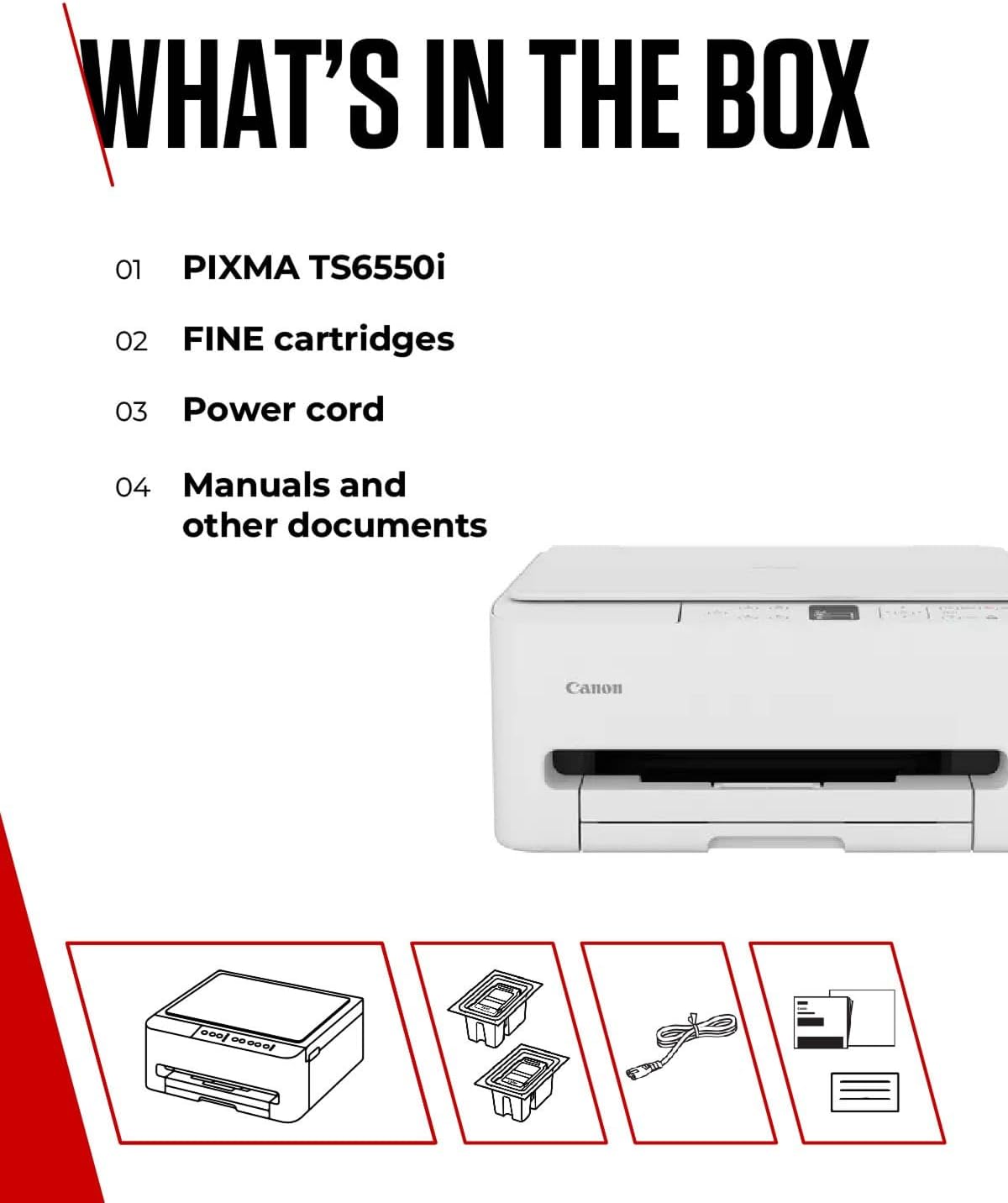
In the box you’ll typically find the TS6550I printer itself, power cable and basic setup materials, plus the relevant starter ink. If you plan to use the PIXMA Print Plan, factor in the ongoing ink-replenishment option as part of your long-term cost planning.
Quick FAQ
- Is this good for photos? It prints photos with decent colour and detail, but it’s primarily a home all-in-one rather than a dedicated photo printer.
- How easy is it to connect to a mobile? Very straightforward via the on-screen QR code, you can print, scan and copy from a phone or tablet.
- Can I print from cloud services? The base description focuses on wireless smartphone connectivity, check the app and driver options to confirm cloud compatibility for your setup.
Is it worth it?
A solid pick if you want a compact, easy-to-use all-in-one with reasonable print speeds and smart-phone friendly features. It’s not the fastest machine in its class, and it may not be ideal for heavy-duty or high-volume printing. If you prioritise space-saving design, simple setup and optional ink-supply convenience, it could offer good value for money.