

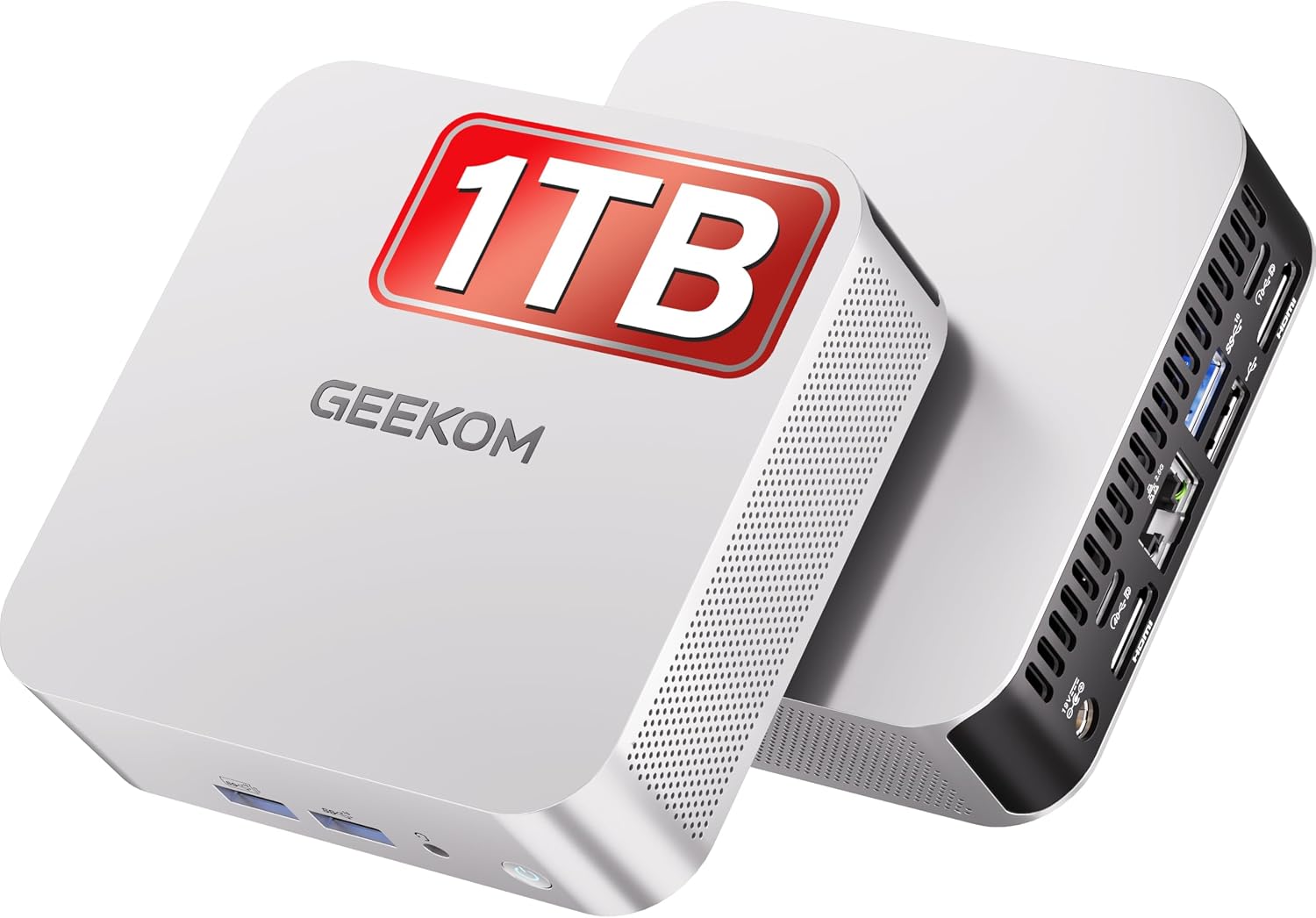
GEEKOM A8 Mini PC (Windows 11 Pro) with AMD Ryzen 7 8745HS, 16GB DDR5 & 1TB SSD
Product description
The essentials
The GEEKOM A8 mini PC is built for people who want proper desktop-style performance in a small box that’s easier to live with day to day. With Windows 11 Pro pre-installed, a Ryzen 7 8745HS processor, 16GB DDR5 RAM and a 1TB SSD, it’s aimed at mixed workloads: multitasking, creative work like video editing, and even gaming—without you needing a full-size desktop.
On paper, it’s also a connectivity-focused machine. Dual HDMI with up to 4K at 120Hz, Wi‑Fi 6E plus 2.5 Gigabit Ethernet, and a USB4 port rated up to 40Gbps are the kind of specs that matter when you’re running extra monitors or relying on fast external storage. But it’s worth being a little realistic: you can’t assume every “max” figure will feel the same in every setup, especially if you’re pushing multiple displays at once.
It’s a strong bet if you’re moving up from basic mini PCs and you want something that feels closer to a workstation. If your expectations are more “light web browsing and office work”, you may find yourself paying for capability you won’t fully use.
Key features
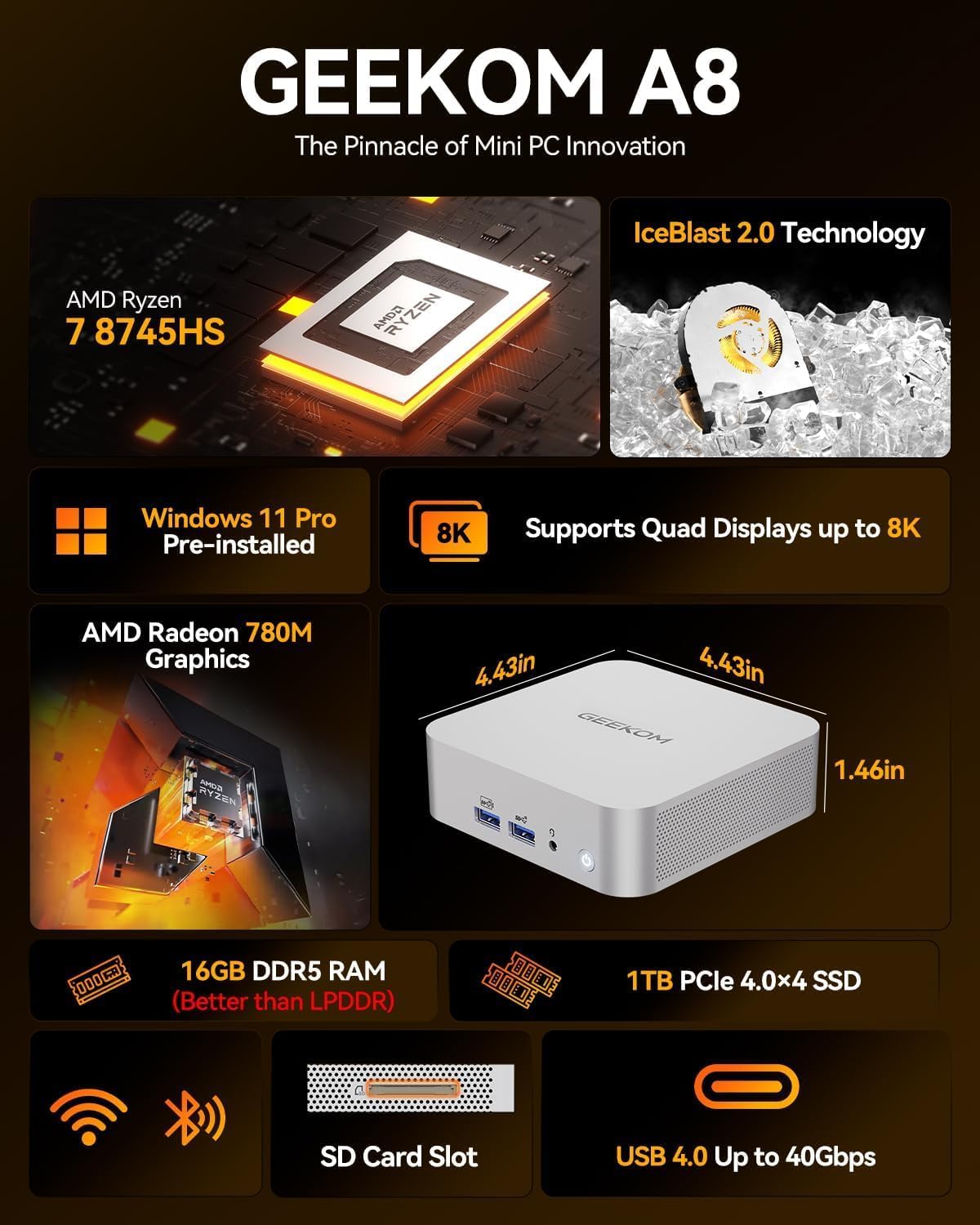
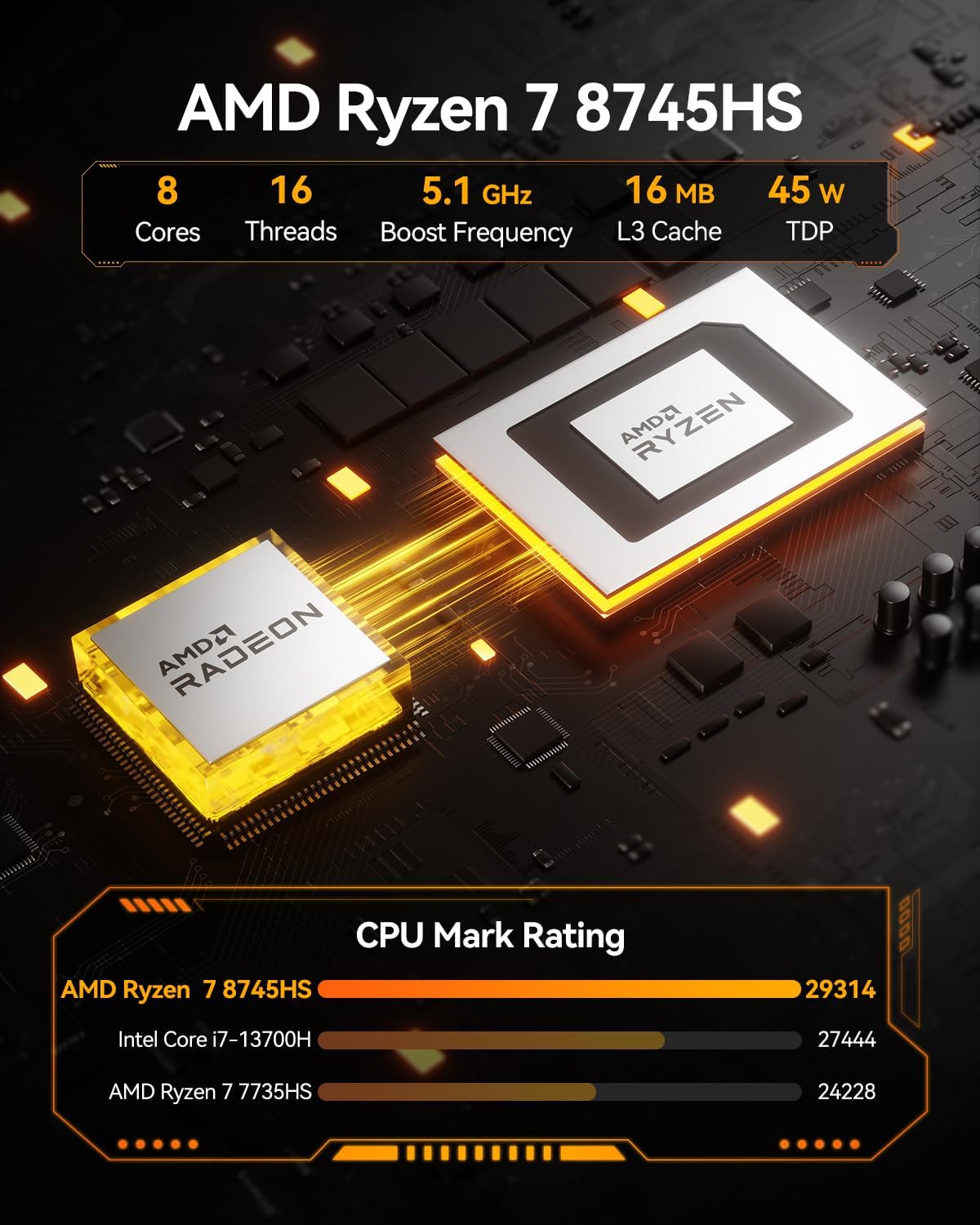
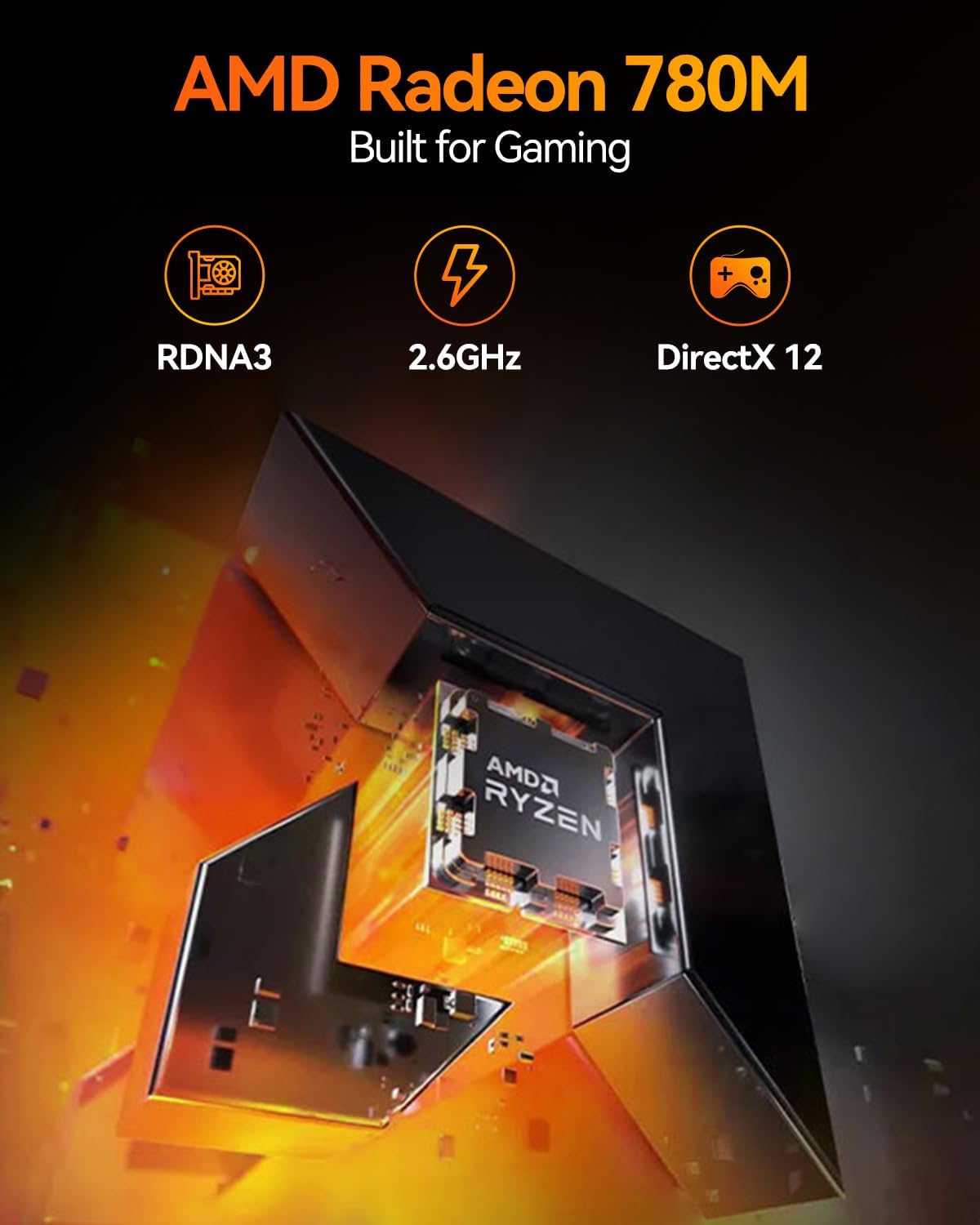
The headline here is the AMD Ryzen 7 8745HS (up to 5.1GHz) paired with AMD Radeon 780M graphics. That combo is positioned for 4K video editing, AAA gaming, and general heavy multitasking. The pitch includes efficient thermal management and quiet operation “even at full load”, which is exactly what you want from a mini PC that’s meant to sit in your home office or media area rather than a noisy desktop corner.
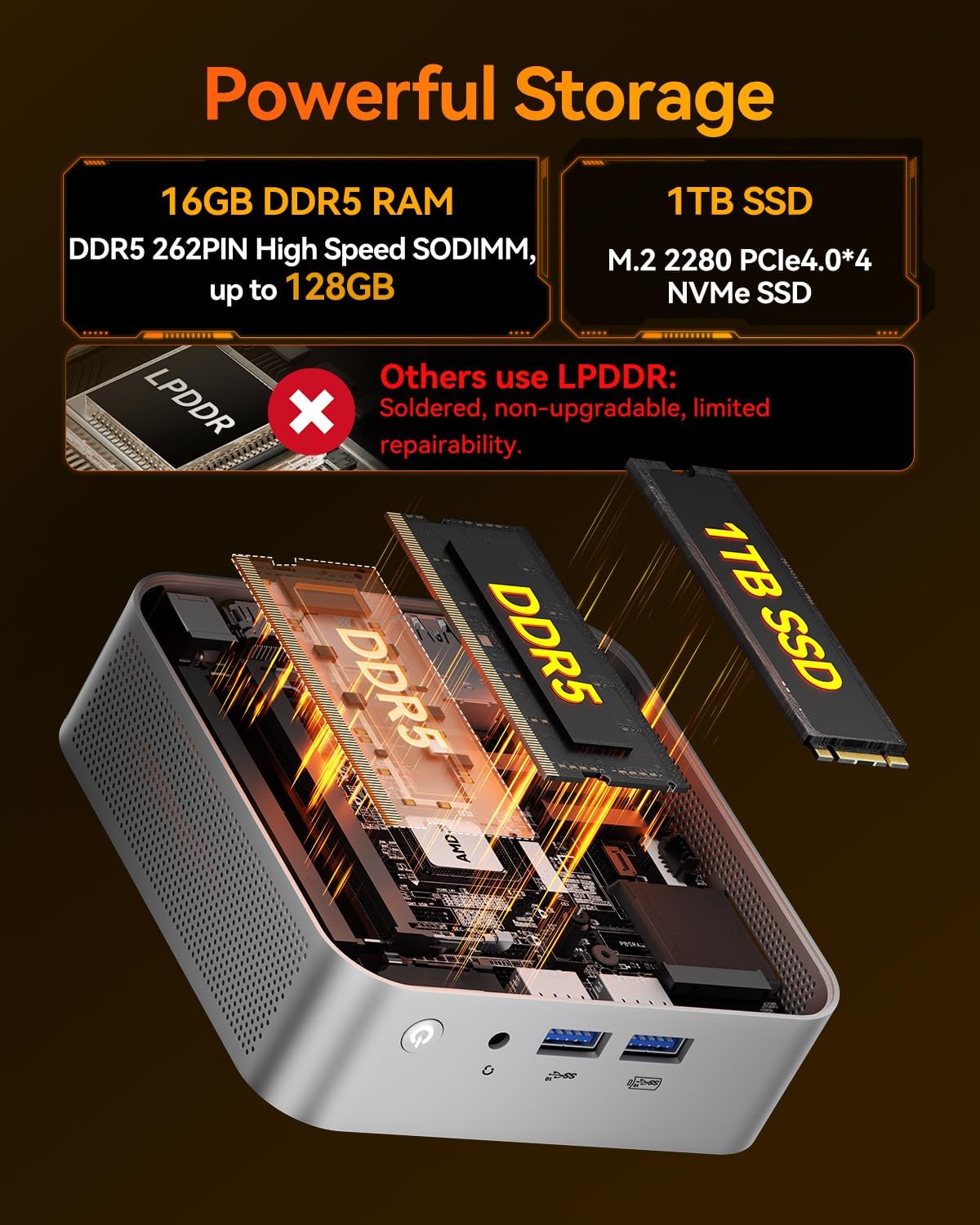
Memory and storage are set up for serious use straight away: 16GB DDR5 and a 1TB PCIe 4.0 NVMe SSD. If you’re the type who grows your workload over time, the entry point doesn’t look flimsy. The information provided also notes upgrade potential up to 128GB RAM and up to 4TB SSD.
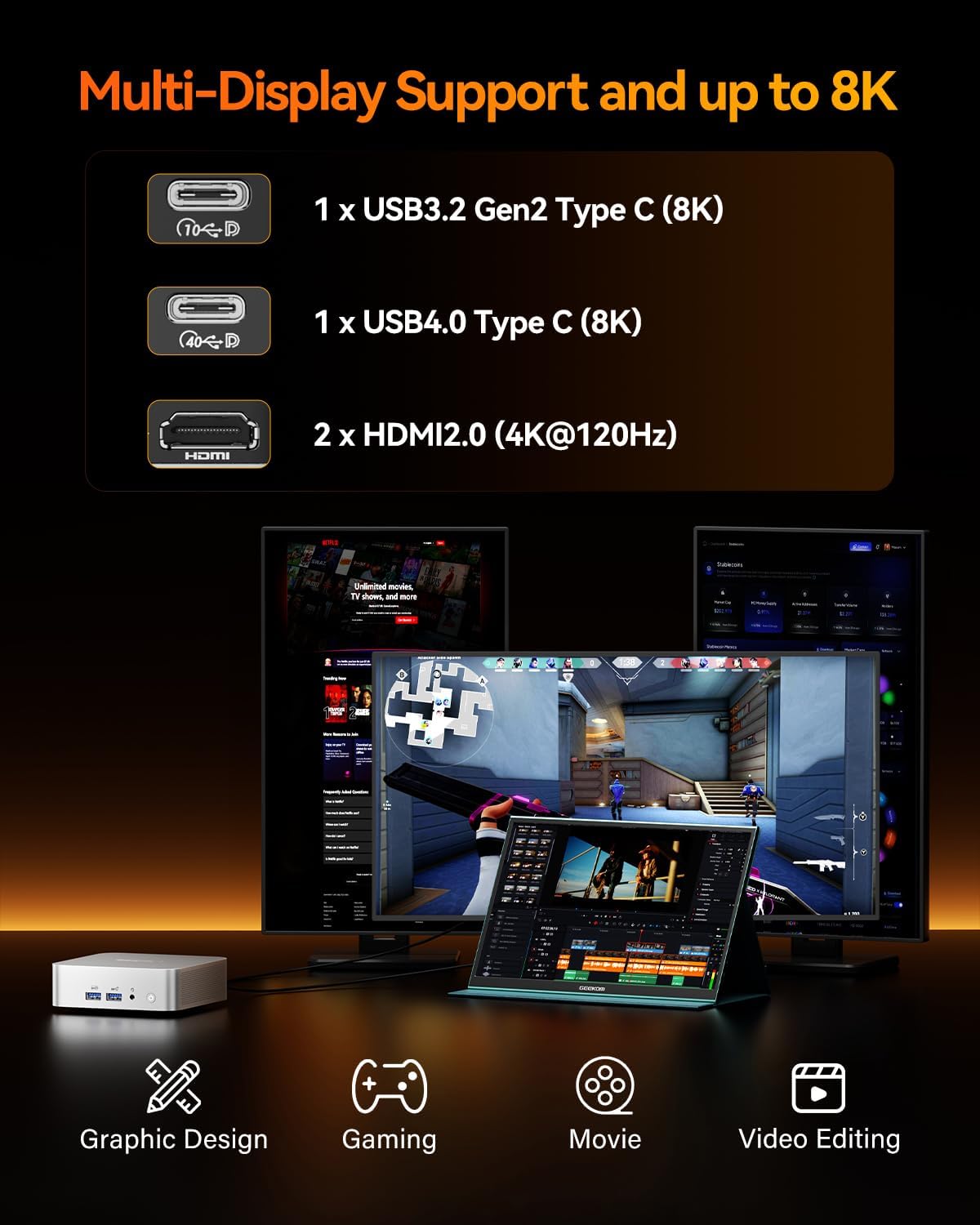
Connectivity is where this model gets interesting. Dual HDMI and additional USB-C/USB4 support are described as enabling up to four simultaneous 4K displays (depending on your setup). Wi‑Fi 6E plus Bluetooth 5.2 are included for stable wireless use, while the 2.5 Gigabit Ethernet port is a welcome inclusion if you care about low latency and large file transfers.
And the USB4 port is presented as a high-bandwidth option (up to 40Gbps) intended to support power delivery and fast external storage. It’s framed as an “OCuLink alternative”, but if you specifically need compatibility with a very particular workflow, it’s wise to double-check your exact peripherals and cables.
What you’ll notice day to day
For everyday use, the blend of CPU, graphics and fast storage should translate into fewer bottlenecks. In practice, that means things like launching creative apps, scrubbing through timelines for 4K content, or switching between multiple browser tabs and work tools without feeling like the system is waiting around.
A micro-scenario: imagine you’re editing a 4K clip, then you alt-tab to a document and a few research tabs, and later you want to preview on a second monitor. With the dual display support (up to 4K at 120Hz via HDMI, and multi-display capability described up to four 4K displays), the A8 is designed for exactly that kind of “real work” setup.
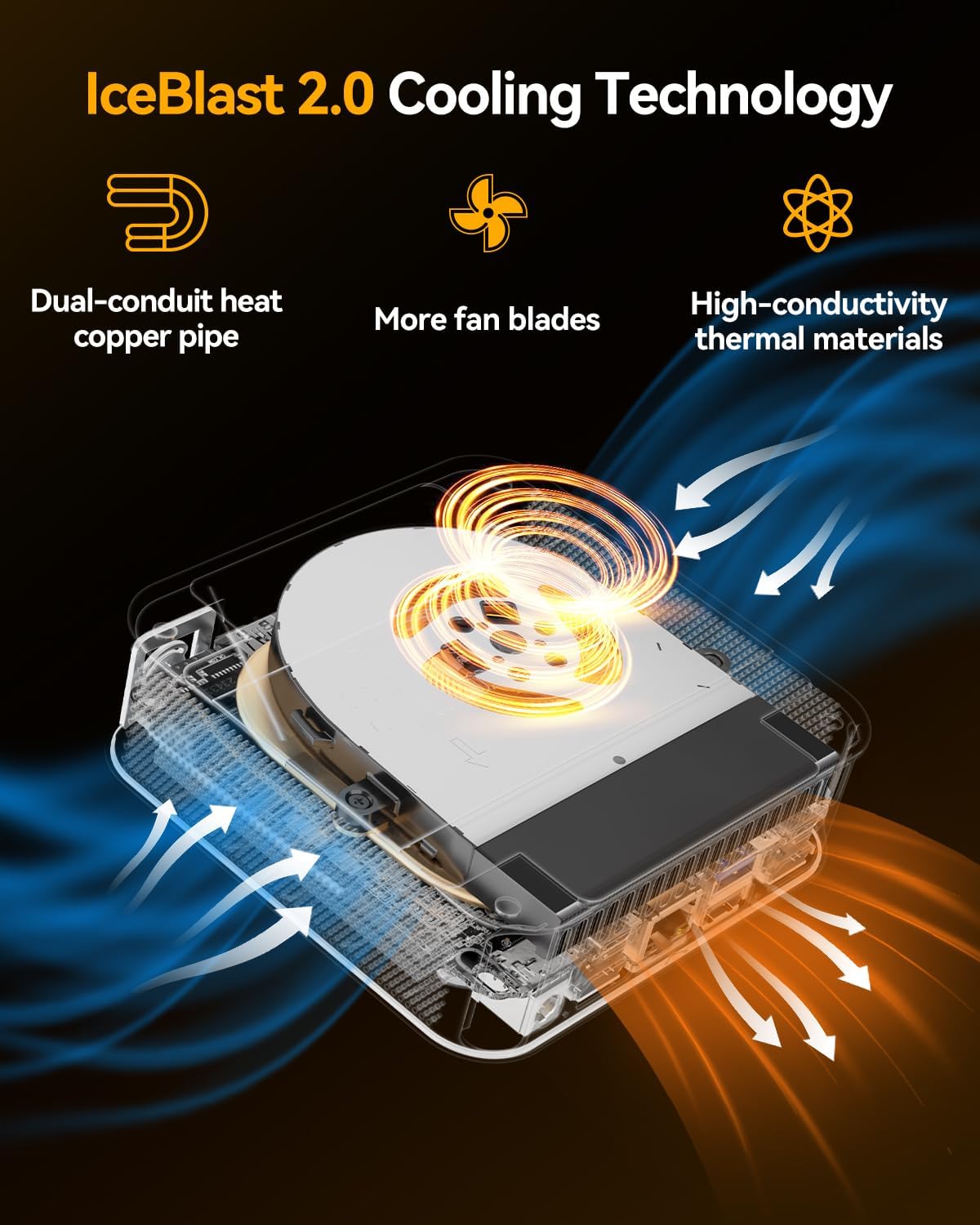
There’s also the quiet/thermal claim to consider. Mini PCs can get temperamental when you push them hard, so if you’ve ever used a compact PC that got loud or throttled, this is clearly trying to address that—though the real-world experience depends on your environment and load.
What to know before you buy
It’s a Windows 11 Pro machine, so you’re getting the “ready out of the box” feel rather than having to install an OS yourself. The listing also mentions it should be ready to start within around 30 minutes, which is handy if you don’t want a weekend setup project.
The upgrade path is a plus, but there’s a caveat: the information provided includes notes that certain memory upgrades may not be available in exactly the form you expect (it mentions “non-upgradable” modules and reliance on rare availability for some memory configurations). That means if you’re planning a specific future upgrade, it’s smart to check how the upgrade support actually lines up with your intended RAM and SSD parts.
Also, multi-display ambitions don’t always land the same way for every user. The listing describes up to four simultaneous 4K displays, but that kind of result typically depends on exact ports, adapters and what you connect. If you’re determined to run a particular monitor arrangement, confirm your intended display model and connection method fits the described setup.
Finally, consider positioning. This isn’t aimed at a low-power “TV box” role. It’s more of a mid-to-high capability mini PC for buyers who want workstation-like output in a smaller footprint.
Key takeaways
Is it worth it?
Buy the GEEKOM A8 mini PC if you want a compact Windows 11 Pro system that’s geared towards heavier tasks—4K editing, serious multitasking, and gaming—while still offering sensible daily connectivity (Wi‑Fi 6E, Bluetooth 5.2, and 2.5 Gigabit Ethernet). The 16GB DDR5 and 1TB SSD give you a usable base for most demanding workloads, and the described upgrade potential helps if your needs grow.
Skip it (or look more carefully) if your use is mostly basic browsing, streaming and light office work, because you may pay for performance you won’t need. Also, if your setup depends on a very specific multi-display or external GPU/storage workflow, the “up to” display and USB4/OCuLink-alternative claims are worth double-checking against your exact peripherals.
For buyers who care about quiet operation under load and want a mini PC that can sit in a living space or home office without fuss, this one’s a convincing match on paper. For anyone expecting guaranteed performance across every possible “maxed-out” configuration, it’s better to treat the top-end numbers as aspirational and focus on your exact workload and display layout.
Mini FAQ
Does it come with Windows 11 Pro installed?
Yes. The listing states that Windows 11 Pro is pre-installed.
How much RAM and storage does it include?
It includes 16GB DDR5 RAM and a 1TB SSD.
What networking options does it have?
Wi‑Fi 6E is included, along with Bluetooth 5.2 and a 2.5 Gigabit Ethernet port.
Can it support multiple displays?
The listing describes dual HDMI and a configuration that can support up to four simultaneous 4K displays, depending on your setup.
Is it covered by warranty?
The information provided states a 3-year warranty with protection covering defects in materials and workmanship, from the date of purchase.