

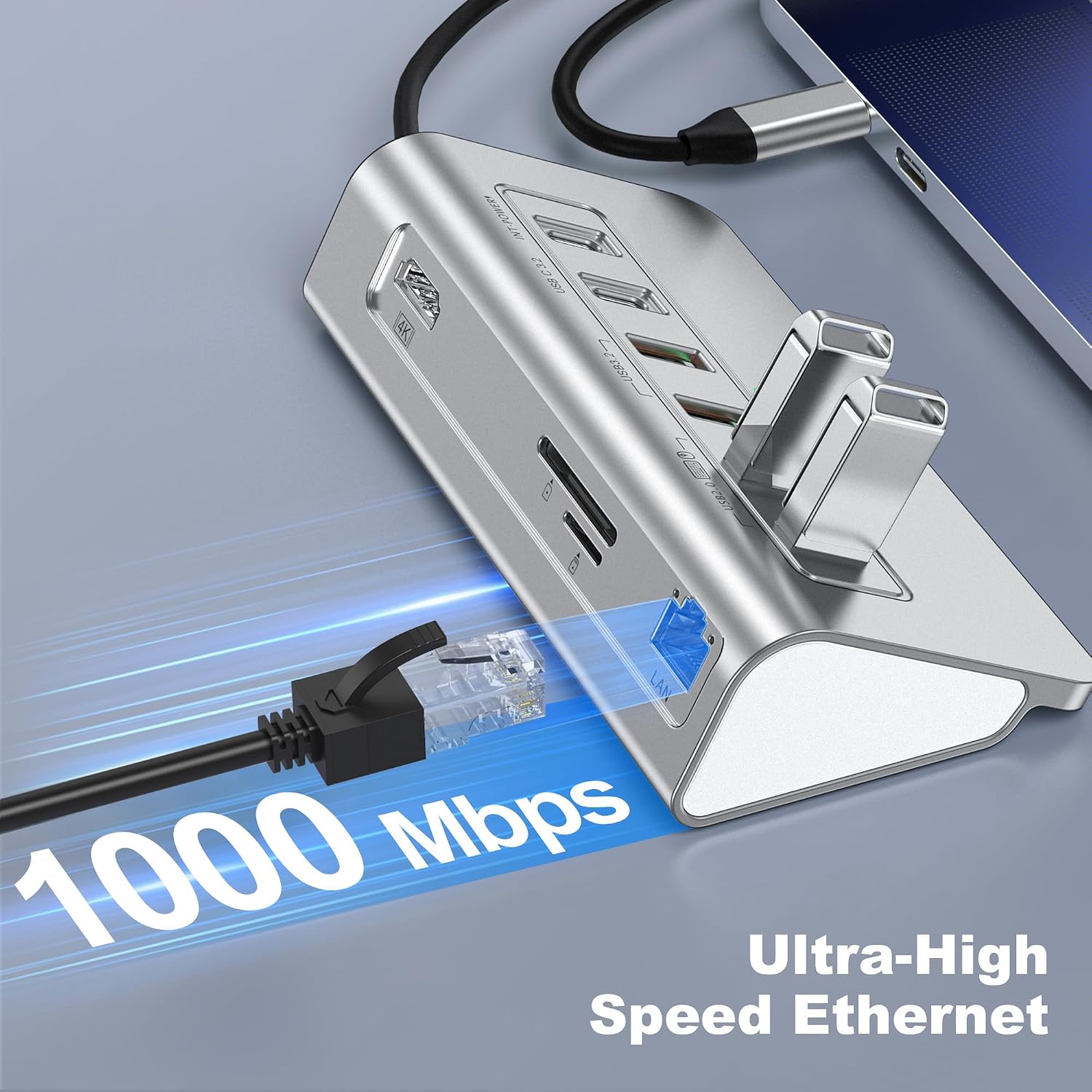
intpw P9R PRO 10-in-1 USB-C Hub with 4K@60Hz HDMI, 1Gbps Ethernet and PD 100W
Product description
The essentials
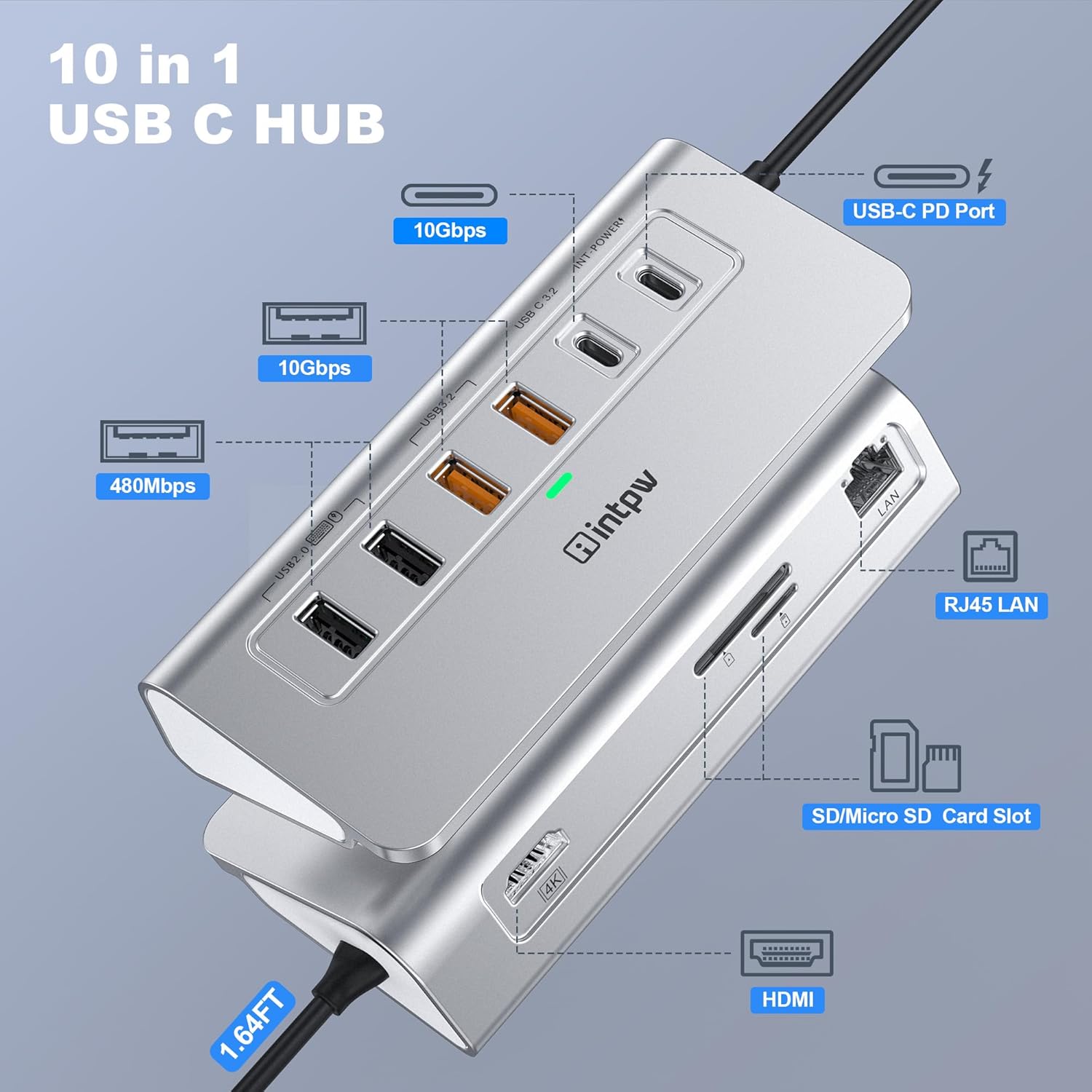
If you regularly plug the same handful of cables into your laptop, an all-in-one USB-C hub can quickly become the easiest fix. The intpw P9R PRO is a 10-in-1 USB-C docking hub that bundles video output, wired networking, several USB ports, and SD/TF card access into one powered unit. On paper, it’s aimed at everyday work setups: presentations or lessons via HDMI, faster file transfers than basic adapters, and the convenience of charging over USB-C.
That said, it’s not flawless in the small print. Like many multi-port hubs, some features don’t always play nicely together (for example, it notes SD and TF cards can’t be used simultaneously). It also warns that 2.4Ghz wireless devices (such as a wireless keyboard/mouse) may struggle when used close to USB 3.2 ports. So while the concept is solid, you’ll want to check how you plan to use it.
It makes sense if you want a single dock to reduce cable swapping. It may be less convincing if you need uninterrupted simultaneous card use, or if your wireless peripherals are picky about interference.
Where it shines in daily use
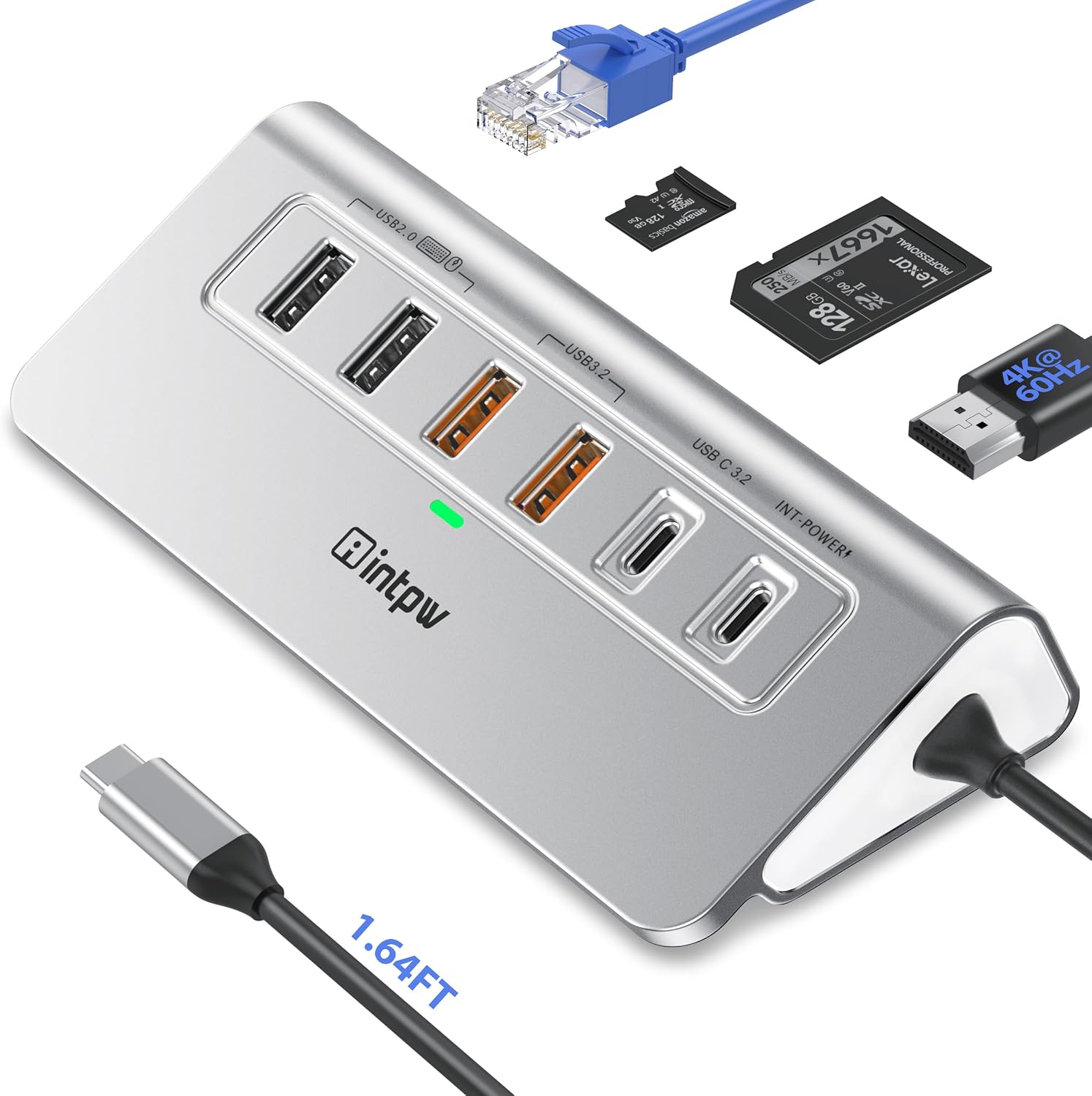
This hub’s biggest draw is the mix of ports you actually reach for. You get a 4K@60Hz HDMI output for connecting to an external monitor/TV, a 1Gbps Ethernet connection for stable internet in meetings or study, and multiple USB ports for accessories and storage.
A typical scenario: you’re joining a business meeting at a desk. You dock your laptop, plug HDMI into the room screen, connect Ethernet to avoid Wi‑Fi dropouts, and keep your mouse and keyboard connected without running extra adapters. When you’re back home, the same dock can handle charging and quick transfers from an SD/TF card after a day out.
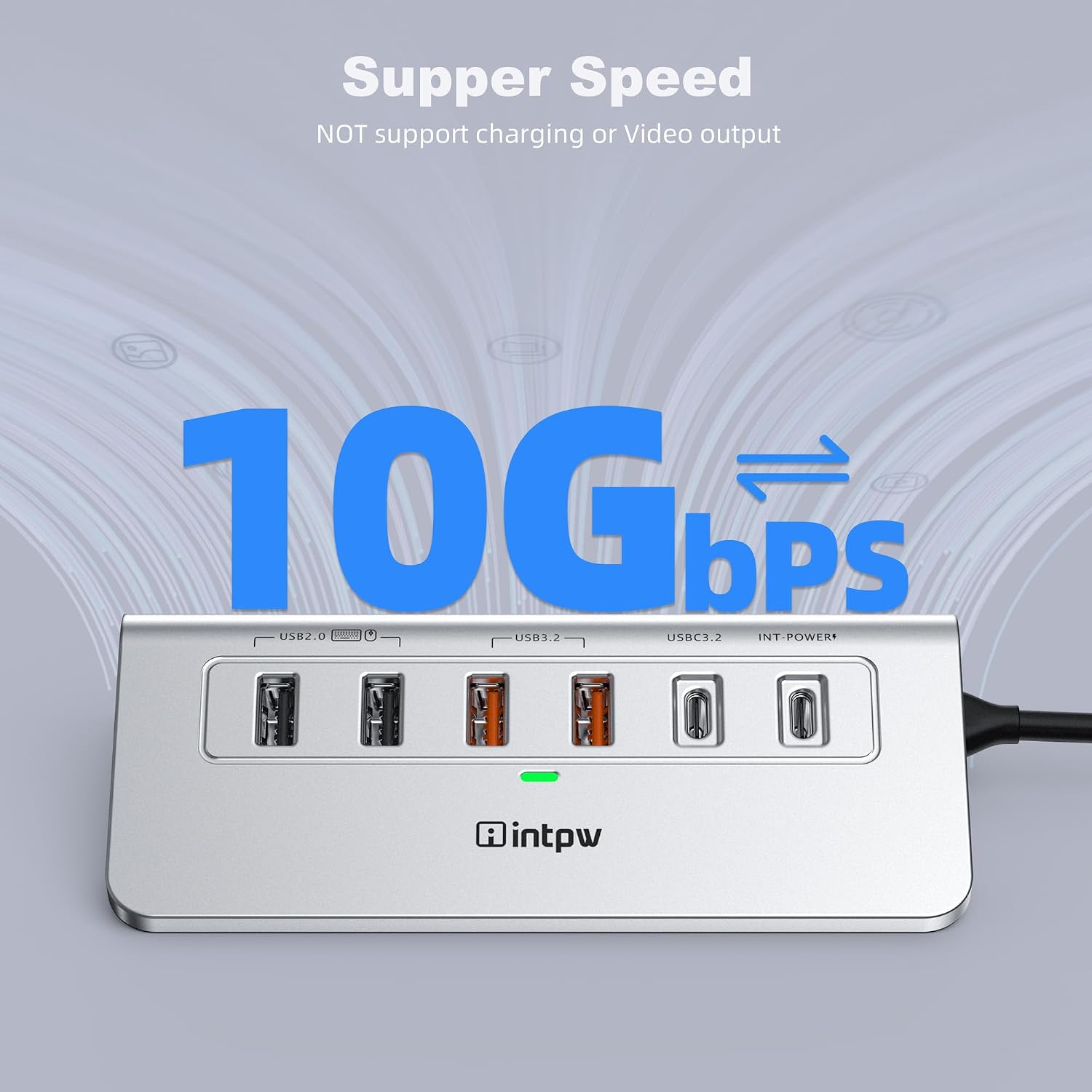
The USB side also targets faster transfer needs. It includes USB data connections described as 10Gbps via the USB 3.2 ports, which is useful for moving larger files (photos, videos, or project folders) quicker than simple USB 2.0-style docks.
Key takeaways on performance and limitations
The intpw P9R PRO is a feature-packed docking station, but a few notes matter when choosing.
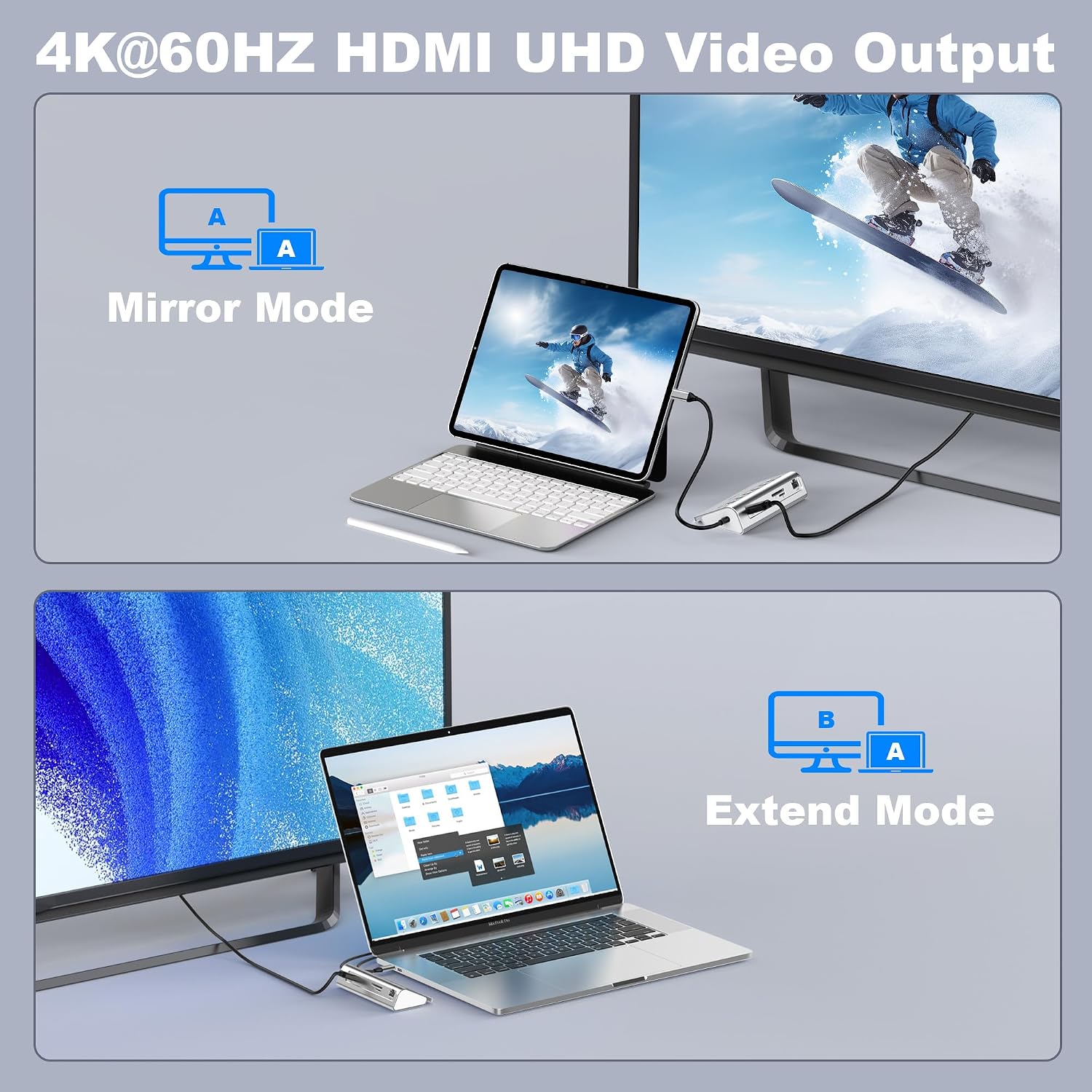
- HDMI output is specified as 4K@60Hz, which is great for smooth video and presentations—assuming your laptop and monitor support the required signal path. The hub also mentions USB-C devices should support USB Type-C DP Alt Mode for HDMI to work.
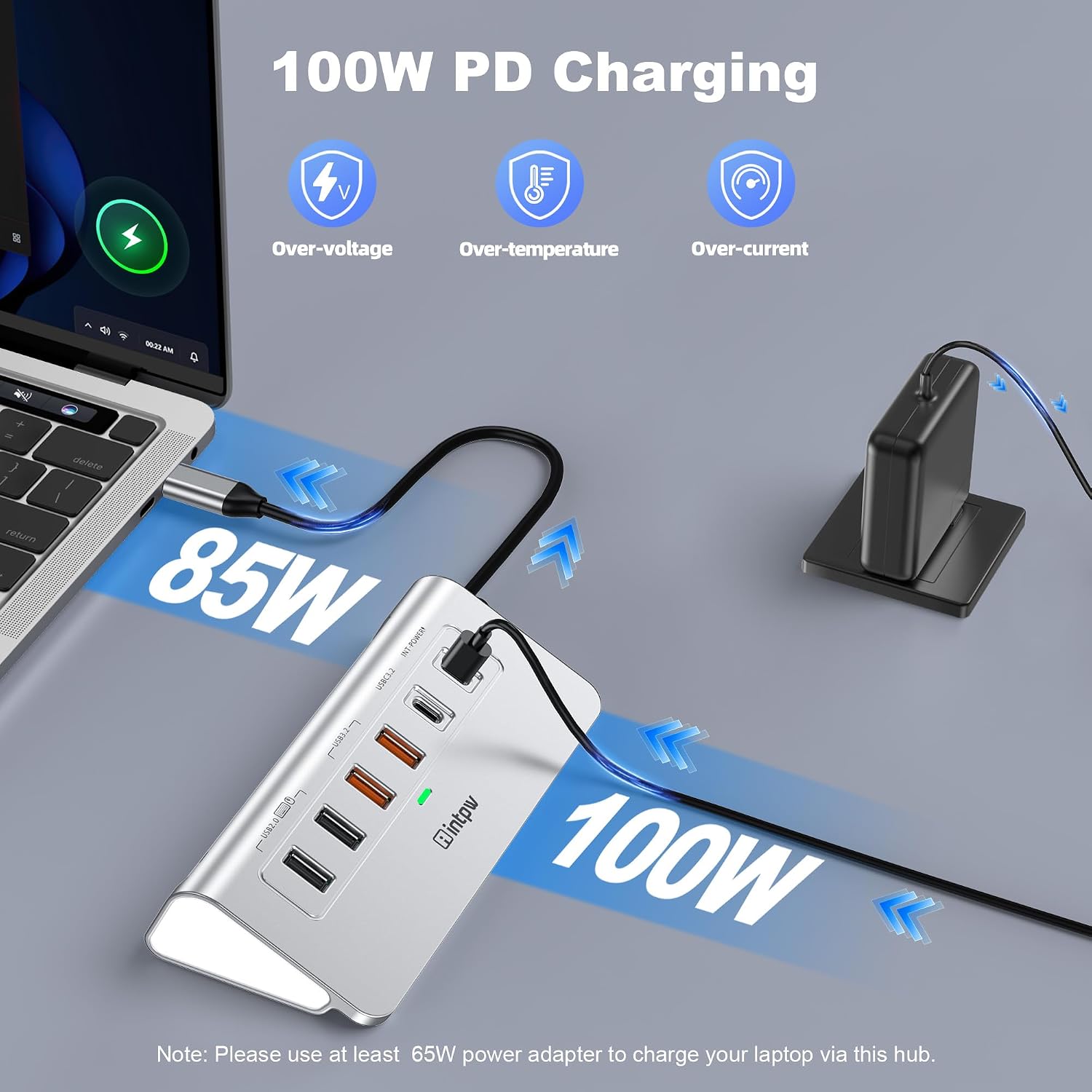
- Charging is powered via PD 100W. The guidance suggests using at least 65W power supply for charging your laptop through the USB-C hub. Also, it notes the PD port doesn’t support data transfer.
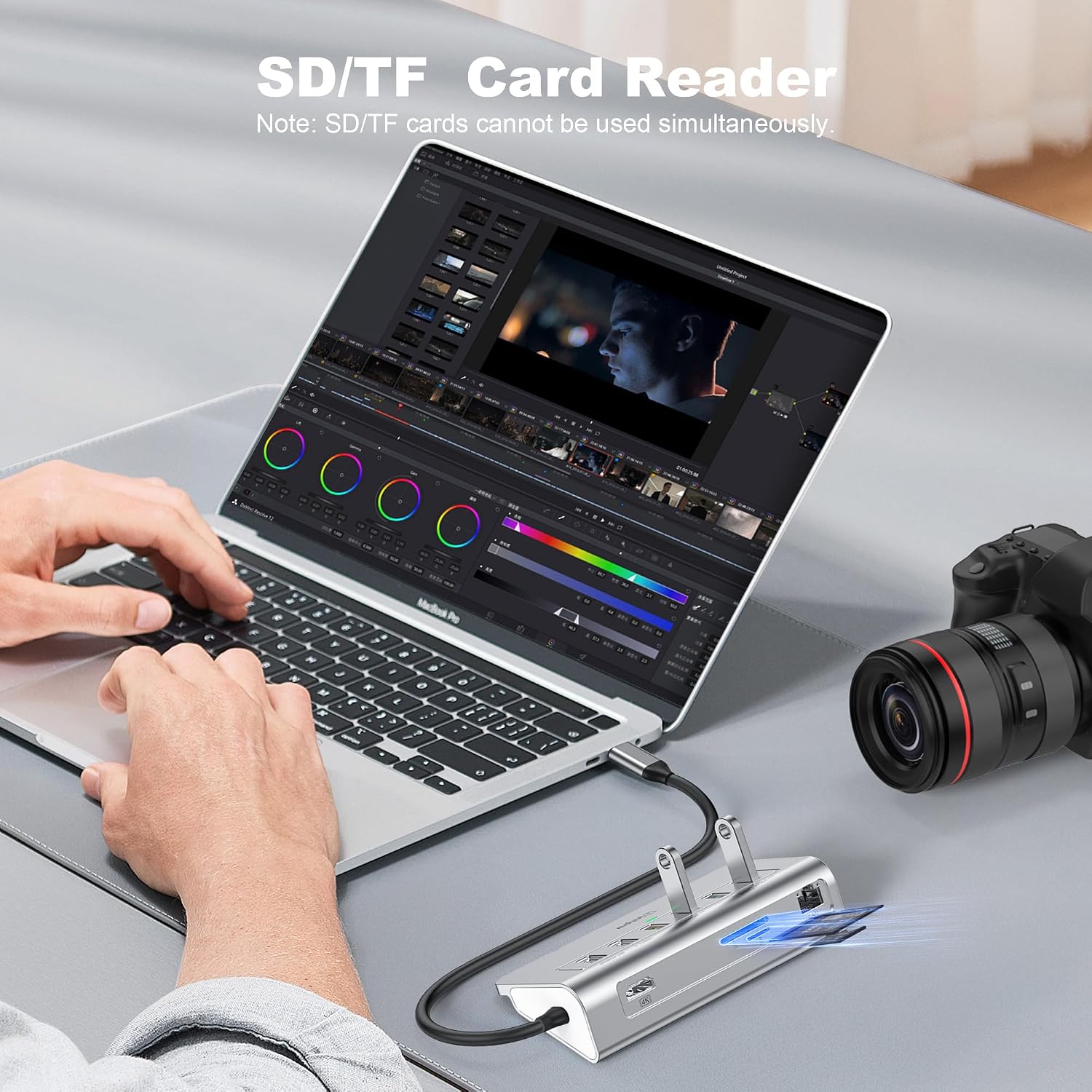
- SD/TF is fast by its stated speed (25MB/s), but you can’t use SD and TF cards simultaneously.
- If you rely on 2.4Ghz wireless peripherals, keep in mind the warning about potential interference near USB 3.2 ports. In practice, that may mean repositioning your hub or using the mouse/keyboard closer to your laptop dongle depending on your desk layout.
If you’re buying expecting it to behave like a one-cable “set-and-forget” docking station for everything at once, it might feel restrictive in those specific areas.
Tech specs
- Type: USB-C hub / docking station (10-in-1)
- HDMI video output: 4K@60Hz
- Ethernet: 1Gbps
- USB data: 3 × USB 3.2 (up to 10Gbps stated for data transfer) and 2 × USB A 2.0 ports (separate USB 2.0 bandwidth)
- Charging: PD 100W via USB-C
- SD/TF slot: SD/TF with stated speed 25MB/s
- Data/cable note: SD and TF cards cannot be used simultaneously
- Wireless note: 2.4Ghz wireless devices may not work well when close to USB 3.2 ports
- Power note: not included power adapter, PD charging port does not support data transfer
What you should double-check before buying
Before you commit, it’s worth confirming a few practical details from your own setup.
First, think about HDMI. The hub explicitly says USB-C devices should support USB Type-C DP Alt Mode. If your laptop’s USB-C port doesn’t support DP Alt Mode, you may not get the HDMI output you expect.
Second, charging expectations. The hub has PD 100W, but it also advises using at least a 65W power supply to charge your laptop via the hub. It also notes an important behaviour: it doesn’t unplug or plug the PD charger when using the USB ports hub, to avoid disconnecting the device and losing data transfers.
Third, your memory card workflow. If you often switch between SD and TF quickly, the hub is fine—but if you plan to use both simultaneously, the limitation is clear.
Finally, wireless peripherals. If you’ve had interference issues with other USB 3.x hubs, you may want to plan placement (or consider using the USB 2.0 port as recommended) to keep your keyboard/mouse reliable.
Is it worth it?
Worth buying if you want a single powered USB-C hub that covers HDMI (up to 4K@60Hz), 1Gbps Ethernet, multiple USB ports (including USB 3.2 for higher-speed transfers), SD/TF access, and PD charging—especially for office work, education, or a simple home desk setup.
Better avoided if you need SD and TF cards to be used at the same time, you depend on 2.4Ghz wireless peripherals working flawlessly next to USB 3.2 ports, or you’re unsure whether your laptop’s USB-C supports DP Alt Mode for HDMI.
If you like the idea of fewer adapters and more “dock-like” convenience, it’s a convincing middle-of-the-road choice. Just don’t expect every feature to be totally independent—this hub comes with the usual trade-offs around card use and wireless interference.
Mini FAQ
Does the HDMI output work with any USB-C laptop?
It depends on your USB-C port supporting USB Type-C DP Alt Mode. The hub notes this requirement, so it’s best to check your laptop’s capabilities before relying on HDMI.
Can I use SD and TF cards at the same time?
No. The hub specifically states SD and TF cards cannot be used simultaneously.
Is the hub powered, and does it come with a charger?
The hub is a powered PD hub, but the power adapter is not included.
Will the PD charging also transfer data?
Not in this case. It notes that the PD port does not support data transfer.
Will wireless keyboard and mouse always work?
Not necessarily. It warns that 2.4Ghz wireless devices may not work well when close to the USB 3.2 ports, using a USB 2.0 port is recommended.