

Belkin USB‑C Hub 11‑in‑1 MultiPort Adapter Dock with 4K HDMI, DP, VGA, 100W PD pass-through and Gigabit Ethernet
Product description
What it’s for
If your laptop has quietly lost its built-in ports, this Belkin USB‑C hub is aimed at the “get everything back on one desk” problem. It expands a USB‑C connection into a compact multiport docking station with video outputs, wired Ethernet, card readers and audio, plus several USB-A ports.
The basic idea is straightforward: you plug in once, and you can run your existing peripherals without constantly swapping adapters. On paper, it’s also built for multi-display setups thanks to HDMI, DisplayPort and VGA support, and it includes USB‑C power pass-through so you don’t necessarily have to choose between charging and using the extra ports.
Key features that matter day to day
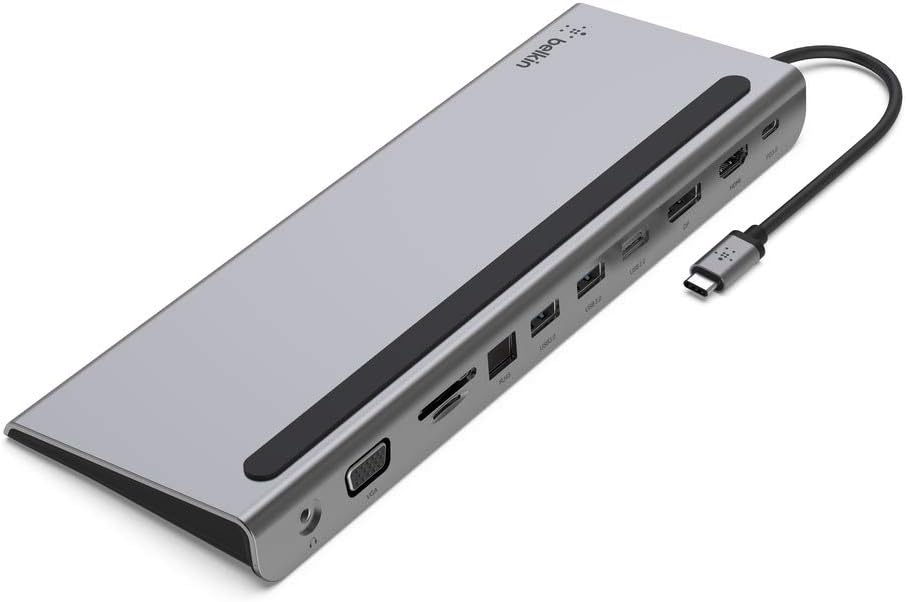
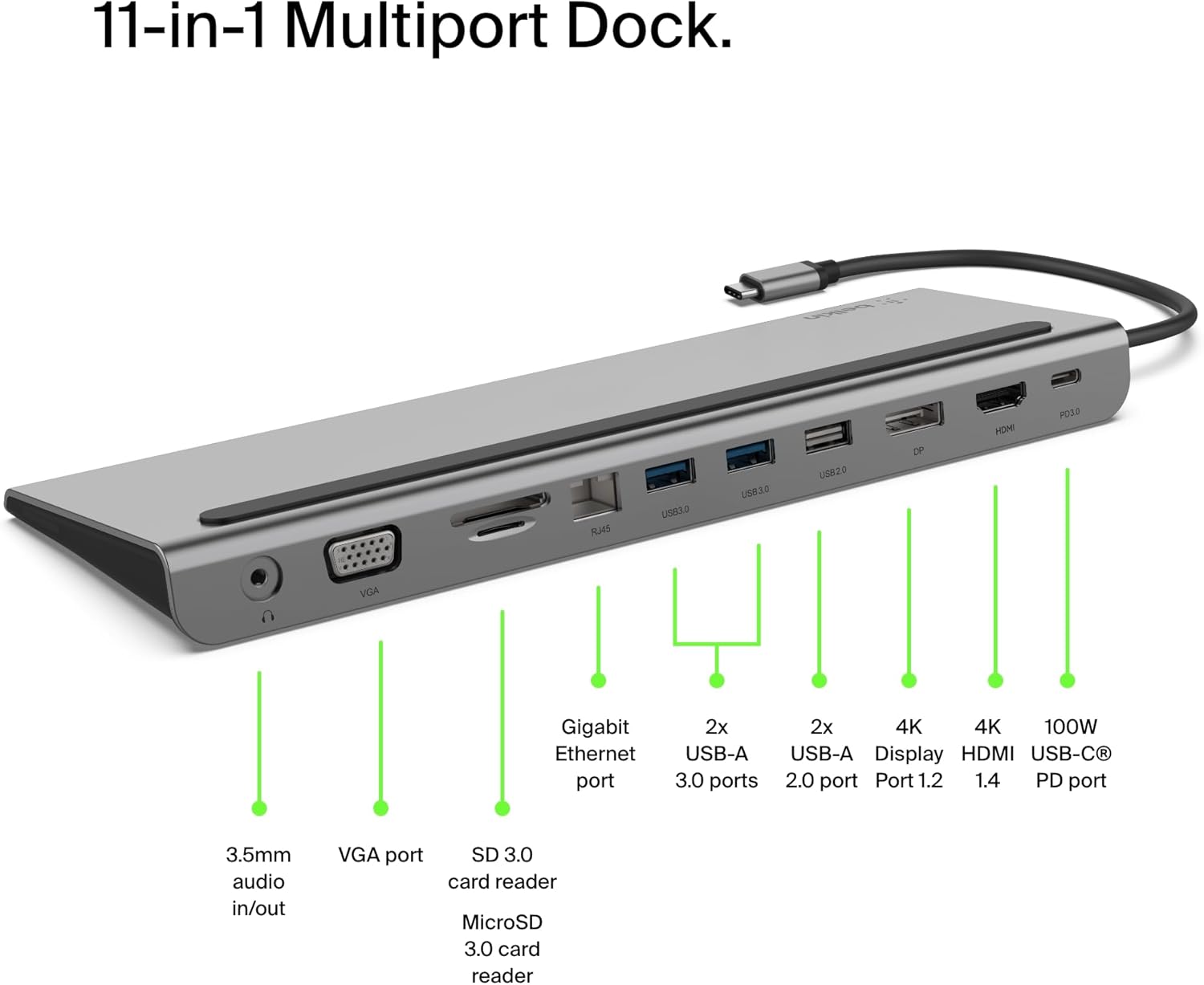
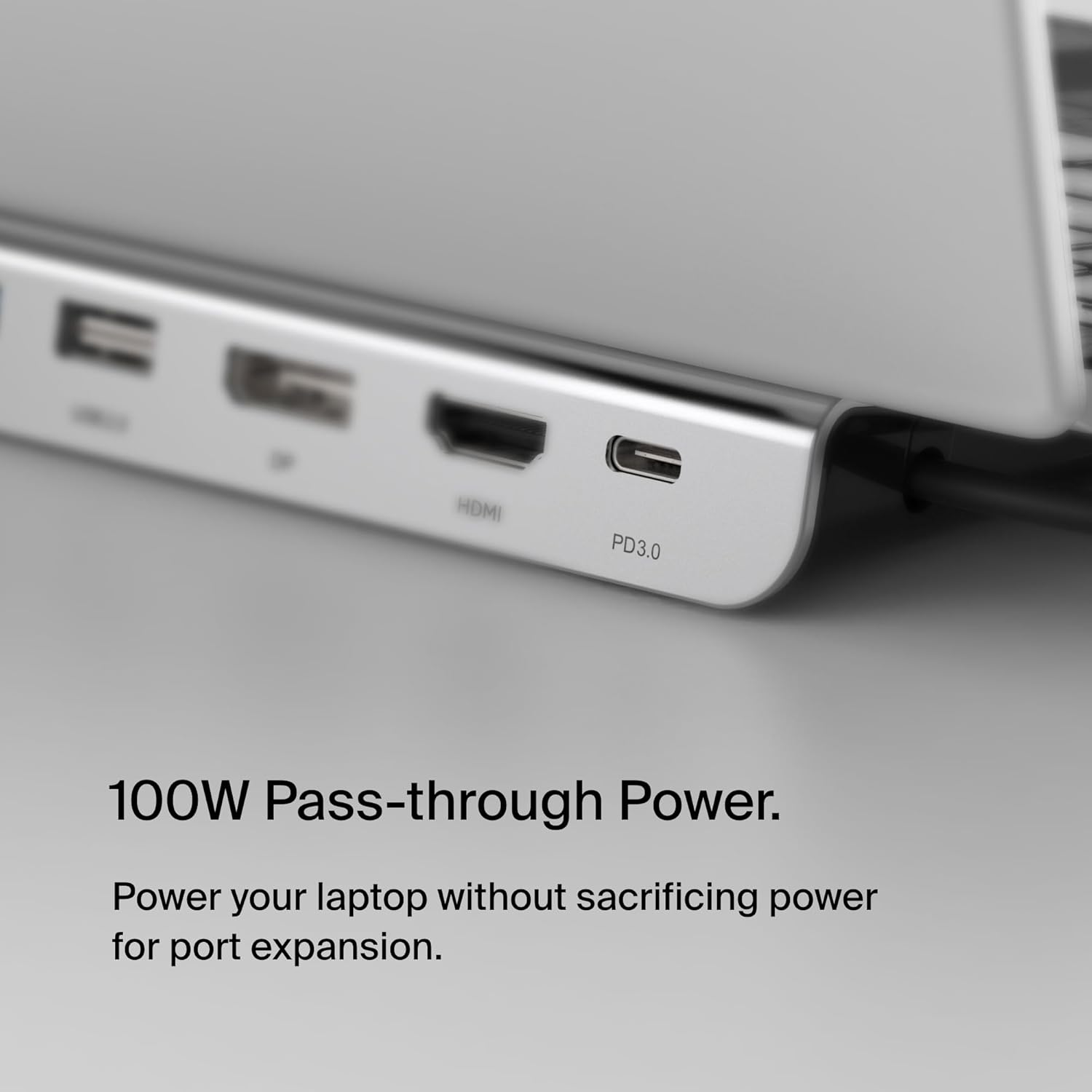
The port mix is the real selling point here. You get: - HDMI, DisplayPort and VGA video outputs for external displays - Gigabit Ethernet for a wired connection that’s typically more stable than Wi‑Fi - 3 USB-A ports for accessories like a keyboard, mouse or USB drive - SD and MicroSD card readers for moving photos and files - A 3.5mm audio port for headphones/speakers - USB‑C PD pass-through charging (up to 100W, with a note that 15W is taken for the dock’s operation)
It’s also designed with rear-facing ports, which can help reduce cable clutter. Belkin also describes it as doubling as a laptop stand, which is a nice extra if you’re working from a cramped desk and want the laptop slightly raised.
One limitation to keep in mind: the 100W figure is presented as “up to 100W” with a power draw for the dock itself. So if you run a demanding charger-heavy setup, it’s worth checking what your laptop typically needs, rather than assuming the full rating reaches the laptop unchanged.
Tech specs (the practical bits)
- Type: USB‑C hub / multiport adapter dock
- Video outputs: HDMI, DisplayPort, VGA
- Charging: USB‑C PD pass-through charging up to 100W (dock operation uses 15W)
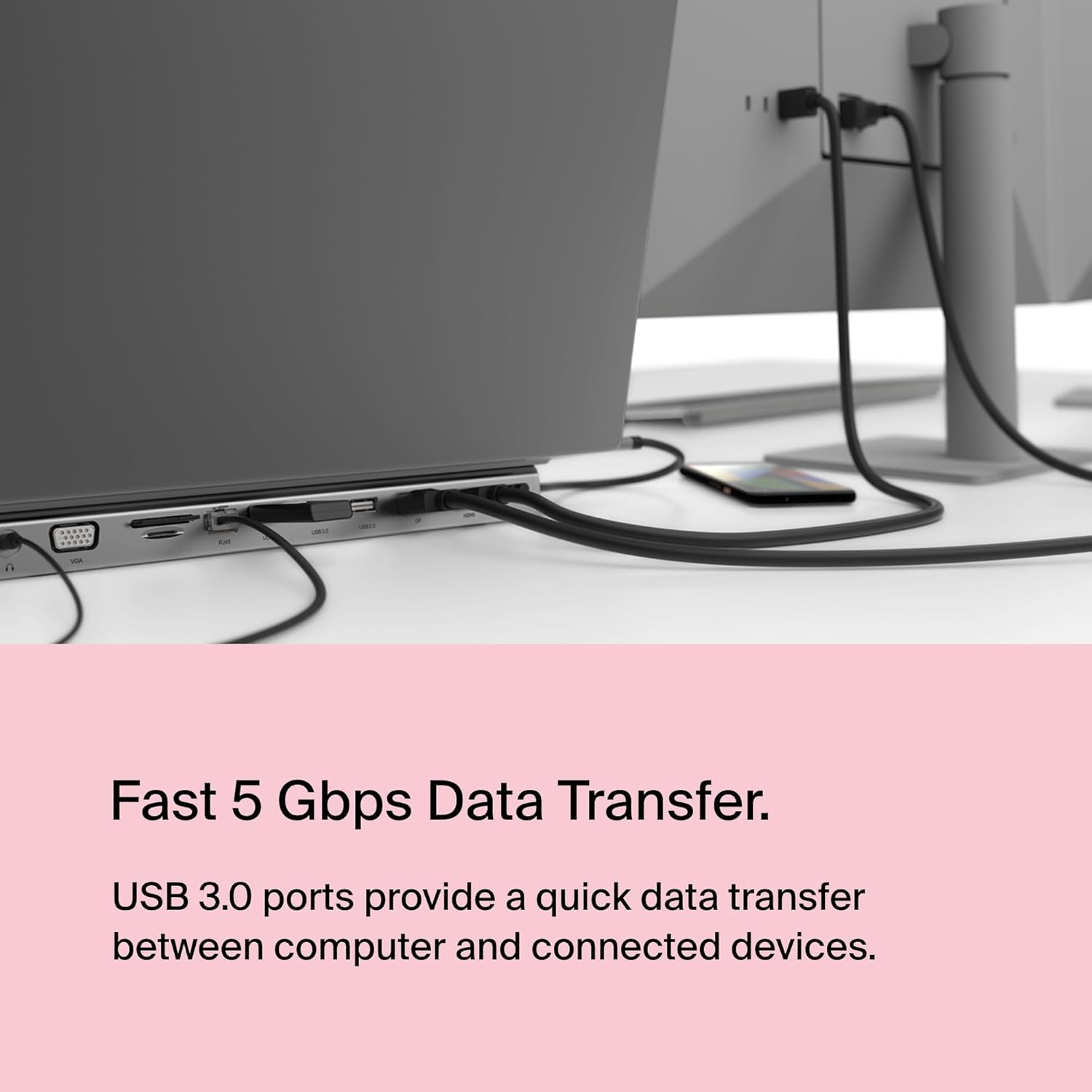
- USB data: 5Gbps bandwidth for transferring data between the computer and peripherals
- Network: Gigabit Ethernet (wired)
- Card readers: SD and MicroSD
- Audio: 3.5mm audio port
- Ports included: 3× USB‑A plus the video/Ethernet/card/audio ports
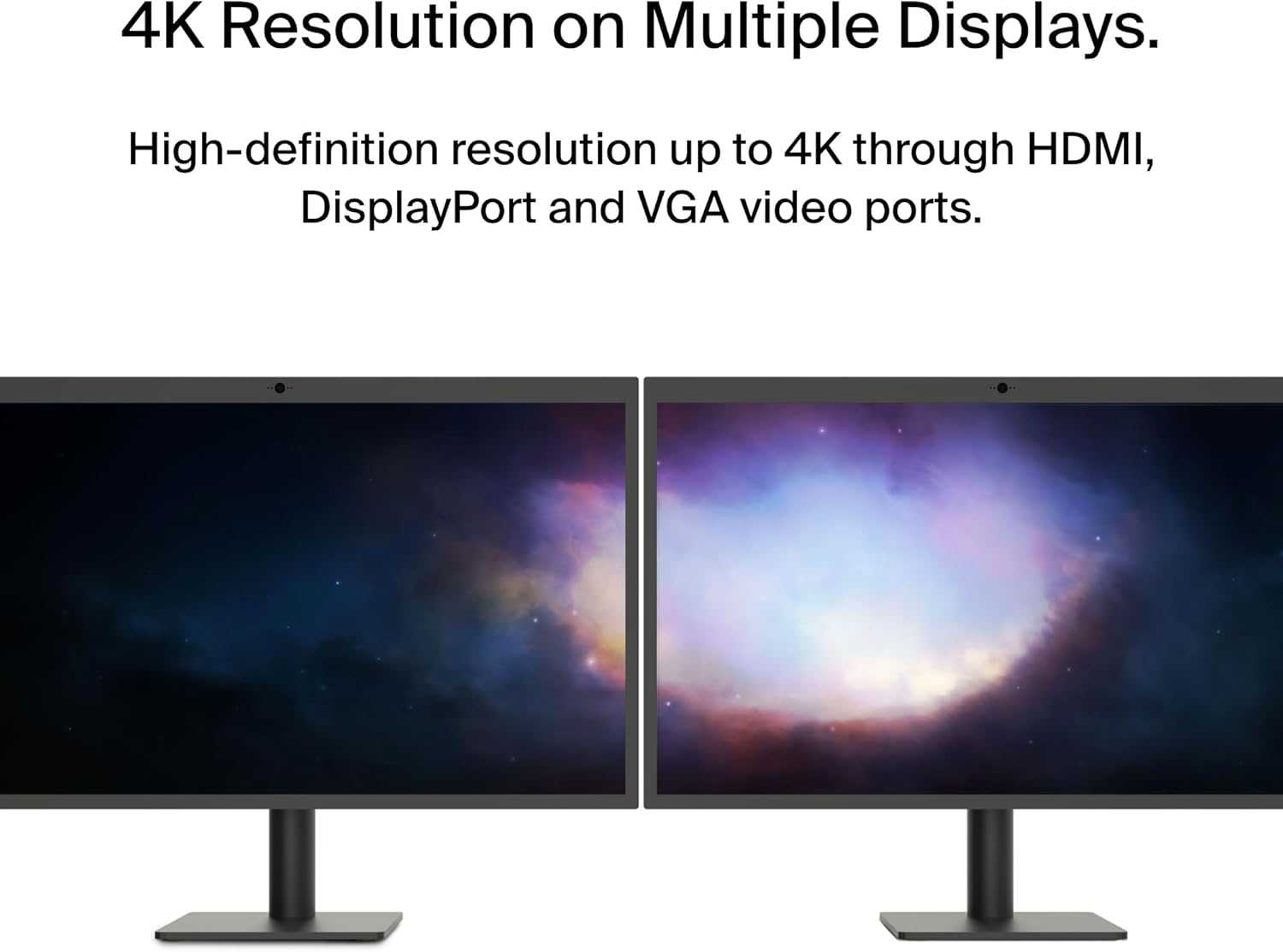
There’s mention of multi-display support up to 4K resolution on the HDMI, DisplayPort and VGA outputs. However, details about exact combinations of simultaneous displays aren’t provided here, so it’s sensible to treat “multi-display up to 4K” as a capability, not a guarantee for every mix of screens.
Where it shines
This is the kind of hub you’d buy when you want a single, tidy workstation setup rather than a bag of little dongles.
For example, imagine coming home, connecting your laptop to a monitor via HDMI, plugging in a mouse and keyboard via USB‑A, and using the wired Gigabit Ethernet for a reliable connection. If you’re transferring files from a camera, the SD and MicroSD readers also mean you don’t need another card reader on top.
Where it makes sense is when you use most of its ports regularly. If you only need one or two basics (say, just HDMI and charging), a simpler adapter could be more cost-effective and less “overkill”.
Who it’s for (and who should pause)
It suits you if you: - have a USB‑C laptop that lacks enough built-in ports - want wired Ethernet rather than relying on Wi‑Fi - care about having multiple video options (HDMI, DisplayPort and VGA) rather than being locked into one port type - regularly move files using SD or MicroSD cards - want charging pass-through so your desk setup doesn’t require an extra charging rethink

It may not suit you if you: - only ever need one connection and very little else (you might be paying for ports you won’t use) - are trying to run several high-demand displays at once, because the entry doesn’t specify the exact behaviour for every simultaneous output scenario
Getting the most from it
A few sensible checks before you commit: - Confirm your laptop supports USB‑C docking and video output over USB‑C (the hub’s job is to provide ports, but your laptop still needs to support the relevant modes) - If you’re planning to use charging pass-through, consider your laptop’s typical charging needs and remember the dock operation uses 15W - For display setups, make sure your monitor(s) inputs match what you plan to use (HDMI, DisplayPort or VGA)
Also, if you like a clean desk, the rear-facing port layout is a good sign. If you prefer front-facing connections for easy daily access, this design choice might feel slightly less convenient.

In the box / what you get
The information provided focuses on the hub’s included ports and docking behaviour, but it doesn’t list what’s included in the pack beyond the adapter itself. If you’re expecting specific extras, it’s worth checking the listing details on the retailer page.
Is it worth it?
This Belkin USB‑C 11‑in‑1 hub is worth considering if you want one compact solution to cover video outputs, wired Ethernet, USB-A peripherals, card reading and audio, while also offering USB‑C PD pass-through charging for a more “single-cable” workstation.
It’s not the best match if you only need a couple of ports, or if your plan relies on a very specific multi-display arrangement, because the provided details don’t spell out all simultaneous display combinations. In most everyday scenarios—monitor + Ethernet + USB peripherals, with occasional card transfers—it’s the sort of multiport dock that should feel practical rather than fiddly.
Mini FAQ
Does it support both SD and MicroSD cards?
Yes, it includes SD and MicroSD card readers.
Is charging possible while the hub is connected?
Yes, it offers USB‑C PD pass-through charging up to 100W, with a note that 15W is used for the dock’s operation.
What video connections are included?
It includes HDMI, DisplayPort and VGA outputs for external displays.
Does it include a network connection?
Yes. It has a wired Gigabit Ethernet port.