

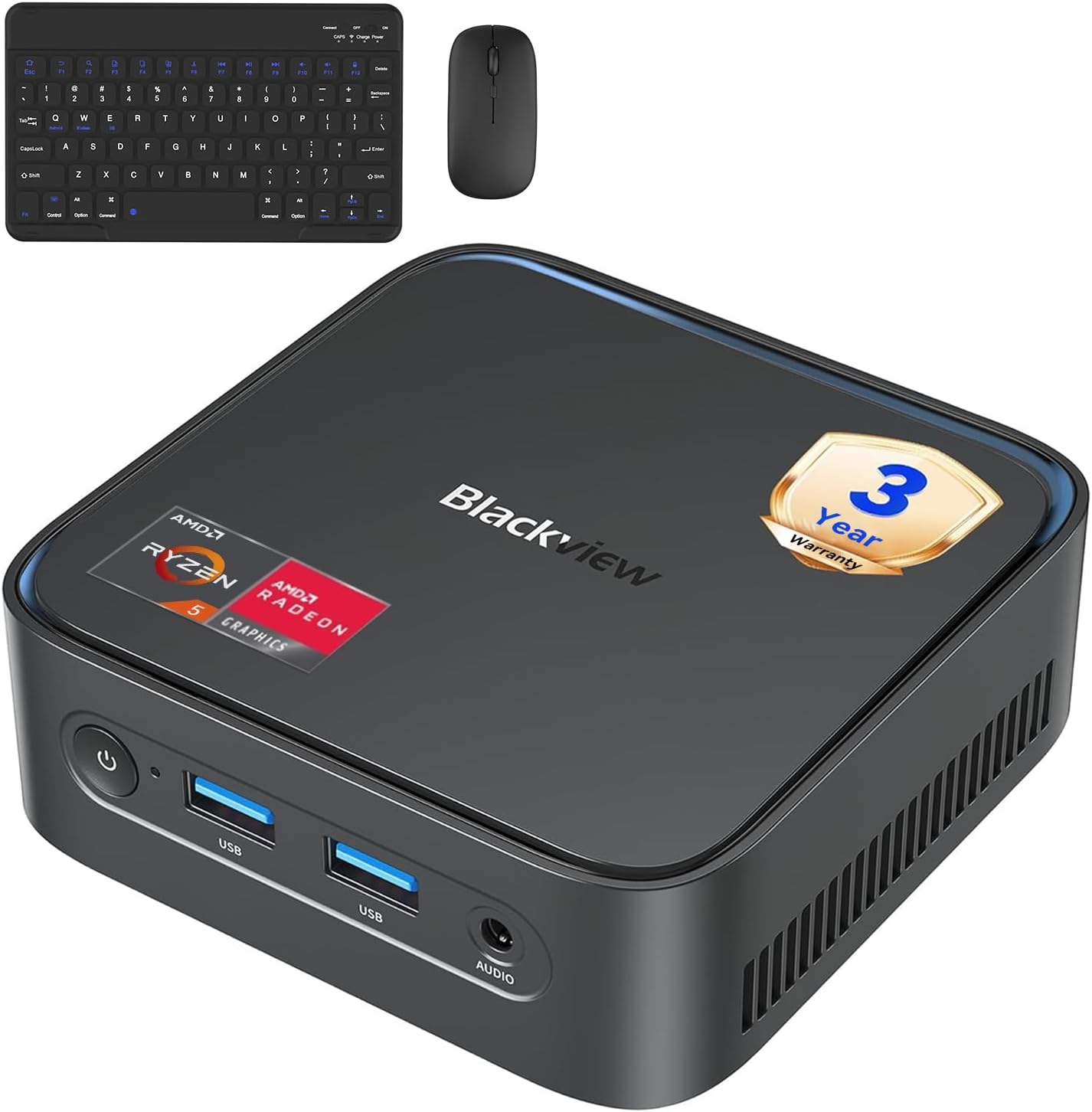
Blackview MP50 Mini PC with Ryzen 5, 16GB RAM, 512GB SSD, and Keyboard/Mouse – Win 11 Pro
Product description
What it is and who it’s for
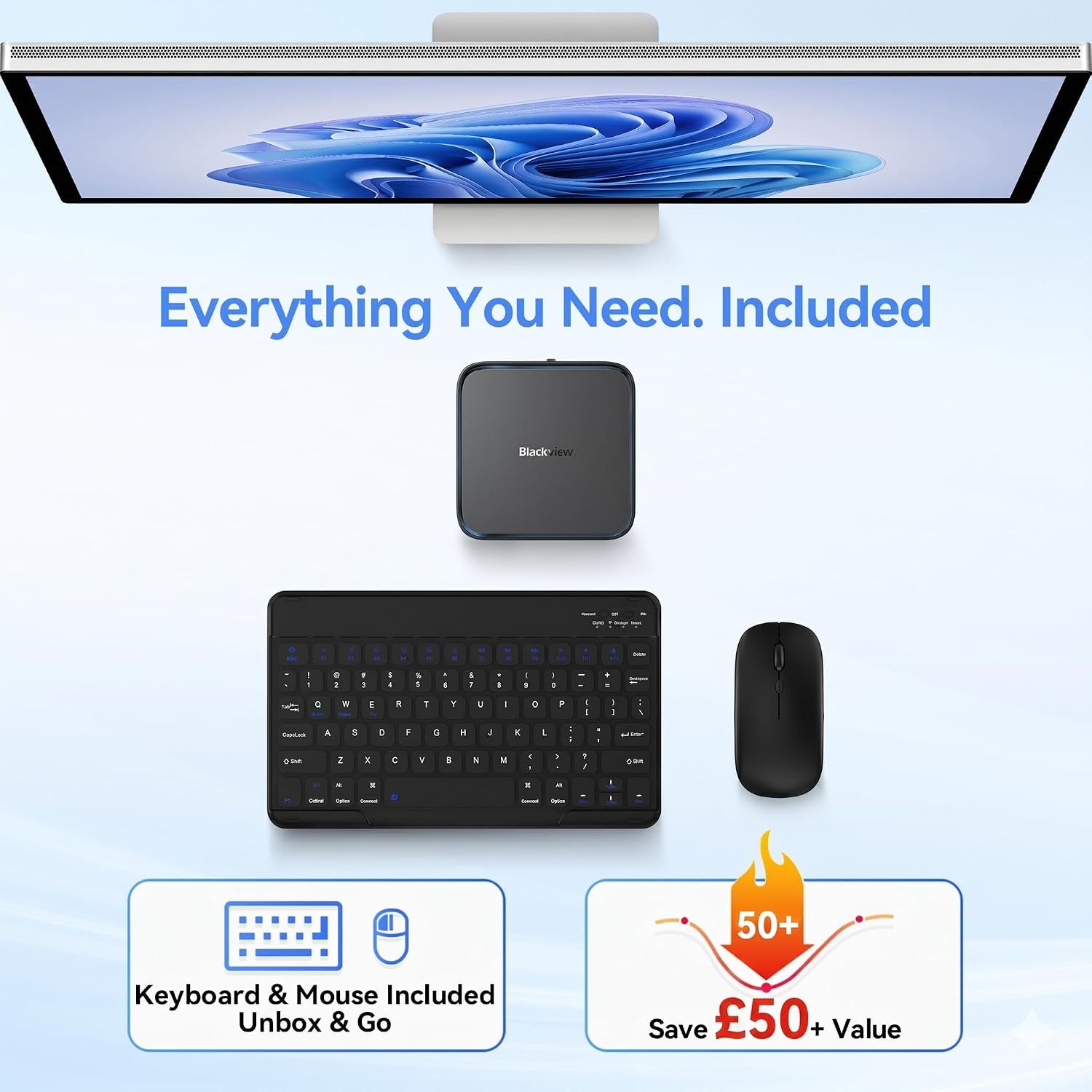
The Blackview MP50 is a compact desktop PC designed to sit neatly on a desk or be mounted behind a monitor thanks to its small footprint. It comes with a wireless keyboard and mouse and runs Windows 11 Pro on a Ryzen 5 processor paired with Radeon Vega 8 graphics. It’s aimed at light to moderate office work, web browsing, streaming, and basic multimedia tasks, with enough headroom for multitasking across multiple browser tabs and light creative work. If you prioritise a turnkey setup that minimise extra purchases, this model promises a straightforward start without hunting for peripherals.
Core hardware and performance on paper
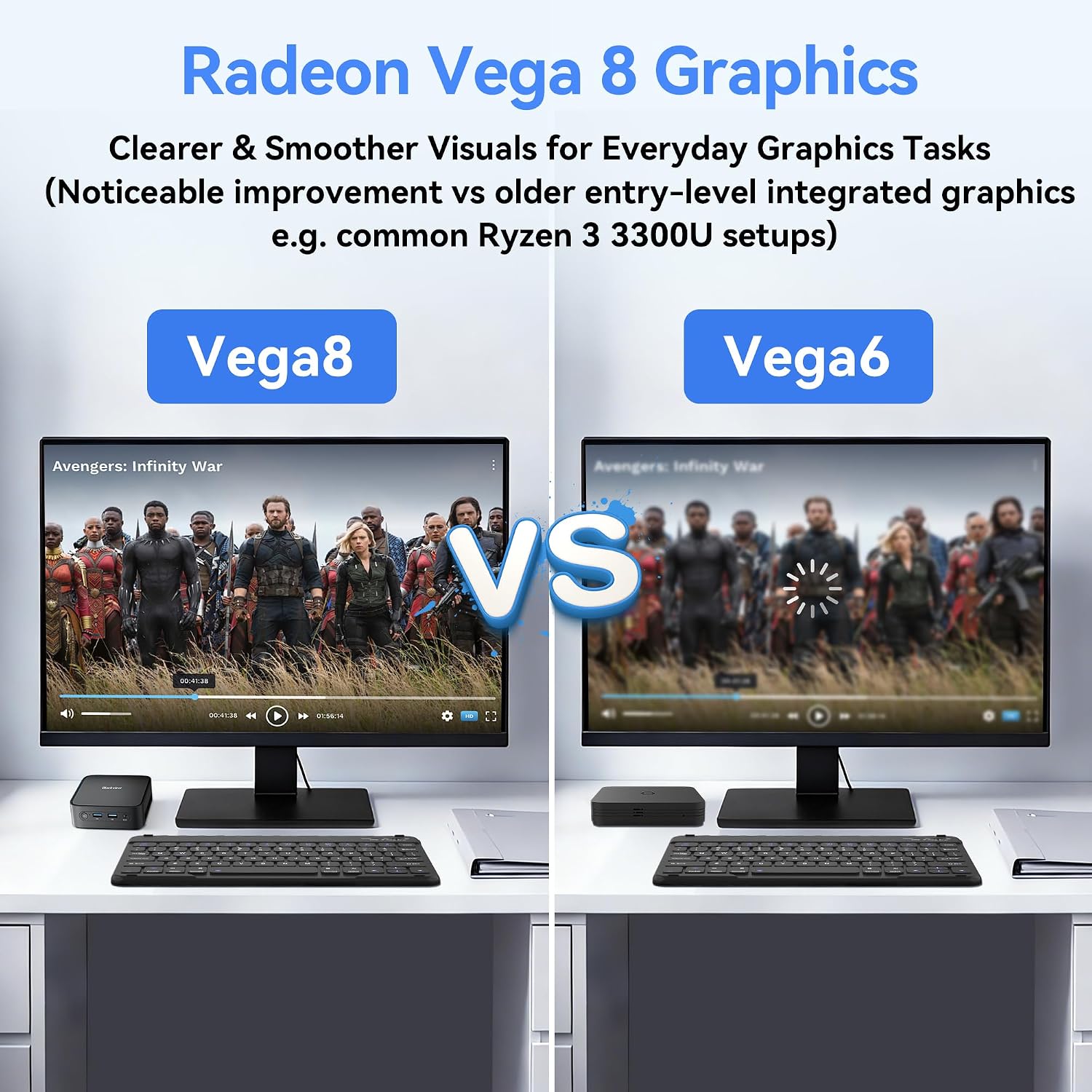
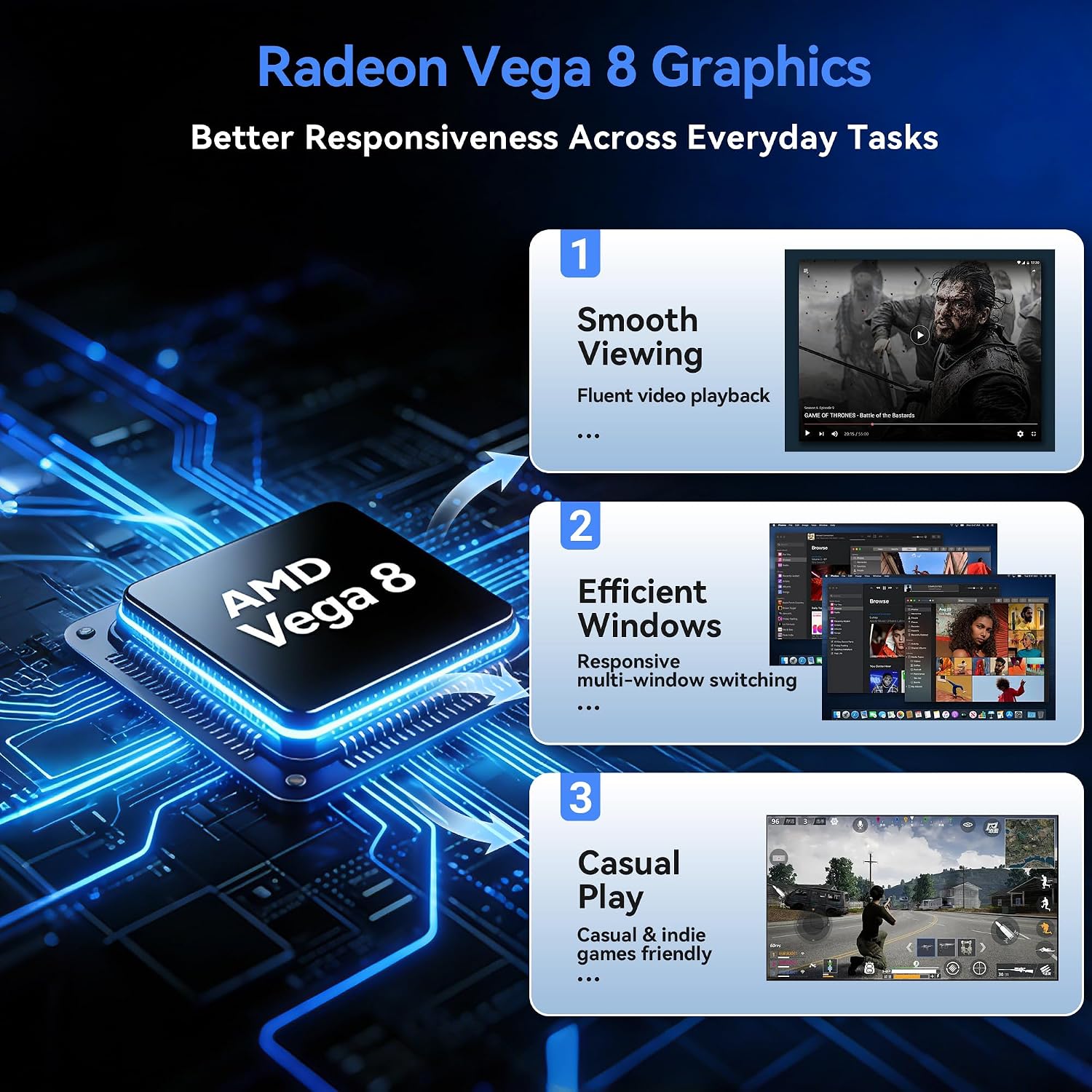
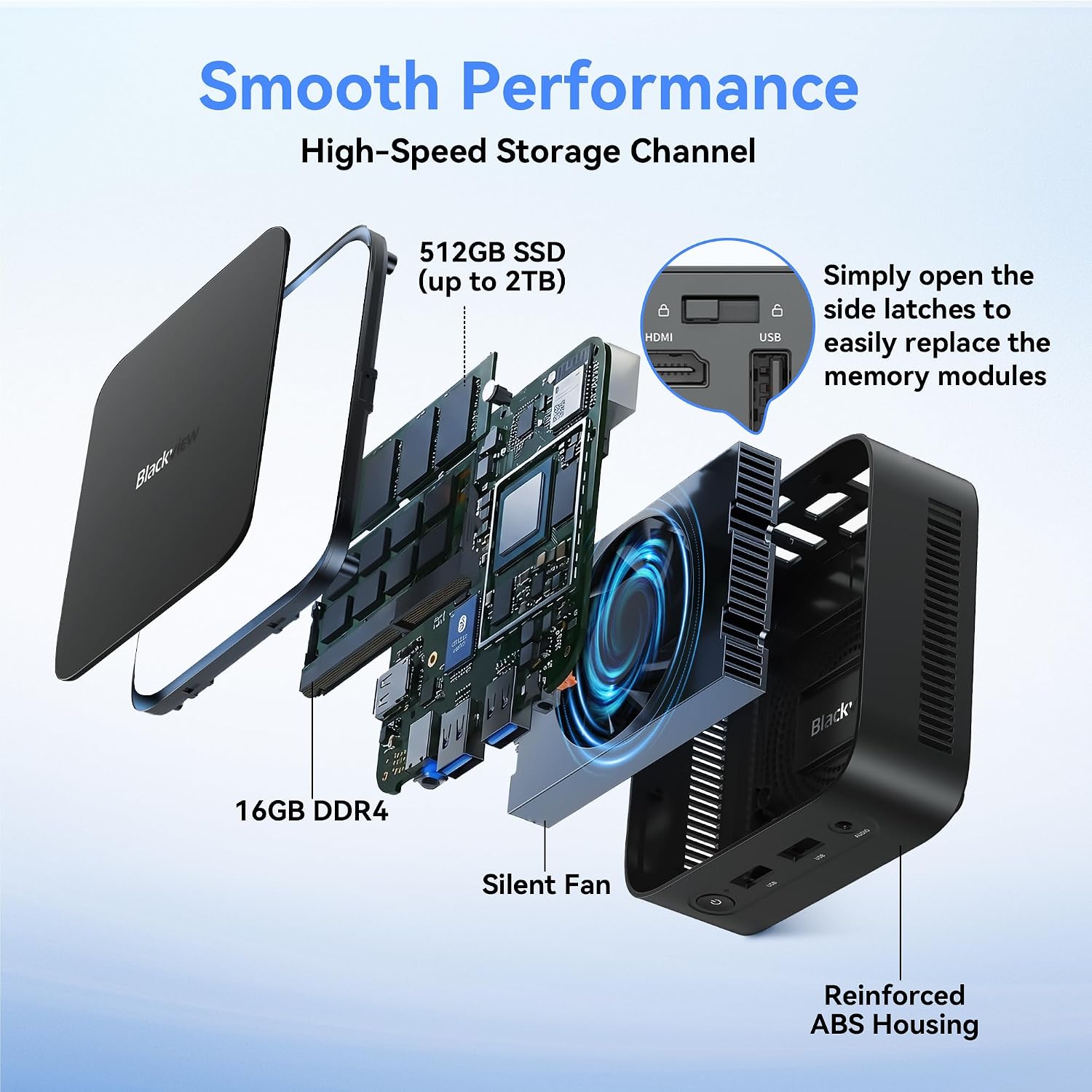
At the heart of the MP50 is an AMD Ryzen 5 chip and Vega 8 graphics, which according to the spec mix, offers a notable step up over Vega 7 in terms of responsiveness and multitasking smoothness. The 16GB of DDR4 memory and 512GB SSD provide a solid baseline for boot speed, application launches, and everyday document work, plus some room for photos, video editing prep, or local project files. The 15W TDP helps keep heat and noise low, contributing to a calmer workspace.
Expandability and future-proofing
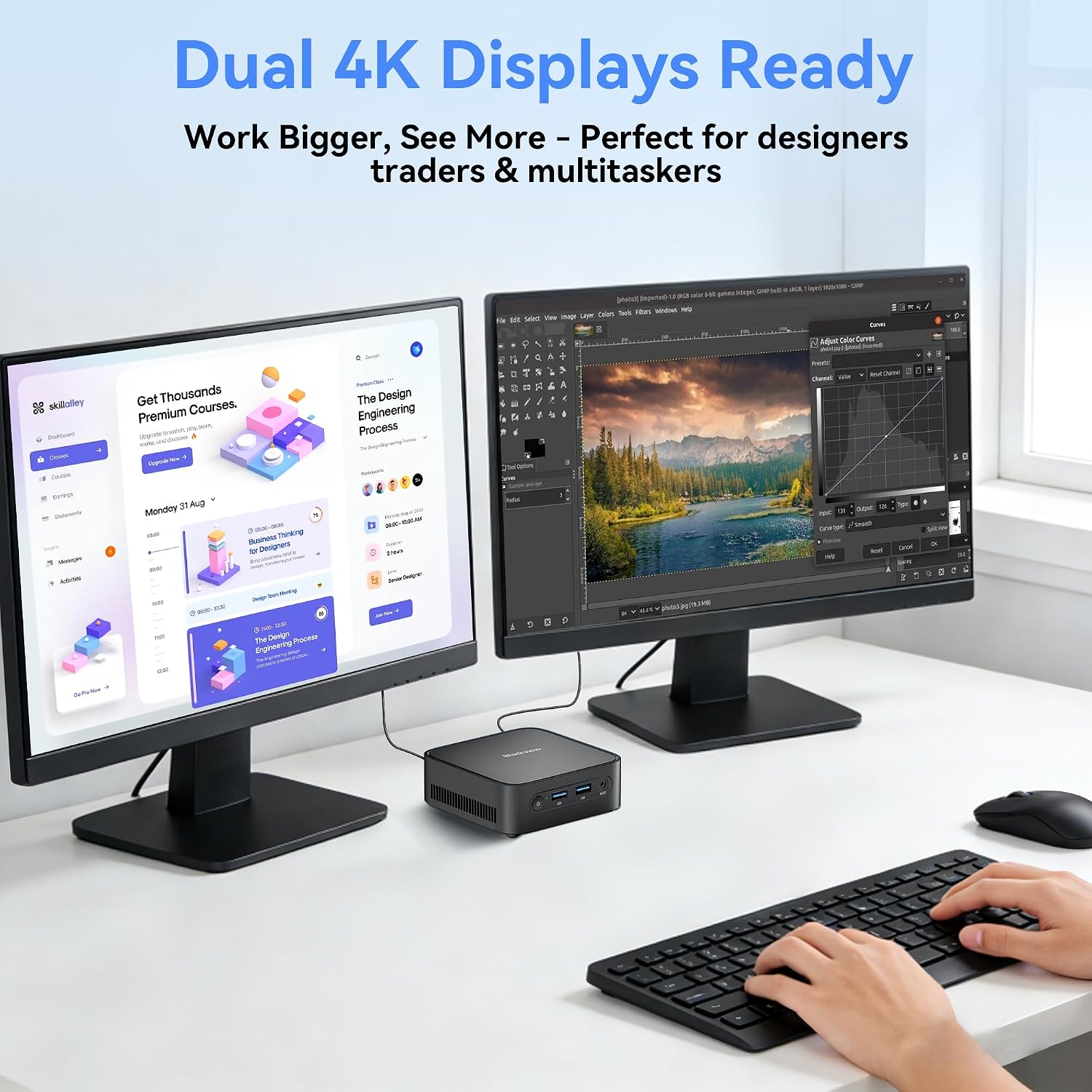
Storage is upgrade-friendly via a dual-access design: you can expand storage up to 2TB with a 2.5-inch SATA drive in ten seconds thanks to a convenient clip mechanism. This is useful if your work requires local media libraries or larger datasets. In terms of display, the MP50 supports dual 4K at 60Hz through HDMI and DisplayPort, which is valuable for a dual-monitor layout or high-resolution reference material while you work.
Design, noise and placement
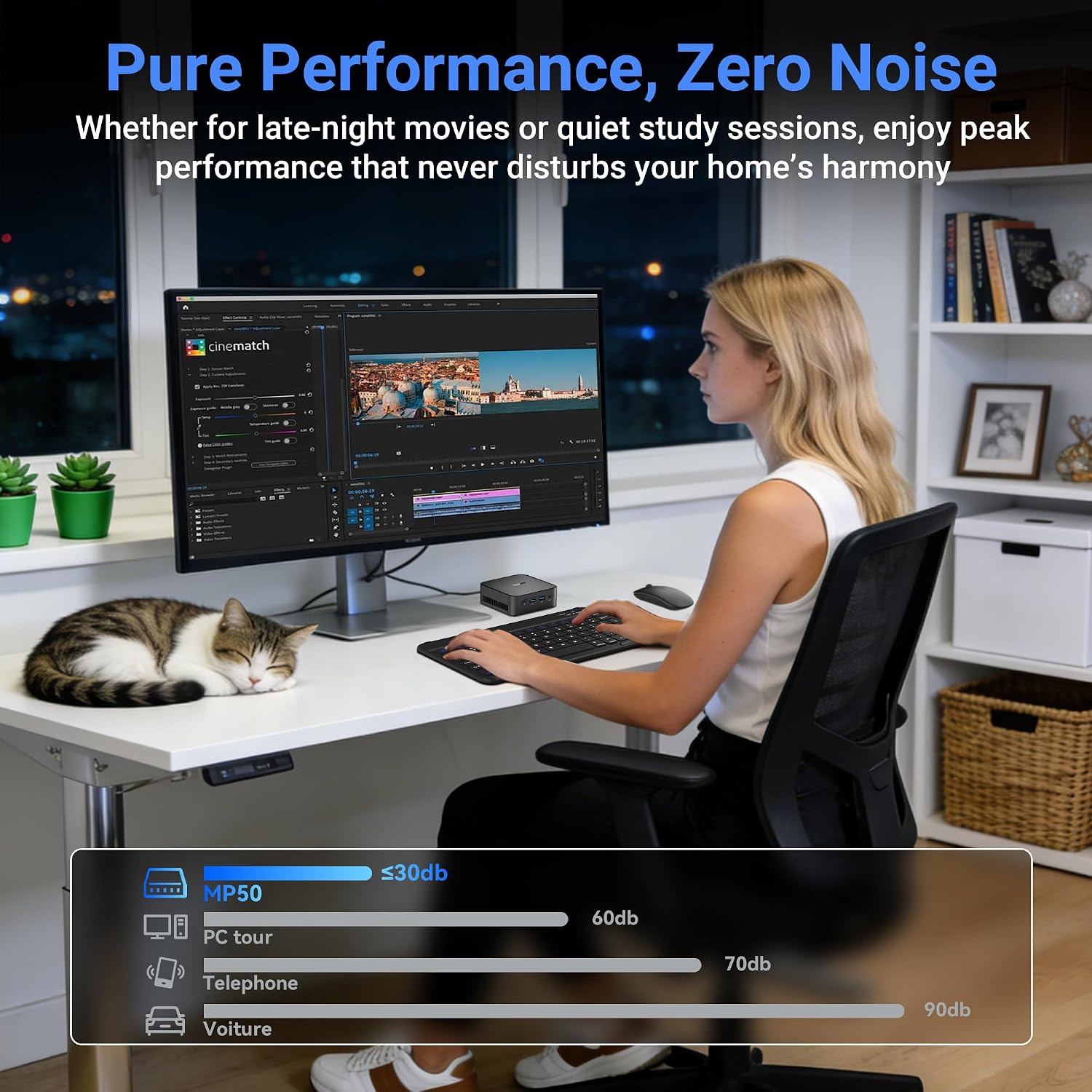
The MP50 is designed to be ultra-compact and quiet, with a claimed noise level below 30 dB. In practice this means it’s unlikely to be a distraction in a quiet home office or study. The small dimensions also support a discreet setup, including a potential VESA mount behind a monitor to hide cables and reduce desk clutter.
Software and usability
Pre-installed with Windows 11 Pro, the device should be suitable for office tasks, light editing, and general productivity. The included keyboard and mouse provide an immediate plug-and-play experience, though you’ll want to complete the computer setup before pairing via Bluetooth for best reliability.
What stands out
- Included keyboard and mouse set saves time and money on peripherals.
- Vega 8 graphics paired with Ryzen 5 offers a responsive everyday workflow and adequate support for 4K video playback.
- Dual 4K output opens up flexible workspace arrangements for reference material alongside active work.
- Quiet, compact form factor with potential behind-the-monitor mounting reduces desk clutter.
What might hold it back
- It’s not a high-end gaming or heavy creative workstation, if you need demanding 3D rendering or GPU-accelerated tasks, this may feel limited.
- The actual performance will depend on the specific Ryzen 5 model and cooling, prolonged heavy workloads could throttle more than expected.
- While upgradeable to 2TB via a 2.5-inch drive, RAM is not described as upgradeable beyond the 16GB stated, which could impact longevity for heavier multitasking.
Is this right for you?
Conviene tener en cuenta if you want a compact, quiet PC for everyday office tasks, streaming, light editing, and a tidy two-monitor setup without buying separate peripherals. It’s a sensible choice for a home office, a compact studio desk, or a secondary workstation. It may not suit power users who require sustained heavy multitasking across professional-grade apps or gaming at high settings.
What to check before buying
- Confirm you’re comfortable with 16GB RAM as the available configuration and potential future upgrades.
- Ensure your intended 4K workflow is compatible with dual HDMI/DP outputs and that your monitors support 60Hz at 4K.
- Consider whether you’ll rely on Bluetooth peripherals, for stability, follow the setup sequence that pairs the keyboard/mouse after initial setup.
Practical usage sample
Imagine you’re editing a short video while referencing a high-res spreadsheet and keeping a live browser with several tabs open. The MP50 lets you run these tasks side-by-side on two 4K displays, with the system staying quiet and responsive as you switch between windows.
What it means in context of alternatives
For those weighing options between a compact desktop versus a full-size PC, the MP50 represents a practical middle ground: no extra peripherals needed, decent multitasking ability, and the convenience of a bundled input kit. If your needs lean more toward heavy editing, 3D work or sustained gaming, you might look for models with greater CPU/GPU headroom or expandability.
Final decision
Buying verdict
It makes sense if you want a compact, turnkey desktop that’s ready for office tasks, streaming, and light creative work, with dual 4K outputs and a quiet footprint. It may not be the best option if your workflow requires sustained heavy multitasking or professional-grade editing software.
Frequently asked questions
- Will the keyboard and mouse require extra setup? You should complete the computer setup first, then connect the provided keyboard and mouse via Bluetooth for best reliability.
- Can I add more storage? Yes, you can upgrade storage up to 2TB using a 2.5-inch SATA drive.
- Is 16GB RAM enough for my multitasking needs? For typical office tasks and light editing, 16GB is reasonable, if you run many heavy applications simultaneously, you might hit limits sooner than with higher RAM configurations.