

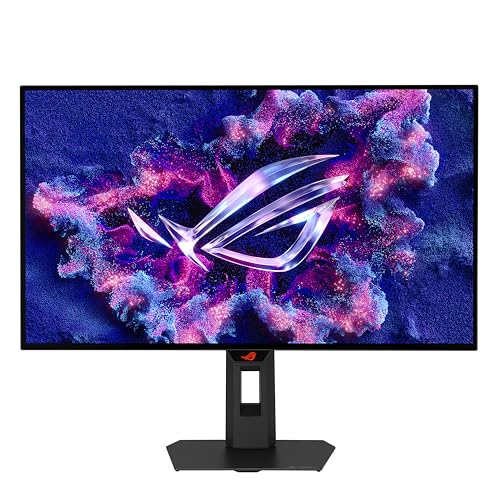
ASUS ROG Strix OLED XG27AQDMGR 27-inch QHD 240Hz Gaming Monitor
Reviews
Price
Product description
Some gaming monitors are chosen for fast refresh rates, others put greater emphasis on image quality and colour. The ASUS ROG Strix OLED XG27AQDMGR brings those priorities together in a QHD WOLED display, with a 240Hz refresh rate and 0.03ms response time for responsive play and detailed visuals.
Its glossy TrueBlack OLED panel, HDR support and OLED Care Pro features also make it suited to gaming setups where picture presentation matters beyond the match itself.
Key points
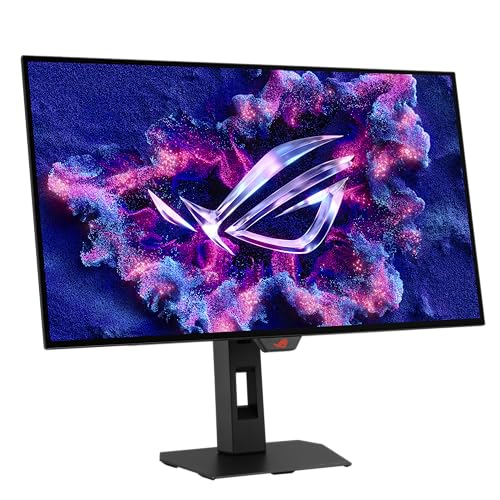
The 2560 x 1440 resolution gives games and other on-screen content a detailed QHD image, while 240Hz refresh and a 0.03ms response time support fast-moving gameplay. ELMB is included, alongside ROG Gaming A.I. features designed to enhance the gaming experience. These make the monitor a strong fit for players who want a screen geared towards responsive action without giving up high-resolution detail.
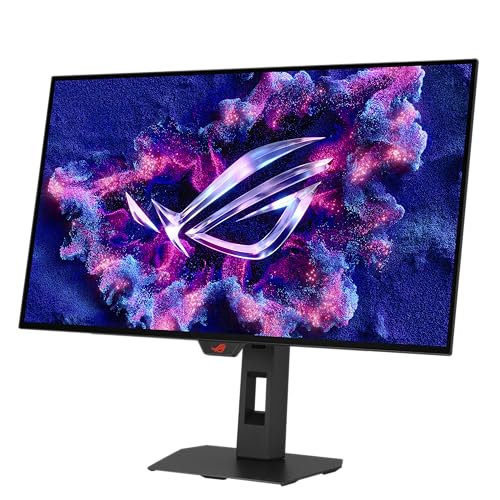
The 26.5-inch WOLED panel has a glossy TrueBlack finish, 99% DCI-P3 gamut and true 10-bit colour. VESA DisplayHDR 400 True Black compliance and Delta E < 2 colour differences support HDR content and colour accuracy. This combination is useful for games with rich scenery and varied lighting, as well as everyday viewing where colour and contrast contribute to the overall presentation.
OLED Care Pro adds a Neo Proximity sensor that detects when the user is not nearby and switches the display to a black screen to reduce the risk of burn-in. ASUS DisplayWidget Center provides mouse-accessible controls for OLED Care Pro features and monitor customisation, bringing those settings within easy reach from the desktop.
Practical tips
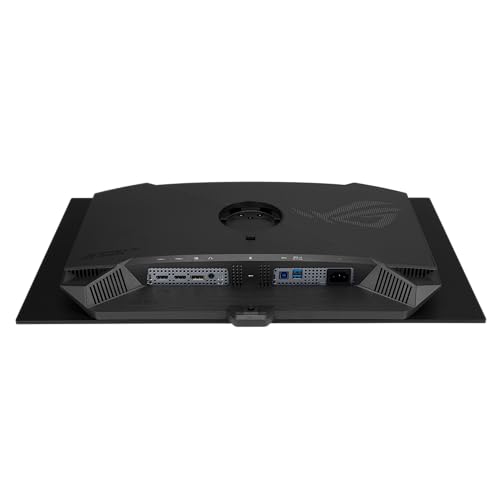
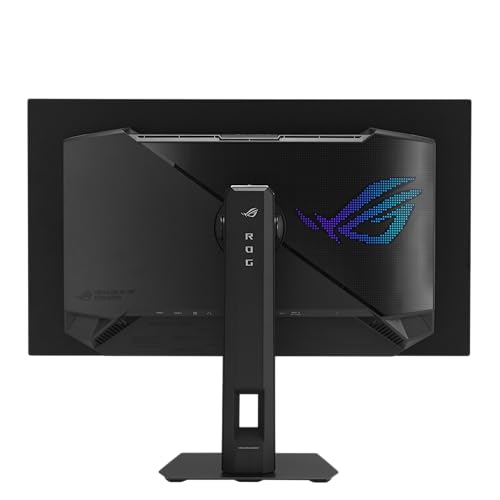
For a gaming setup, connect through DisplayPort 1.4 or one of the two HDMI 2.1 ports, depending on the connections available on your equipment. The monitor also has two USB-A ports. Its range of display connections makes it easier to plan a setup around compatible gaming hardware, while the high refresh rate and short response time suit fast-paced play.
Use DisplayWidget Center to access supported monitor settings and OLED Care Pro features. The proximity sensor’s black-screen behaviour is particularly relevant when stepping away from the desk, helping reduce the risk of burn-in without requiring the screen to remain on a static image while you are absent. The glossy WOLED panel is the defining display choice here, buyers comparing monitors by refresh rate alone may instead prioritise other specifications, while this model pairs speed with a broad colour gamut and HDR support.
Final verdict
The ASUS ROG Strix OLED XG27AQDMGR is aimed at players who want QHD detail and high-refresh gameplay alongside OLED colour and HDR features. Its combination of 240Hz, 0.03ms response time, 10-bit colour and OLED Care Pro gives it a clear role in a dedicated gaming setup, with customisation tools and multiple display inputs to support day-to-day use.