

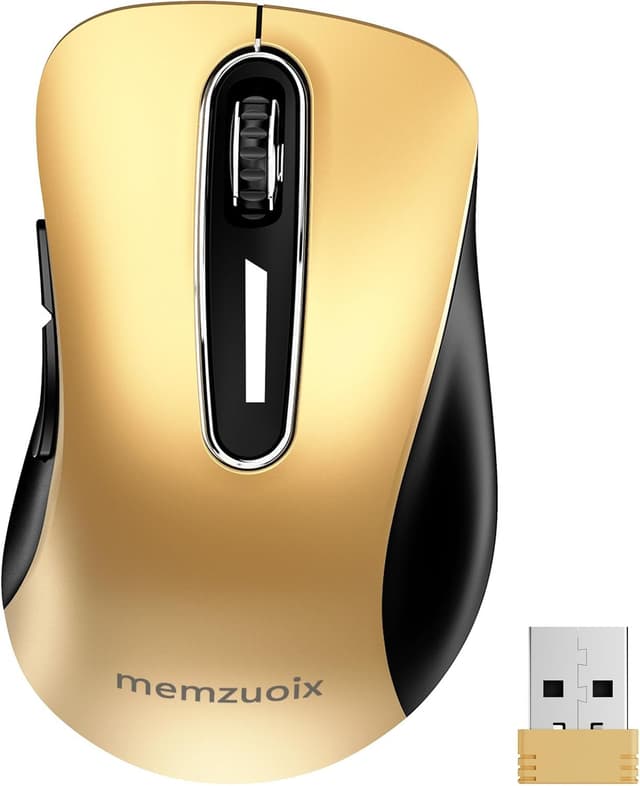
memzuoix 2.4G Wireless Mouse (1400 DPI) with USB Receiver, Pink – 5 Buttons
Product description
The essentials for day-to-day comfort
If you want a simple wireless mouse for a laptop or desktop, memzuoix’s 2.4G wireless mouse is built around the kind of “grab it and go” experience many people want at home, in the office, or on the move. The contoured, modern shape is designed to sit comfortably in the hand for longer stretches, and there’s a sweat-resistant, skin-friendly finish to help with everyday grip. It also includes a little ring support and a little-finger rest, which is a small detail, but it’s the sort of thing you notice once you settle into using it.
It’s not trying to be a premium gaming mouse. With 1400 DPI and a basic, practical control layout (5 buttons including a sturdy scroll wheel), it’s more of a reliable general-purpose pick than an “accuracy and twitch” specialist.
Setup and connection: plug & play, no fuss
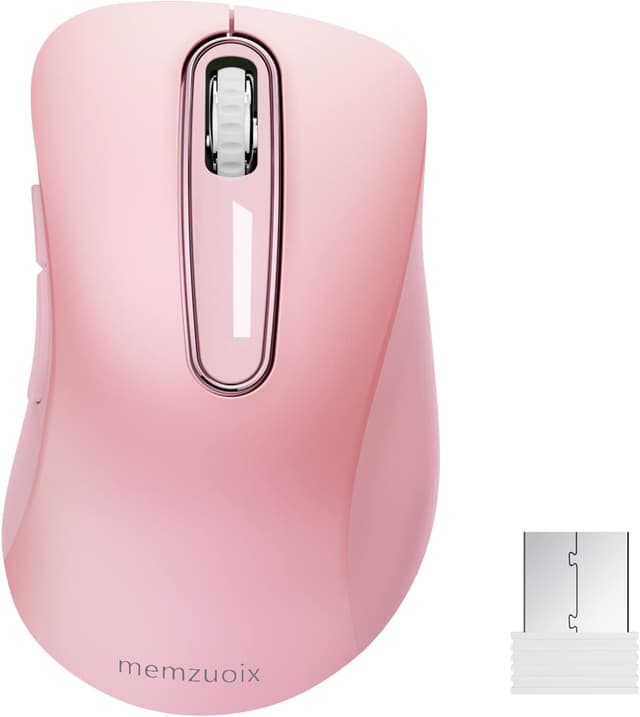
The appeal here is the plug & play setup: the product is designed so you don’t need to install drivers. In practice, that means you can plug in the USB receiver and start using it without the usual faff.
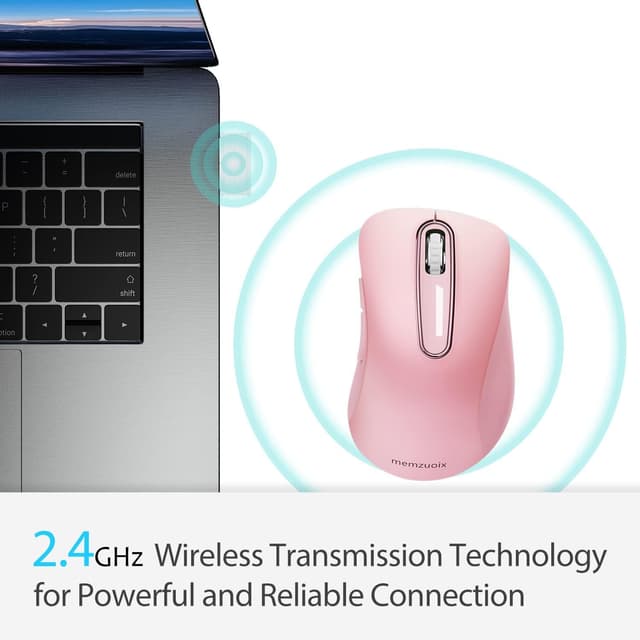
On paper, the 2.4GHz wireless transmission is rated for a reliable connection up to 43.0ft. That’s helpful if your desk setup is a bit messy or you tend to work from slightly different spots. Also, the mouse has a portable, bag-friendly design, so it’s easier to keep with your laptop rather than leaving a cord at home.
What stands out in use (and what might feel limiting)
The scroll wheel is described as sturdy with a rubber feel, aimed at preventing hand slip while scrolling. That’s a practical benefit for people who scroll a lot in spreadsheets, websites, or during longer writing sessions.

The hand-feel details—contoured shape plus the small supports—are where this mouse tries to differentiate itself. If you’ve found other basic wireless mice feel uncomfortable after a while, this one is at least designed with comfort in mind.
That said, there’s one clear limitation to be aware of: the side buttons are not available for Mac OS (the other functions can still be used normally). So if you specifically rely on side-button shortcuts on a Mac, you may find it frustrating.
Power and battery life: sensible, low-maintenance design
This mouse runs on 2 AAA batteries (not included). It’s set to enter sleep mode after 7 minutes of inactivity, which is a straightforward energy-saving feature. You can wake it by clicking any button, so it doesn’t feel like you need to “restart” it every time.
A potential gotcha: because batteries aren’t included, you’ll need to make sure you’ve got AAA spares ready before your first session. It’s a small inconvenience, but worth planning for.
Durability and reliability: built for everyday clicks
memzuoix claims the mouse has passed a 6,000,000 keystroke test, aiming for strong durability in day-to-day use. For most people, that translates into a mouse that should comfortably handle regular clicking without immediately feeling “worn out”.
It also mentions a longer working distance helped by the 2.4GHz wireless tech and a professional chip. In real life, this is the kind of spec that matters if you move around your desk or keep the laptop a bit away from the receiver.

Wide compatibility, but check your system’s side buttons
The mouse is described as compatible with Windows 7/8/10/XP, Vista, and also Mac and Linux. That broad list is reassuring if you’re using multiple machines at home.
One more practical note: the product text specifically says the side buttons aren’t available on Mac OS. So the compatibility story is overall good, but your actual experience will depend on which shortcuts you want.
Mini FAQ: quick checks before buying

Is it really driver-free?
It’s marketed as a plug & play design that doesn’t require driver installation.
What battery does it use?
It uses 2 AAA batteries, which are not included in the box.

How far can you use it from the USB receiver?
The connection range is listed as up to 43.0ft (on paper).
Does it work with Mac?
It’s described as compatible with Mac, but the side buttons are not available on Mac OS.
Is it good for gaming?
It’s positioned as a portable, general-purpose wireless mouse with 1400 DPI. If you need a dedicated gaming setup with specialist controls, it may feel like it’s more middle-of-the-road than “built to compete”.
Final verdict
It’s worth considering if you want a comfortable, portable 2.4G wireless mouse with plug & play setup, practical controls (5 buttons), and features focused on everyday handling—like the contoured shape, sweat-resistant finish, and a scroll wheel designed to reduce slip. If you’re using a laptop around the house, in the office, or on the go, this sort of mouse makes sense because setup is quick and you won’t be wrestling with drivers.
You may want to skip it if you rely on side-button shortcuts on a Mac, because side buttons are not available for Mac OS. And if you’re looking for something truly high-performance for competitive gaming, this one feels more like a dependable general-use option than an enthusiast tool.