

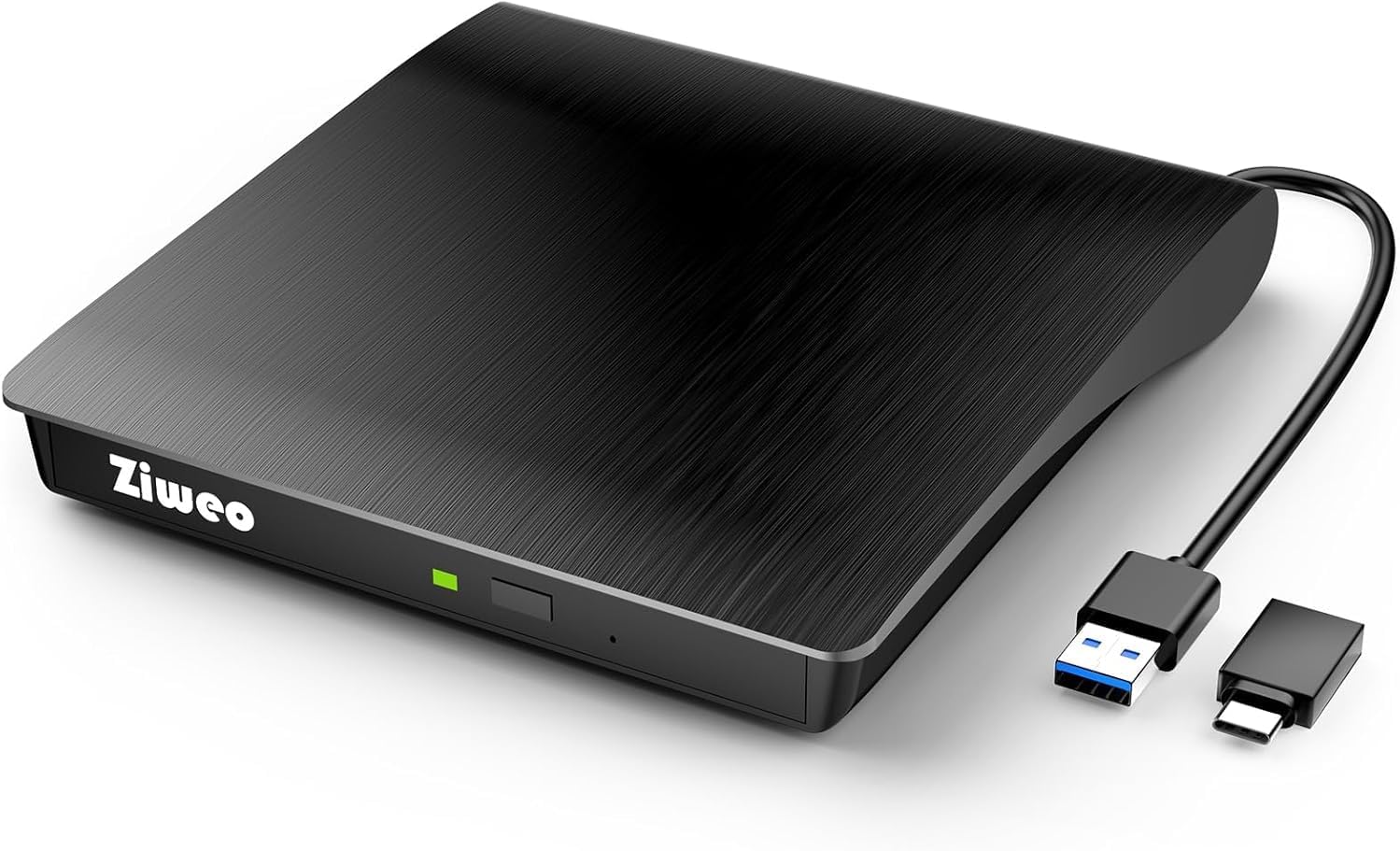
Ziweo External CD/DVD Drive — Portable USB 3.0 Type-C Burner and Reader
Product description
What this is and why it matters
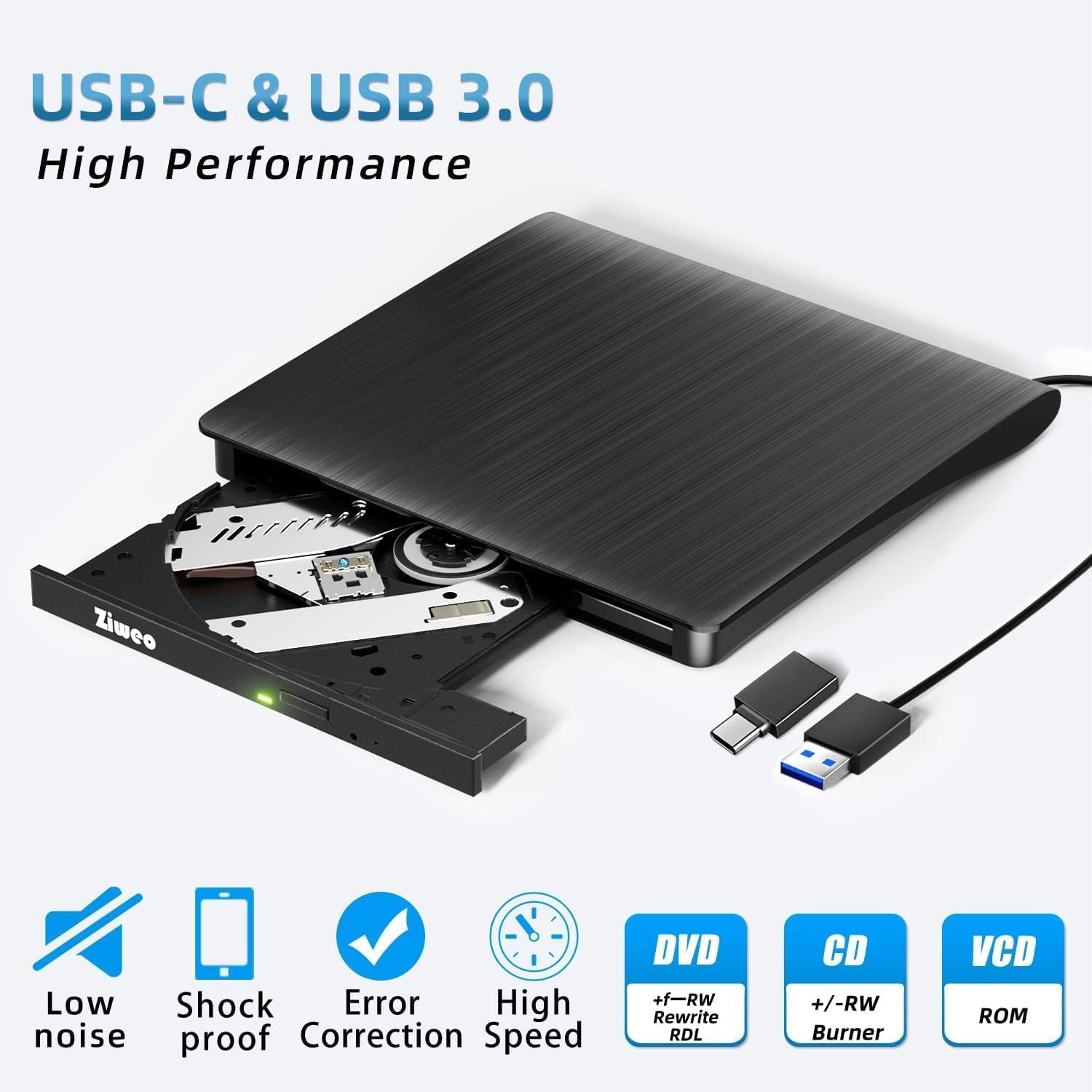
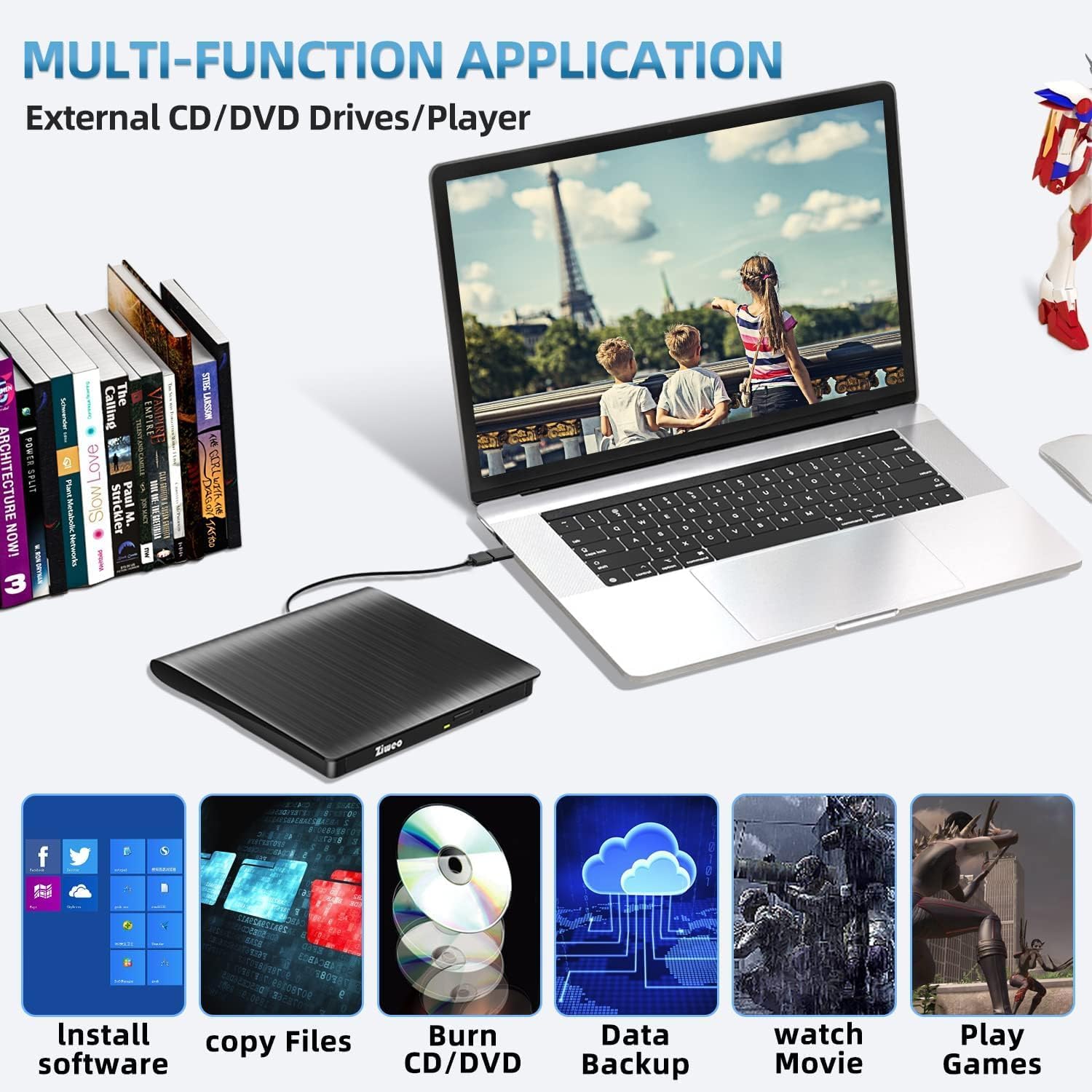
The Ziweo External CD/DVD Drive is a portable, plug-and-play optical drive that bridges devices without built-in discs. With both USB 3.0 and USB-C ports, it works on many laptops and desktops without external drivers or power adapters. It’s designed for situations where you need to read, write, or back up data from CDs and DVDs on the go. If your device lacks an optical drive, this unit can be a practical companion, especially for installing software, ripping CDs, backing up data, or watching movie DVDs on compatible hardware.
How fast and capable is it?
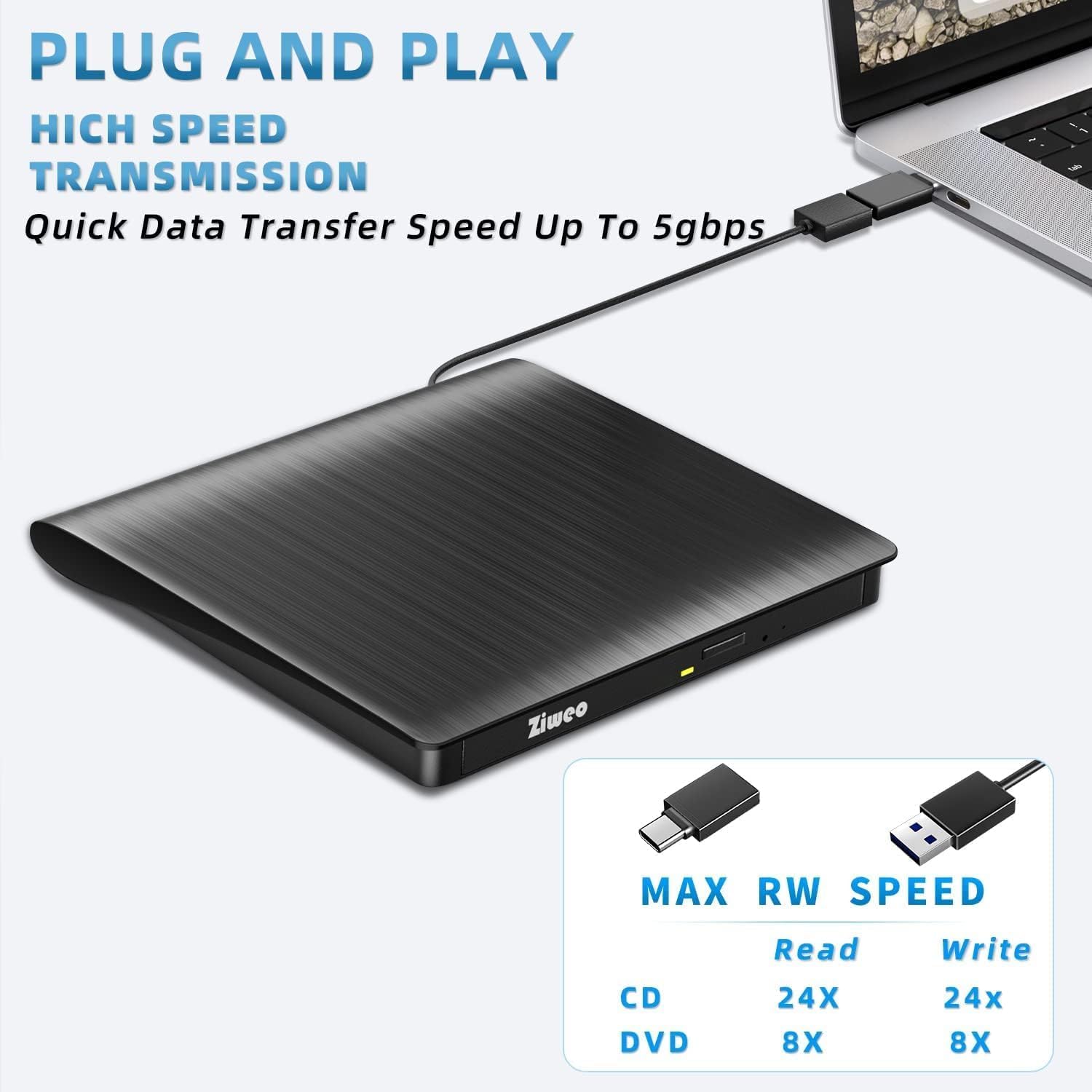
On the disc front, you can expect up to 8x DVD rewrite/read speed and up to 24x CD write/read speed, with data transfer up to 5Gbps. That puts it in the mid-to-upper range for portable drives that rely on USB interfaces, but it’s important to note that real-world performance can vary based on the host computer, media quality, and system load.
Compatibility and caveats
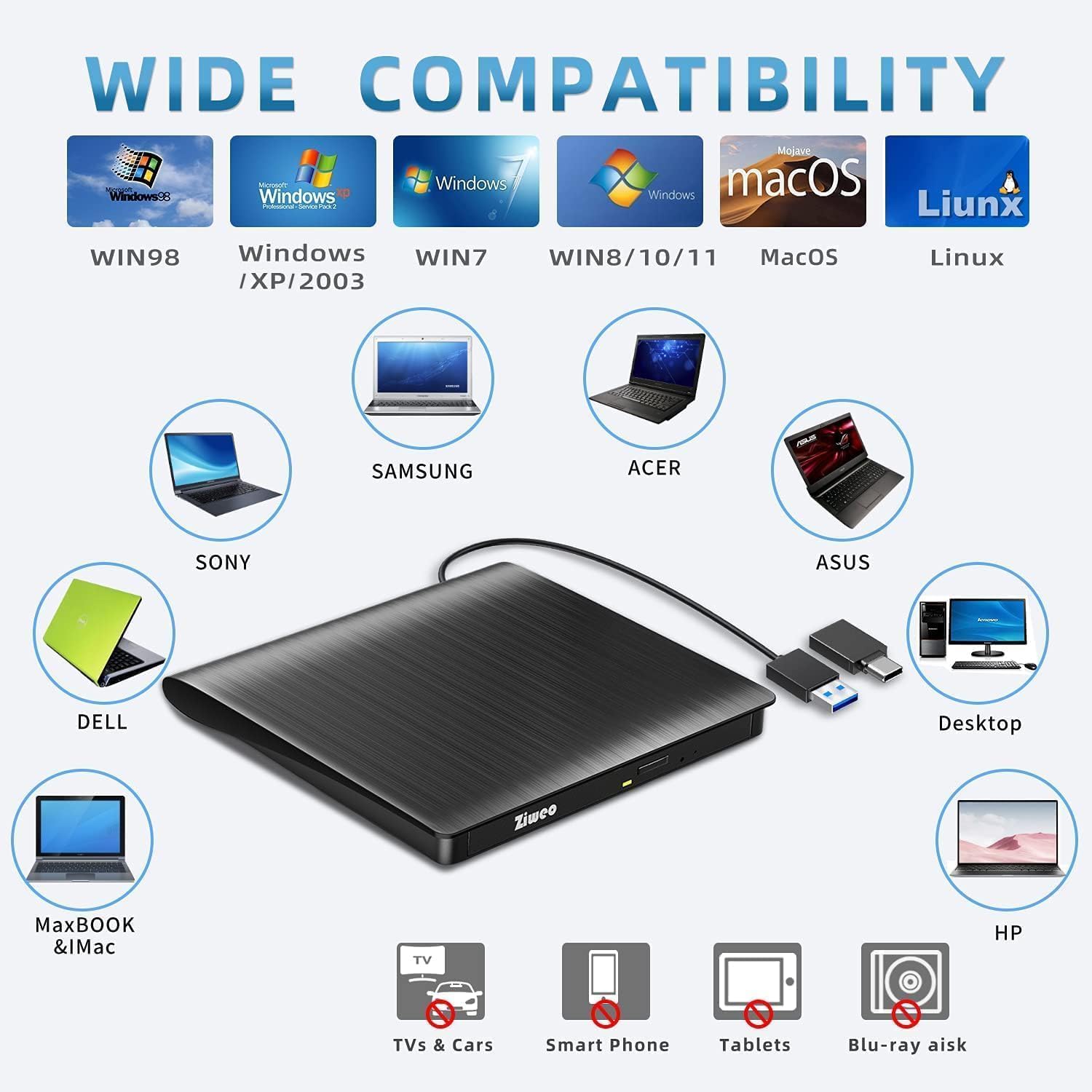
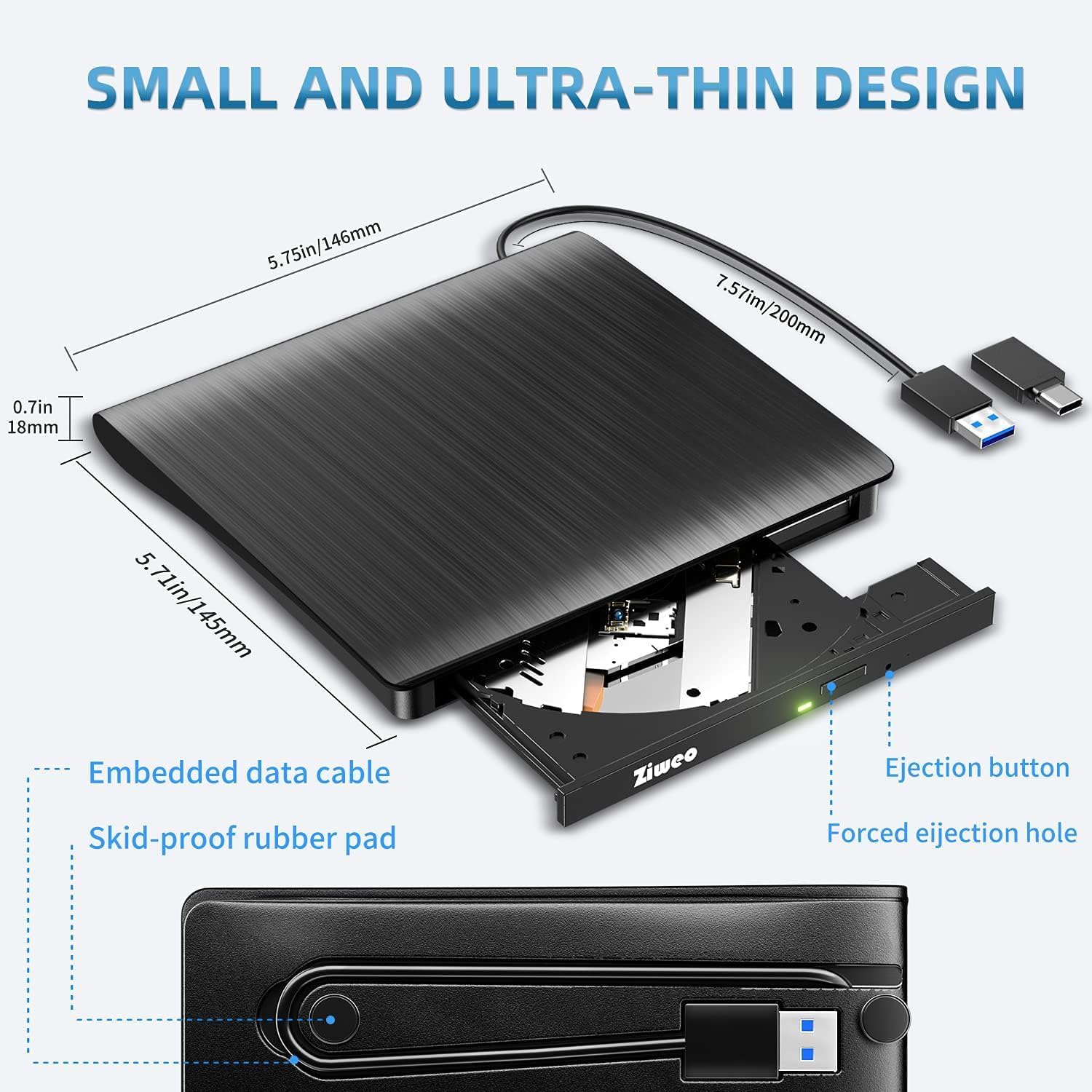
The drive lists broad OS compatibility, including Windows XP/2003/Vista/7/8/10, Linux, and all Mac OS versions. It’s suitable for playing standard movie DVDs, burning/ripping CDs, software installations, and basic backups. However, there are clear limits: it is not suitable for cars, TVs, mobile phones, or Blu-ray discs, it does not support Chromebook, Surface Pro, or certain Linux variants like Ubuntu in some setups. The included cable is integrated and non-detachable to avoid misplacing it.
Build, design, and daily use
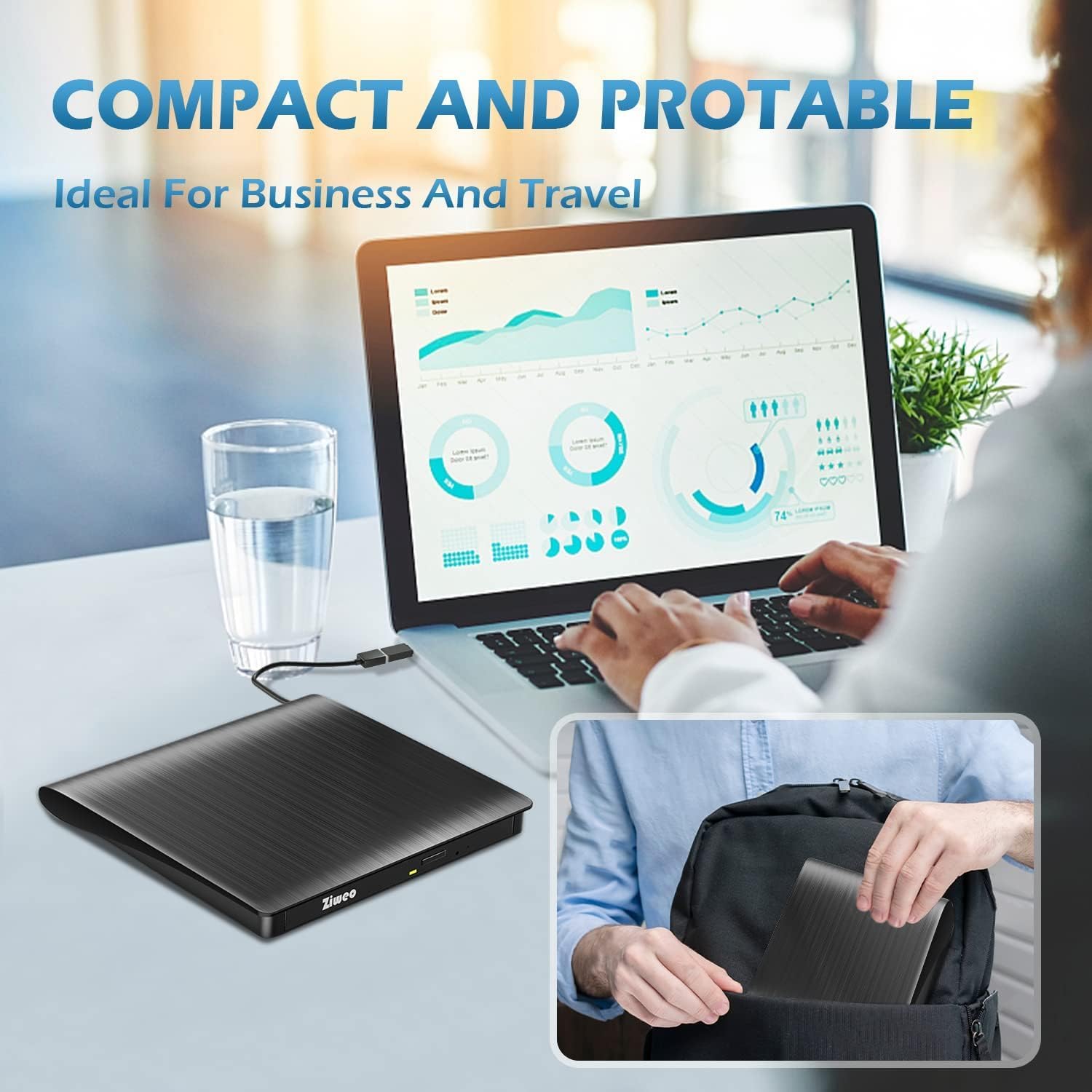
Constructed from sturdy materials, the Ziweo drive aims for quiet operation and lower vibration, which helps when reading from scratched or imperfect discs. The ultra-thin form factor makes it easy to slip into a backpack or laptop bag for travel or business trips. For daily use, it’s a convenient option if you occasionally need an optical drive without committing to a larger desktop solution.
Who it’s for
This drive is best for users who: need a portable optical drive to install software from physical discs, back up data to CD/DVD media, or access older media on modern laptops that lack a built-in drive. It’s not ideal if you rely on Blu-ray playback, require broad Linux support (beyond general Linux compatibility), or want a USB-C-only solution with detachable cables.
Practical usage tips
If you prioritize plug-and-play simplicity, keep in mind the integrated cable so you won’t misplace it. When using on a modern USB-C laptop, you may want to attempt one adapter if a direct USB-C connection yields inconsistent performance, though the device supports USB-C connections directly. For best results, avoid using it with devices that are outside the listed compatibility or with media that’s clearly damaged.
What to review before buying
- Confirm your device supports USB 3.0 or USB-C for best transfer performance.
- Check that your use case aligns with CD/DVD reading, writing, or ripping rather than Blu-ray or streaming-focused tasks.
- Be aware of the stated limitations on certain devices and operating systems.
Practical comparison: what this approach gives you vs. alternatives
If you rarely need physical media access, streaming or downloads from the internet may suffice. If you occasionally work with older software installers, soundtrack CDs, or archive backups, a compact external drive like this offers the convenience of a dedicated tool without a full external drive setup. In cases where Blu-ray playback is a must, or where you need broad Linux compatibility across distributions, this unit may feel constrained.
FAQ snapshot
- Will it work on my MacBook with macOS versions older than Catalina? It generally supports Mac OS versions listed, but performance can vary by macOS iteration and driver support, no driver installation is required.
- Can I play Blu-ray discs with this drive? No, Blu-ray support is not available.
- Is the cable truly non-detachable? Yes, the integrated cable is designed to stay in place to prevent loss.
Final decision
Is it worth it? If you need a slim, portable optical drive for occasional CD/DVD use on a mix of Windows, Mac, or Linux machines, and you want a simple plug-and-play experience without extra power cables, this Ziweo model can be a sensible pick. It’s not the best option for power users who rely on Blu-ray, or for environments where Linux support is a strict requirement. It’s a solid fit for travel, education, or work scenarios where a lightweight, low-friction disc drive solves real needs without clutter.