

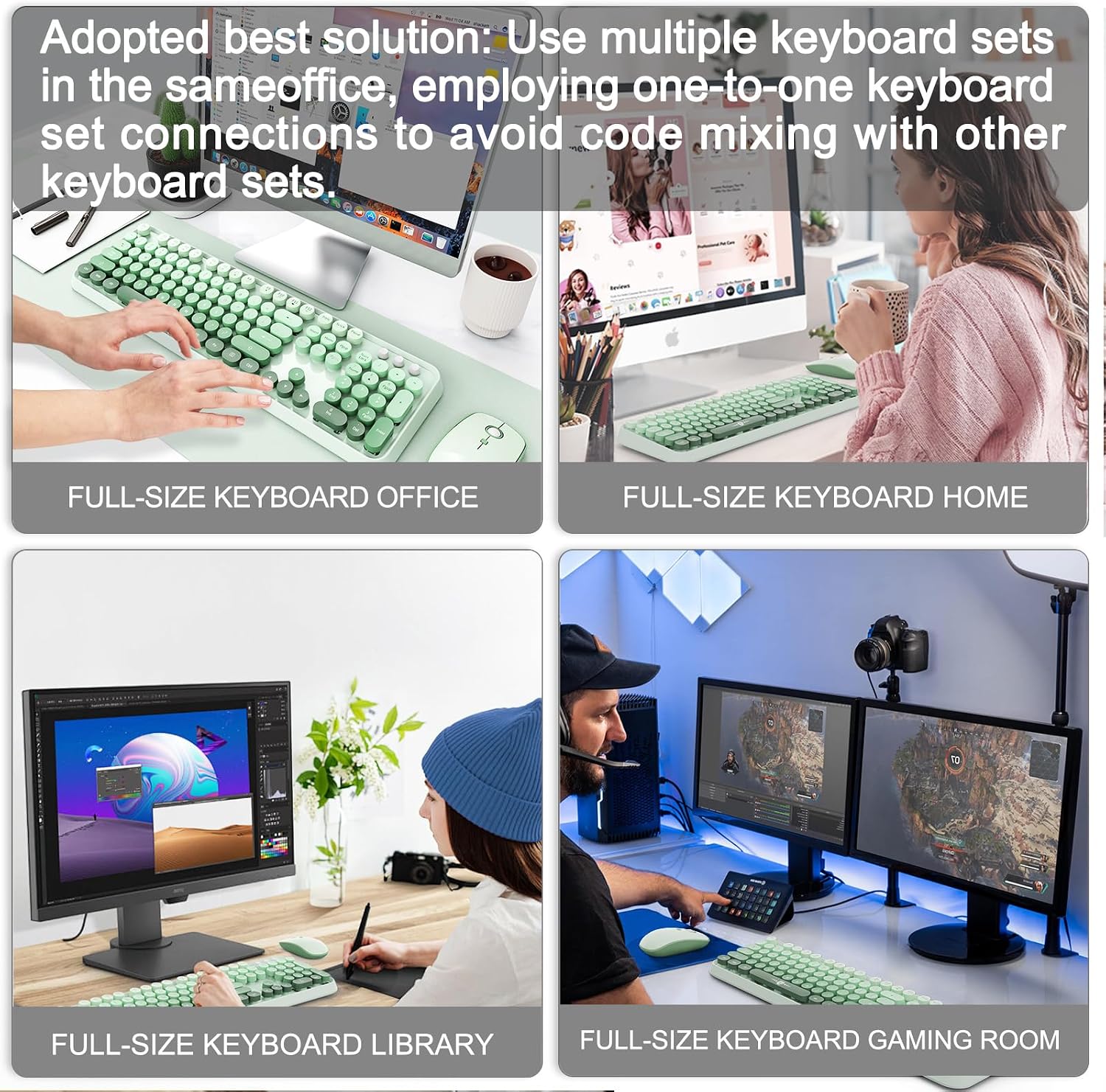
FOPETT Wireless Keyboard and Mouse Combo (2.4G) with 104 Round Keys — Green Gradient
Product description
Overview: a full-sized wireless set for everyday work and casual use
If you want a keyboard-and-mouse combo that’s simple, desk-friendly, and easy to live with, this FOPETT Wireless Keyboard and Mouse Combo is built around that idea. It pairs a full-sized 104-key wireless keyboard with a matching mouse using a shared 2-in-1 nano receiver, so you can plug it in and get moving without installing extra software. The retro typewriter-style round keycaps add character, too—more “cute desk setup” than plain black slab.
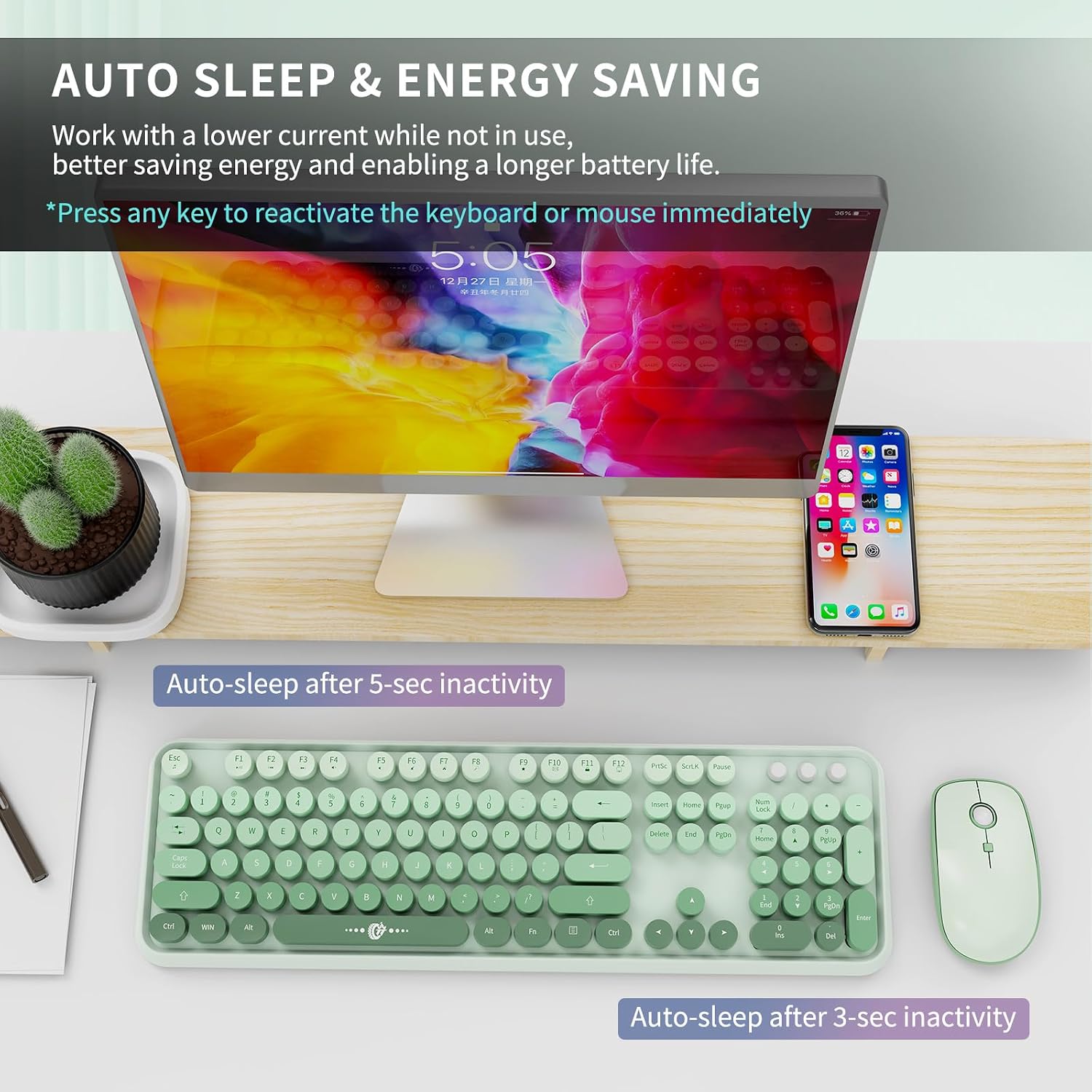
On paper, it’s aimed at everyday tasks: typing, browsing, and light productivity. It also includes an auto-sleep mode after 60 seconds of inactivity to help stretch battery life, which is exactly the kind of feature that matters when you’re not trying to micromanage power settings.
There is one catch to keep in mind: the hotkeys “may not be fully compatible with Mac systems,” so if you’re in a Mac-heavy household, compatibility is something you’ll want to double-check before committing.
What you’ll notice day to day (keyboard, mouse, and the connection)
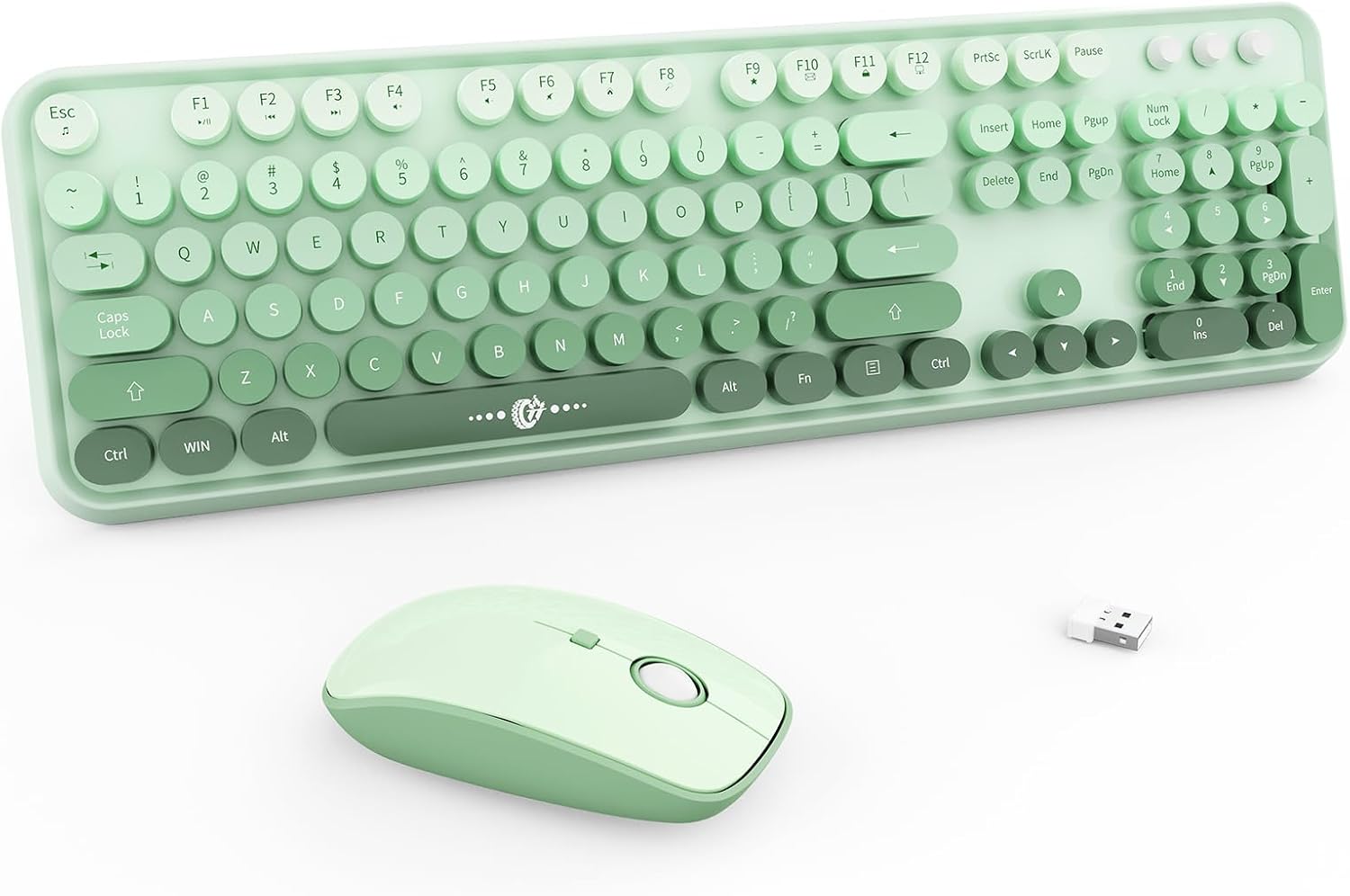
The keyboard is a full-size 104-key layout with a 13.5 x 4.2 x 1.2 inch footprint. It also uses “silent micro-motion technology,” which is their way of saying the typing impact is reduced to avoid loud knocking sounds. That’s a big deal if you share a space or you’re trying to keep distractions low during late-night work.
The mouse is described as nearly silent on click thanks to that same “micro-motion” approach. It also comes with adjustable DPI levels (800/1000/1600), which helps when you’re switching between general navigation and more precise cursor control.
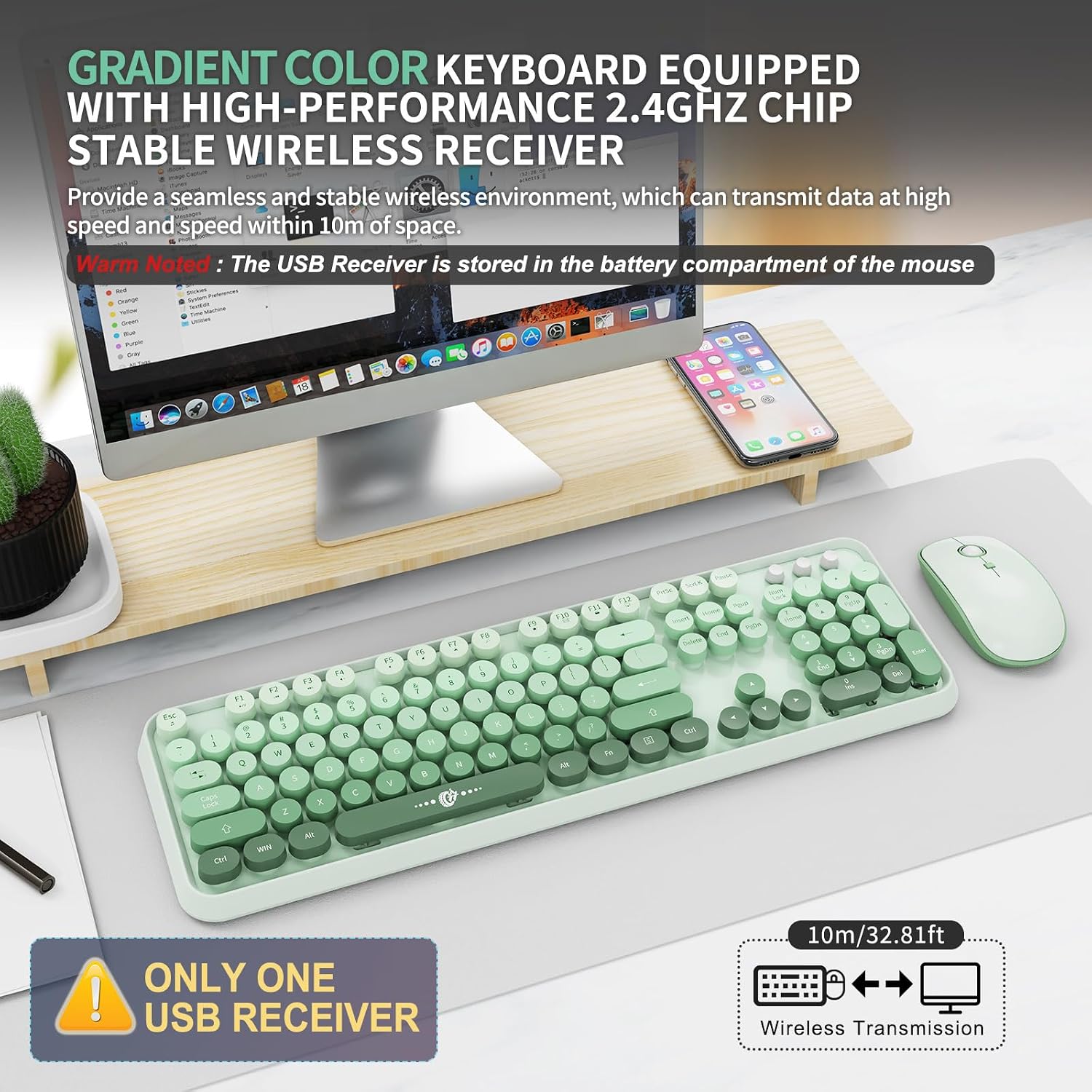
For connectivity, the combo uses stable 2.4GHz wireless technology with a stated range of up to 10 meters (393.7 inches) for the keyboard and mouse. The nano receiver is shared and stored at the bottom of the mouse, which helps keep things tidy and makes it less likely you’ll lose the dongle.
Comfort and design: cute, ergonomic-leaning, and made for longer sessions
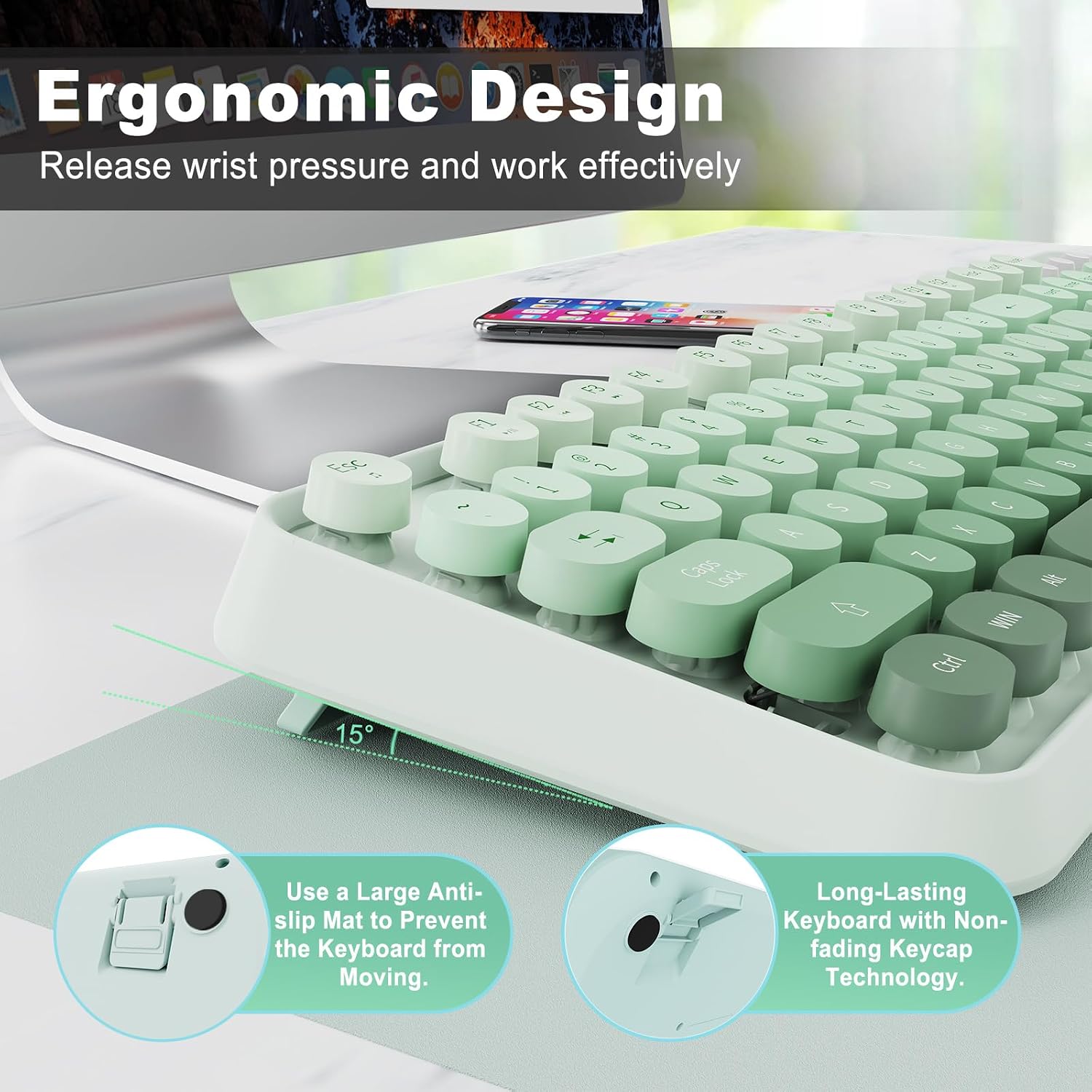
This set leans into comfort more than you might expect from a colorful keyboard combo. The keyboard has a tilt angle for a more comfortable typing position, and the mouse features a sweat-resistant, skin-friendly finish with a contoured shape. In practical terms, that’s the kind of design choice that can reduce hand fatigue during longer stretches of typing and clicking.
The keycaps are described as retro round keycaps inspired by a typewriter look. That’s partly aesthetics, but the “comfortable typing experience” claim suggests they’re designed to feel good under your fingers—not just to look good on camera.
That said, it’s not a gaming-focused mouse (no advanced sensor specs were provided), so if you’re trying to “train muscle memory” for competitive FPS or want ultra-precision at the bleeding edge, this may feel more like a reliable everyday kit than a performance tool.
Compatibility and limitations (so you don’t buy yourself a headache)
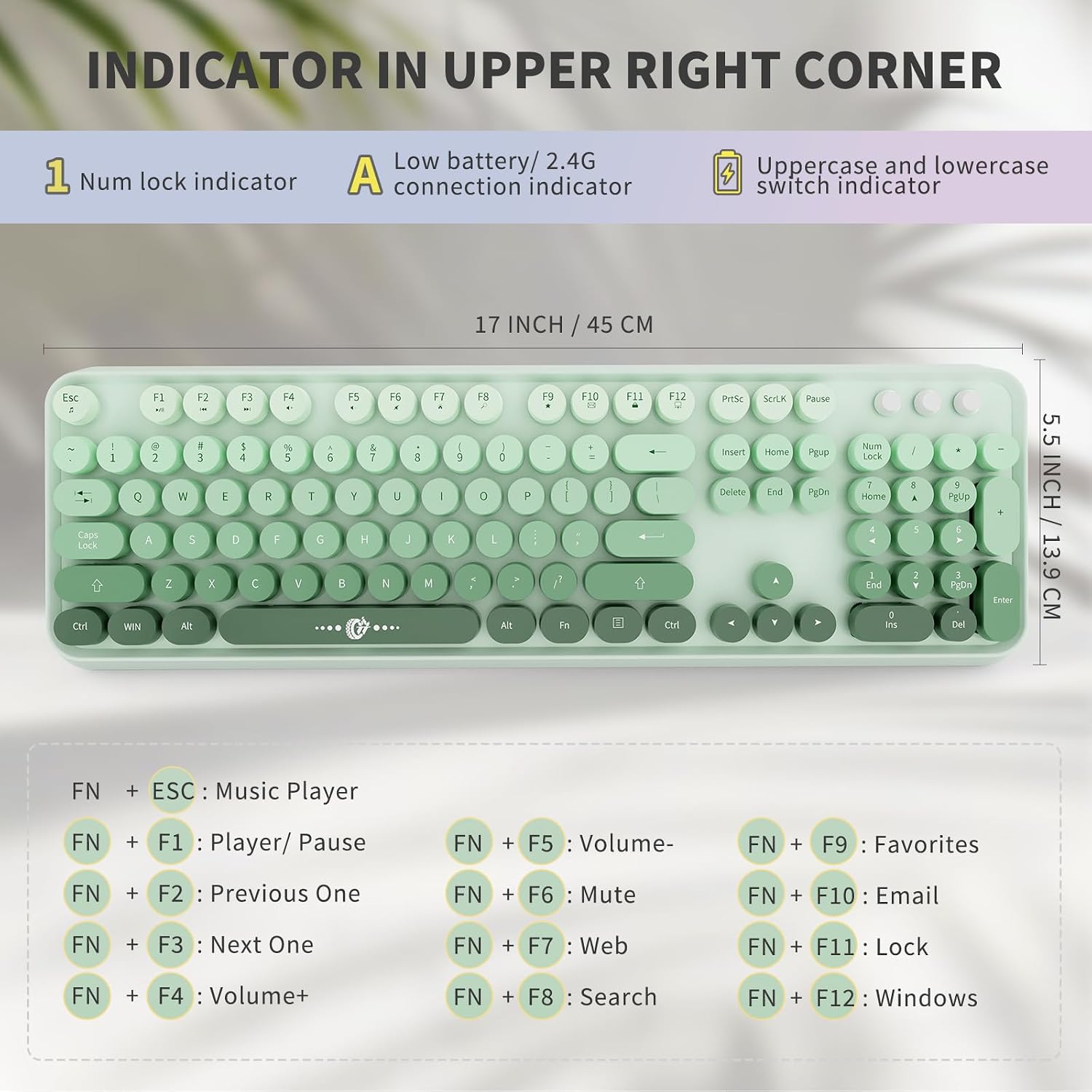
The keyboard includes 12 function keys for quick access to things like music, volume, and mail. Compatibility is listed for Windows XP/ME/Vista/7/8/10/11, plus devices with a USB slot such as PCs, laptops, MacBooks, desktops, Chromebooks, and even Smart TVs.
One limitation is explicitly called out: hotkeys may not be fully compatible with Mac systems. So if hotkeys are part of your workflow—like one-touch media or mail controls—keep that in mind.
Also note the batteries: the mouse requires one 1.5V AA battery (not included) and the keyboard also requires one 1.5V AA battery (not included). If you don’t have AA batteries around, factor that into your setup time.
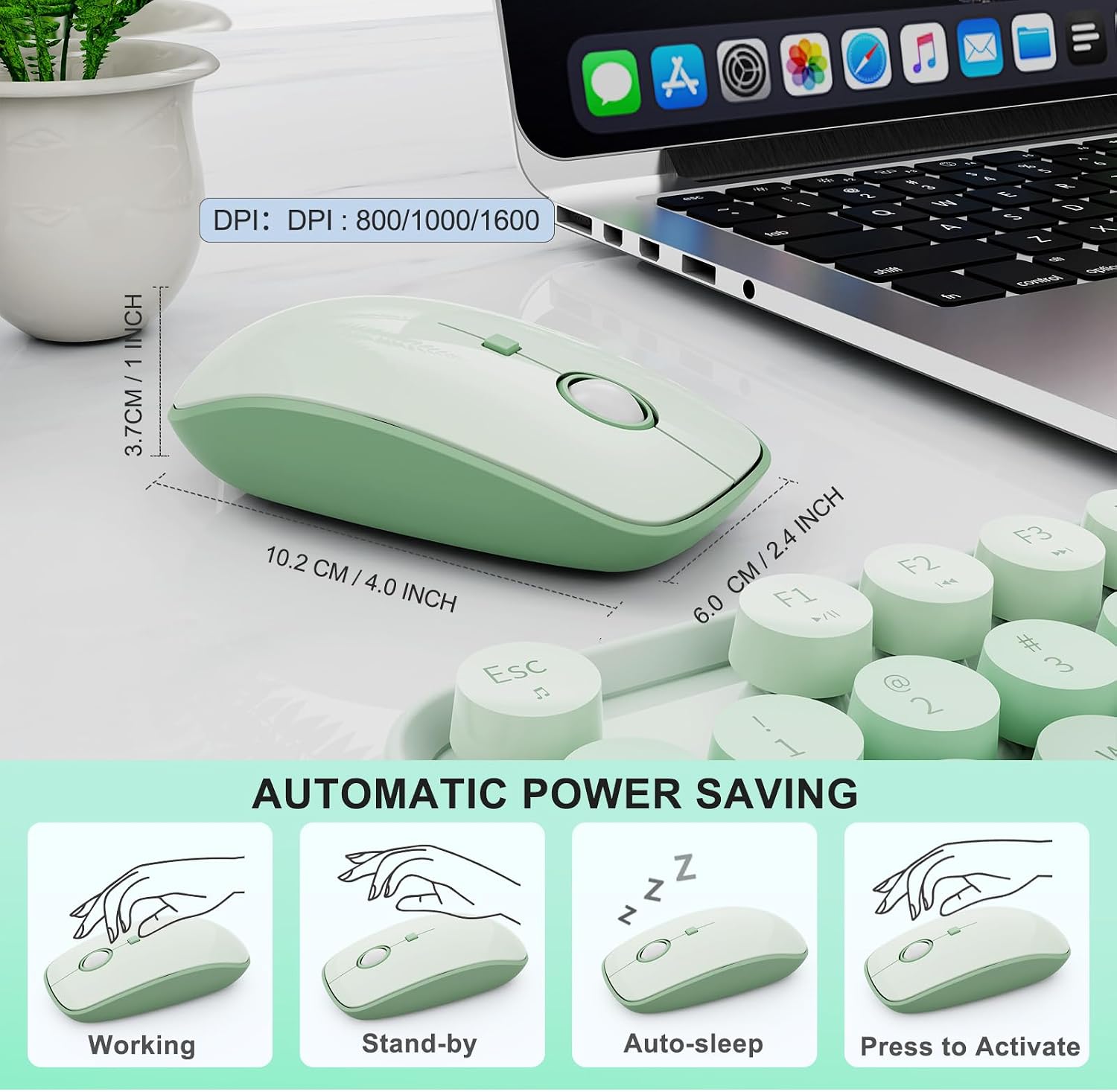
Power-saving details: auto-sleep after 60 seconds
A practical quality-of-life feature here is auto-sleep after 60 seconds of inactivity. The idea is simple: when you walk away, the keyboard and mouse go into a lower-power state, and you can wake them instantly by pressing any key.
If you’re the type who tends to leave devices on while you step away, this feature can genuinely reduce battery drain. It’s not magic, but it’s the kind of “small but real” functionality that separates an easy desk setup from one that constantly needs attention.
Key specifications (quick read)
- Keyboard: 104 keys full size layout
- Wireless technology: shared 2-in-1 nano receiver (stored at the bottom of the mouse) and 2.4GHz wireless
- Stated range: up to 10 meters (393.7 inches)
- DPI levels (mouse): 800/1000/1600
- Battery requirement: keyboard uses 1.5V AA (not included), mouse uses 1.5V AA (not included)
- Auto-sleep: after 60 seconds of inactivity
- Keyboard size: 13.5 x 4.2 x 1.2 inch
- Mouse size: 3.4 x 1.9 x 1 inch
Is it worth it?
This is a solid pick if you want a full-sized wireless keyboard and mouse combo with a shared nano receiver, reduced-noise clicking and typing, and everyday compatibility for Windows PCs. It makes sense if you care about keeping your desk tidy (receiver storage) and you’d benefit from auto-sleep to avoid needless battery loss.
It might not suit you if you heavily rely on keyboard hotkeys for Mac workflows, since hotkeys may not be fully compatible with Mac systems. And if you’re after a true enthusiast/gaming-level mouse experience, this set reads more like a practical, comfortable desktop companion than a performance-first upgrade.
Mini FAQ
Does this keyboard and mouse work with a USB slot?
Yes—it's described as compatible with devices that have a USB slot, including PCs, laptops, Chromebooks, and even Smart TVs.
Is the receiver plug-and-play?
The combo is described as plug and play using a shared 2-in-1 nano receiver, with no additional software installation needed.
What battery does the mouse use?
The mouse requires one 1.5V AA battery (not included).
How quiet is it supposed to be?
It’s described as using silent micro-motion technology to keep typing and mouse clicks nearly silent, which should help if you share space.
Are the hotkeys compatible with Mac?
Hotkeys may not be fully compatible with Mac systems, so that’s worth verifying for your specific use case.