

Wireless Keyboard and Mouse Combo 2.4G 🖱
Reviews
Price
Product description
This wireless keyboard and mouse combo from SABLUTE brings a full-size typing layout with backlit options and an ergonomic wrist rest for long home office or study sessions. It combines a rechargeable keyboard with quiet keys, a six-button mouse with adjustable DPI, and a built-in phone holder so you can keep calls or reference material visible while you work or study.
Key Points
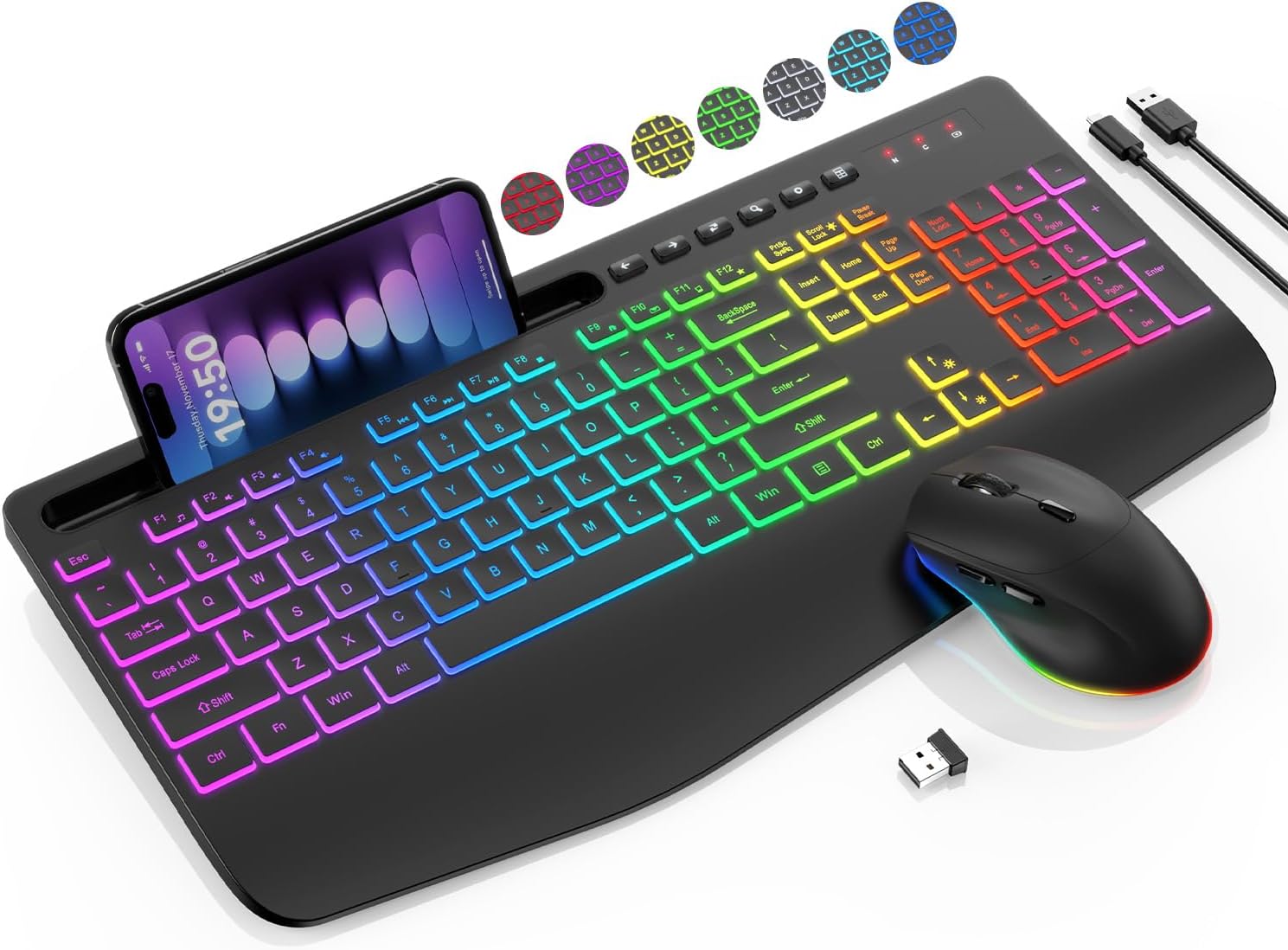
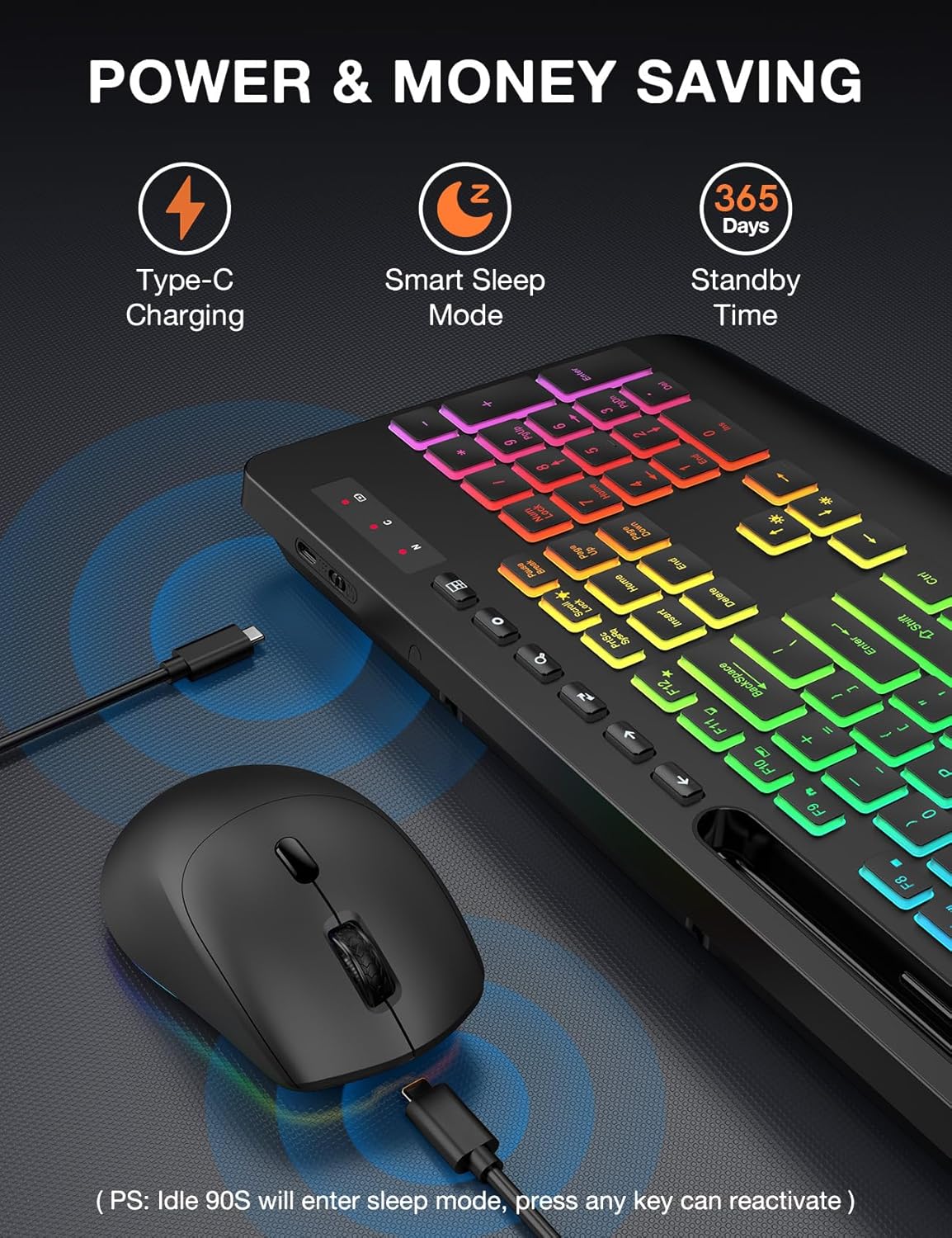
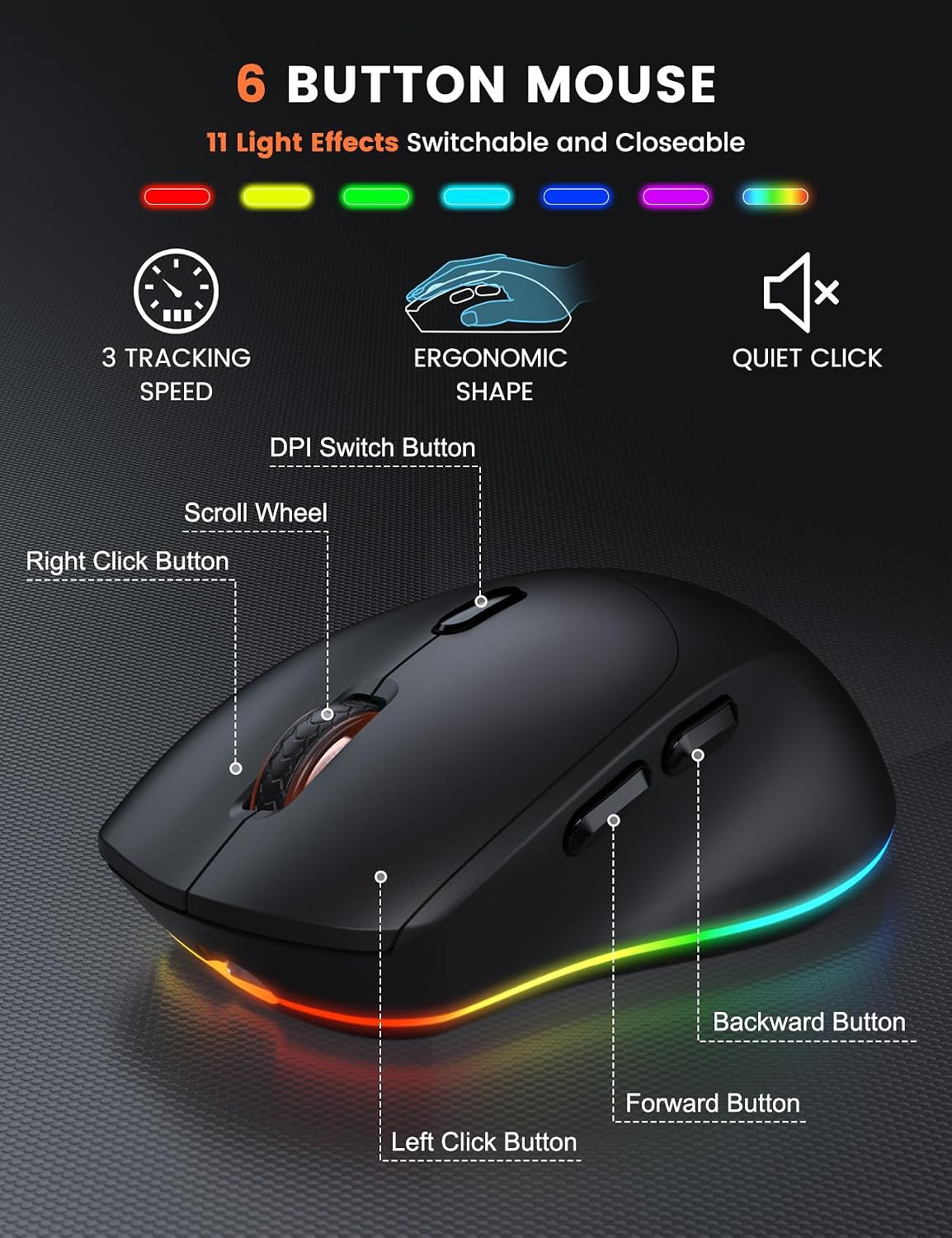
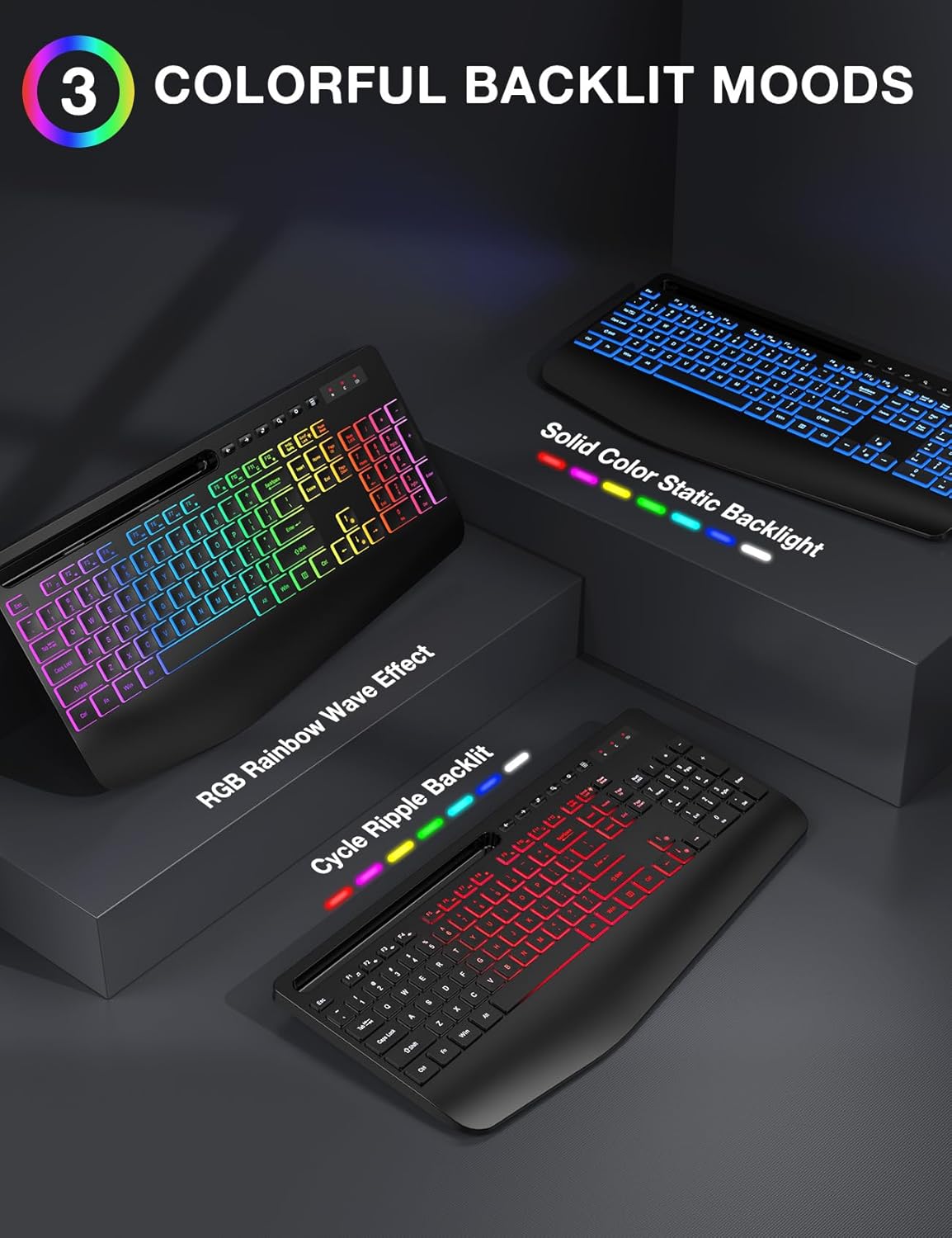
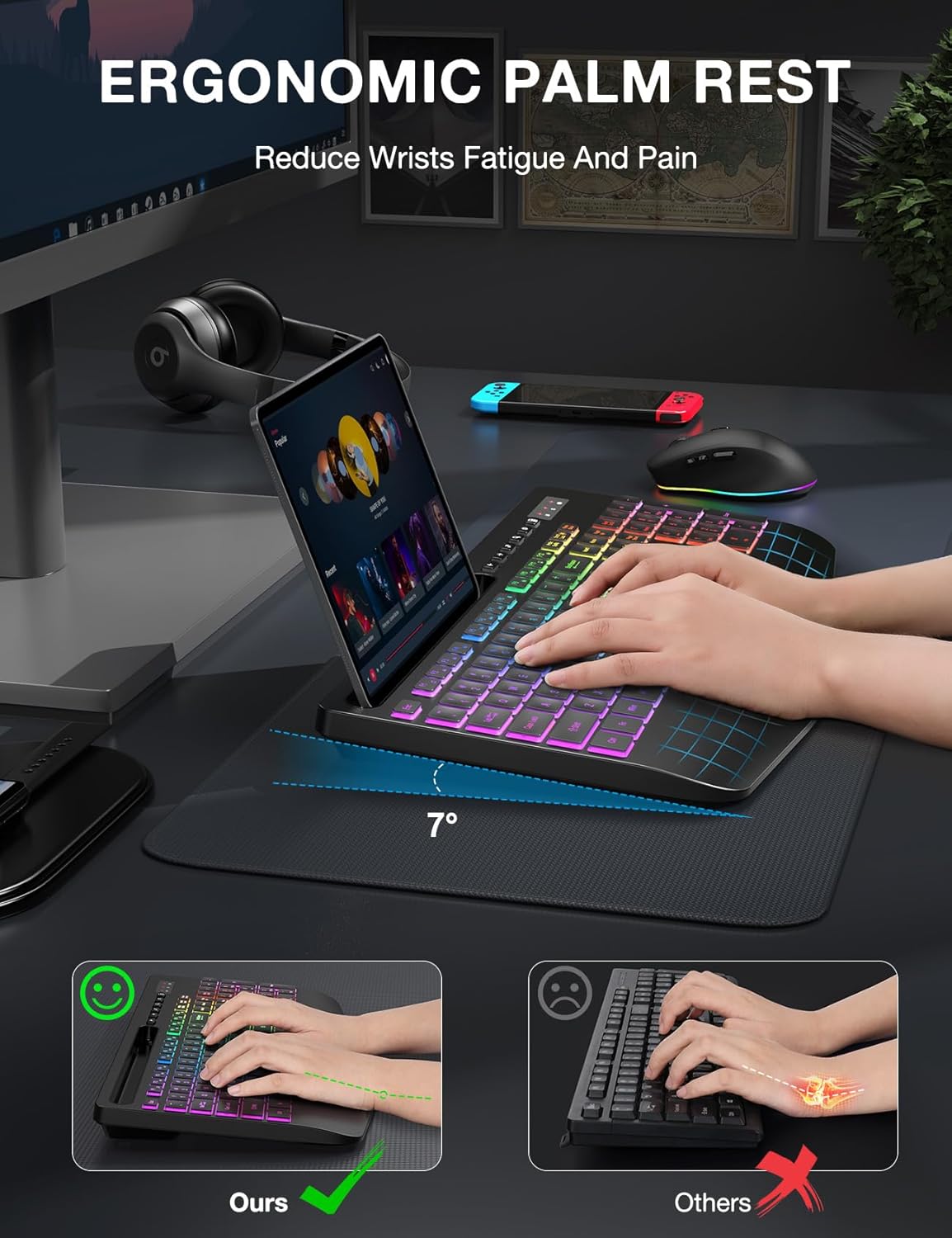
The keyboard includes multiple lighting modes, letting you switch between seven solid colors and an RGB rainbow effect to match different moods or low-light conditions. The extra-wide wrist rest measures about 2.8 inches and is designed to offer noticeably more support, which may help reduce wrist fatigue during extended typing sessions according to the manufacturer. Both keyboard and mouse feature silent operation to minimize disturbance in shared living spaces or late-night work. The mouse supports three DPI levels and forward/back navigation, useful for quick browsing and simple gaming needs. Rechargeable batteries remove the need for regular replacements, and a smart sleep mode helps conserve charge between uses.
Technical Specifications
- Name: SABLUTE Wireless Keyboard and Mouse Combo
- Keyboard layout: Full size with F1–F12 shortcuts and 6 one-touch multimedia keys
- Backlight: 7 solid colors plus 1 rainbow mode, 3 lighting modes
- Wrist rest width: 2.8 inches, extra-wide for added support
- Mouse features: 6 buttons, 3-level DPI adjustment
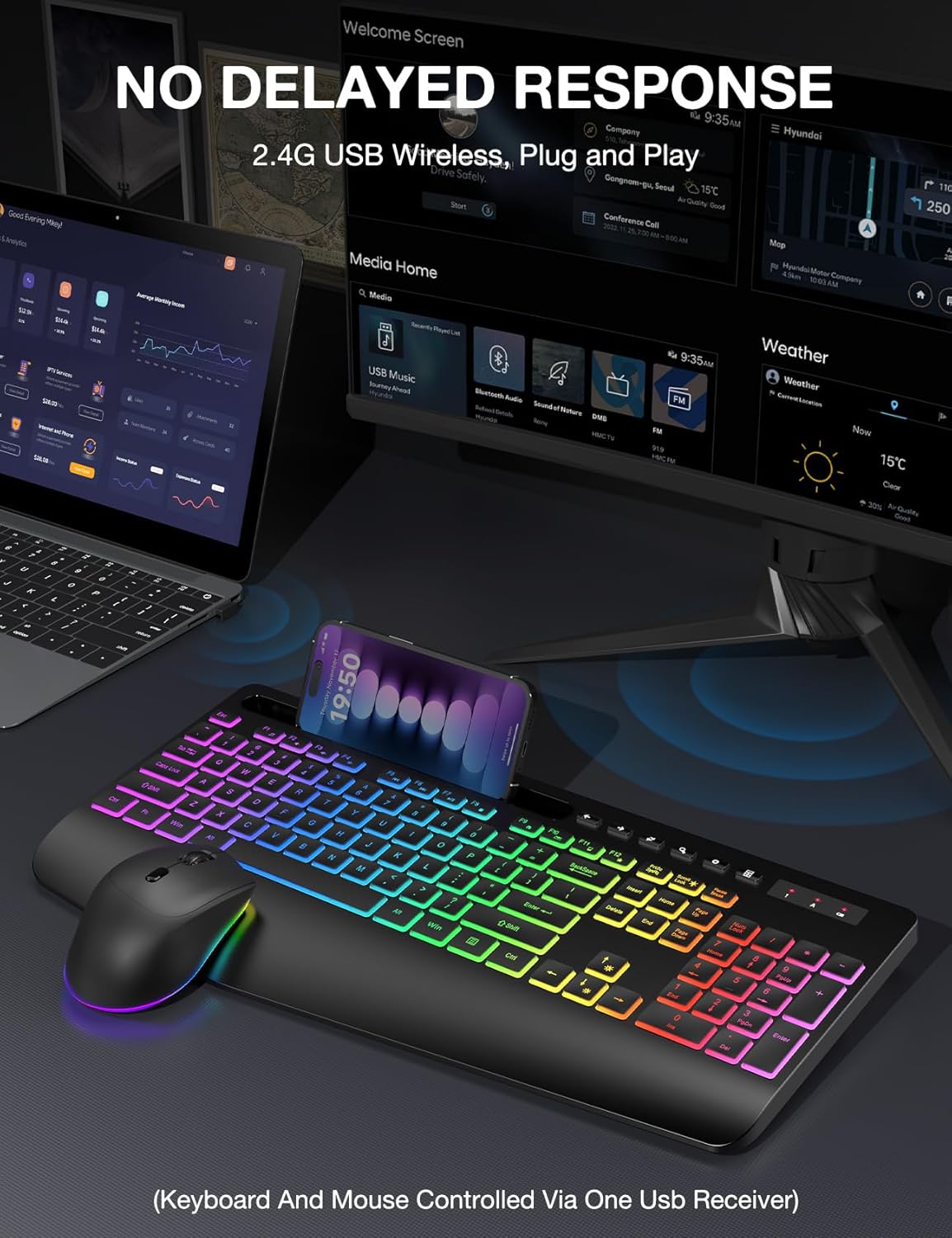
- Connectivity: 2.4 GHz wireless receiver (note USB-C dongle not included)
- Compatibility: Windows, Chrome OS, Linux, Mac (multimedia key functions may be limited on Mac)
Benefits
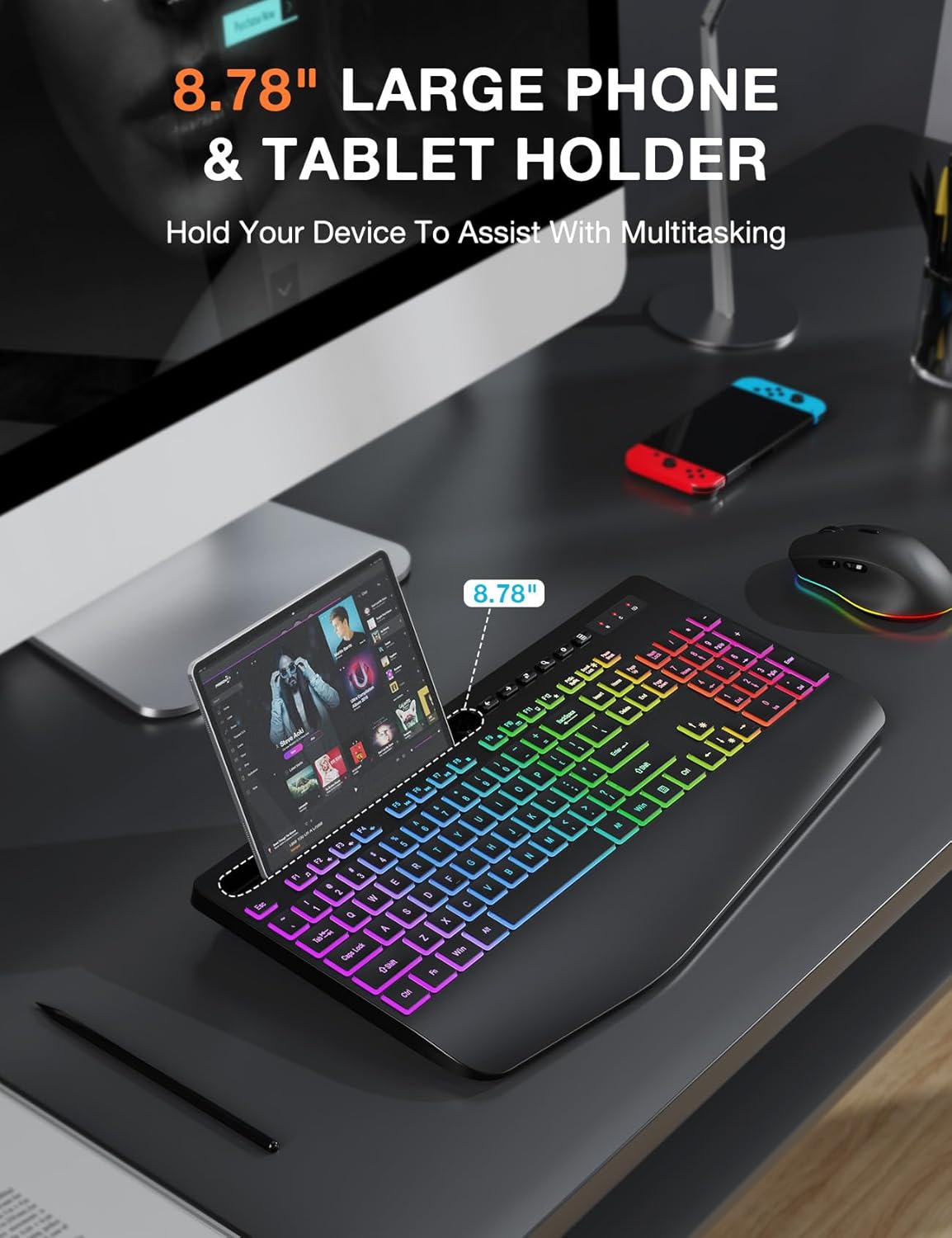
The rechargeable design reduces ongoing costs and clutter from disposable batteries. Quiet key switches and a low-noise mouse make this set a considerate choice in apartments or shared workspaces. The integrated phone tray holds devices up to 11.8 inches, which makes multitasking easier when following tutorials or managing calls alongside computer tasks. Lighting is easy to toggle with a single touch, allowing quick adjustments between focused daytime work and low-light evening sessions.
Usage Recommendations
Place the keyboard on a flat surface and align the wrist rest so your hands rest comfortably above the home row. Use the lighting modes to reduce eye strain in darker rooms, and switch the mouse DPI for faster cursor movement during browsing or finer control while editing. Remember that the wireless receiver is required for connection, and the set will not connect to tablets or phones without a compatible USB-C dongle. Consider charging the combo after heavy use and enabling sleep mode during breaks to extend battery life.