

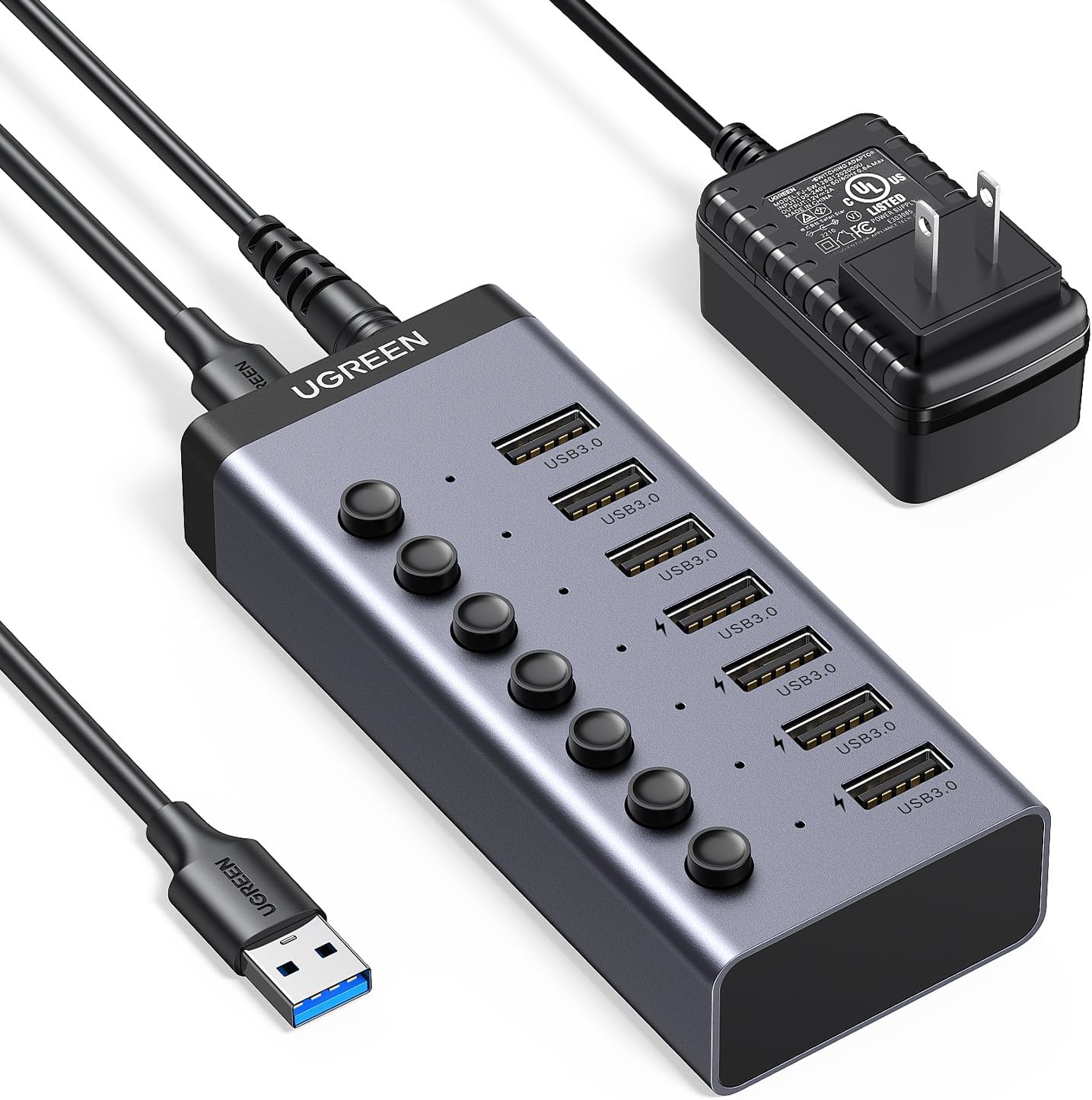
UGREEN Powered USB Hub 7-Port
Product description
For laptop and desktop users juggling several USB accessories, this powered UGREEN hub adds room for everyday devices without making you plug and unplug each one. It has seven USB 3.0 ports, individual on/off switches, and a separate power adapter for setups with multiple connected devices.
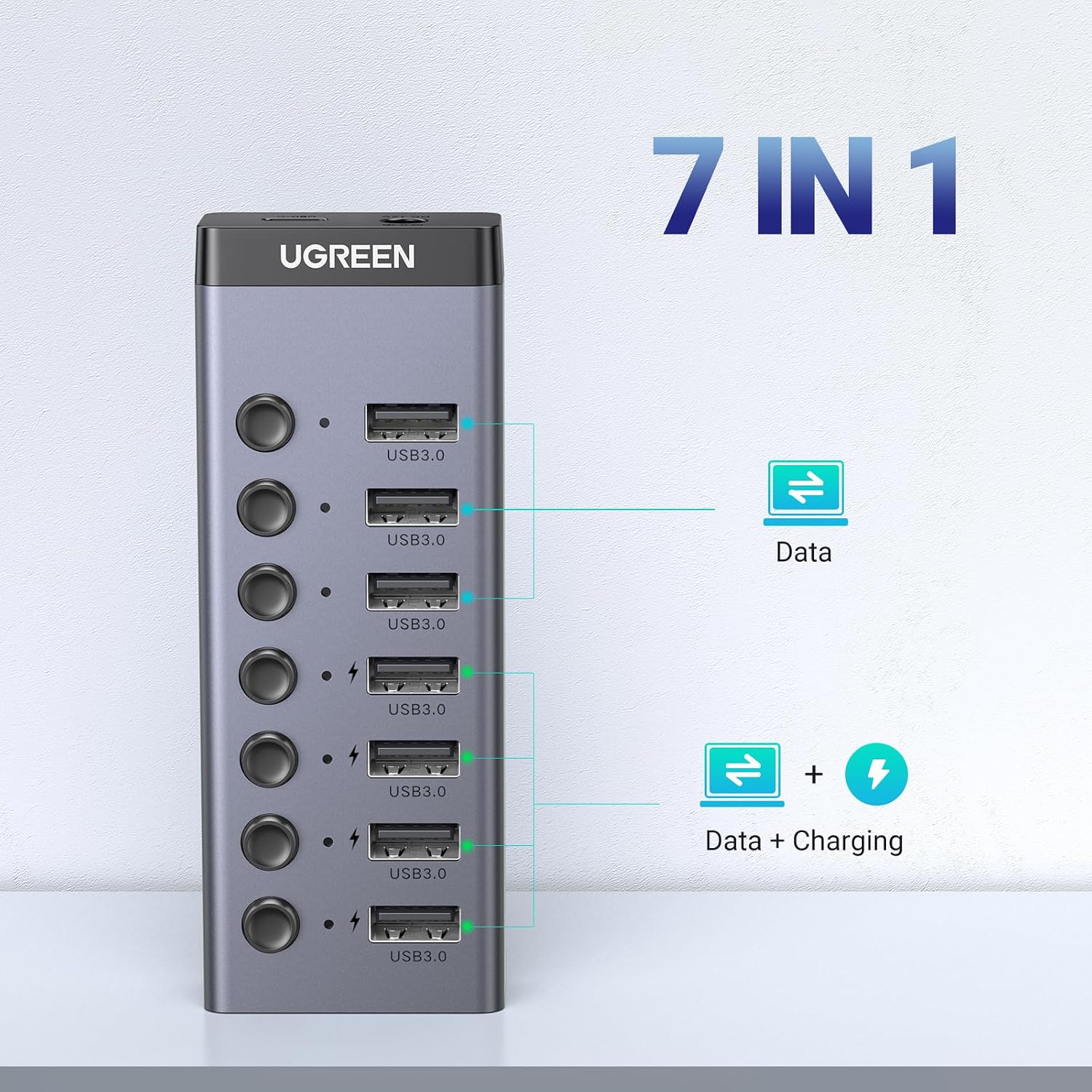
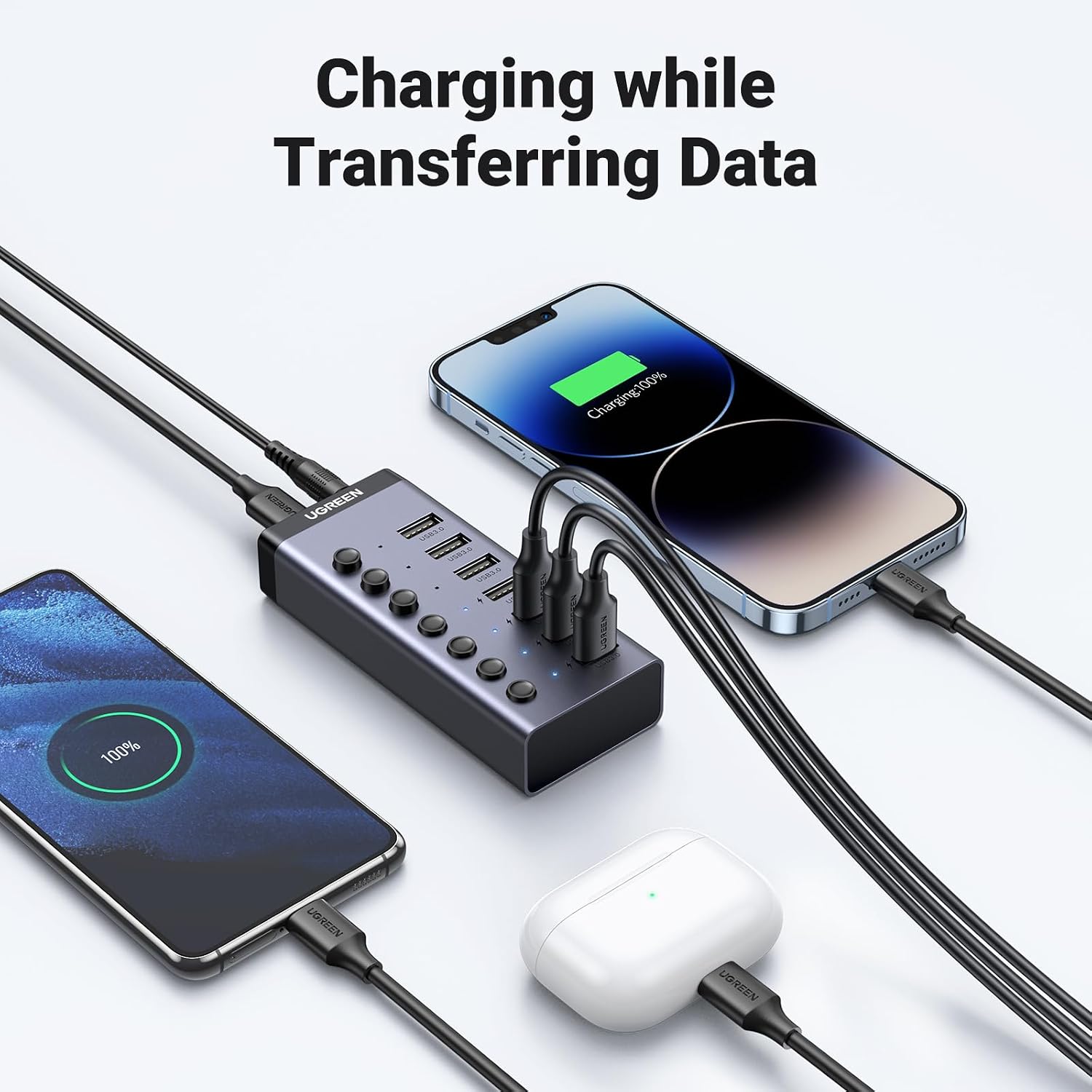
Four ports also support charging, so the hub can handle a mix of data-connected accessories and items such as a phone or earbuds. If you prioritize keeping more USB devices connected, this layout is useful, if you prefer a full docking station with connections beyond USB, this product’s listed features are more focused.
Getting the most from it
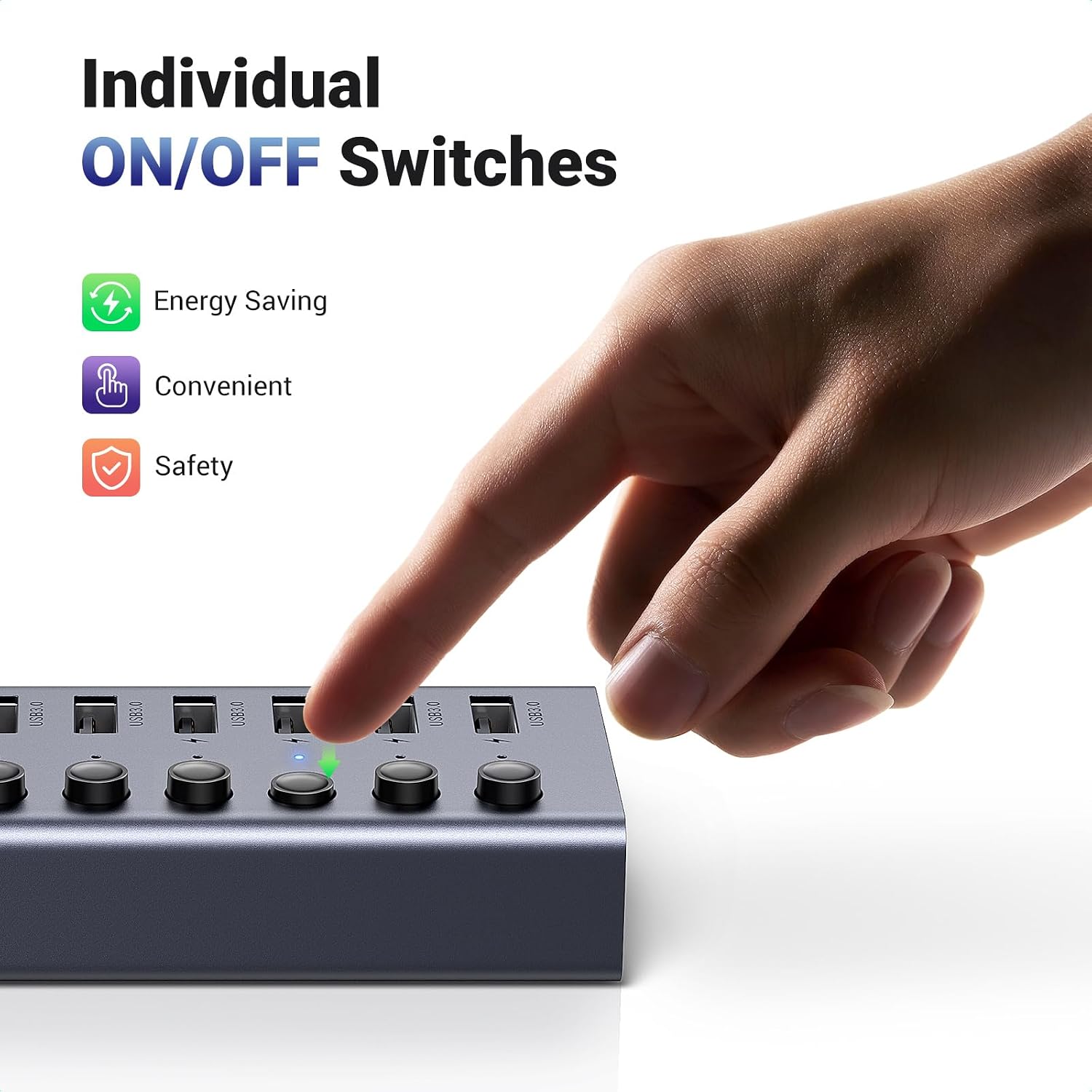
Connect the hub to your computer, then use its ports for items such as a keyboard, mouse, printer, card reader, camera, or external hard drive. The individual switches make it easier to turn a connected device off without unplugging it, while the LED indicators show each port’s working status. For example, you could leave a mouse and keyboard connected at your desk, then switch off a camera or storage device when it is not in use.
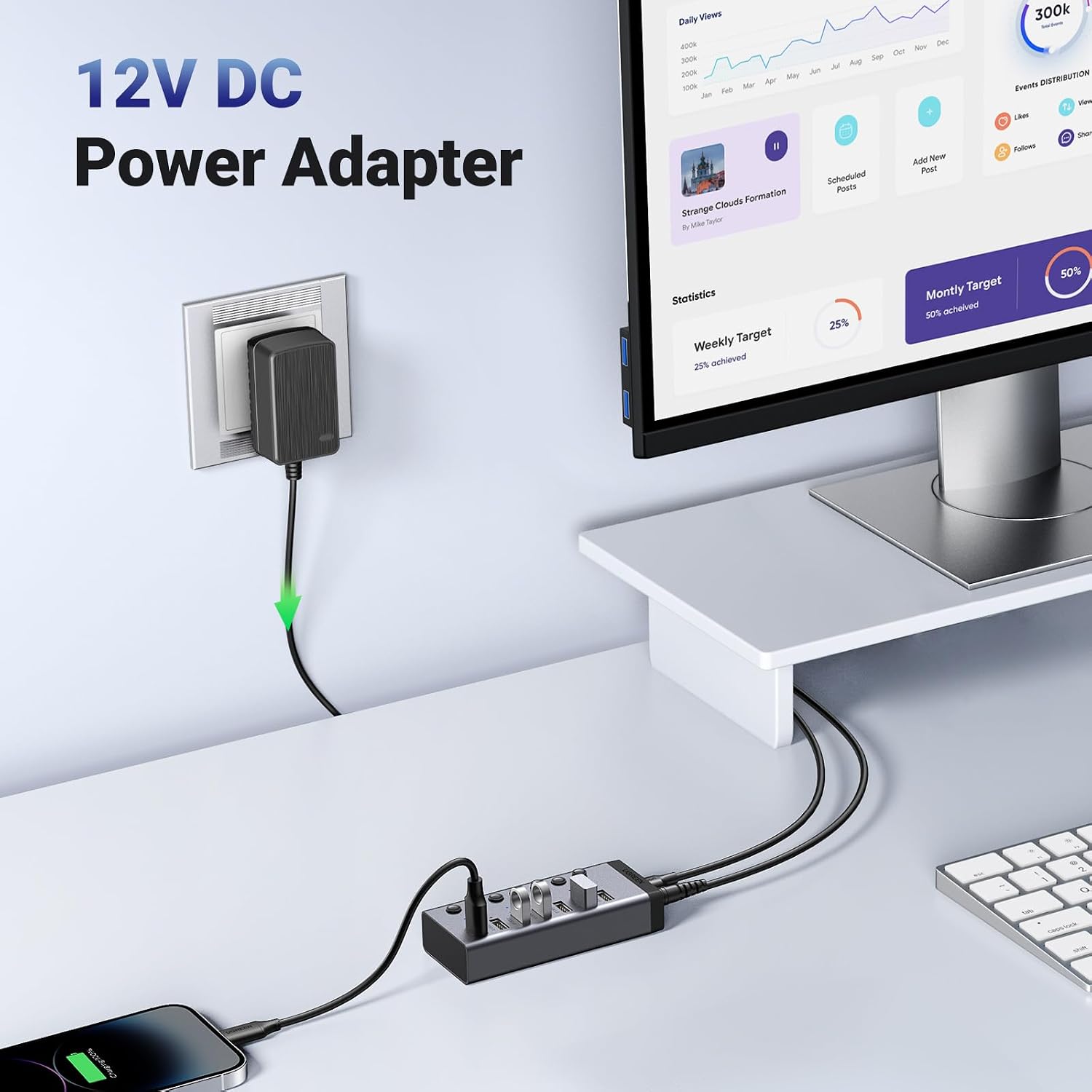
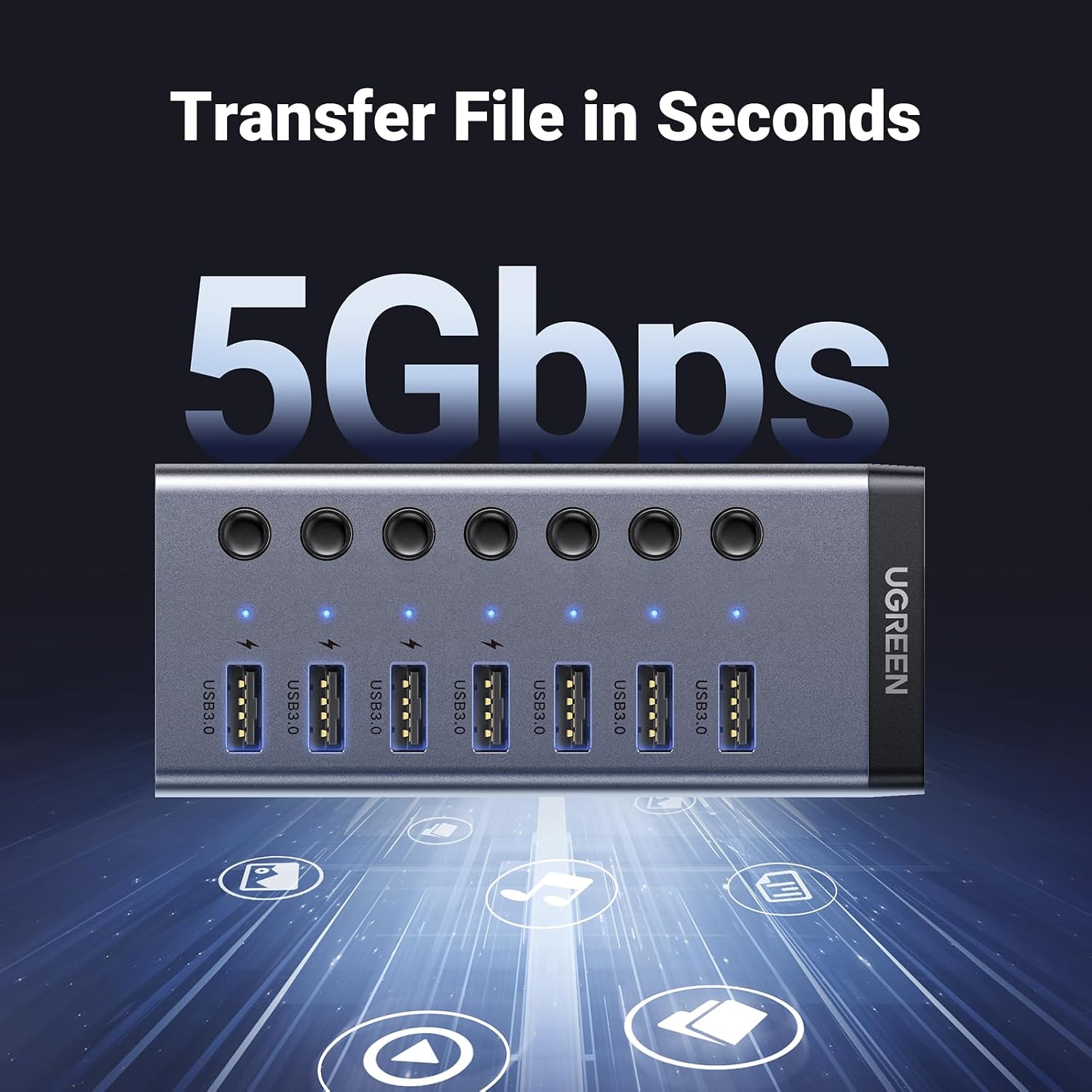
The included 12V/2A power adapter is intended to support stability when several higher-power devices are connected. Four ports are described as charging ports, and the maker says they detect charging protocols automatically. That does not specify the output available to each device, so check whether the charging performance meets your needs rather than assuming every phone or tablet will charge at a particular speed. Data transfer is rated up to 5Gbps, actual transfers also depend on the connected devices and files.
Why it’s worth it
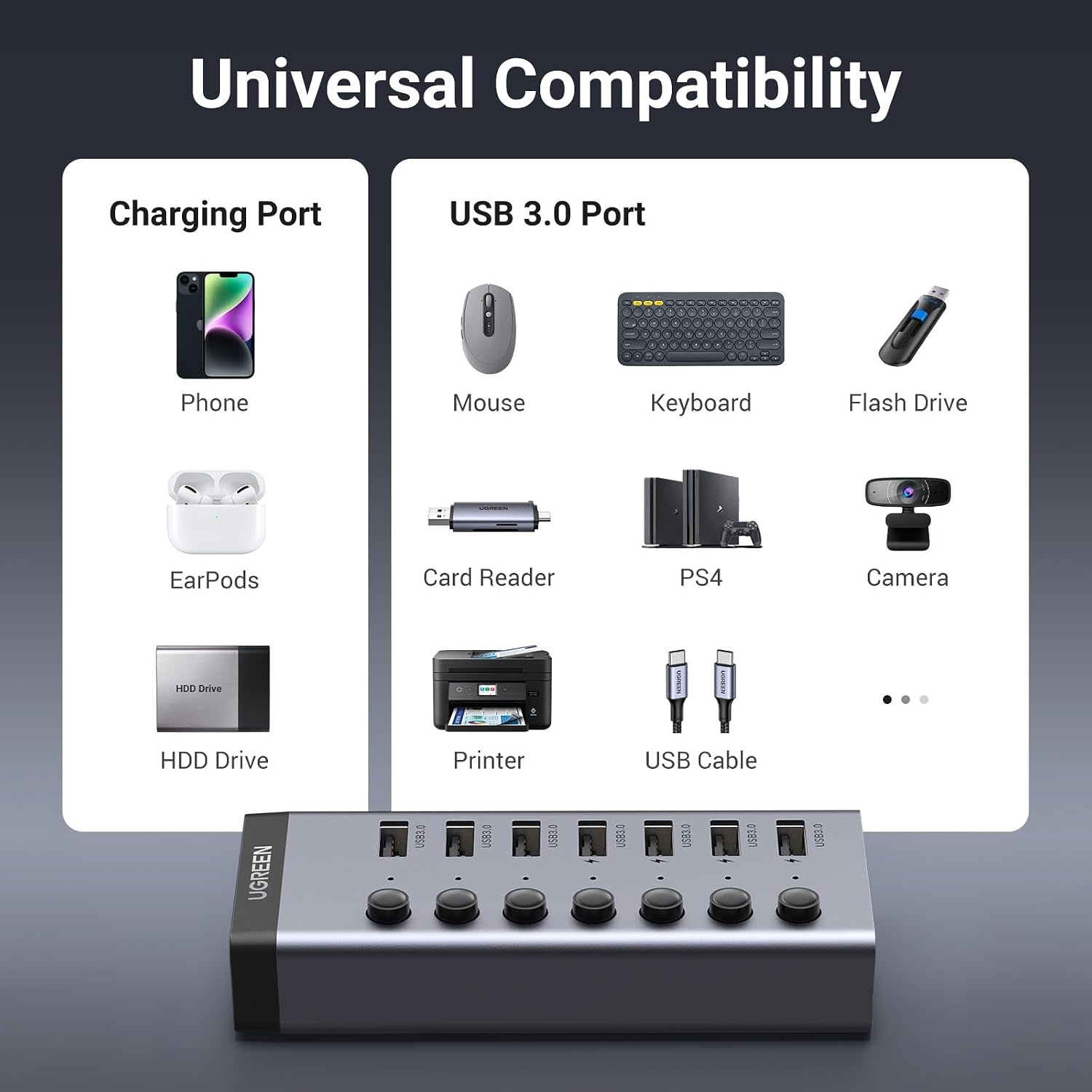
The main benefit is control as well as extra connections. Instead of reaching behind a computer to disconnect an accessory, you can use its own switch. That can be handy at a shared desk or when several USB devices stay plugged in throughout the day. The powered design is another practical distinction from a basic, unpowered splitter when you plan to connect several devices that draw power.
The hub is listed as plug and play for Windows, macOS, UNIX, and Linux. According to the maker, no driver installation is needed. The provided information does not specify the cable length or the physical size of the hub, so those details may matter if your desk has limited space or the computer sits far from your accessories.
At a glance
- Seven USB 3.0 ports for connecting computer accessories
- Four ports support charging for devices such as phones, tablets, and earbuds
- Up to 5Gbps data transfer
- Individual on/off switches and LED indicators for each port
- Includes a 12V/2A power adapter
- Listed as plug and play with Windows, macOS, UNIX, and Linux
Worth considering if you want more USB connections and per-port control at a fixed workstation. It may not suit you if you need a dock with display or network connections, or if you need confirmed charging output figures before choosing.
When it makes sense
This hub fits a setup where several USB accessories need to stay within reach: a keyboard and mouse on the desk, a printer nearby, and a storage device or phone connected as needed. The switches can help keep that arrangement manageable without repeatedly removing cables. For someone who only needs one extra connection, a simpler hub may be enough, this one makes more sense when seven ports, individual controls, and a powered connection are useful together.
Before choosing, consider how many devices you expect to connect at once and whether the four charging ports match your mix of accessories. The available details support USB expansion and charging, but do not give per-port charging output or dimensions. Buy it for a controlled, multi-device USB setup, look elsewhere if those missing specifics or a broader set of dock features are essential.