

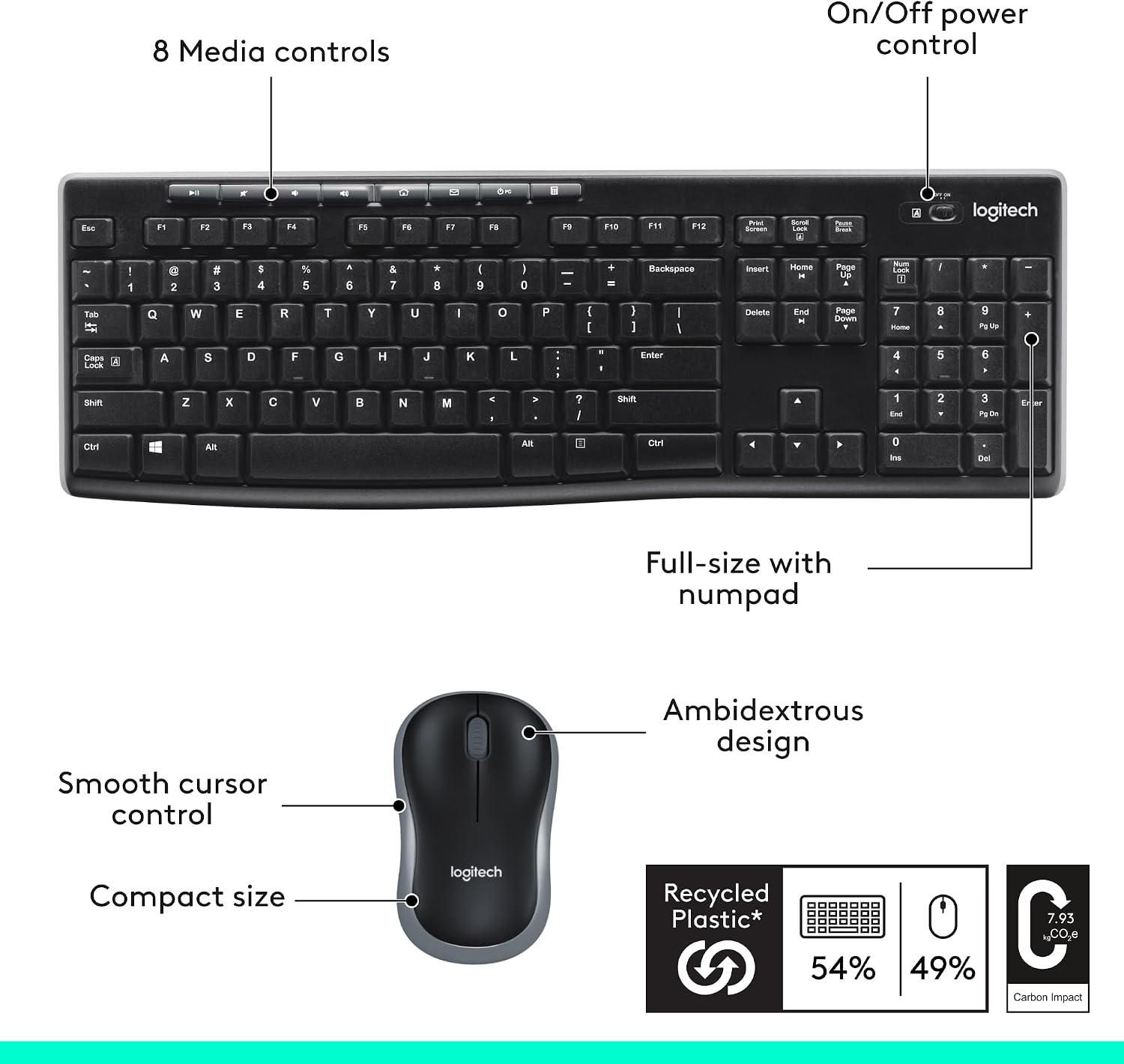
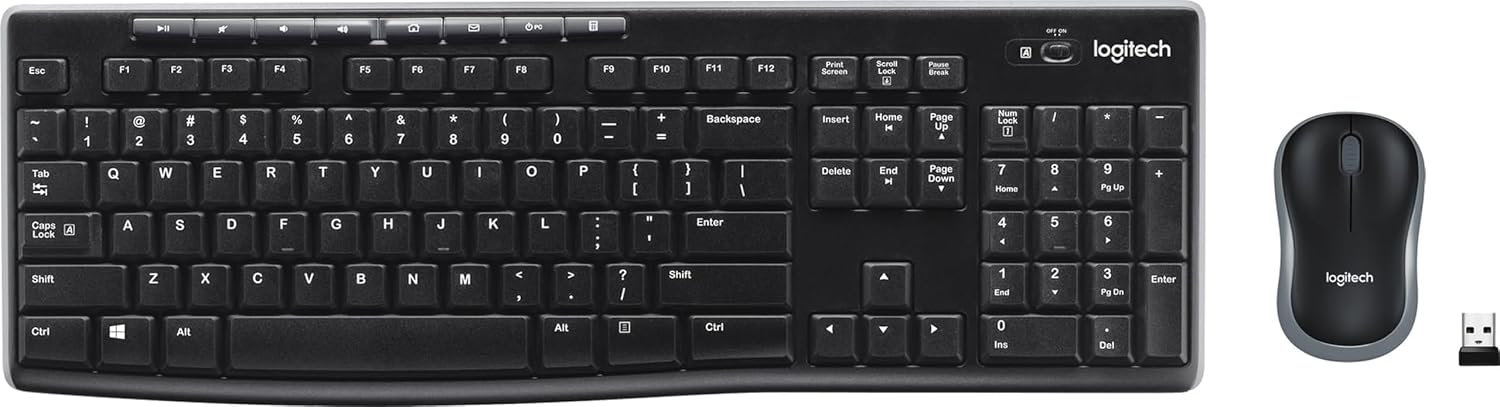
Logitech MK270 Full Size Wireless Keyboard and Mouse Combo — Black
Reviews
Price
Product description
What to know
The Logitech MK270 is a full-size wireless keyboard and mouse combo designed for everyday computing. It aims to deliver reliable, plug-and-play wireless connectivity, comfortable typing, and long battery life. If you value a straightforward setup and a simple, durable workspace, this kit can be worth considering. It isn’t meant to be a premium office upgrade, but rather a dependable baseline solution for desks where reliability and comfort matter more than cutting-edge features.
Tech specs
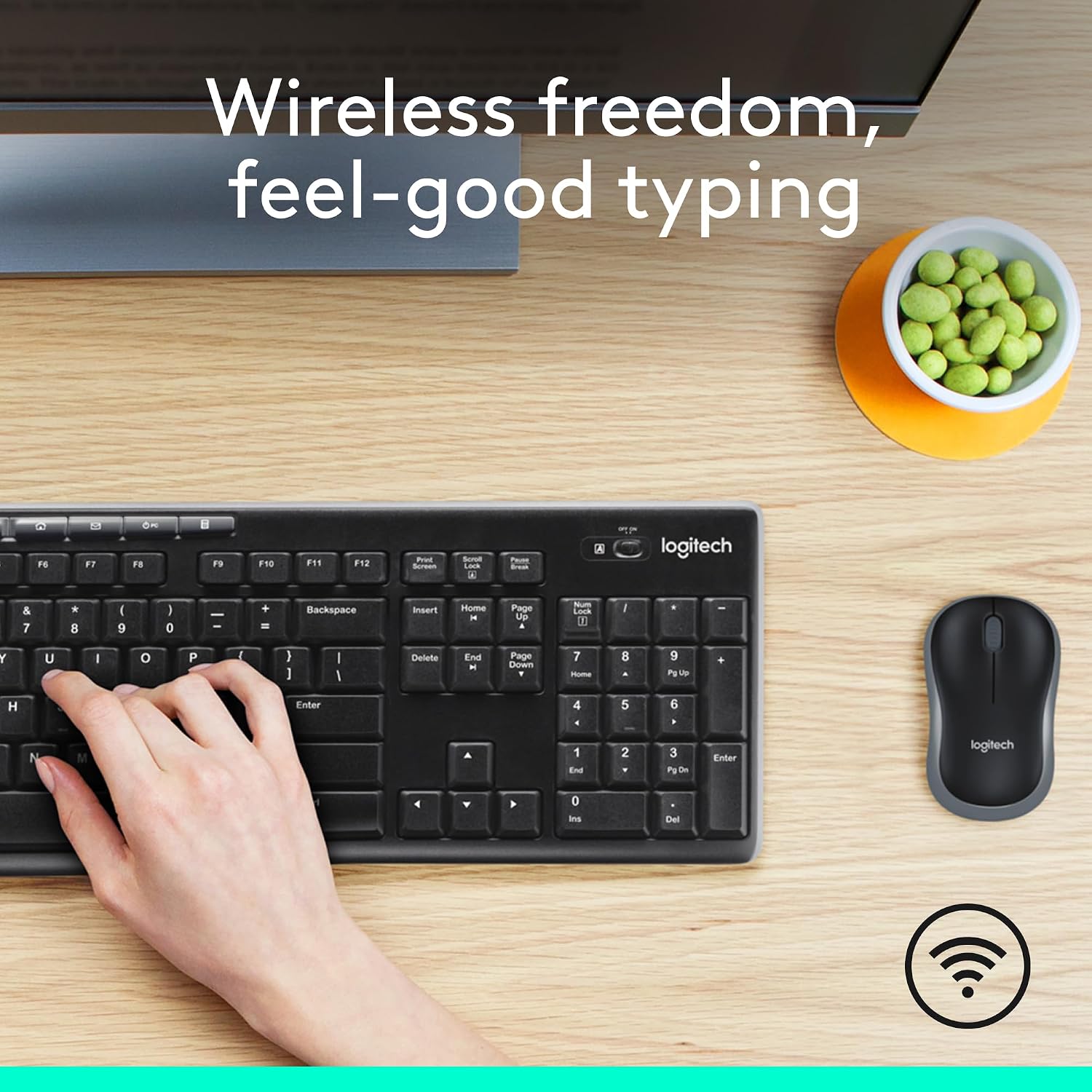
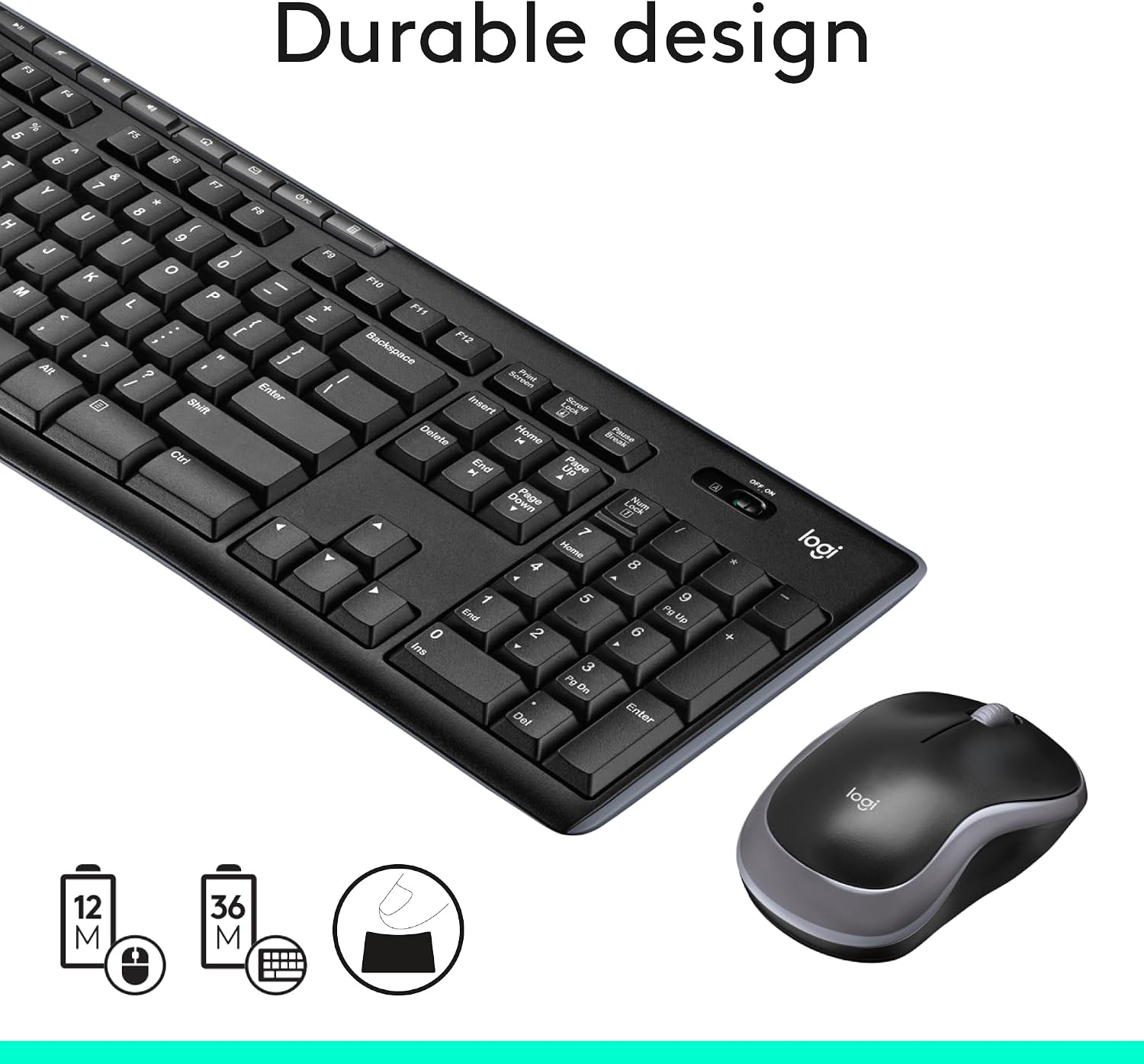
This bundle uses a USB receiver to maintain a wireless link up to 33 ft, which helps minimize drop-outs in typical home or small-office layouts. The keyboard features a full-size layout with low-profile, quiet keys, a number pad, and standard F-keys, along with adjustable tilt legs for a couple of typing angles. It has a spill-resistant design and sturdy keys, which can be reassuring in busy workspaces. Battery life is generous in both devices: about 36 months for the keyboard and 12 months for the mouse, with on/off switches to reduce standby drain. The mouse is ambidextrous-friendly and designed for smooth cursor control on most surfaces. Eight multimedia hotkeys provide quick access to Internet, email, play/pause, and volume controls. Notably, a portion of the plastic components is recycled post-consumer material (keyboard ~54%, mouse ~49%).
What stands out
On the surface, this MK270 emphasizes ease of use and longevity. The plug-and-play setup minimizes the typical friction of new peripherals, which is a plus if you want to avoid driver hassles. The spill-resistant keyboard shell and robust key mechanism contribute to durability in busy environments. The long battery life translates to fewer interruptions for battery changes, which is convenient for users who don’t want to fiddle with devices weekly. The ambidextrous mouse and full-size keyboard combo can create a cohesive, comfortable desk workflow for right- or left-handed users.


Who it’s for
This combo fits office workers, students, or home users who value reliability over flashy features. If your priority is a straightforward, comfortable typing experience with dependable wireless connectivity and long battery life, the MK270 checks those boxes. It’s also a reasonable choice if you’re upgrading from a basic wired setup and want to minimize clutter without stepping into high-end gear.
What to know before you buy
- Range and signal: 33 ft of reliable wireless connection at typical desk distances, consider layout if you have a lot of metal obstacles or multiple rooms between desk and PC.
- Durability: spill-resistant keyboard and durable keys help in everyday use but aren’t a substitute for careful handling.
- Comfort: full-size layout with a calm typing feel, if you prefer a sculpted or low-profile keyboard with a palm rest, this may feel basic.
- Batteries and maintenance: long-life batteries reduce maintenance, yet you’ll still need to monitor battery status and replace as needed.
- Materials: plastic portions include recycled content, which matters if you’re weighing sustainability alongside performance.
- Limitations: it’s marketed as a practical, no-nonsense setup rather than a premium experience, if you need top-tier ergonomics or programmable macros, you may outgrow it.
Buying decision
Is it worth it? - If you want a straightforward, plug-and-play wireless duo with long battery life and a comfortable full-size keyboard, this MK270 is a sensible baseline option. It prioritizes reliability and ease over advanced customization. - You’ll appreciate it if you prefer a low-maintenance setup with a simple pairing process and want a basic ambidextrous mouse that works on most surfaces. - It might not be the best choice if you’re seeking premium typing comfort (e.g., scooped keys or palm rest) or highly customizable shortcuts. - For budget-conscious buyers updating from a wired setup, you’ll likely see tangible improvements in wireless convenience and desk tidiness.
What to check before buying: - Ensure your workspace isn’t unusually obstructed, which could affect wireless range. - Consider whether you want more ergonomic features or a different form factor (e.g., curved or compact keyboards). - Confirm that the included multimedia keys align with how you typically navigate content and media.
Practical usage example: you’re setting up a home office with a single monitor and a USB-C hub. The keyboard sits near the monitor, the mouse on a mousepad, and you use the media keys to control music during breaks. The long battery life means you won’t be swapping batteries every few weeks, which is a nice relief during busy workdays.
FAQ - How easy is it to switch between devices? The MK270 is a single USB receiver setup, so there’s no multi-device switching mentioned in the data provided. - Can I use the keyboard on a glass desk? The description notes compatibility with most surfaces for the mouse, a glass desk could sometimes affect tracking depending on the surface. Practical testing is advised. - Is this a good starter pack for a first-time wireless user? Yes, its plug-and-play nature and long battery life make it beginner-friendly and low-maintenance.