

FOPETT Wireless Keyboard and Mouse Combo (2.4G) with 104-Key Retro Typewriter Style Keys
Product description
The essentials
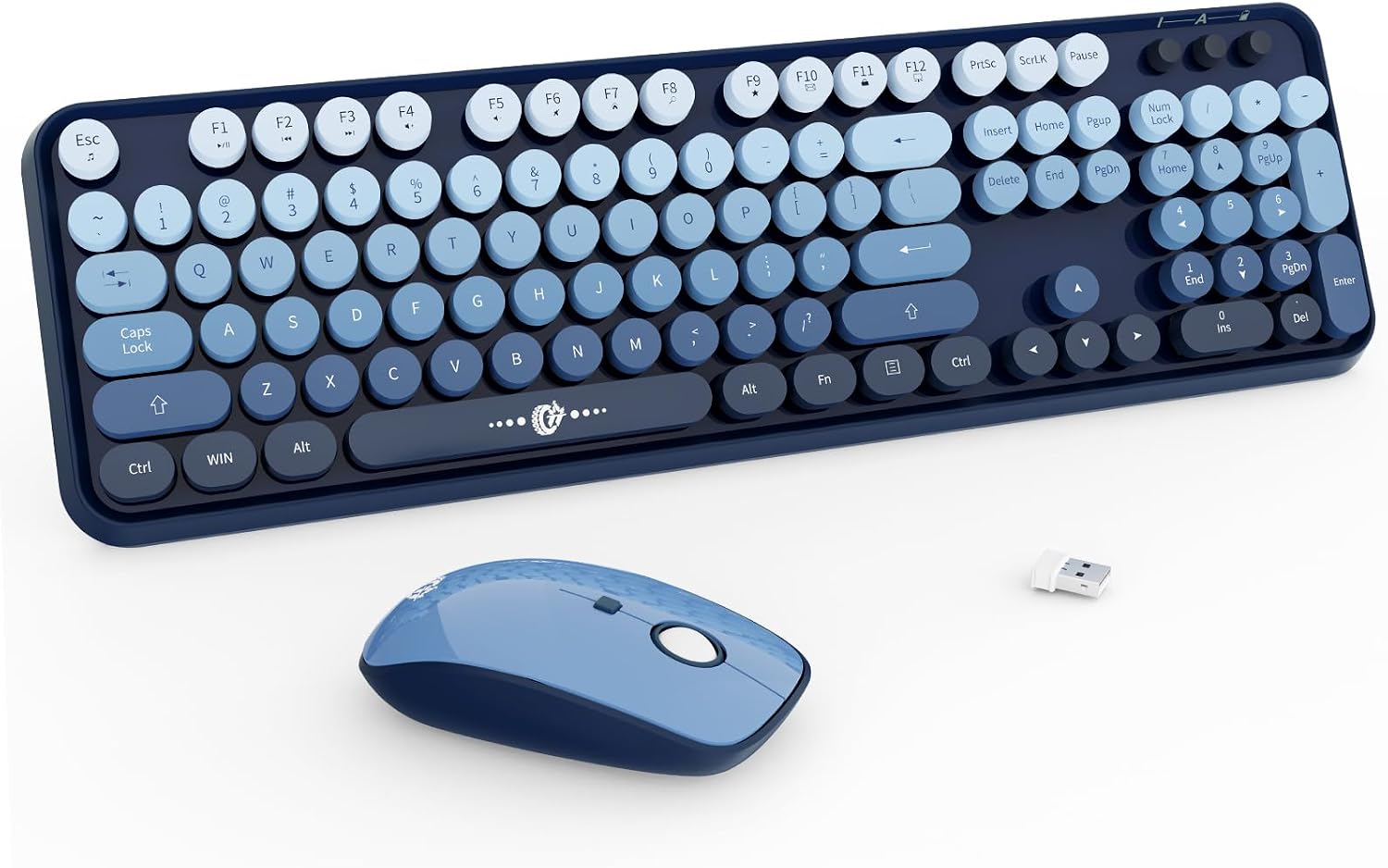
If you want a wireless keyboard and mouse combo that keeps your desk tidy and gets out of the way, the FOPETT 2.4G set is built around a simple idea: plug in once, then type and click without extra software. On paper, it’s a full-sized 104-key keyboard with a 2.4GHz wireless connection and a cute retro typewriter-inspired keycap look (rounded keycaps in a blue gradient vibe).
This is the kind of combo that makes sense when you’re setting up a laptop/desktop workspace and you don’t want to juggle cables—or a complicated setup process. It also leans practical with features like auto-sleep for energy saving and a shared nano USB receiver that stores at the bottom of the mouse.
That said, it may not be perfect for everyone. If you’re very picky about silent performance levels in real life or you need Mac hotkey behavior to be fully consistent, there’s some room for disappointment. It’s a solid mid-leaning convenience pick, not a precision workstation tool.
What it’s for (and how it feels to use)
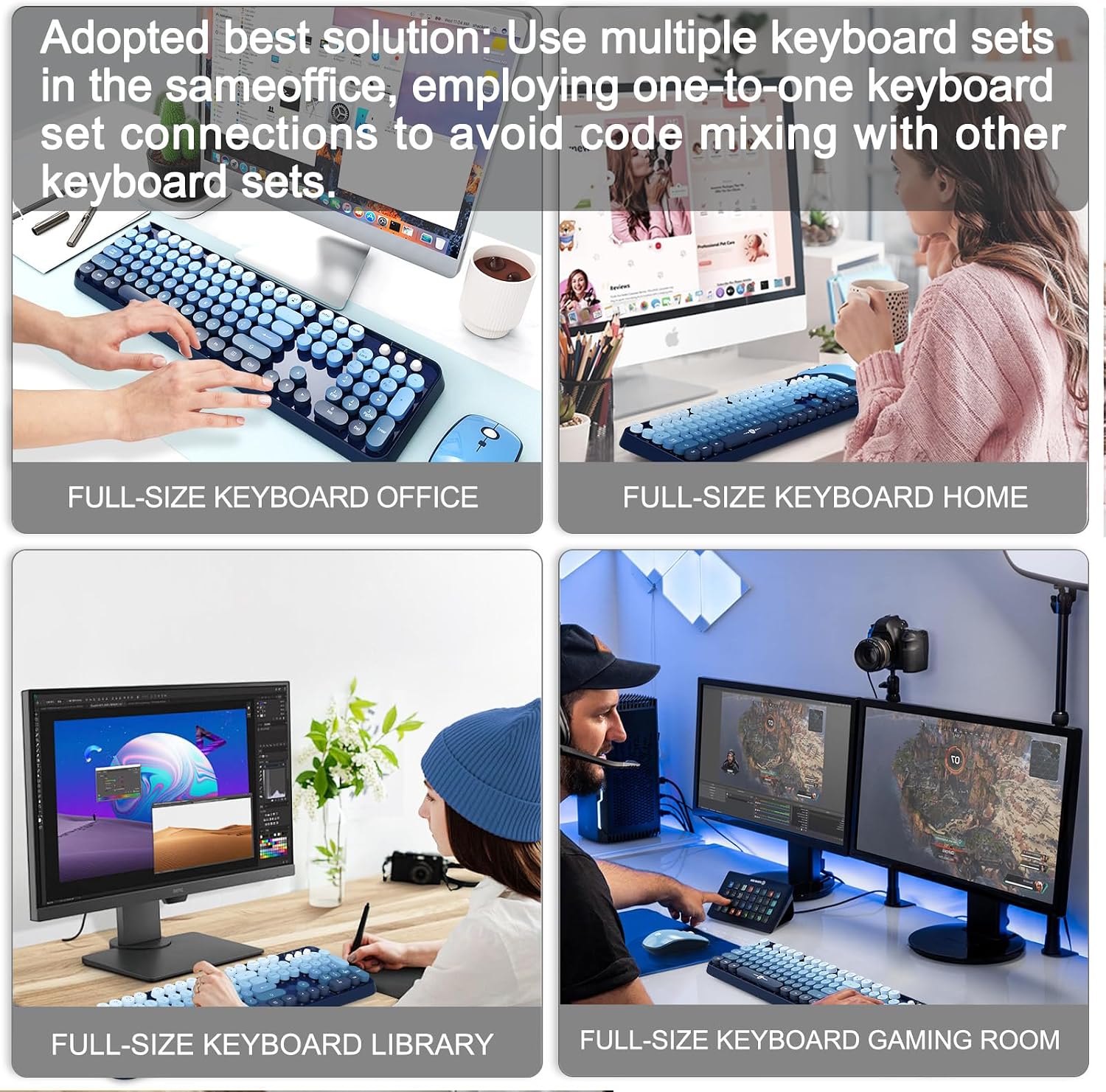
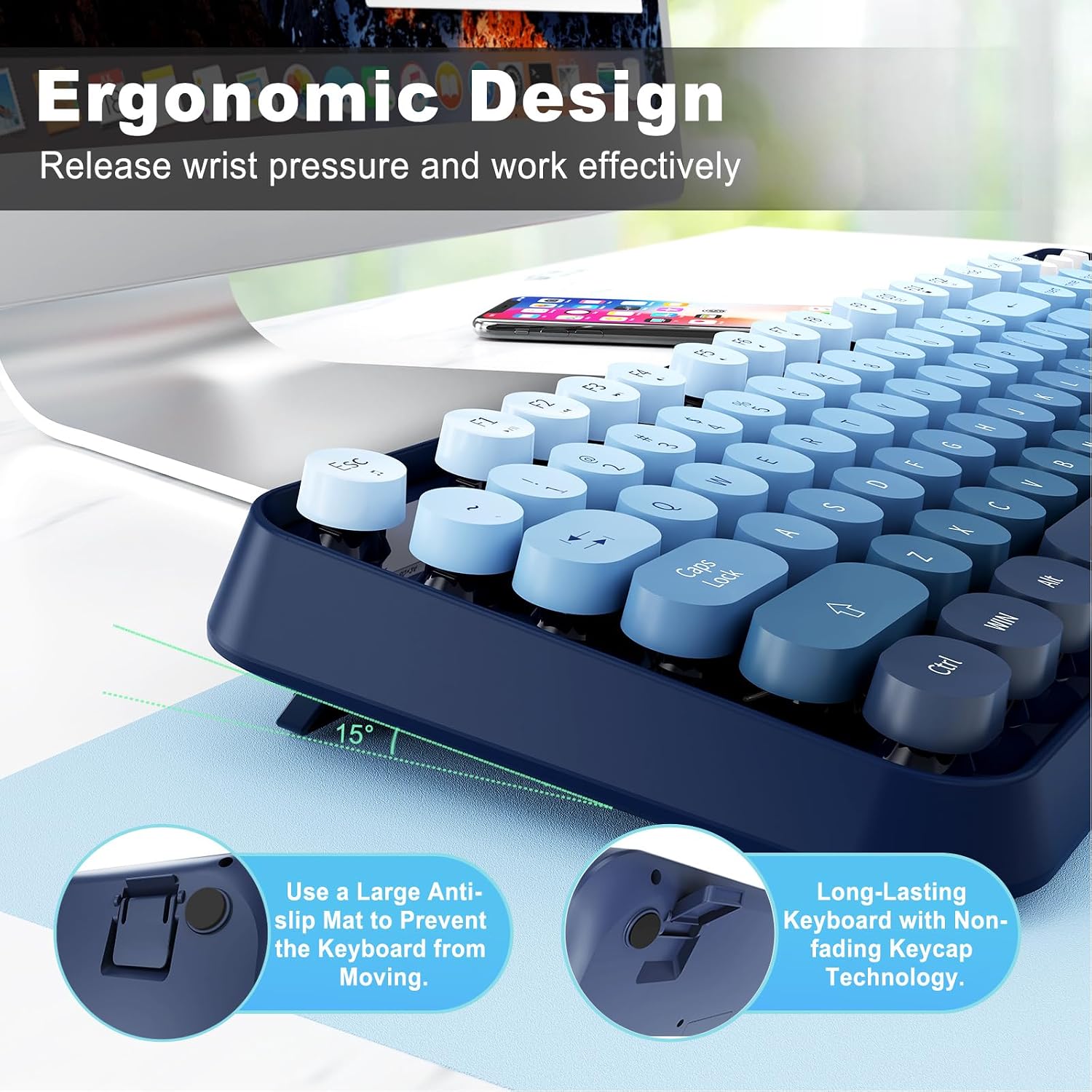
For everyday work—emails, web browsing, spreadsheets, and general “computer life”—a full-sized 104-key layout can be a relief. You’re not forced into mini keys or cramped spacing, so it’s easier to keep your rhythm whether you’re writing or gaming casually.
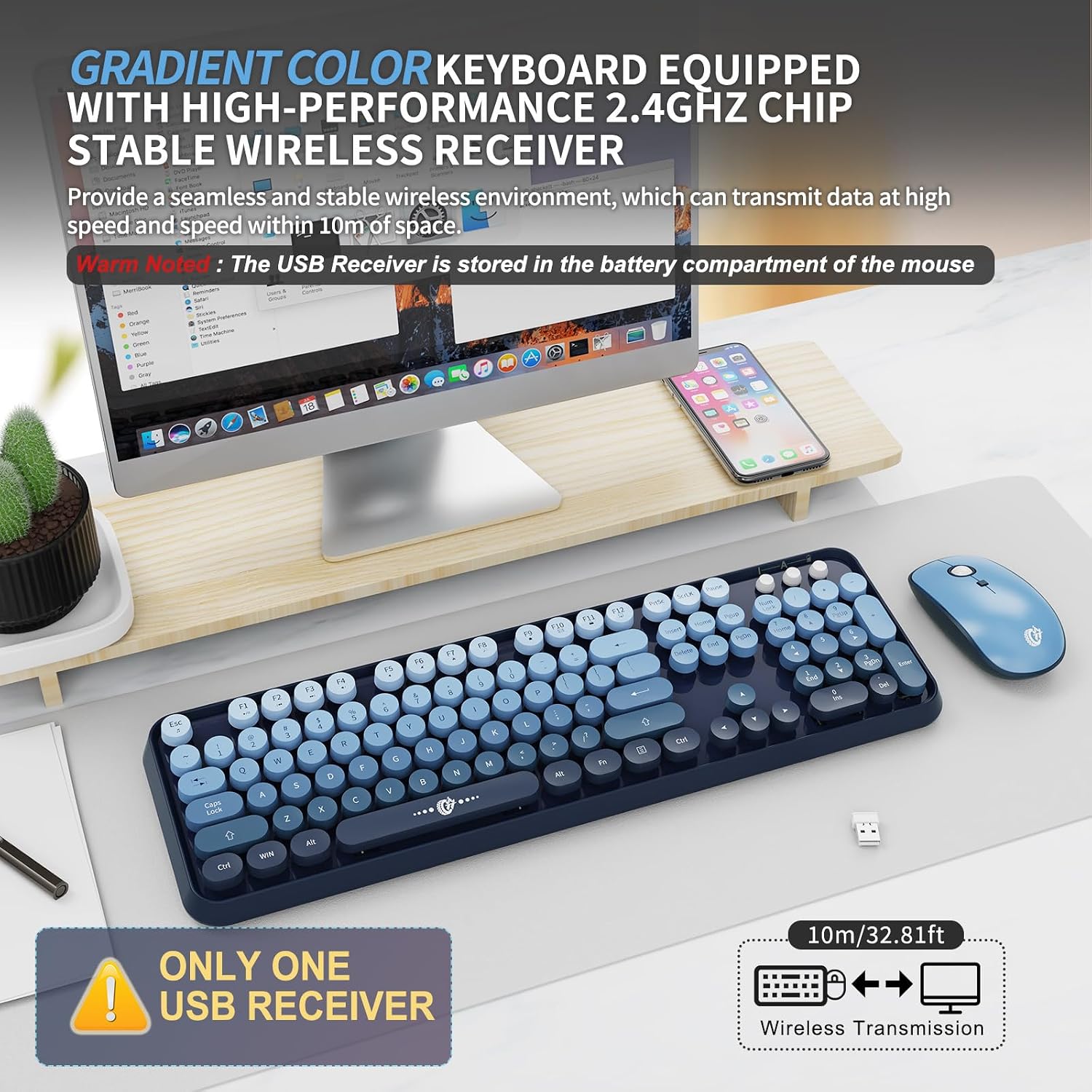
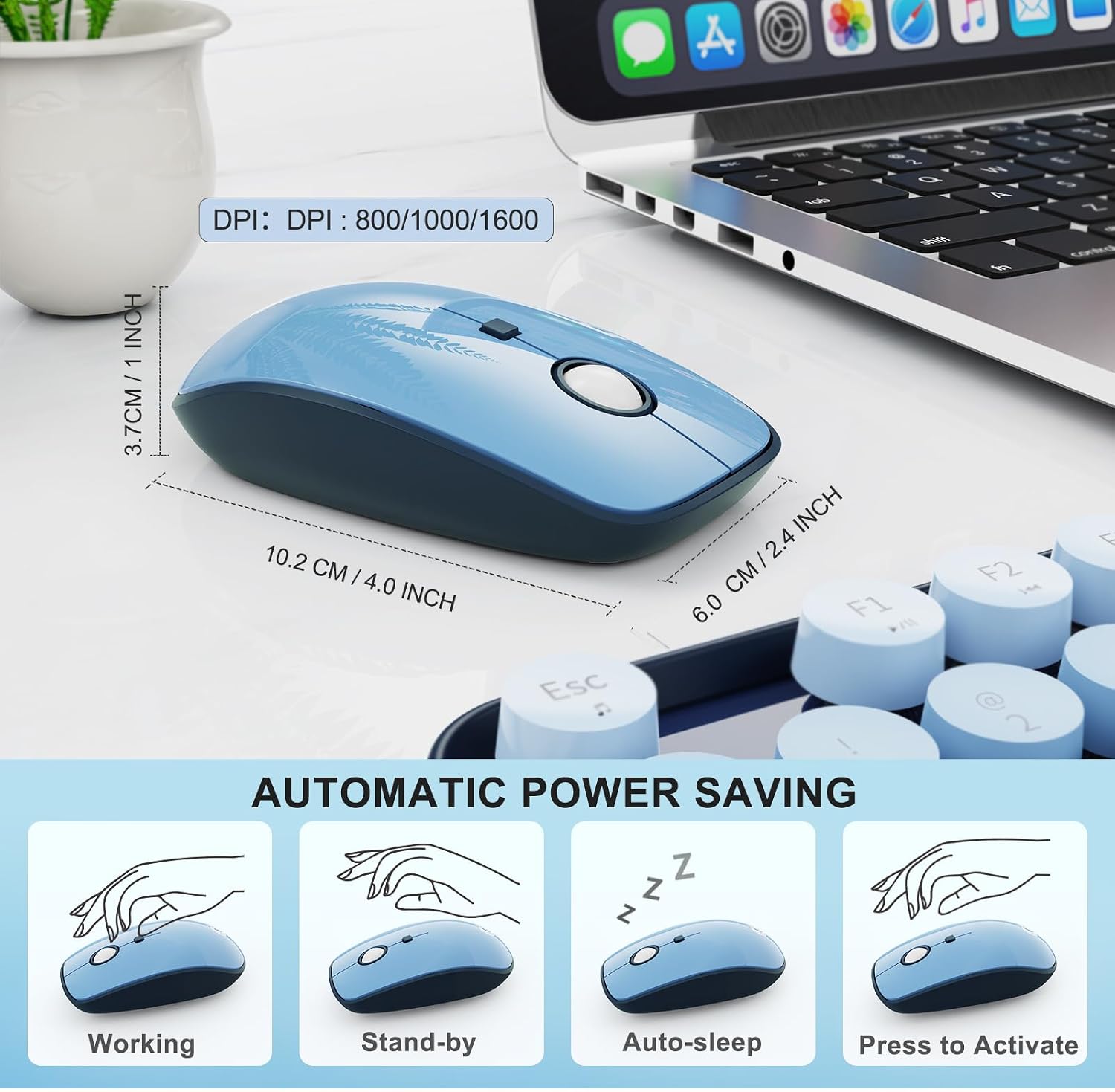
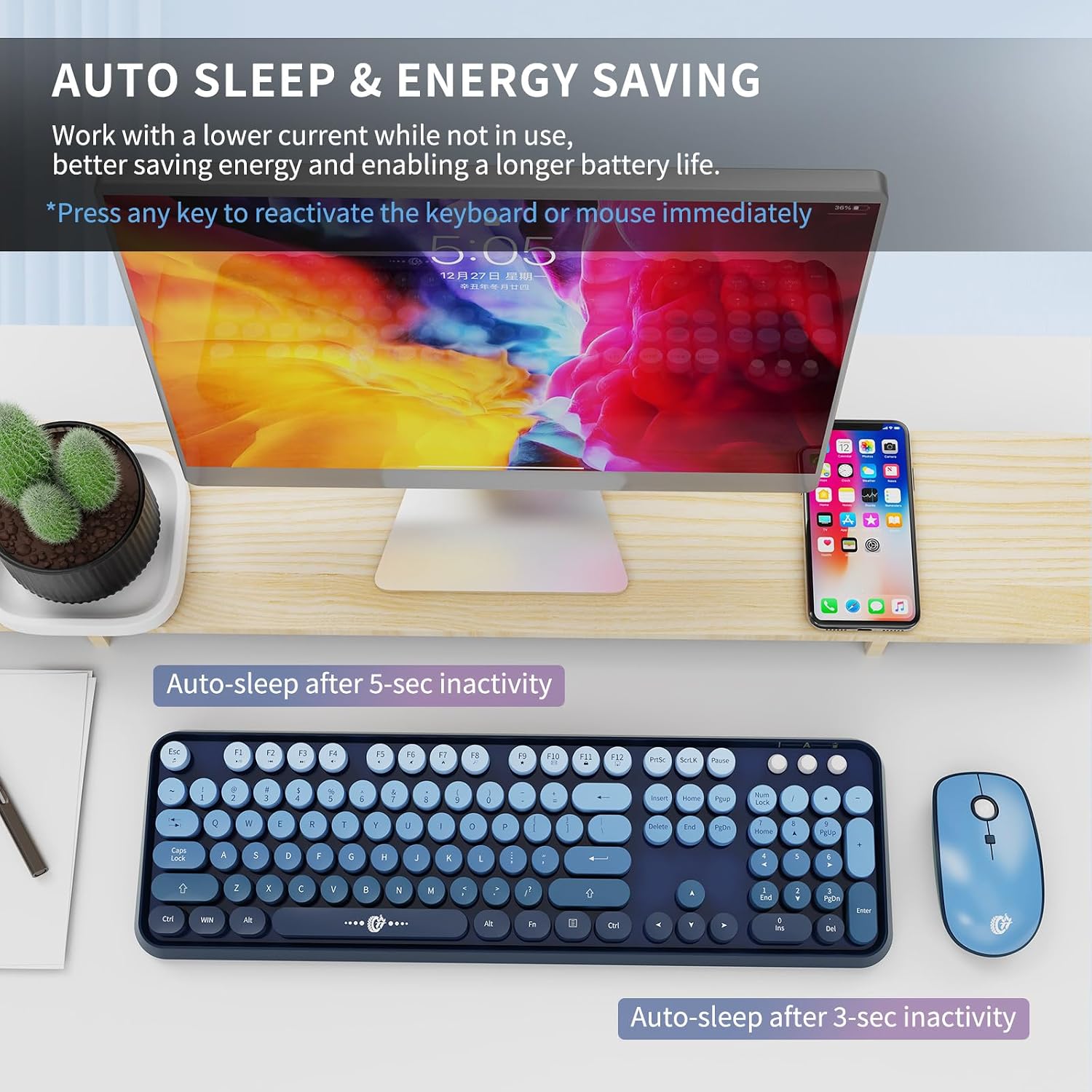
In day-to-day use, the combo’s value shows up fast: - The 2.4G wireless setup is described as plug and play with a shared nano receiver. - The mouse is designed for quiet clicking (described as nearly silent using micro-motion tech), so it’s less likely to create distracting knocks. - There’s an auto-sleep behavior after 60 seconds of inactivity, then press any key to wake.
If you picture a home office desk, a dorm setup, or a secondary computer you want to keep simple, this combo fits the vibe. It’s especially appealing if you like the retro typewriter look and want it without going full mechanical-keyboard rabbit hole.
Key points
This keyboard and mouse combo is built to be low-fuss: one nano receiver for both devices, wireless 2.4GHz connectivity, and energy-saving auto-sleep.
The keyboard is full size with 104 keys and is paired with rounded, vintage-inspired keycaps. The mouse includes adjustable DPI (800/1000/1600) for faster cursor movement when you want it, while aiming to keep clicks quiet.
One limitation to keep in mind: the hotkeys may not be fully compatible with Mac systems, so if Mac compatibility is a must, you may want to double-check before committing.
Tech specs
- Name: FOPETT Wireless Keyboard and Mouse Combo
- Type: Wireless keyboard and mouse set (2.4G)
- Format: Shared 2-in-1 nano USB receiver (stored at bottom of mouse)
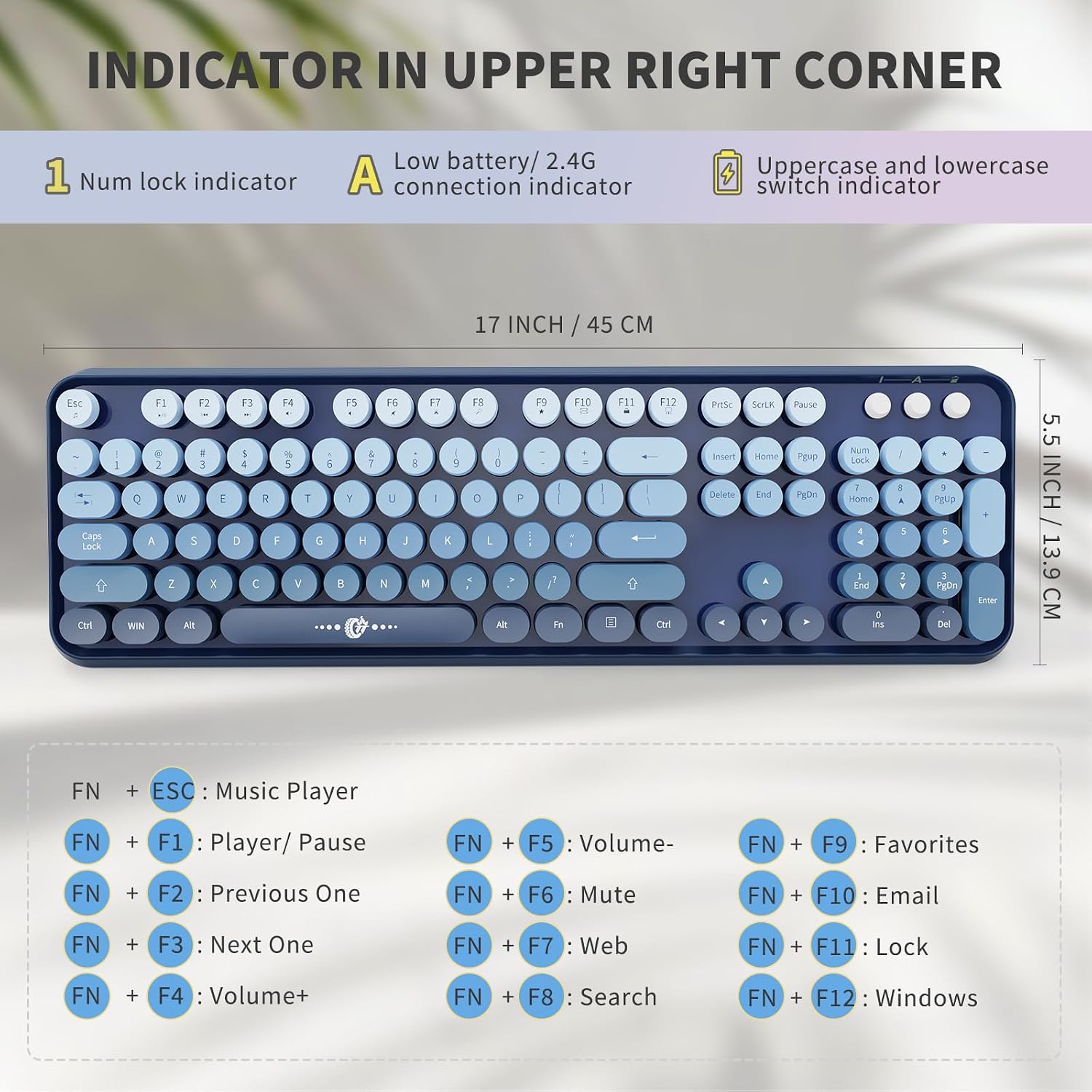
- Size: Keyboard 13.5 x 4.2 x 1.2 inch, Mouse 3.4 x 1.9 x 1 inch
- Capacity: 104 keys (full-sized layout)
- Refresh rate: Not specified
- Processor: Not specified
- Memory: Not specified
- Material: Not specified
- Color: Blue gradient (keyboard)
- Display: Not specified
Battery notes (important): The mouse and the keyboard both require 1.5V AA batteries (not included).
Where it shines (and where it may fall short)
Where it shines is the everyday mix of convenience and desk-friendliness. The shared receiver means fewer USB ports taken up, and the storage location under the mouse helps you not lose it. The auto-sleep feature is a nice “set it and forget it” touch for energy saving, and the quiet-click approach is clearly aimed at reducing distractions for your household.
Where it may fall short is mostly expectation management. Quiet is described as nearly silent for the mouse clicks, but depending on your environment and sensitivity, you might still notice some sound. Also, the battery requirement (AA, not included) means you’ll want to have spares on hand.
And for Mac users: the listing specifically notes that hotkeys may not be fully compatible with Mac systems. That’s one of those details that matters more than people expect—especially if you rely on function shortcuts.
Compatibility & requirements
Compatibility is described as broad for Windows devices (Windows XP/ME/Vista/7/8/10/11) and for devices with a USB slot. It’s also said to work with PCs, laptops, MacBooks, desktops, Chromebooks, and even Smart TVs.
Just take the Mac hotkey note seriously: hotkeys may not be fully compatible with Mac systems, so compatibility for “basic typing and pointing” could be fine, but shortcut behavior may not match what you expect.
Is it worth it?
Buy it if you want a straightforward wireless keyboard and mouse combo for a Windows-focused setup, value a full-sized 104-key layout, and care about keeping your desk uncluttered with a shared nano receiver. It’s also a good match if you like the retro typewriter keycap look and prefer a quieter mouse clicking experience.
Skip it if you strongly need Mac hotkey reliability, don’t want to deal with AA batteries (since they’re not included), or you expect top-tier customization and advanced software control—this is presented as plug and play, not a feature-heavy keyboard ecosystem.
Mini FAQ - Does it require extra software? The setup is described as plug and play, eliminating the need for additional software installation. - How far does the wireless connection reach? The range is described as up to 10 meters (393.7 inches) for the keyboard and mouse combo. - Does it have adjustable mouse sensitivity? Yes, the mouse DPI levels are listed as 800/1000/1600. - Will it work with Mac systems? The listing says hotkeys may not be fully compatible with Mac systems, though it mentions compatibility with MacBooks. - Are batteries included? No. Both the keyboard and mouse require 1.5V AA batteries (not included).