

LEMOKEY P1 HE 75% Wireless Mechanical Keyboard with Magnetic Gateron Switches — Fully Assembled (Black)
Product description
What this keyboard is and who it’s for
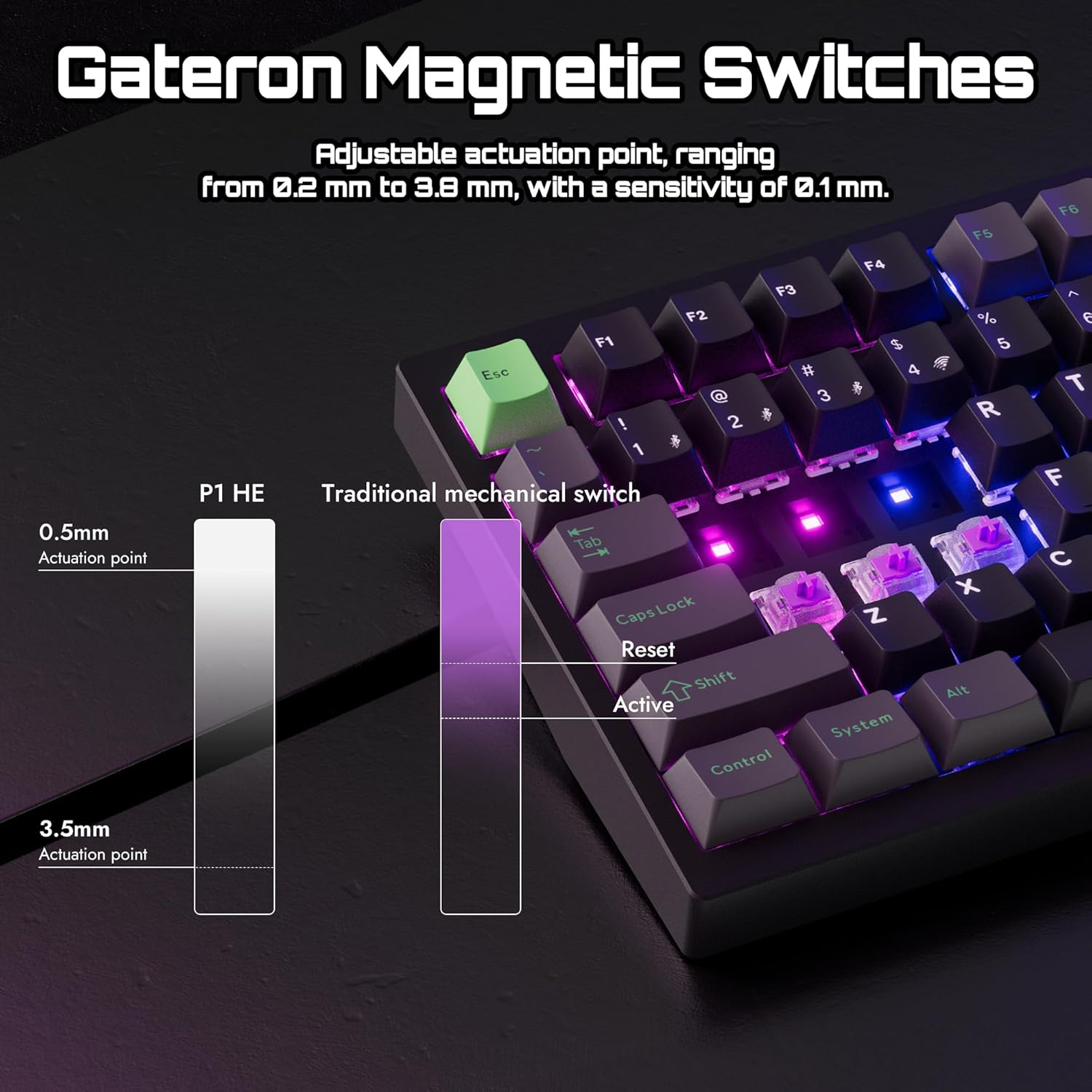
The LEMOKEY P1 HE 75% is a compact, fully assembled wireless mechanical keyboard designed for gamers who want speed, precision, and a clean desk setup. At its core are magnetic Gateron switches arranged on a 75% layout, offering a balance between compactness and full gaming functionality. If you value quick keystroke response, solid build quality, and a customizable typing experience, the P1 HE fits the bill.
How it feels and performs in practice
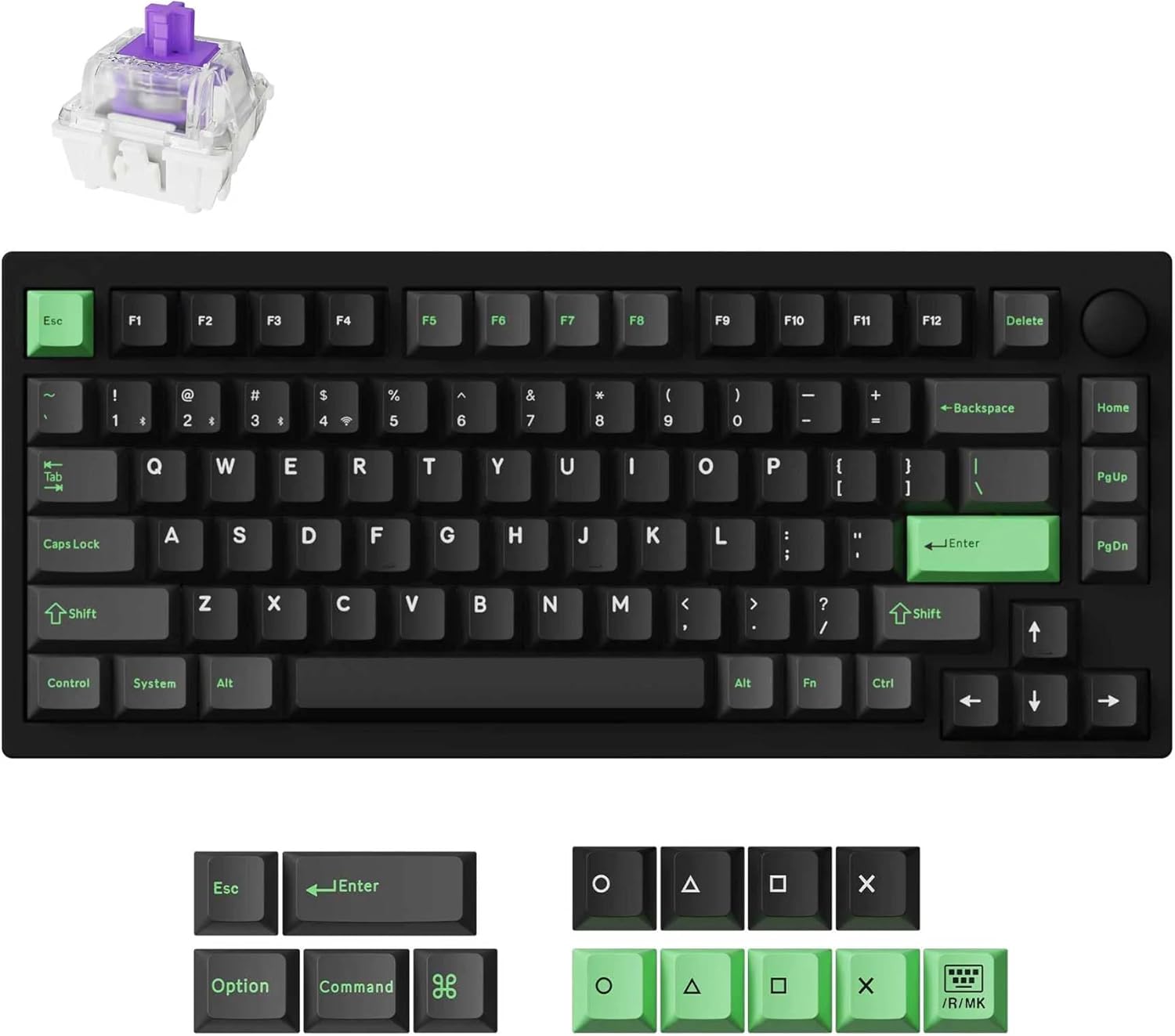
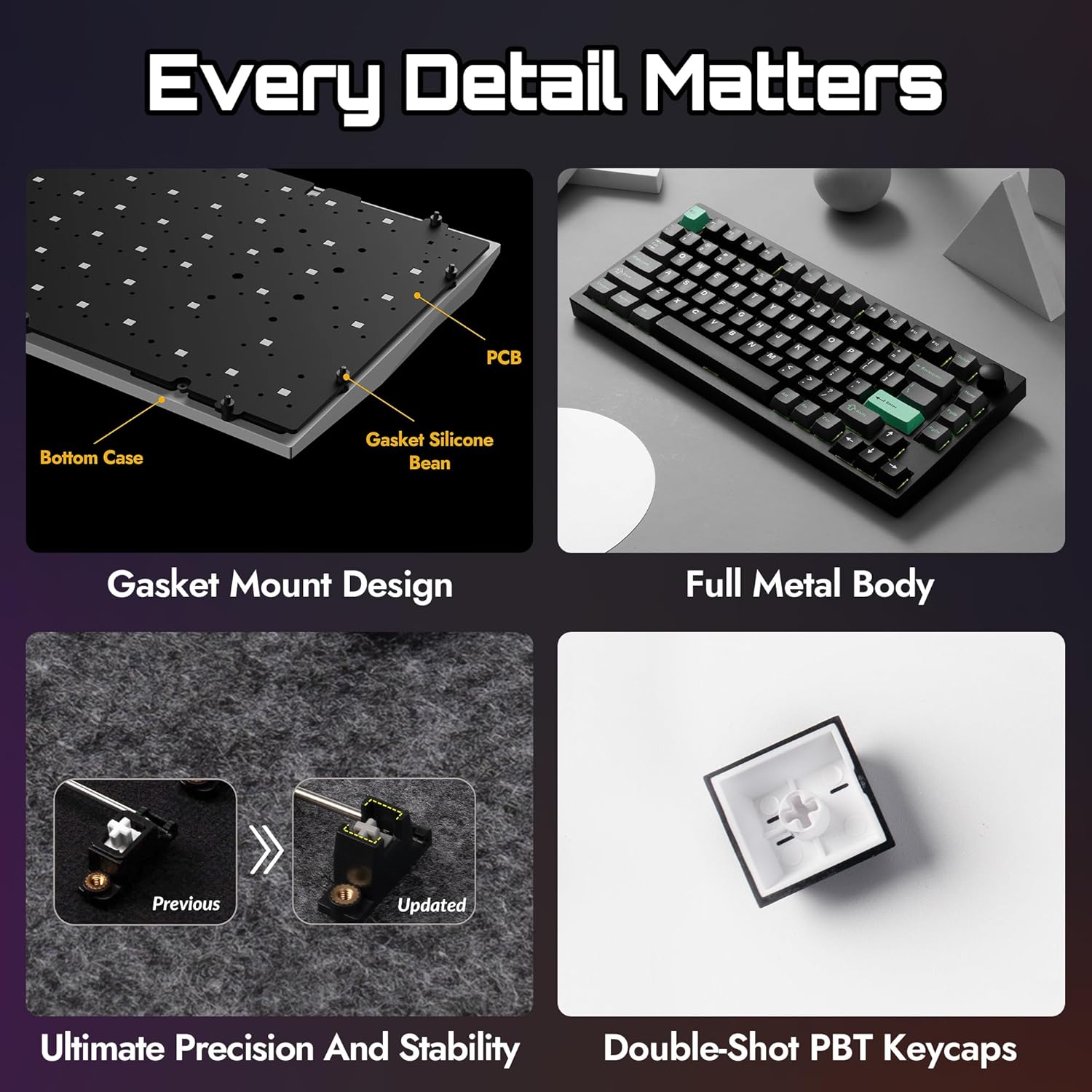
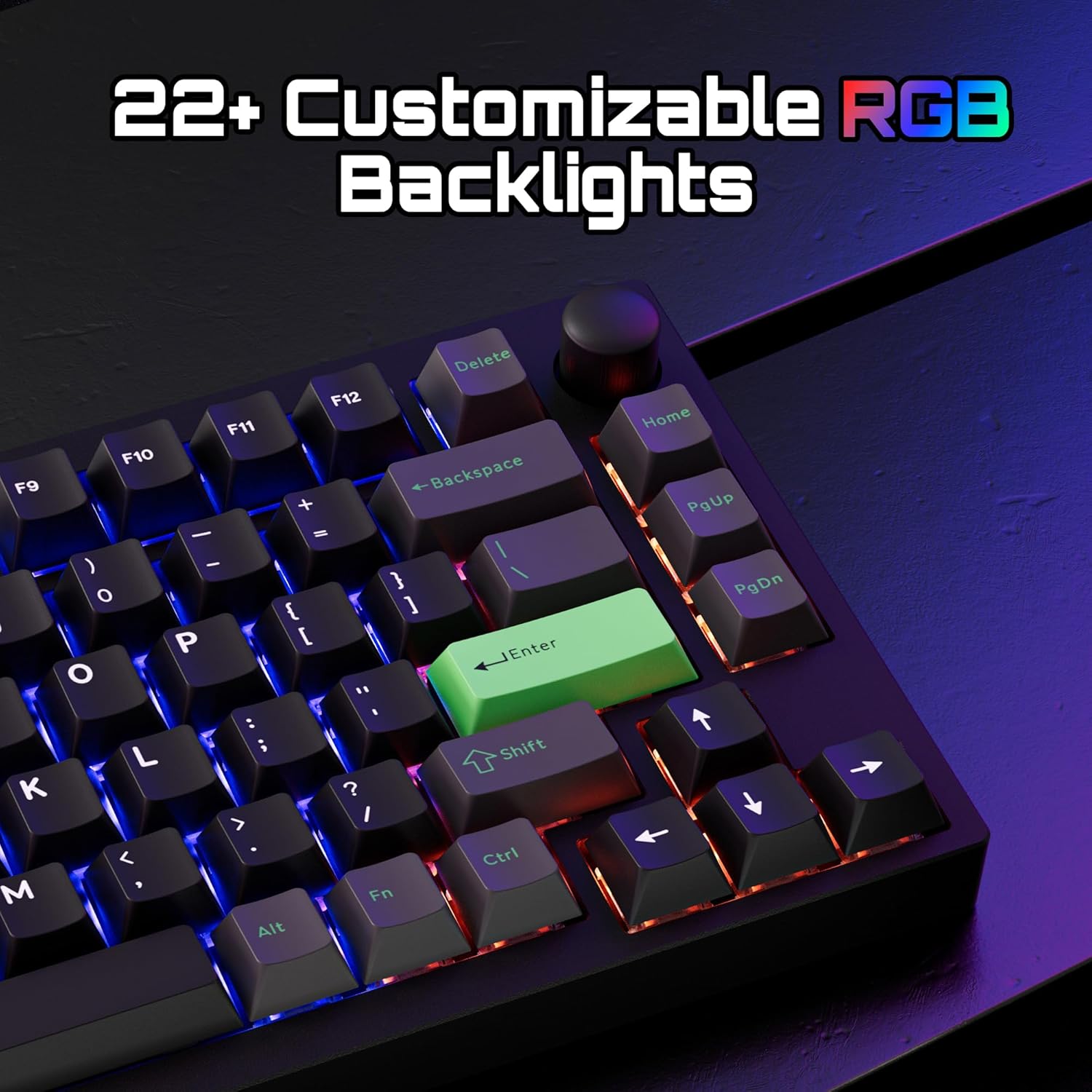
On the surface, you get a full metal chassis that delivers stability during frantic play and long sessions. The gasket mount and acoustic foams are there to reduce rattle and dampen sound, so you’re not fighting clacky feedback in the heat of a match. The keyboard uses hot-swappable switches, so you can swap to different feels without soldering—handy if you want to experiment with actuation points or switch types over time. The included PBT keycaps help improve durability and grip, while RGB lighting stays visible through the keycaps for clarity during late-night gaming.
What stands out on paper
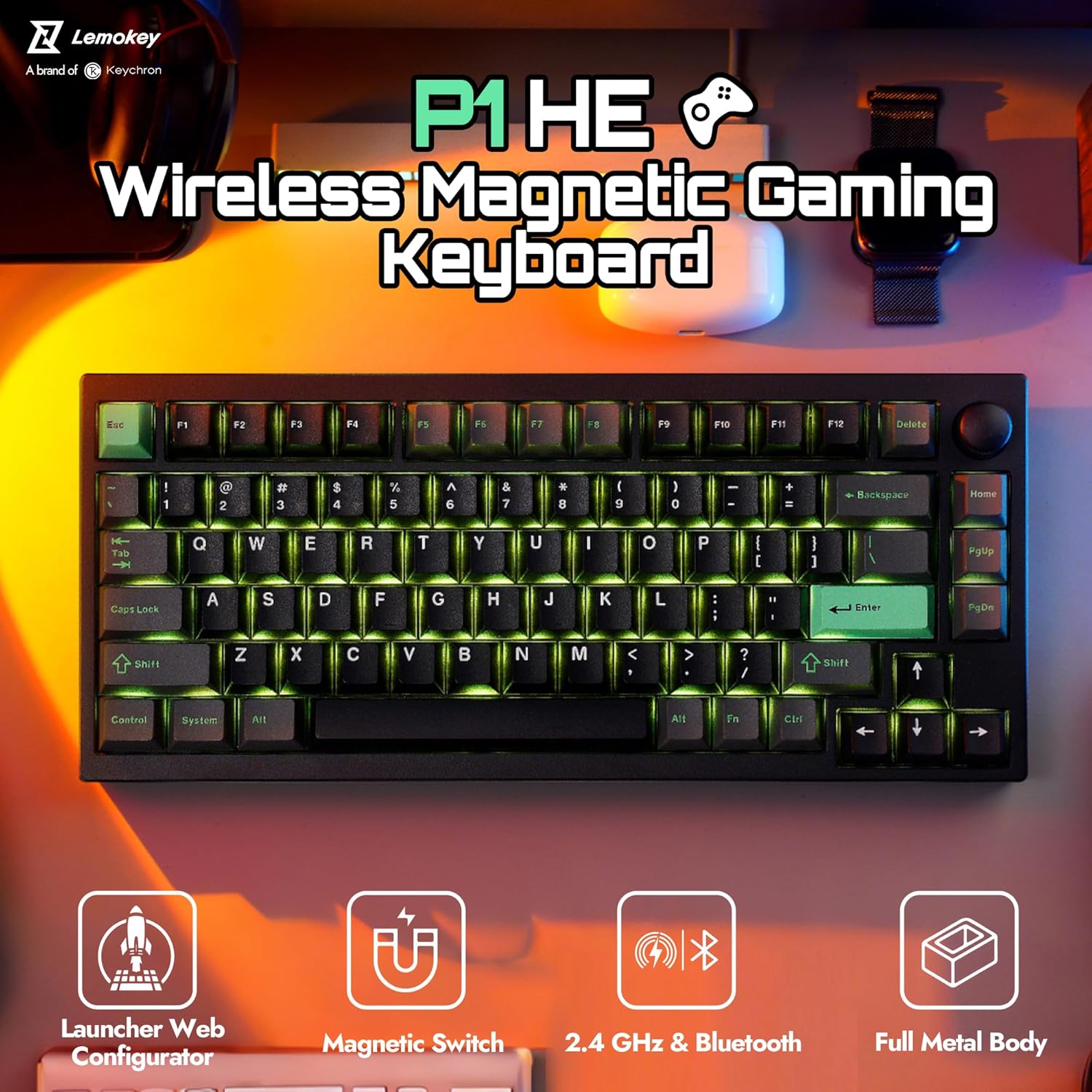
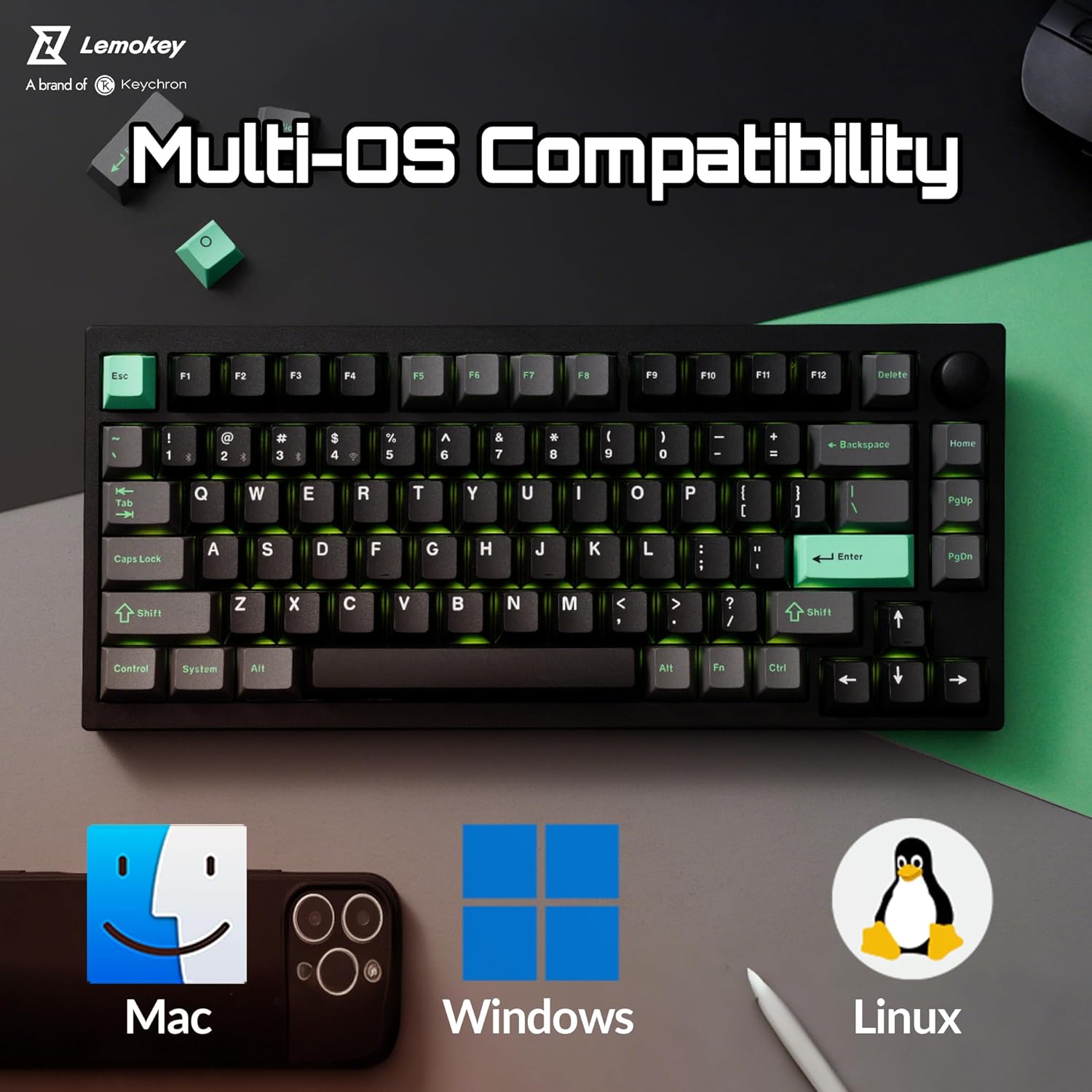
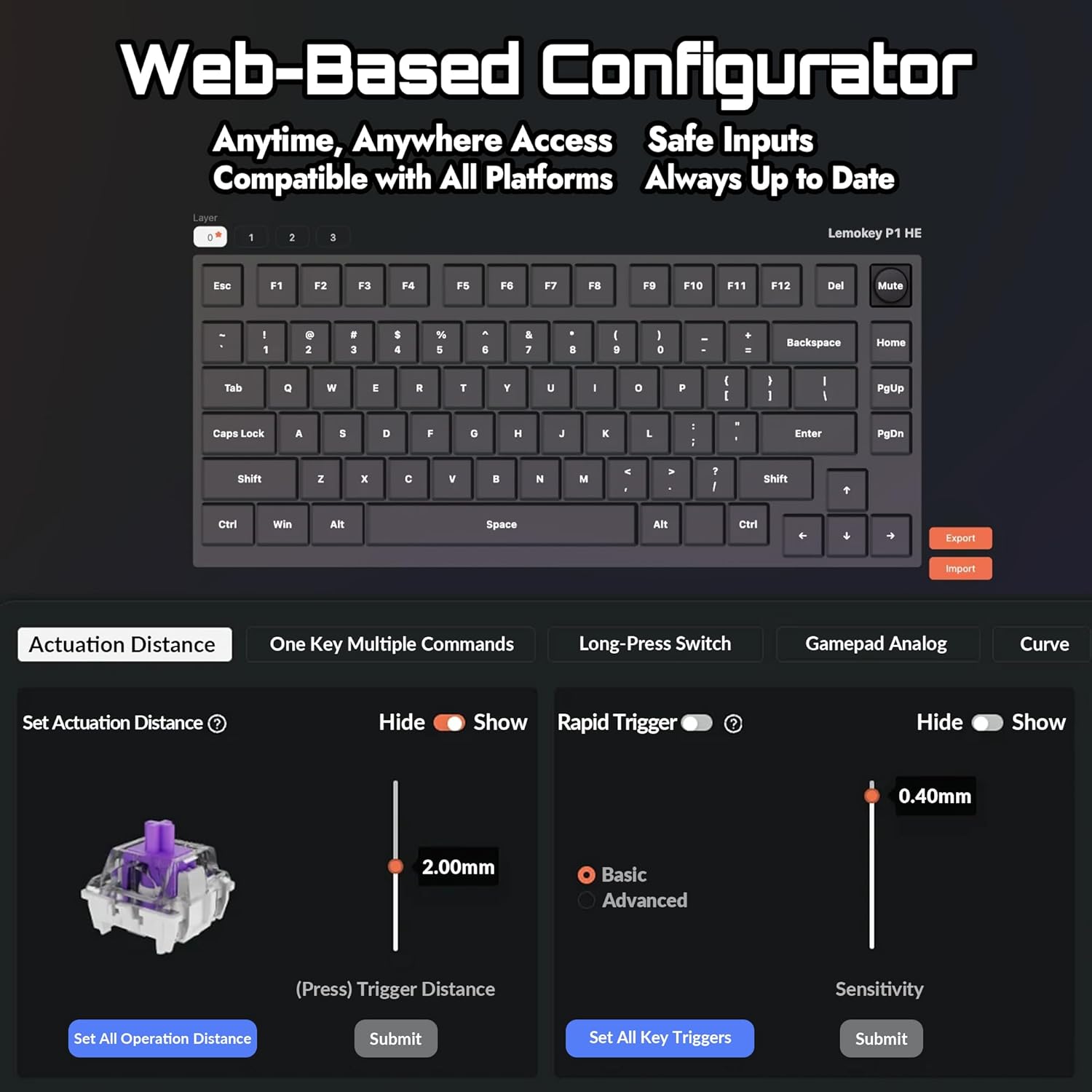
The tri-mode connectivity is a big plus: Bluetooth 5.2 for multi-device pairing, a 2.4 GHz wireless link for low-latency gaming, and a wired option for the most stable connection. A multifunction knob adds on-the-fly control for volume or other macros, which can speed up in-game adjustments or media tasks without pulling focus from the screen. The Launcher Web Configurator is a standout feature for quick customization—remap keys, create macros, adjust actuation points, and enable rapid triggering without installing software.
Potential limitations to consider
No product is perfect for every setup. If you’re primarily a casual typer who doesn’t need multi-device gaming, you may not take full advantage of the wireless versatility. Also, while hot-swapping is convenient, the experience depends on switch compatibility and keycap profile, so expectations should align with a hardware-based customization approach.
Who it’s best for
Gamers who want a compact 75% footprint with high customization, a solid metal build, and the flexibility of three connection methods. It’s a good fit if you value quick access to macros and on-device configuration without software, and you’re comfortable adjusting to a slightly different typing feel through hot-swappable switches.
Who should think twice before buying
If you’re after a larger number of programmable keys, a full-size layout might suit you better. If you don’t need wireless multi-device pairing or a configurable knob, there are less feature-rich options that could be cheaper.
What to check before buying
Ensure your setup can take advantage of all three connection modes and that your preferred peripheral software aligns with the Launcher Web Configurator. Consider the keycap profile and switch choice, since they shape the typing experience and noise level.
How it compares to alternative approaches
This keyboard sits between entry-level compact boards and higher-end gaming keyboards with more extensive macro support. If you want a mid-range, highly customizable compact option with modern wireless flexibility, the P1 HE is a compelling choice, if you require extensive per-key lighting or a broader macro suite, you might look at other layouts or models.
Practical usage example
Imagine a heat-of-the-match scenario where you’re switching between FPS hotkeys and in-game macros. The P1 HE’s 75% footprint saves desk space, the knob lets you adjust volume or mic gain on the fly, and the tri-mode connectivity means you can swap devices without pulling out cables mid-session.
Final decision
Is it worth it?
Worth considering if you prioritize a compact form factor, fast switching between devices, and a highly customizable, solderless upgrade path. It’s not the cheapest option, but the combination of magnetically actuated switches, gasket mounting, and a web configurator makes it stand out in its niche. If you’re after a ready-to-build experience with room to grow, this keyboard is worth a closer look.