

YUNZII C98 Wireless Mechanical Keyboard with Number Pad
Product description
What it is
The YUNZII C98 is a 99-key wireless mechanical keyboard that builds on the brand’s cute cake-themed design by adding a dedicated numeric keypad. It supports Bluetooth 5.0, 2.4G wireless, and USB-C wired modes, making it versatile for a variety of devices and setups. It ships with dye-sub PBT MOA keycaps and a gasket-mounted chassis for a softer, quieter typing experience. If you’re after a keyboard that blends playful aesthetics with practical features, this model is worth considering.
Design and feel
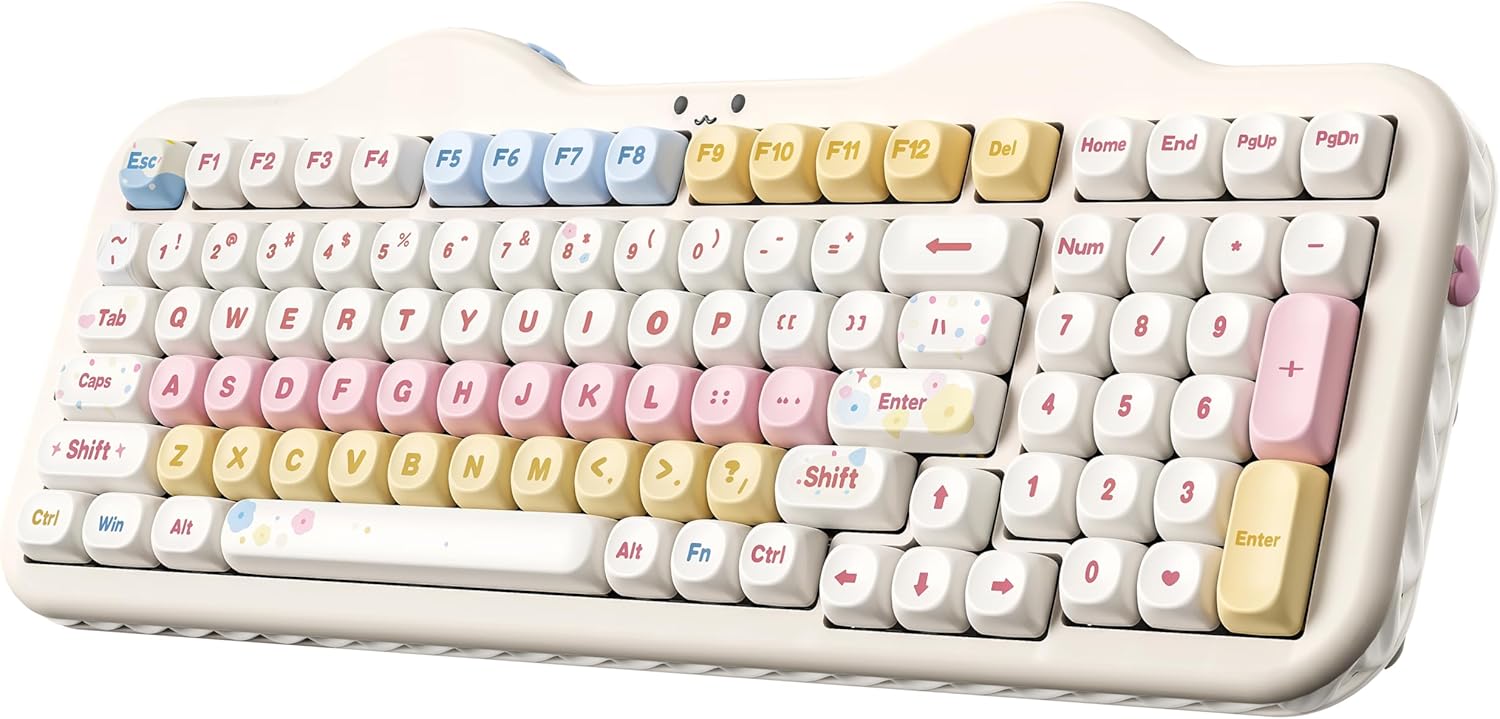
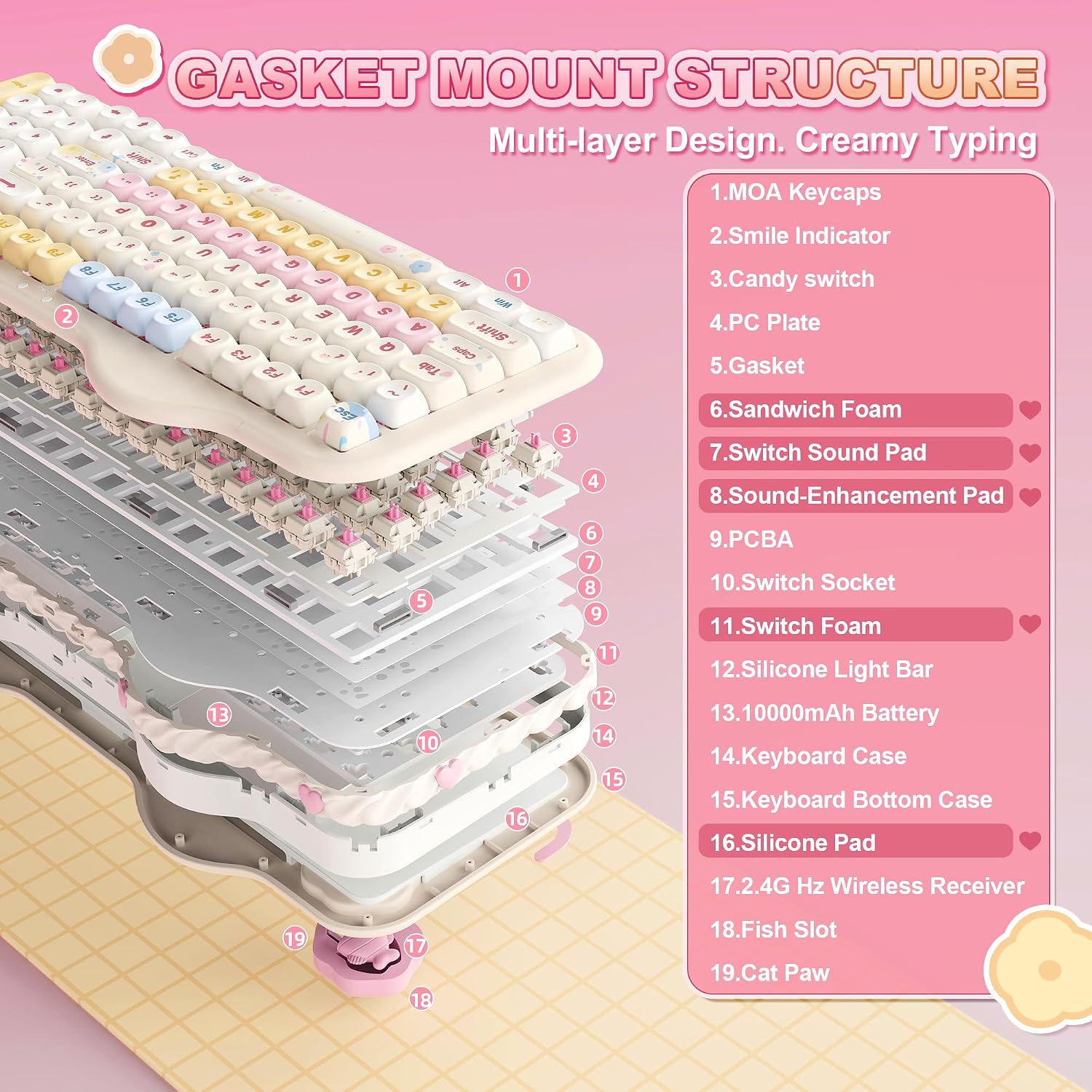
On the surface, the C98 leans into a charming “cake” look while delivering a professional typing surface. The gasket mount with multiple sound-absorbing layers and silicone padding is aimed at reducing noise and rattle, which can matter if you game late or type in shared spaces. The switches are factory-lubed creamy linear, designed to offer smooth keystrokes with a quieter, creamy acoustic profile rather than sharp clicks. This setup may appeal to those who want a tactile but unobtrusive sound footprint.
Connectivity and power
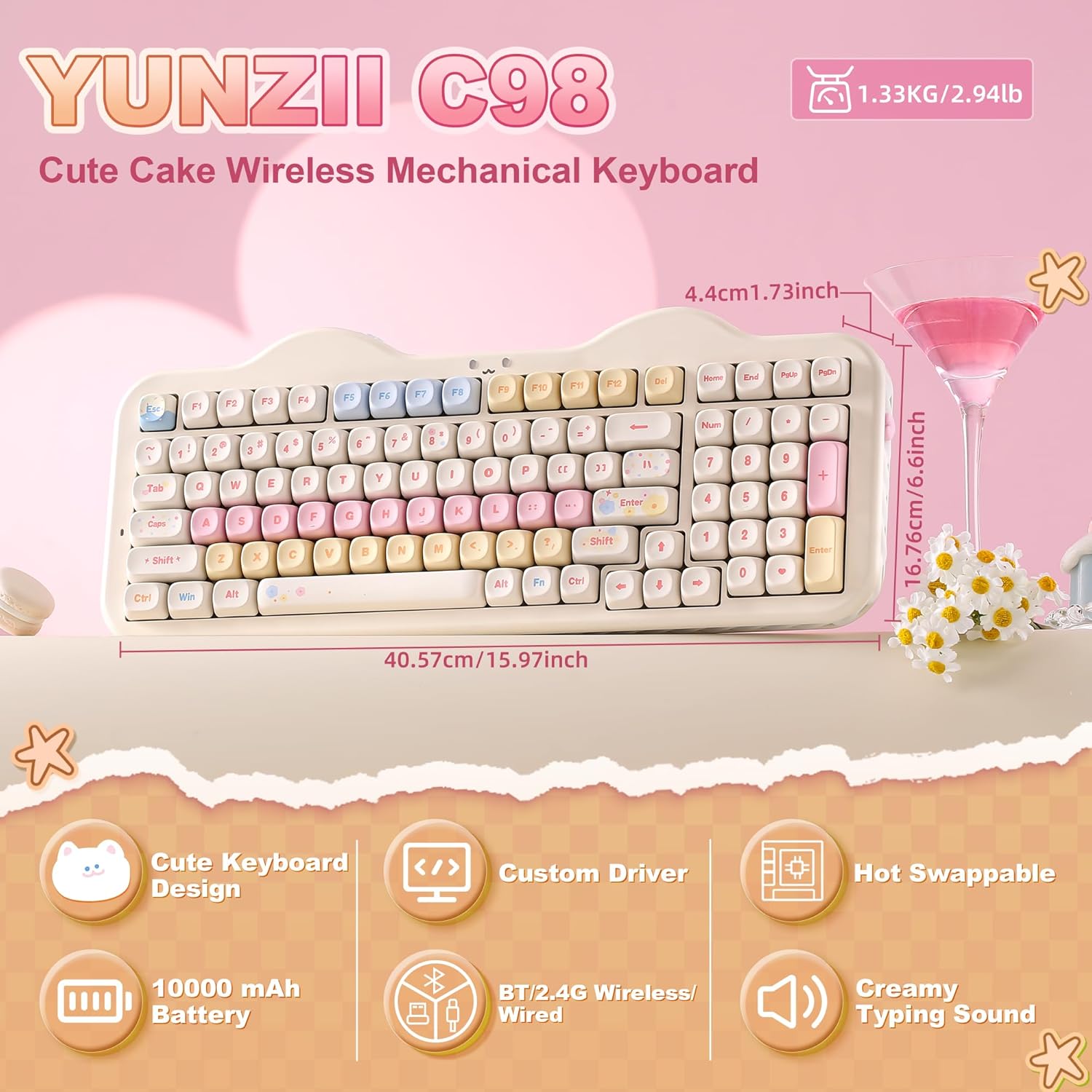
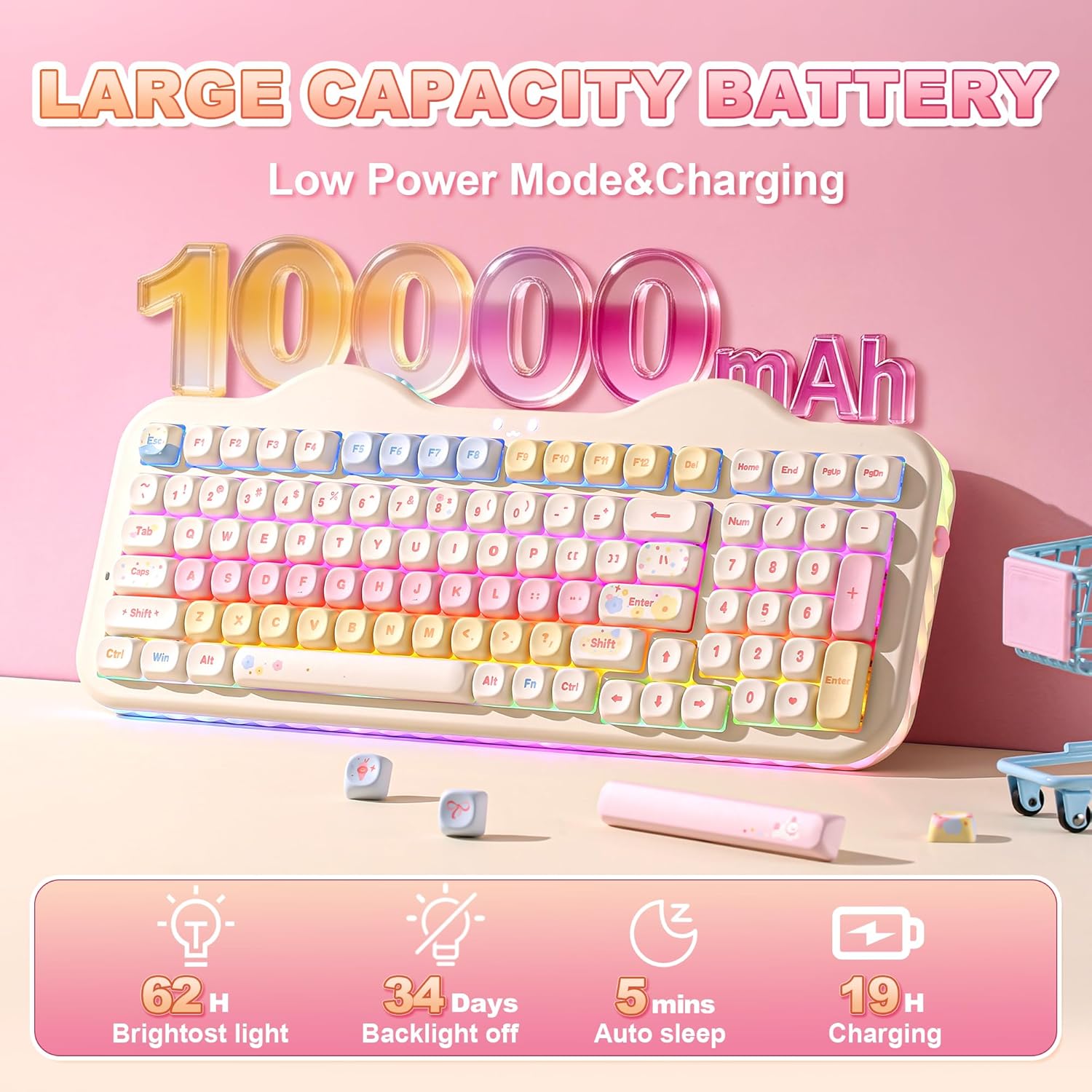
One of the main selling points is connectivity flexibility. The C98 supports triple-mode operation: Bluetooth 5.0, 2.4G wireless, and USB-C wired. It can pair with multiple devices (up to five at once) and switch between PC, Mac, iOS, and Android. The large 10000mAh battery is cited as enabling extended use without frequent charges, which translates to less downtime during work or play sessions.
Customization and software
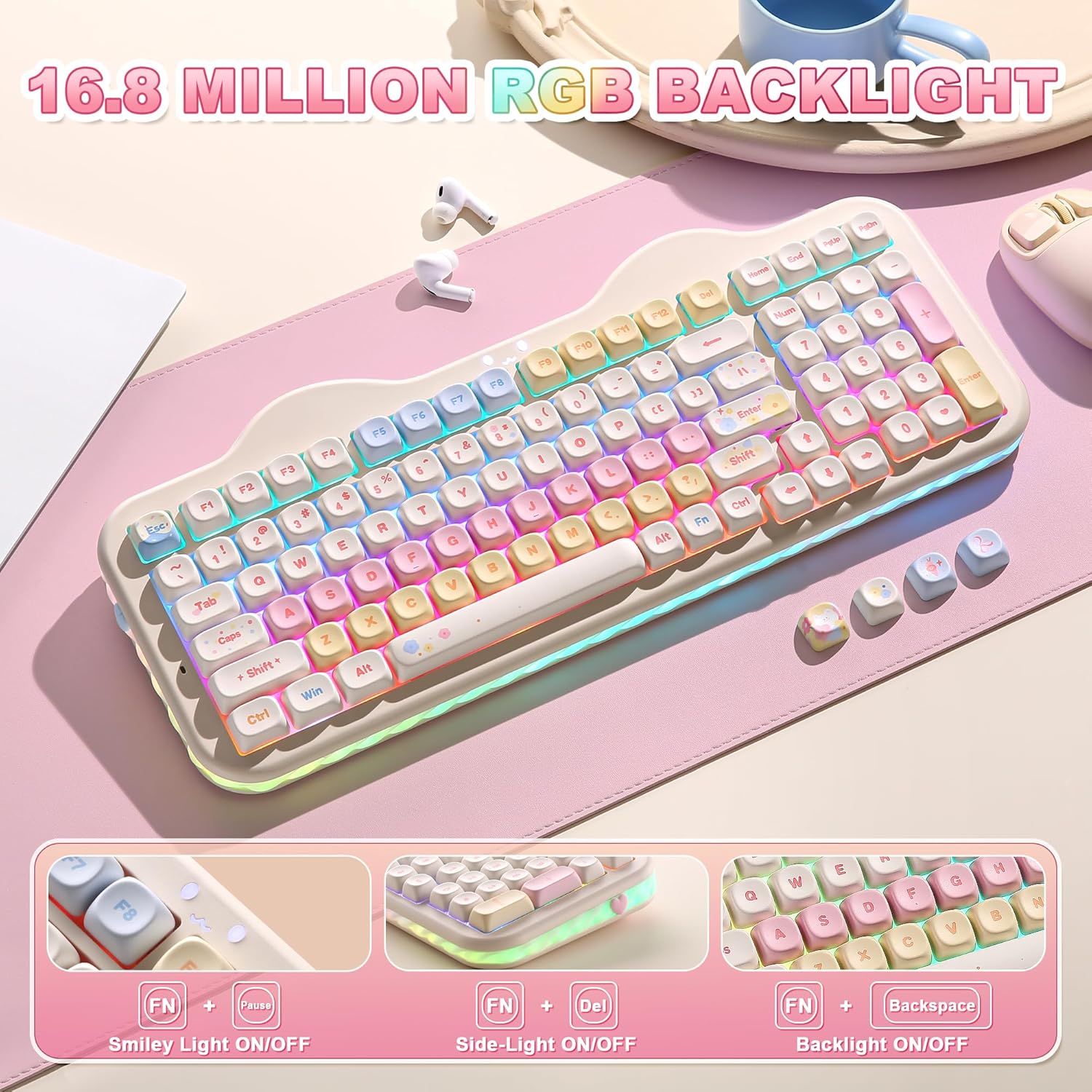
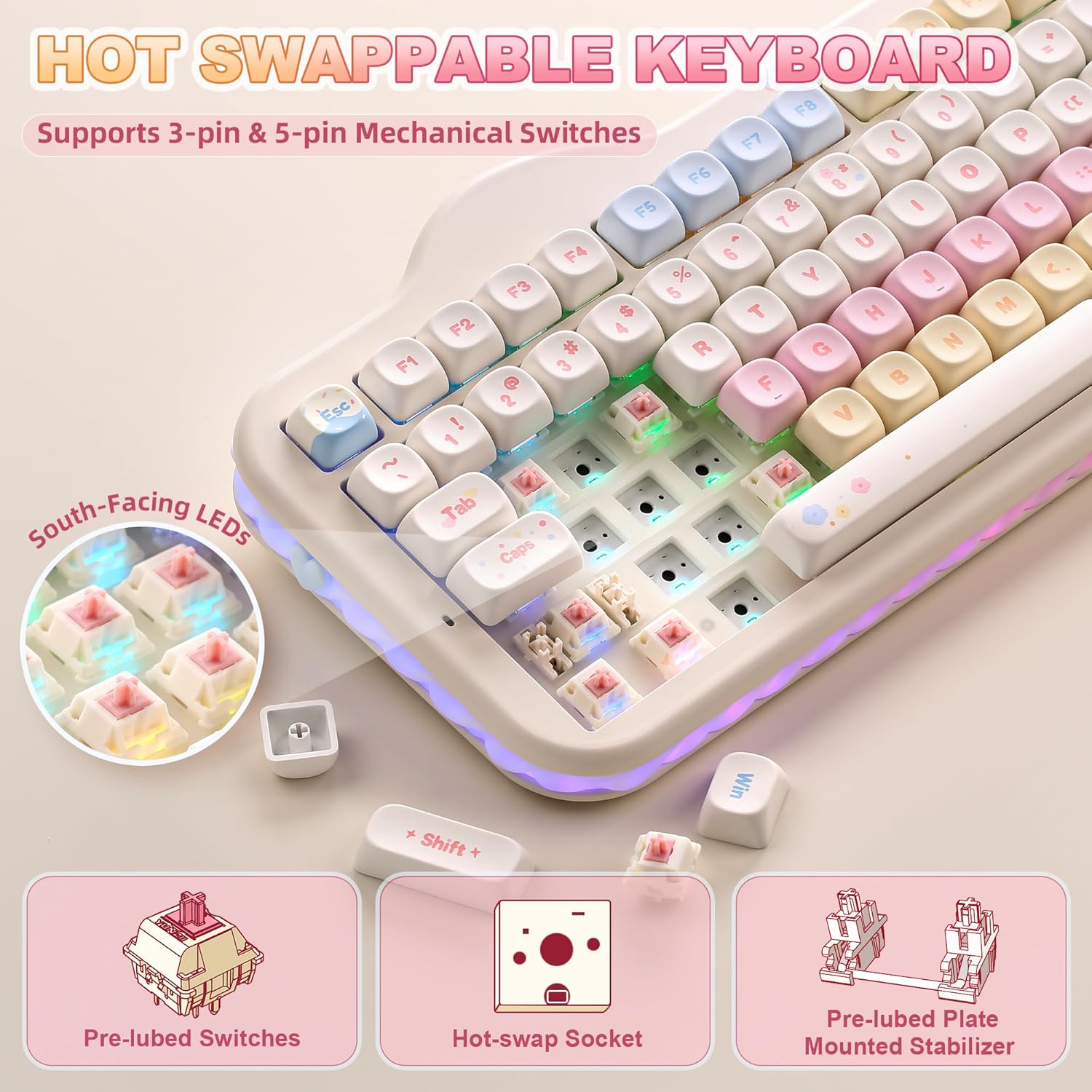
The keyboard offers RGB customization with preloaded lighting effects and a 360° creamy side light for ambient illumination. It uses a web-based software (Windows/Mac compatible) for key remapping, macros, and lighting profiles. The PCB is hot-swappable, supporting both 3-pin and 5-pin switches, so you can swap switches without soldering and tailor tactility and sound to your preference.
What stands out and what to keep in mind
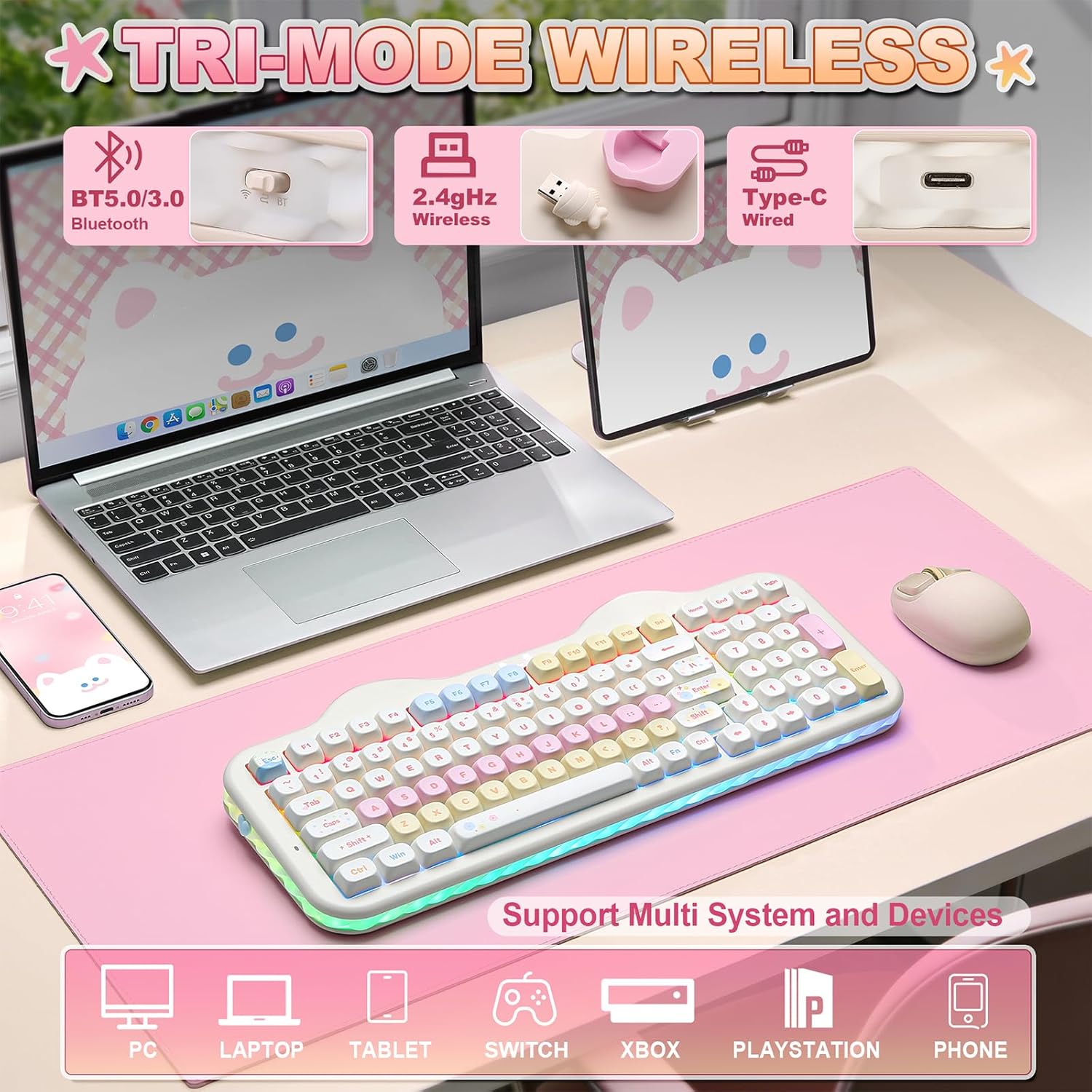
On paper, the C98 combines a compact 96% layout with a numeric keypad, which is convenient for tasks that rely on numbers but still saves desk space. The kit includes extras like decorative stickers, extra keycaps, a dust cover, and a keycap puller, which adds value if you’re into the cake-theme aesthetic. A potential limitation to note: the quality and feel of the provided switches are described as creamy linear and factory-lubed, but real-world feel can vary based on individual preferences for tactility or sound. If you prioritize a very clicky or pronounced tactile feedback, this might not be the best fit. Also, while the packaging is gift-ready, the overall value depends on how much you care about RGB, theme, and hot-swap flexibility.
Ideal use cases
This keyboard suits users who want a visually distinctive setup without sacrificing practicality. It’s a reasonable fit for home offices, streaming setups, or gaming rigs where you value wireless versatility and a comfortable, quiet typing profile. It also works well as a gift for keyboard enthusiasts who enjoy customization and a playful aesthetic while keeping a professional edge for work tasks.
Who it’s not ideal for
If you’re after a purely minimalist look, or you require a very high-contrast, ultra-compact 60% style, this model might feel heavy on aesthetics and space. Likewise, if you aren’t interested in USB-C wired mode or you don’t care for hot-swapping, certain benefits may be less meaningful. It also depends on your tolerance for a “cake” motif in daily use—some users prefer a more subdued finish.
What to review before buying
- Confirm you’re comfortable with a 99-key layout that includes a dedicated numeric keypad. If you rely heavily on compact keyboards, this could be a trade-off.
- Consider whether you’ll benefit from tri-mode connectivity and the ability to switch devices across ecosystems like PC, Mac, and mobile OSes.
- If you care about switch feel, be aware the keyboard ships with factory-lubed creamy linear switches, heat of personal preference may lead you to swap later given the hot-swappable design.
- Check the software compatibility (Windows/Mac) for remapping and macros, and ensure you’re OK with a web-based configuration workflow.
Practical snapshot: how it feels in use
Imagine typing a long document with a soft, steady thud rather than a sharp clack, while casually switching between your laptop, tablet, and desktop—thanks to wireless versatility. The numeric keypad is handy for data entry, accounting tasks, or quick calculations in a game lobby. If you like to tailor lighting for mood or focus, the RGB effects and side lighting add a personalized touch without overwhelming the workstation.
Final thoughts and decision point
Final verdict
Is it worth it? If you value a blend of playful design, flexible connectivity, hot-swappable switches, and a dedicated numeric keypad in a 96% footprint, this model offers a compelling package. It’s not flawless for everyone—some may prefer a more understated look or a different switch feel—but it presents a solid balance of aesthetics and functionality for home, office, or gaming setups. If you prioritize customization, multi-device use, and a unique visual style, the YUNZII C98 is worth considering.
FAQ (quick answers)
- Does it work with Mac and iOS? Yes, it supports PC, Mac, iOS, and Android via Bluetooth, 2.4G, or USB-C.
- Can I swap switches without soldering? Yes, the PCB is hot-swappable for 3-pin and 5-pin switches.
- What’s included in the box? The package typically includes decorative stickers, extra keycaps, a dust cover, and a keycap puller alongside the keyboard.