

Wixzet 14" Triple Laptop Screen Extender (Ultra-Thin FHD 1080P Portable Monitor)
Reviews
Price
Product description
What this is (and what it’s for)
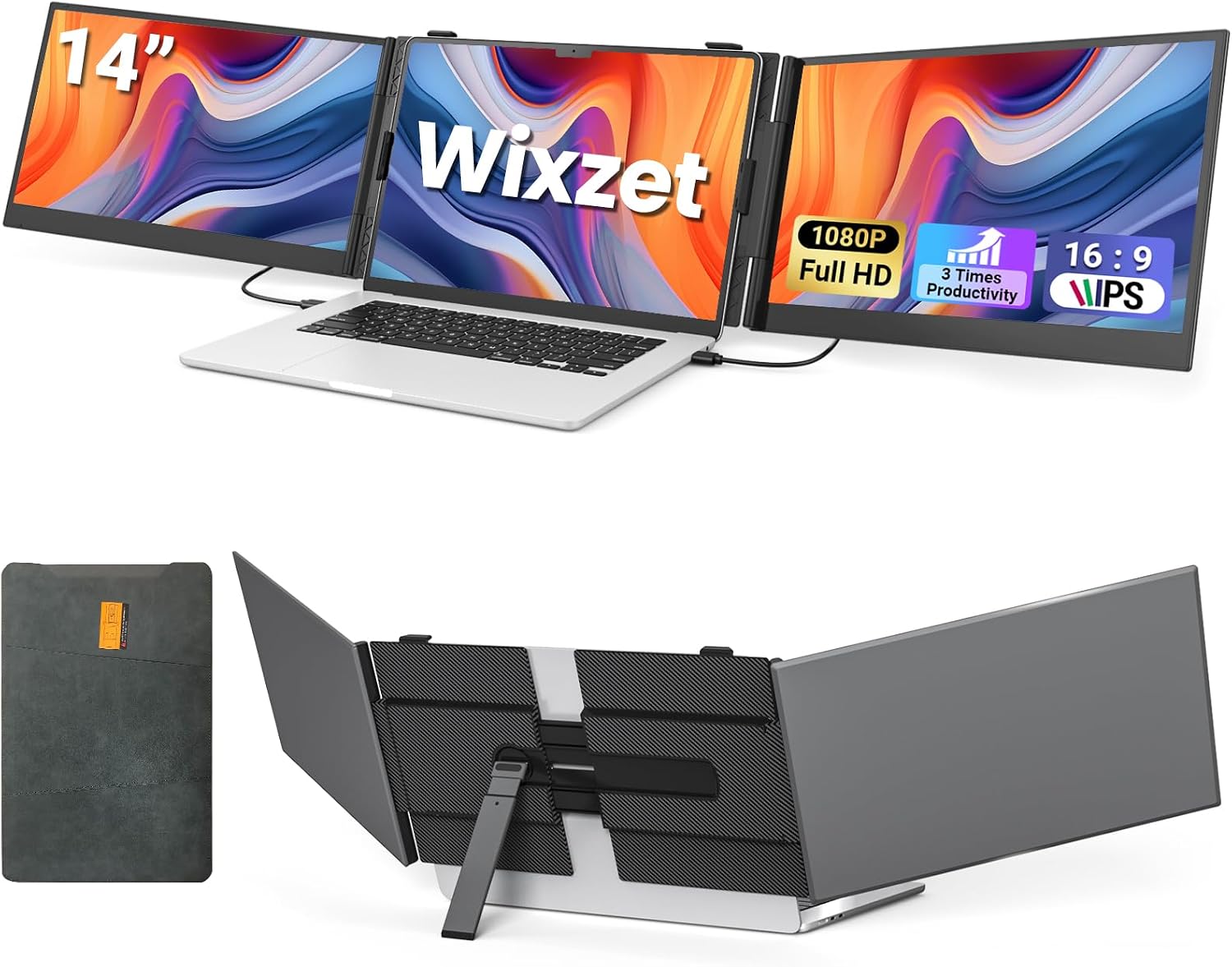
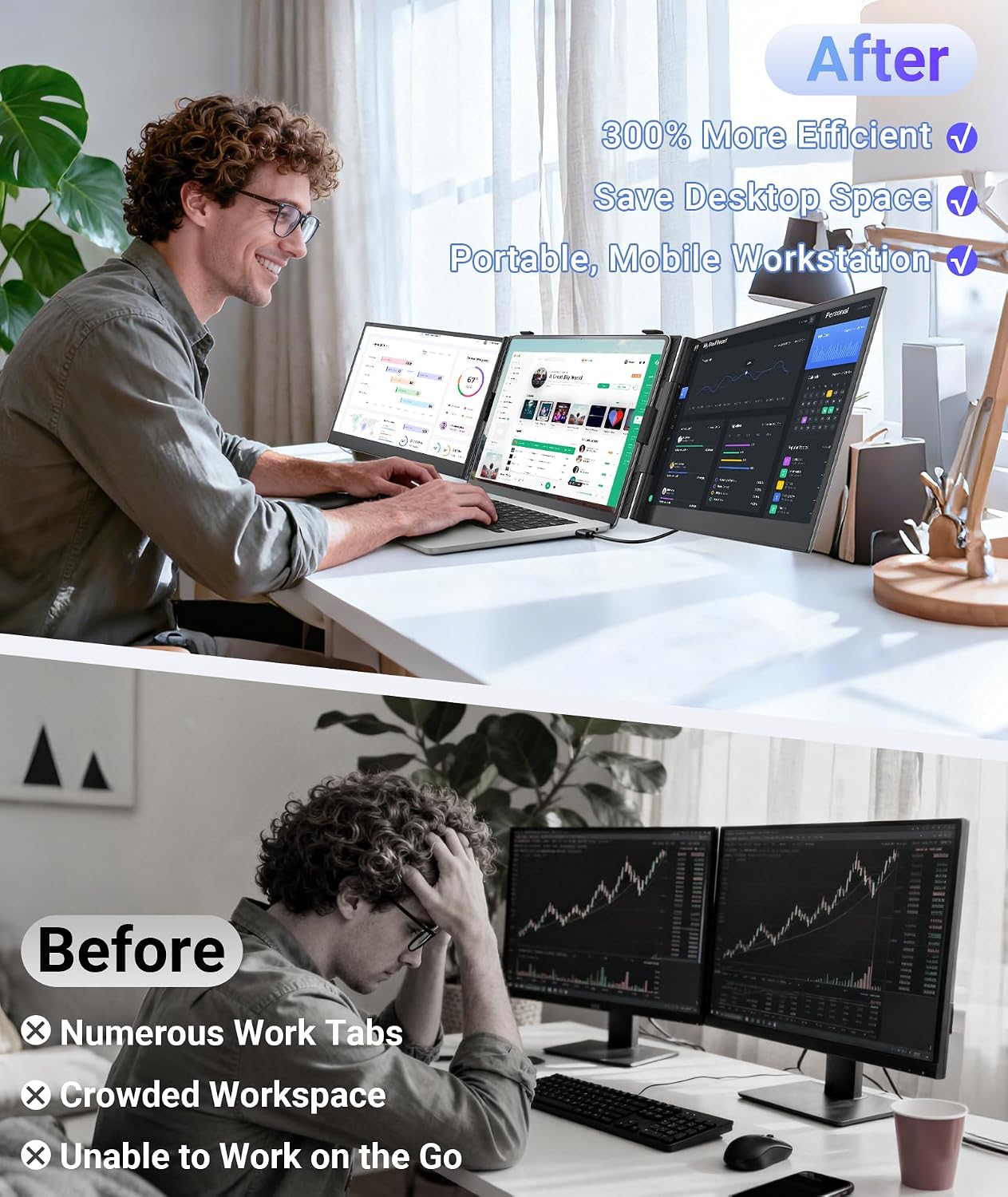
The Wixzet 14" triple laptop screen extender is a portable monitor setup designed to turn one laptop display into a wider multi-screen workspace. On paper, that means you can keep more panels visible at once—emails, spreadsheets, chat, code, or design tools—without constantly switching windows. It’s aimed at people who move around (home, café, travel, meetings) and still want a practical workstation.
You’re not buying this to replace a full desktop monitor wall. Instead, it’s more like a travel-friendly way to get “two or three views at a time” productivity when your laptop screen feels too cramped.
Key points
The standout idea here is simplicity with flexibility: a slim, lightweight triple extender that supports multiple display modes (extended, mirrored, and portrait). Pair that with a 1080P IPS panel and independent per-screen image controls, and you get the basics you’d want for everyday work and presentations.
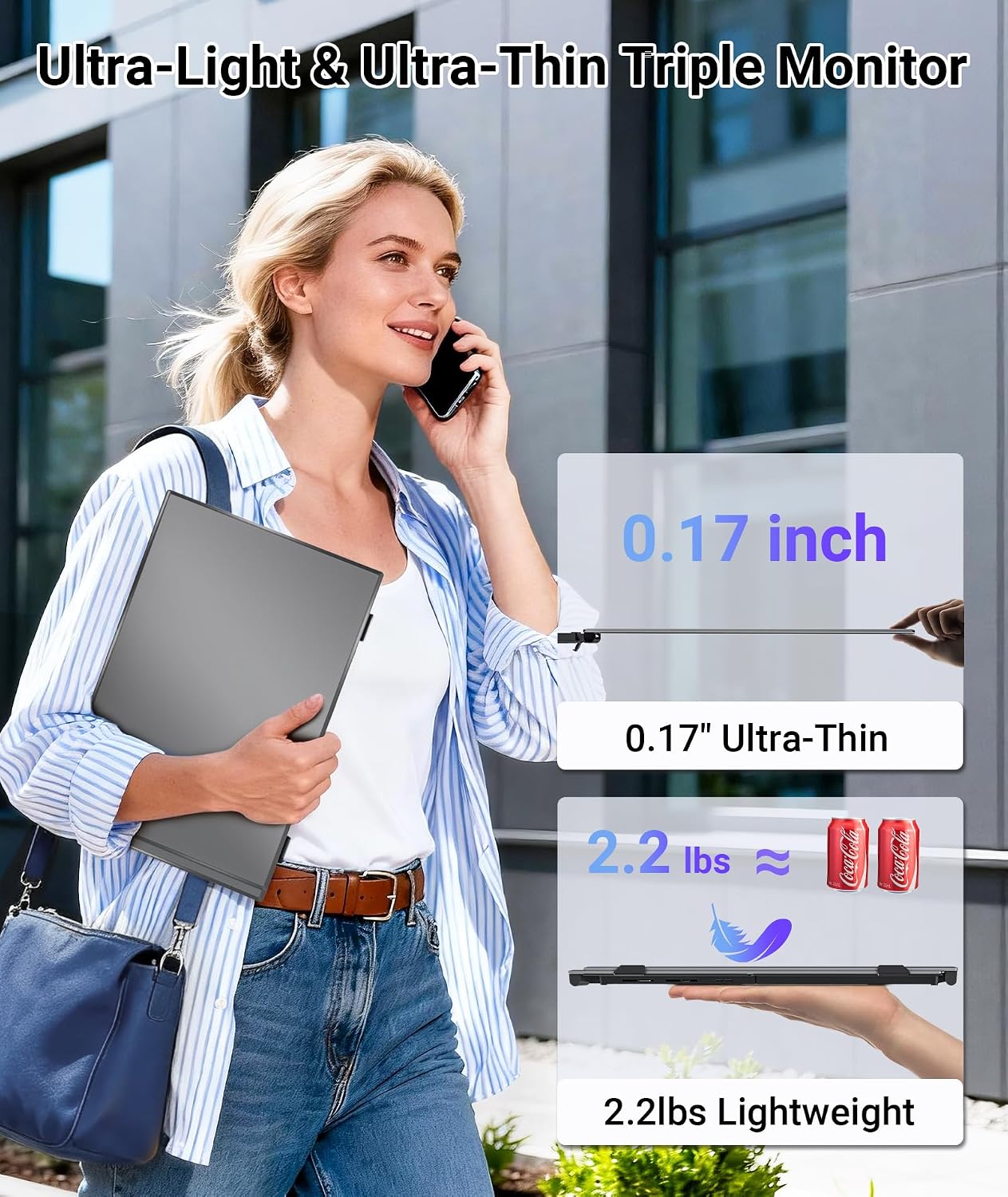
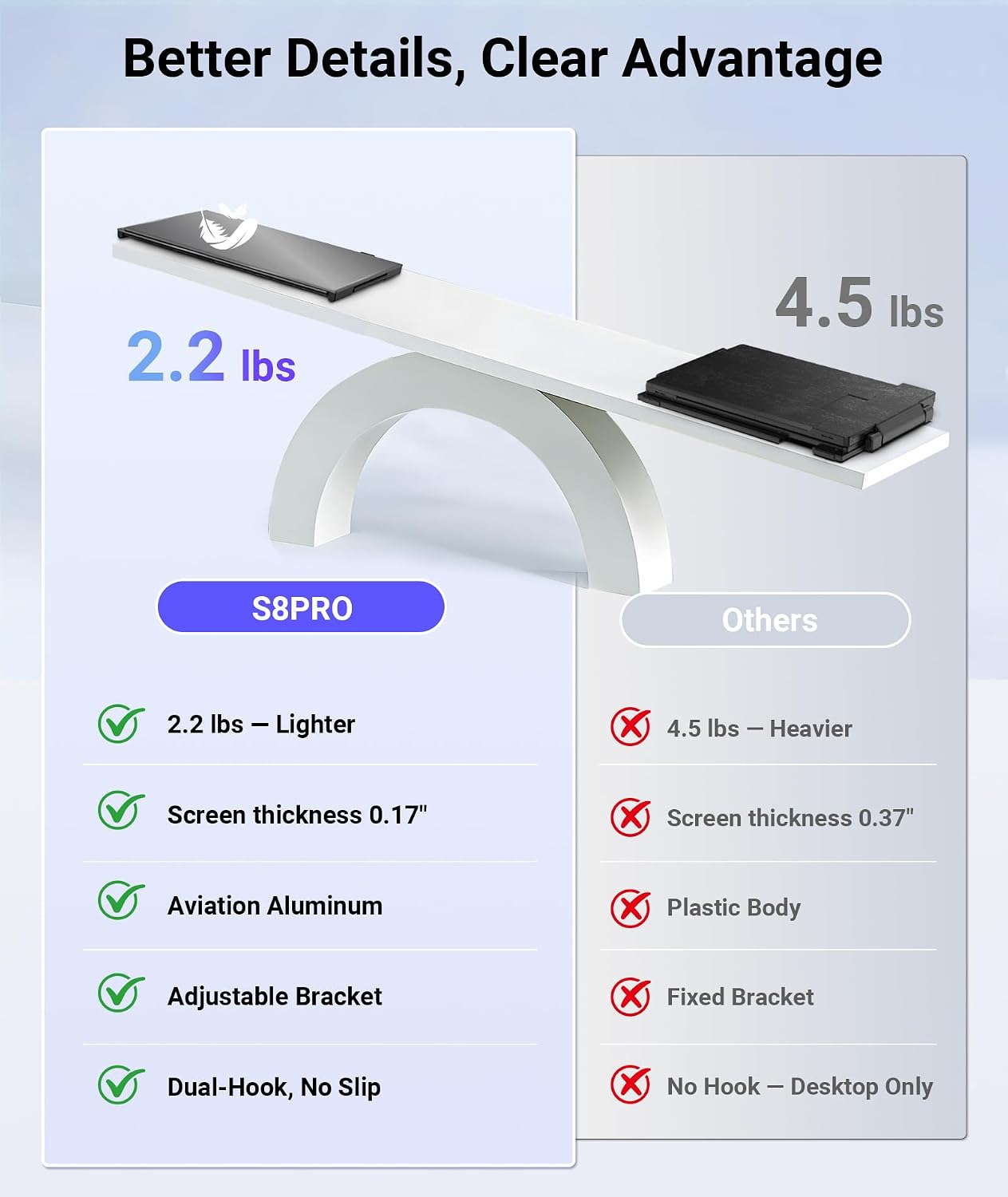
It also leans into travel use. The design is described as ultra-thin (about 0.17 inches / ~4.5 cm) with an aerospace-grade aluminum alloy body, and it weighs about 2.2 lbs. That’s a meaningful advantage if you actually pack your gear and don’t want a bulky monitor.
One limitation worth keeping in mind: multi-screen productivity is great when your laptop can handle the extra display load and the connections you’re using. If your setup is more constrained, it may feel less smooth than a dedicated desktop multi-monitor arrangement.
The essentials: display, modes, and controls
This extender uses a 1920×1080 FHD IPS display with 300 nits brightness and a 100% sRGB color gamut. It also includes HDR mode and a 178° wide viewing angle, which should help for typical indoor viewing and sharing.
There are independent adjustments per screen (brightness, contrast, and color temperature). That matters if you switch between tasks—say, keeping spreadsheets consistent while raising contrast for a presentation—or if one panel tends to look different based on where you sit.
As for what you can do with it, it supports extended, mirrored, and portrait modes. In real daily use, extended mode is the most obvious: you can put your email client on one side, your spreadsheet or project tracker in the middle, and keep a reference window on the third.
Portability and setup that actually matters
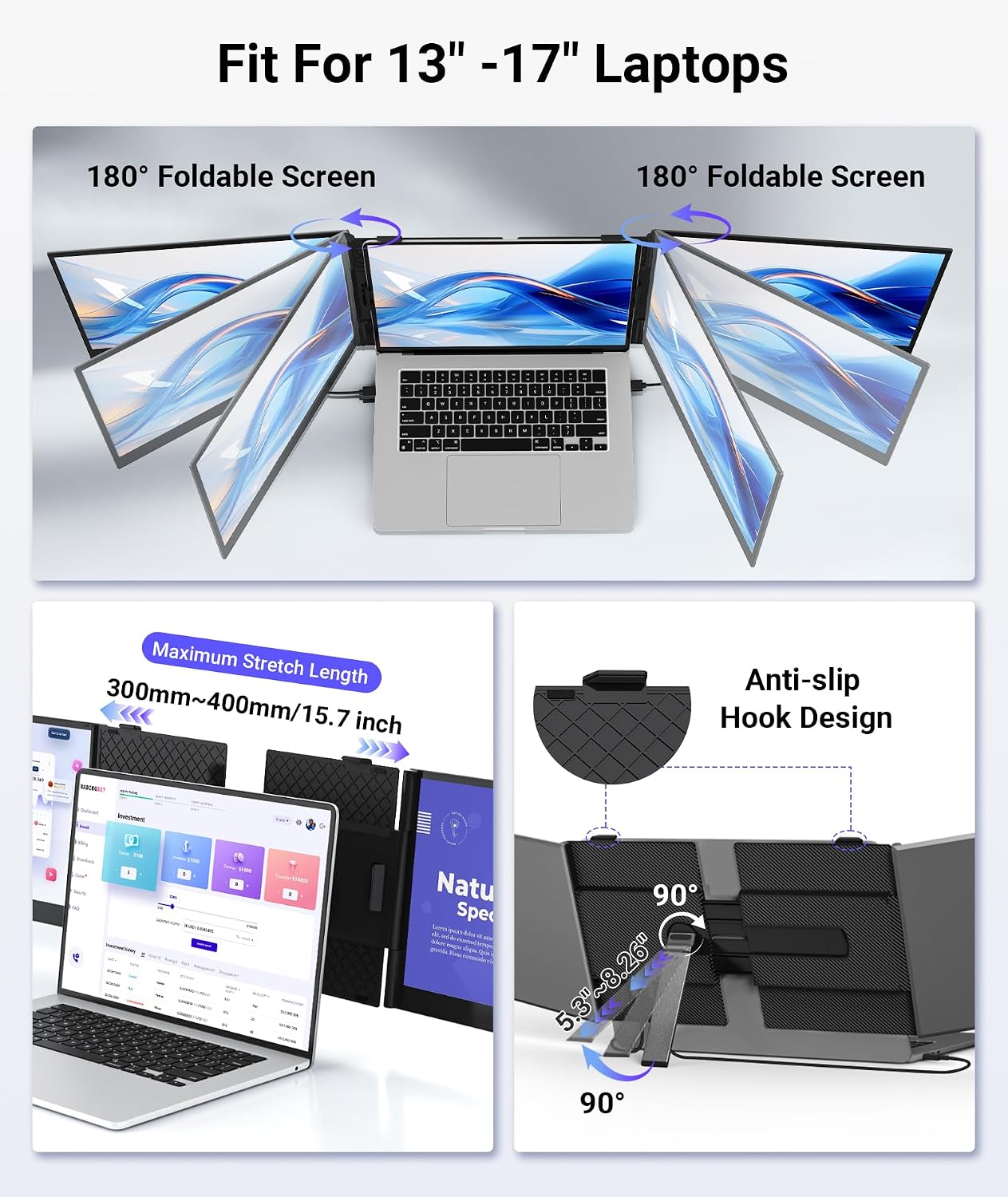
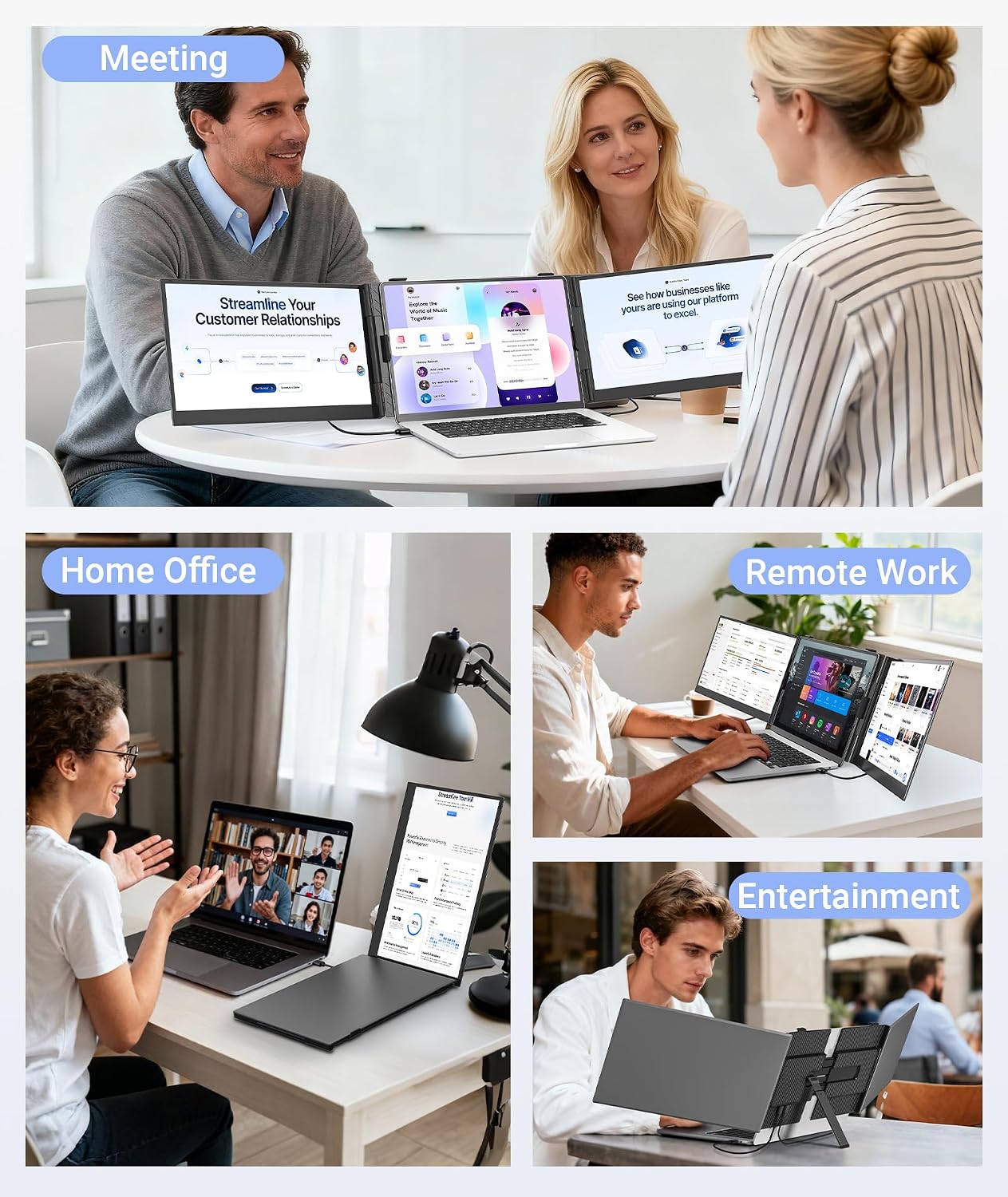
The stand is described as reinforced aluminum alloy with stability and multiple height adjustments, plus rotation up to 180° for easier sharing during meetings or dual-user collaboration. If you’ve ever tried to angle a portable monitor while pitching to a coworker, you know that “rotate and share” is one of those small features that can save a lot of awkward repositioning.
On the connection side, it’s designed as plug-and-play, with cables included: dual USB-C cables, a USB-A to USB-C cable, an HDMI cable, and an H5 cable.
If your laptop has full-featured USB-C ports, you can connect through the two USB-C ports for plug-and-play use. If it doesn’t, you can use HDMI + the H5 cable—but the description notes that driver installation is required.
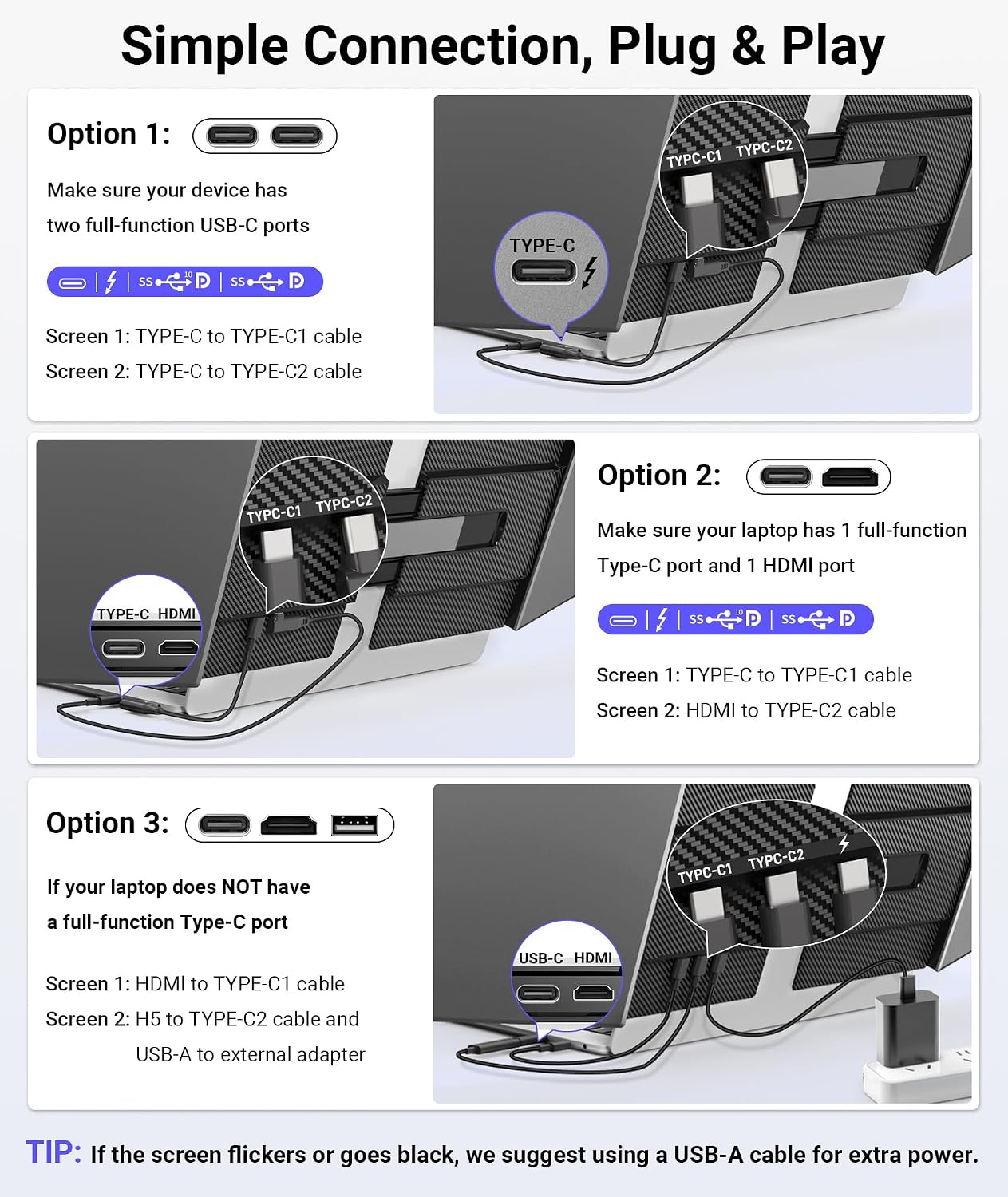
There’s also a practical note for brightness and stable performance when using all screens: it’s recommended to use a 5V/2A or higher external power adapter to the PD port. That’s not glamorous, but it can be the difference between “it works” and “it consistently looks right.”
Tech specs
- Type: triple laptop screen extender / portable monitor
- Screen size: 14"
- Display resolution: 1920×1080 (FHD 1080P)
- Display type: IPS
- Brightness: 300 nits
- Color gamut: 100% sRGB
- Viewing angle: 178°
- Supported modes: extended, mirrored, portrait
- Stand rotation: up to 180°
- Thickness (screens): 0.17 inches (~4.5 cm)
- Weight: about 2.2 lbs
- Laptop compatibility (fit): for 13"–17.3" laptops
- Connection cables included: dual USB-C cables, USB-A to USB-C cable, HDMI cable, H5 cable
- Power guidance: recommends 5V/2A or higher external power adapter to the PD port when using all screens
Compatibility and who should consider it
This portable monitor extender is listed as compatible with Windows and macOS (including M1–M4 chips), Chrome OS, Android, Linux, Dex, and also devices like smartphones, PS5/PS4, and Xbox, plus Switch.
That broad compatibility is appealing if you bounce between devices—work laptop one day, mobile setup the next.
However, since the exact connection path depends on your device ports, it’s smart to double-check what your laptop actually offers. If you don’t have a full-function USB-C port, you may need HDMI + H5 and driver installation.
Where it shines (and where it may fall short)
Worth considering if you want a slim, travel-ready way to add multi-window working space to a 13"–17.3" laptop. The triple setup makes sense for people who regularly juggle multiple apps—remote professionals, stock traders, designers, programmers, and multitasking students—where “less tab-hopping” is the real payoff.
It may not be the best match if you want the smoothest, most consistent multi-monitor experience without thinking about power and connections. Also, if you expect it to behave like a large desktop monitor for long, high-end creative sessions, this could feel more mid-range than flagship, especially given the single-resolution FHD panel and the fact it’s built for portability.
FAQ
Is it truly plug-and-play?
It’s described as plug-and-play when using full-featured USB-C ports. If you connect via HDMI + the H5 cable because your laptop lacks a full-function USB-C port, the description says driver installation is required.
Can I use it in portrait mode?
Yes. The extender supports portrait mode along with extended and mirrored configurations.
What if I want accurate colors for design work?
The IPS display is described with 100% sRGB color gamut and independent per-screen adjustments for brightness, contrast, and color temperature, which should help you dial in consistent visuals.
Does it need external power?
For optimal brightness and stable performance when using all screens simultaneously, the description recommends using a 5V/2A or higher external power adapter to the PD port.
What laptops does it fit?
It’s designed to fit 13"–17.3" laptops, and the description notes it’s meant to avoid scratching or stressing your device.
Should you buy it?
Buy it if you want a lightweight, ultra-thin triple laptop screen extender for extended multi-window work, and you’re comfortable setting it up with USB-C (or using HDMI + H5 with driver installation if needed). It makes the most sense when you routinely need more visible panels than your laptop screen can handle, especially while traveling or working away from your desk.
Skip it if your workflow doesn’t benefit from multi-screen layouts, or if your device setup is unclear—particularly around USB-C power/connection support—because you may end up dealing with drivers and power guidance to get the best results.