

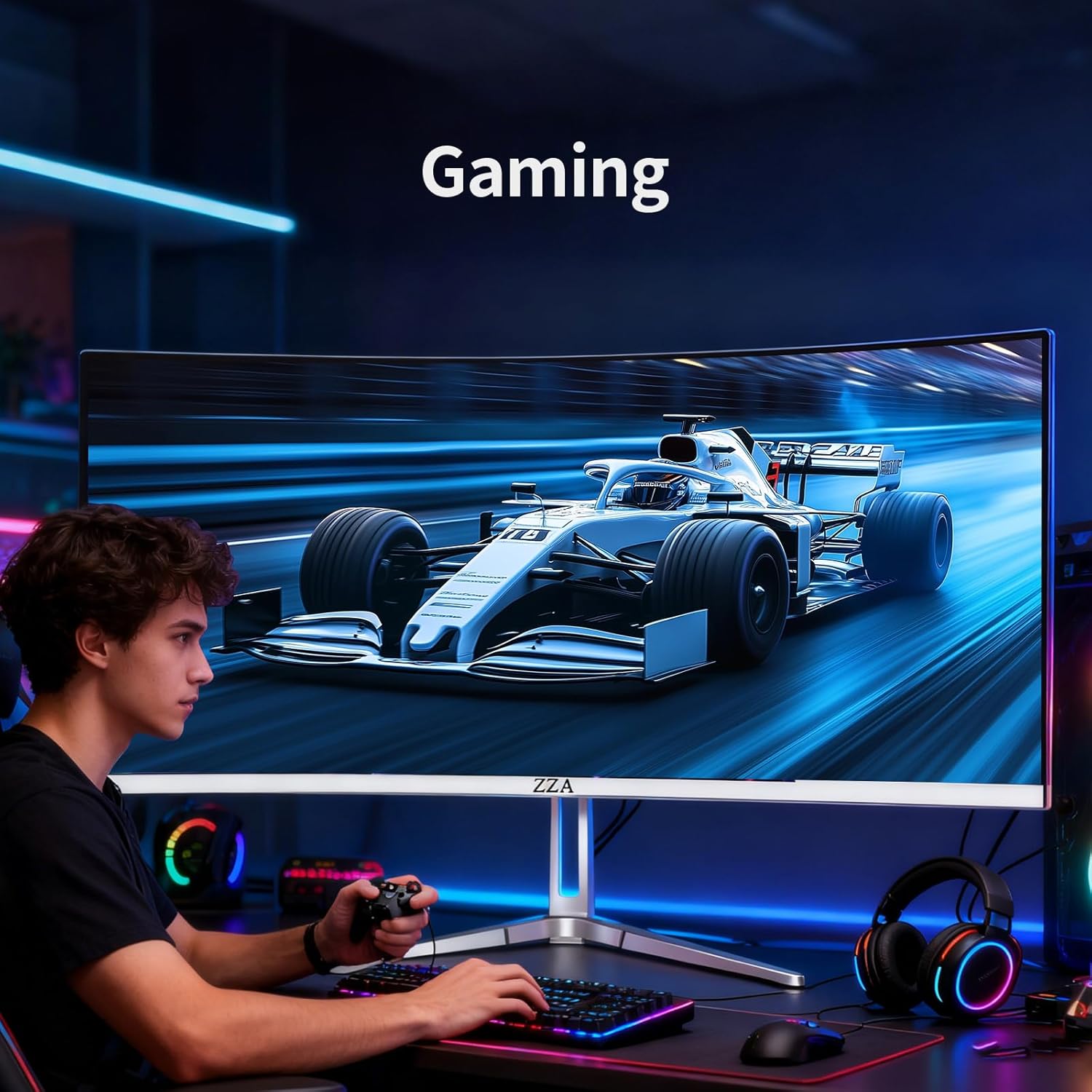
ZZA 34'' Curved Ultrawide Gaming Monitor (3440×1440, 180Hz) — FreeSync, HDMI 2.1 & DP 1.4, PBP
Reviews
Price
Product description
If you want one display that can handle fast games and serious multitasking, this ZZA 34-inch curved ultrawide is built around that exact idea: a wide 21:9 layout paired with a high refresh rate. On paper, it’s aiming at the sweet spot where gaming smoothness and productivity feel share the same desk space.
That said, “180Hz” and “ultrawide” are only part of the story. What you’ll actually notice day to day depends on how you plan to use the screen—especially if you care about color accuracy and how often you switch between sources.
The essentials
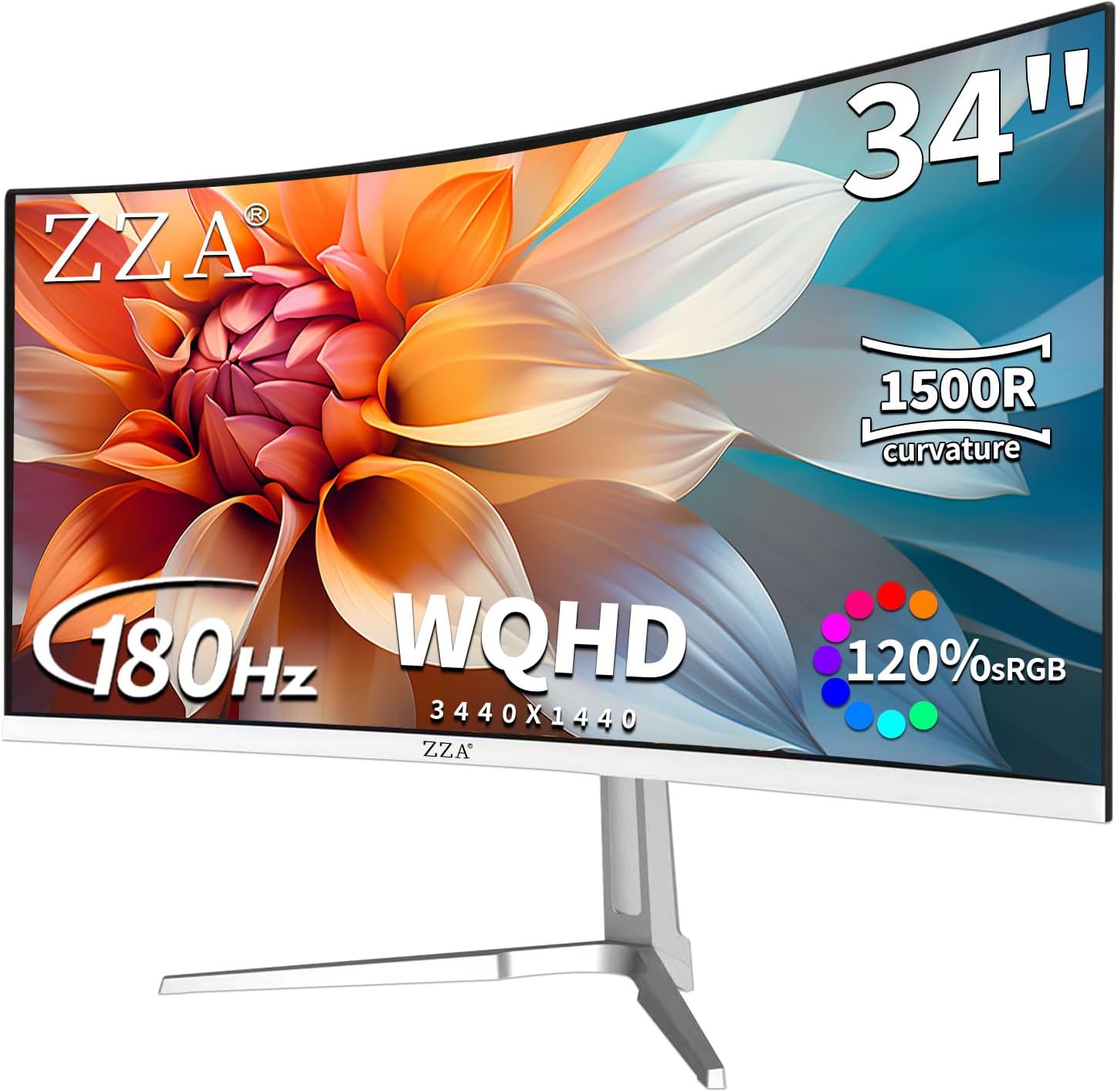
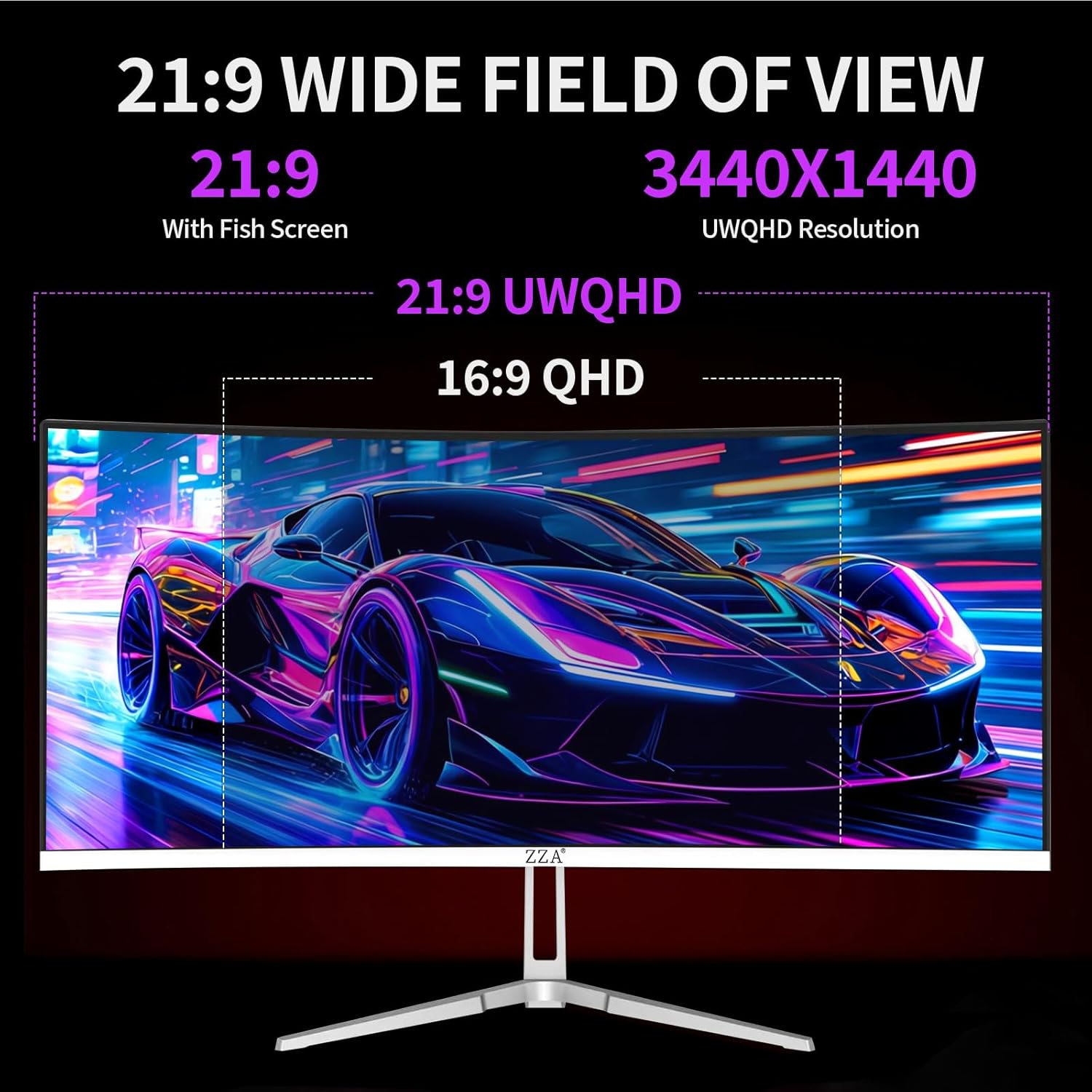
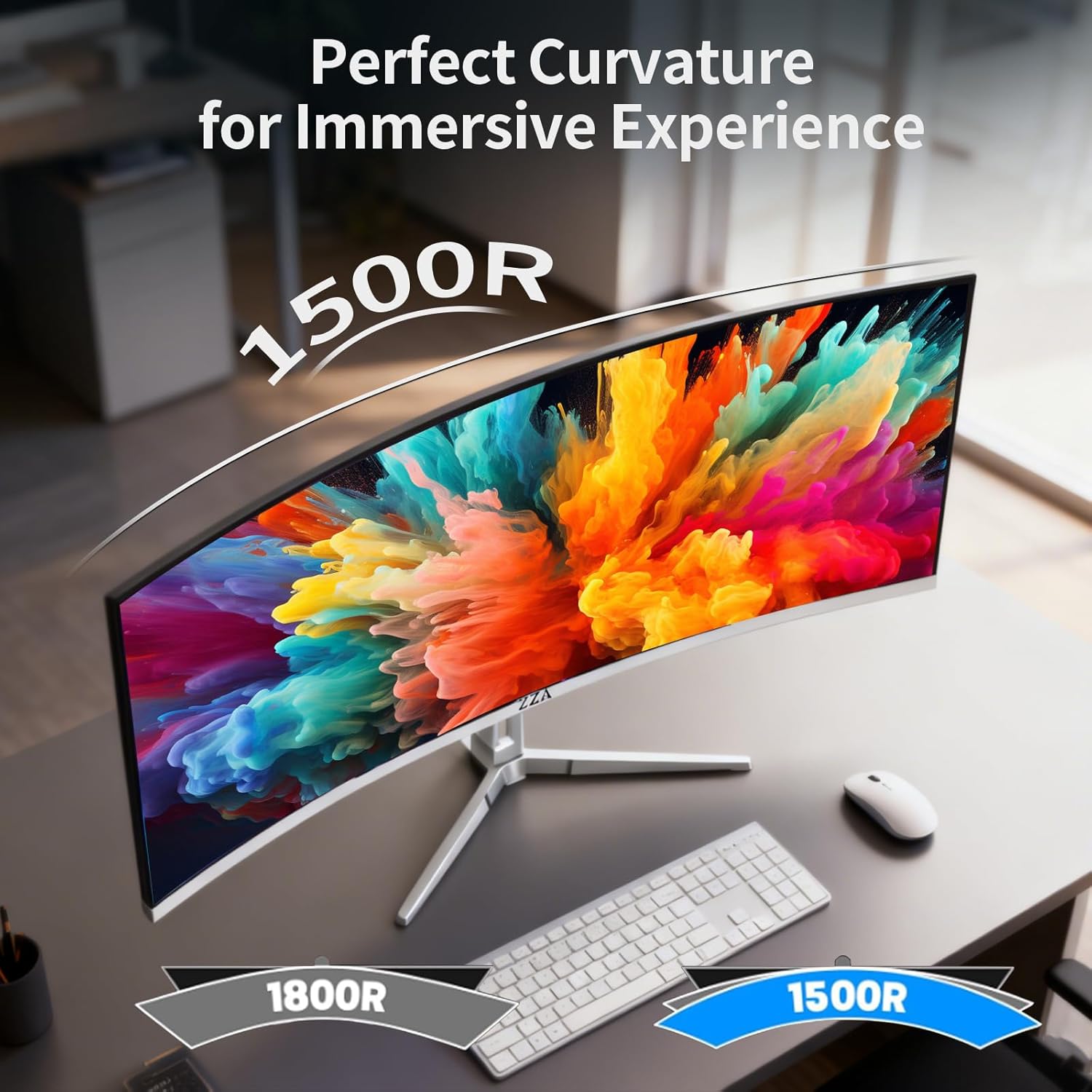
This is a curved ultrawide 34-inch monitor with a 3440×1440 resolution and a 21:9 aspect ratio, designed to keep you away from distracting borders and to give you more room for side-by-side work. The curved 1500R design is meant to wrap your field of view a bit, which can make long sessions feel less fatiguing and can improve perceived depth when you’re gaming.
For gaming, the monitor is positioned with refresh-rate support up to 180Hz, plus a stated 1 ms response time and FreeSync support for tear-free gameplay. For creators and color-sensitive tasks, it claims 100% sRGB coverage, which is the kind of baseline spec many people look for when editing photos, designing graphics, or working on video.
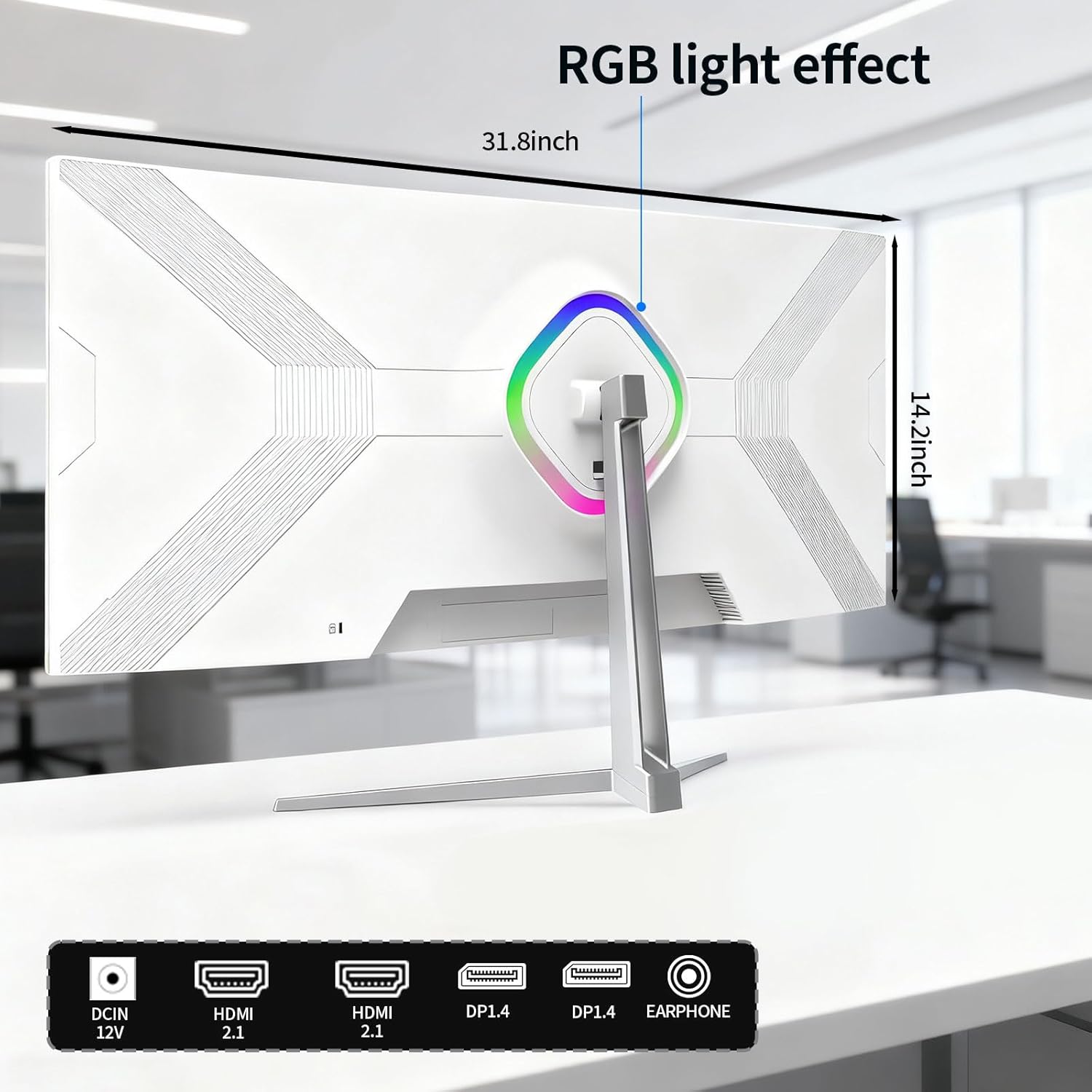
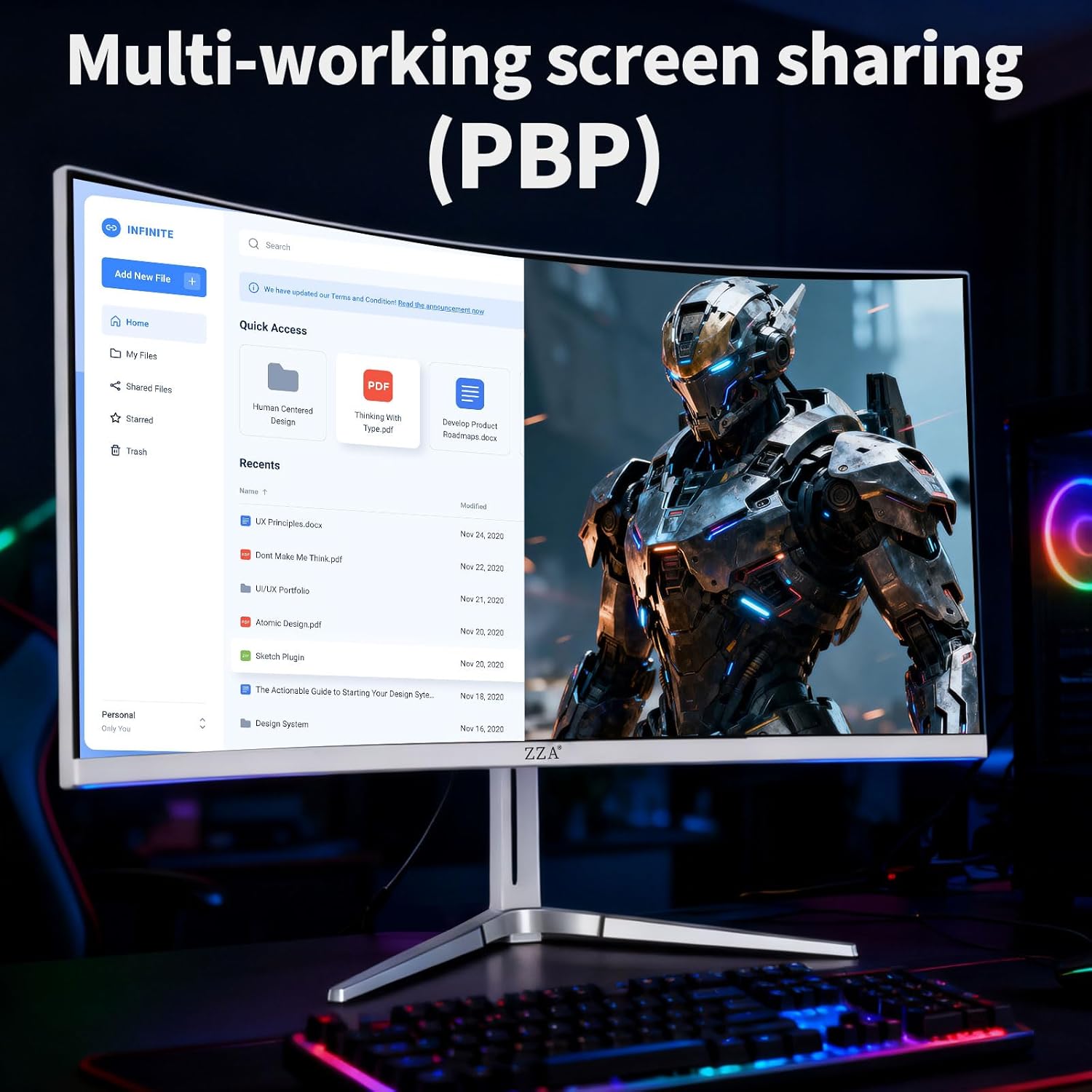
If you also juggle devices, the connectivity story is a strong point: HDMI 2.1 and DisplayPort 1.4 are included, and there’s a Picture-by-Picture (PBP) mode that lets you split the screen between two inputs.
Key features that actually matter
The biggest “why buy it” here is the combination of ultrawide space + high refresh.
- Ultrawide 34-inch (3440×1440, 21:9) gives you a wider canvas. In practical use, that can mean having a game on the main area while a chat window or tool panel sits beside it without constantly alt-tabbing.
- Curvature (1500R) is there to make the screen feel more immersive and naturally framed, which tends to help with depth perception in games and reduces how much your eyes have to “travel” across a flat panel.
- FreeSync + high refresh (up to 180Hz) is aimed at smoother motion and fewer artifacts during gameplay.
- Color coverage: the monitor claims 100% sRGB. For everyday creator workflows, that’s a meaningful detail because it suggests colors won’t drift as much when you’re designing, editing, or reviewing content intended for sRGB output.
Tech summary (what to check before buying)
Here are the specs called out in the product information, plus what they usually imply for buying decisions:
- Display resolution: 3440×1440 (ultrawide 21:9)
- Refresh rate: up to 180Hz (listed as 165Hz/180Hz)
- Response time: 1 ms (as stated)
- Contrast: 4000:1 (as stated)
- Color coverage: 100% sRGB (as stated)
- Curvature: 1500R
- Connectivity: HDMI 2.1 and DP 1.4
- PBP mode: Picture-by-Picture for splitting two inputs
One limitation to keep in mind: the listing mentions “180Hz” and a very fast 1 ms response time, but it doesn’t include broader details like panel type or how consistent performance is across every scenario. If you’re the kind of buyer who needs guaranteed results for specific esports titles, you’ll want to confirm real-world expectations based on the setup you plan to run.
Everyday use: where it shines
This monitor makes the most sense when you want a single display for multiple roles.
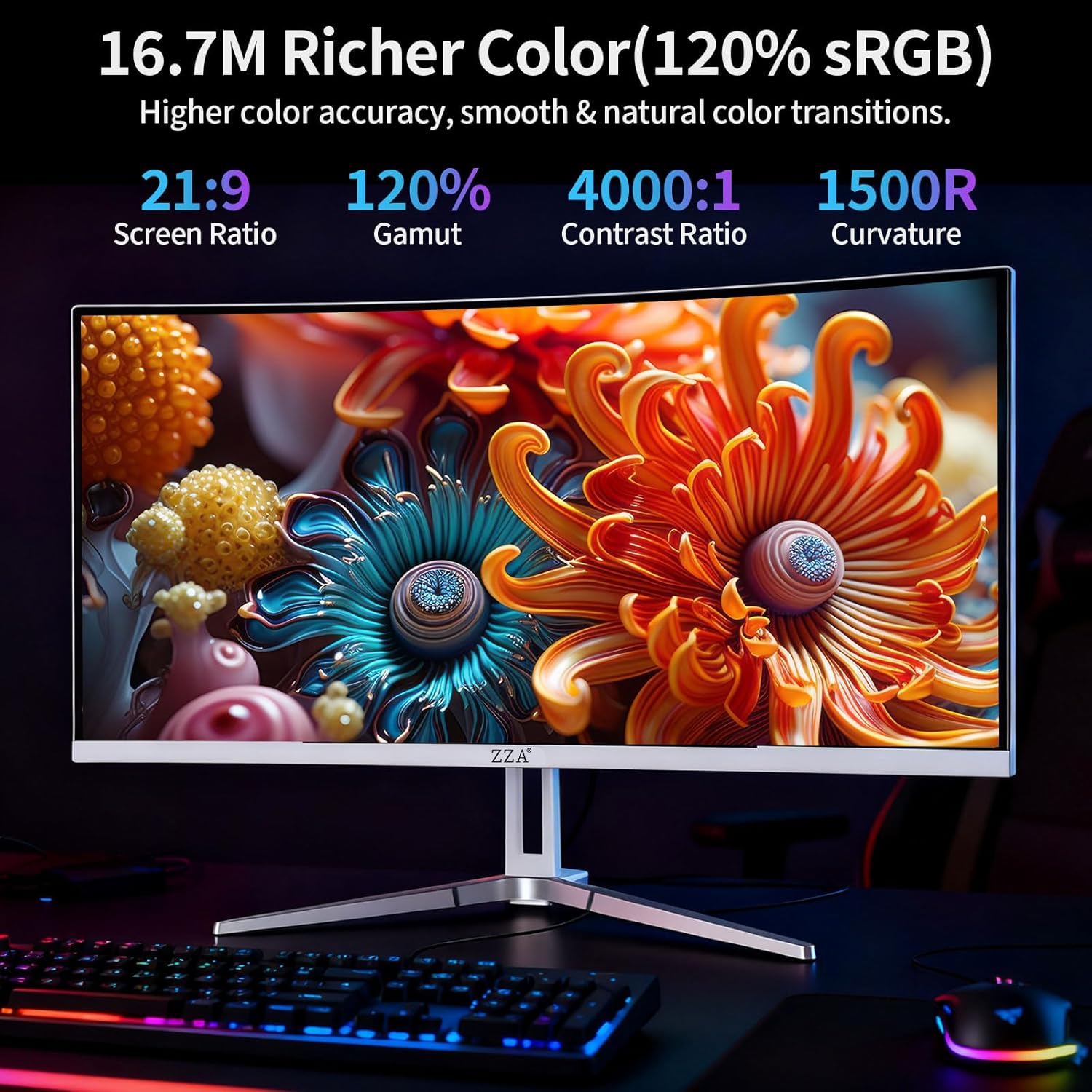
For example, imagine gaming first, then switching to content creation: you could keep your game running on one side of the screen (or full screen), then move into editing software where the ultrawide layout helps you keep your timeline, preview, and tools in view. The 100% sRGB claim is particularly relevant in that workflow, because color accuracy matters more than most people realize once they start exporting.
The PBP mode can also reduce friction if you’re using more than one device. Say you’re monitoring a second input while working—this kind of split layout is often what people want when they’re balancing a PC with another source.
Who it’s for (and who should skip it)
It makes sense if you’re shopping for:
- An ultrawide 34-inch monitor for multitasking and immersive gaming
- A setup that benefits from FreeSync for tear-free motion
- Someone who cares about sRGB color coverage for editing or design workflows
- A desk setup where HDMI 2.1, DP 1.4, and PBP can simplify switching between devices
It might not be a great match if:
- You only need a basic office monitor and won’t benefit from the ultrawide space
- You’re expecting “high-end enthusiast” details beyond what’s stated (the product information focuses on core features, but not deeper panel characteristics)
- You want a guaranteed, fully verified performance profile for very specific competitive settings—because the listing doesn’t provide the kind of granular proof enthusiasts typically look for
Final verdict
Worth considering if you want one 34-inch curved ultrawide for gaming smoothness and real creator work, especially with FreeSync and the claimed 100% sRGB coverage. The connectivity plus PBP is also a practical touch if you run more than one source on your desk.
You may want to skip it if you need panel-level specifics or you’re buying primarily for casual browsing where ultrawide and higher refresh rates won’t really pay off.
Mini FAQ
Does the ZZA 34-inch ultrawide support split-screen (PBP)?
Yes, it includes Picture-by-Picture (PBP) mode to divide the screen between two inputs.
What resolution is this monitor?
It’s listed as 3440×1440 with a 21:9 ultrawide aspect ratio.
Is FreeSync mentioned for gaming?
Yes, FreeSync is listed as part of the setup for tear-free gaming.
Which ports are available?
The information provided lists HDMI 2.1 and DisplayPort (DP) 1.4.
Is it aimed at creators too, or just gaming?
Both, at least on paper: it claims 100% sRGB coverage and also emphasizes gaming refresh and responsiveness.