

KOORUI GN02 27" Gaming Monitor 240Hz
Product description
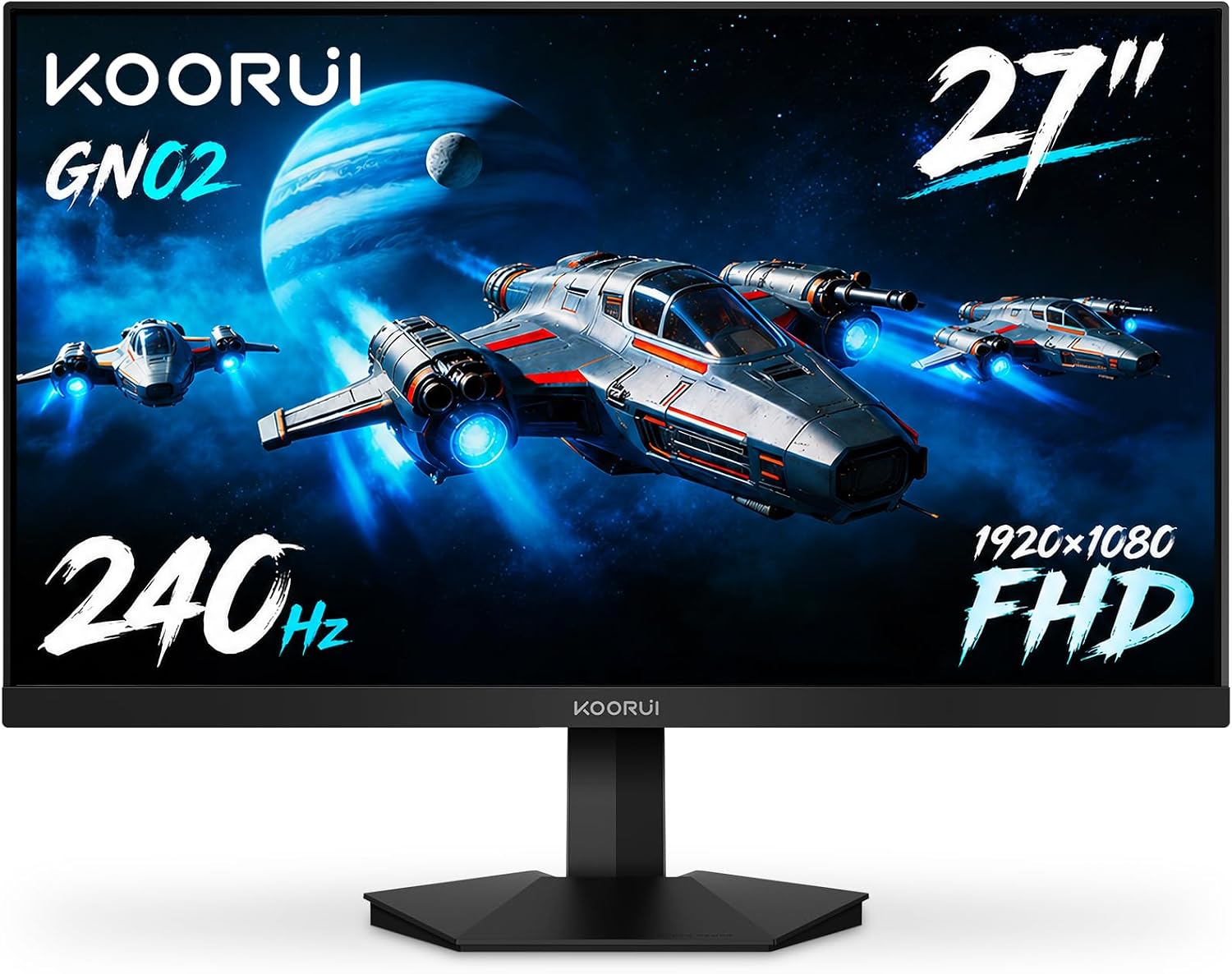
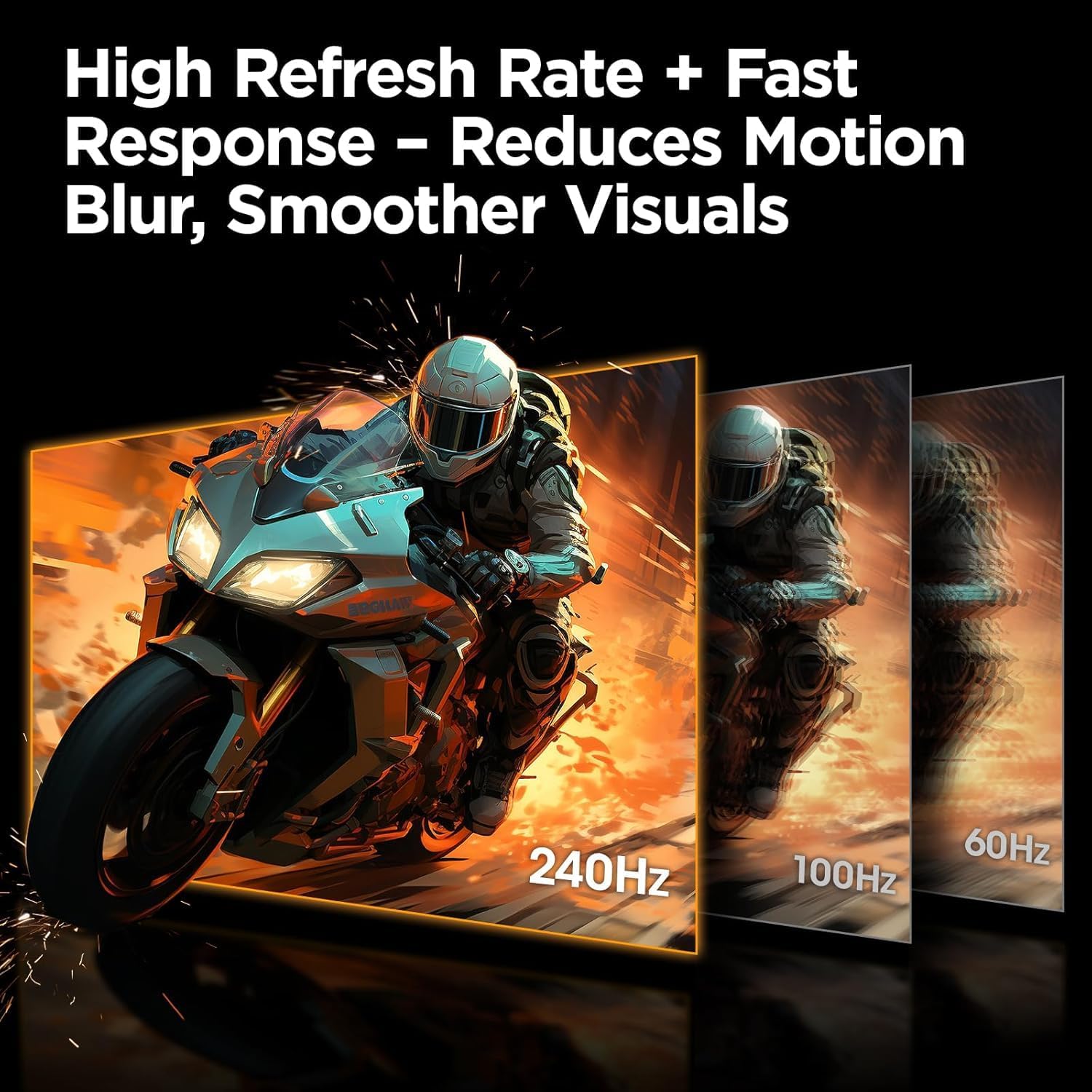
This 27-inch KOORUI gaming monitor delivers fast, fluid gameplay with a 240 Hz refresh rate and 1 ms response time, making it a practical choice for competitive players who need smooth motion and quick reactions. The Full HD 1920 x 1080 panel covers wide color spaces, helping games and multimedia look vivid while staying compatible with consoles like Xbox, PS5 and Nintendo Switch.
Key Points
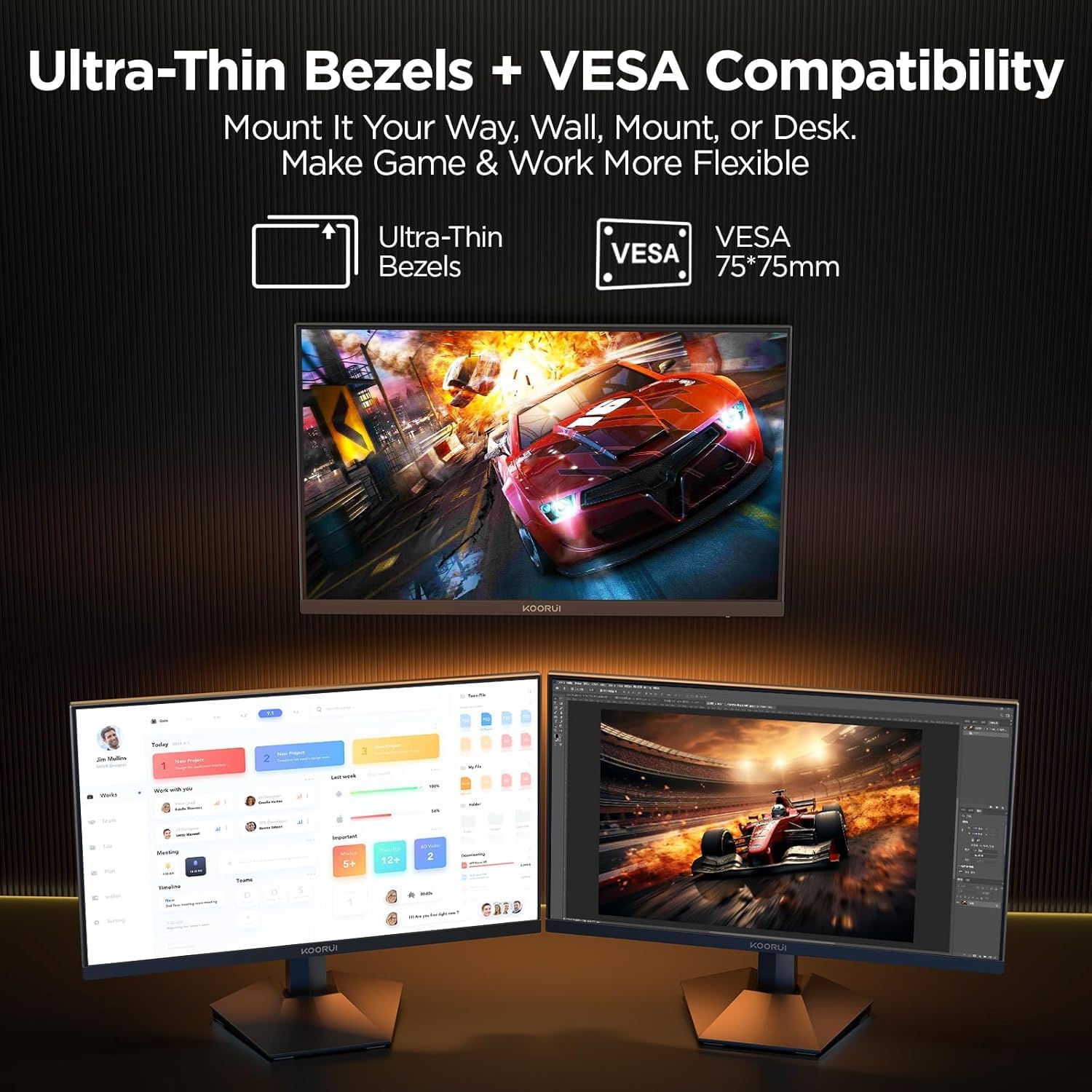
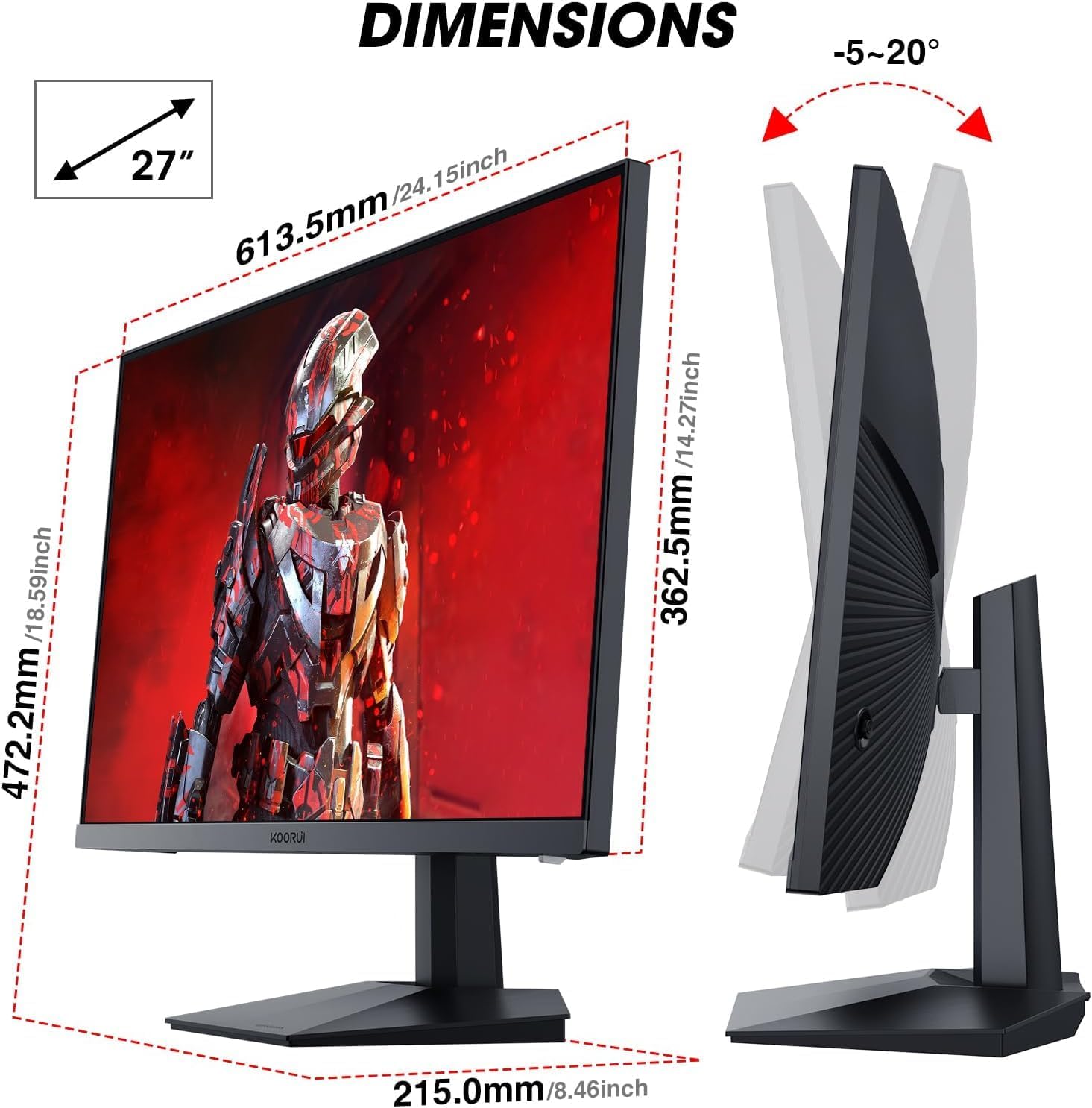
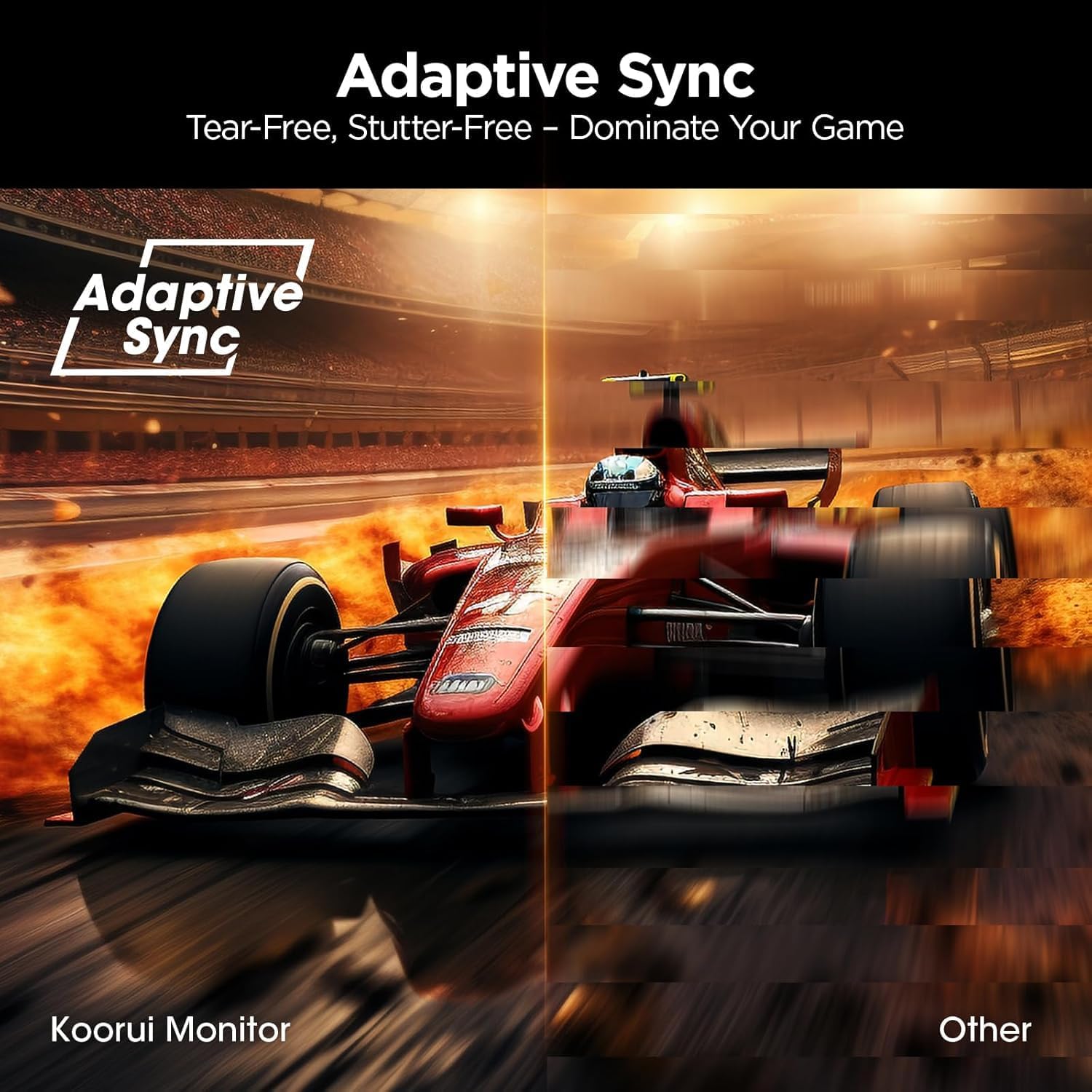
The display combines a high 240 Hz refresh rate with 1 ms response time and Adaptive Sync to reduce tearing and stutter during fast action. Viewing angles reach up to 178 degrees, so colors remain consistent when you move around the desk. The monitor includes game-oriented tools such as FPS, Timer, and Crosshair modes and an accessible 5-way joystick for quick on-screen adjustments. Tilt adjustment from -5 to 20 degrees and VESA 75x75 mm compatibility allow flexible mounting and desk setups. Multiple inputs include HDMI 2.0 and DisplayPort 1.4, plus a 3.5 mm headphone output for straightforward audio routing.
Technical Specifications
- Name: KOORUI GN02 27 inch Gaming Monitor
- Resolution: 1920 x 1080 (FHD)
- Refresh Rate: 240 Hz
- Response Time: 1 ms
- Color Coverage: 90% DCI-P3, 100% sRGB
- Inputs: HDMI 2.0, DisplayPort 1.4, 3.5 mm audio out
- Stand Adjustments: Tilt -5° to 20°
- VESA: 75 x 75 mm
The Best of This Model
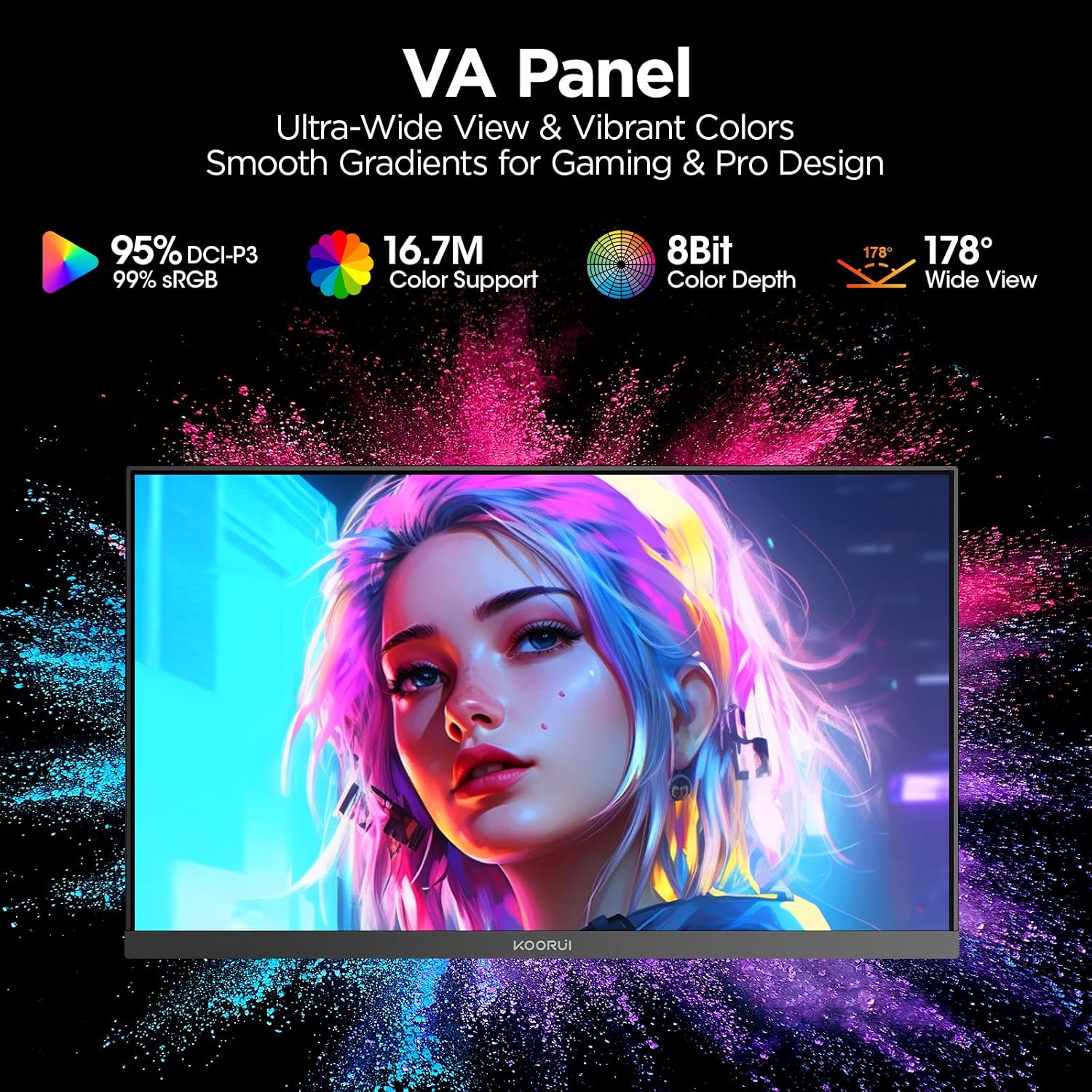
This KOORUI model stands out for combining competitive-level speed with a color gamut that exceeds many standard 1080p panels. The inclusion of both HDMI 2.0 and DisplayPort 1.4 means you can achieve the full 240 Hz with compatible PCs and maintain solid console compatibility at lower refresh rates. The ergonomic tilt and VESA mount options give flexibility when optimizing desk space or building a multi-monitor setup.
Usage Recommendations
For PC users chasing high frame rates, pair this monitor with a graphics card capable of maintaining elevated FPS at 1080p to take full advantage of 240 Hz. Console players will appreciate plug-and-play simplicity, although PS5 and Xbox Series X may not reach 240 Hz on most titles. Consider enabling Adaptive Sync in your GPU settings for smoother gameplay, and use the joystick menu to toggle crosshair and FPS overlays during competitive matches.
Note that the panel is Full HD rather than a higher-resolution format, which favors speed over pixel density. Also, color coverage is strong according to the manufacturer, but professional color-critical work may require a higher resolution or factory-calibrated display.