

KTC 27 Inch 2K 200Hz Gaming Monitor (H27T6) with Built-in Speakers
Product description
Introduction
If you’re chasing a responsive, feature-packed gaming display without juggling extra accessories, the KTC H27T6 27-inch monitor aims to strike a balance between speed, color, and convenience. It targets fast-paced titles with a native QHD (2560x1440) panel and a high refresh rate, while also offering practical all-around usability for work, media, and light content creation.
What it is and who it’s for
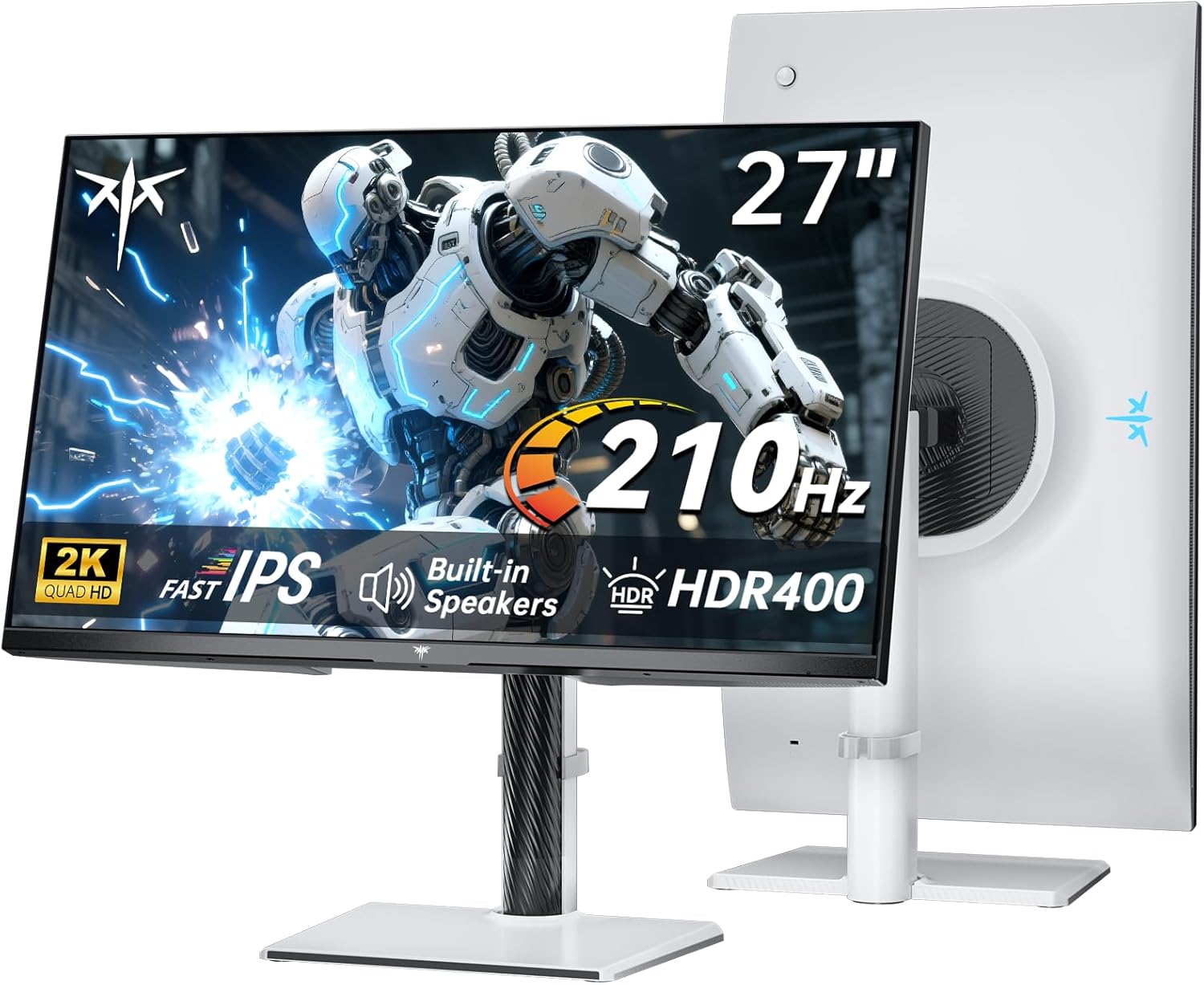
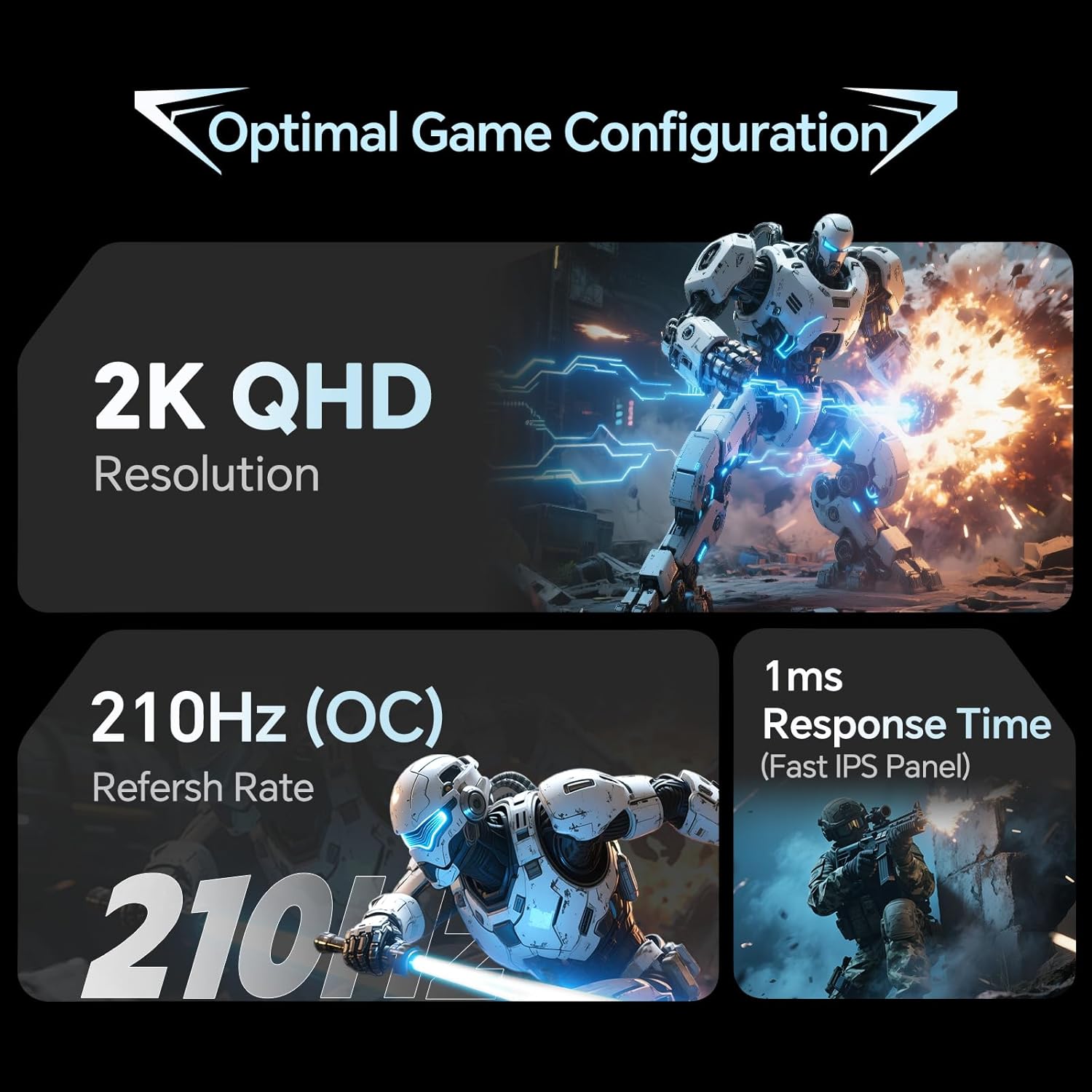
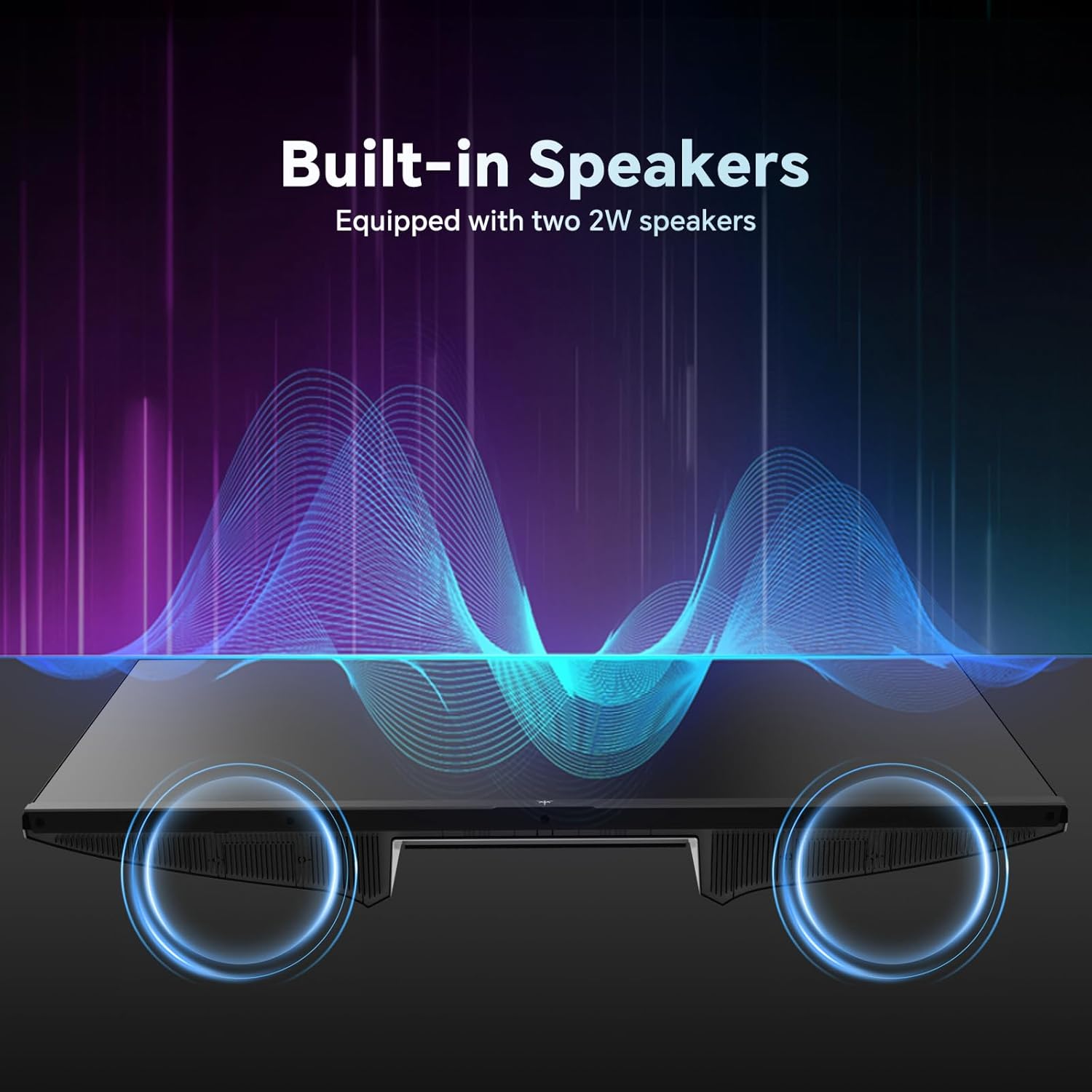
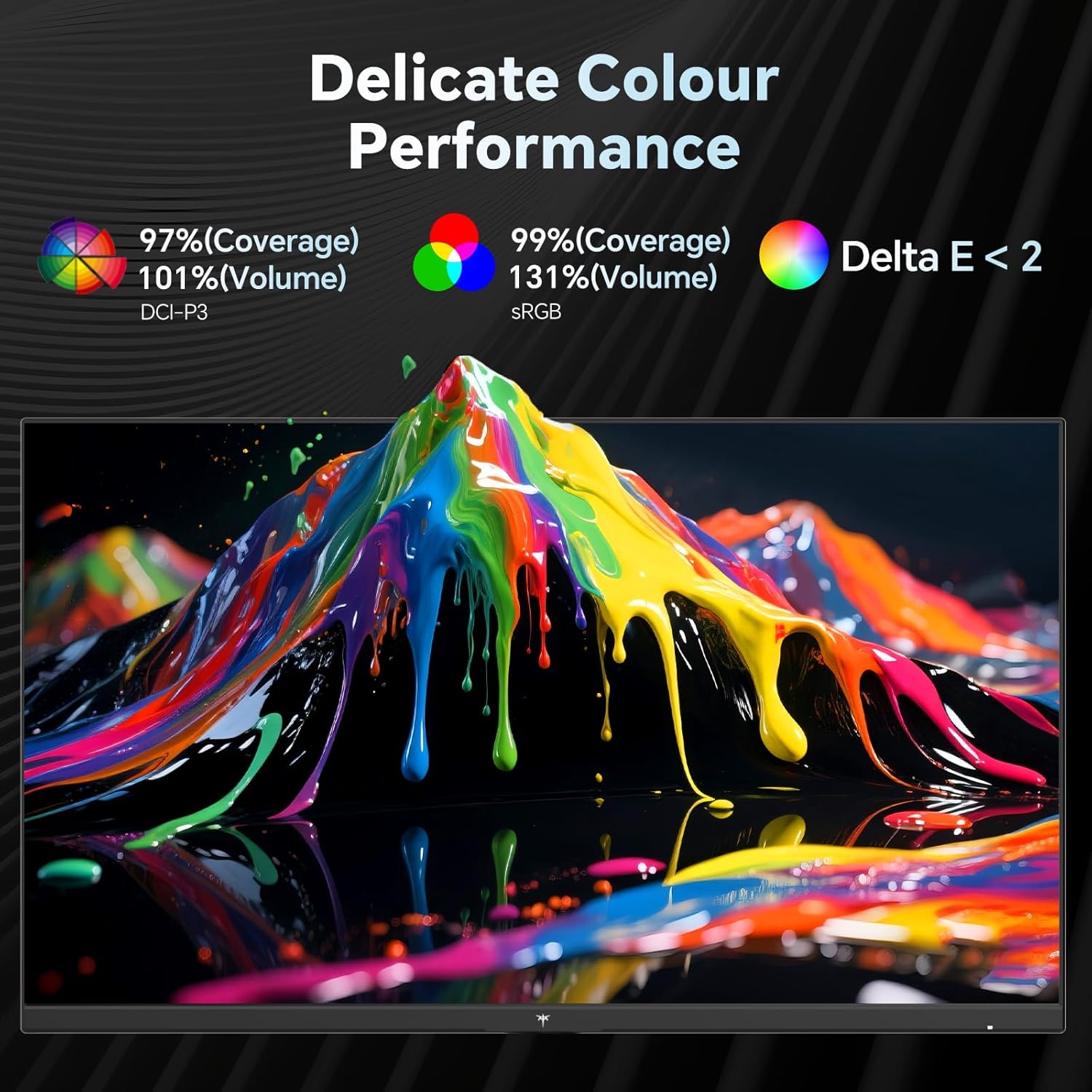
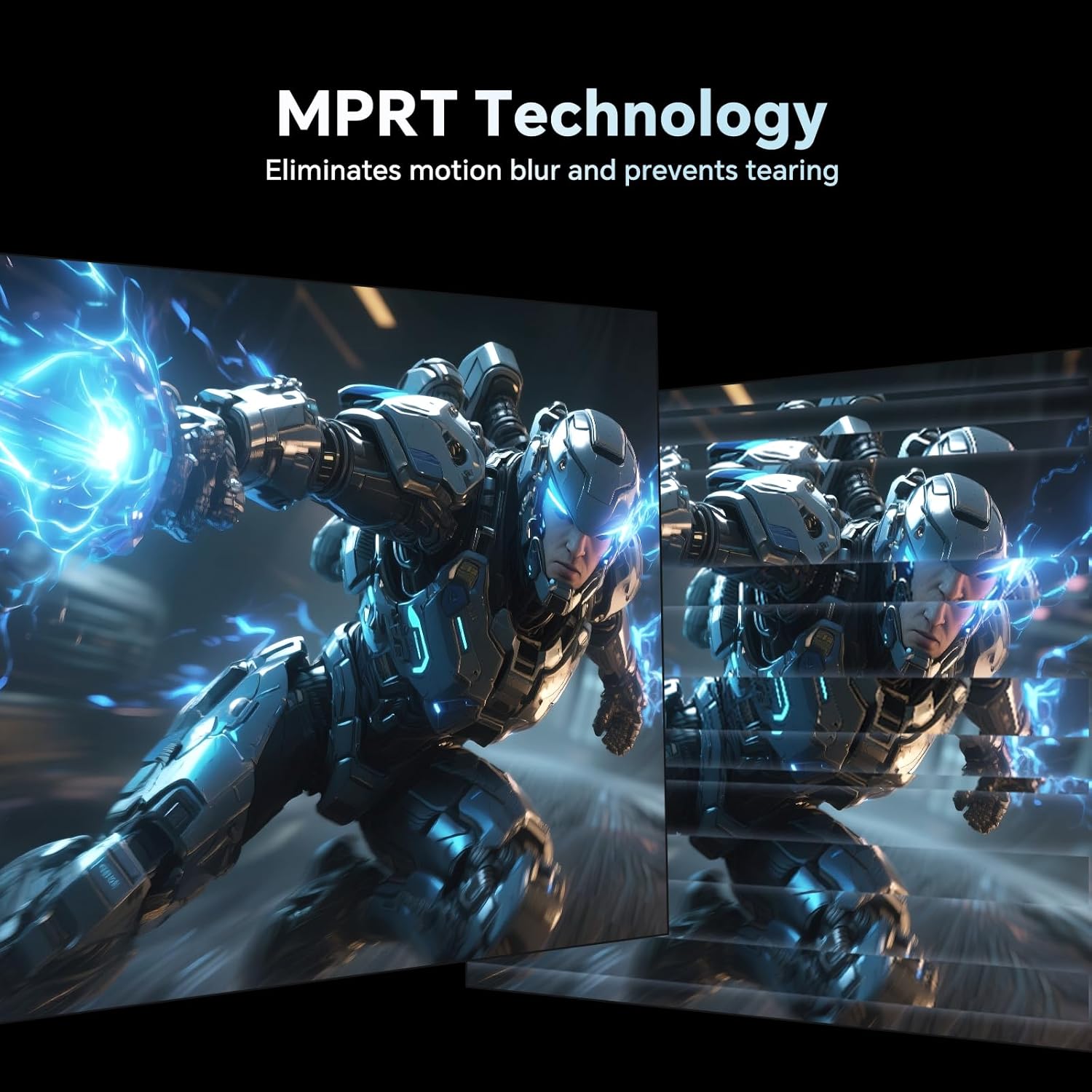
This is a 27-inch, 1440p monitor that leans into gaming performance with a Fast IPS panel, a 1ms MPRT response time, and a refresh rate up to 200Hz, with overclocking to 210Hz. It also includes HDR400 support and a broad color volume (101% DCI-P3, 131% sRGB) for richer, more life-like visuals. Built-in 2W speakers reduce desk clutter, which can appeal to users who want a simpler setup. If you’re building or upgrading a gaming desk and don’t want to add external audio while keeping a clean look, this model covers those bases.
What matters most in performance
On paper, the combination of 200Hz native refresh (210Hz overclocked) and 1ms response translates to smoother motion and quicker scene transitions in fast shooters and racing games. HDR400 plus wide color coverage suggests stronger color punch in supported titles, while the ΔE < 2 indicates aiming for color accuracy that looks natural rather than oversaturated. Adaptive Sync is a clear win for reducing tearing and stutter, especially if you pair it with a capable GPU. For mixed usage—gaming, video, and productivity—the Fast IPS panel should maintain decent viewing angles and color stability.
Design, ergonomics and build notes
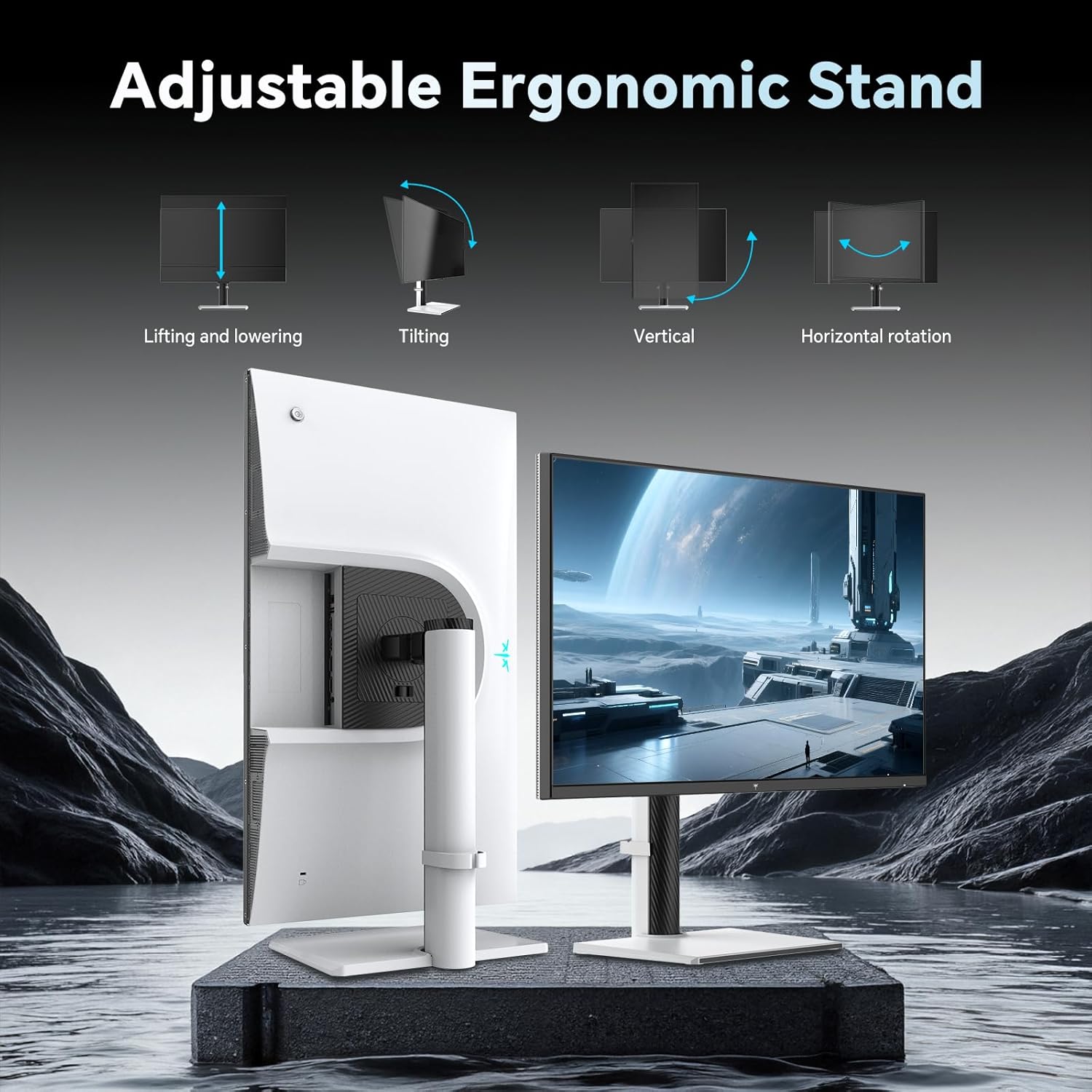
Ergonomically, the monitor offers height, tilt (-5° to 15°), swivel, and pivot adjustments, which helps you tailor the screen to a comfortable position during long sessions. A 100×100mm VESA pattern provides extra mounting flexibility if you want to attach it to a monitor arm or wall mount. The physical footprint and build focus on practicality, not flashy aesthetics. If you value adjustability and a clean desk, this model’s ergonomic range is a meaningful plus.
Connectivity and versatility
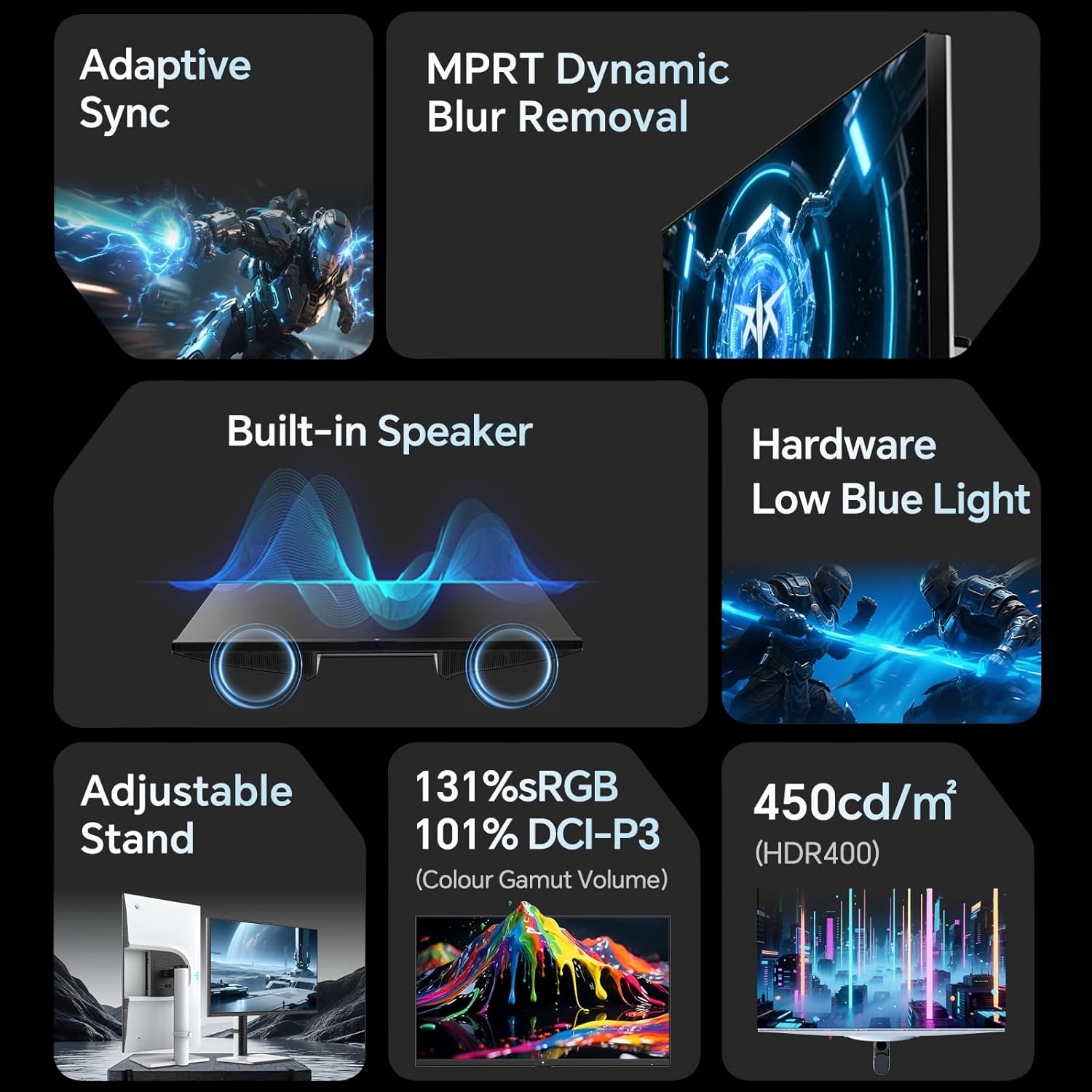
The H27T6 includes a multi-interface setup: one DisplayPort 1.4 and two HDMI 2.0 ports. That makes it straightforward to hook up a PC, laptop, gaming console (like PS5), or streaming devices without hunting for adapters. The built-in speakers simplify lightweight media consumption or voice chats, though you may still prefer external audio for more immersive gaming sounds.
What could be improved or limited
While the color performance is solid for a gaming monitor, HDR400 is a mid-tier HDR spec that won’t deliver the same impact as higher-tier HDR panels. The built-in speakers are convenient, but they won’t replace a dedicated speaker system if you’re chasing cinematic audio. Also, overclocking from 200Hz to 210Hz is possible, but it may vary by unit and requires care to ensure stability in your setup. If you prioritize a brighter peak brightness or deeper blacks, you may notice a gap compared to higher-end HDR monitors.
Who it’s for and who should consider alternatives
This monitor suits gamers who want a high-refresh, responsive panel without adding external audio gear. It’s a reasonable fit for casual to competitive players who don’t need extreme HDR performance and who appreciate built-in speakers and flexible mounting. If you’re after the absolute best color accuracy and HDR experience for media editing, or you crave higher brightness and a more aggressive feature-set, you might find other options more capable.
Before you buy: quick checks
- Ensure your graphics card and cables support DisplayPort 1.4 or HDMI 2.0 to reach the stated 200–210Hz range at 1440p.
- Consider how you’ll use the space: the height/tilt/pivot range helps for long sessions, but verify desk clearance for full swivel.
- If you rely on color-critical work, test color accuracy or look for user reviews focusing on color performance and uniformity to confirm it meets your standards.
Practical use case: a day-in-use snapshot
Imagine jumping into a fast multiplayer match: you’ll likely notice the smooth motion as objects and players move across the screen with minimal blur. When switching to a story-driven game or a movie, the 2K resolution and wide color gamut offer a more engaging viewing experience than a basic 1080p setup. For productivity, the crisp 1440p image plus the option to mount the monitor if you want a cleaner desk arrangement makes it a versatile choice.
FAQ (practical answers based on available data)
- Does it work with PS5 or other consoles? Yes, thanks to HDMI 2.0 and DisplayPort 1.4 inputs, it can connect to consoles and PCs alike.
- Is HDR worth it at HDR400? It improves performance in dark scenes, but don’t expect the same vividness as higher-tier HDR panels.
- Can I overclock beyond 210Hz? The specification mentions up to 210Hz when overclocked, real-world stability may vary by unit.
Final thoughts
If you prioritize a high-refresh gaming experience with solid color performance and practical ergonomics, the KTC 27 Inch 2K 200Hz Gaming Monitor offers a compelling all-in-one package at a reasonable price point. It’s especially appealing for multi-use setups where desk space and simplicity matter. However, if you demand peak HDR performance, studio-grade color accuracy, or extreme brightness, you may want to explore options that target those characteristics more aggressively.
Final decision
Is it worth it? It depends on your needs: a fast, versatile 27-inch display with built-in speakers and flexible mounting is a solid choice for gamers and mixed-use setups who don’t require top-tier HDR or pro-level color accuracy.