

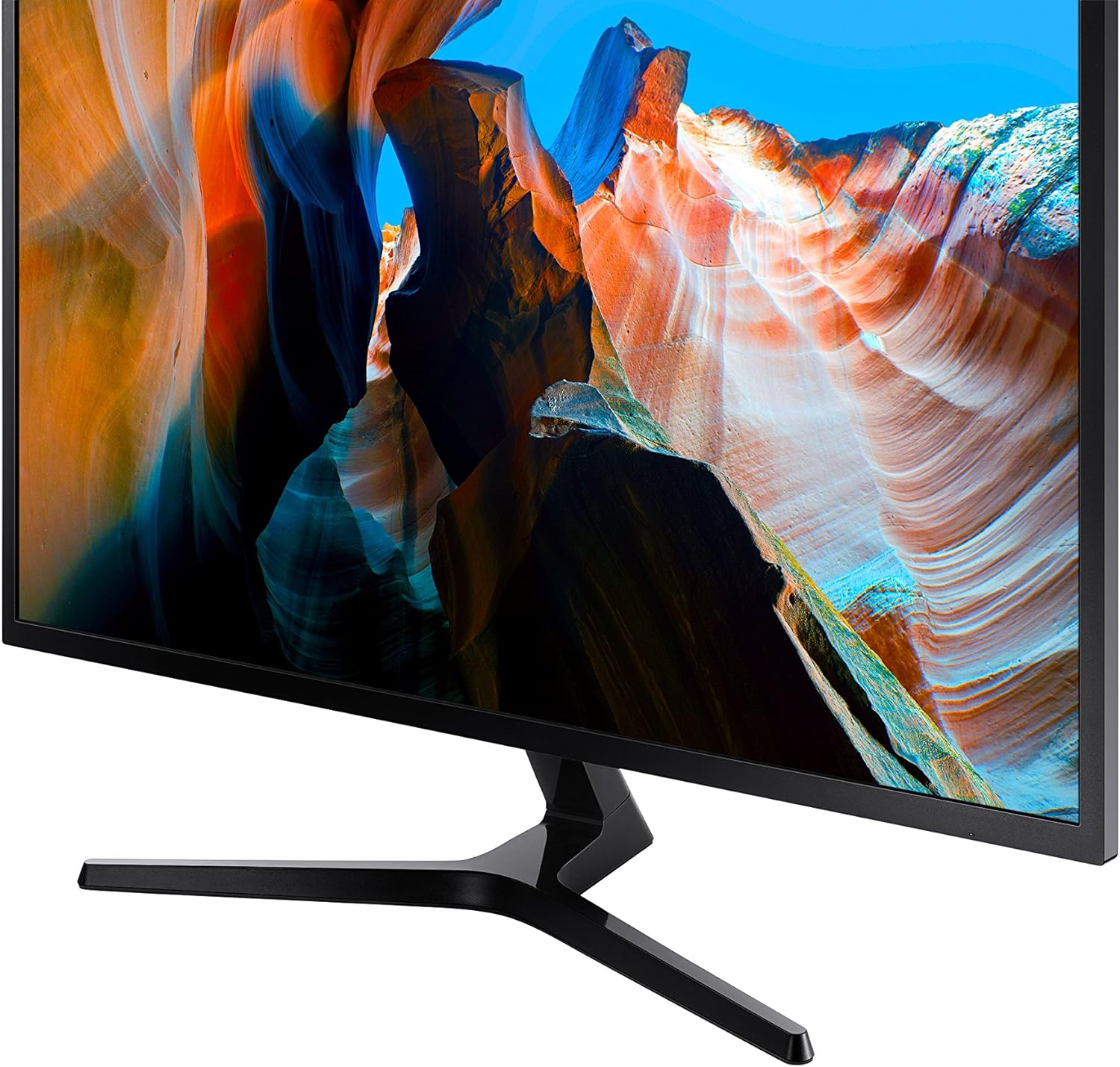
Samsung 32" UJ59 Series 4K UHD (LU32J590UQNXZA) VA Panel Computer Monitor
Reviews
Price
Product description
If you want one monitor that can handle work, content, and gaming without constantly swapping setups, this Samsung 32" UJ59 is built for that kind of everyday use. It brings a 4K UHD (3840 x 2160) widescreen layout, a VA panel, and a feature set that leans toward smoother gameplay and easier multitasking.
That said, no monitor is perfect on paper—what you get here is a lot of convenience and a solid 4K experience, but you’ll still want to double-check your input needs and what “smooth” means for your specific gaming style.
What it is and why people buy it
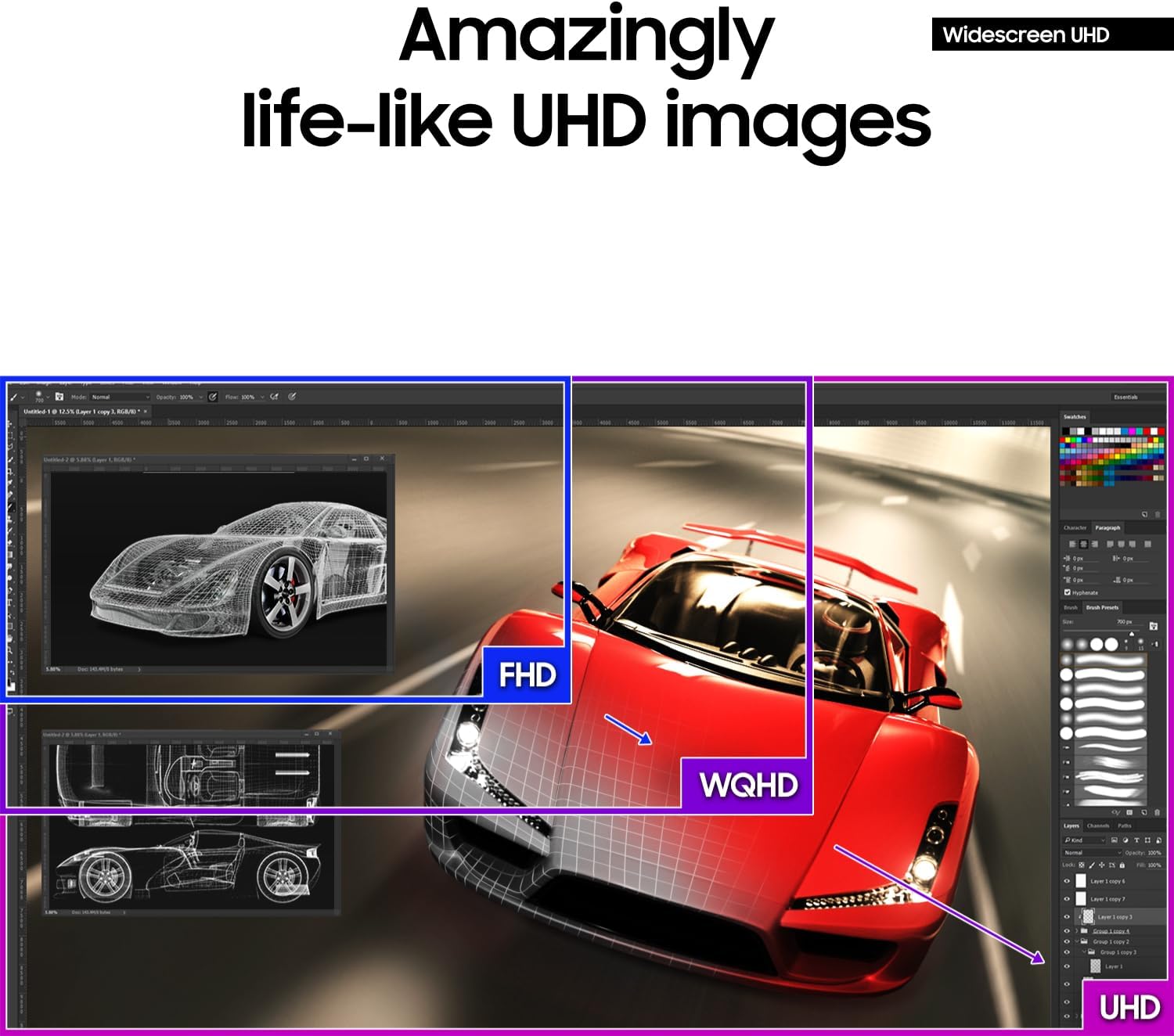
The Samsung UJ59 Series is a 32-inch widescreen computer monitor designed for desktop productivity and media consumption, with gaming-friendly extras. The big draw is the 4K UHD resolution: it’s four times the pixel count of Full HD, so you can fit more windows, documents, and toolbars on screen at once. If your day includes spreadsheets plus a browser, or you regularly juggle multiple panes, that extra screen real estate can reduce the constant “scroll and switch” feeling.
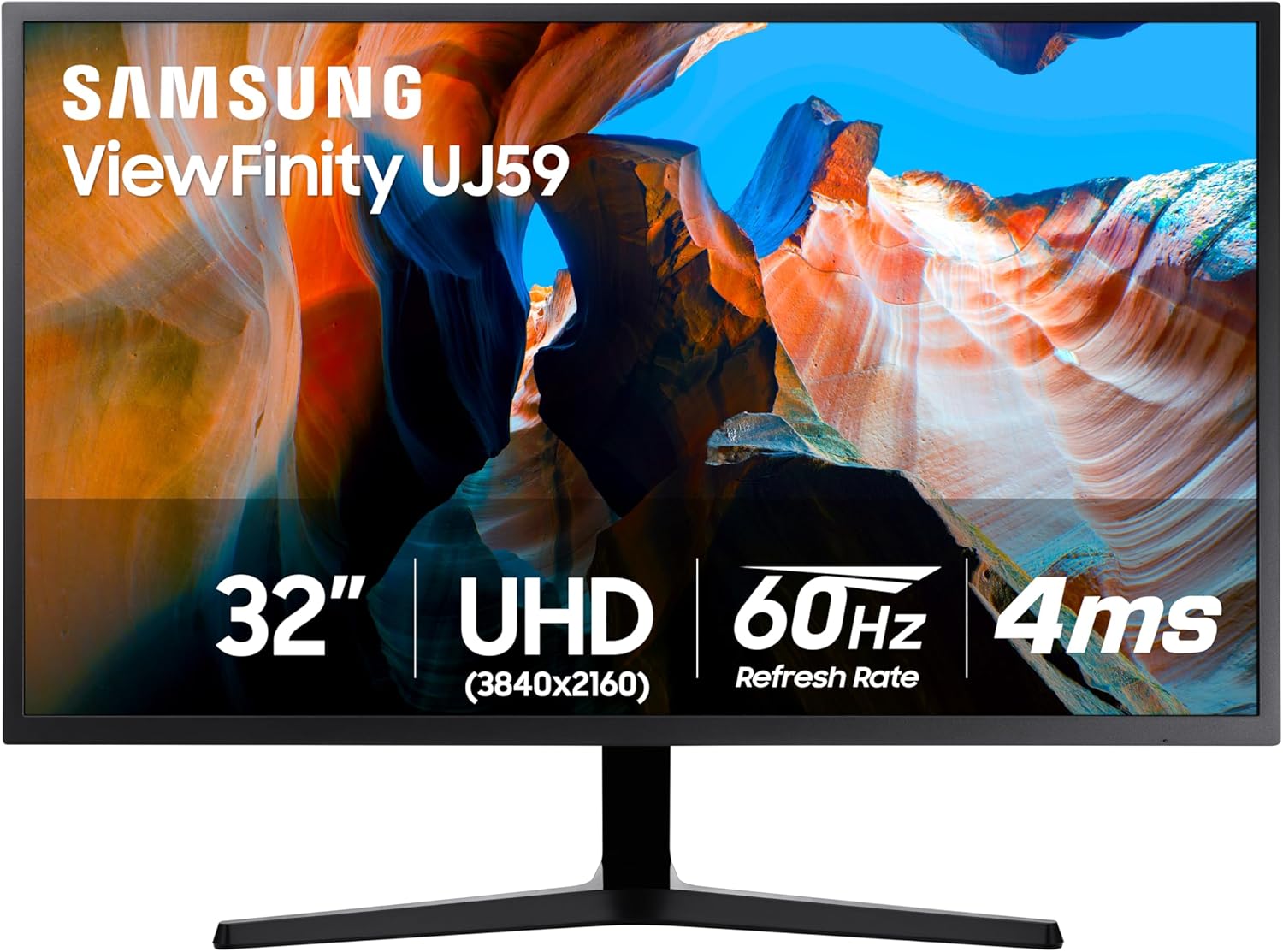
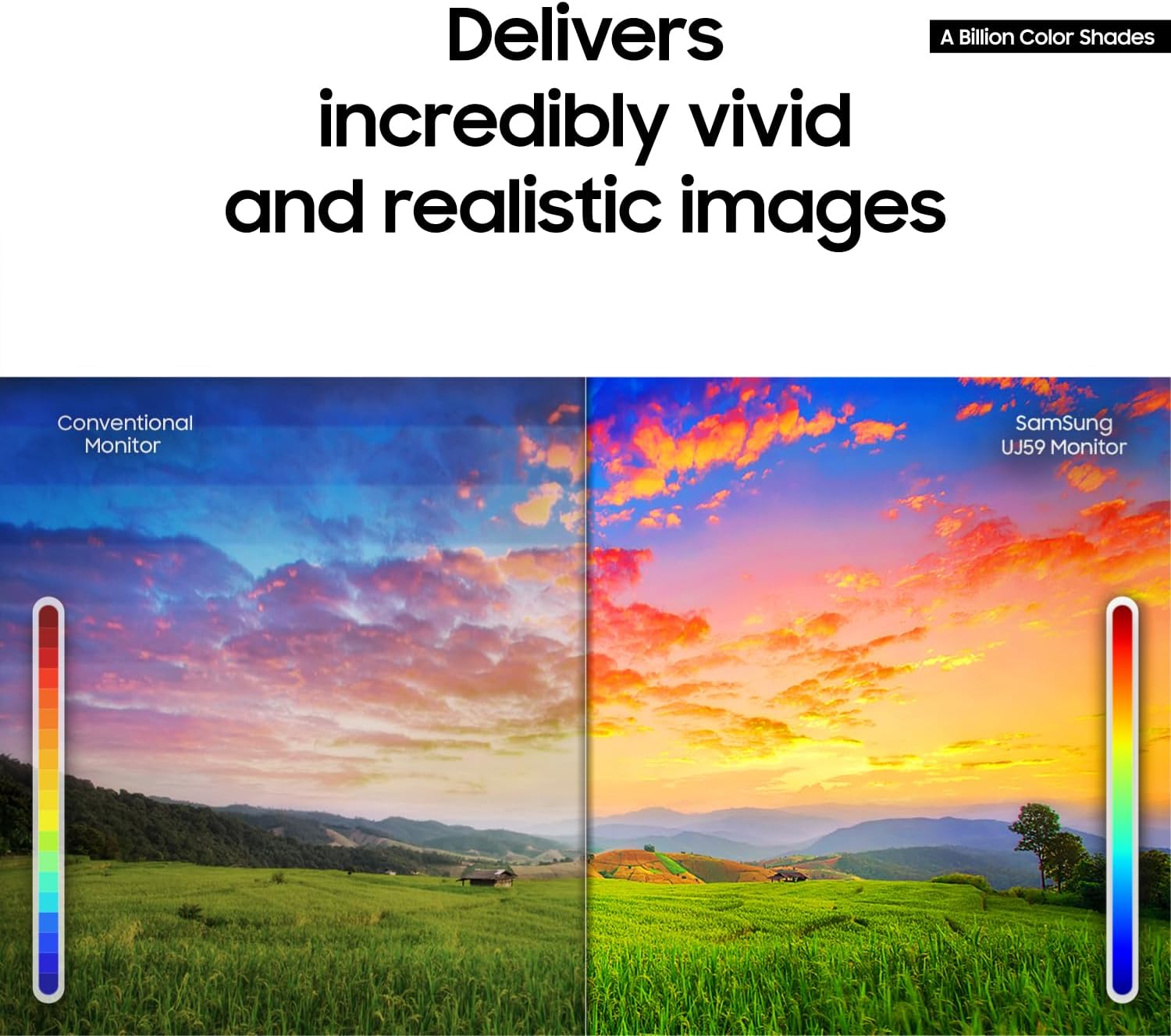
On the entertainment side, it’s positioned as a monitor that supports vivid imagery, including a wide range of color shades (described as “a billion color shades”). On the creative side, that color accuracy angle matters if you’re reviewing photos, videos, or graphics work where colors should look closer to how they’re intended to appear.
Key takeaways for daily use
A few things stand out once you think about how you’ll actually use a monitor.
First, the screen’s 4K resolution is the foundation for clearer detail—text can look sharper and images generally feel more defined, especially when you’re working with high-resolution content. And because it’s a 32-inch widescreen, it tends to suit people who want less reliance on multiple monitors.
Second, the UJ59 includes Samsung’s UHD upscaling approach, which is meant to analyze signals and enhance detail when content is below UHD. This is the kind of feature that can help when you watch streaming at lower resolutions or work with older files that aren’t natively 4K.
Third, there’s an explicit “multitask without losing quality” concept: Picture-by-Picture (PBP) supports connecting to 2 devices while maintaining their original quality. Picture-in-Picture (PIP) adds flexibility by letting you display a second source in a smaller area of the screen (up to 25% as described) and reposition it.
Where it shines for gaming
This monitor isn’t marketed purely as a gamer’s display—it’s more like a general-purpose monitor with gaming-focused settings. Still, the included technologies matter.
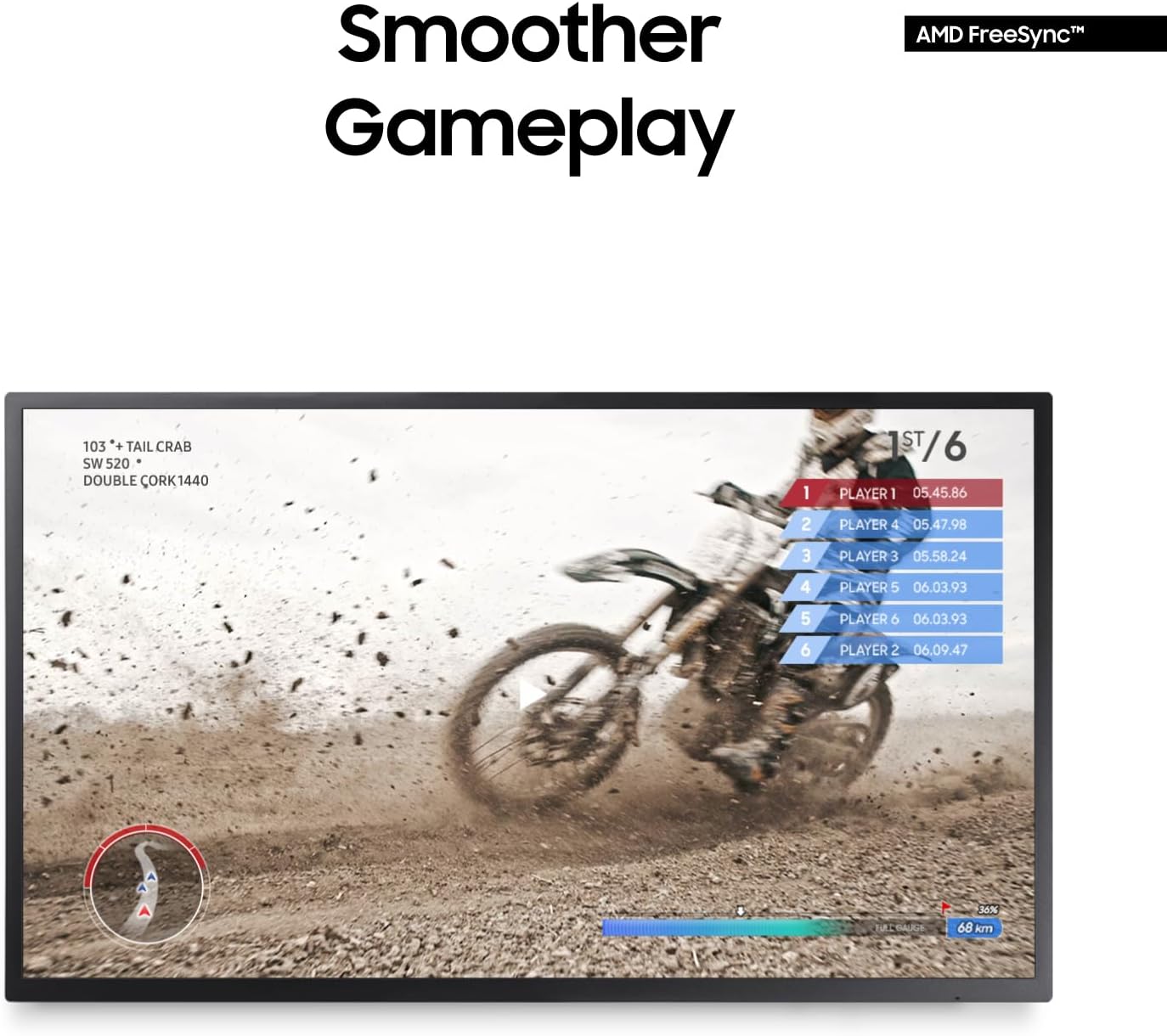
For smoother gameplay, the UJ59 supports AMD FreeSync, which synchronizes the graphics card and monitor refresh timing to help reduce tearing and stutter. It also includes Low Input Lag Mode, aiming to minimize delay between your inputs (mouse, keyboard, or joystick) and what appears on screen.
There’s also a Game Mode that optimizes contrast for gameplay, with a focus on boosting contrast in darker scenes so details are easier to spot. If you play titles where visibility in shadows is the difference between winning and losing, this is a feature you’ll likely notice.
One limitation to keep in mind: the base info doesn’t list refresh rate or response time specifics, so if you’re chasing a very particular competitive performance target, you may need to check the exact specs on your end before committing.
The essentials: inputs and connectivity
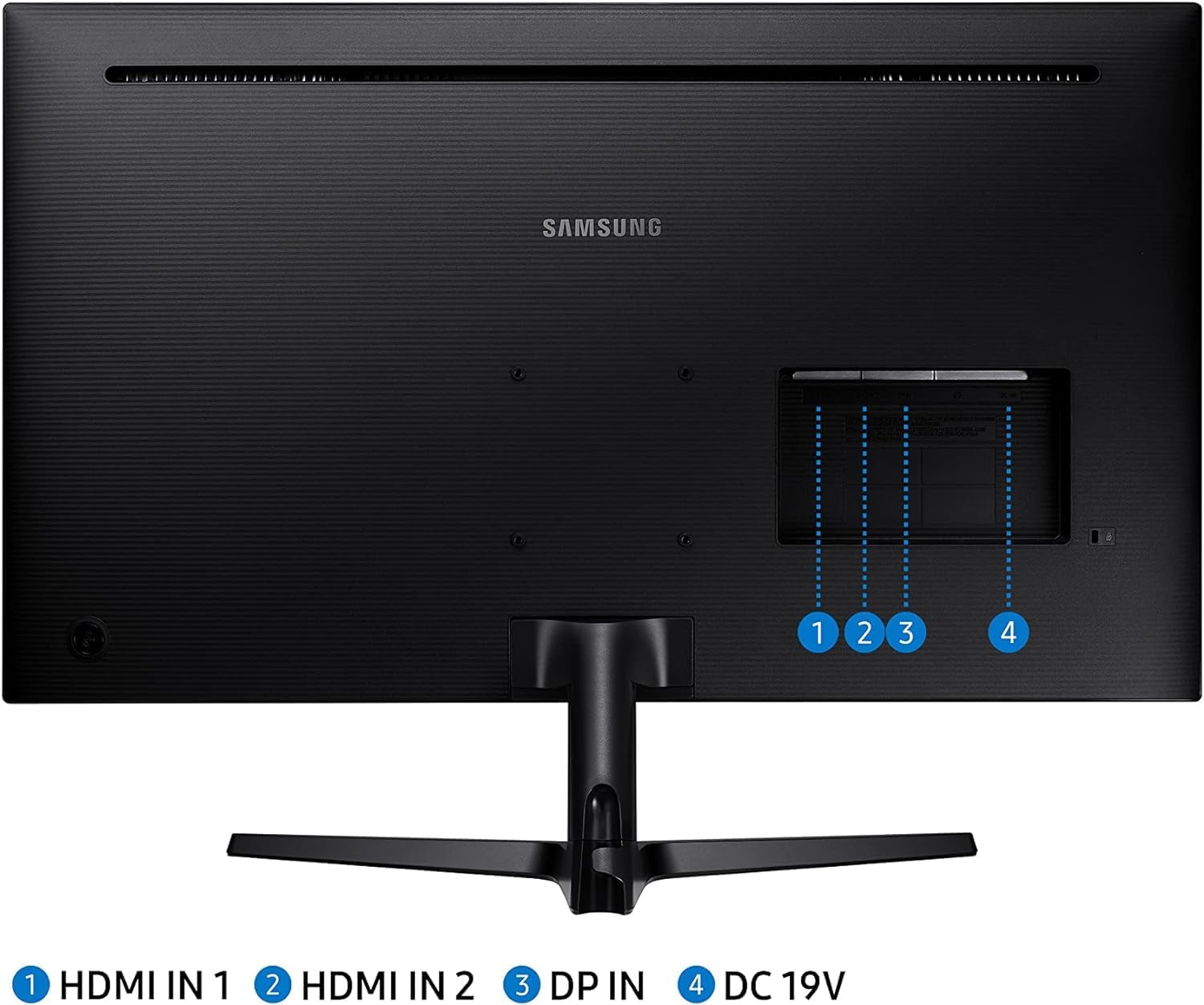
From the provided details, the Samsung UJ59 includes HDMI and DisplayPort, plus it uses an Eye Saver / Flicker Free mode. That eye-care positioning is aimed at reducing eye strain during long sessions by addressing flicker and comfort.
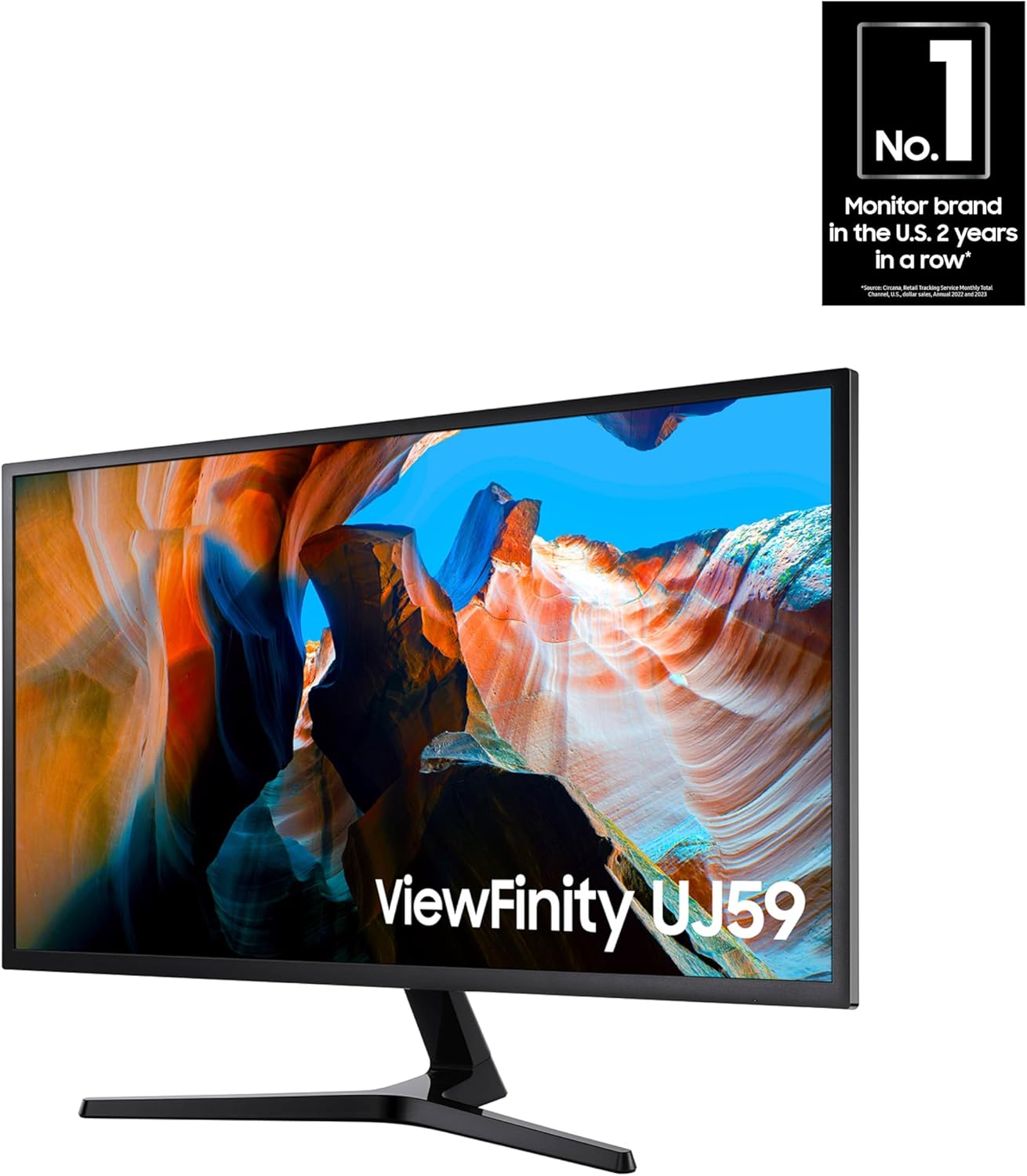
It also uses a Y-shaped stand with a firm footing and a matte black finish, which is the kind of practical detail you only really appreciate after living with the monitor for a while. Slim bezels help it look more at home in multi-monitor desks or cleaner single-monitor setups.
If you’re planning to use PBP/PIP, it’s worth thinking ahead about how many devices you actually want connected at once, and whether your workflow benefits from having two sources visible simultaneously.
Tech specs
- Name: Samsung 32" UJ59 Series 4K UHD (LU32J590UQNXZA)
- Type: Computer monitor
- Resolution: 3840 x 2160 (4K UHD)
- Panel type: VA panel
- Ports: HDMI, DisplayPort
- Feature modes: Eye Saver, Flicker Free Mode
- Gaming/VRR: FreeSync, Low Input Lag Mode, Game Mode
- Multitasking: Picture-by-Picture (PBP), Picture-in-Picture (PIP)
Is it worth it?
Worth considering if you want a 32-inch 4K monitor that supports comfortable desktop multitasking (PBP/PIP) and also adds gaming-focused features like FreeSync and Low Input Lag Mode. It makes sense if you routinely work with multiple windows, spend time viewing media, and occasionally play games where smoother frame pacing and better dark-scene contrast can help.
It might not be a great match if you’re shopping only for the most demanding competitive gaming performance and need specific refresh rate/response time guarantees—those details aren’t provided here. You may also want to skip it if your setup requires very specific connectivity beyond the listed HDMI and DisplayPort.
A practical example: imagine working on a document in the main view while keeping a chat or a second app in PIP. Then when you switch gears for gaming, you can flip into Game Mode to boost contrast in darker scenes and rely on FreeSync to reduce tearing and stutter during gameplay.
Quick FAQ
FAQ: Common questions before you buy
Does this monitor support 4K resolution? Yes. It’s listed as a 32" 4K UHD monitor with a 3840 x 2160 resolution.
Is FreeSync included? Yes, FreeSync is included and positioned as helping reduce image tearing and stutter.
Can I connect more than one device at the same time? Yes. It supports Picture-by-Picture (PBP) for two devices and Picture-in-Picture (PIP) for a smaller secondary view.
Is there an eye-comfort mode? The details mention an Eye Saver mode and a Flicker Free Mode.
Is upscaling supported? Yes. UHD upscaling is included, intended to upconvert lower-resolution content toward near-UHD-level picture quality.