

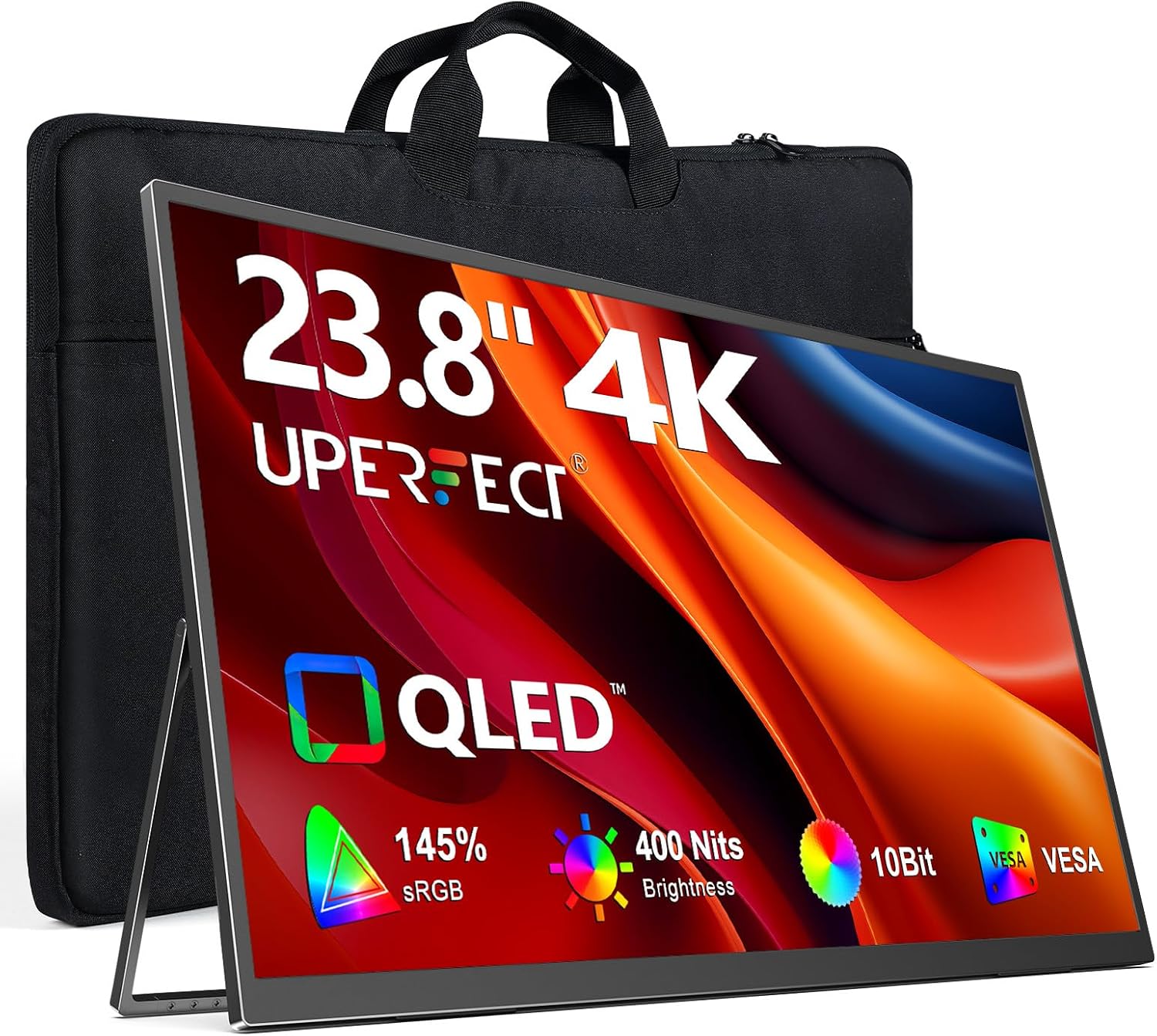
UPERFECT Portable Monitor 4K 23.8" QLED (UHD, 100% DCI-P3, 400 nits) with USB-C & HDMI
Product description
Key takeaways
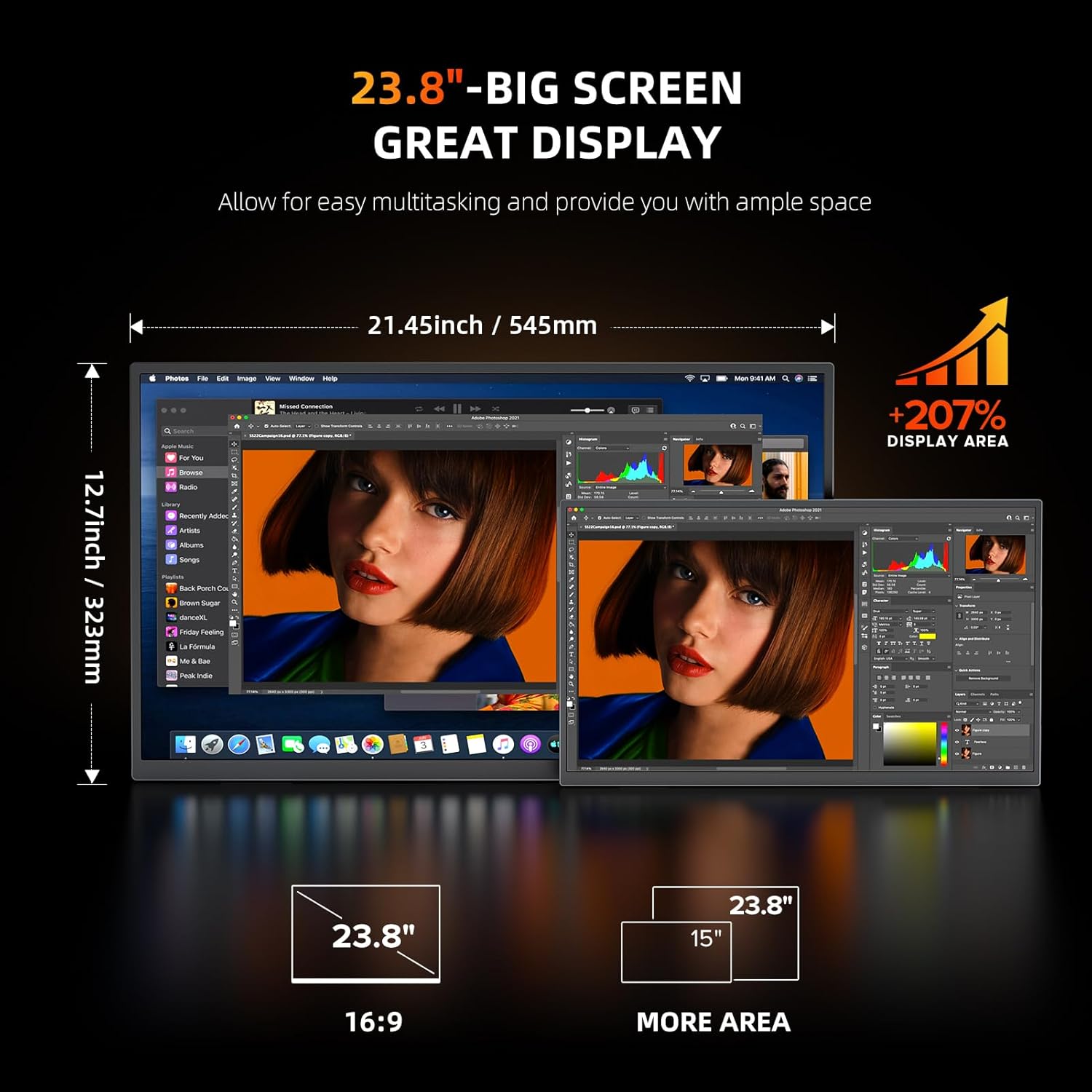
If you’re shopping for a portable 4K monitor, the UPERFECT 23.8" QLED model is built for people who want a big-feeling workspace without taking over the desk. On paper, it aims to land in the sweet spot between usable screen area and portability, and the 23.8" size is specifically positioned as giving more visible space than a typical smaller 21.5" class monitor.
The other headline is picture quality: 4K UHD resolution (3840 x 2160), QLED “True Color” with 100% DCI-P3, and a stated 400 nits brightness figure. Add in 1 ms FreeSync and dual input options (USB-C and HDMI), and it reads like a second-screen solution that can also pull weight for photo/video work and casual gaming.
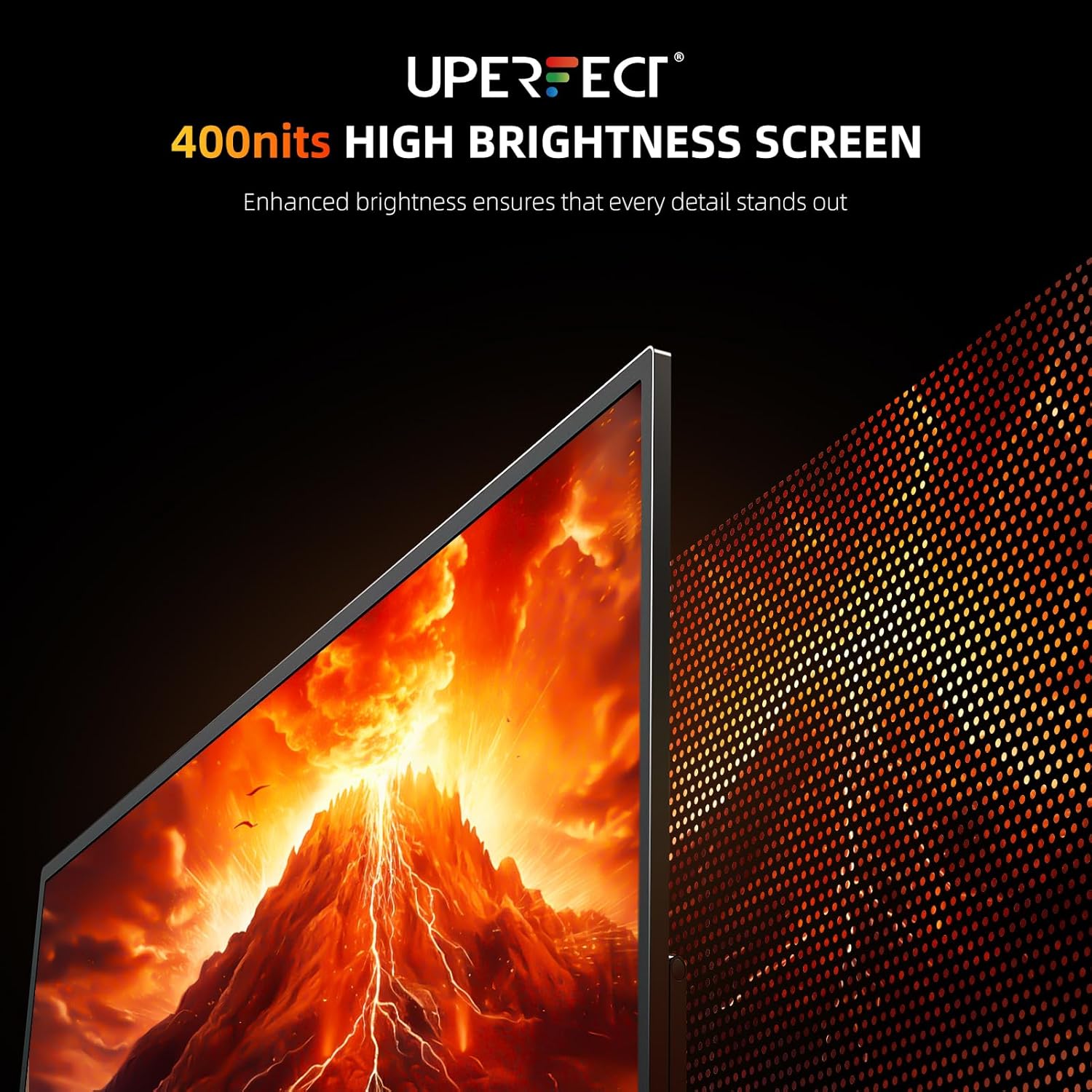
That said, the details matter. The brightness note suggests the “400 nits” peak depends on external power, while continuous brightness is lower with USB-C power. So if you expect the full brightness everywhere, it’s worth checking how you plan to power it.
What you’ll notice in day-to-day use
A portable monitor is only “worth it” when it removes friction. Here, the pitch is pretty clear: you can set up a dual-screen workflow on a compact desk, open a laptop-and-monitor setup at home, or bring a clean second display to a hybrid workspace.
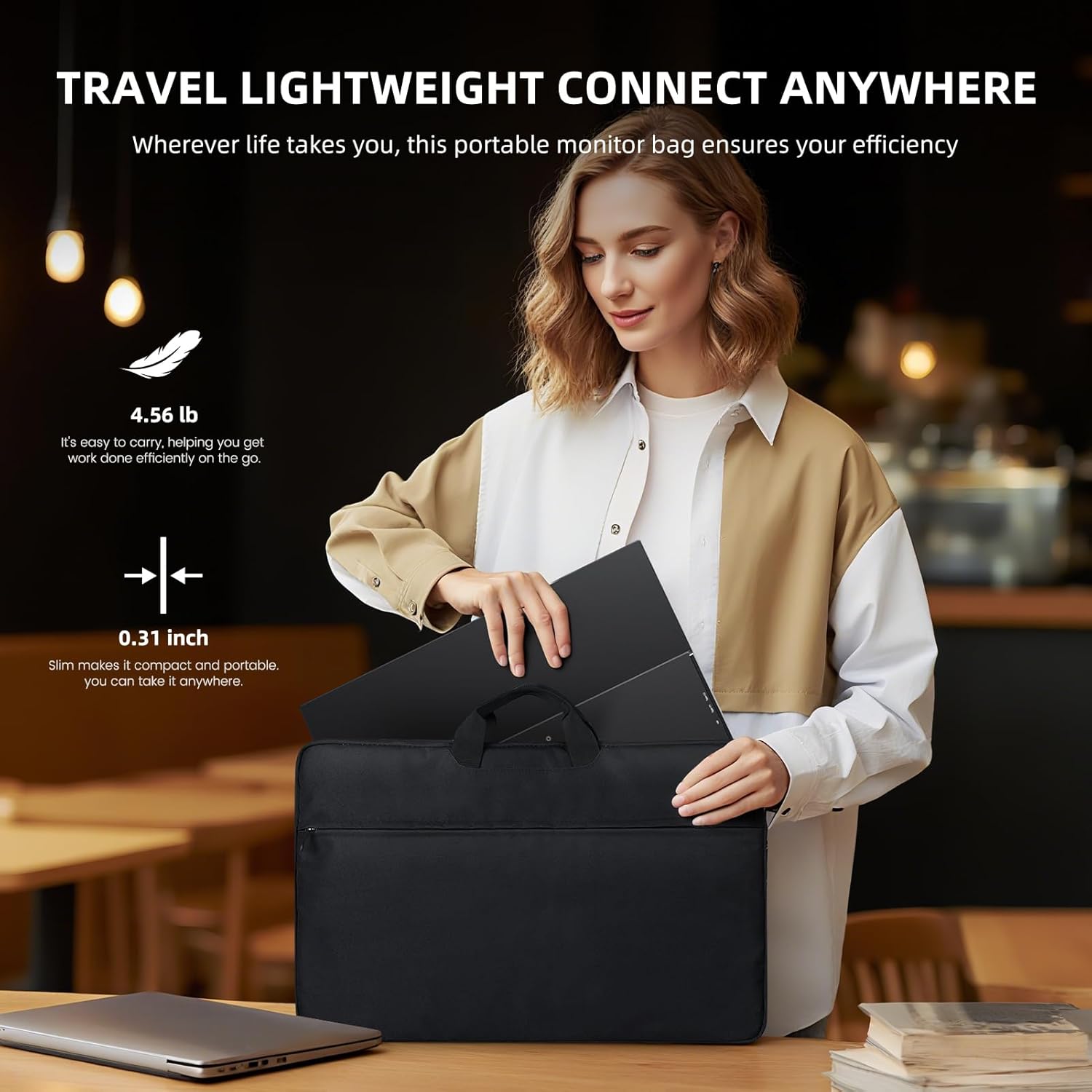
The 23.8" size also helps with day-to-day ergonomics. The stand is adjustable up to 180°, so you can tilt to a comfortable viewing angle instead of always fighting the angle of a flat screen. A practical example: imagine editing photos in your browser, then sliding reference images to the second monitor. With 4K UHD, the extra pixel density can make fine details feel less cramped than a typical lower-resolution portable display.
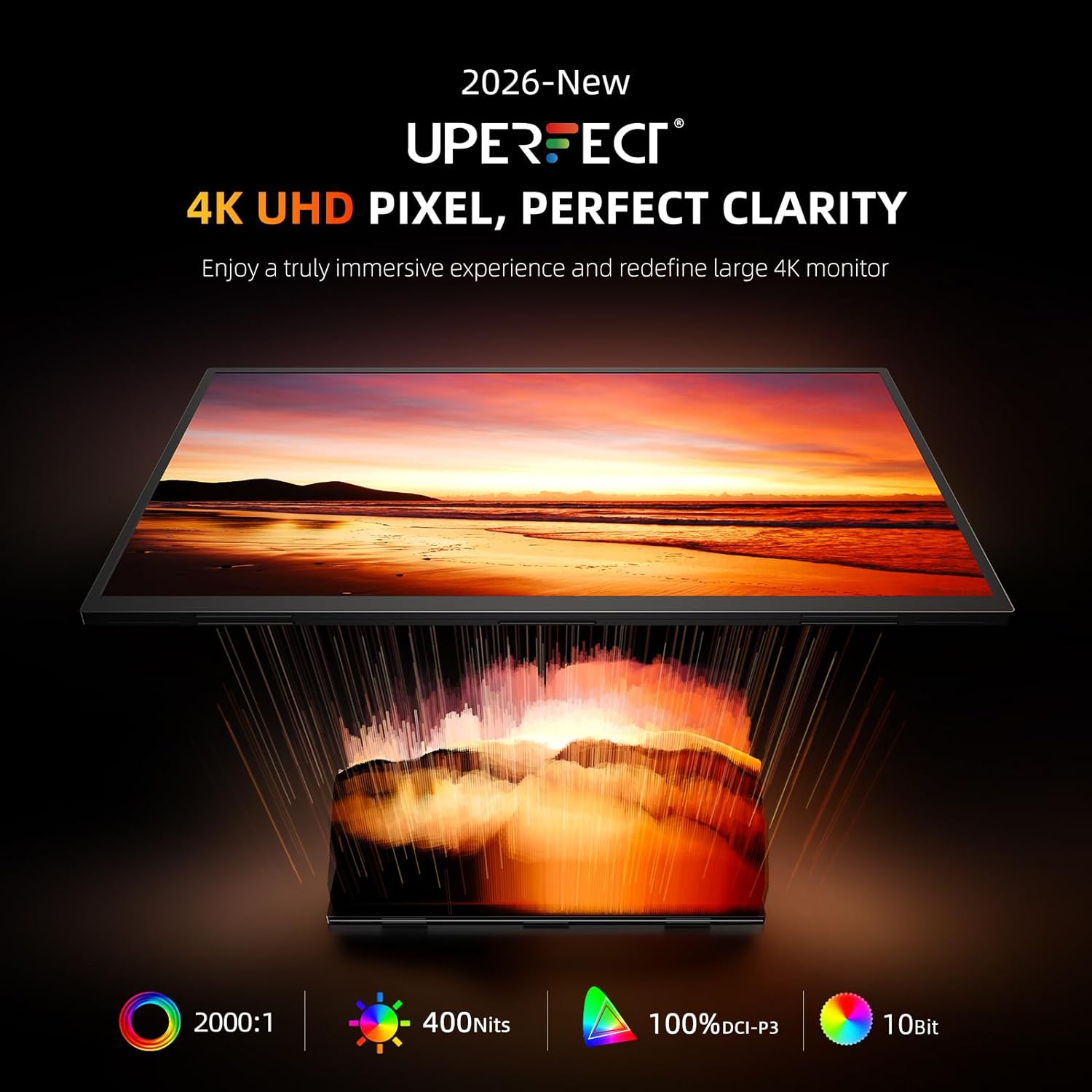
For entertainment and media, QLED True Color is aimed at richer color volume, and 400 nits is positioned as a brightness level that should handle different room lighting better than darker portable panels.
Where it shines (and when it holds you back)
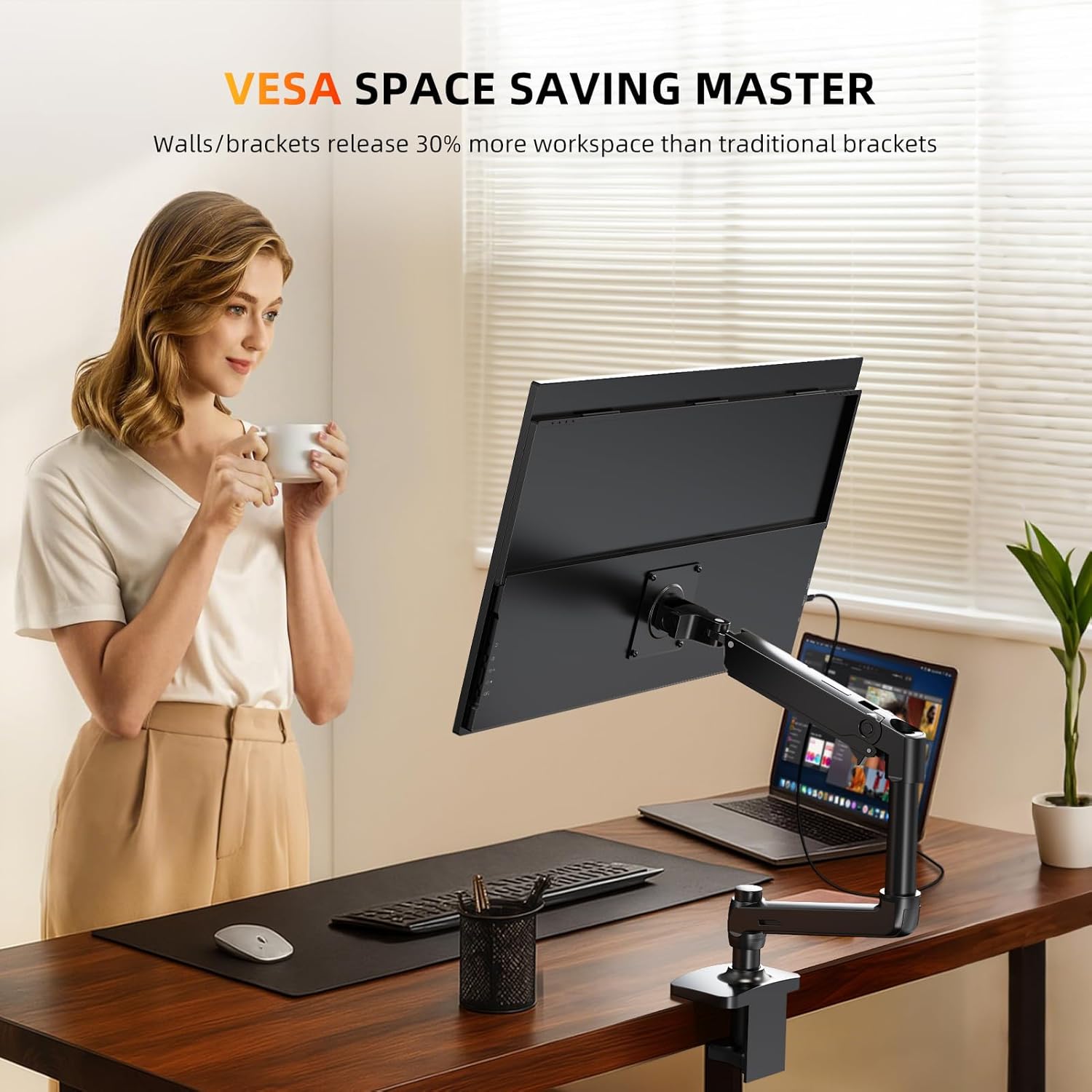
Where it stands out: - 4K UHD clarity for sharper text and more room for windows. - QLED color targeting 100% DCI-P3, which is relevant if you care about color fidelity for creative work (or you simply notice when colors look “off”). - Brightness options that can work across lighting conditions—just keep the power/brightness distinction in mind. - Flexible connection setup with USB-C and HDMI, plus VESA support (75 x 75 @ M4) if you prefer a wall/arm setup.
Where you may want to temper expectations: - The “400 nits” figure comes with an asterisk: continuous brightness is listed as lower with USB-C power, and peak brightness is tied to external power. If your setup is mostly USB-C powered, the experience may feel a step dimmer than the headline. - The stand angle guidance includes a safety note: positioning it at or slightly below eye level and avoiding steep downward angles matters, especially as screens get larger. It’s not complicated, but it is something to follow.
Key specifications that matter for buying
- Resolution: 3840 x 2160 (4K UHD)
- Display type / color: QLED with 100% DCI-P3
- Brightness: 400 nits (peak), continuous brightness is listed as 300 nits with USB-C power
- Refresh / sync feature: 1 ms FreeSync
- Ports / inputs: USB-C & HDMI
- Size: 23.8"
- Stand & mount: built-in 180° adjustable stand, VESA 75 x 75 @ M4
Practical tips for setup and comfort
Before buying, think about how you’ll actually use it: as a travel second screen, as a home-office extension, or as a portable display for a mini PC or console.
A couple of things to plan for:
1) Power approach: If you’ll rely on USB-C power most of the time, the listing’s brightness note suggests you may not consistently get the peak 400 nits.
2) Viewing height and tilt: The safety reminder is straightforward—place the monitor at or slightly below eye level and avoid steep downward angles that may stress the stand. For desk use, this is usually easy to follow and keeps the setup stable.
3) Mounting flexibility: If you prefer a cleaner desk or already have a monitor arm, VESA (75 x 75 @ M4) support can make the integration smoother than relying only on the stand.
Mini FAQ for shoppers
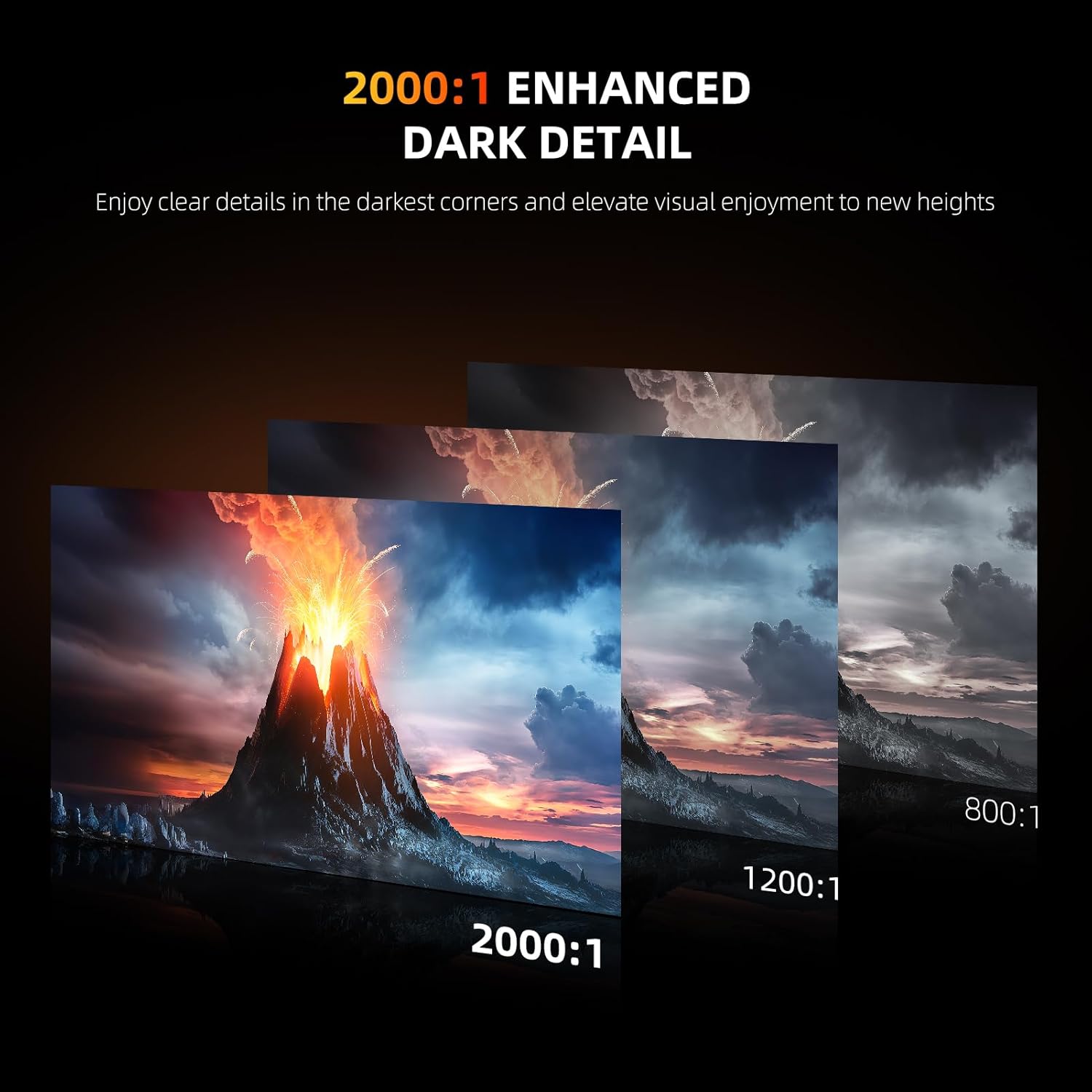
Is this mainly for work, gaming, or media? It’s positioned as a general second-screen monitor: 4K UHD and QLED color support creative workflows, while the 1 ms FreeSync feature is aimed at smoother gaming motion. For movies, the stated brightness and color volume are meant to deliver a more “cinematic” look.
Does it get full brightness on USB-C? The listing indicates continuous brightness is 300 nits with USB-C power, while 400 nits peak brightness requires external power. If brightness is your top priority, that distinction matters.
Can it be wall-mounted or mounted on an arm? Yes—there’s built-in VESA support listed as 75 x 75 @ M4.
Will it be a good dual-screen upgrade from a smaller portable display? The product description explicitly frames the 23.8" size as offering more visible area than a standard 21.5" monitor, which is exactly the kind of jump that can make multitasking feel easier.
Is it worth it?
Worth considering if you want a portable 23.8" 4K QLED monitor for a true second-screen setup—especially if you care about color (100% DCI-P3 is the stated goal) and you want the flexibility of USB-C and HDMI.
It might not be the best match if you only plan to run it on USB-C and you expect the full 400 nits brightness in every situation, since the listing calls out lower continuous brightness under USB-C power. You may also want to skip it if you’re extremely sensitive to brightness differences between “peak” and “continuous” performance.
Overall, it reads more like a mid-range portable display with strong emphasis on image quality than a pure budget screen—so if your priority is crisp 4K visuals and color depth for work and entertainment, it’s the kind of portable monitor that tends to earn its spot on the desk.