

UPERFECT 2K 240Hz Portable Monitor (24.5-inch QHD) with HDR, HDMI 2.1 & DP 1.4
Product description
Quick overview (what it is and why people buy it)
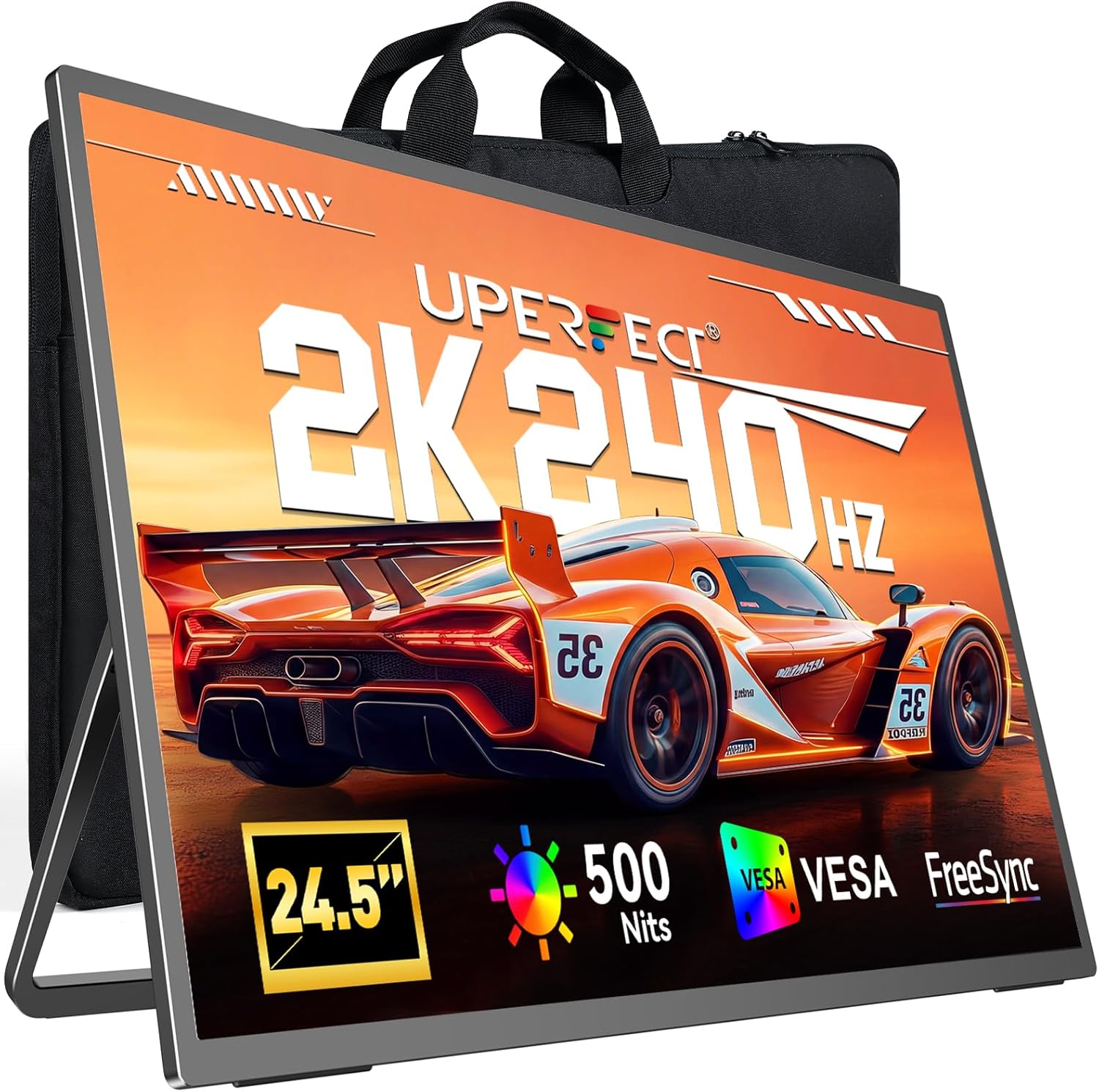
The UPERFECT 2K 240Hz Portable Monitor is a 24.5-inch QHD (2560×1440) display built for people who want a responsive, competitive gaming feel while still staying portable. On paper, the big draw is the mix of a 240Hz refresh rate and a claimed 0.1ms response time, paired with HDR support and up to 500 nits peak brightness.
As a second-screen option, it also leans practical: you can use it with a laptop, a PC, a phone (with the right connection), or a game console, and it comes with a built-in stand plus a VESA mount for more flexible setups. This is the kind of monitor you consider when you’re tired of a “good enough” screen that adds lag—or when you want a clearer, sharper QHD workspace for gaming and everyday tasks.
Key features that matter in real use
The most noticeable part, if you play fast games, is the refresh rate. 240Hz is meant to reduce motion blur and ghosting, so motion looks smoother when you’re tracking targets or racing at speed. The 0.1ms response time claim is there to support that same idea—lower perceived delay during quick action. That said, it’s worth keeping expectations grounded: response-time numbers depend on how the monitor is driven and configured, and real-world performance can vary with content, settings, and the device output.
On the visual side, the 24.5-inch QHD panel targets sharper detail than a typical lower-resolution screen. That can help with both gaming (more clarity in UI and distant targets) and productivity (crisp text for spreadsheets or writing). HDR support is another layer here, with a 500 nits peak brightness claim and a 2000:1 contrast ratio for deeper blacks and brighter highlights.
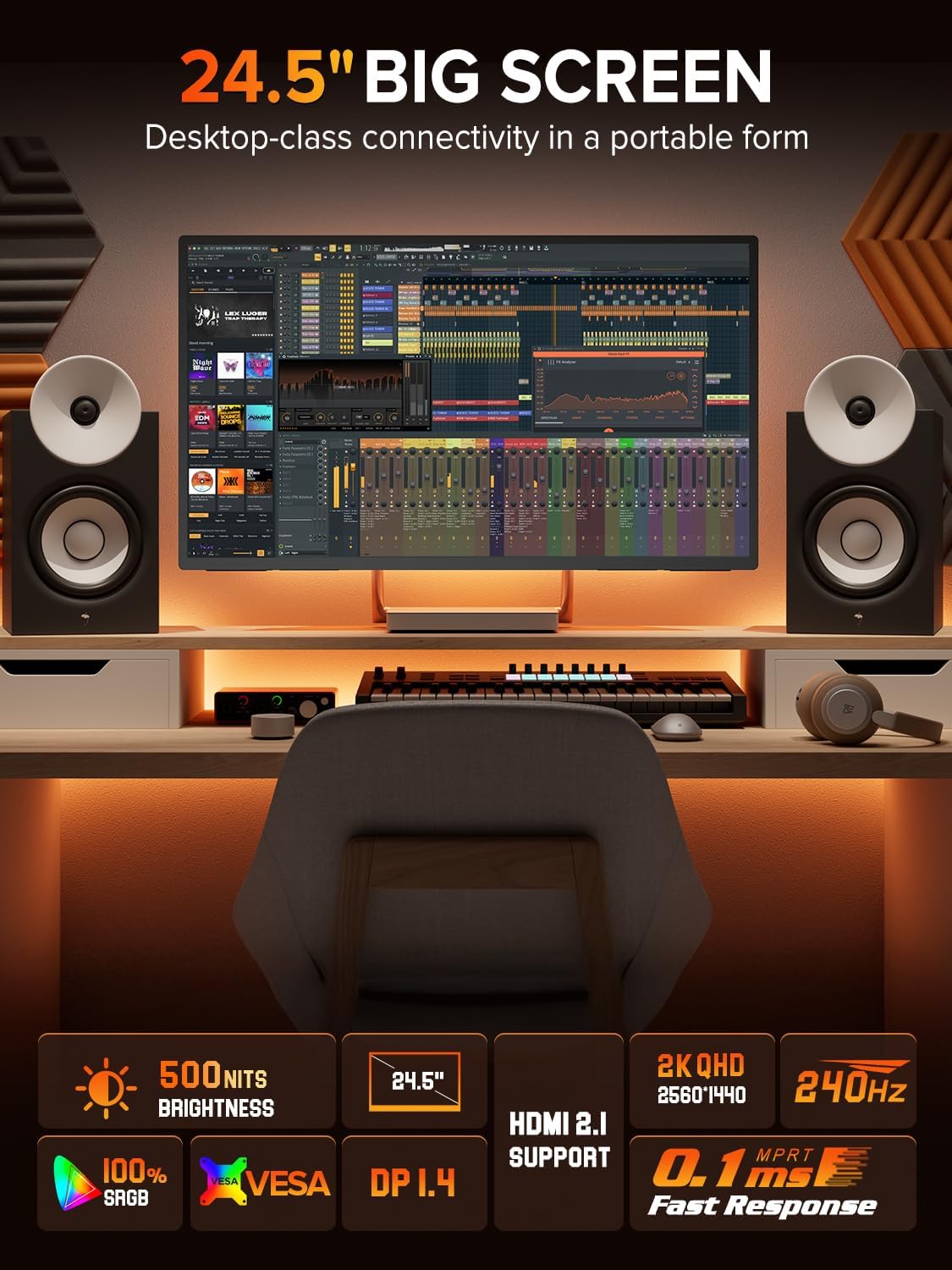
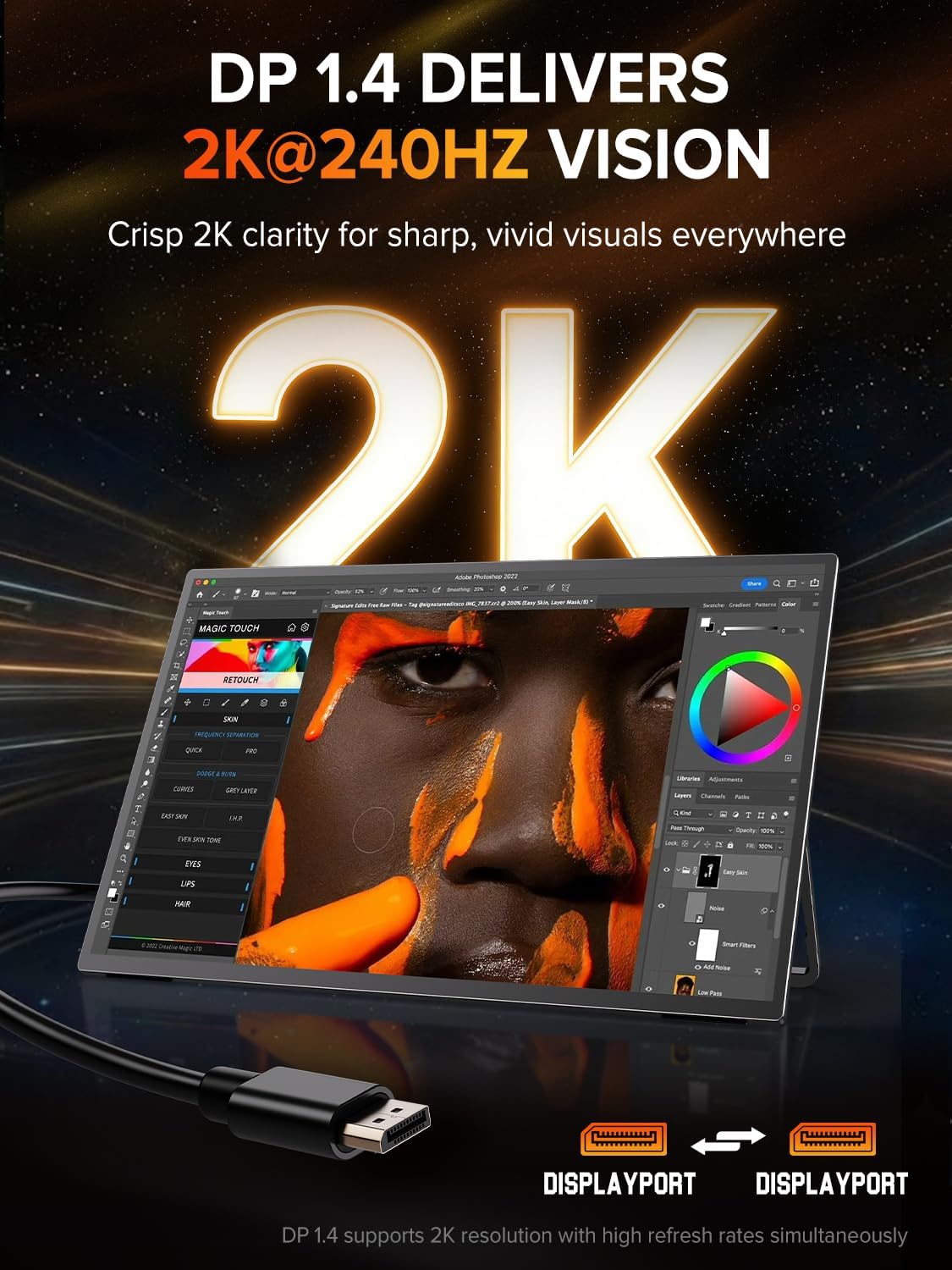
Ports are also a deciding factor for a portable gaming monitor. HDMI 2.1 and DisplayPort 1.4 are included, and the description specifically calls out support up to 2K@240Hz. If you’re trying to hit high refresh rates without strange compromises, having both options is a plus.
What stands out about the setup (stand + VESA)
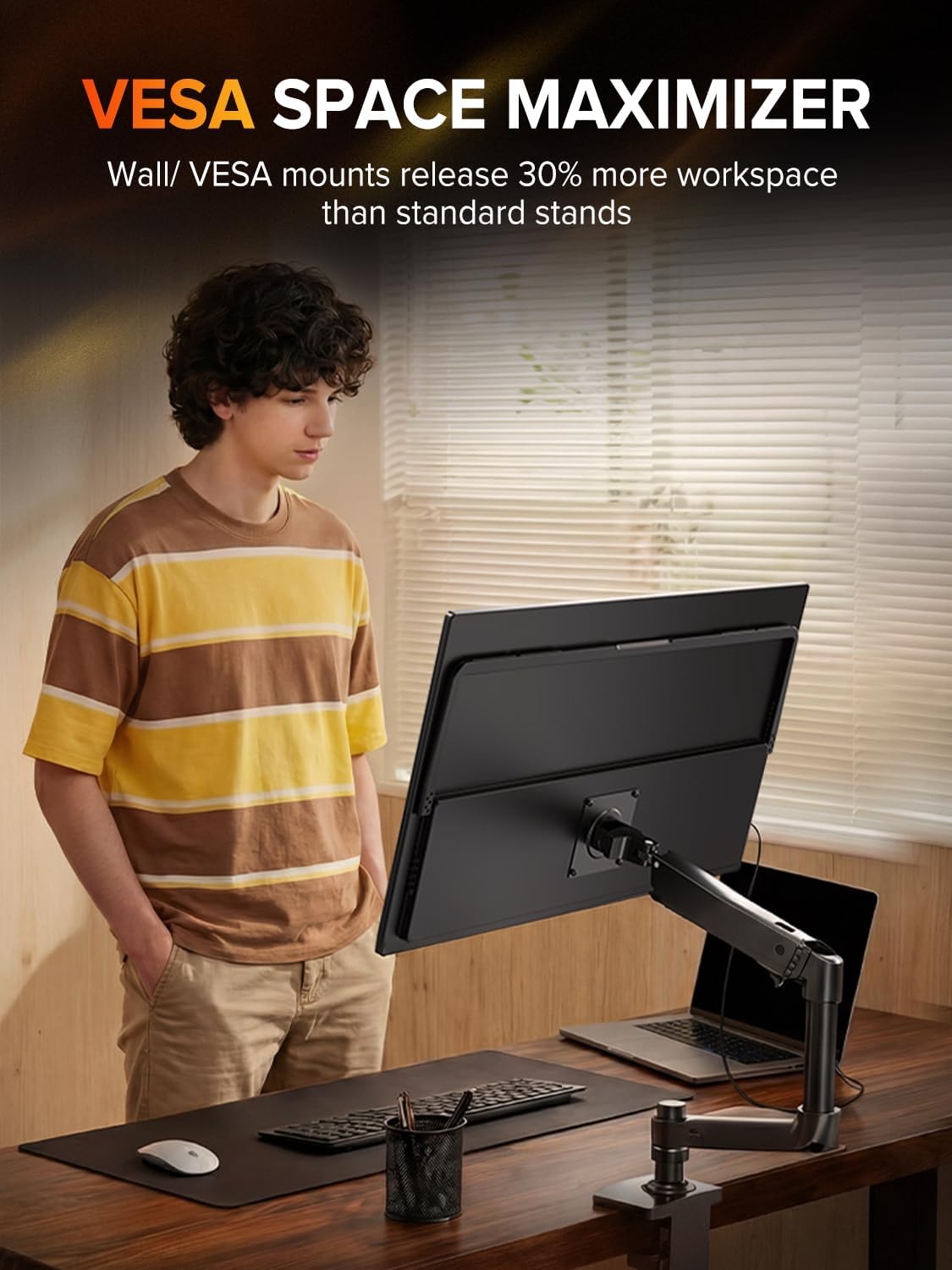
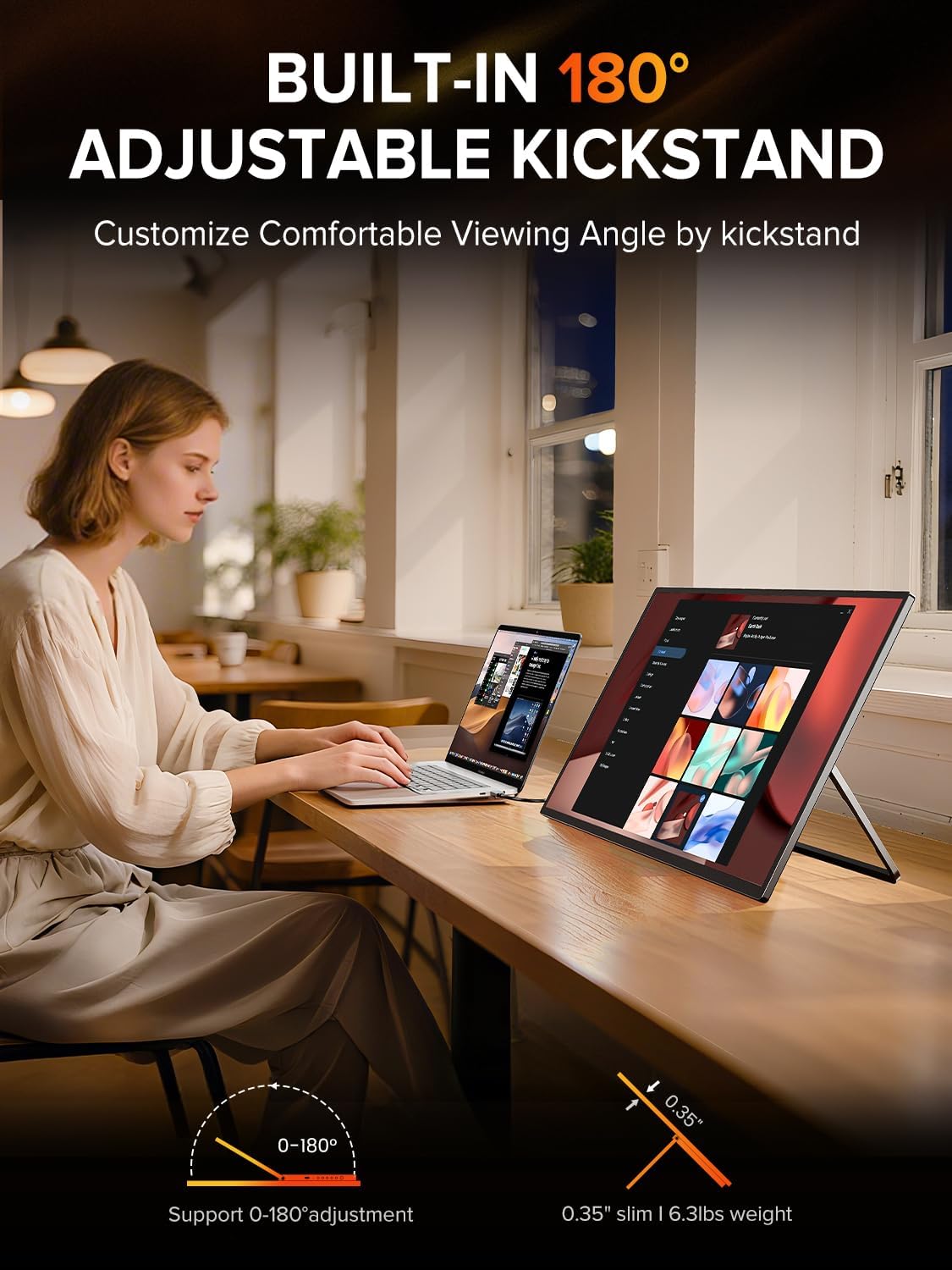
This monitor is designed to be placed fast. There’s a built-in stand with 180° adjustability, plus a 75×75mm VESA mount for desk or wall mounting. The listing also highlights switching orientation (landscape/portrait) and folding for travel.

If you’ve ever tried to use a second monitor only to realize it’s awkward to position, the built-in stand and VESA support feel like the “quiet wins.” It makes a difference whether you’re setting up at home, gaming at a desk, or using it as a temporary workstation.
Still, there’s a limitation to consider: it’s “portable” by design, but it’s also a 24.5-inch gaming-class display. If you plan to pack it daily in a tight backpack, you’ll want to think about how you’ll transport and store it in practice—not just whether it can fold.
Tech specs at a glance
- 24.5-inch QHD (2560×1440) portable gaming monitor
- 240Hz refresh rate
- 0.1ms response time (claimed)
- HDR support with 500 nits peak brightness
- 2000:1 contrast ratio
- HDMI 2.1 and DisplayPort 1.4
- Built-in stand plus 75×75mm VESA mount
- Orientation support (landscape and portrait) and 180° adjustable stand
Best use cases (and who should think twice)
This monitor makes sense if you want a second screen that can also pull its weight for competitive gaming. It’s a reasonable fit when you play FPS, racing, or esports titles on a PC or console and you care about smoother motion.

It’s also a strong “two-birds” choice for creators and students who need a sharper QHD workspace and don’t want a dedicated desk-only setup. For example, you could run it as a main gaming screen on your desk, then flip it to portrait orientation for reading documents or managing a taller layout.
However, it may not be your best match if you’re mainly after casual media viewing and don’t care about high refresh rates. In that case, the focus on 240Hz and gaming response can feel like overkill. Also, if you’re sensitive to how HDR looks in different lighting conditions, keep in mind the listing emphasizes brightness and contrast values—but real HDR impact still depends on the content and how your device outputs video.
Everyday buying checklist before you commit
Before purchasing, it helps to confirm a few practical details. First, check that your laptop/PC/console supports the connections you plan to use (HDMI 2.1 or DP 1.4) and that you can actually run the output mode you want (the listing says up to 2K@240Hz, but your device has to cooperate).
Second, decide whether you’ll use the stand or VESA mount. If your setup is on a desk with limited space, VESA mounting can make the difference between “works fine” and “fits my workflow.”
Finally, think about portability expectations. If you travel with a laptop and want a second screen that you can set up quickly, this is designed for that. If your goal is a lightweight carry-on monitor for constant moving, you’ll want to consider how you plan to transport a 24.5-inch display.
Final verdict
It’s worth buying if you’re specifically looking for a 24.5-inch QHD portable monitor that targets competitive smoothness (240Hz with a 0.1ms response-time claim) and you also want HDR support with a brighter peak value. The included HDMI 2.1 and DP 1.4, plus the stand and 75×75mm VESA mount, make it easier to build a setup that you’ll actually use.
You may want to skip it if high refresh rate isn’t part of your priority, or if you’re expecting HDR quality to automatically “feel premium” in every scenario—brightness and contrast help, but content and device output still matter. If you’re aiming for a fast, flexible second monitor that can double as a competitive gaming screen, this one fits that niche.
Is it worth it? (mini FAQ)
FAQ
- Can this monitor be used with a laptop and a PC? The listing says it’s for laptop, PC, phone, and game console use, and it includes HDMI 2.1 and DP 1.4.
- Does it support 2K at 240Hz? The description calls out support up to 2K@240Hz, but your source device and connection need to match the requirements.
- Is the stand good for quick setup? It includes an adjustable built-in stand (180°) and a VESA mount option for desk or wall mounting.
- Will HDR look better than standard SDR? It includes HDR support with 500 nits peak brightness and a 2000:1 contrast ratio, which should help, but results can still vary by content and lighting.
- Is this designed mainly for gaming? The spec focus is clearly gaming-friendly, but the QHD sharpness and flexible setup also make it practical for productivity as a second screen.