

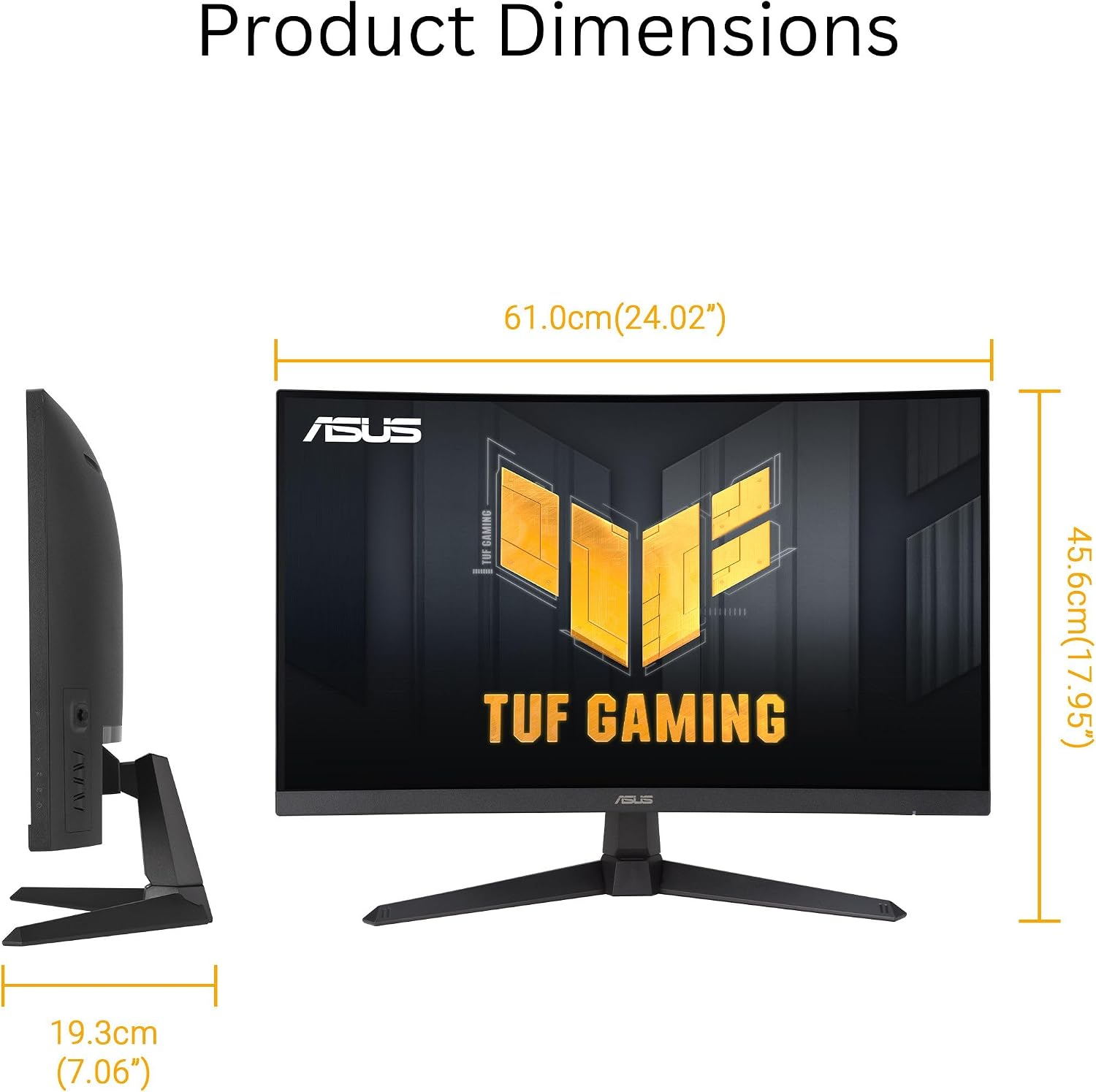
ASUS TUF Gaming 27” 1080P Curved Monitor (VG27VQM1B) — 280Hz Fast, FreeSync Premium, 1500R Curvature
Product description
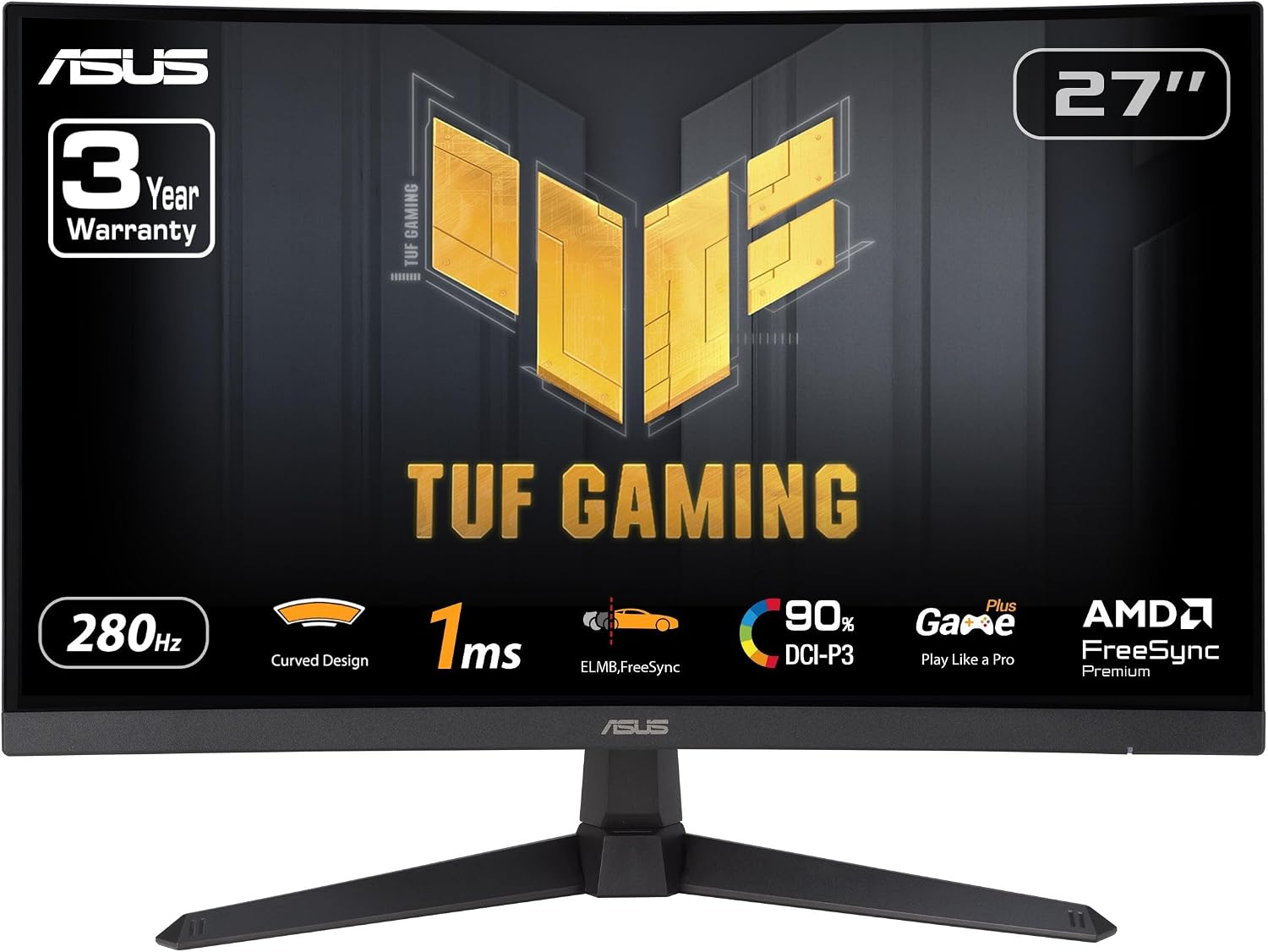
If you’re chasing smoother motion for fast games, the ASUS TUF Gaming 27” 1080P Curved Monitor (VG27VQM1B) is built around that idea. It pairs a 1500R curved screen with an ultra-fast 280Hz refresh rate and a 1ms (GTG) response time, aiming to make fast action look cleaner and feel more responsive. On paper, it’s the kind of gaming-focused spec stack that suits competitive play—especially when your PC can push high frame rates.
That said, “more” isn’t always “better” for everyone. A 27-inch Full HD curved panel can be a sweet spot, but if you’re sensitive to pixel density or you mainly play single-player titles where ultra-high refresh isn’t the priority, you may want to think twice about whether you’re paying for features you won’t fully use.
Key takeaways
The main draw here is straightforward: 280Hz refresh rate plus ASUS Extreme Low Motion Blur (ELMB) to reduce ghosting and motion blur, along with FreeSync Premium for tear-free VRR gameplay. Shadow Boost is there for a very specific job—bringing out detail in darker areas—without completely washing out brighter portions. Add in Eye Care features and a color range claim of 90% DCI-P3, and you get a monitor that’s trying to cover both performance and everyday comfort.
One important nuance: the included accessories are basic, so if you’re expecting a full “creator-style” setup out of the box, you’ll want to confirm what you already have (the box lists a DisplayPort cable and a few essentials).
What matters most in everyday gaming
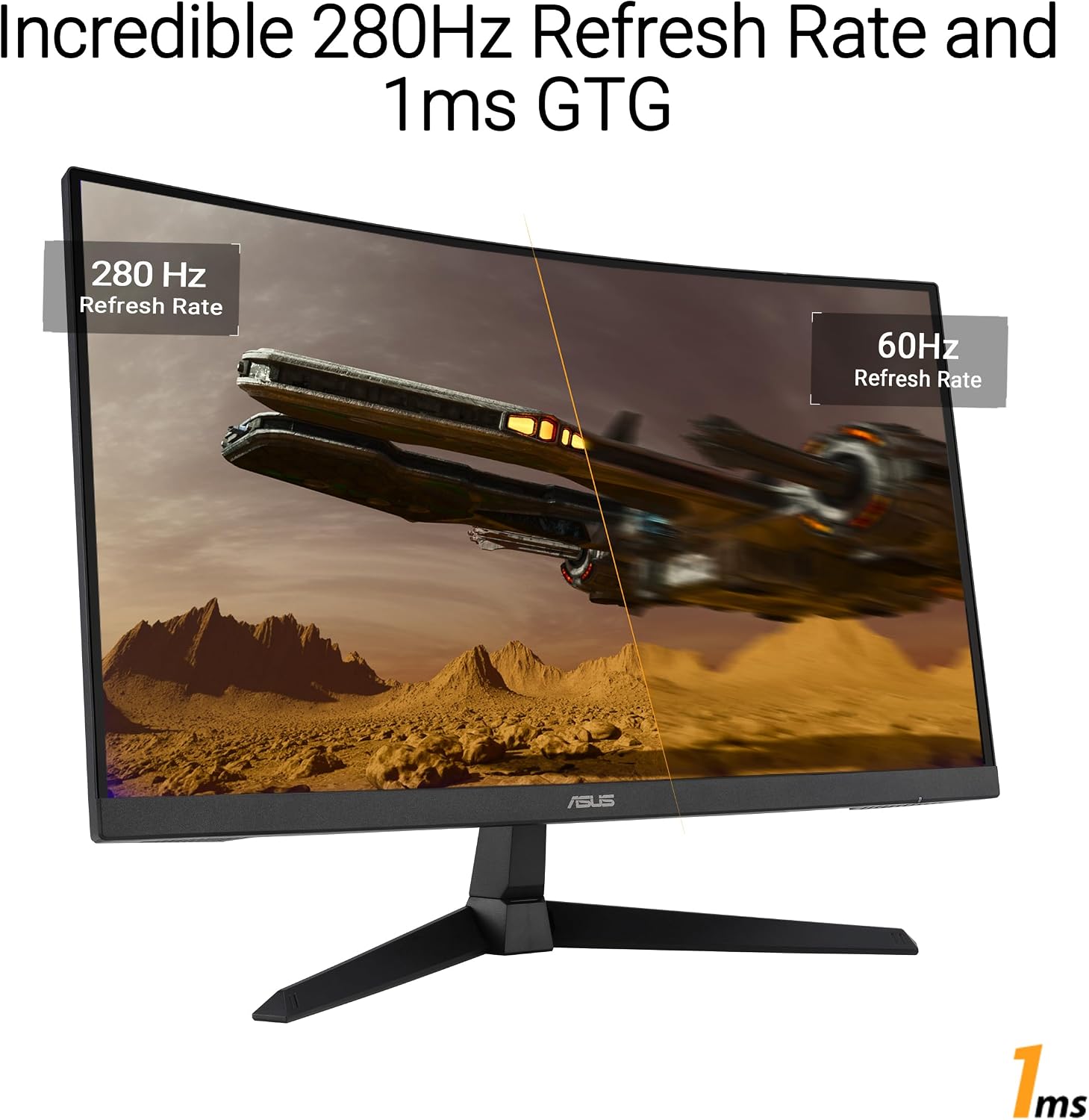
The combination of 280Hz and 1ms (GTG) is aimed at reducing the “laggy” feeling you get when motion smears or refresh timing can’t keep up. In fast shooters or racing games, the curved 1500R design can help you feel more surrounded by the action, especially if you sit at a typical desk distance.
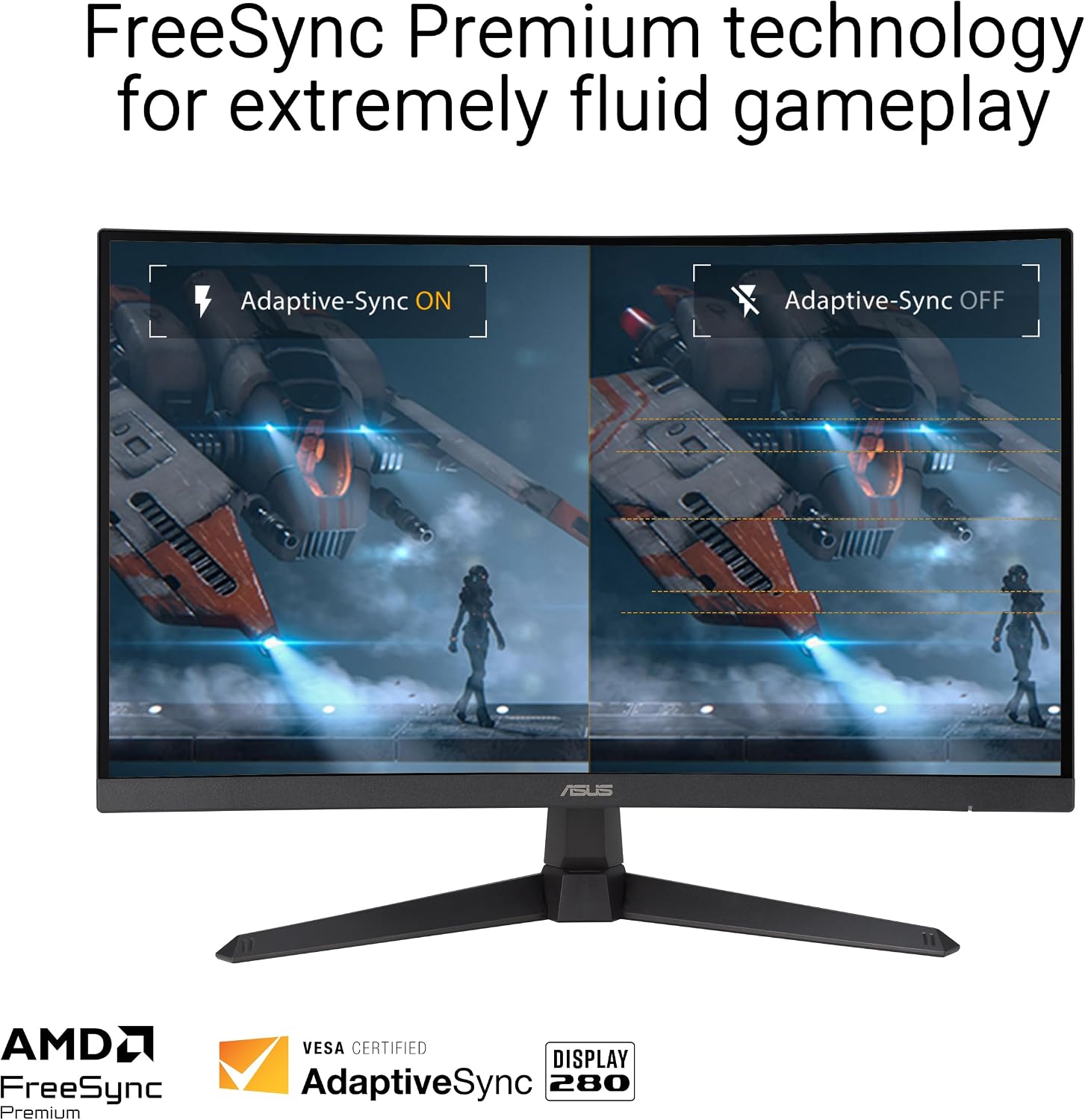
FreeSync Premium also matters because it targets a smoother experience when your frame rate isn’t perfectly locked. Instead of fighting stutter or tearing, the monitor enables VRR by default, which can be a practical quality-of-life upgrade if you play a mix of esports titles and heavier games.
And then there’s Shadow Boost. In practice, this is the kind of setting that can help you spot enemies hiding in dim corners or read darker textures more easily during night maps. It’s not magic, and it can’t replace good visibility design from the game itself, but it’s a targeted tool for improving clarity where you usually struggle.
Screen and image tuning you’ll actually notice
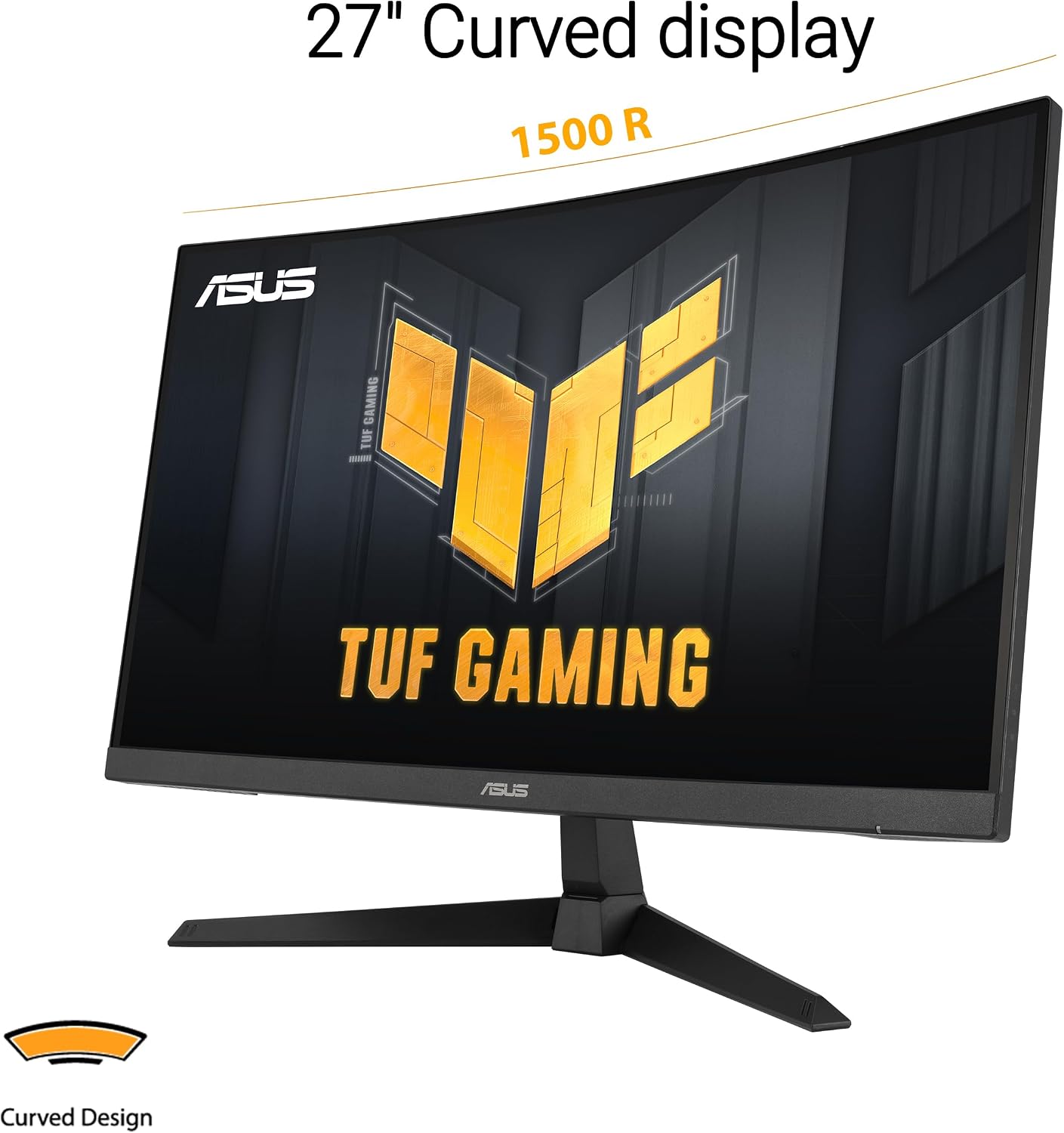
A 27-inch Full HD curved panel at 1500R is a common “middle ground” for gamers who want immersion without going too big. The screen’s stated 90% DCI-P3 coverage suggests color is meant to be more than strictly utilitarian, which can help if you dabble in content work or just care about colors looking reasonably accurate.
ELMB (Extreme Low Motion Blur) is designed to further reduce ghosting and motion blur. If you’ve ever seen fast-moving objects smear during high-speed scenes, this feature is aimed at that exact complaint—so it’s worth considering if you’re sensitive to motion artifacts.
Still, keep expectations grounded: the best motion experience is the one that matches your system’s performance. If you can’t consistently feed high frame rates, the jump to 280Hz may feel like overkill.
Tech specs
- Screen size: 27-inch
- Resolution: Full HD (1080P)
- Curvature: 1500R curved
- Refresh rate: 280Hz
- Response time: 1ms (GTG)
- Motion blur reduction: ASUS Extreme Low Motion Blur (ELMB)
- VRR technology: FreeSync Premium (VRR enabled by default)
- Image enhancement: Shadow Boost
- Color coverage: 90% DCI-P3
- Warranty: 3 yr Warranty
What’s in the box (and what that means for setup)
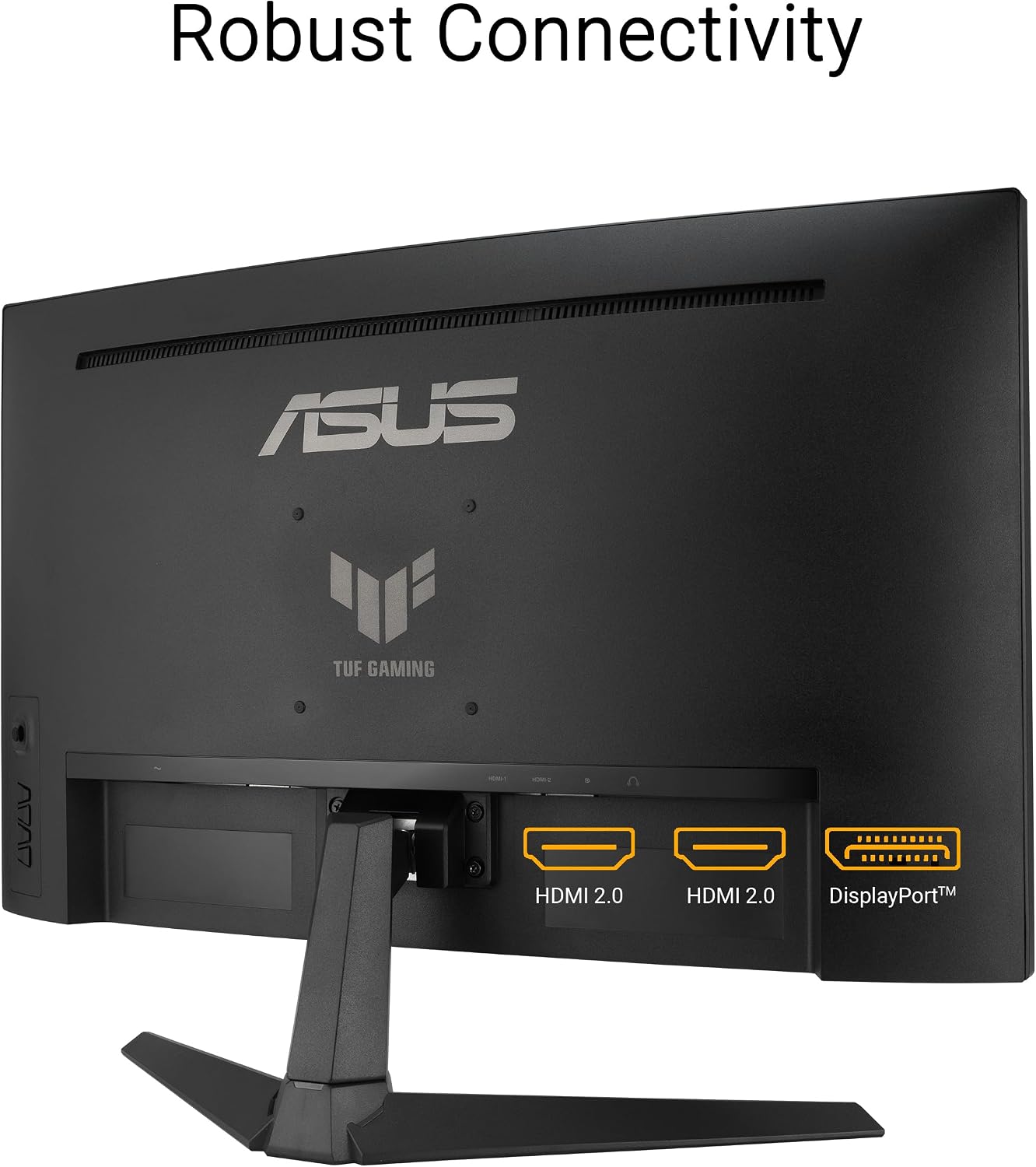
According to the included items, you get a DisplayPort cable, an L-shaped screwdriver, a power cord, a quick start guide, and a warranty card. That’s enough to get the monitor running quickly, assuming you have the right outputs on your PC or console.
Micro-experience example: if you’re setting this up for a desk gaming rig, you can likely go from unboxing to first signal fast—plug in power, connect via DisplayPort, and start tweaking settings for your game (turning on VRR/FreeSync and deciding how much Shadow Boost you like).
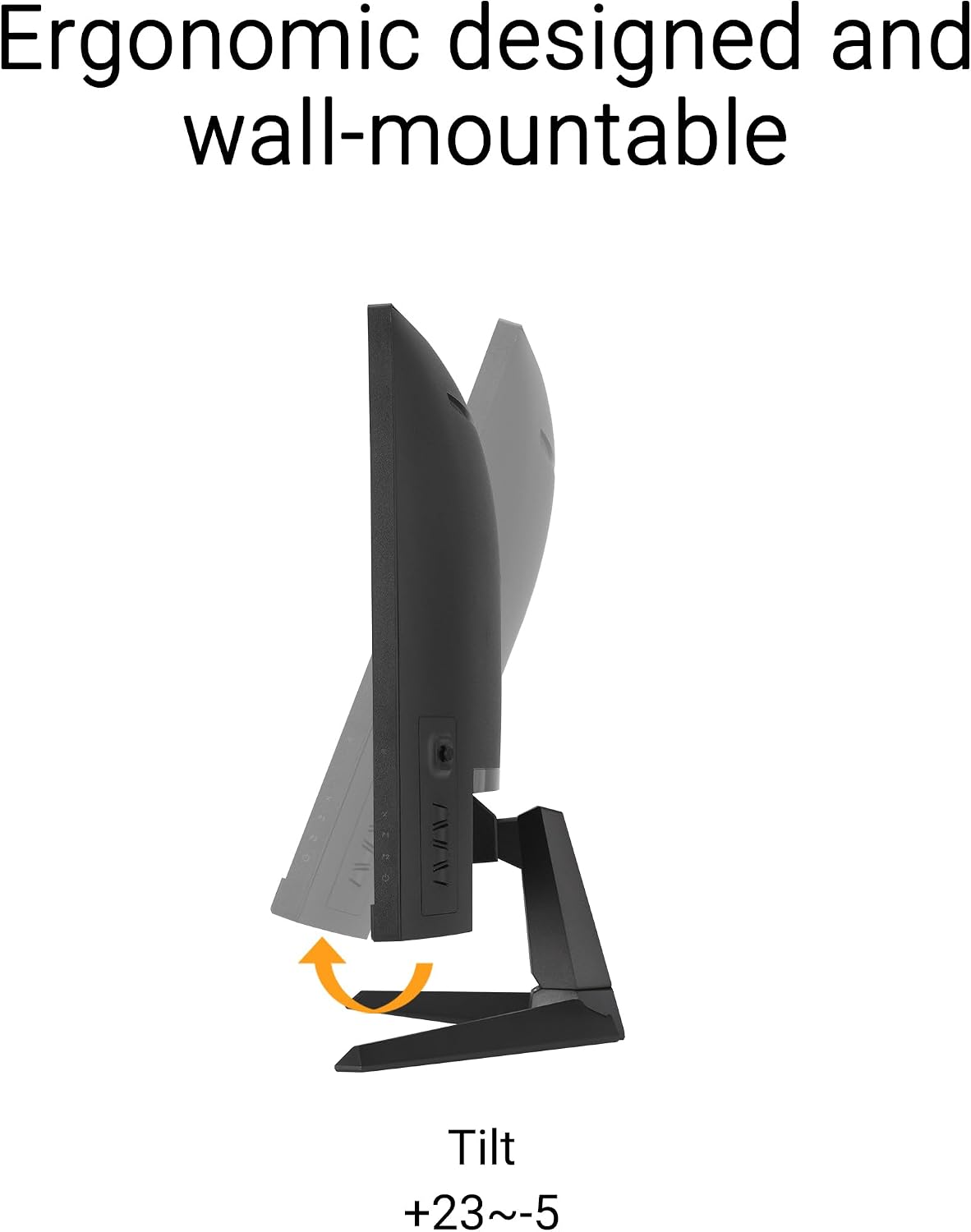
If your goal is a more complex workstation setup, you may also want to confirm what mounting hardware you plan to use—because the listing focuses on a basic kit rather than anything like extended arm mounting.
Who should buy it, and who should skip it
It’s a solid pick if you mainly play competitive or fast-action games where high refresh rate and low motion blur are a priority, and you want a curved experience without going beyond Full HD. You’ll likely appreciate it if you want VRR smoothing through FreeSync Premium and you like having a dark-scene visibility tool like Shadow Boost.
It may not suit you if you’re mostly into slower single-player games, don’t plan to run high frame rates, or you’re very picky about image clarity at 27 inches with Full HD. In that case, it can end up feeling like you’re buying the performance features more than the benefits you’ll use.
Mini FAQ
When does FreeSync Premium help most?
FreeSync Premium is most useful when your frame rate fluctuates. It’s intended to support a smoother, tear-free look through VRR enabled by default.
What does Shadow Boost do?
Shadow Boost enhances image details in dark areas, brightening darker scenes without over-exposing bright areas.
Is 280Hz worth it if my PC can’t hit that FPS?
If you can’t consistently deliver high frame rates, the monitor’s peak responsiveness may not fully translate into what you feel day to day. In that case, it might not be the best match for your habits.
Does this monitor come with cables?
The box includes a DisplayPort cable, power cord, quick start guide, warranty card, and an L-shaped screwdriver.
Is the 90% DCI-P3 claim relevant for gaming?
It can help with color richness and making games look more vibrant. It won’t replace a dedicated color-managed workflow, but it’s a positive sign if you care about color beyond “just gaming.”
Final verdict
Should you buy it? If your priority is fast gameplay with smoother motion—280Hz plus ELMB, backed by FreeSync Premium—this ASUS TUF Gaming VG27VQM1B is the kind of spec-forward monitor that makes sense. It also brings practical visibility help through Shadow Boost and includes Eye Care features, which is worth considering for long sessions.
You may want to skip it if you don’t plan to run high frame rates, or if you’re more focused on higher-resolution image sharpness than on raw refresh rate. In short: it’s built for speed, and it fits best when you’ll actually use what it’s designed to do.