

EPOMAKER RT85 Wireless Mechanical Keyboard with Joystick & DIY Screen
Product description
What it is and who it’s for
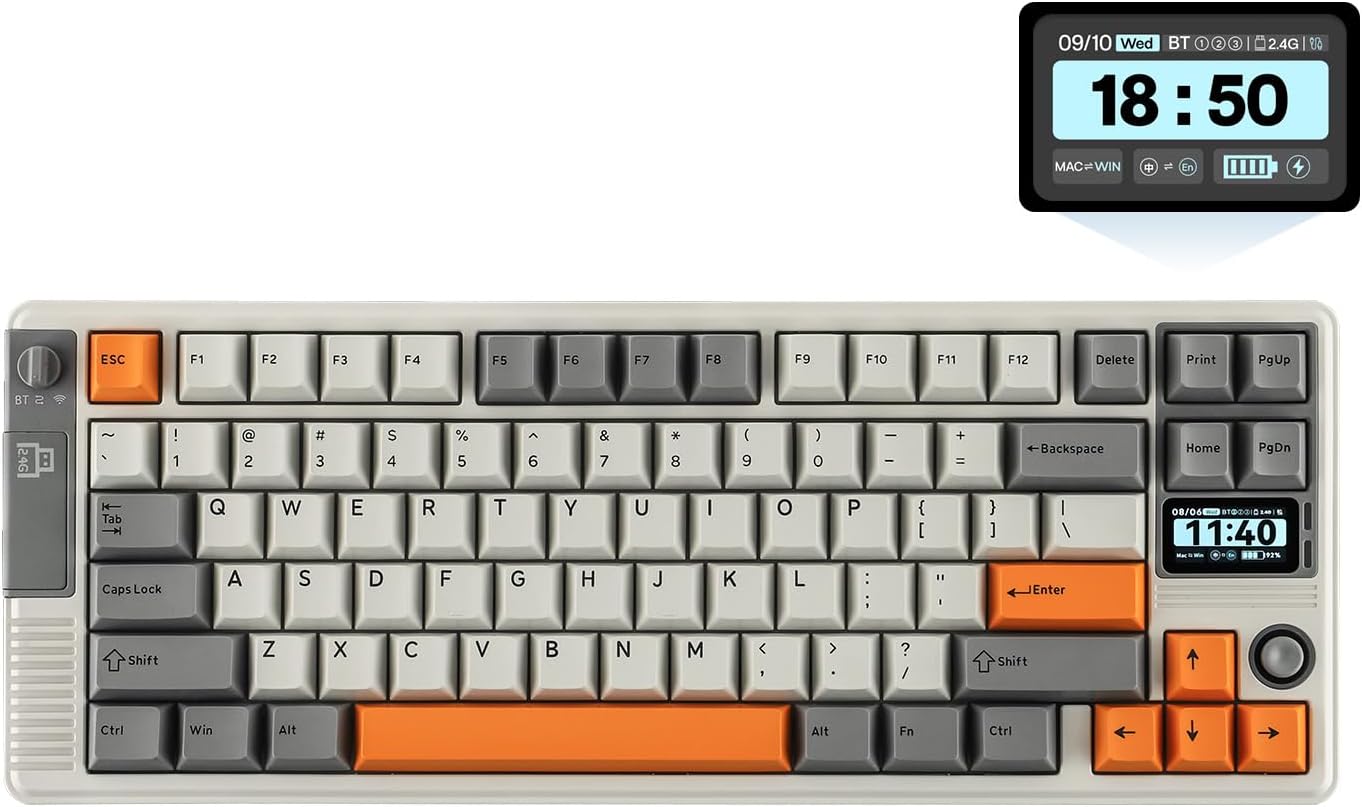
The EPOMAKER RT85 is a compact 75% wireless mechanical keyboard that blends retro-inspired aesthetics with modern, gamer-focused features. It’s built for creatives and gamers who want more than a standard board: a built-in TFT screen, a joystick for quick in-game adjustments, and a solid, premium feel. If you value a distinctive look and the ability to tailor your setup without sacrificing performance, this keyboard aims to deliver.
How it’s engineered for real use
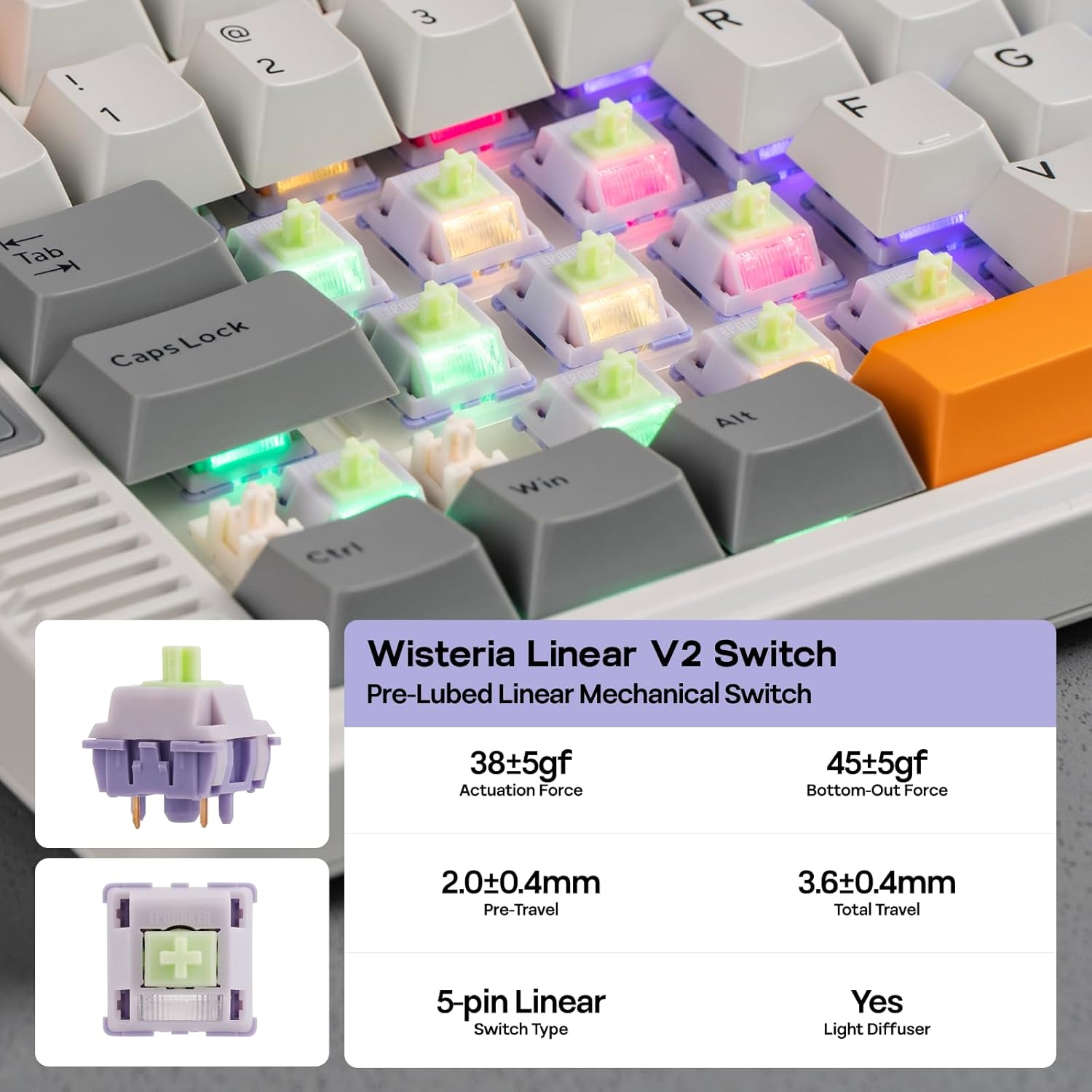
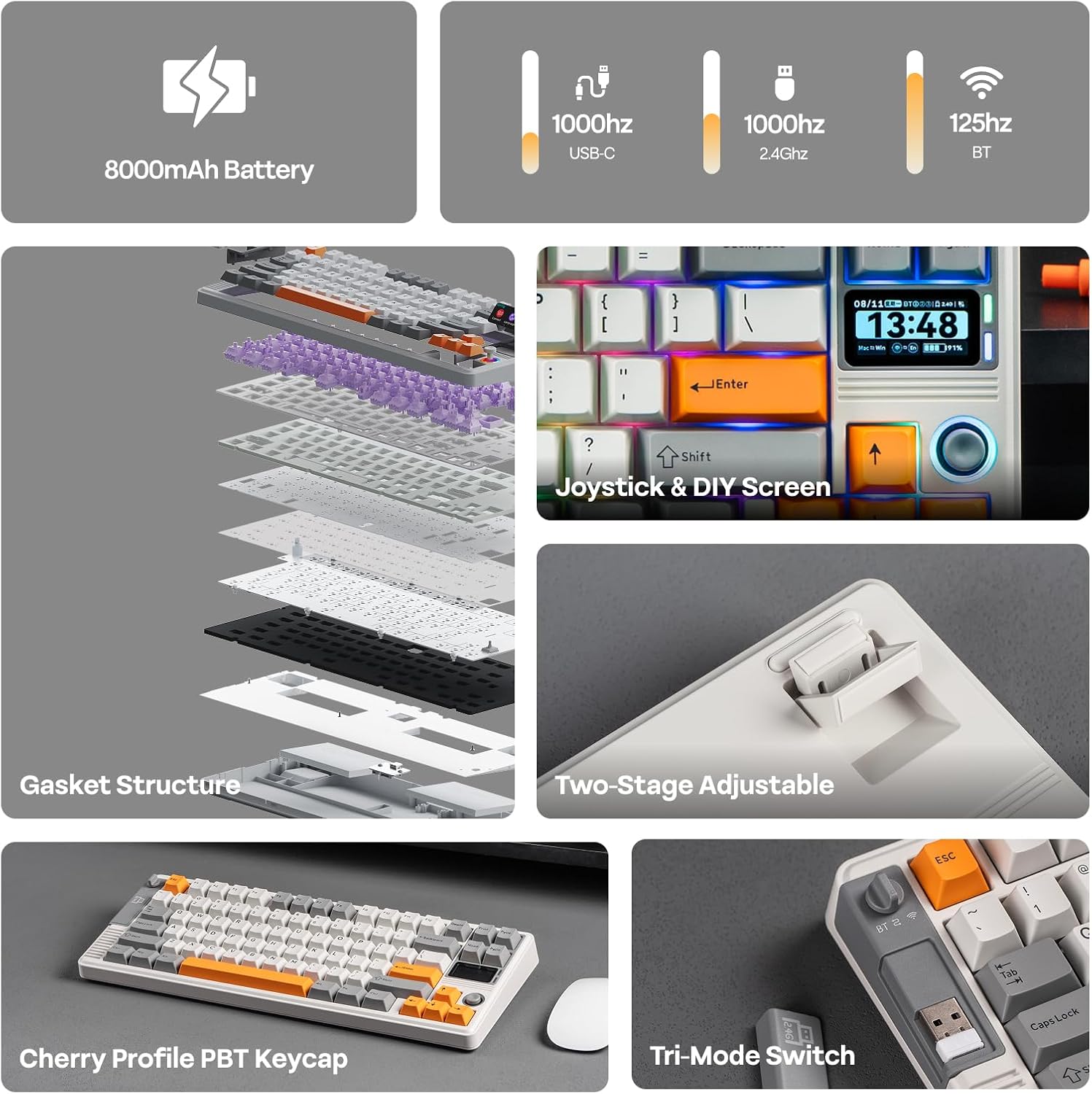
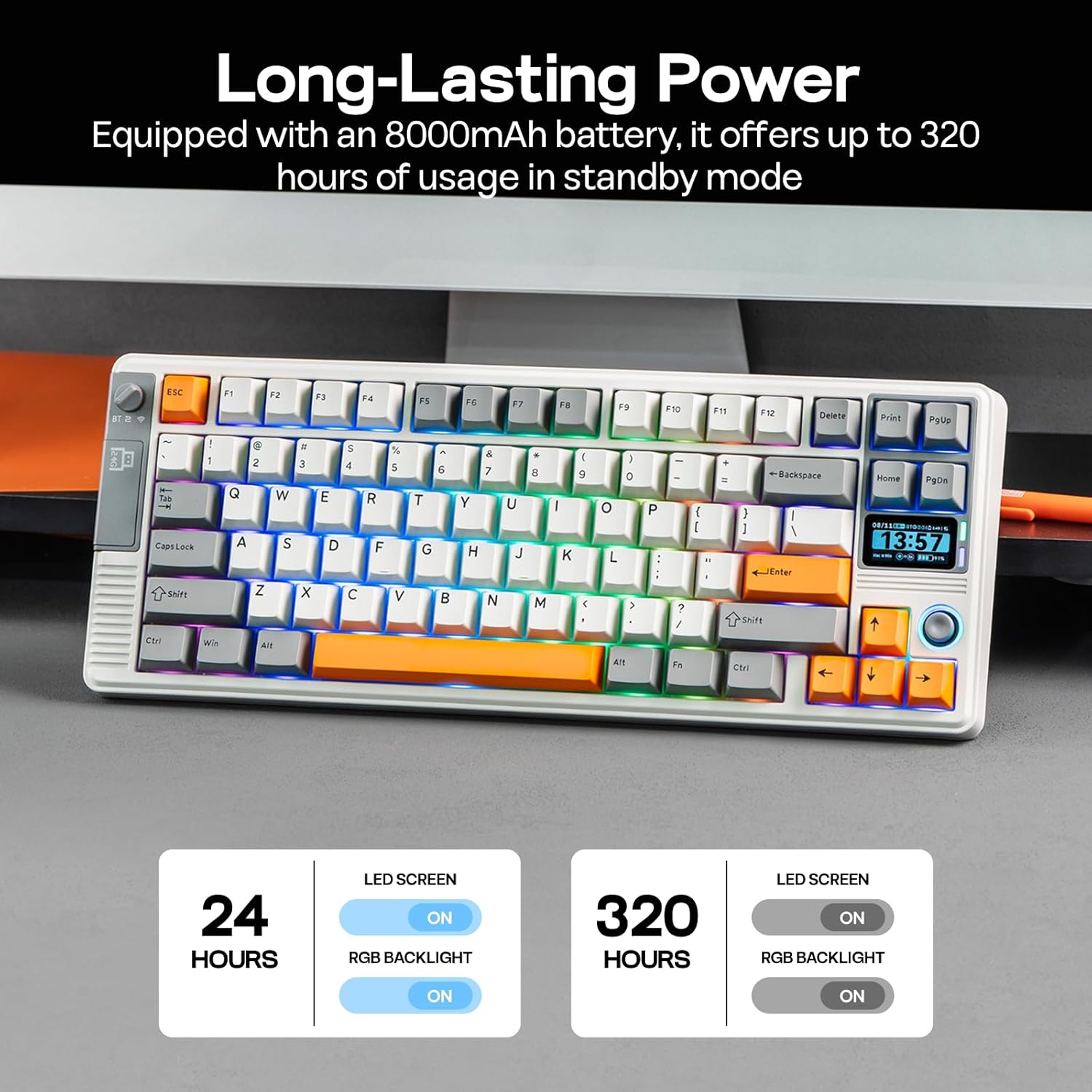
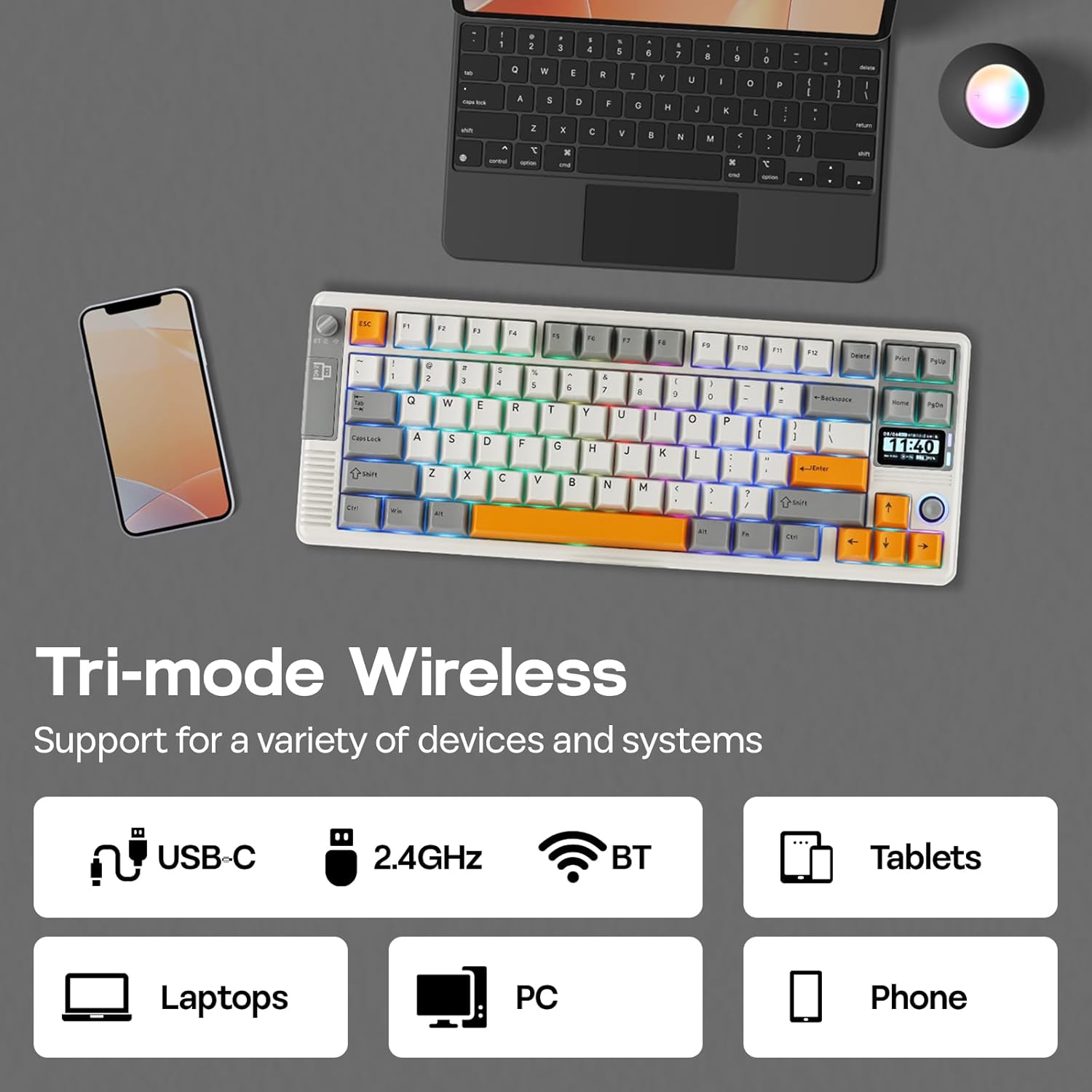
On the hardware side, the RT85 doesn’t skim on substance. It uses a gasket-based design with a five-layer padding stack and lubed linear switches, aiming for a softer, more cushioned keystroke and quieter, deeper thock. The 8000mAh battery is meant to power long sessions—roughly 90 hours with the display at full brightness, or many more when the screen and RGB lighting are off. The board supports three connectivity modes (BT, USB, and 2.4Ghz), and a 1000Hz polling rate when wired, which translates to snappy input response during fast-paced play or precise typing.
Design language and comfort
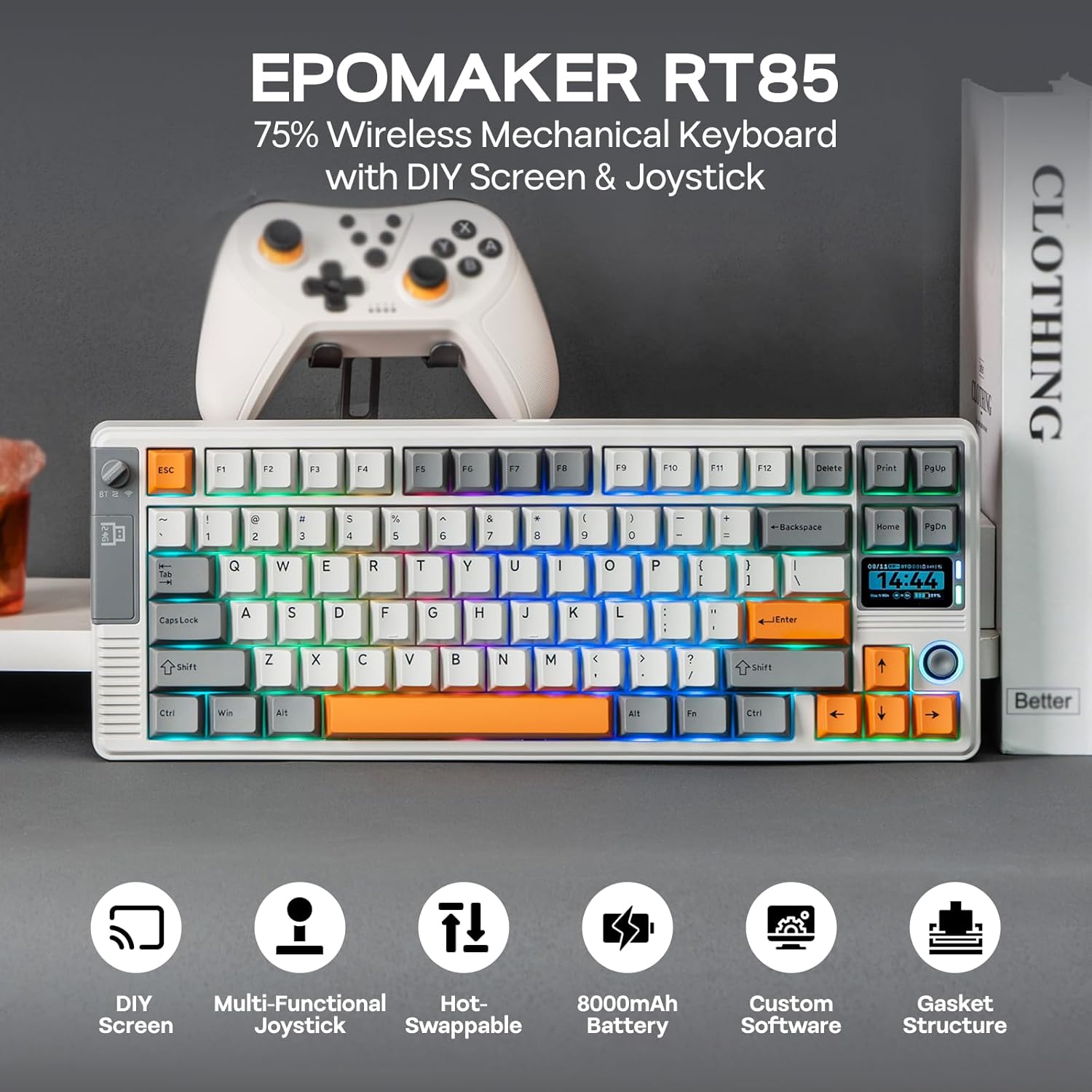
Visually, it leans into retro with a rounded chassis and a TFT screen plus a joystick that lives near the arrow keys. It’s offered in two colorways: retro white with grey and vibrant orange, or a calming green palette. The weight (~1kg) helps keep it steady during marathon sessions, and the Cherry-profile keycaps are designed for a natural, comfortable typing position. The stand gives you three height options (5°, 6.7°, 10°), which matters if you’re adjusting for wrist comfort while gaming or long typing sessions.
Key features and what they mean in practice
- DIY Screen & Joystick: The 82-key layout uses PBT keycaps and includes a custom TFT screen plus a joystick. In practice, you can tweak in-game volume or RGB effects on the fly, without breaking your flow. The 3-in-1 screen can be used as a display hub, a quick art canvas, or a tiny control panel for macros and shortcuts.
- Sound and feel: The gasket layering with PORON, IXPE, PET, EPDM, and a silicone base is designed to dampen noise and smooth the keystroke. If your goal is a satisfying “thocky” sound without harsh clacks, this setup is aimed at delivering that impression.
- Power and performance: With an 8000mAh battery and up to 90 hours of runtime (screen on, brightest), this board leans toward long sessions away from a charger. The 1000Hz polling only applies when wired, over Bluetooth or 2.4G, latency will depend on the mode.
- Build quality and stability: The 75% form factor keeps the footprint modest while maintaining essential function keys. The gasket and plate construction are intended to reduce fatigue during extended sessions, which matters if you’re playing or coding for hours.
What to know before you buy
- If you prioritize extreme portability, you’ll want to compare how the 75% layout fits your desk and travel needs. It’s not the smallest size, but it’s lighter than full-size boards and packs a lot into a compact form.
- The DIY screen brings a fun, creative angle, but you’ll want to consider whether you’ll actually use the display, watch faces, or pixel art possibilities in daily use.
- Battery life varies with brightness and features active. If you plan to run the screen at high brightness for long sessions, expect shorter runtimes, if you mute the screen, you’ll get longer life.
Practical use cases
For a gamer who also does light creative work or needs a unique control surface, the RT85 shines. Picture a mid-afternoon gaming session where you adjust in-game audio with the joystick, glance at a tiny GPU/CPU readout on the DIY screen, and switch RGB moods on the fly. For someone who types all day, the gasket-damped keys and ergonomic tilt can reduce fatigue, especially if you’re not switching layouts constantly.
What stands out and what could be better
- It stands out for its distinctive retro-meets-modern appeal, the built-in screen, and the joystick that can cut down menu navigation time. The inclusion of a robust 8000mAh battery is also notable for a board in this class.
- It may not be the best choice if you need a minimal, plug-and-play setup with a conventional 104-key layout or if you don’t plan to take advantage of the screen and joystick.
What to review before pulling the trigger
- Confirm the layout fits your typical use: 82 keys versus a standard 87/104-key board, ensure the 75% layout aligns with your preferred keybinding and access to function keys.
- Consider your desk space and the cable-free workflow you want. If you rely heavily on Bluetooth on-the-go, test stability in your environment.
- If you care deeply about sound, be aware that quiet operation depends on lubrication and gasket tuning, real-world noise will vary with key type and force.
FAQ (focused, practical answers)
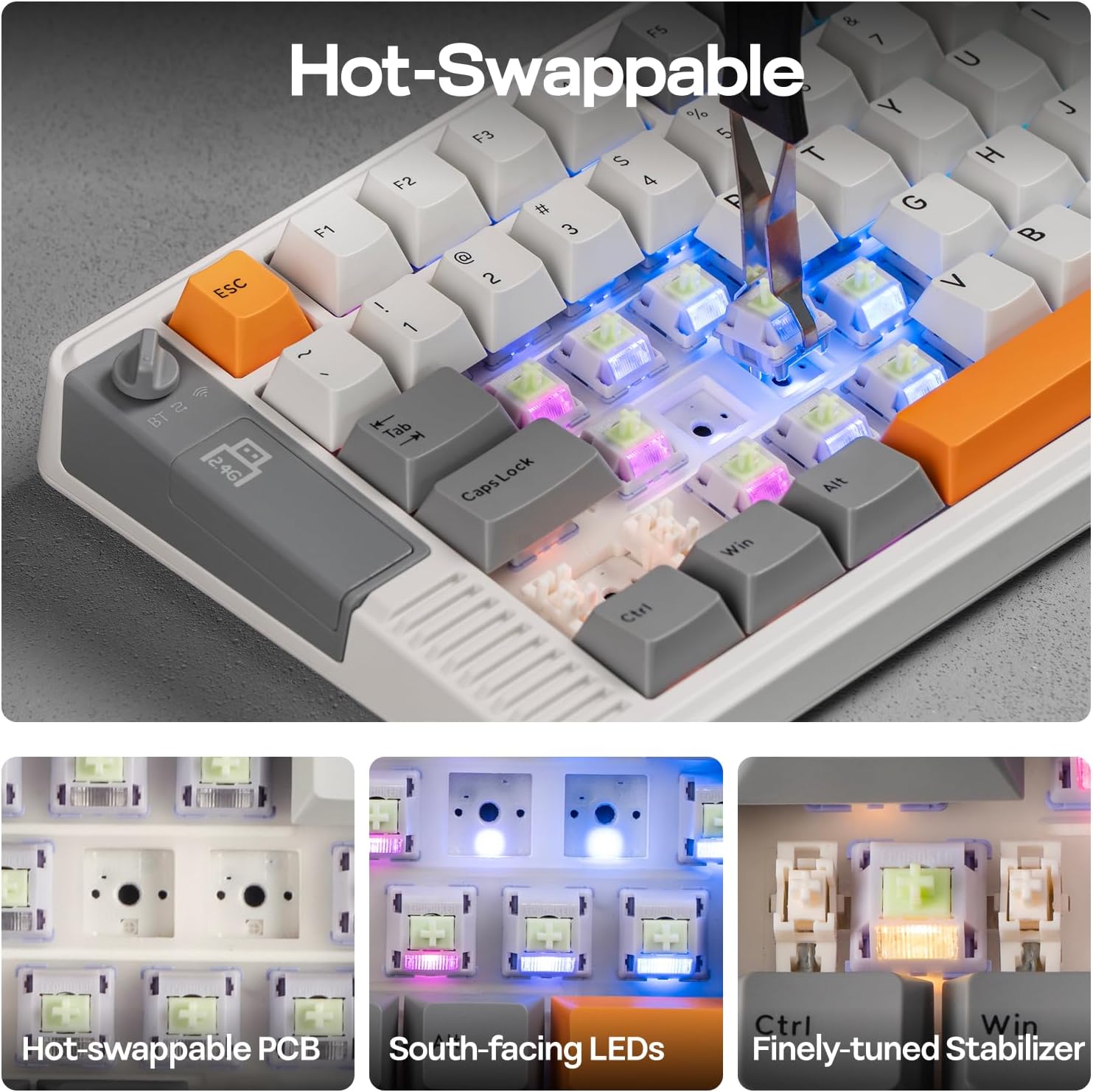
- Q: Can I swap switches on the RT85? A: Yes, it supports hot-swap, which allows changing switches without soldering.
- Q: How long does the battery last with the screen on? A: About 90 hours in typical use at brightest with the screen active, longer if brightness is reduced or screen off.
- Q: Is the joystick programmable for macros? A: The board supports in-game adjustments via the joystick, but the extent of macro programming depends on firmware features and setup.
Final ideas for decision
- If you’re after a distinctive aesthetic, a tactile, dampened keystroke, and the ability to customize with a built-in display and joystick, this keyboard offers a unique package that goes beyond plain typing.
- If the retro look isn’t a priority, or you need a more traditional or compact macro setup, you might prefer a simpler board without the screen or joystick. Consider your desk layout, desired features, and how much you’ll use the DIY screen in day-to-day tasks.