

Acer 27-inch KB272 FHD IPS Monitor – 1080p, 120Hz, 1ms VRB, FreeSync Compatible
Reviews
Price
Product description
What it is really
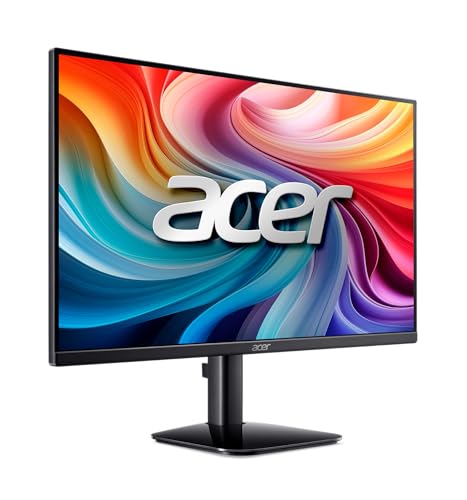
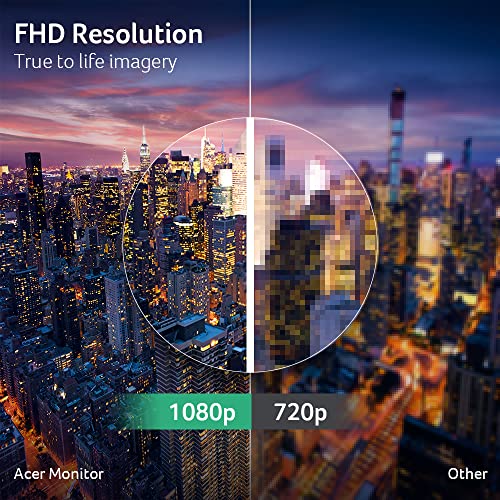
The Acer KB272 is a 27-inch Full HD IPS monitor designed for everyday computing, entertainment, and light gaming. It delivers 1920 x 1080 resolution in a 16:9 format, with a focus on smooth visuals thanks to Adaptive-Sync (FreeSync Compatible) and a responsive 1ms VRB response time. It targets users who want a larger screen for productivity or casual gaming without stepping into higher resolutions or premium pricing.
How it feels on the bench
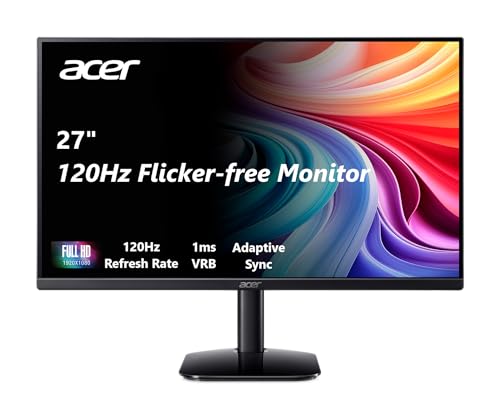
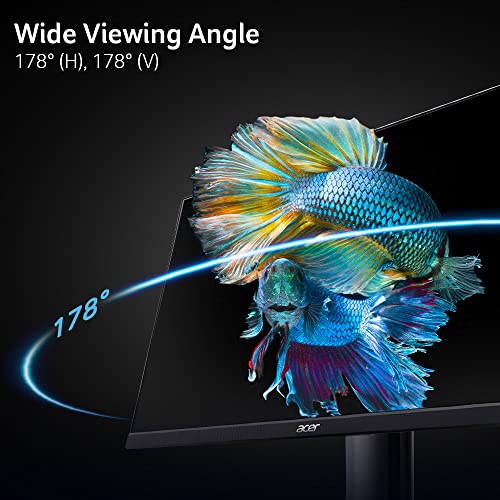
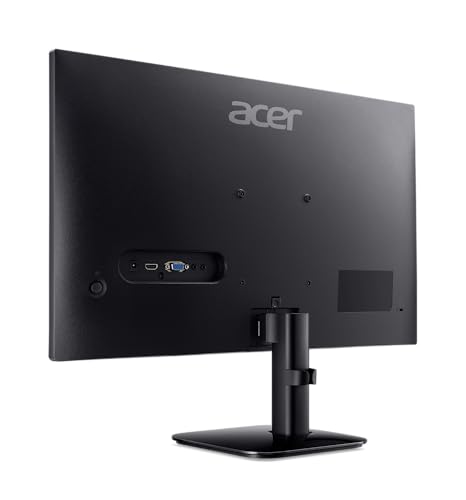
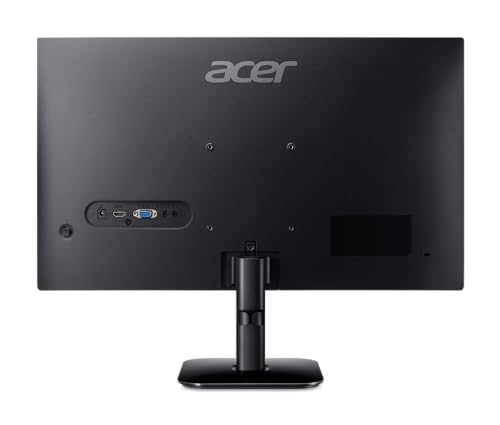
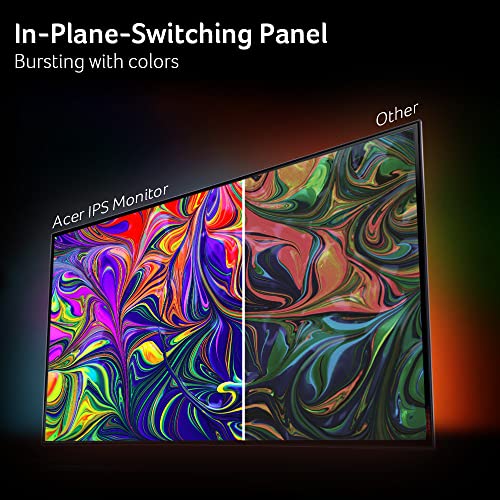
On paper, the KB272 offers up to 120Hz refresh rates and IPS color accuracy with 99% sRGB coverage, which suggests solid color reproduction and wide viewing angles for everyday tasks and media. The 250 nits brightness is modest but typical for indoor usage, making it a sensible pick for desks with average lighting. The inclusion of both HDMI and VGA ports provides flexible compatibility with older and newer setups alike.
What stands out in everyday use
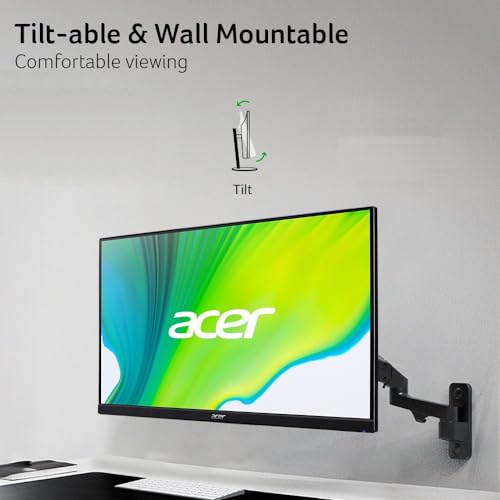
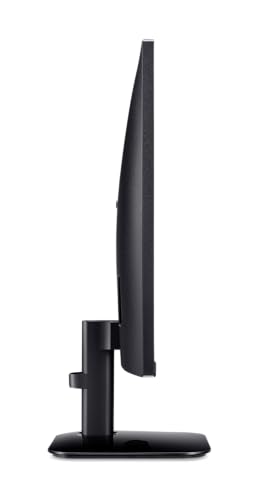
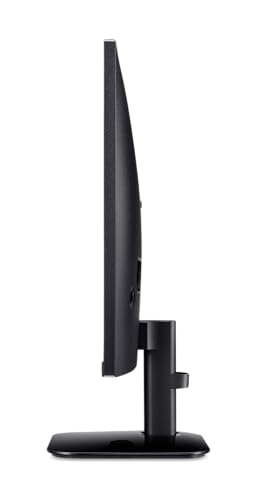
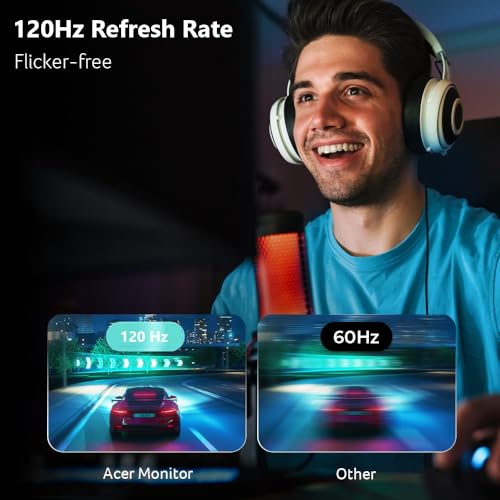
If you prioritize smooth motion, the up-to-120Hz capability combined with a 1ms VRB response helps reduce motion blur in faster scenes, which is noticeable in fast-paced videos or light gaming sessions. Adaptive-Sync helps minimize tearing when the GPU’s frame rate fluctuates, though you’re still limited by Full HD resolution. The tilt adjustment helps you find a comfortable viewing angle, which matters for long sessions at a desk.
Pros and cons to consider
Pros: - Large 27-inch IPS panel with wide viewing angles and solid color coverage for daily work and media. - Fast response time and high refresh potential can improve perceived fluidity in motion. - Adaptive-Sync compatibility reduces tearing during variable frame-rate scenarios. - Multiple inputs (HDMI and VGA) simplify compatibility with older hardware.
Cons: - The display is Full HD only, which may feel limiting if you’re used to higher resolutions or plan to multitask with very sharp details. - Peak brightness of 250 nits is entry-level, content in bright rooms may wash out more easily than on brighter panels. - No built-in speakers or USB-C connectivity are listed, which may affect a clean, single-cable desk setup.

Who it’s for
This monitor makes sense for students, home offices, and casual gamers who want a big screen without a premium price tag, and who don’t require 1440p or 4K resolution to do their day-to-day tasks. If you’re upgrading from a much older display or using a budget-friendly gaming rig, the KB272 offers a balanced mix of size, color, and motion handling.
Who might want to skip it
If you crave higher pixel density for detailed photo or video editing, or if you work in a very bright environment, you might prefer a monitor with higher brightness and/or a higher resolution. For users who rely on USB-C or built-in speakers, this model may feel a step behind.
When it makes sense to buy
Consider the KB272 when you want a bigger screen for productivity work, media viewing, or light gaming, and you’re aiming for a cost-conscious upgrade that still delivers decent color and motion performance. It’s particularly appealing if you have existing devices with HDMI or VGA and you don’t need the latest bells and whistles.

Before you buy, check these points
- Confirm the available ports on your computer (HDMI or VGA) and ensure you’ll be able to connect without adapters.
- Realize that 1080p on a 27-inch panel may show a bit more visible pixels compared to higher-resolution options, consider your typical viewing distance.
- If you plan to run modern games at high frame rates, keep expectations modest given the screen’s resolution and size.
Practical example of use
Imagine editing a large spreadsheet while keeping a video chat alongside. The 27-inch real estate helps you view more lines and columns without excessive scrolling, while the 120Hz option can deliver smoother cursor movement and transitions when you’re navigating through dense data. For casual gaming, you’ll likely appreciate the smoother frames, though you won’t benefit from the sharpness of a higher-resolution panel.
FAQ
- Does it support HDR It’s not listed as HDR-capable, so don’t expect high dynamic range improvements.
- Can it mount on a wall The spec sheet doesn’t include mounting details, if wall-mounting is important, verify VESA compatibility separately.
- Is there built-in speakers No built-in audio is mentioned, so plan for external speakers or headphones.
Is it worth it?
Final verdict: Worth considering if you want a spacious 27-inch Full HD IPS display with smooth motion, solid color coverage, and flexible inputs on a budget. It may not be the best option if you require high resolution, brighter panels, or advanced features. For basic productivity, media consumption, and light gaming, it provides meaningful value without overpromising.