

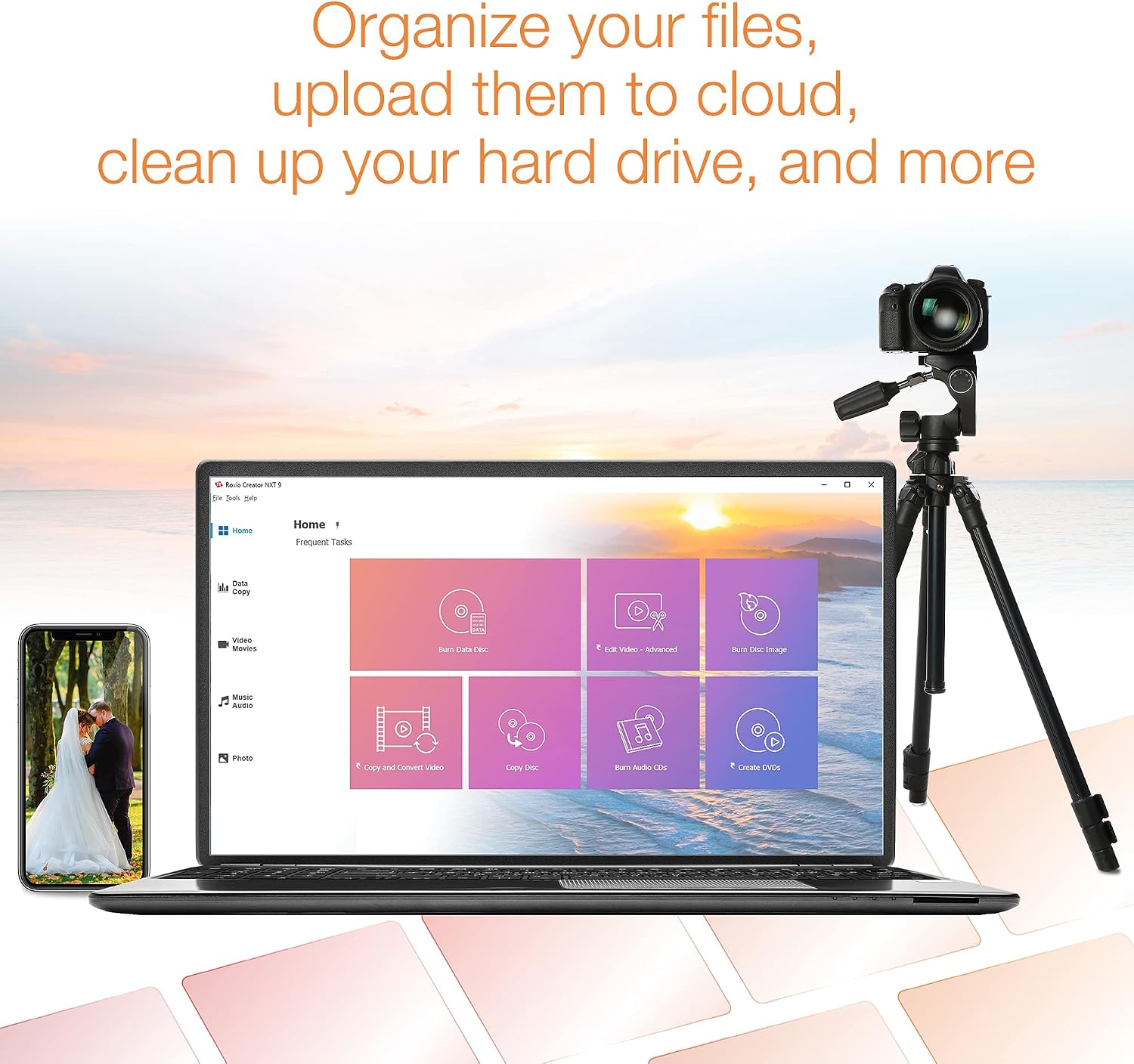
Roxio Creator NXT 9: Complete Multimedia Suite for PC
Product description
What it is
Roxio Creator NXT 9 is a comprehensive multimedia suite from Corel designed to help you capture, edit, convert, and burn media across video, photo, and audio. It also covers disc burning and DVD authoring, making it a one-stop solution for digital media projects on a PC.
What’s included and what it does
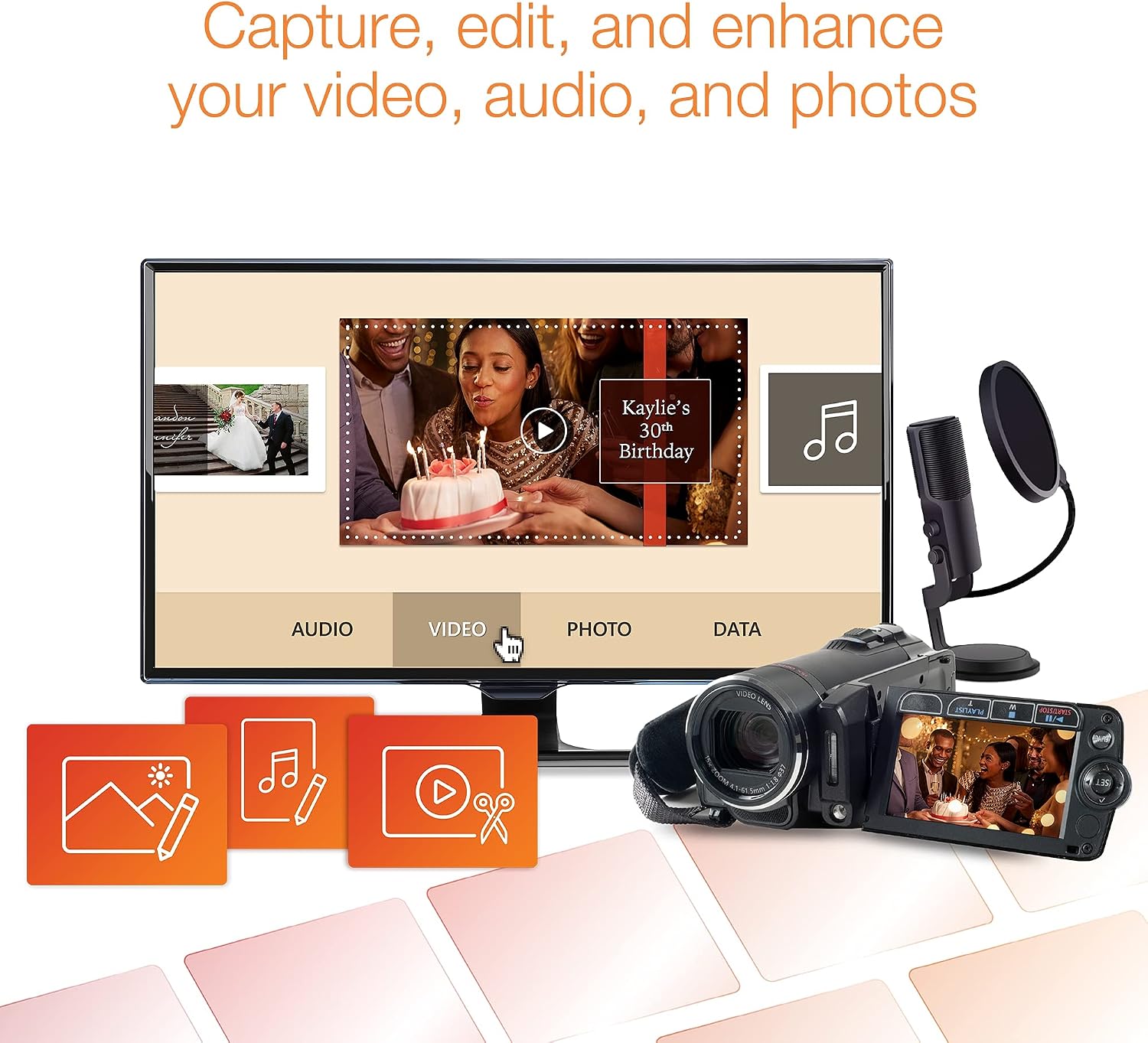
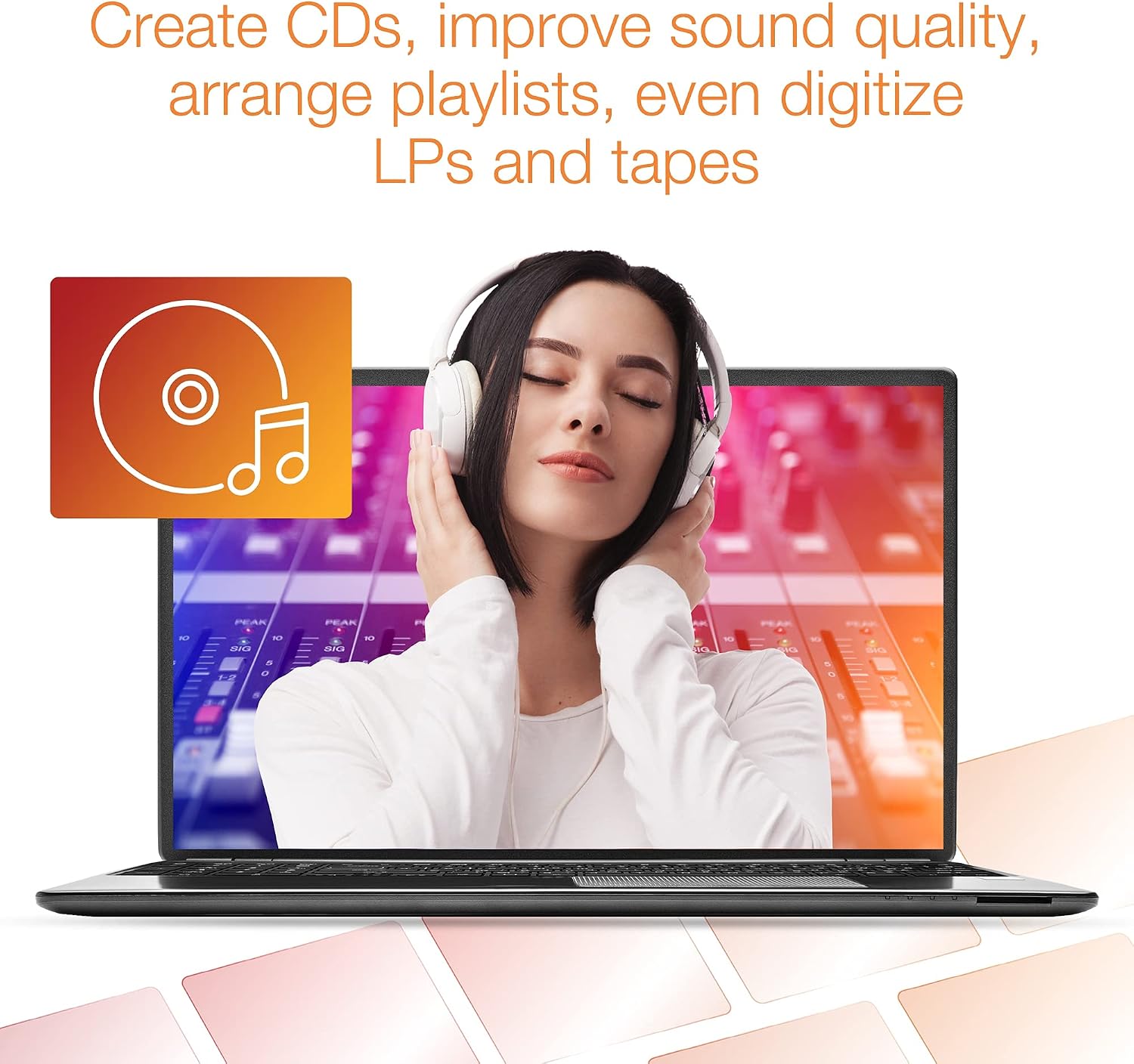
The package brings 20+ applications aimed at handling media end-to-end—from capturing video and audio from the web, discs, or legacy devices, to digitizing analog sources like LPs and tapes. It includes tools to record your screen, perform multi-camera video capture, organize your hard drive, identify duplicates, and convert formats with a user-friendly converter. For editing, you get straightforward video, audio, and photo editors, plus AI-assisted features to create smart slideshows and movies using your best shots.
Key features that matter in practice
- Capture and digitize from various sources, including older hardware, with options like MultiCam Capture for multi-angle recording.
- Edit media with approachable tools that aim to balance simplicity and capability for casual creators and hobbyists.
- Built-in file organization helps you prune duplicates and manage large libraries so you can locate assets faster.
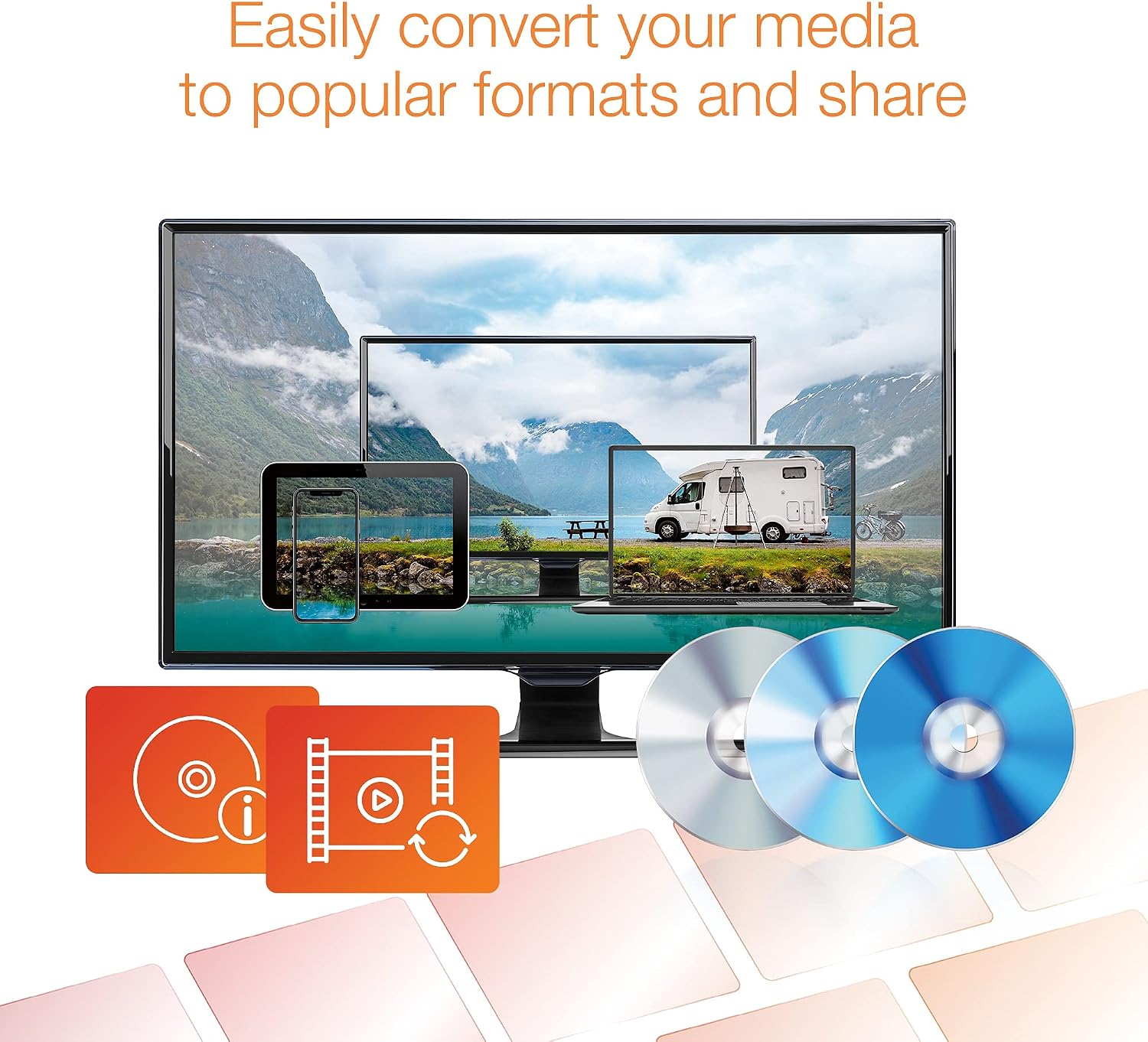
- Easy file converter supports turning media into common formats without fiddling with settings for each file.
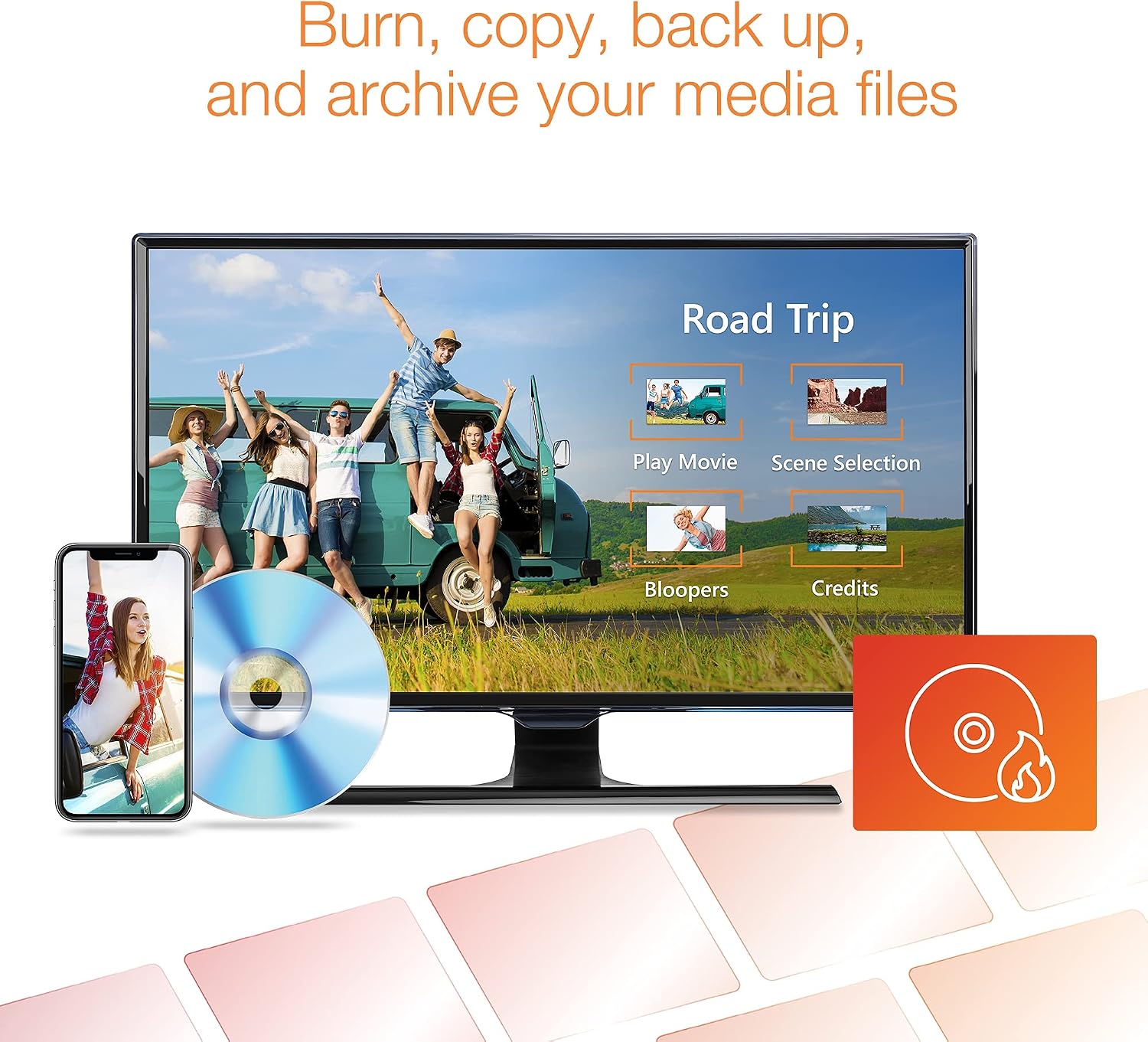
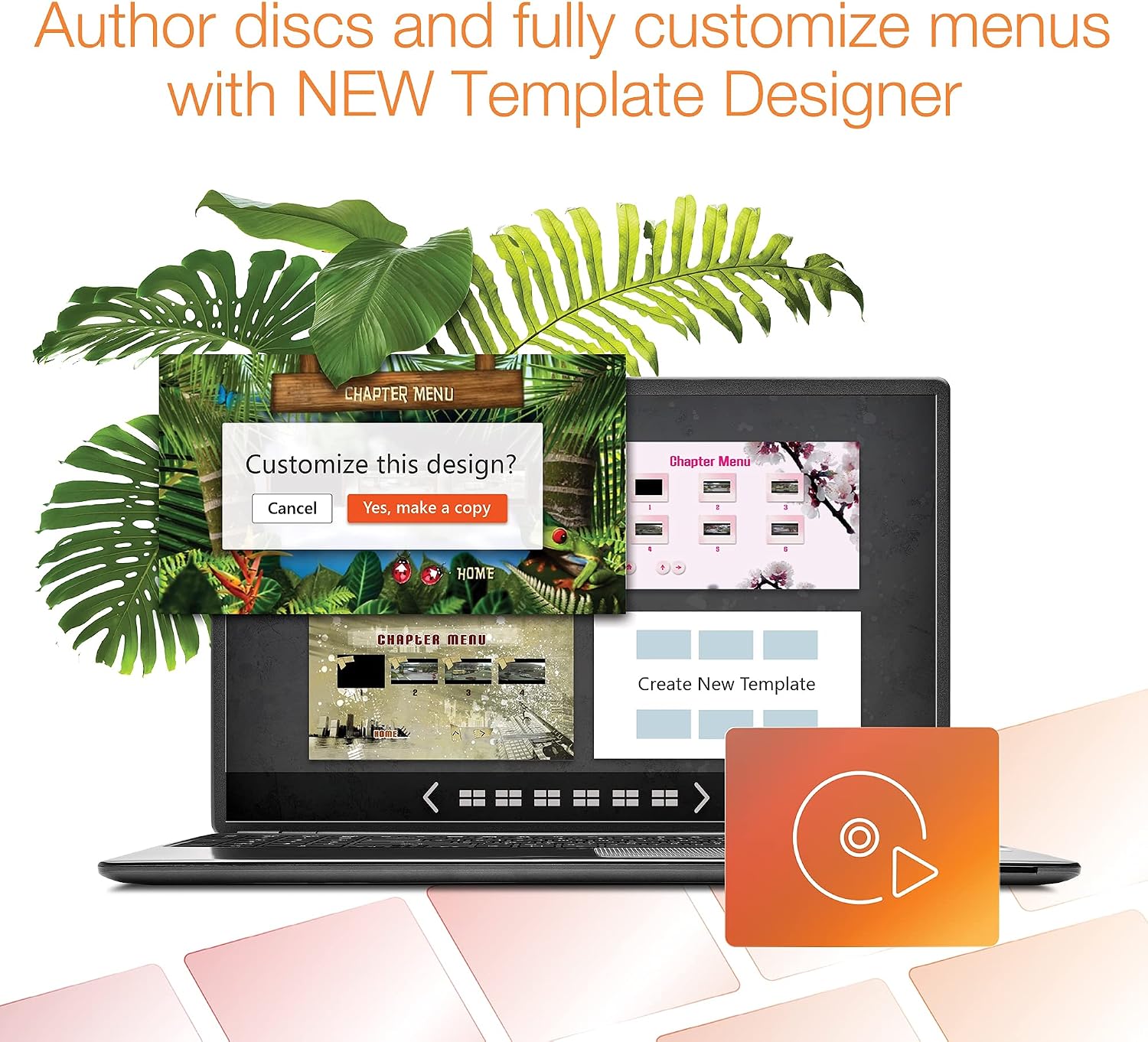
- Disc creation and DVD authoring with drag-and-drop to craft discs, now enhanced by a Template Designer to customize menus.
Who it’s for
If you’re building home videos, archiving old media, or creating custom discs for personal projects, Roxio Creator NXT 9 offers a broad feature set without requiring a steep learning curve. It tends to fit users who want an all-in-one solution rather than juggling separate software for capture, edit, and burn tasks.
What it isn’t ideal for
If you’re seeking advanced professional-grade color grading, 4K cinema work, or workflow automation at a high level, this suite may feel limited compared to high-end tools focused on those specific tasks. It’s also not ideal if your workflow relies heavily on cloud-based collaboration or subscription-locked features.
Pros and cons at a glance
- Pros: Wide feature set in one package, convenient all-in-one workflow, AI-assisted slideshow/video creation, easy disc authoring with customizable menus.
- Cons: AI features are helpful but may not replace dedicated professional-grade editing, the breadth can feel overwhelming if you only need a simple editor or a dedicated burning tool.
Practical use case
Imagine you’ve got a mix of old tapes, digital video clips, and photos from a family trip. You can digitize the tapes, capture new footage with MultiCam Capture, edit everything into a cohesive video, add smart slideshows using AI, convert formats for sharing, and finally burn a personalized DVD with a branded menu. It’s a workflow that keeps everything in one place rather than hopping between different programs.
What to review before buying
- Ensure your PC meets any basic system requirements for smooth capture and editing tasks.
- Consider how much you value built-in disc burning and DVD authoring versus online delivery options.
- Think about whether AI-assisted slideshows and smart edits align with your typical project needs.
How it compares to alternative approaches
If you mainly create short social videos, a lighter editor with online export options could be enough. For those who still burn physical discs, Roxio’s integrated approach avoids juggling separate tools. If your priority is professional-grade color work or heavy post-production, you might look for software with more advanced editing pipelines.
FAQ (practical answers)
- Q: Can I digitize LPs and tapes with this package? A: Yes, it includes capture and digitization options for legacy media.
- Q: Is AI-assisted editing sufficient for high-end projects? A: It’s useful for smart slideshows and quick assemblies, but may not replace professional-grade tools for complex productions.
- Q: Do I need an internet connection for essential features? A: Some help documentation is online, and updates may require connectivity, but core capture, edit, and burn features work offline.
Buying decision
Buying verdict
It makes sense if you want an all-in-one PC solution for capturing, editing, organizing, and burning media with a focus on ease of use and practical, day-to-day projects. It’s a solid pick if you value versatility and a consolidated workflow over mastering multiple specialized apps. You may want to skip it if your needs lean toward high-end color grading, advanced special effects, or heavy cloud collaboration.
Final note on usefulness
If prioritizing a versatile, one-stop multimedia suite for home projects, Roxio Creator NXT 9 offers a broad feature set in a single purchase. It’s particularly convenient for those who still burn discs and value a Template Designer to personalize menus, while also handling recent media formats with a straightforward converter.