

Nero Burning ROM 2026 for Windows — Burn, Copy, Rip & Create ISO with Lifetime License (1 PC)
Product description
What this is
Nero Burning ROM 2026 is a Windows-based disc burning and data management suite designed to handle CDs, DVDs, and Blu-ray discs. It centers on practical tasks like burning data backups, copying discs, ripping audio, and generating ISO files or disc images. The product is sold with a lifetime license for a single PC, and it supports the Windows 11/10/8/7 lineup. On the surface, it targets users who want an all-in-one tool to manage physical discs without relying on scattered free software.
The core use cases
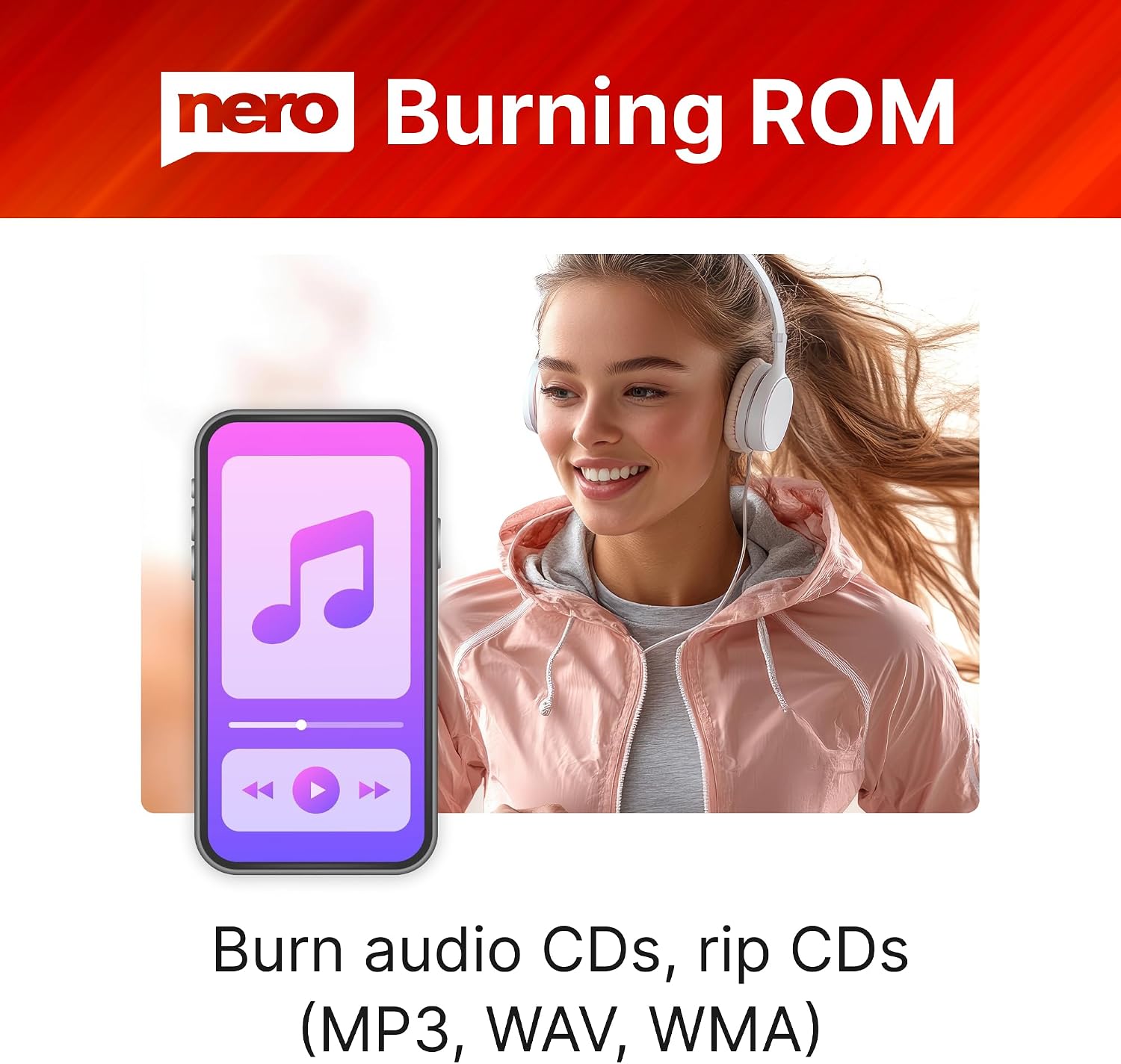
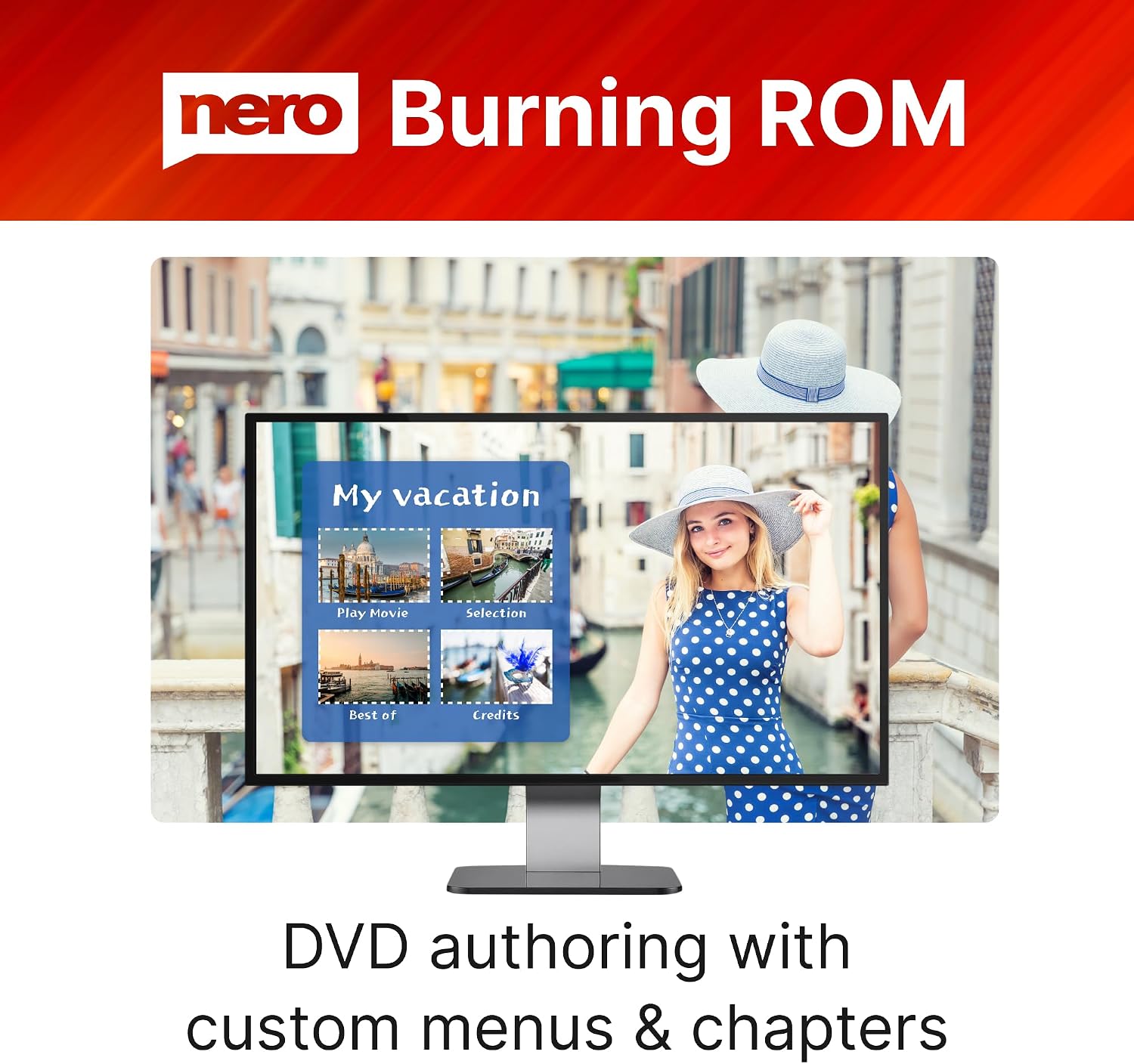
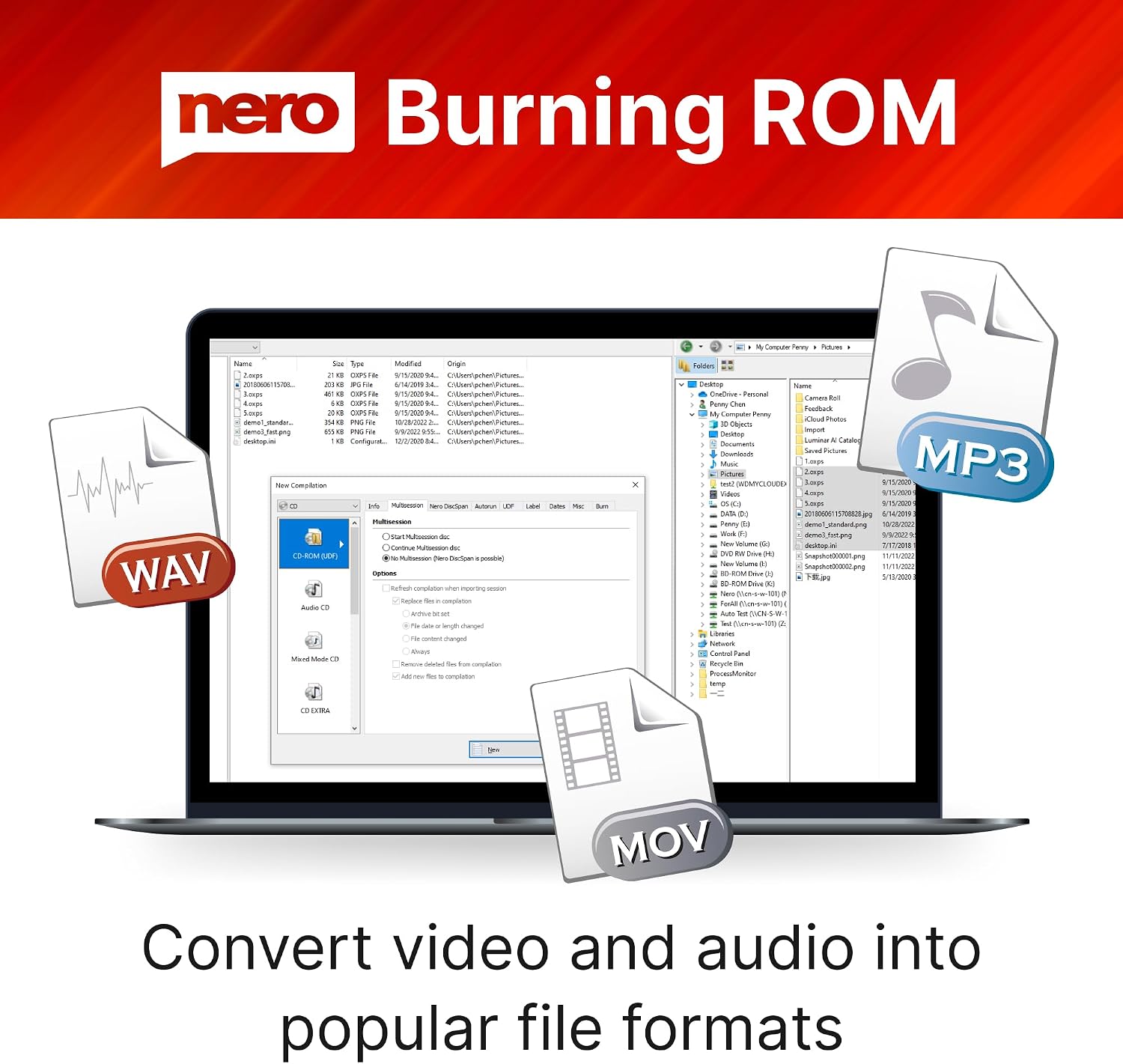
If your goal is to back up photos, videos, or documents to physical media, Nero Burning ROM 2026 promises reliable burning with straightforward steps from the desktop. For multimedia libraries, there’s a clear emphasis on creating customized video discs and audio CDs—think menus, chapters, and personalized layouts for DVDs, plus the ability to digitize your CD collection into MP3, WAV, or WMA formats. For long-term preservation, the software supports storing large files across multiple discs and saving projects as ISO files or other disc images, including bootable discs when needed.
What stands out in usage
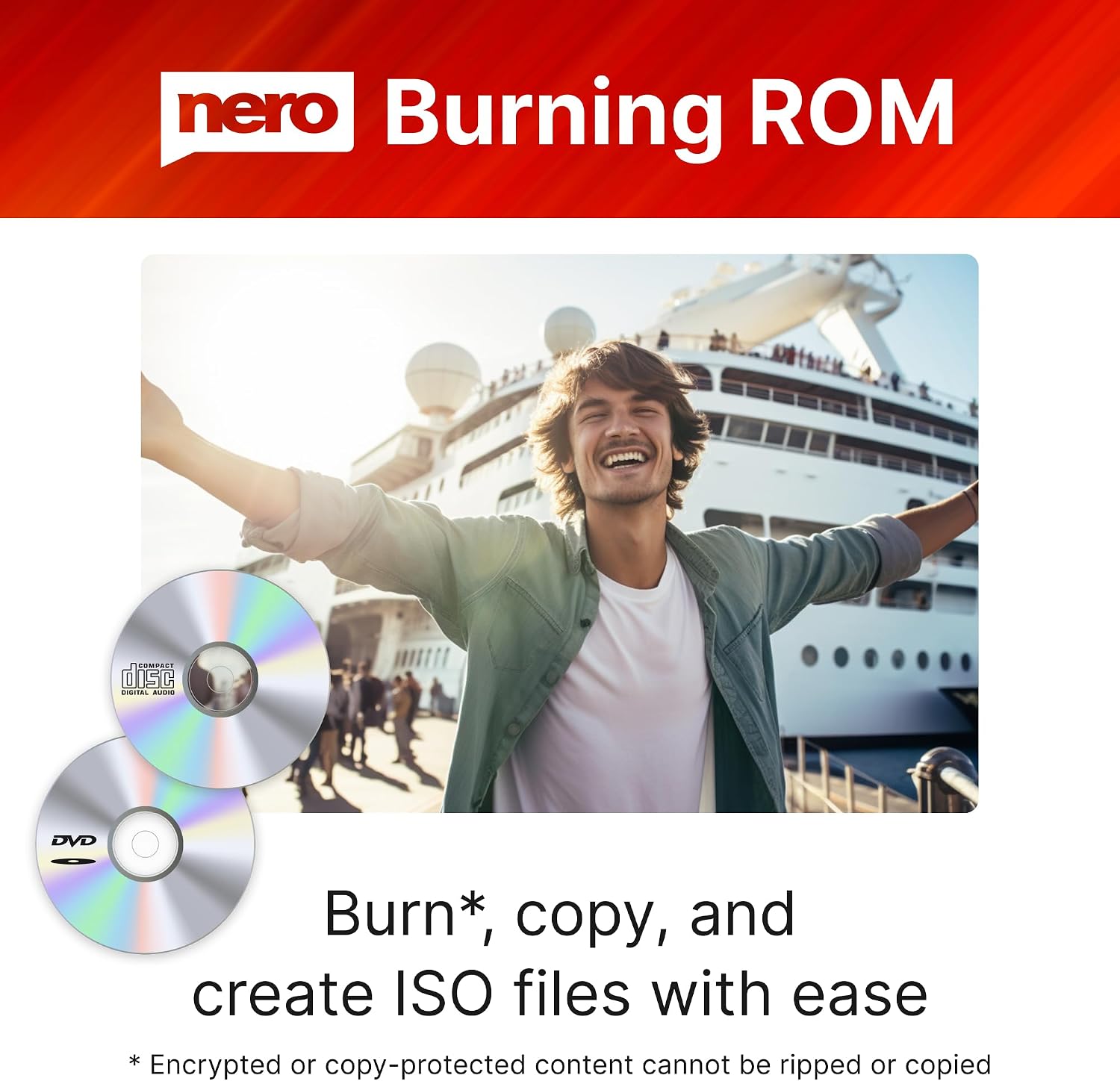
On paper, the workflow appears direct: import media, choose a disc type, and burn or rip in a few clicks. The ability to create ISO files and bootable discs adds a layer of flexibility that can matter for archival projects or system recovery needs. This is especially relevant if you prefer keeping a digital image alongside physical copies. However, the experience may depend on how often you need advanced features like menu customization for video discs or nuanced audio ripping options.
Pros and what to watch
Pros: a cohesive toolset for burning, copying, ripping, and disc image management in one package, a lifetime license simplifies ownership, it covers both data and media disc creation, not just one narrow function. For households or small teams that rely on physical media, the ability to create audio CDs and video DVDs with structured menus could be a meaningful plus. Limitations: the description emphasizes feature breadth but doesn’t reveal details on performance with large data sets or the depth of audio extraction options. If you routinely need advanced audio formats, lossless ripping, or ultra-fast burning across many discs, you may want to verify actual performance in your specific setup.
Who it’s for
If you primarily work with CDs, DVDs, or Blu-ray discs and want a single, long-term license for a dedicated Windows machine, this product aligns with that need. It also suits users who value the ability to produce customized video discs and maintain a local archive via ISO images. It may be less compelling if your workflow relies on cross-platform usage, frequent cloud backups, or streaming-centric media management.
When it makes sense to buy
Consider Nero Burning ROM 2026 if you want a one-stop solution for physical disc tasks on a Windows PC and you appreciate a lifetime license for a single device. It’s particularly reasonable if you have a local media library, need bootable disc capabilities for recovery scenarios, or want to convert physical CDs into digital formats to preserve or share your music collection.
Before you buy: what to check
- Confirm you’re using a compatible Windows version (the lineup listed).
- If you plan to create video DVDs, ensure you have the media and media-authoring expectations in mind (menus, chapters, layouts).
- For long-term archiving, consider your preferred disc formats and the organization of ISO projects or disc images.
- If possible, test the ripping workflow with a representative CD to gauge speed and output quality before committing to a full archive.
How it compares to other approaches
This suite consolidates several disc-related tasks into one product, which can be preferable to juggling separate burning apps, especially for users who value a stable, install-once solution. If your needs are minimal—burning a few discs now and then—free tools might suffice, but they rarely offer the same breadth of features (ISO creation, bootable discs, and menu-driven video DVD authoring) in a single package.
What you’ll do in real life (example)
Imagine you’re backing up a family photo collection: you choose data discs, arrange folders on the project, and burn a set of discs while also creating an ISO image for future re-edits. For a weekend video project, you import footage, assemble a simple DVD with chapters, and export a disc image for a friend to burn on their end. These are the practical rhythms this software targets, not theoretical capabilities alone.
Decision time: Is it worth it?
Is it worth it? If you want a durable, all-in-one disc utility with a lifetime license for one PC and value features like ISO creation, bootable discs, and audio ripping, Nero Burning ROM 2026 can be a sensible fit. It’s worth considering if your use cases align with physical media creation and long-term local backups, it may not be the best match if you need cross-platform access or frequent cloud-centric workflows.
FAQs
- Can I install Nero Burning ROM 2026 on multiple machines with a single license? Answer: The license is stated for 1 PC, so installation on other devices would require separate licensing.
- Does it support Blu-ray authoring with menus? Answer: The product description mentions video disc creation with menus and chapters, which typically applies to DVDs, Blu-ray capabilities aren’t explicitly detailed in the provided data.
- Is bootable disc creation included? Answer: Yes, the capability to create bootable discs is listed among the disc image features.
- Can I convert all my CDs to MP3 automatically? Answer: The software supports ripping CDs into MP3, WAV, or WMA formats, enabling digitization of your audio collection.
- What happens if I upgrade my OS later? Answer: The data provided doesn’t specify OS upgrade policies, plan to verify compatibility with future updates if you’re managing critical archives.