

Nero CD Ripper Software — Digitize Audio CDs to MP3, FLAC, AAC, WAV on Windows
Product description
Overview
Nero CD Ripper is a dedicated tool designed to convert your audio CDs into digital music files for everyday listening across devices like PCs, smartphones, tablets, USB drives, and more. It leverages Nero’s Burning ROM technology to provide a reliable ripping experience and aims to organize your music library without complicating your setup.
What it does
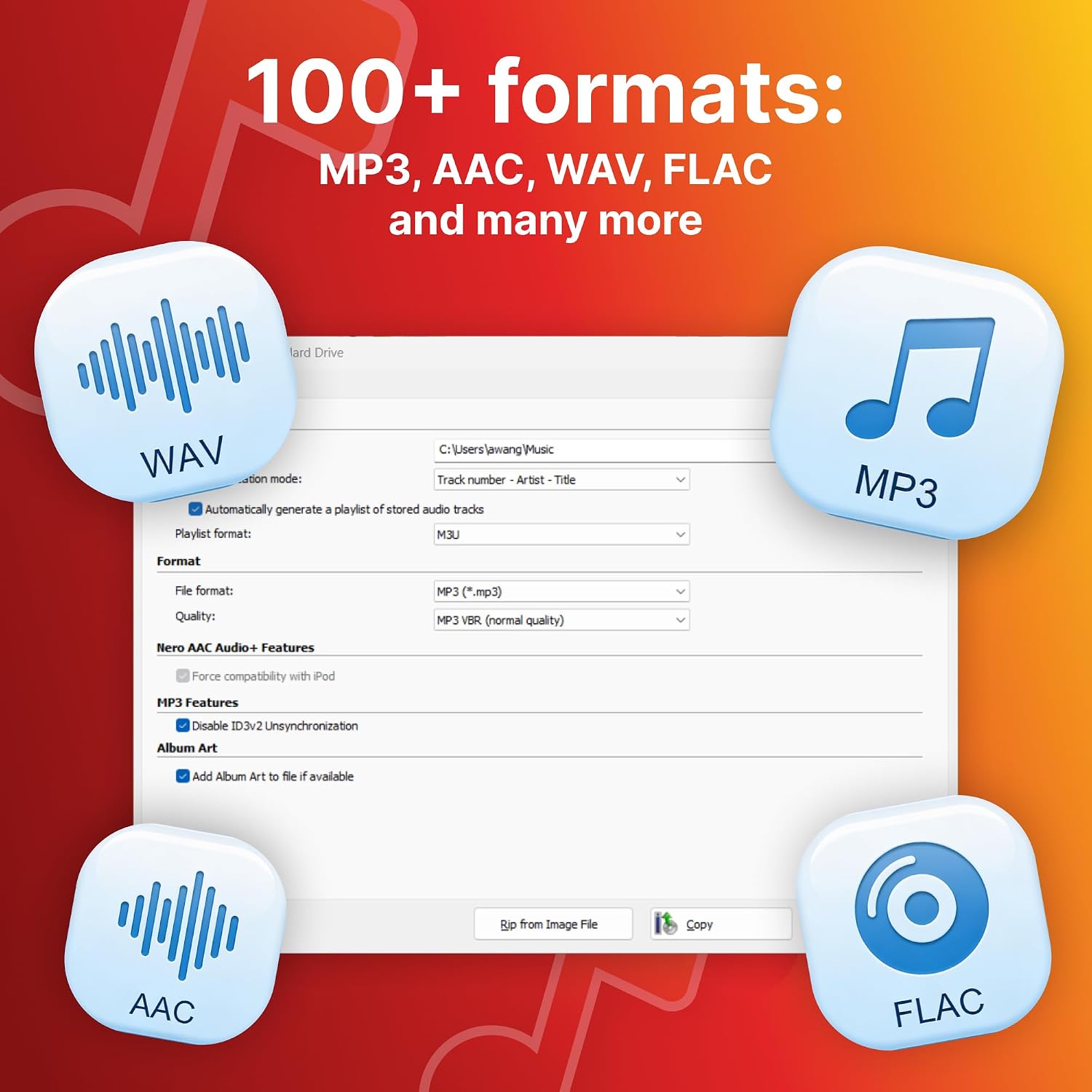
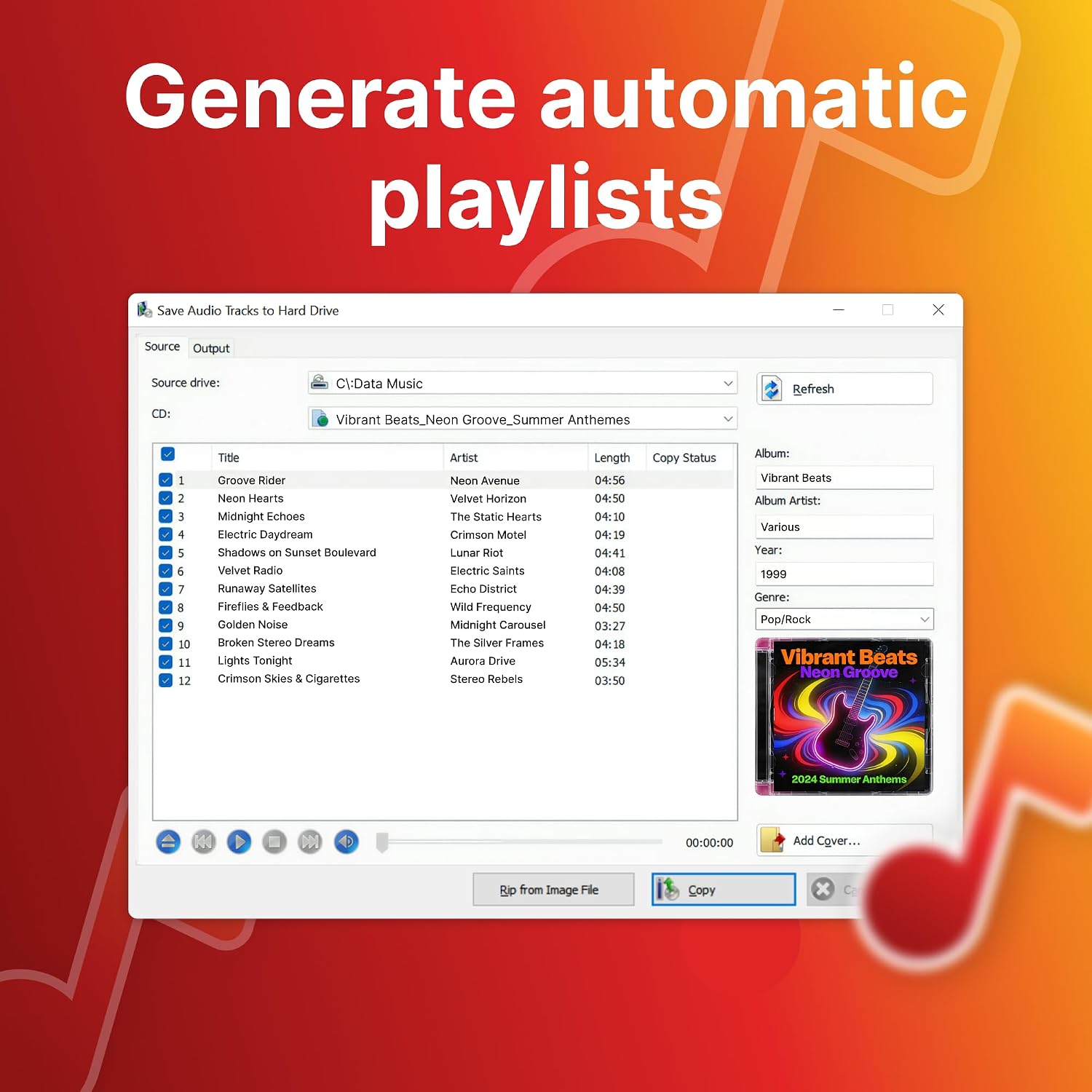
The core function is to digitize physical CDs and save the audio as digital files. It supports ripping to over 100 formats, with common options such as MP3, FLAC, AAC, WAV, AIFF, and OGG. This breadth of formats helps you tailor files for different use cases, from portable listening to long-term archival. The software also creates playlists automatically from ripped tracks, which can save time when you’re trying to browse a growing collection.
Why Gracenote matters
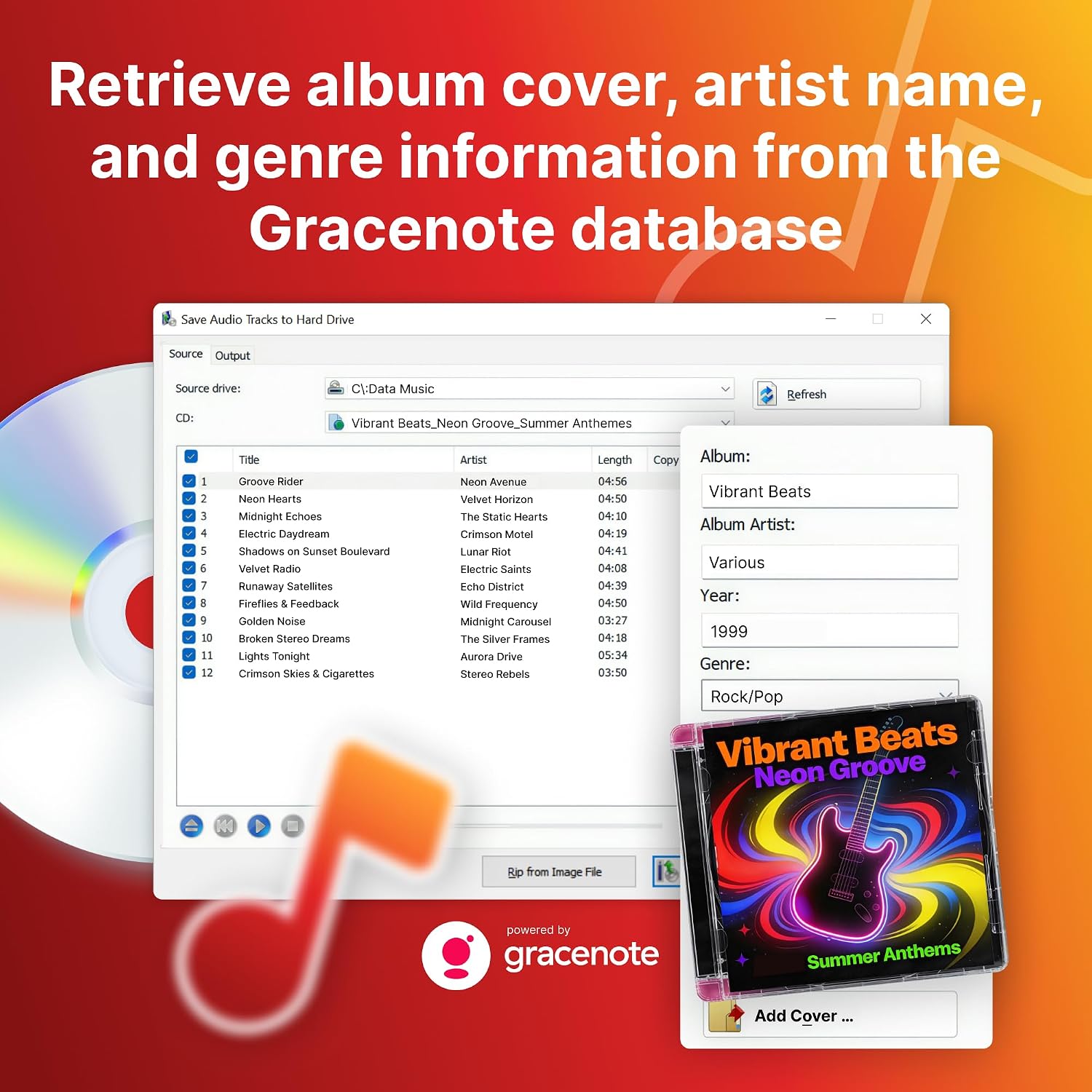
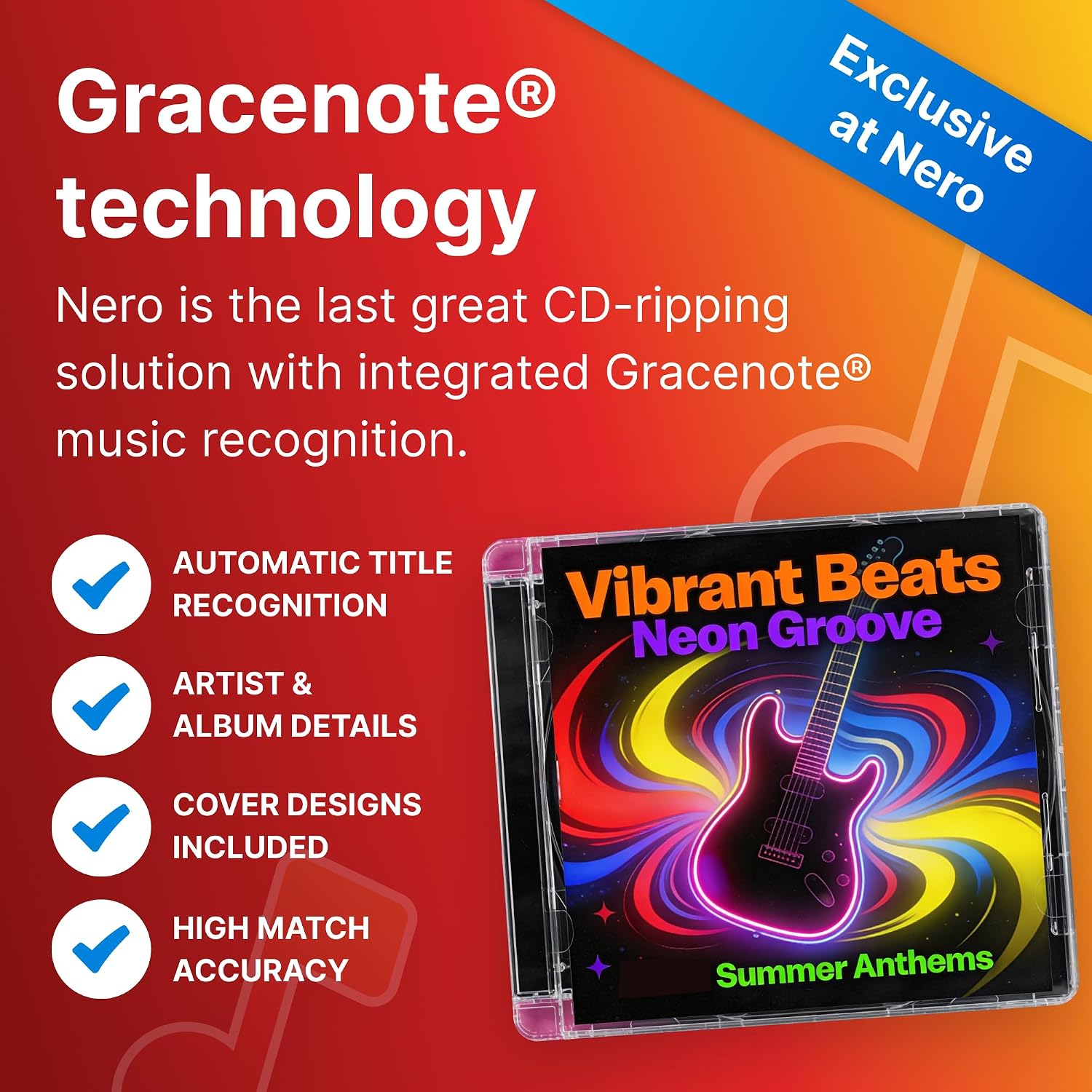
A standout feature is the integrated Gracenote recognition. When you rip, the software can automatically identify track titles, artists, albums, genres, and even cover artwork. This helps you build a more complete and visually rich library without manual tagging, which is especially helpful if your CDs have sparse or missing metadata.
How it fits into your setup
The license is lifetime and covers one Windows PC, which means you won’t deal with recurring subscription bills. It’s positioned as a straightforward option for digitizing a physical CD collection and ensuring broad compatibility for playback on various devices.
Who it’s for
If you value a practical, plug-and-play ripping workflow and want automatic metadata tagging, this tool can be a solid match. It’s particularly appealing for users who prefer to consolidate their music library in a format-agnostic way and rely on a proven technology base from Nero.
What to watch before buying
Note that the license is for a single PC and there’s no subscription. If your setup involves multiple machines or you expect frequent upgrades, you may need to consider how that fits your needs. Also, if you primarily work with cloud-based syncing or streaming music, this offline ripping workflow may be less critical.
Practical use case
Imagine you’re digitizing a decades-spanning CD collection. You pop a CD in, rip it to MP3 with automatic tagging, and the file lands in a neatly organized playlist. The Gracenote data reduces manual tagging effort, and the resulting library can travel with you on a phone or USB drive without worrying about missing album art or track names.
Alternatives and considerations

Compared with more minimal ripping approaches, Nero CD Ripper offers broader format support and metadata automation, which can be worth it if you want a more complete library from the start. If you only need a basic, no-frills rip, or you require multi-user licenses across several machines, this solution may feel heavier than you need.
Decision time
Is it worth it?
It’s a solid pick if you want a mature, metadata-enhanced ripping workflow on a single Windows PC with long-term licensing and broad format support. If your priority is photo-like tagging and a simple, fast rip, you’ll likely value the Gracenote integration and automatic playlists. If you operate across multiple PCs or don’t need offline ripping, you might weigh other options.
FAQ
- What formats can Nero CD Ripper export to? It supports MP3, FLAC, AAC, WAV, AIFF, OGG, and more, totaling over 100 formats.
- Is the license subscription-based? No—it's a lifetime license for 1 Windows PC.
- Which Windows versions are supported? Windows 11, 10, 8, and 7.
- Does it automatically tag metadata? Yes, via Gracenote recognition for track titles, artists, albums, genres, and cover art.
- Can it help with playlists after ripping? Yes, it can create playlists automatically from the ripped tracks.