

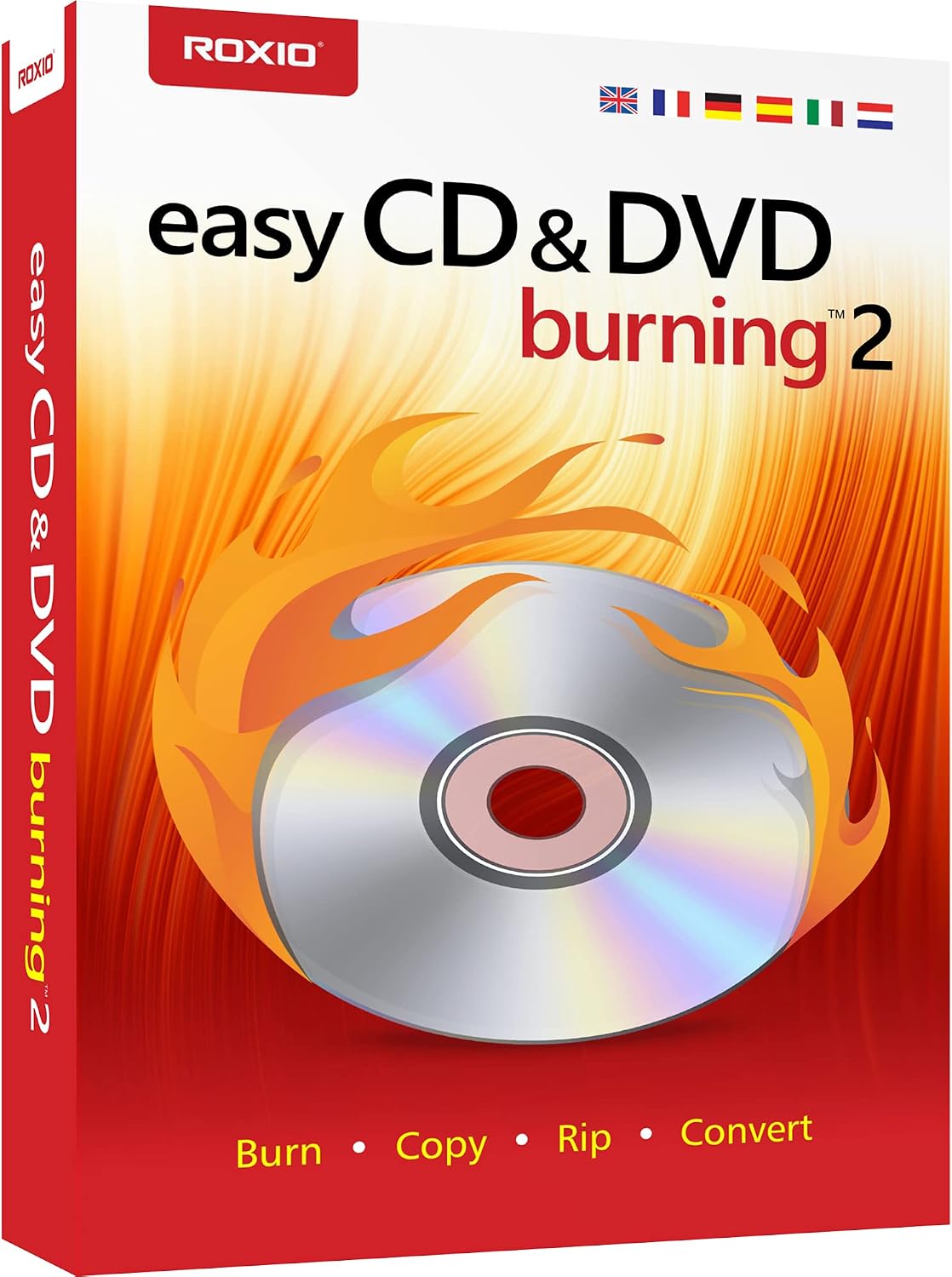
Corel Easy CD & DVD Burning 2 | Disc Burner & Video Capture (PC)
Reviews
Price
Product description
What it is
Corel Easy CD & DVD Burning 2 is a desktop disc authoring and capture tool designed to copy, burn, and organize media across CDs and DVDs. It also includes features for digitizing analog sources and compiling multimedia projects for custom discs.
What it helps you do
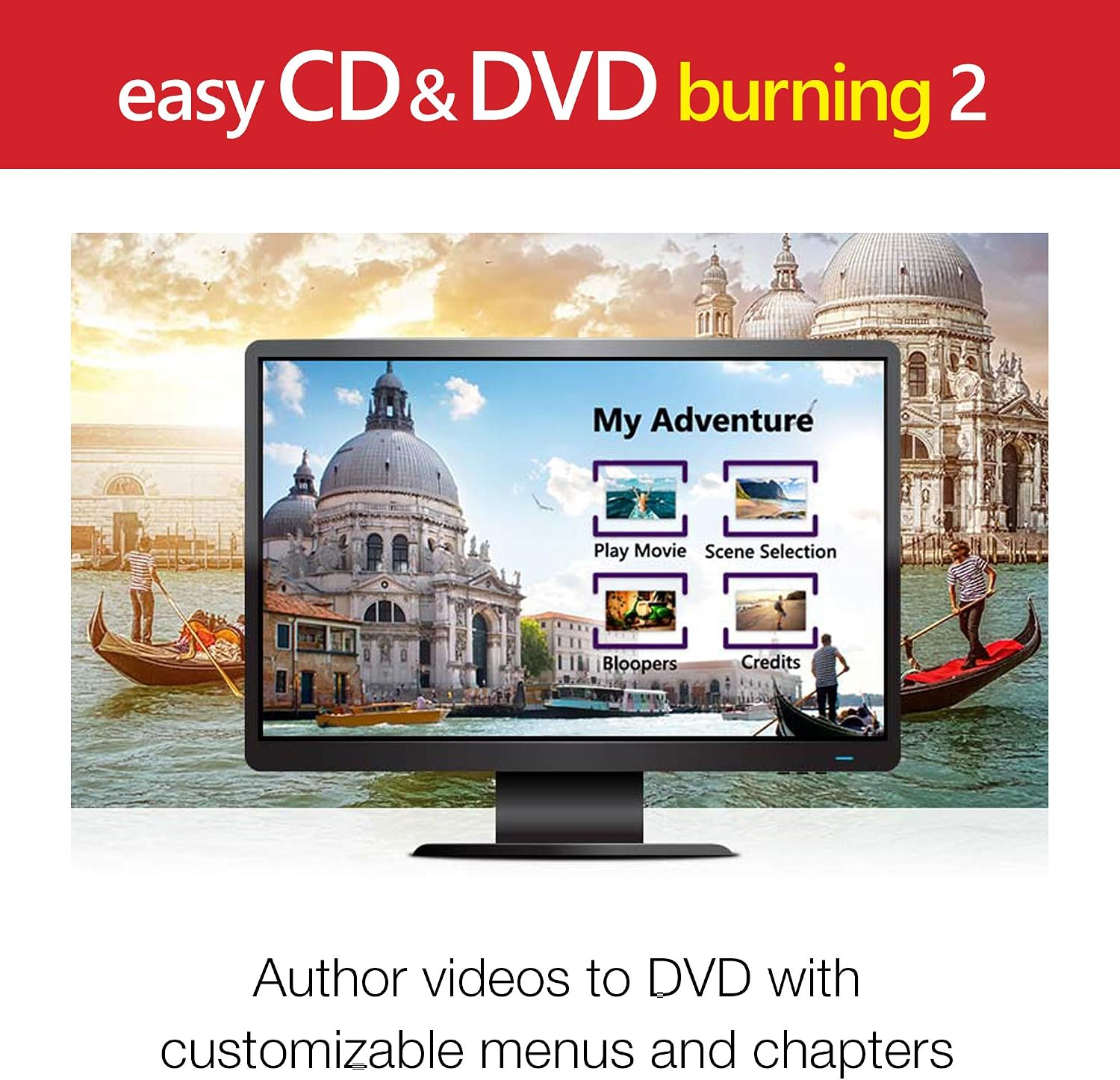
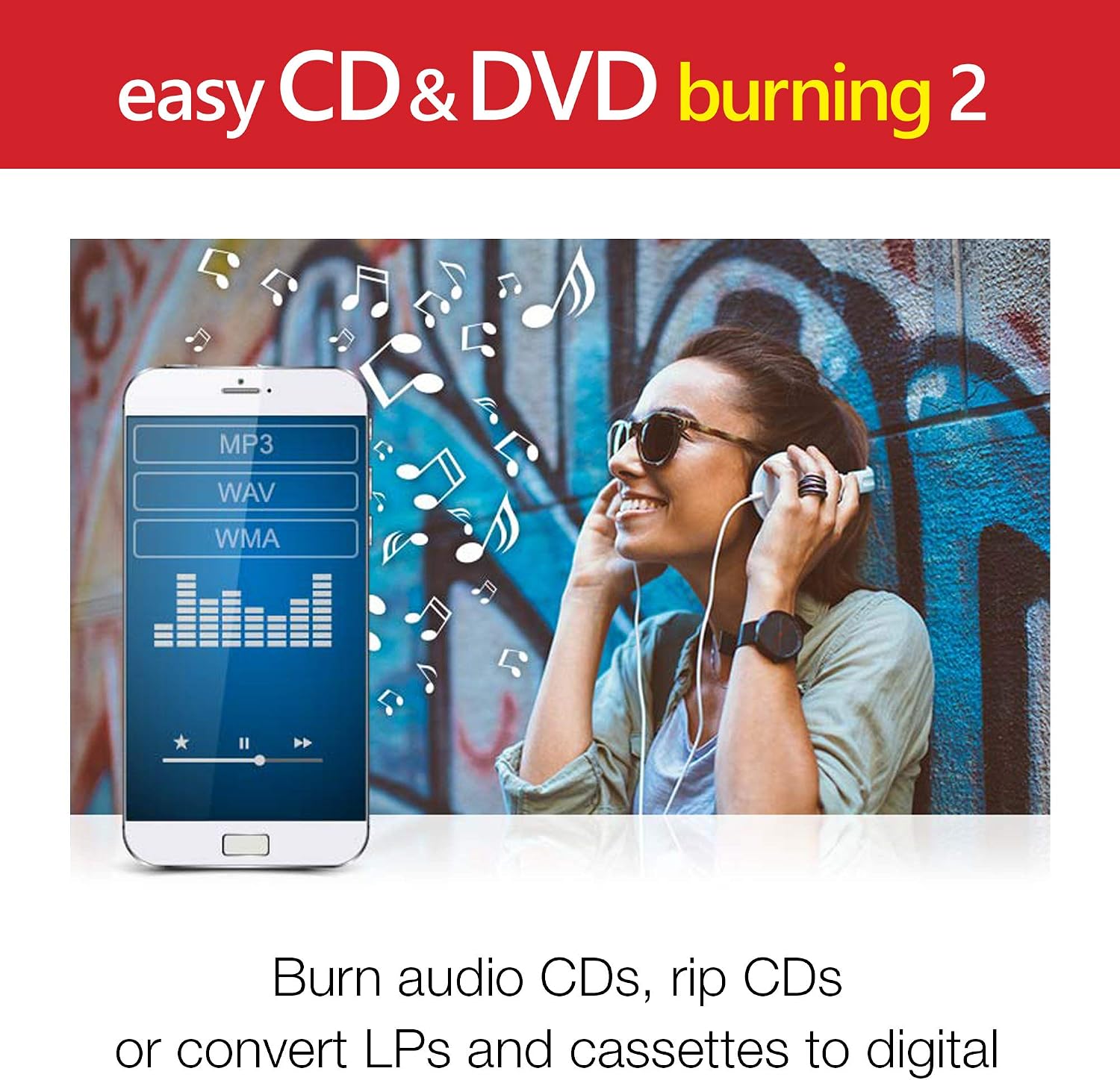
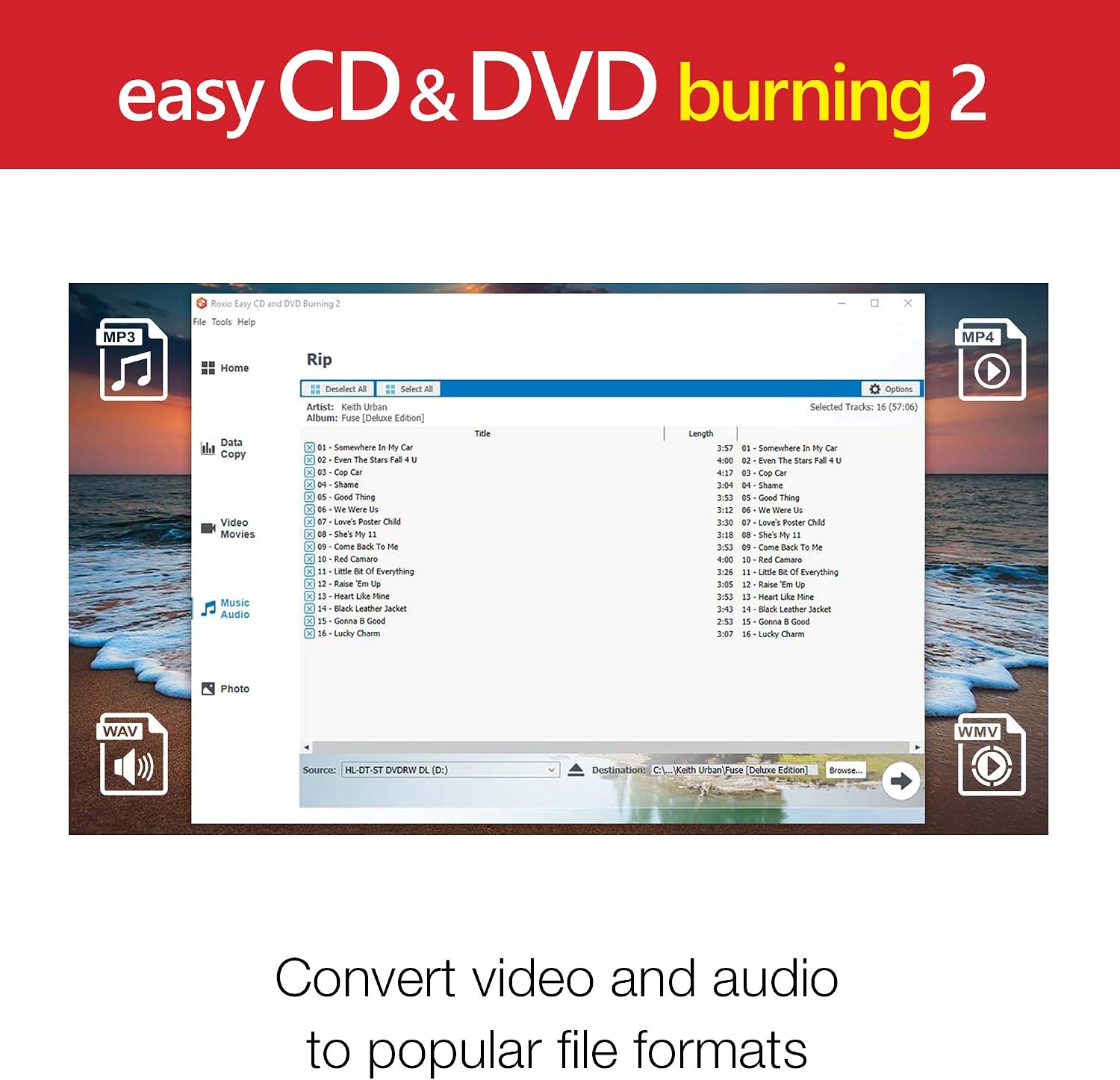
On the surface, the software focuses on practical tasks: copying and burning discs quickly, preserving photos, and backing up video. It also enables capturing or importing video, authoring DVDs with chapters and menus, and converting CDs, LPs, and cassettes into digital audio files. If you need a simple workflow to move media from physical formats to digital storage or to create personalized discs, this tool aims to cover those needs without requiring separate programs.
How it performs in practice
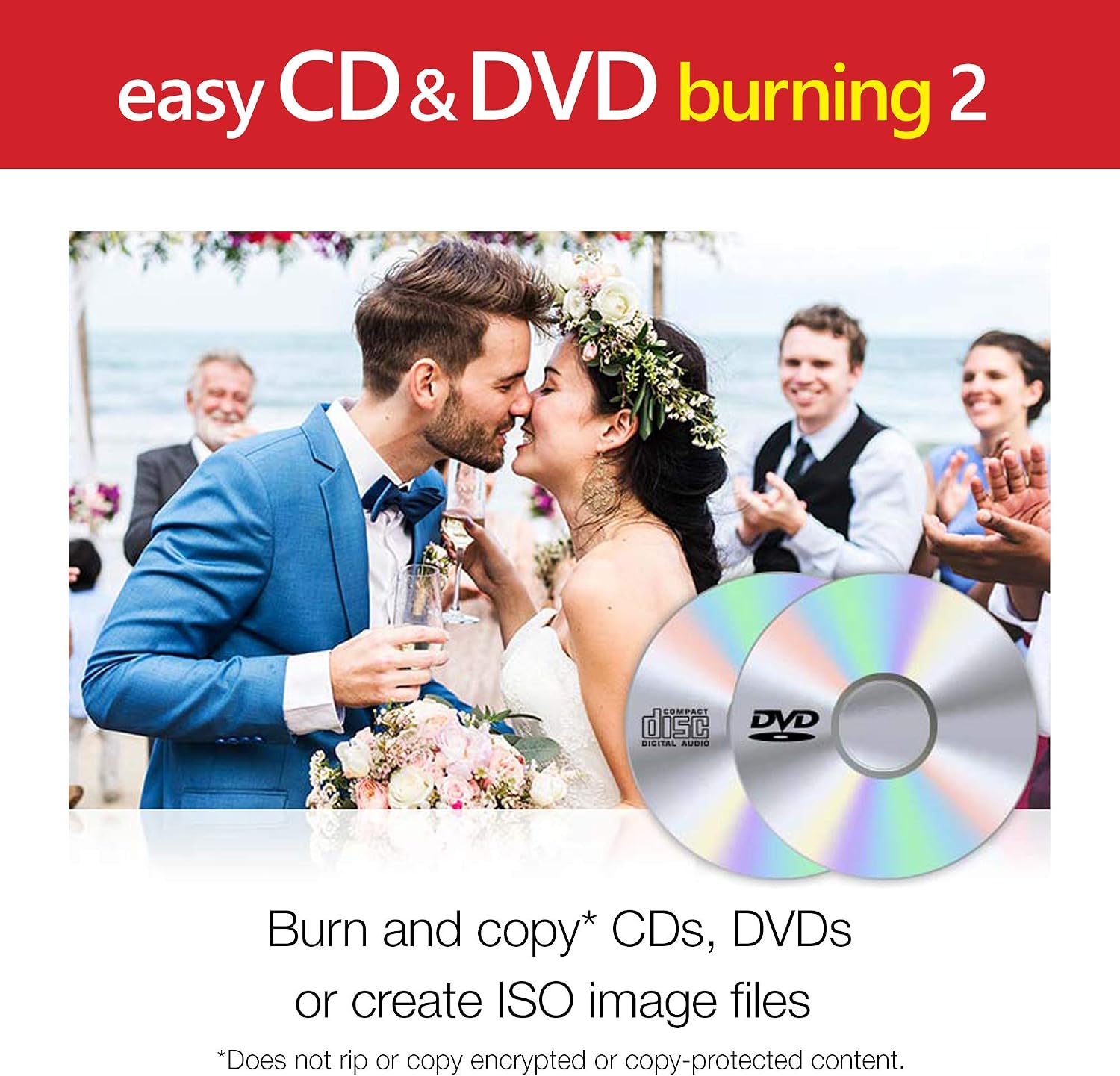
The blend of burning, video capture, and audio conversion centers on reducing steps: you can burn audio CDs, archive large photo and video backups, and make quick edits to images with basic crop and red-eye correction. If you prioritize an all-in-one approach for casual media projects, this integration can save time compared to juggling multiple apps.
The upside
What stands out is the combination of disc burning with content creation features—chapters and menus for DVDs, plus the ability to convert a variety of physical media to digital formats. For light to moderate use, it consolidates several tasks into a single workflow, which can simplify planning and execution.
The limits
If you’re a power user who relies on advanced video editing, high-end authoring options, or niche formats, this solution may feel basic. The description hints at essential editing and conversion tools, but it doesn’t reveal performance benchmarks or broader format support. You may want to factor in your typical project size and whether you’ll need more robust editing or professional disc authoring features.
Who it’s for
This product can appeal to casual home users, students, or families who want a straightforward way to digitize media, back up photos and videos, and create personalized discs from a familiar desktop interface. It also suits anyone who wants an all-in-one starter solution for converting and burning without juggling several programs.
Who it isn’t for
If your workflow demands advanced video editing, complex disc design, or high-capacity professional backups, you might outgrow this tool. It may also fall short if you rely on non-standard disc formats or require automation at scale.
Before you buy: what to review
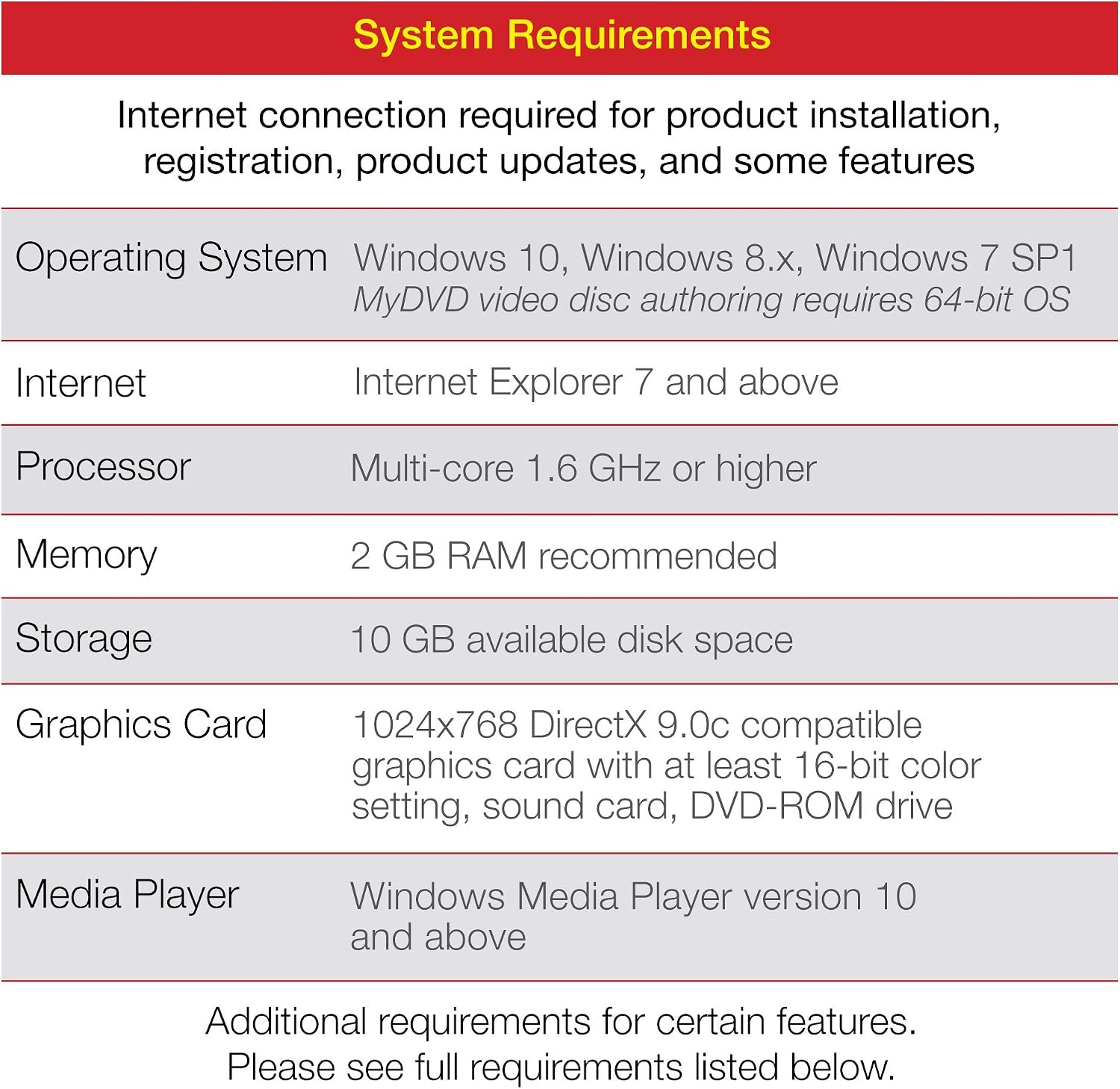
Check how your typical tasks map to its strengths: quick audio CD burning, media digitization, and basic disc authoring with chapters/menus. Consider your source formats (CDs, LPs, cassettes, photos, videos) and your preferred output (audio CDs, data discs, or video discs). Also, verify your system compatibility and whether you’ll need additional codecs or software for other formats.
A practical look at alternatives
If you’re weighing options, you’ll likely compare an all-in-one tool like this against separate disc-burning apps, dedicated video editors, or specialized media converters. The value here lies in reducing tool fragmentation and keeping a workflow that handles both physical media and disc authoring in one place. It’s worth considering if your use case is mixed—digitizing old media, backing up photo/video libraries, and producing simple, playable discs.
Is it worth it?
Is it worth it?
If you want a single, approachable solution for burning discs, capturing video, and converting audio from older media, this Corel package could be a sensible fit. It’s probably best for light-to-moderate daily use and for those who prefer an integrated workflow over assembling multiple tools. It may not be the best choice if your needs lean toward advanced video editing, professional-grade authoring, or high-capacity automated workflows.
FAQ
- Can I author DVDs with chapters and menus? Yes, the product claims support for chapters and menus in DVD authoring.
- Can I convert vinyl and cassette to digital files here? The base description indicates CD, LP, and cassette to digital audio conversion is supported.
- Is it suitable for quick audio CD burning? It notes time-saving benefits for burning audio CDs, which could be convenient for creating custom mixes.