


Nero Video 2026 for Windows — Lifetime Video Editor with 1000+ Effects
Product description
What it is and who it helps
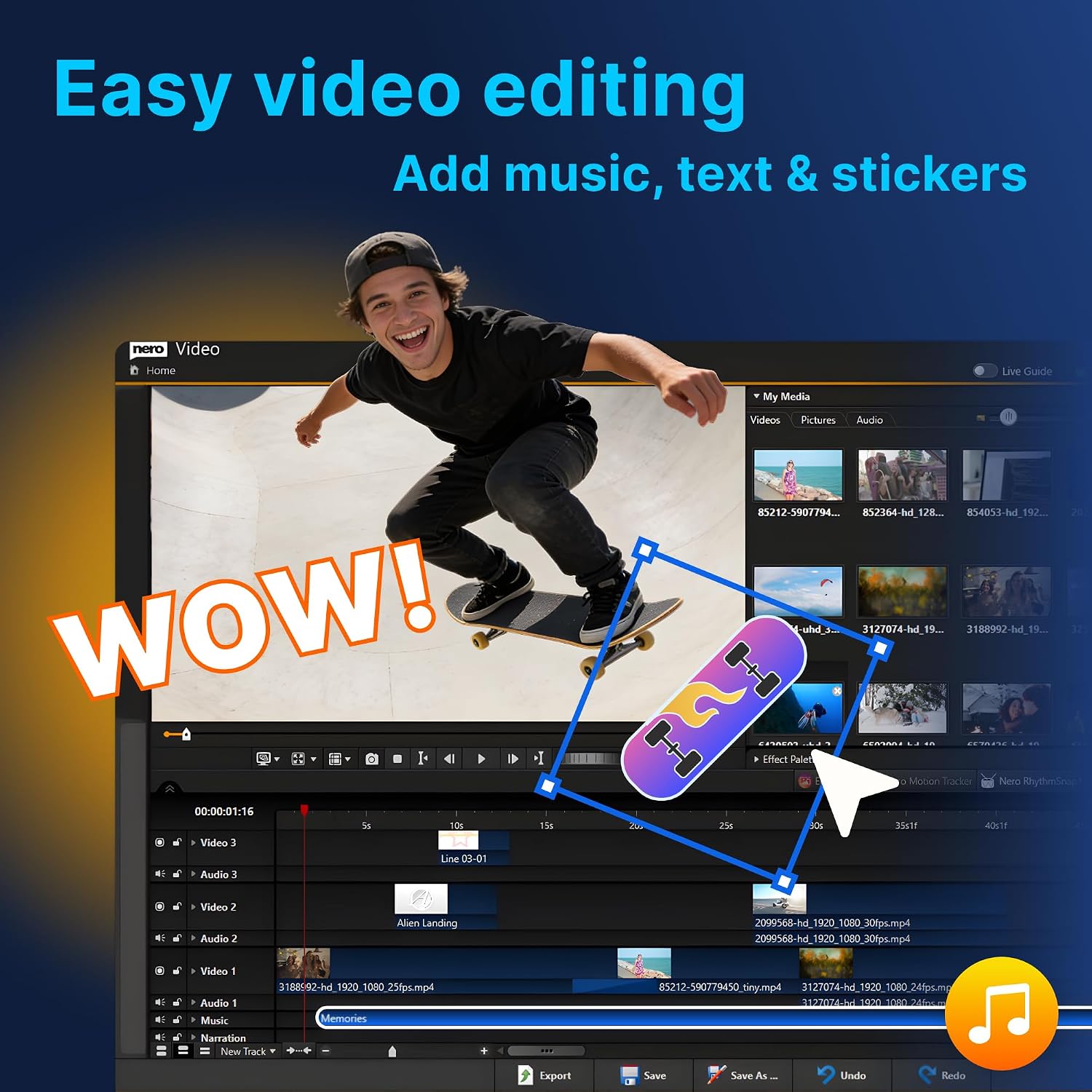
Nero Video 2026 is a Windows-focused video editing solution designed to streamline the process of turning clips and photos into polished movies. It emphasizes an easy drag-and-drop workflow, so you can trim, cut, and combine footage, add music, titles, and transitions, and end up with a finished project without a steep learning curve. If you’re juggling family memories, travel clips, or quick social-ready edits, this tool positions itself as a practical all-in-one creator.
What stands out about the toolset
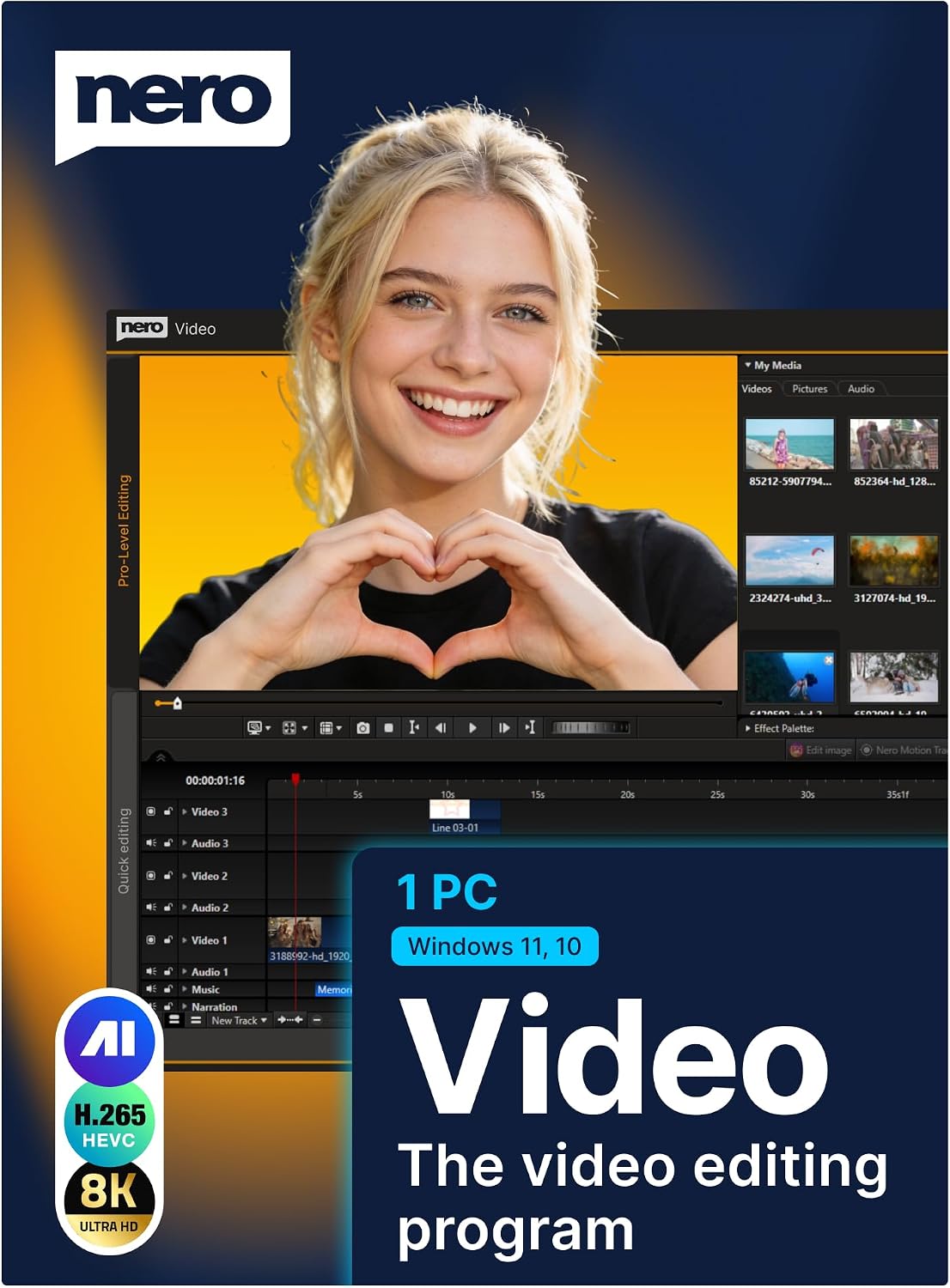
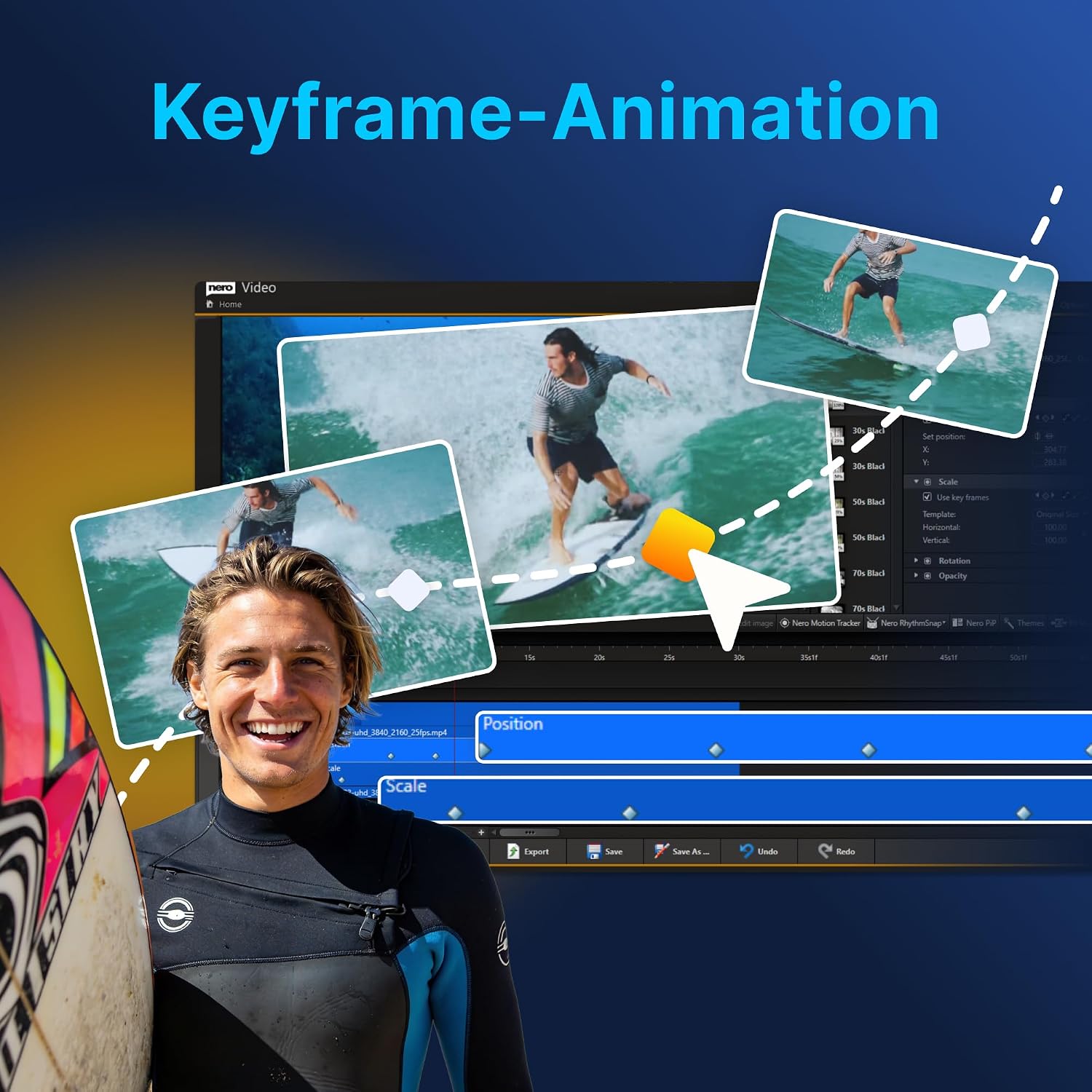
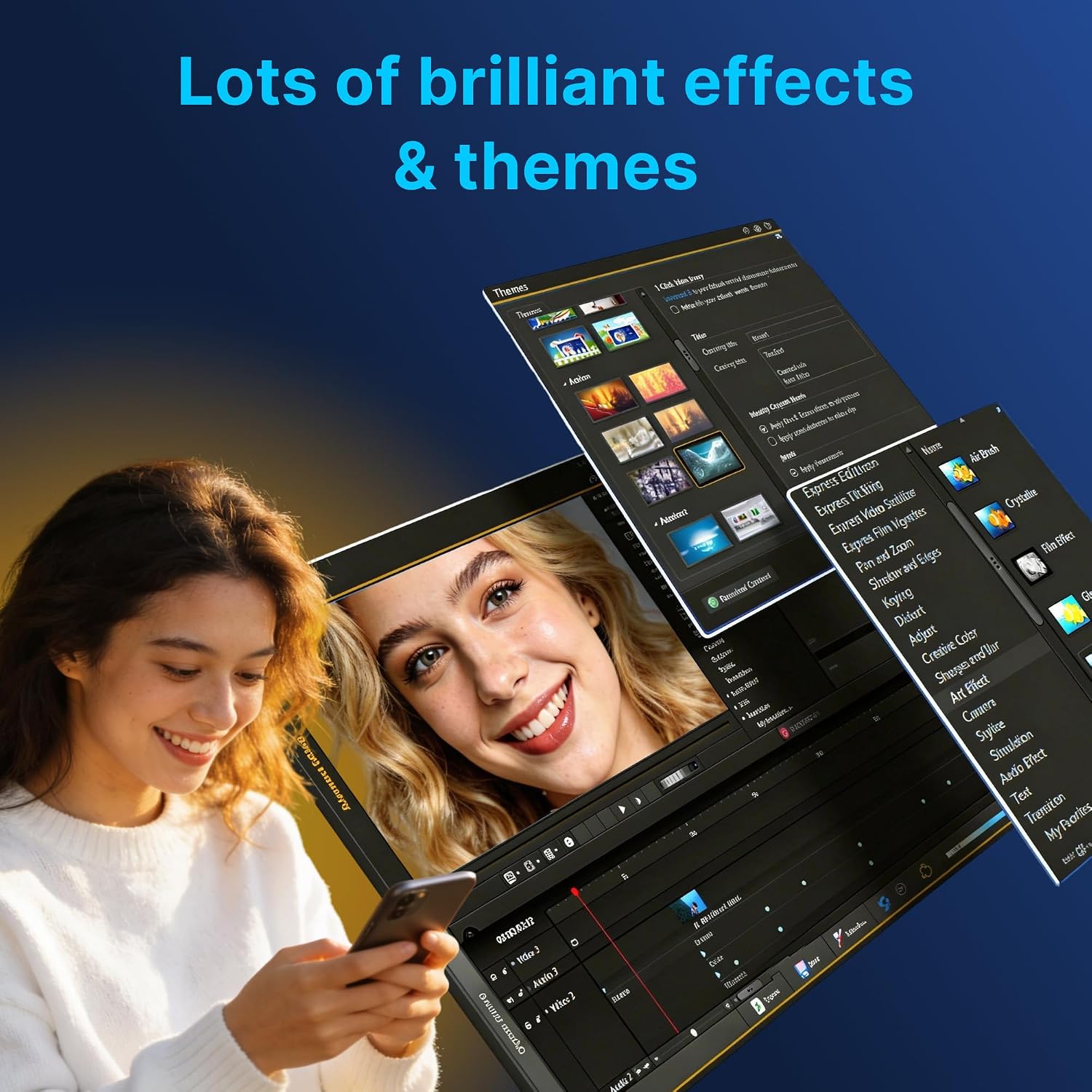
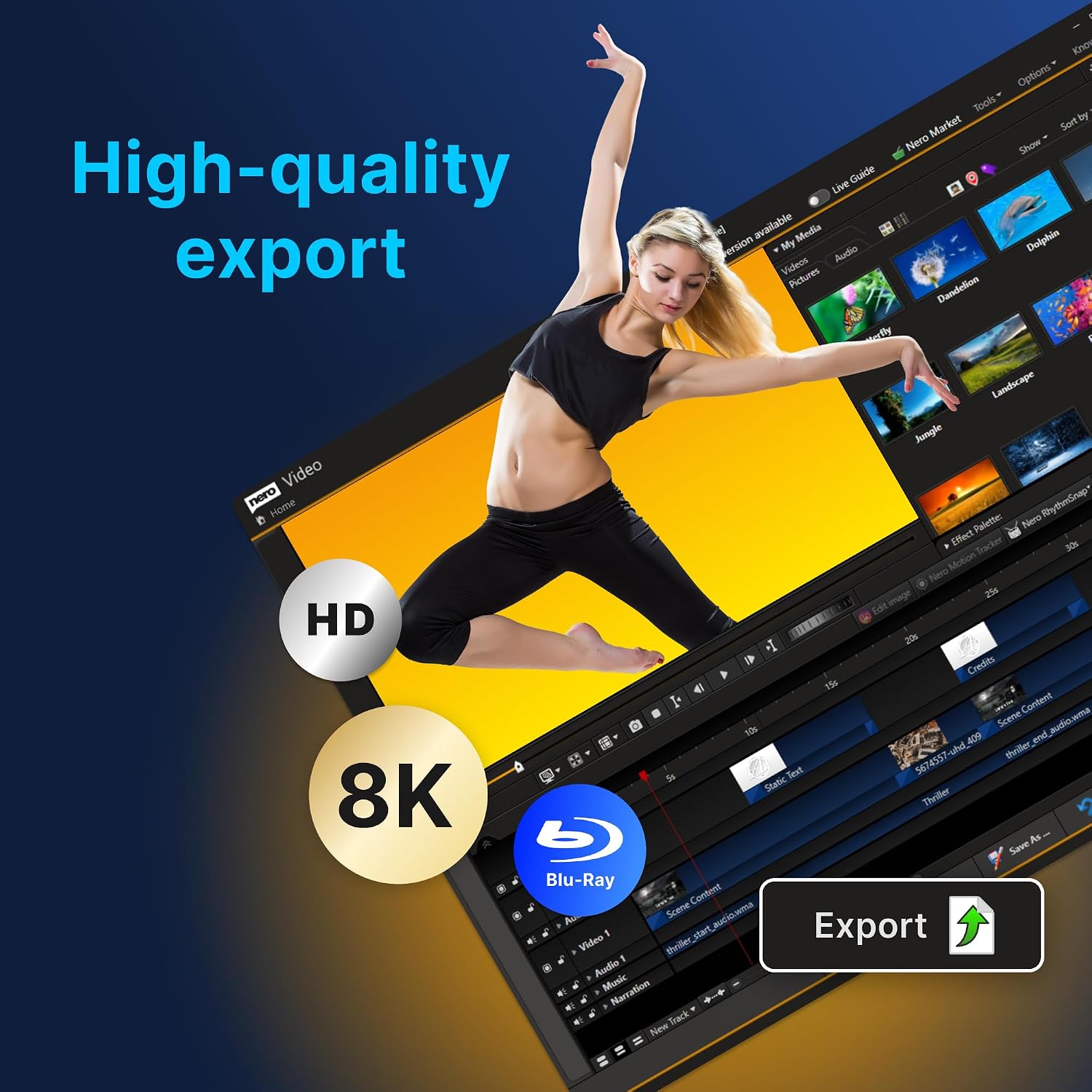
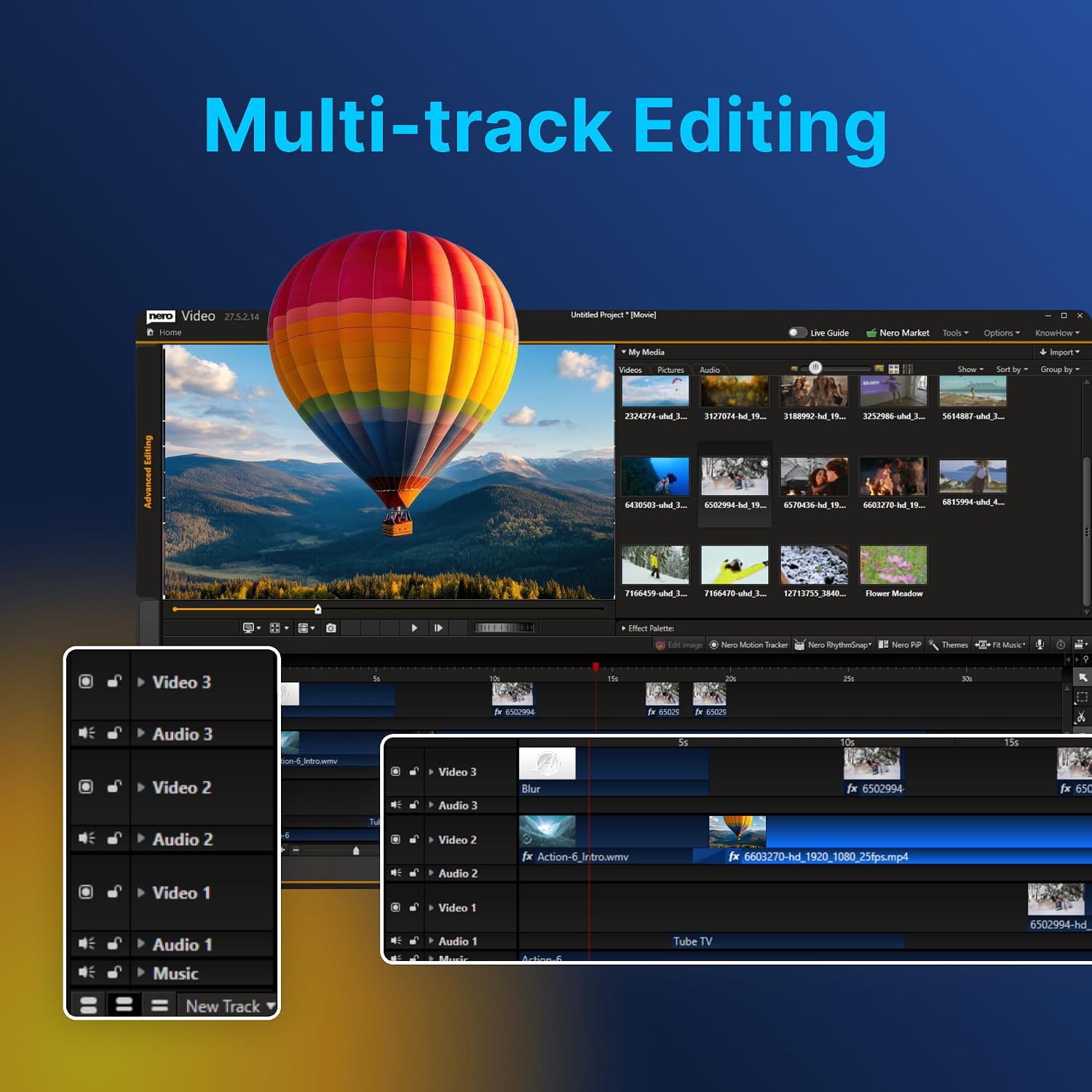
On paper, the standout features are the large library of effects, titles, and creative tools (1000+), plus motion tracking and animated elements that help you elevate a project without external plugins. The multi-track editing timeline supports 4K and 8K content, which is meaningful if you’re working with high-resolution footage. The package also covers export options and the ability to author DVDs or Blu-ray discs, including custom menus, which is handy for physical-media projects or gifts.
Real-world use cases
For a wedding montage, travel diary, or family slideshow, Nero Video 2026 lets you assemble scenes on multiple tracks, apply transitions, and synchronize music with precision. The motion tracking and keyframe animation can add a cinematic feel to a promo clip or a travel video. If your goal is fast turnaround with predictable results, this software can deliver in a straightforward workflow.
What to know before buying
It’s a one-time purchase, not a subscription, which is appealing if you prefer ownership over ongoing fees. The product is optimized for Windows 11 and Windows 10 and supports modern codecs like H.265/HEVC, which can matter for smaller file sizes and better quality at higher resolutions. However, a couple of practical questions may arise: how does the editing performance scale on older hardware, and how intuitive are the 1000+ effects for a novice who mainly needs basic cuts and audio tweaks?
Pros and cons in practical terms
Pros: lifetime license, broad format support, robust timeline for multi-track editing, 4K/8K capability, built-in DVD/Blu-ray authoring with menus, extensive effects library. Cons: the sheer number of effects can feel overwhelming at first, some users may benefit from a more focused starter template set, performance will depend on hardware, especially when handling 4K/8K timelines or complex motion tracking.
Who it’s for
If you’re assembling family videos, travel films, or hobby projects and want an all-in-one solution that avoids monthly fees, Nero Video 2026 is worth considering. It suits creators who value a balance between ease of use and more advanced features like motion tracking and multi-track editing. It may be less ideal if you’re looking for a minimal editor focused only on quick trims or if you’re on a budget and prefer a lighter toolset.
Who it isn’t for
Not the best fit if you want a minimalist interface with ultra-fast onboarding, or if your system struggles with high-resolution timelines. If you rarely export in 4K/8K or you don’t plan to author physical discs, some of the expansive capabilities may be more than you need.
Before you buy: considerations
- Ensure your PC currently runs Windows 11 or Windows 10 with adequate hardware to handle 4K/8K timelines and motion tracking.
- Consider whether you’ll really use the 1000+ effects or if a smaller, more focused set would suffice, the extras can be helpful but may require time to master.
- If you plan to create physical media, confirm you have a Blu-ray/DVD burner and compatible media.
How it compares to alternatives
This is positioned as a versatile, lifetime-license alternative to subscription models. If you mainly need quick edits, a simpler editor could be faster to learn. If you want deep color grading, advanced audio editing, or third-party plugin ecosystems, you might compare the degree of expansion available here against more specialized tools. In other words, it’s a solid middle-ground choice for users who want both straightforward editing and some higher-end capabilities in one package.
Usage example
Imagine stitching together a family trip: you drop in clips on the multi-track timeline, crop and trim sections, drop in a cinematic transition, and use motion tracking to attach a title to a moving scene. A few clicks to add a soundtrack, adjust the pacing, and you export a 4K video ready for sharing or burning to disc with a custom menu.
FAQ snapshot (based on typical questions you might have)
- Does it support 8K timelines? Yes, the tool advertises 4K and 8K timeline support.
- Is this a subscription or a one-time purchase? It’s a lifetime license with no recurring fees.
- Can I author DVDs or Blu-ray discs? Yes, with custom menus.
Is it worth it?
Should you buy it? If you want a one-time-purchase editor that can handle 4K/8K projects, offers a broad effects library, and includes disc authoring, it could be a practical fit. If your needs are light and you rarely edit high-resolution footage, there might be leaner options that cost less upfront. Evaluate whether you’ll genuinely use the advanced features and whether your hardware can keep up with higher-resolution timelines.