

Print Artist Gold 25 for PC Download by Avanquest
Product description
What it is
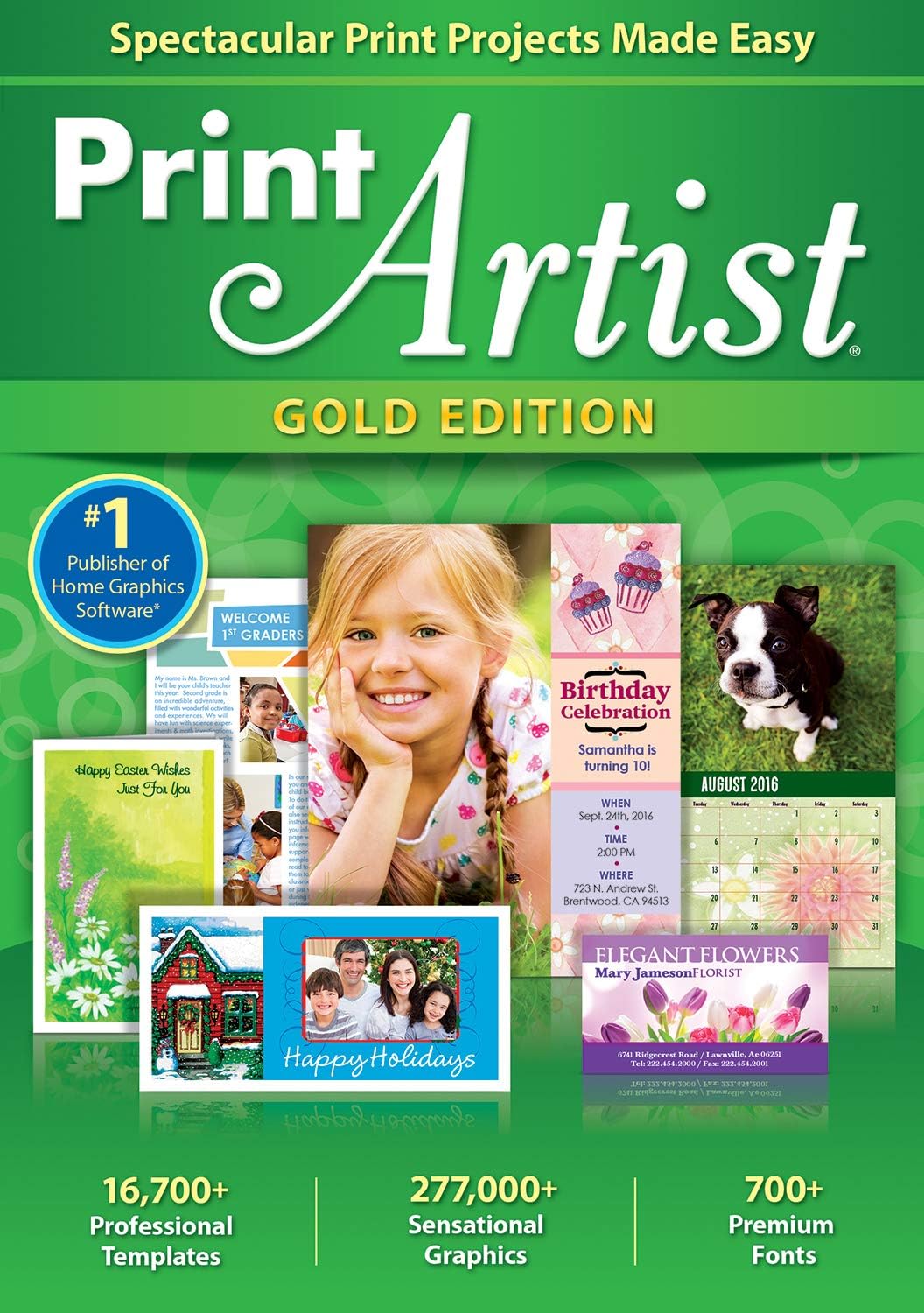
Print Artist Gold 25 [PC Download] by Avanquest is a graphic design software package that focuses on making project creation accessible through a large library of templates, graphics, and fonts. On the surface, it promises a broad toolkit for DIY designers and small teams who want to produce polished visuals without hopping between multiple apps. It’s positioned as a more approachable option for those who value a fast start and a sizable asset library.
What you get, on paper
The base offering highlights 16,700+ professionally-designed templates, 277,000+ sensational graphics, and 700+ premium fonts. A newer user interface is noted as a usability improvement, and there’s built-in capability to upload projects directly to Facebook and YouTube. If you prioritize a rich starting point for creative projects, this combo can feel compelling, especially for social visuals, invitations, posters, and basic marketing materials.
How it helps your workflow
With thousands of templates and a vast asset bank, Print Artist Gold 25 can shorten the time it takes to move from idea to finished piece. The updated UI is intended to reduce friction, so tasks like customizing layouts, tweaking fonts, or swapping graphics may be faster than with older software. The ability to publish directly to social platforms can streamline posting workflows for personal use or small business needs.
The trade-offs to consider
On the upside, you’ll likely spend less time sourcing assets and more time rendering your concept. On the downside, having a large library can feel overwhelming if you don’t have a clear plan or project structure. Also, the description doesn’t specify system requirements, subscription models, or ongoing updates, so you’ll want to verify compatibility with your PC and any future licensing terms before committing.
Who it’s for
This package seems suited for hobbyists, small business owners, event organizers, and DIY marketers who want quick access to a broad library of design assets and straightforward social publishing. If you value an all-in-one starter kit with ready-made templates and assets, Print Artist Gold 25 could fit your needs. If you’re looking for advanced photo editing, 3D capabilities, or deep brand-management features, you might outgrow it and seek a more feature-rich tool.
Who it’s not for
If you require granular control over design elements, high-end typography work, or professional-grade photo editing, this isn’t described as a powerhouse tool for those tasks. It may also fall short for teams that need robust collaboration features or multi-user licensing.
When it makes sense to buy
Consider Print Artist Gold 25 if you want a ready-to-use design suite with a large library of templates, graphics, and fonts, plus social publishing in one package. It can be a practical starting point for producing invitations, flyers, posters, or simple marketing visuals quickly. If you’re budgeting and require a clearly defined purchase path with a one-time or known licensing frame, confirm those terms before buying.
When it might not fit
If your project demands advanced typography control, vector editing, or professional printing workflows, you may encounter limits. Also, if you rely on a smaller asset library or prefer cloud-based collaboration with frequent updates, this package may feel lacking without additional tools.
What to review before buying
- Check system compatibility with your PC and confirm installation details for a PC download format.
- Look for licensing terms, updates, and whether assets are royalty-free for your intended uses.
- Consider how often you’ll publish to Facebook and YouTube, since social publishing is highlighted.
- Think about your current design skills: a broad asset library is helpful, but a clear project plan will save time.
- Reflect on whether you will outgrow the asset library and if you need more advanced design controls.
How it compares to other approaches
If you’re weighing this against standalone design tools or simpler templates, Print Artist Gold 25 offers a larger built-in resource set and a centralized publishing flow. It’s a reasonable middle-ground for those who want speed and breadth without diving into multiple programs. However, for users who need deep typography or advanced image editing, more specialized software may be a better long-term fit.
FAQ (quick points you can rely on)
- Does it include social publishing? Yes, it offers upload to Facebook and YouTube.
- Is the UI updated? Yes, it’s described as NEW and easier to use.
- Are there thousands of templates and fonts? Yes, 16,700+ templates and 700+ fonts.
Is it worth it?
Final verdict: It makes sense if you want a broad, ready-to-use design toolkit with a strong asset library and built-in social publishing. It’s a solid pick if you value speed and variety over ultra-precision typography or advanced editing features. If your needs lean toward professional-grade design control or collaboration, you may want to explore alternatives that emphasize those capabilities.